Best Zapier Alternatives for Small Business (2026)
Quick answer
As of November 2026, the strongest Zapier alternatives for most small businesses are Make, for a visual canvas with routers and aggregators (free plan, paid from $9 a month), and n8n, for long workflows, AI agents and the option to self-host for free. Microsoft Power Automate fits offices that live in Microsoft 365, Activepieces is an open-source option you can host yourself (or use its free cloud plan), and Pipedream suits teams comfortable writing a little code. Zapier itself is still the quickest start for short automations, with the biggest app directory.
Last updated · Last checked
Take the free module →Module 10 of the free AI for Medical & Dental Office Admin course, about 12 minutes. No account needed.
This page is for office managers, operations staff and owners who already use Zapier, or are about to, and want to know what else is out there. It compares how each tool builds, how it counts usage and how it handles AI, as of October 2026, with starting prices and free plans from each vendor's own pages, rechecked on 18 November 2026. We built the n8n lessons on real screens in n8n Cloud (October 2026); the other tools are compared from their vendors' own pages. Disclosure: Stepthrough has an affiliate relationship with n8n; there are no affiliate links on this page. You can try three of these free: Your First Zap, Your First Make Scenario and What Is n8n? Build Your First Workflow.
How do they compare at a glance?
| Tool | Best for | Starting price | Free plan | Verdict | Practice it free |
|---|---|---|---|---|---|
| Make | Visual multi-branch scenarios on a budget of steps | $9/month (Core, 10,000 credits a month) | Yes, limited (1,000 credits a month) | Pick it as the closest step up from Zapier, drawn as a canvas. | Your first Make scenario, Filters and routers |
| n8n | Long workflows, AI agents, teams who may self-host | 20 euros/month (Starter, 2,500 executions, billed yearly) | No (free trial; free self-hosted Community Edition) | Pick it for long, frequent or AI-heavy workflows, or to self-host. | Your first n8n workflow, Items, JSON and expressions |
| Power Automate | Offices on Microsoft 365 | $15/user/month (Premium, paid yearly) | No (30-day free trial) | Pick it if your office lives in Outlook, Teams and SharePoint. | Not yet |
| Activepieces | Open-source, simple flows you can host | $20/month (Plus, 10,000 credits a month) | Yes, limited (1,000 credits a month; free self-hosted Community Edition) | Pick it for the cheapest open-source route with a Zapier-like step list. | Not yet |
| Pipedream | Developers who want code steps | $99/month (Startup, billed yearly); $150 billed monthly | Yes, limited (development only) | Pick it if your team writes Node.js or Python. | Not yet |
| Zapier | Quick automations, the widest app choice | $19.99/month (Professional, billed yearly); $29.99 billed monthly | Yes, limited (100 tasks a month, two-step Zaps) | Stay on it for short Zaps and niche apps. | Your first Zap |
Why look for a Zapier alternative?
The usual reasons are cost at volume, workflow shape and control. Zapier counts a task for every successful action, so a Zap with many steps that runs often uses a lot. Tools that count differently, such as n8n's per-run executions, can work out cheaper for long workflows, while very short, rare Zaps may cost nothing on Zapier's free plan.
Shape matters too. Zapier reads top to bottom, with Paths for branches. Make and n8n draw the workflow on a canvas, which is easier to follow once there are several branches, loops or merges. And some teams need to keep data on their own servers, which only the self-hostable tools allow.
Which Zapier alternative is cheapest for a small business?
As of 18 November 2026, on each vendor's own pages: Make has a free plan for 1,000 credits a month and paid plans from $9 a month for 10,000 credits (Core); Activepieces has a free cloud plan for 1,000 credits a month and Plus at $20 a month for 10,000 credits; n8n Cloud starts at 20 euros a month billed yearly for 2,500 executions; Power Automate Premium is $15 per user a month, paid yearly; and Pipedream's Startup plan is $99 a month billed yearly. For comparison, Zapier is free for 100 tasks a month and Professional starts at $19.99 a month billed yearly.
The sticker price is only half of it. Price your own workflow: a ten-step workflow that runs 500 times a month uses about 5,000 Zapier tasks but 500 n8n executions. The cheapest route of all is self-hosting n8n's Community Edition or Activepieces' open-source edition on your own server, where you pay only for the server and your time.
How does each tool build, count usage and self-host?
Zapier builds a list of steps, top to bottom, with Filter, Paths and Formatter built in; it counts tasks, one for each successful action step; and it is hosted only. Make builds a canvas of round modules with routers, iterators and aggregators; it counts credits, built on operations, where most module runs use one; and it is hosted only. n8n builds a canvas of nodes, with code optional; it counts executions, one per whole workflow run; and it can be self-hosted with the Community Edition.
Power Automate builds cloud flows from templates or a designer, plus desktop flows for screen automation; usage depends on the plan and flow type (see Microsoft's licensing pages); cloud flows are hosted, while desktop flows run on your PCs. Activepieces has a step builder similar to Zapier's; its hosted cloud counts credits by plan, and its open-source edition runs on your server. Pipedream builds workflows of triggers and steps, each of which can be Node.js or Python; it counts credits on its plans and is hosted only.
Which Zapier alternative is easiest to switch to?
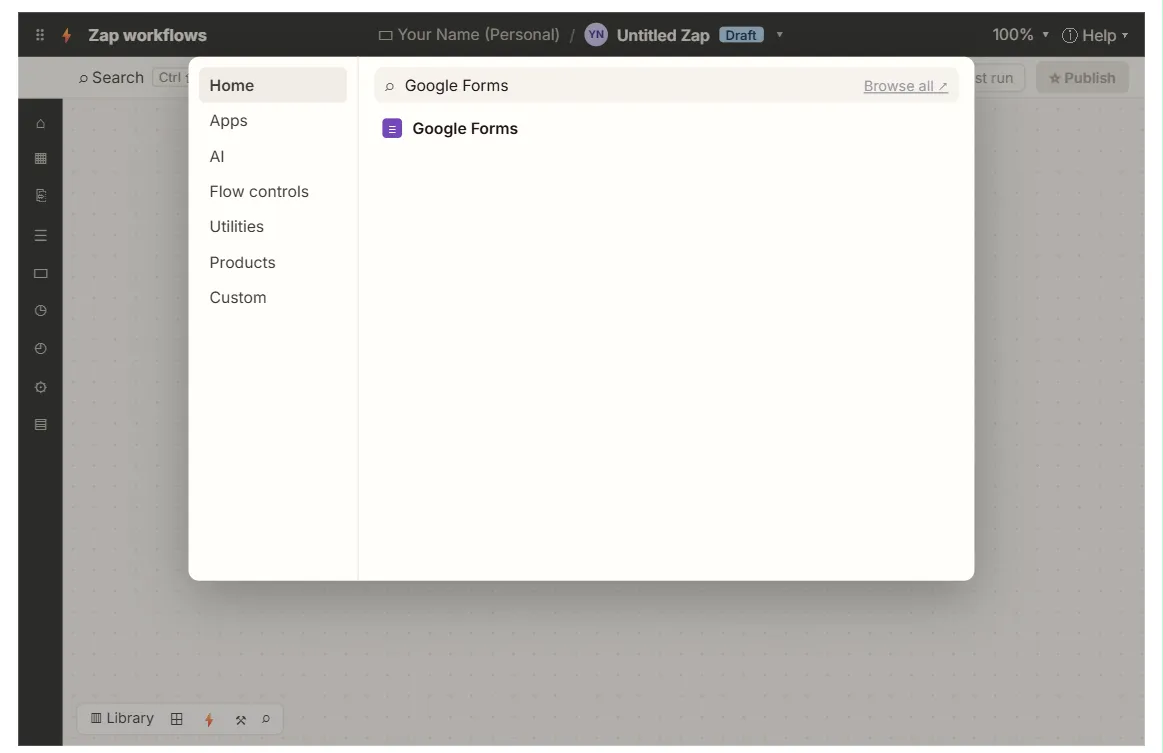
Make is the closest step up for most Zapier users: the same idea of a trigger and actions, connections you sign in to, and fields you map, drawn as a canvas. The free Make filters and routers lesson shows the Make version of Zapier's Filter and Paths, and the Daily Summary lesson shows an aggregator, which has no direct Zapier step.
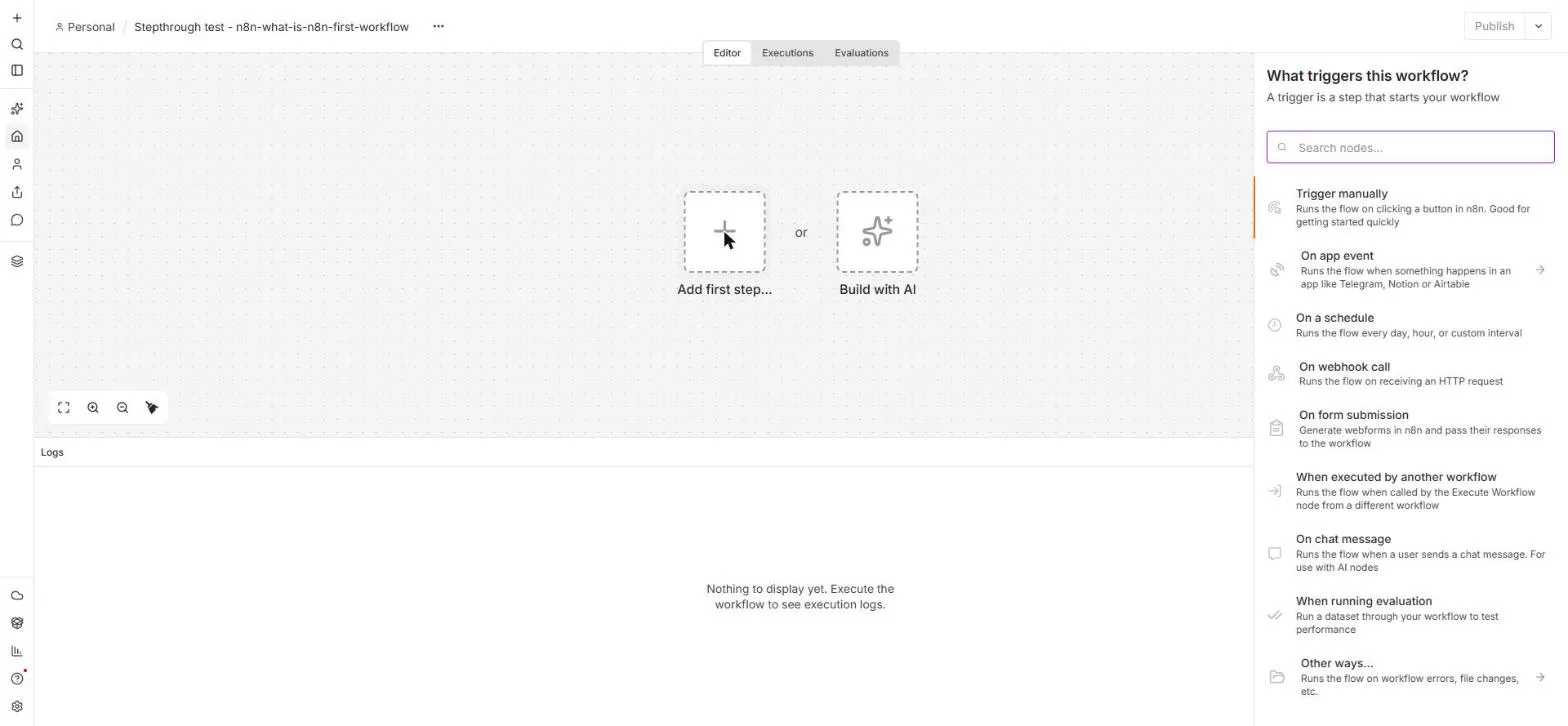
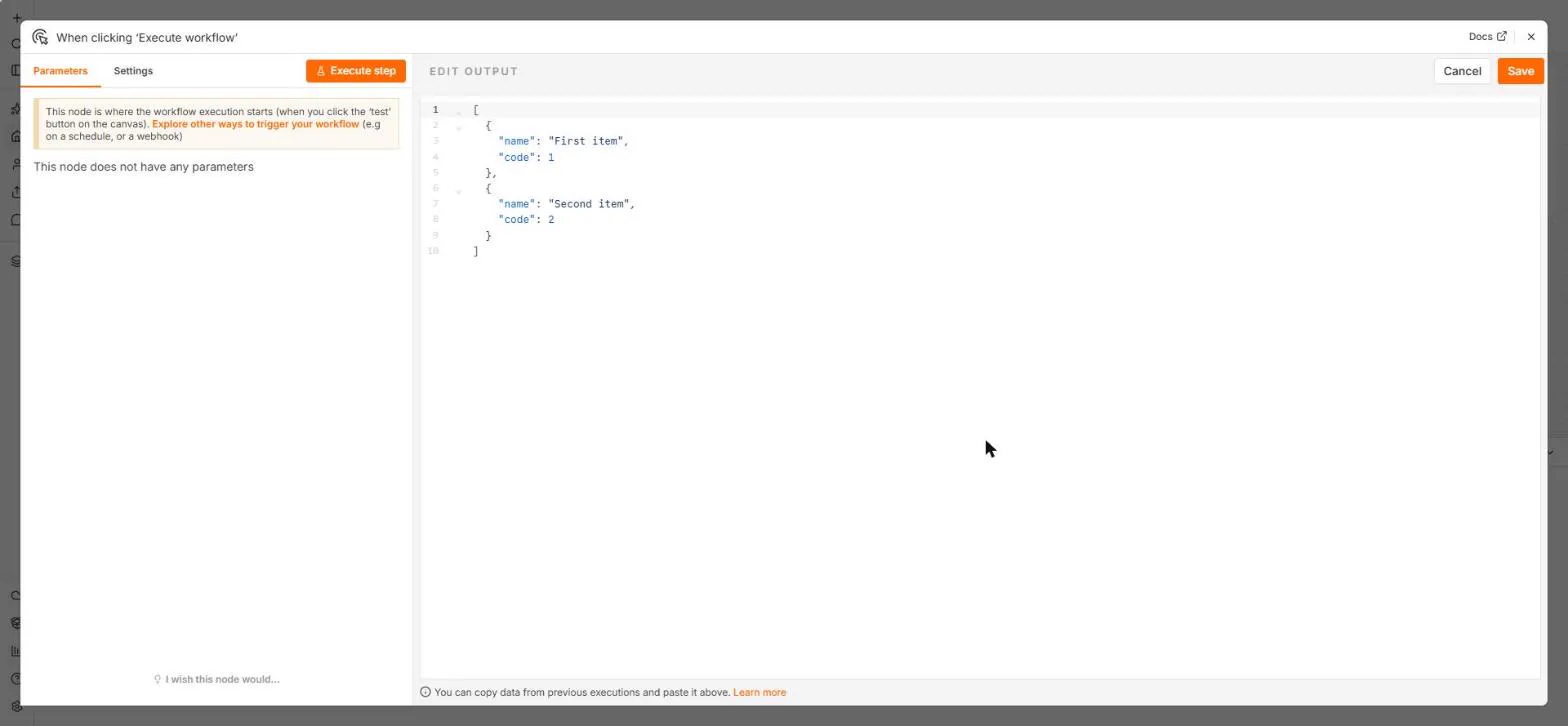
Activepieces looks the most like Zapier, with a step list rather than a canvas. n8n takes a little longer to learn, mostly because it shows the data as items and JSON; the Items, JSON and Expressions lesson covers that in one sitting. Whatever you pick, plan to rebuild your Zaps rather than import them.
Which alternative is best for AI agents?
All of the main tools now offer AI steps, and several offer agents that choose their own steps. n8n has an AI Agent node with tools, memory and output parsers on the same canvas as the rest of the workflow. Make has Make AI Agents, which can use your scenarios as tools. Zapier has Zapier Agents.
For a side-by-side look at agent builders, including Relevance AI and Lindy, see AI agent builders compared. For most offices the sensible first step is an AI step inside a normal workflow, such as the drafted reply in the n8n AI Email Responder lesson, before handing a model more freedom.
What about Microsoft Power Automate?
If your office runs on Outlook, Teams, SharePoint and Excel, Power Automate is worth a look because it is built around those apps and is included in some Microsoft 365 plans. It also offers desktop flows that automate clicks on a Windows PC, which the other tools on this page do not. Check Microsoft's licensing pages for what your plan includes before building.
Outside the Microsoft world, its connector list is smaller than Zapier's, and some connectors are premium. Teams that mix Google Workspace and many web apps usually find Zapier, Make or n8n a more natural fit.
Can I run several tools at once?
Yes, and many teams do for a while. A common pattern is to leave simple Zaps where they are and build new, longer or AI-heavy workflows in Make or n8n. The skills carry over: triggers, field mapping, testing with sample data and reading the run log work the same way everywhere.
Keep one list of what runs where, with an owner for each, so nobody has to hunt across three tools when something breaks.
Who is each one for?
Pick Make if
You like Zapier's ease but want a visual canvas, branches with a router, and tools like iterators and aggregators. Free for 1,000 credits a month, paid from $9 a month, as of November 2026. Start with the free Your First Make Scenario lesson.
Pick n8n if
Your workflows are long, run often, include AI agents, or must be self-hosted. Free to self-host, or cloud from 20 euros a month billed yearly, as of November 2026. Start with What Is n8n? Build Your First Workflow, then the AI agent lesson.
Pick Power Automate if
Your office lives in Microsoft 365 and you want flows close to Outlook, Teams and SharePoint, or desktop automation on Windows. Premium is $15 per user a month, paid yearly, with a 30-day trial, as of November 2026.
Pick Activepieces or Pipedream if
You want an open-source tool to host yourself (Activepieces) or code-first steps for developers (Pipedream). As of November 2026, Activepieces has a free cloud plan and Plus at $20 a month; Pipedream's free plan is for development only, and Startup is $99 a month billed yearly.
Stay on Zapier if
Your Zaps are short, your apps are niche, and speed of setup matters most. Zapier is free for 100 tasks a month, as of November 2026. The Your First Zap lesson covers the basics.
Which of these tools have a free Stepthrough lesson?
- Make: free lesson: How to Use Make.com: Your First Scenario, Google Forms to Google Sheets
- n8n: free lesson: n8n: What Is n8n? Build Your First Workflow
- Microsoft Power Automate: a free Stepthrough lesson is coming.
- Activepieces: a free Stepthrough lesson is coming.
- Pipedream: a free Stepthrough lesson is coming.
Practice it free, step by step
How to Use Make.com: Your First Scenario, Google Forms to Google Sheets. Build your first Make.com scenario: every new Google Forms response becomes a new row in Google Sheets. Trigger, connection, mapping, Run once and a schedule. You do every step yourself in a practice copy of Make, it checks your work as you go, and “Do it for me” finishes any step you get stuck on. Free, and nothing touches your real accounts.
Start the free lessonWatch it in a free lesson: Build an n8n AI Agent That Writes Deal Follow-Ups
 7:57
AI Deal Follow-Up Agent: video walkthrough
Build an AI agent for Northwind Scheduling Software that writes follow-up messages for your open deals and saves them to Google Sheets — chat trigger, AI Agent, system prompt, model, memory, and the Sheets tool. The whole lesson narrated step by step, recorded in Stepthrough’s simulated practice environment.
Key takeaways
- Make and n8n are the closest all-round Zapier alternatives for small businesses; Power Automate suits Microsoft 365 offices.
- Each tool counts usage differently: Zapier tasks, Make credits, n8n executions. As of November 2026, Make starts at $9 a month and Activepieces at $20 a month, and both have free plans.
- n8n and Activepieces can be self-hosted; Zapier, Make and Pipedream are hosted only.
- Moving tools means rebuilding workflows, but the skills carry over.
Frequently asked questions
What are the best Zapier alternatives?
As of November 2026, Make and n8n are the closest all-round alternatives, Power Automate suits Microsoft 365 offices, Activepieces is the open-source pick, and Pipedream suits developers. Try two of them free: Your First Make Scenario and What Is n8n? Build Your First Workflow.
What is a cheaper alternative to Zapier for a small business?
Make, with a free plan for 1,000 credits a month and paid plans from $9 a month, and Activepieces, with a free plan and Plus at $20 a month, as of November 2026. For long workflows that run often, n8n can cost less because it counts one execution per run, not one task per step.
What is the best open-source Zapier alternative?
n8n and Activepieces. n8n's Community Edition and Activepieces' open-source edition are free to run on your own server, as of November 2026. n8n has more room for AI agents and code; Activepieces looks more like Zapier.
Can I import my Zaps into Make or n8n?
Not directly. The formats differ, so you rebuild each automation. Start with the ones that use the most tasks.
Is n8n a Zapier alternative for non-coders?
Yes. n8n workflows are built by connecting nodes, and code is optional. The free Stepthrough n8n lessons use clicks and plain English. Zapier is still usually easier for a first two-step automation, and Make is easier to follow once a workflow has several branches.
Where do these prices and features come from?
Every price and feature on this page was checked against the vendor's own page, as of November 2026. No numbers here are estimates or third-party figures. The example businesses in the Stepthrough lessons are made up.
- Zapier pricing
- Zapier help: apps that do not count toward task usage
- Make pricing
- Make help: credits
- Make vs Zapier (Make's own page, paid plan starting price)
- n8n pricing
- n8n docs: Choose your n8n
- Microsoft Power Automate
- Microsoft Power Automate pricing
- Activepieces
- Activepieces pricing
- Pipedream docs
- Pipedream pricing