Quick answer
To build your first n8n workflow, add the On form submission trigger, give the form two questions and submit a test entry, then add an Edit Fields (Set) node and drag the answers into a one-line summary. In this free 8-minute beginner tutorial (28 steps) you build it for a made-up bookkeeping firm in a practice copy of the n8n editor, and learn why the Test URL only works while you test and the Production URL only after you publish.
Last updated · Last checked
Updated . Built against the tool’s current screens and checked step by step. How we check this lesson
n8n is a workflow automation tool: it connects the apps a business uses and does the repeat work between them. This free beginner tutorial explains how it thinks, then has you build a first workflow in a practice copy of the n8n editor: an n8n form that catches every new client inquiry for a made-up bookkeeping firm, a test submission, and an Edit Fields step that writes a one-line summary with an expression. You finish by checking Executions and seeing why the Test URL and the Production URL behave differently.
At a glance
| Question | Answer |
|---|---|
| What you build | What n8n is and how it thinks, then your first workflow: a client inquiry form that catches every request and writes a one-line summary. No code, no accounts to connect. |
| Tools | n8n |
| Time | About 8 minutes, 28 steps in 5 parts |
| Level | Beginner, no coding needed |
| Cost | Free |
| Ways to learn it | Practice it step by step |
The 5 parts, in short
- Start with a trigger: Add the first step, Pick the trigger.
- Build the form: Name the form, Add a question, Ask for a name, Add another question, and 1 more step.
- Test it: Test the trigger, Fill in a name, Say what they need, Submit, and 3 more steps.
- Add an action: Add the next step, Search for Edit, Pick Edit Fields, Add a field, and 6 more steps.
- Runs, tests and going live: Open Executions, Back to the editor, Open the form trigger, See the Production URL.
In the course: Part 9 · n8n Automation Toolkit (Module 98 of the full course)
Part of: n8n for Beginners: Your First Automations (step 3 of 12). Next up: How to Do n8n Automation for Beginners: Sort Inquiries and Draft Replies with AI
The workflow you build
Two nodes, no other apps and no keys. Every label matches the real n8n Cloud editor in October 2026.
| Node | What it does | Output |
|---|---|---|
| On form submission | Hosts a form with Name and What do you need help with? | 1 item per submission |
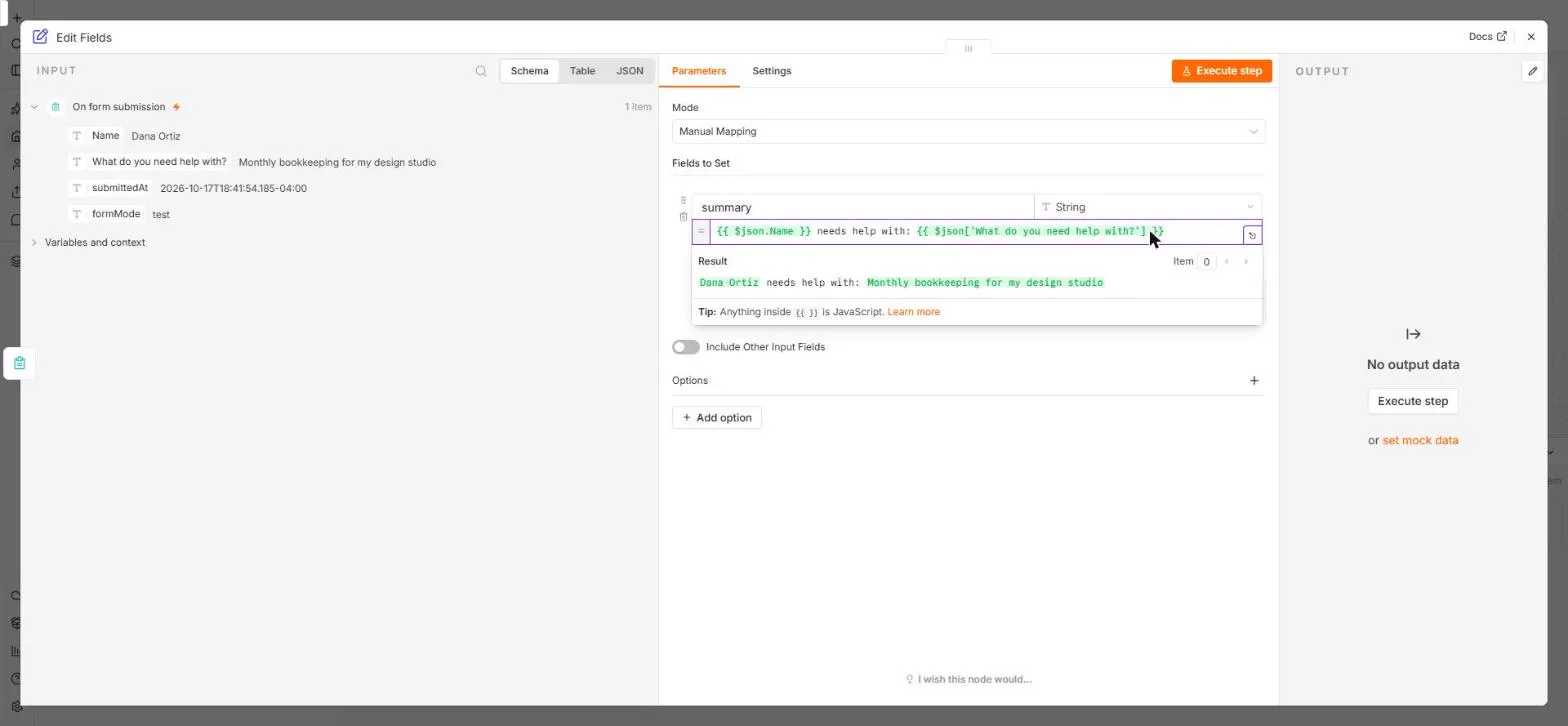
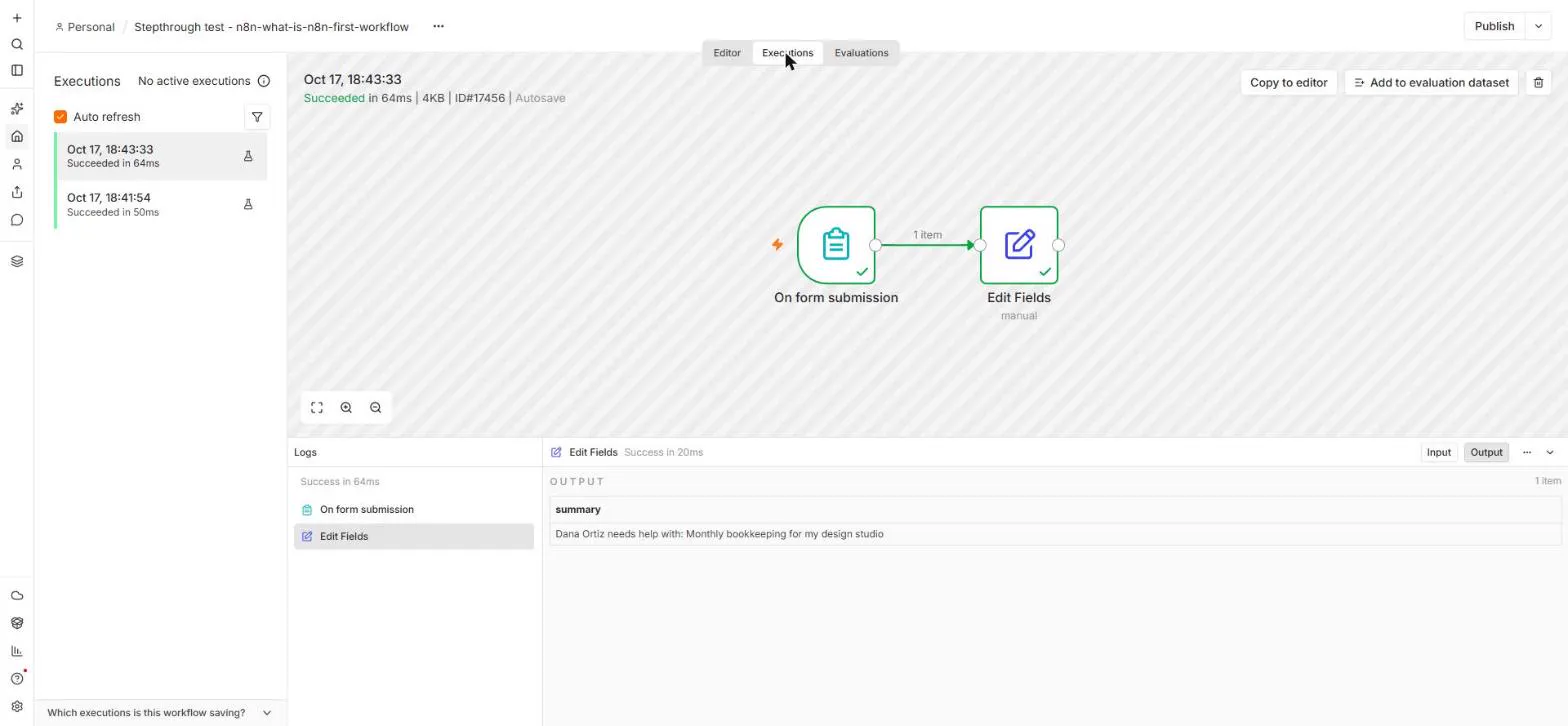
| Edit Fields (Set) | Writes summary = {{ $json.Name }} needs help with: {{ $json['What do you need help with?'] }} | Dana Ortiz needs help with: Monthly bookkeeping for my design studio |
What n8n is
n8n connects apps such as Gmail, Google Sheets, Slack and OpenAI and runs repeat jobs between them. It can also run AI agents that use those apps as tools: see How to Create an AI Agent in n8n. You draw each job as a workflow on a canvas: a chain of nodes that starts with a trigger. n8n Cloud is hosted for you (free trial, then from $20 a month billed annually for 2,500 workflow runs, October 2026); the Community Edition is free to self-host.
Triggers, nodes and items
A trigger is the event that starts a workflow: a button (Trigger manually), a schedule, a form, a webhook or an app event. Every node after it is an action. Data moves between nodes as items, one per record; a form submission is one item with a field per question. To see one Gmail step send a separate email for every row of a Google Sheet, see How to Make an n8n Workflow That Emails Each Tech Their Jobs from Sheets.
Build the first workflow
Click Add first step..., choose On form submission, type a Form Title and add two elements with Add Form Element. Click Execute step: n8n listens and opens the test form. Submit it and the OUTPUT shows 1 item. Then click the + after the trigger, add Edit Fields (Set), click Add Field and drag the answers into the value. n8n writes expressions such as {{ $json.Name }} and shows the result for this item.
Test URL vs Production URL
The Test URL (/form-test/...) only listens while you test in the editor. The Production URL (/form/...) works around the clock, but only after you click Publish. Every run, test or real, is saved under the Executions tab. Next, add an AI step that sorts and drafts: see How to Do n8n Automation for Beginners: Sort Inquiries and Draft Replies with AI.
Links
- n8n (affiliate link): the workflow tool this lesson teaches (free trial, no credit card).
- What is n8n? (explainer): what it does, what it costs and how it compares to Zapier and Make.
- n8n docs: n8n Form Trigger: every option of the form trigger.
Disclosure: links marked "affiliate link" are partner links. If you sign up through one, Stepthrough may earn a commission at no extra cost to you. The lesson is free either way and does not depend on it.
Try it yourself, free
Reading the steps is a start. Doing them is how it sticks. The interactive module walks you through every click in a practice copy of n8n, checks each step, and never touches your real accounts.
Start “n8n: What Is n8n? Build Your First Workflow”Step by step: n8n: What Is n8n? Build Your First Workflow
All 28 steps of the interactive module, in order. In the module you watch each one, then do it yourself in a practice copy that checks your work.
1. Start with a trigger
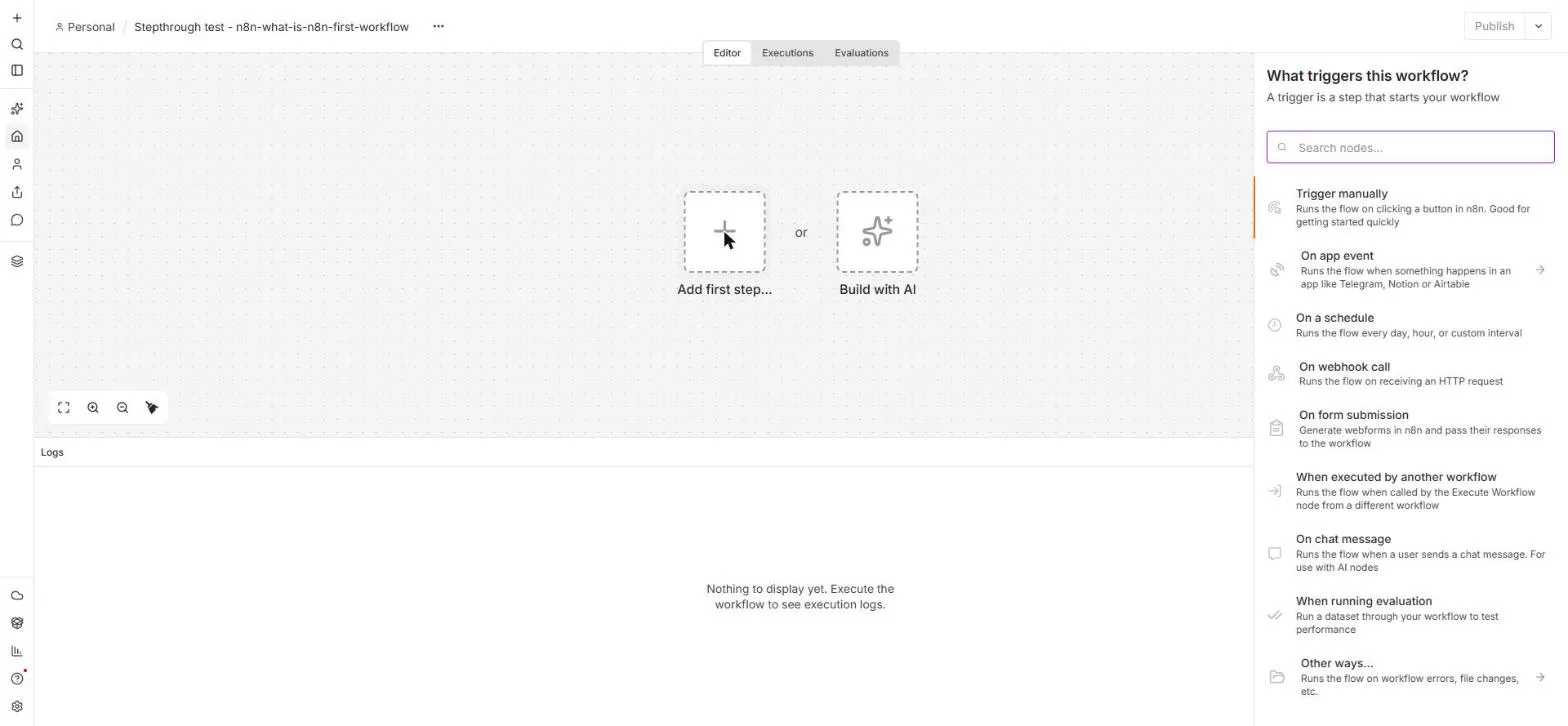
- Add the first step. Clearview Bookkeeping gets new client inquiries by phone, email and sticky note, and some get lost. You'll build the fix: a form that catches every inquiry. This is a new, empty workflow. Click Add first step....
Clearview Bookkeeping gets new client questions by phone, by email, and on sticky notes. Some of them get lost. You'll build the fix, a form that catches every one. This is a new, empty workflow.
- Pick the trigger. A trigger is the event that starts the workflow. Yours is a form. In the list, click On form submission (fifth row).
n8n asks, what triggers this workflow. A trigger is the event that starts it. A button, a time of day, a new email, or a form.
2. Build the form
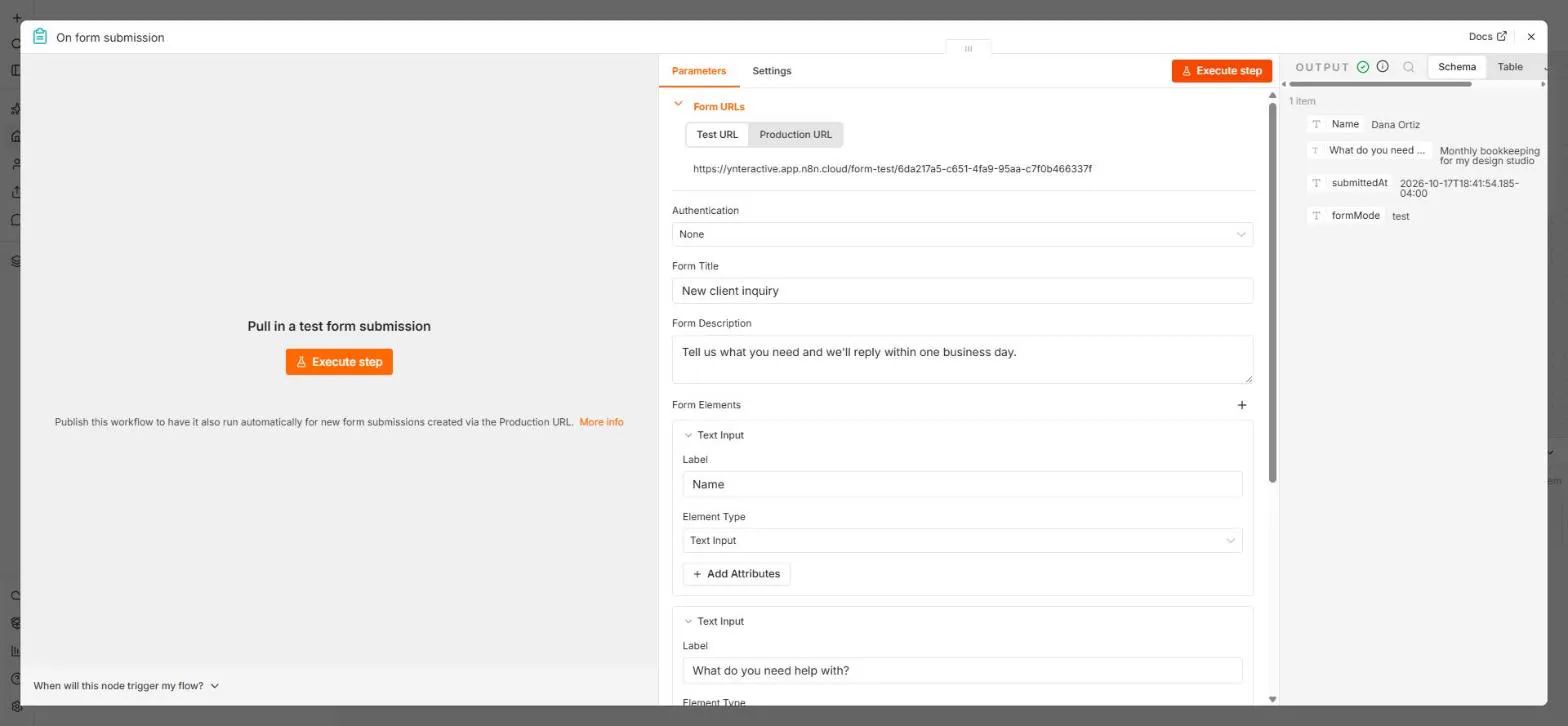
- Name the form. The node opened. The Test URL at the top is the address of your form. In Form Title, type New client inquiry.
- Add a question. Click Add Form Element to add the first question.
Now add a question.
- Ask for a name. It is a Text Input with an empty Label. Type Name.
It's a text input, with an empty label.
- Add another question. Click Add Form Element again.
- Ask what they need. In the new Label, type What do you need help with?
3. Test it
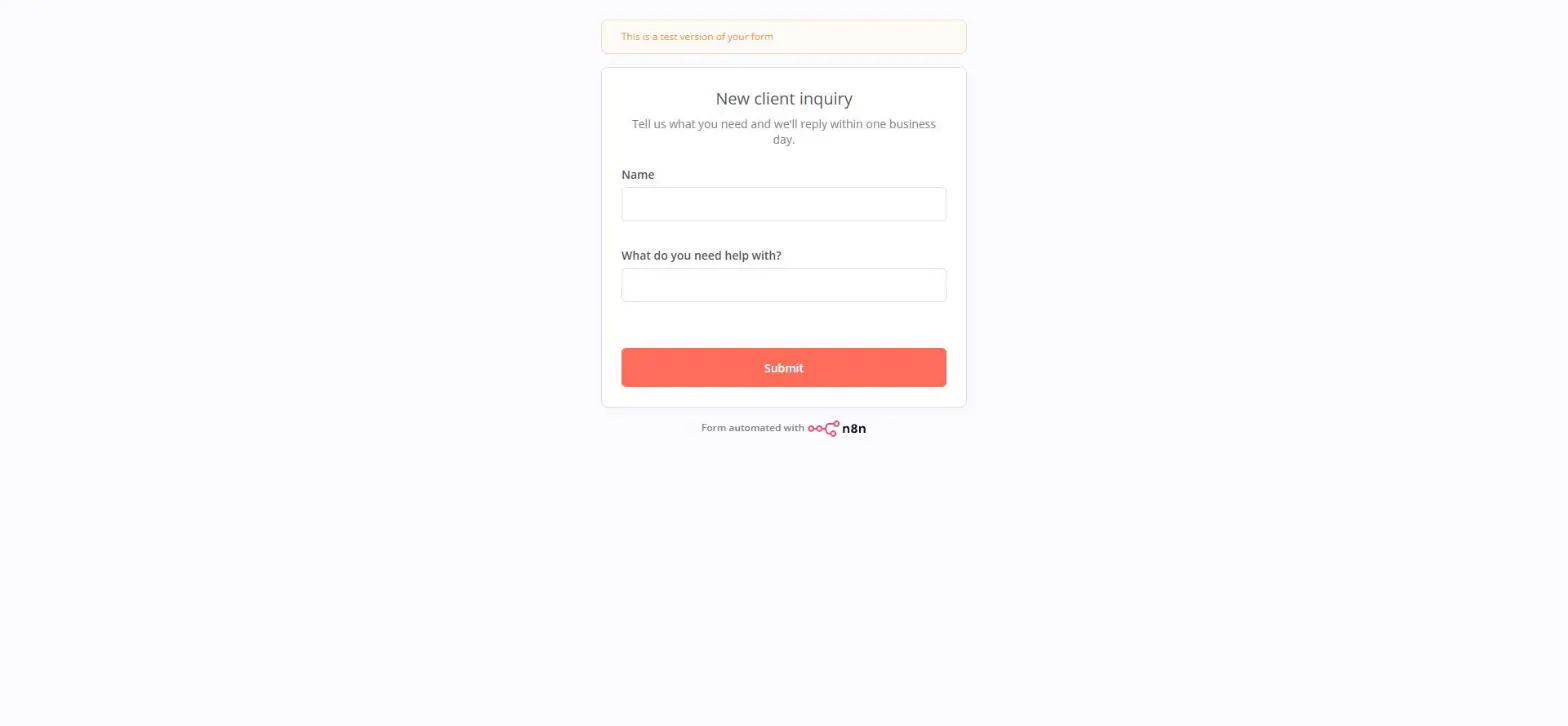
- Test the trigger. Click Execute step. n8n starts listening and opens your test form in a new tab.
Now test it. n8n starts listening, and opens your form in a new tab.
- Fill in a name. This is the test form, the page your clients would see. Type a name: Dana Ortiz.
This is your form, the page a client would see. Fill it in like a client.
- Say what they need. In What do you need help with?, paste the request.
- Submit. Click Submit.
- Back to n8n. It says Form Submitted. Switch back to the n8n tab.
It says form submitted. Go back to the n8n tab.
- See the item. The OUTPUT says 1 item: Dana's answers, plus submittedAt and formMode: test. Click Table to see it as a row.
The output says one item. That's one form answer. Dana's name, her request, the time, and form mode, test.
- Close the node. Each answer is a field, and the whole submission is one item. Close the node with the X.
Each answer is a field. The whole submission is one item. Close the node.
4. Add an action
- Add the next step. The trigger has a green check and 1 item on its line. Click the + after it.
The trigger has a green check, and one item on its line. Now add what happens next.
- Search for Edit. What happens next? lists AI, Action in an app, Data transformation and more. Type Edit.
What happens next. You could send an email, add a row to a sheet, or ask AI. Start simple.
- Pick Edit Fields. Click Edit Fields (Set): *Modify, add, or remove item fields*.
It adds, changes or removes fields on each item.
- Add a field. The INPUT on the left shows the form answers. Under Fields to Set, click Add Field.
On the left, the input shows the form answers. You'll build a one line summary from them.
- Name the field. In name, type summary.
Name it summary.
- Drag in the name. Drag Name from the INPUT onto value (here, click it). n8n writes {{ $json.Name }} and shows the result: Dana Ortiz.
Here, just click it. n8n writes an expression. Dollar json dot Name, in curly brackets. Under it, the result. Dana Ortiz.
- Add some words. Click at the end of the value and type needs help with: (with a space on each side).
- Drag in the request. Drag What do you need help with? to the end of the value (here, click it).
Here, click it.
- Run it. The Result reads Dana Ortiz needs help with: Monthly bookkeeping for my design studio. Click Execute step.
The result reads the whole sentence.
- Close the node. The OUTPUT has one item with your summary. Close the node.
5. Runs, tests and going live
- Open Executions. Two nodes, two green checks. Every run is saved. Click the Executions tab at the top.
Two nodes. Two green checks. Every run is saved.
- Back to the editor. Each run has a time, Succeeded and a flask icon: a test run. Click Editor.
Each run has a time and a result. The flask icon means it was a test run, started by you.
- Open the form trigger. Open On form submission (double-click it; here, click).
- See the Production URL. Click Production URL. This address has /form/ instead of /form-test/. It only works once you click Publish, and then it works around the clock.
It has form, not form test. This is the address you'd put on your website. It only works after you publish. Then it runs all day, every day, without you.
Screenshots
Frequently asked questions
- What is n8n in simple terms?
- A tool that connects your apps and does repeat work for you. You draw the job as a workflow of steps, and n8n runs it every time its trigger fires.
- Is n8n hard for beginners?
- No, once you know four ideas: triggers, nodes, items and expressions. This free lesson teaches them by building a first workflow, with no code.
- What is the difference between a trigger and an action in n8n?
- A trigger starts the workflow (a form, a schedule, a button). Actions are the nodes after it that do something with the data.
- Why does my n8n form stop working after testing?
- The Test URL only listens during a test. Publish the workflow and use the Production URL.
More in n8n Automation Toolkit
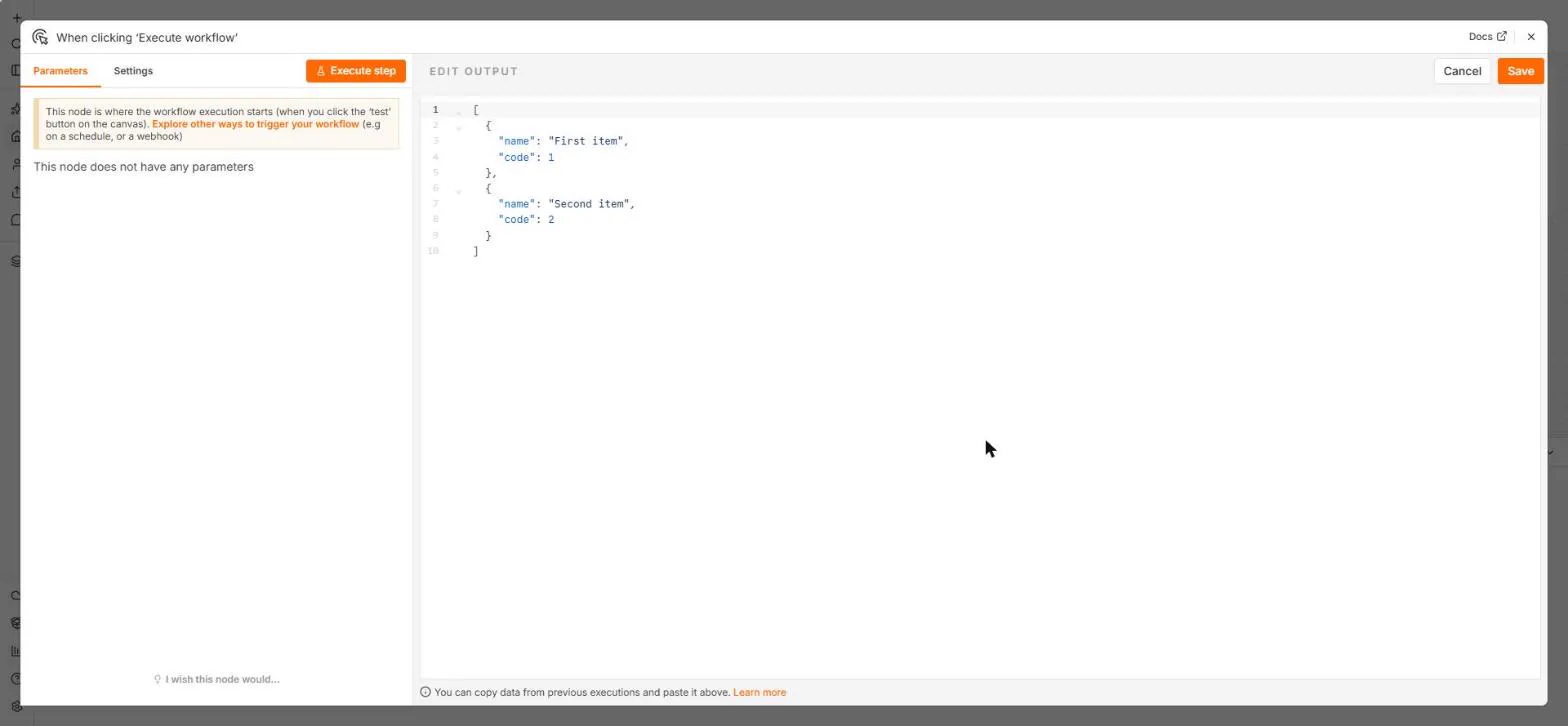 n8n: Items, JSON and Expressions, Explained by Doing
See how n8n holds data: pin five fake invoices, read them as items, Table and JSON, then write one reminder per invoice and a late fee with drag-and-drop expressions.
Free · Live ~9 min Beginner
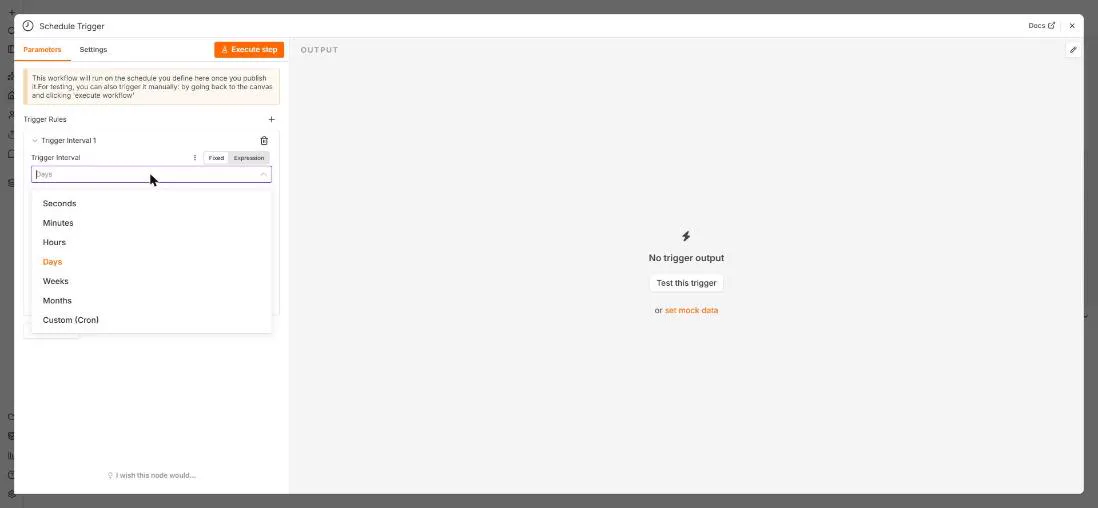 n8n: Run a Workflow on a Schedule (Every Monday at 8am)
Use the n8n Schedule Trigger to run a workflow by itself: every Monday at 8am, a timesheet reminder. Set the interval, test it now, and check the time zone.
Free · Live ~6 min Beginner
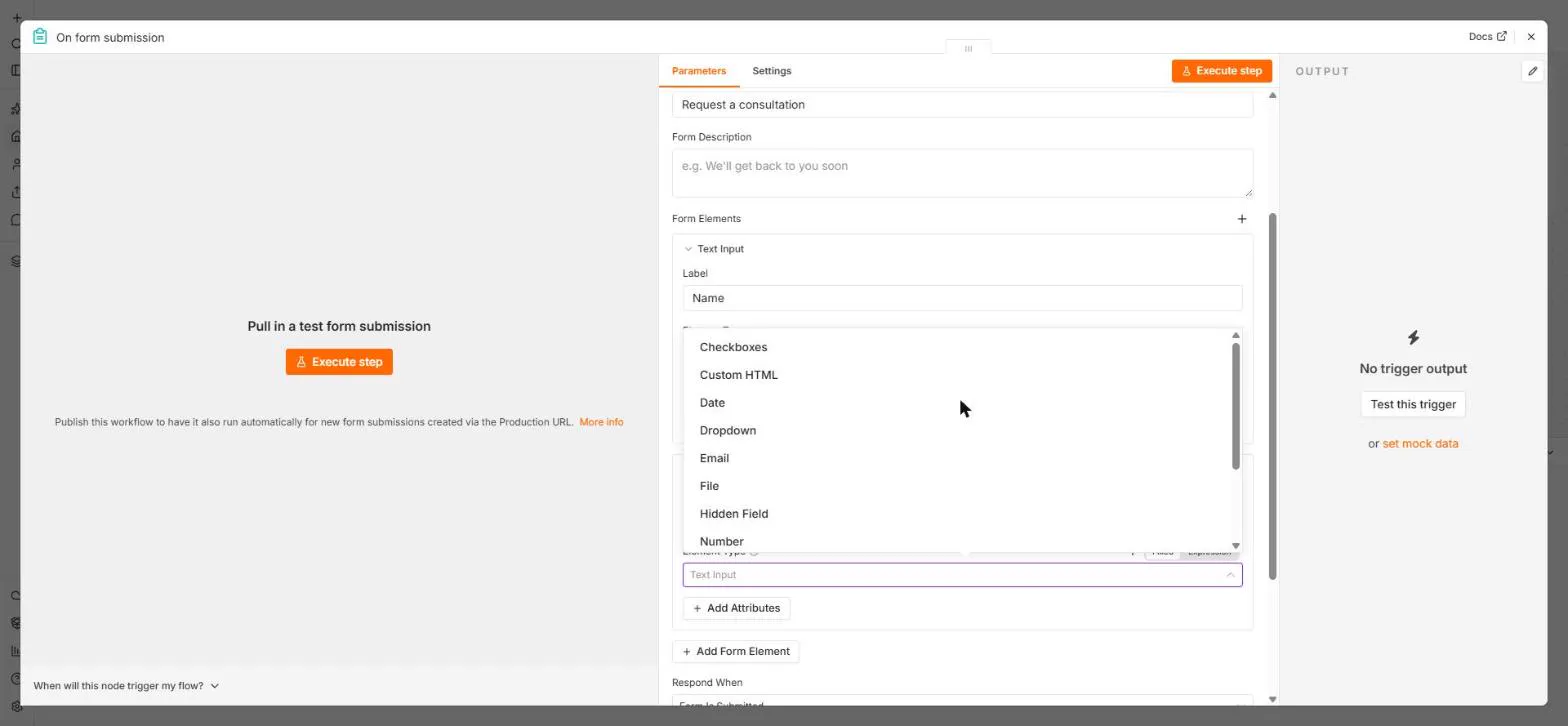 n8n: Send Form Answers Straight to Google Sheets
Build a consultation request form in n8n (required fields, email, dropdown), test it, and add every answer as a new row in Google Sheets. No webhook, no form tool to…
Free · Live ~10 min Beginner
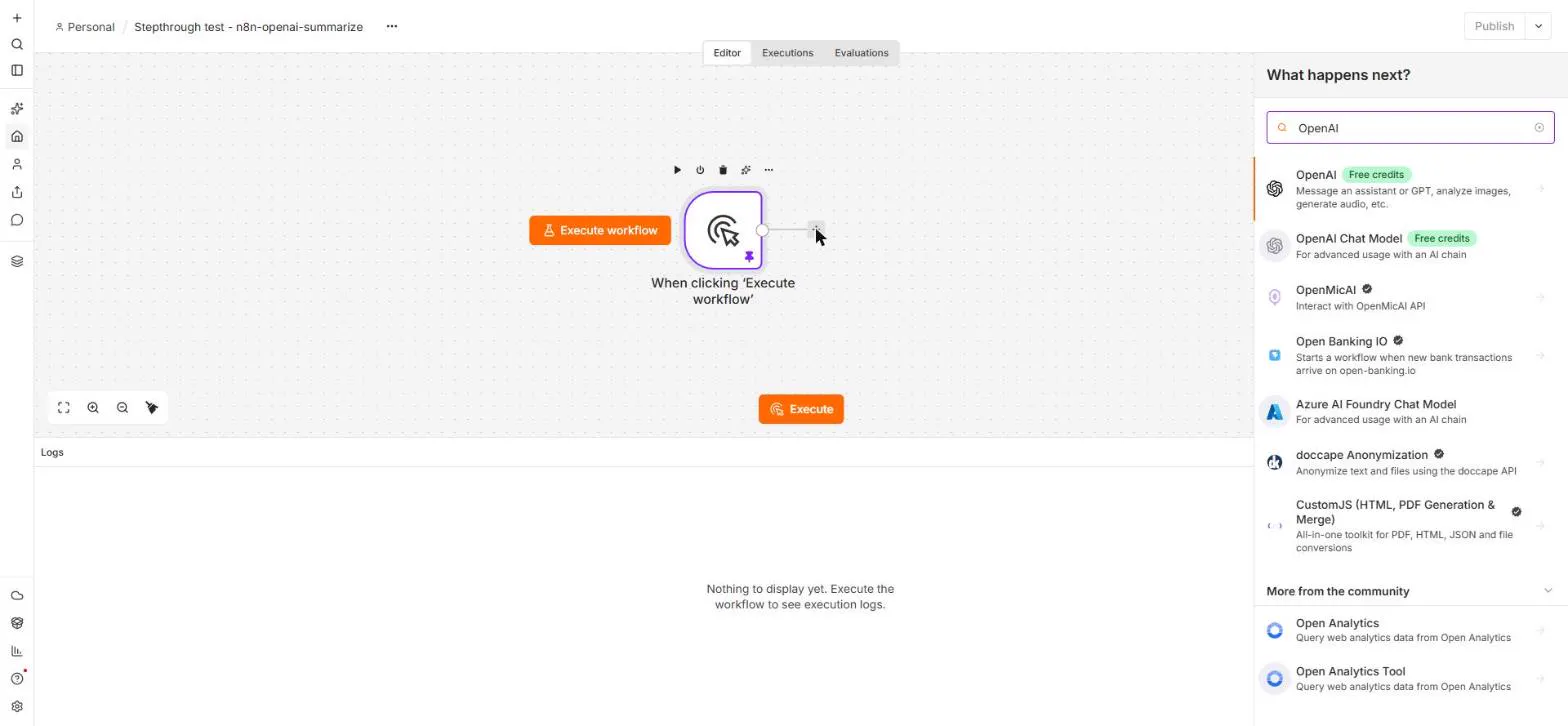 n8n: Summarize Customer Emails with OpenAI
Your first AI step in n8n: send each customer email to OpenAI with one prompt and get a one-line summary plus the next step. No agent needed, about a cent of API use.
Free · Live ~9 min Beginner
◷n8n: Reply to a Web Form Instantly with Respond to WebhookUse the n8n Respond to Webhook node to answer a website form in the same second: catch the request, build a confirmation with Edit Fields, and send it back with a 200.
Free · Live ~8 min Intermediate
◷n8n: Keep Only the Rows That Matter with Filter and Edit FieldsUse the n8n Filter node to keep only the items that pass your rules, then Edit Fields (Set) to keep three clean fields: a lease list becomes a renewal to-do list.
Free · Live ~7 min Beginner
All 28 modules in n8n Automation Toolkit
More n8n tutorials
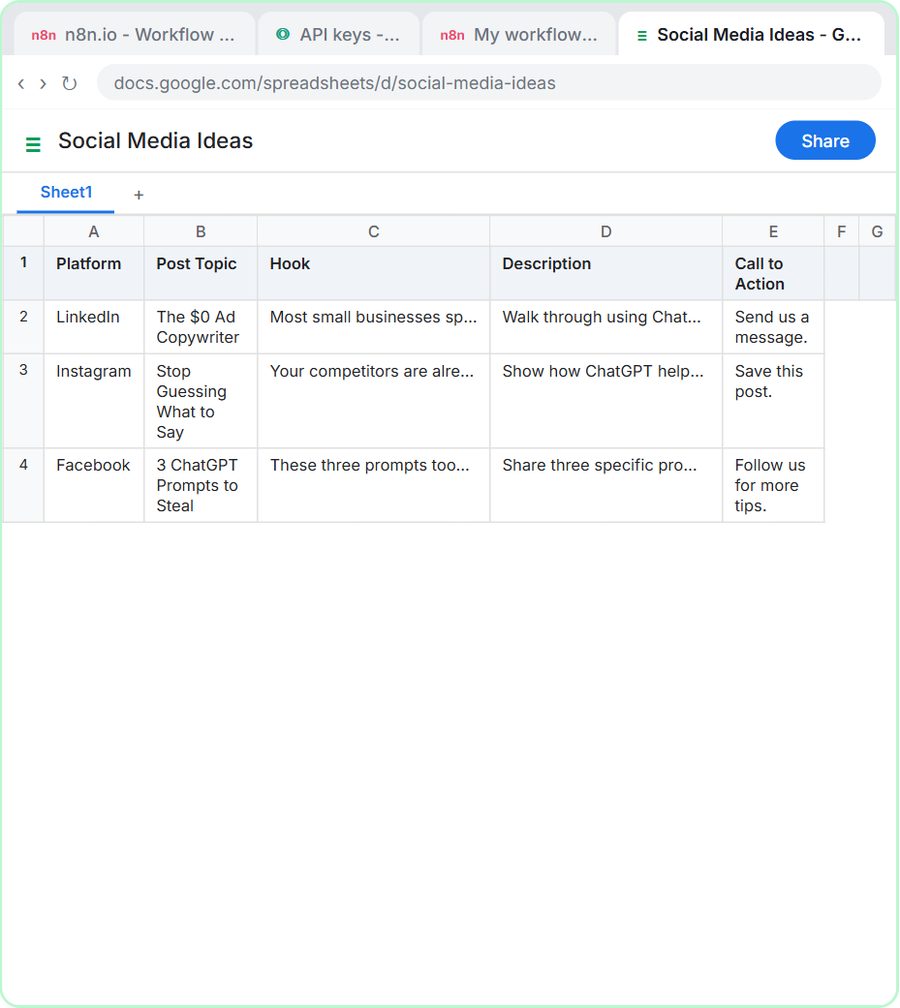 How to Create an AI Agent in n8n That Saves Ideas to Google Sheets
Build an AI agent for BrightPath Marketing that generates social media post ideas and saves them to Google Sheets — chat trigger, AI Agent, system prompt, model…
Free · Live ~12 min Intermediate
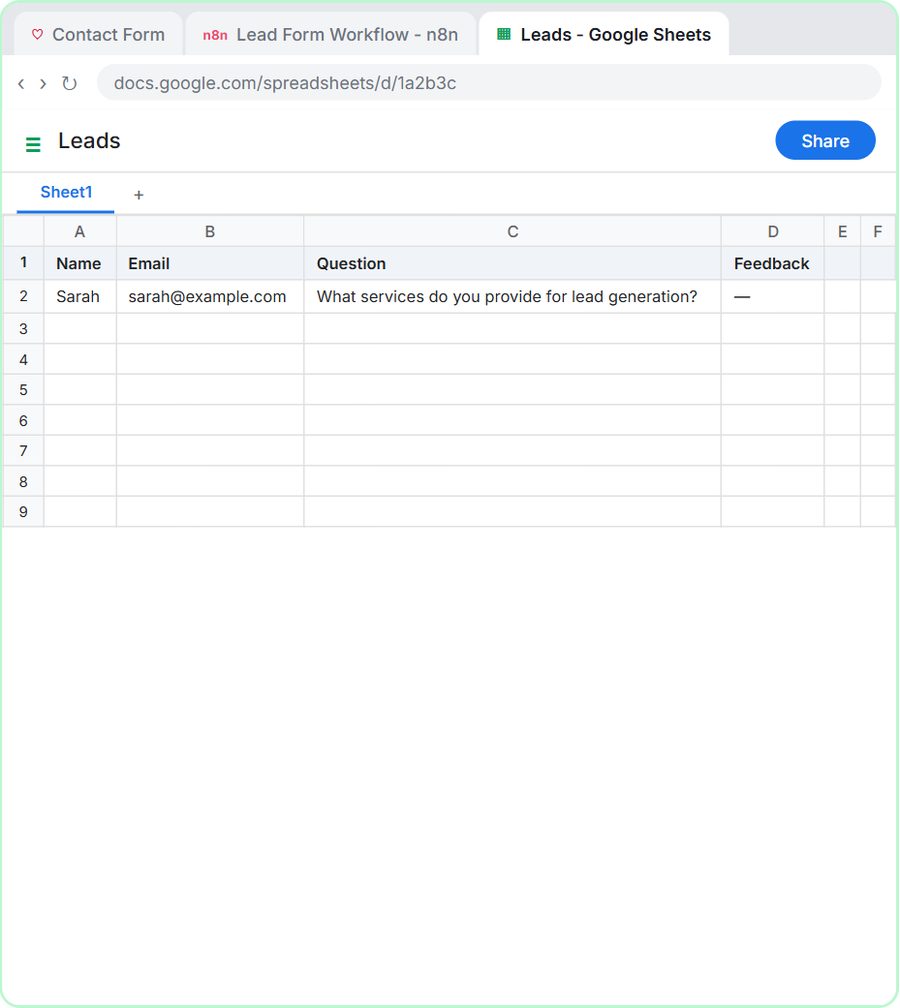 How to Build in Lovable: A Web App with an n8n AI Backend
Build a contact form in Lovable and connect it to an n8n workflow — webhook trigger, AI Agent, Google Sheets, Gmail, and a Respond node that ties it all together.
Free · Live ~15 min Advanced
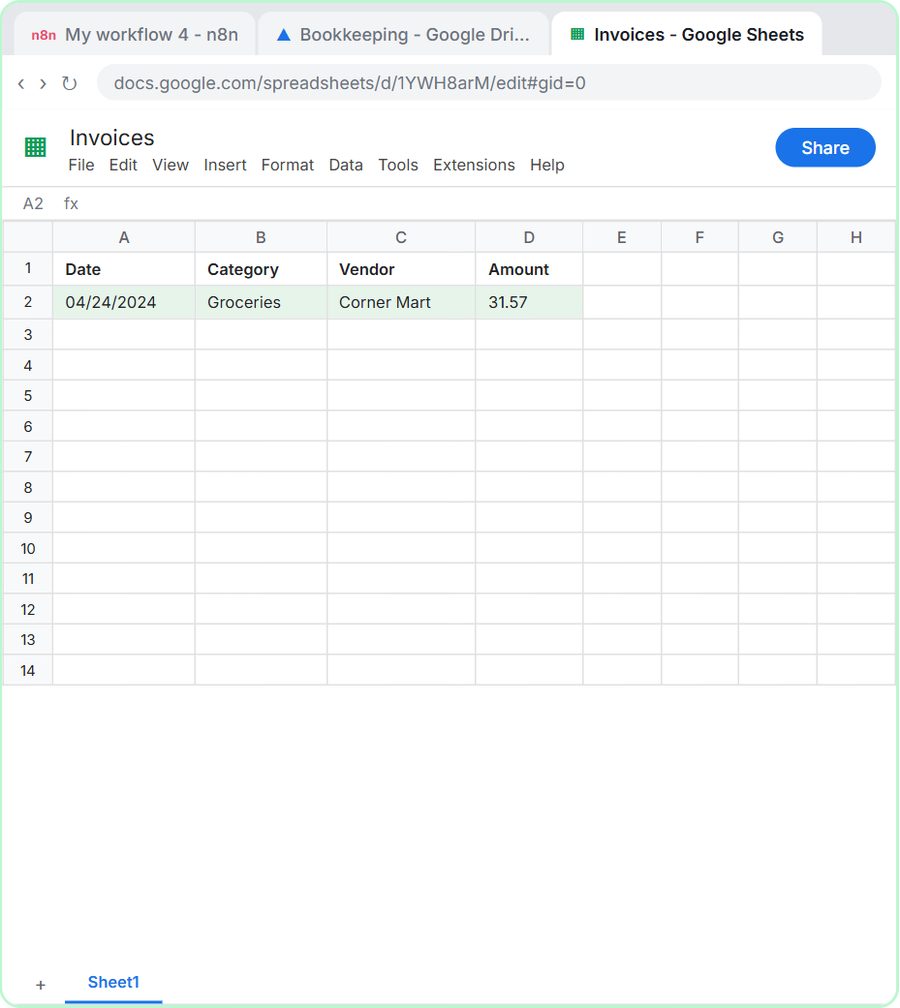 How to Do OCR in n8n: Read Receipt Photos into Google Sheets with AI
Drop a photo of a receipt into an n8n chat. An AI agent reads it, pulls out the date, vendor and amount, picks a category, and adds a row to Google Sheets.
Free · Live ~12 min Intermediate
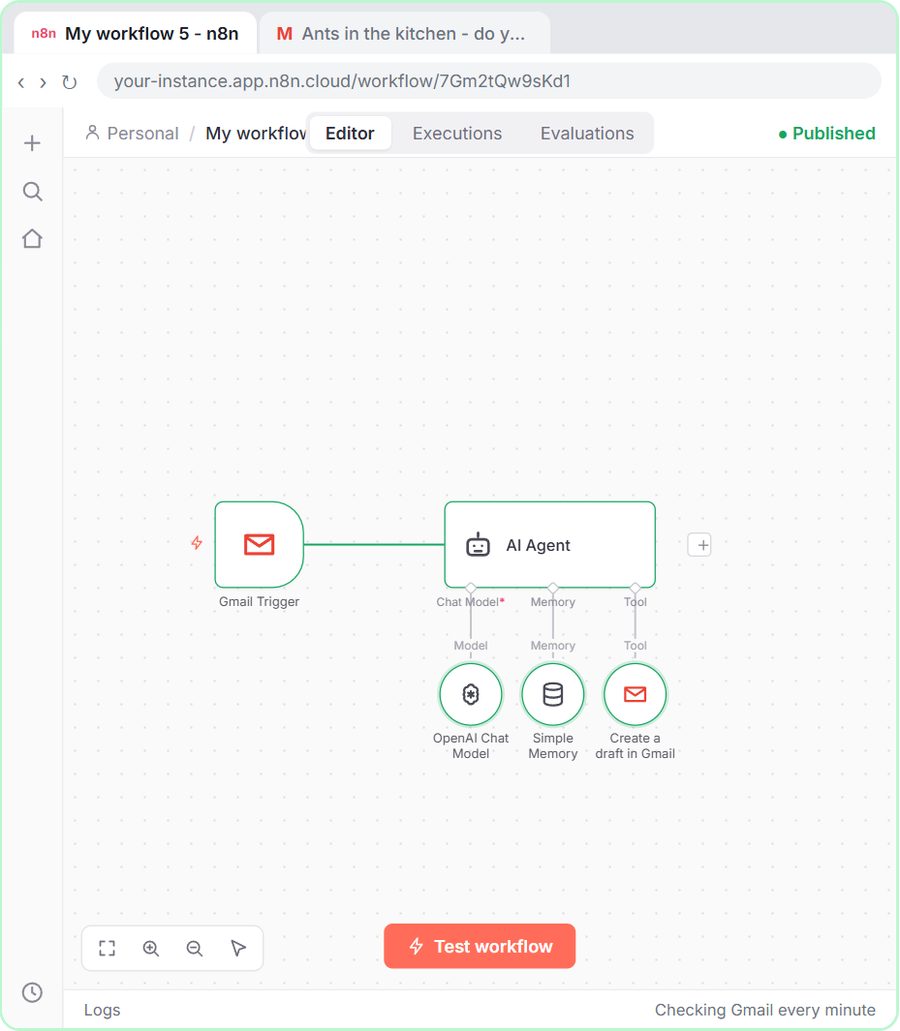 n8n AI Email Responder: Draft Gmail Replies Automatically
Build an n8n agent that watches your Gmail, reads each new customer email, and writes a reply as a draft in the same thread, ready for you to check and send.
Free · Live ~12 min Intermediate
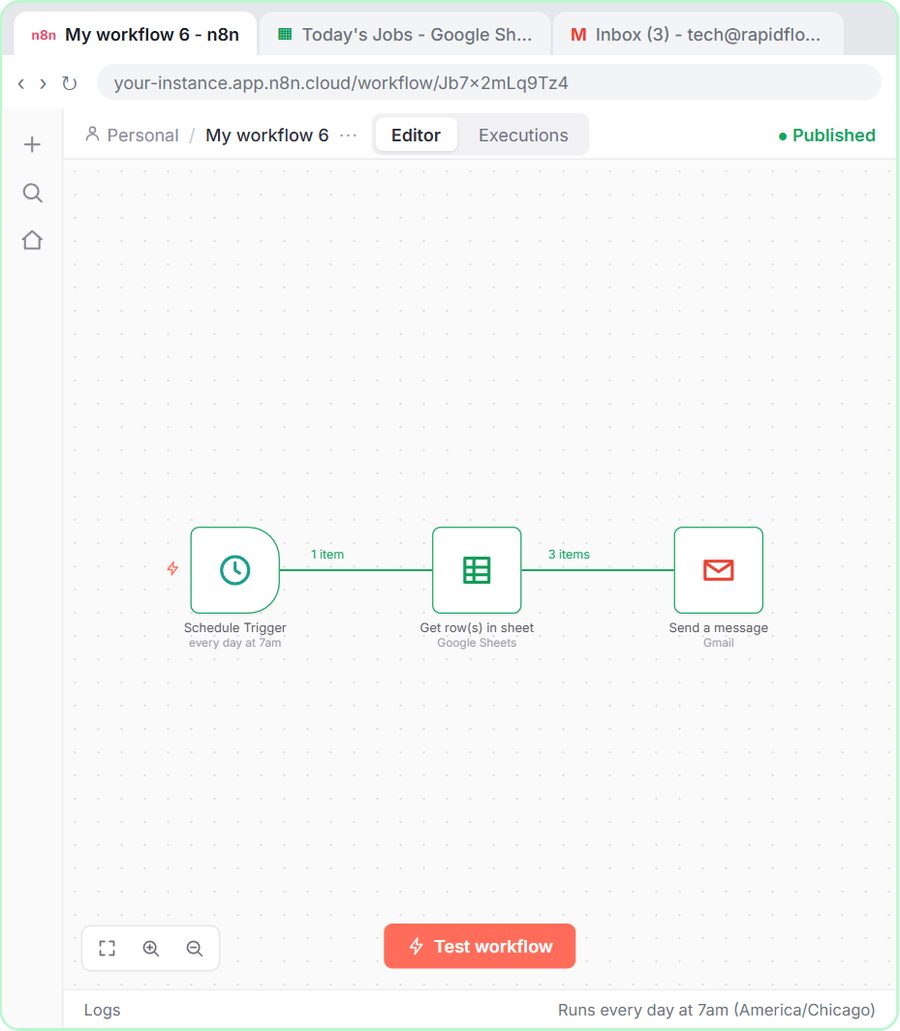 How to Make an n8n Workflow That Emails Each Tech Their Jobs from Sheets
Every morning at 7, n8n reads a plumbing company's jobs sheet, skips anything not assigned yet, and emails each job to the tech it's assigned to — customer, address…
Free · Live ~10 min Intermediate
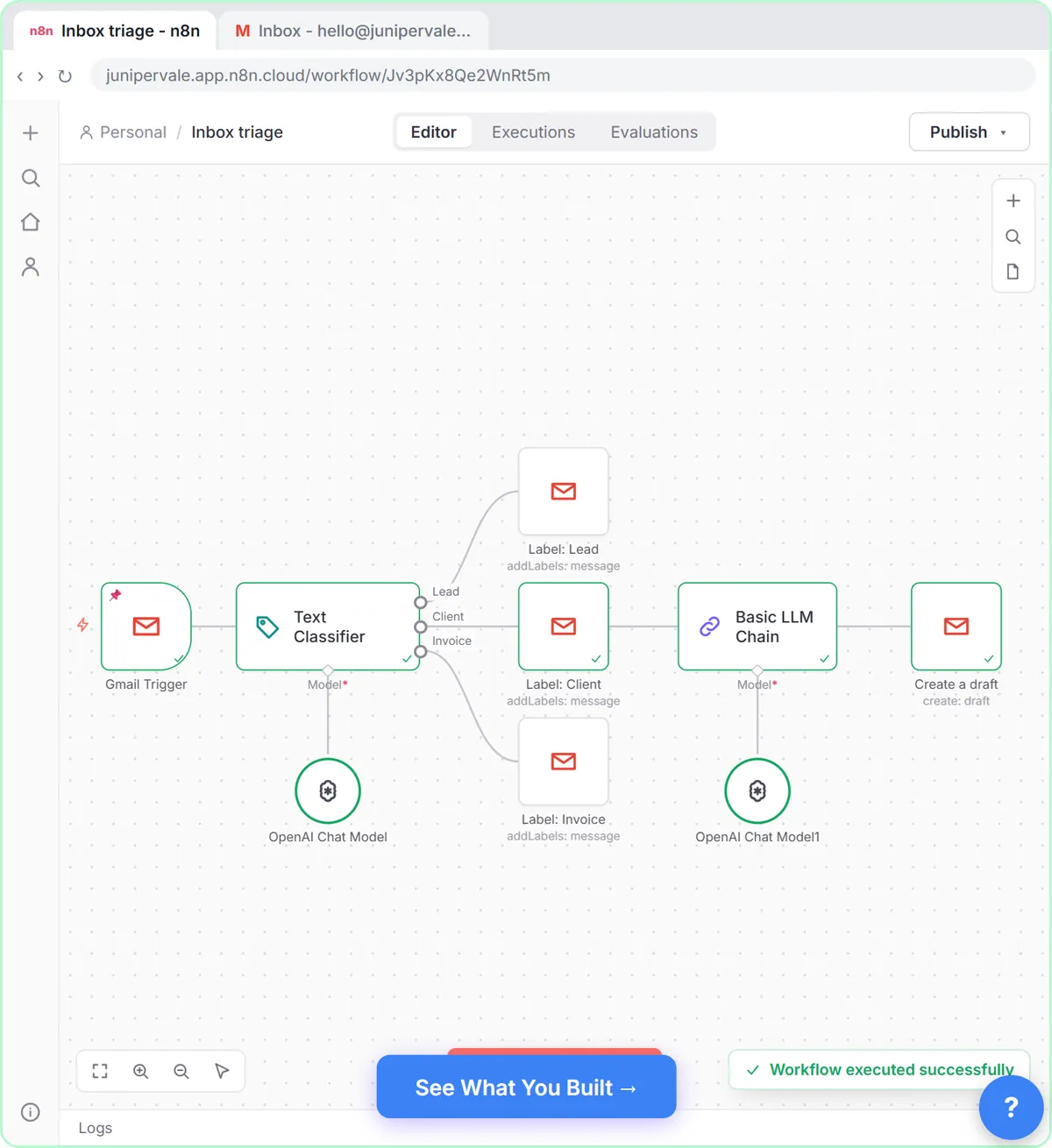 Gmail AI Triage: Auto-Label Every Email and Draft Replies
Build an n8n workflow that reads each new email, sorts it as a lead, a client or an invoice with a Text Classifier, adds the matching Gmail label, and drafts a reply to…
Free · Live ~18 min Advanced
Free cheat sheet
Print it or save the PDF: the key steps and checks from this lesson on one page, free.
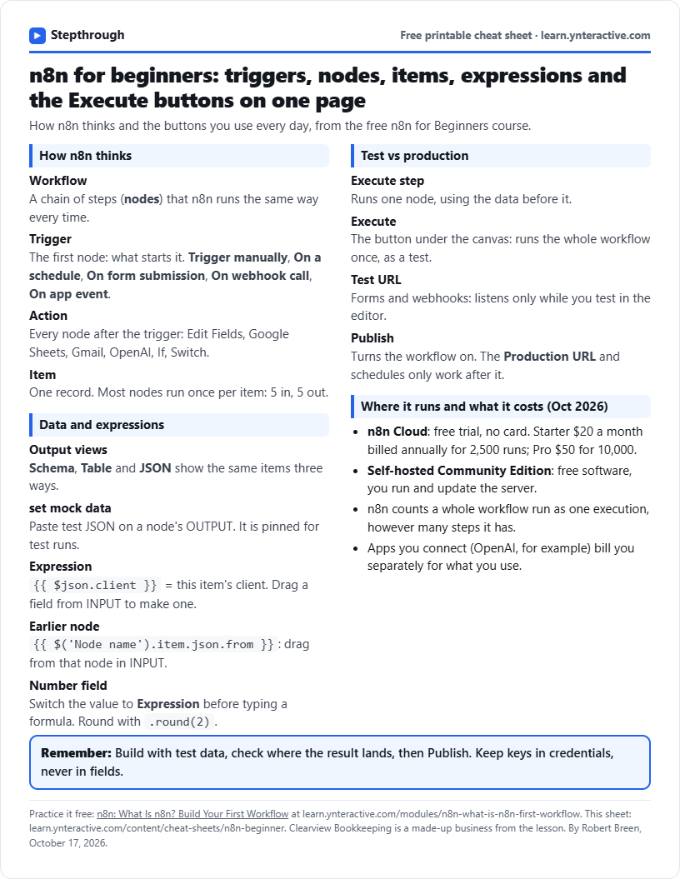
All free printable cheat sheets
Terms in this lesson
Plain-English definitions, each with an example from a free lesson.