Zapier vs Make: Which Is Better for Small Business (2026)
Quick answer
Pick Zapier if you want the simplest setup, the largest app directory and a free plan you can start on today. Pick Make if you like building on a visual canvas, want branching built in from the free plan, and want more units for your money at the entry price. Both connect Gmail, Google Sheets and Slack without code, and both let you test before you pay.
Last updated
Take the free module →Module 9 of the free AI Automation with Make course, about 10 minutes. No account needed.
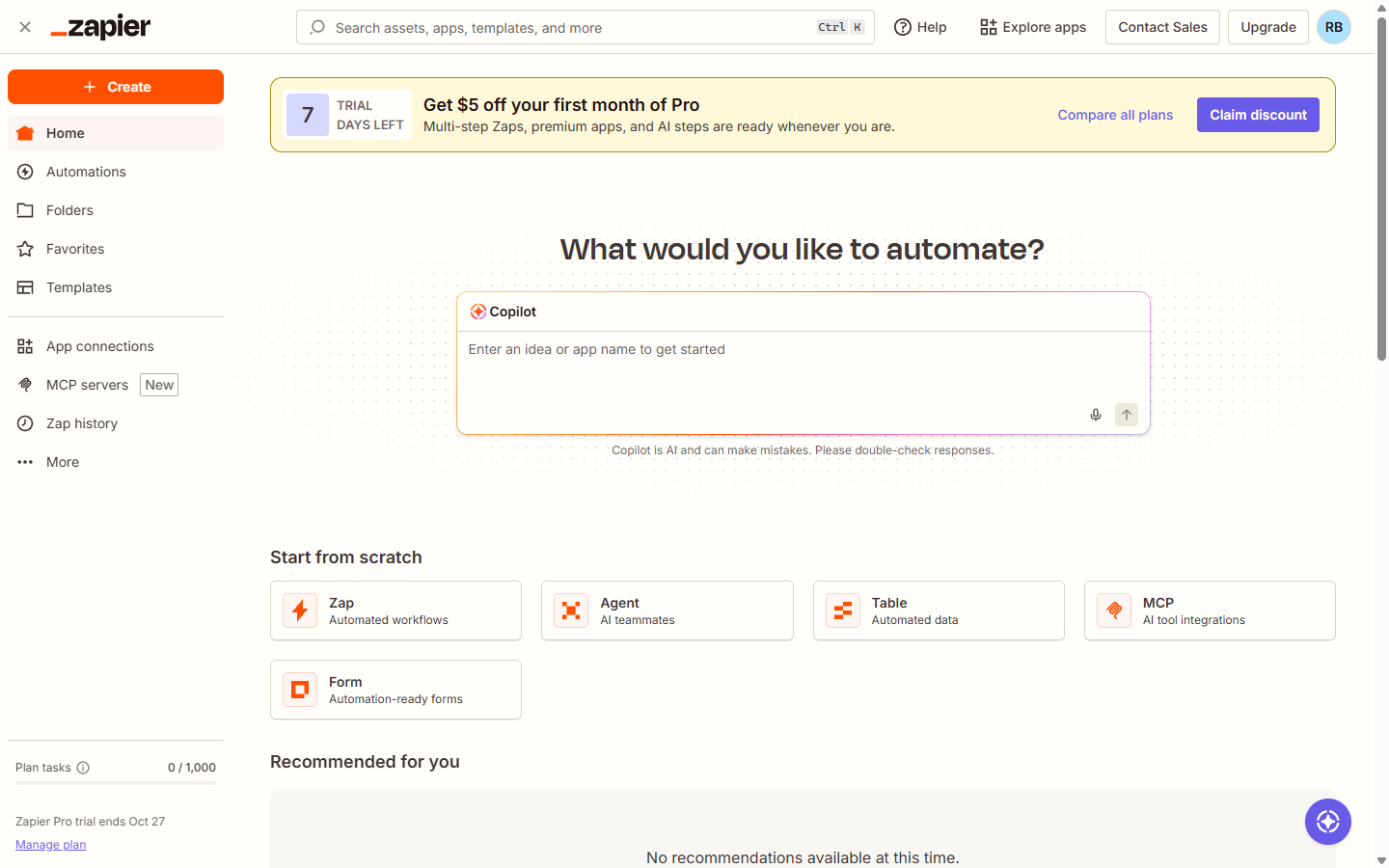
This page is for office managers and small-business owners choosing between the two. Prices below are as listed on each vendor's own pages as of October 2026. If you are also weighing n8n, see Zapier vs Make vs n8n. Disclosure: Stepthrough has an affiliate relationship with n8n, so I may earn a commission, at no cost to you, if you sign up through an n8n link on Stepthrough. There are no affiliate links on this page. Try both free: the Your First Zap lesson uses Zapier and the Make: Your First Scenario lesson uses Make.
How do they compare at a glance?
| Zapier | Make | |
|---|---|---|
| How usage is counted | Tasks: each successful action; triggers, polling and built-in tools such as Filter, Paths and Formatter are not counted | Credits: most actions cost 1 credit, including reading a webhook and built-in data transformations; the Router and error handler modules are not counted |
| Free option | Free plan: 100 tasks a month, two-step Zaps only, 15-minute polling | Free plan: 1,000 credits a month, routers and filters, 15-minute minimum interval between runs |
| Entry paid plan | Professional: from $19.99 a month billed annually ($29.99 monthly) for 750 tasks. Multi-step Zaps, Filters and Paths start here | Core: $12 a month billed annually ($13 monthly) at 10,000 credits. Unlimited active scenarios and scheduling down to the minute start here |
| Next tier up | Team: $69 a month billed annually ($103.50 monthly) for 2,000 tasks, up to 25 users | Pro: $21 a month billed annually ($22 monthly) adds priority execution, custom variables and full-text log search. Teams: $38 ($41 monthly) adds team roles |
| Best for | The quickest start, short automations, the widest app choice | Visual builders, branching flows, more units at the entry price |
| File handling | The pricing page lists no file size limits; check Zapier's help center for the app and step you use | Each 10,000 credits comes with 5 GB of data transfer and 10 MB of data storage a month |
| Privacy and data controls | SOC 2 Type II and SOC 3. Encrypted in transit (TLS 1.2+) and at rest (AES-256). Zapier says it does not train on the data that runs through your workflows, on any plan. SSO and audit logs are on higher plans (the pricing page lists them on Team) | Make says it has completed SOC 2 Type II and SOC 3 audits, runs an ISO 27001 certified security program and adheres to GDPR. Encrypted at rest (AES-256) and in transit (TLS 1.2 and 1.3). Log data is kept 30 days by default |
| Integrations | More than 10,000 apps listed in its app directory | 3,500+ apps listed on its plan page (its FAQ cites more than 1,000 third-party apps) |
| Free Stepthrough lesson | Yes, Your First Zap | Yes, Make: Your First Scenario and more |
What is the main difference between Zapier and Make?
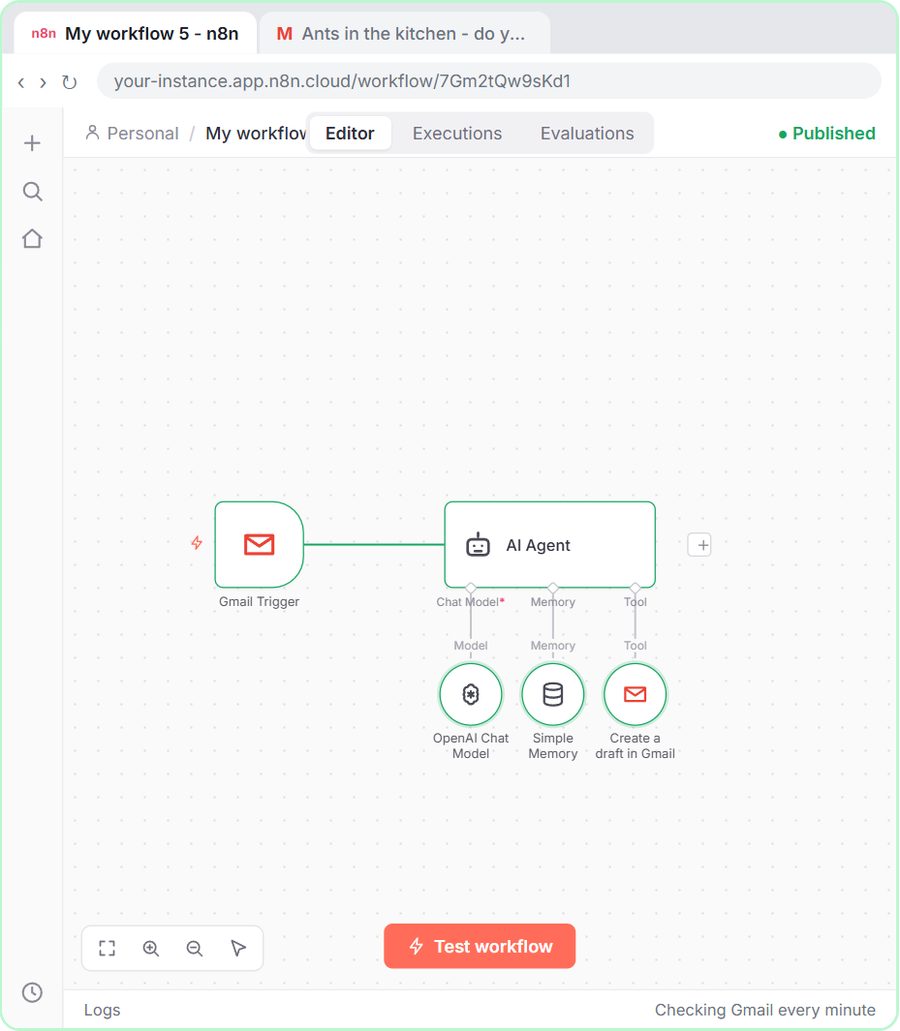
Zapier is built around a guided "when this happens, do that" editor, and Make is built around a canvas where you see every module and branch at once. Under the hood they also count usage differently. Zapier counts tasks, where each successful action is one and triggers and built-in tools such as Filter, Paths and Formatter are free. Make counts credits, where most actions cost one, including reading from a webhook and transforming data, but routers and error handlers do not.
Is Zapier or Make cheaper?
At the entry level, Make gives you more units. Make Core is listed at $12 a month billed annually at 10,000 credits, while Zapier Professional starts at $19.99 a month billed annually for 750 tasks. The units are not the same, so here is a made-up example. A workflow starts from a new form entry, then does four things: an AI step, a Google Sheets row, an email and a Slack message. At 500 runs a month that is about 2,000 tasks on Zapier (the trigger is not counted), which is the 2,000-task Professional tier at $49 a month billed annually. On Make it is roughly 2,500 credits (five module actions, 500 times), which fits in the 10,000 credits that Core includes.
Zapier's free plan is still the cheapest way to start if your automation is two steps. A two-step Zap that runs 50 times a month uses about 50 of the 100 free tasks. Zapier's Filter, Paths and Formatter steps do not use tasks, which helps busy workflows, while on Make the free plan already includes routers and filters. AI features can use more on both tools: Zapier prices AI by Zapier by model tier and tool call, and Make says features using its AI Provider may use more than one credit. Check the Zapier pricing page and the Make pricing page with your own numbers.
Which has more apps?
Zapier's app directory lists more than 10,000 apps, which is the largest list of the big automation tools. Make lists 3,500+ apps on its plan page. For a small office, the count matters less than whether the six apps you use are on the list, so search both directories for your actual tools before you decide.
Which is better for scheduled and fast automations?
Both tools poll for new data on a schedule that depends on your plan. Zapier lists 15-minute polling on Free, 2 minutes on Professional and 1 minute on Team. Make's Free plan has a 15-minute minimum interval between runs, and its Core plan adds scheduling down to the minute. Make Pro adds priority scenario execution. Webhook-based triggers react when data arrives rather than on a schedule, which is the faster option in either tool.
Which is better for teams and data controls?
Both have team plans. Zapier Team lists up to 25 seats, shared app connections, a shared workspace and a 6-month audit log. Make Teams adds teams and team roles and shared scenario templates. Zapier's security page says Enterprise adds SAML SSO and SCIM, while its pricing page lists SAML SSO from Team, so confirm which applies to your plan. Make's Enterprise plan lists advanced security features and 24/7 support.
For either one, decide what data an automation should touch before you build it. The glossary entry on data minimization is a good habit, and ChatGPT vs Claude vs Gemini vs Copilot covers the AI assistants you might connect.
How do Zapier and Make handle branches, lists and errors?
Both can branch, but they draw it differently. In Zapier a filter stops a Zap when rules do not match, and Paths send records down different branches. In Make a router splits the scenario into routes and filters sit on the lines after it, with an optional fallback route for anything that matches nothing. The free Filters and Routers in Make lesson builds an urgent route and a fallback route for a made-up dental office.
Lists are where Make has extra tools. Make passes data as bundles, and an iterator splits a list into separate bundles while an aggregator joins many back into one, such as a daily summary email; the Daily Summary lesson uses a Text aggregator. For errors, Make lets you attach an error handler to a module, while Zapier records failures in Zap history and emails you, with replay on plans that include it. Usage is counted as tasks in Zapier and credits in Make, as of October 2026.
Which is better for AI agents?
Both now offer AI steps and agents. Zapier has AI steps inside Zaps and a separate agent product, Zapier Agents. Make has AI modules inside scenarios and Make AI Agents, which Make's help center says can use your active scenarios as tools when their inputs and outputs are defined. The free Add AI to Make lesson and Zapier: ChatGPT Drafts Every Reply lesson both add AI as a fixed step that drafts a reply, which is the safer place to start.
For a wider look, including n8n, Relevance AI and Lindy, see AI agent builders compared.
Who is each one for?
Pick Zapier if
You want to build a working automation in minutes, you want the largest app directory, and your automations are short. Practice in the free Your First Zap lesson.
Pick Make if
You like seeing the whole flow on a canvas, you want routers and filters on the free plan, and you want more units at the entry price. Practice in the free Make: Your First Scenario lesson and the Make: Add AI lesson.
Which of these tools have a free Stepthrough lesson?
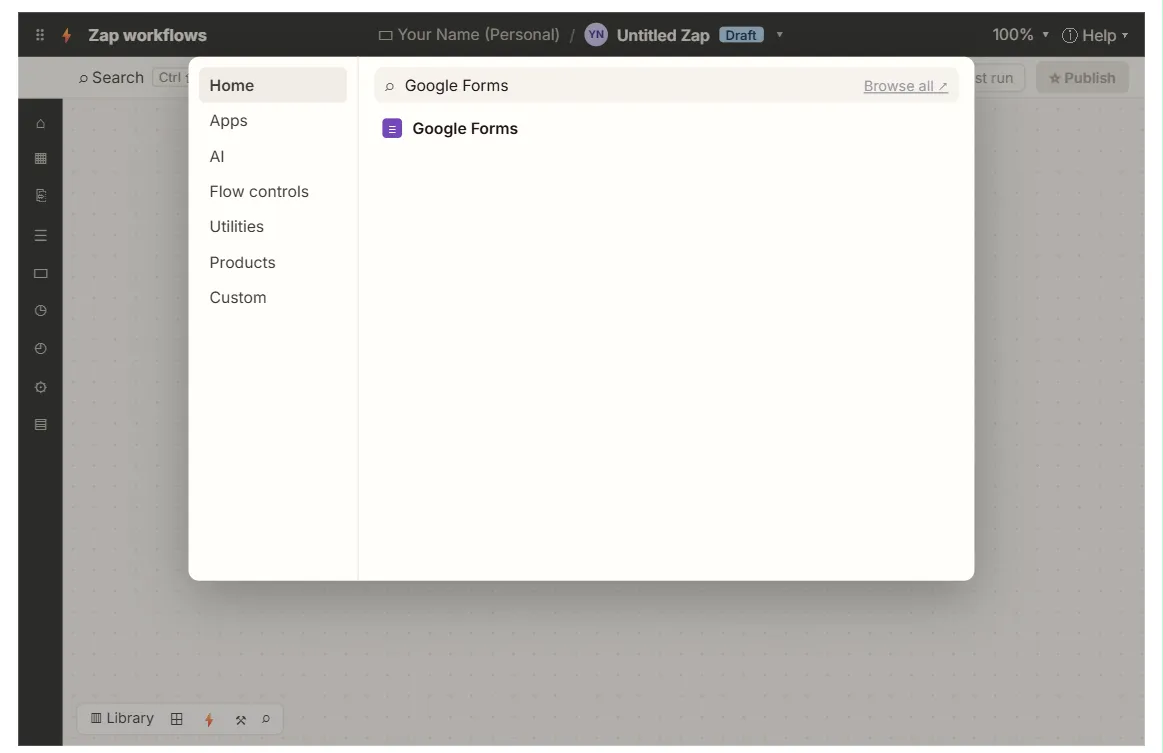
- Zapier: free lesson: How to Create a Zap in Zapier: Log Google Forms Inquiries in Sheets
- Make: free lesson: How to Use Make.com: Your First Scenario, Google Forms to Google Sheets
Practice it free, step by step
How to Create a Zap in Zapier: Log Google Forms Inquiries in Sheets. Prospects who wait days for a reply hire someone else. Build a Zap that copies every new client inquiry from Google Forms into your tracking sheet the moment it arrives, so nothing sits unseen. You do every step yourself in a practice copy of Zapier, it checks your work as you go, and “Do it for me” finishes any step you get stuck on. Free, and nothing touches your real accounts.
Start the free lessonKey takeaways
- Zapier counts tasks (each successful action, with triggers and built-in tools free) and Make counts credits (most actions cost one, routers are free).
- As of October 2026, Zapier Professional starts at $19.99 a month billed annually for 750 tasks, and Make Core is $12 a month billed annually at 10,000 credits.
- Zapier lists more than 10,000 apps and Make lists 3,500+, so check that your own apps are on each list.
- Zapier's free plan limits you to two-step Zaps, and Make's free plan includes routers and filters but a 15-minute interval.
Frequently asked questions
Zapier vs Make: which is cheaper and easier?
Zapier is usually easier and Make is usually cheaper. Zapier's guided editor and free plan of 100 tasks a month on two-step Zaps make it the gentler start. Make's free plan gives 1,000 credits a month with routers and filters, and its entry plan lists far more units per dollar, but its canvas takes a little longer to learn. Count your own workflow's steps on both pricing pages before you decide. Practice both free: Your First Zap and Make: Your First Scenario.
Is Make cheaper than Zapier?
At the entry level Make lists more units for less money, but a task and a credit are counted differently, so price your own workflow on both pricing pages. Zapier's free plan can be cheaper for a simple two-step automation.
Is Zapier or Make easier for beginners?
Zapier is usually the gentler start, with a guided editor and a free plan built around simple two-step Zaps. Make's canvas takes a little longer to learn but makes branching flows easier to follow.
Can I use AI in Zapier and Make?
Yes, both have AI features, and both can call outside AI models. Zapier lists AI by Zapier on its Professional plan and Make has an AI Provider that can use more than one credit per action. The AI model is often a separate bill, so check it.
Can I switch between Zapier and Make?
Yes, but you rebuild the automations, because Zaps and scenarios use different formats. Triggers, actions, field mapping and testing work the same way, so the skills carry over.
Where do these prices and features come from?
Every price and feature on this page was checked against the vendor's own page, as of October 2026. No numbers here are estimates or third-party figures. The example businesses in the Stepthrough lessons are made up.