AI Agent Builders Compared: n8n, Make, Zapier, Relevance AI and Lindy (2026)
Quick answer
All six build AI agents that use tools to finish a job, but they start from different places. n8n puts the agent on a workflow canvas with full control over tools, memory and output, and can be self-hosted. Make AI Agents and Zapier Agents add agents to automation platforms you may already use, with their app connections as tools. Relevance AI is built for teams of agents, often for sales and operations work. Lindy is an AI assistant you set up in plain words for email, meetings and scheduling. SPIRITT is an AI agent platform where you describe a job in plain English and an agent builds, schedules and runs it on its own cloud computer.
Last updated
Take the free module →Module 13 of the free n8n Jump Start course, about 11 minutes. No account needed.
This page is for office managers, operations staff and owners choosing where to build a first agent, as of October 2026. It leaves prices out on purpose; check each vendor's pricing page in the sources. Disclosure: Stepthrough has an affiliate relationship with n8n; there are no affiliate links on this page. Three of these have free hands-on lessons: Book Appointments from Chat using n8n, Answer Client Emails in Half the Time using Lindy and Get a Weekly KPI Report Every Monday using SPIRITT. If you are not sure you need an agent at all, start with AI Agent vs Chatbot vs Automation.
How do they compare at a glance?
| n8n | Make AI Agents | Zapier Agents | Relevance AI | Lindy | SPIRITT | |
|---|---|---|---|---|---|---|
| What it is | Workflow automation tool with an AI Agent node | Agents inside the Make automation platform | Agents inside the Zapier automation platform | Platform for building AI agents and multi-agent teams | AI assistant you set up for email, meetings and other office work | AI agent platform; each agent has its own cloud computer |
| How you build | Canvas: agent node plus model, memory, tools and output parser | Agent setup with instructions; tools are modules, scenarios or MCP servers | Instructions in plain words; tools are actions in Zapier-connected apps | Describe the role, add tools and knowledge; workforces link agents on a canvas | Plain-language setup of triggers, actions and instructions | Describe the job in plain English in chat; the agent builds and schedules it |
| Tools it can use | App nodes, HTTP requests, other workflows as workflow tools, MCP | Make modules, active Make scenarios with defined inputs and outputs, MCP servers | Actions across Zapier's app directory | Built-in and custom tools, integrations such as CRM and email | Built-in integrations such as Gmail, calendar and CRM actions | 1,500+ app integrations, code, and a real browser for steps with no API |
| Keeping a person in charge | Your choice: drafts, approval steps, Wait node, partner tools | Your scenarios decide what the agent can touch | Choose which actions it may take; review its activity | Approval and escalation options in its docs | Ask for approval before actions, as used in the lesson | Pause or change a routine by asking; credit budgets you set (our test workspace had no hard per-task cap) |
| Self-hosting | Yes, Community Edition | No | No | No | No | No |
| Best for | Teams who want control, long workflows or self-hosting | Teams already on Make | Teams already on Zapier | Sales and operations teams building several agents | Individuals and small teams wanting help in their inbox fast | Teams who want a recurring job described once and run on a schedule, even with the laptop closed |
| Free Stepthrough lesson | Yes, Book Appointments from Chat | Not yet; Add AI to Make covers AI steps | Not yet; ChatGPT Drafts Every Reply covers AI steps | Not yet | Yes, Answer Client Emails | Yes, Weekly KPI Report Every Monday |
Make an AI tool? We build a free, hands-on lesson for it. Request one →
What is the main difference between these agent builders?
The split is between automation platforms that added agents and products built around agents. n8n, Make and Zapier started as workflow tools, so their agents sit next to fixed workflows and can call them. That suits jobs where most steps are fixed and only a few need judgment. Relevance AI and Lindy start from the agent: you describe a role or a routine, and the product supplies the tools around it.
In every case the agent does the same thing underneath: a model reads the request and its instructions, decides which tool to call, reads the result, and repeats until it can answer or reaches its step limit.
Which is easiest for a first agent?
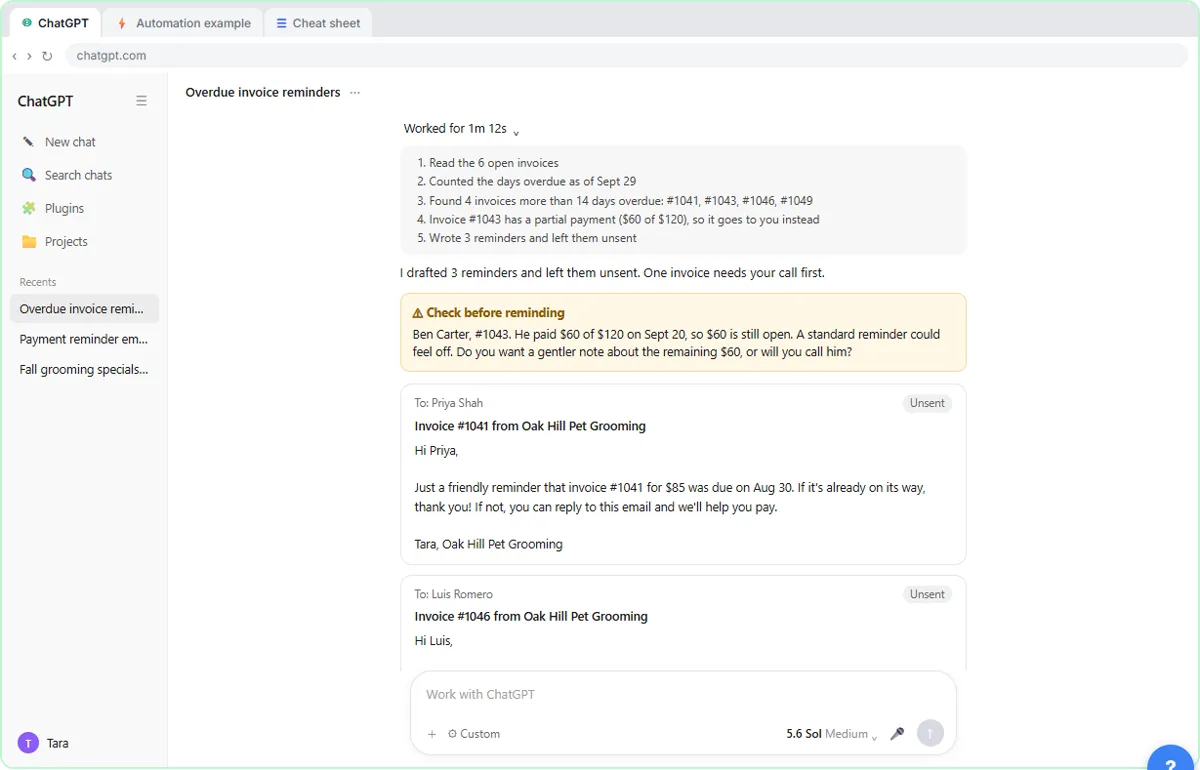
Lindy is the quickest to a useful result if the job lives in your inbox: the free Lindy lesson sets it to draft client replies in Gmail for a made-up accounting firm, on Ask for approval, and reads the draft before anything goes out.
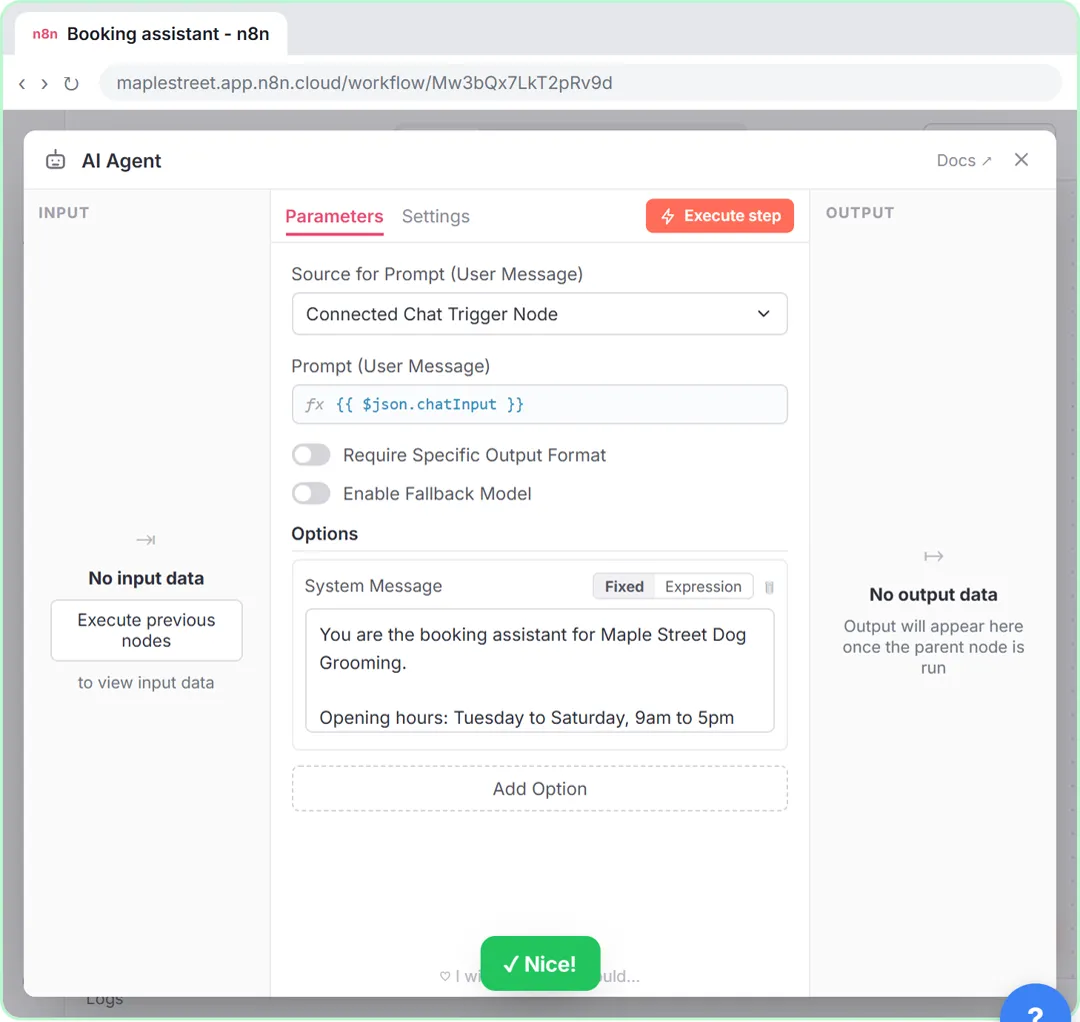
If you already use Zapier or Make, their agents let you reuse connections you have set up. n8n takes longer to learn, but the Book Appointments from Chat lesson walks through a full agent with three tools for a made-up dog groomer, step by step.
Which gives the most control?
n8n, because everything is visible on the canvas and you choose each piece: the chat model, the memory, every tool, the output parser and what happens after the agent answers. You can also wrap sensitive actions in a workflow tool so the agent can only call them as a tested whole, and host it on your own server.
Make offers a similar idea by letting agents call your scenarios, which Make's help center says must be active and have defined inputs and outputs. Zapier, Relevance AI and Lindy trade some of that control for faster setup.
How do I keep an agent from doing the wrong thing?
The rules are the same whichever builder you pick. Give the agent only the tools it needs, start with drafts instead of sends, and add a human in the loop for anything that reaches a customer or moves money. Write clear guardrails in its instructions, such as "if the handbook does not say, answer I don't know".
The Guardian approval gate lesson shows one way to enforce that in n8n: emails to the team go out alone, client emails wait for a person, and deletes are never allowed.
Do I need an agent, or is a workflow enough?
Often a workflow is enough. If the steps are the same every time, such as reading an email and drafting a reply, a fixed workflow with one AI step is cheaper, faster and easier to check. The n8n AI Email Responder and Zapier: ChatGPT Drafts Every Reply lessons both work this way.
Reach for an agent when the steps change from request to request, such as booking, triage or research. For the wider picture, see AI agent vs chatbot vs automation.
Who is each one for?
Pick n8n if
You want full control, agents mixed with long workflows, or self-hosting. Start with the AI agent lesson, then Book Appointments from Chat.
Pick Make AI Agents if
Your automations already run on Make and you want an agent that can call the scenarios you trust.
Pick Zapier Agents if
Your apps are connected through Zapier and you want an agent that can act across them with little setup.
Pick Relevance AI if
You plan several agents that work together, often for sales or operations, and want a platform built around that.
Pick Lindy if
You want an assistant in your inbox and calendar this week, with approval before it acts. Start with the Lindy lesson.
Pick SPIRITT if
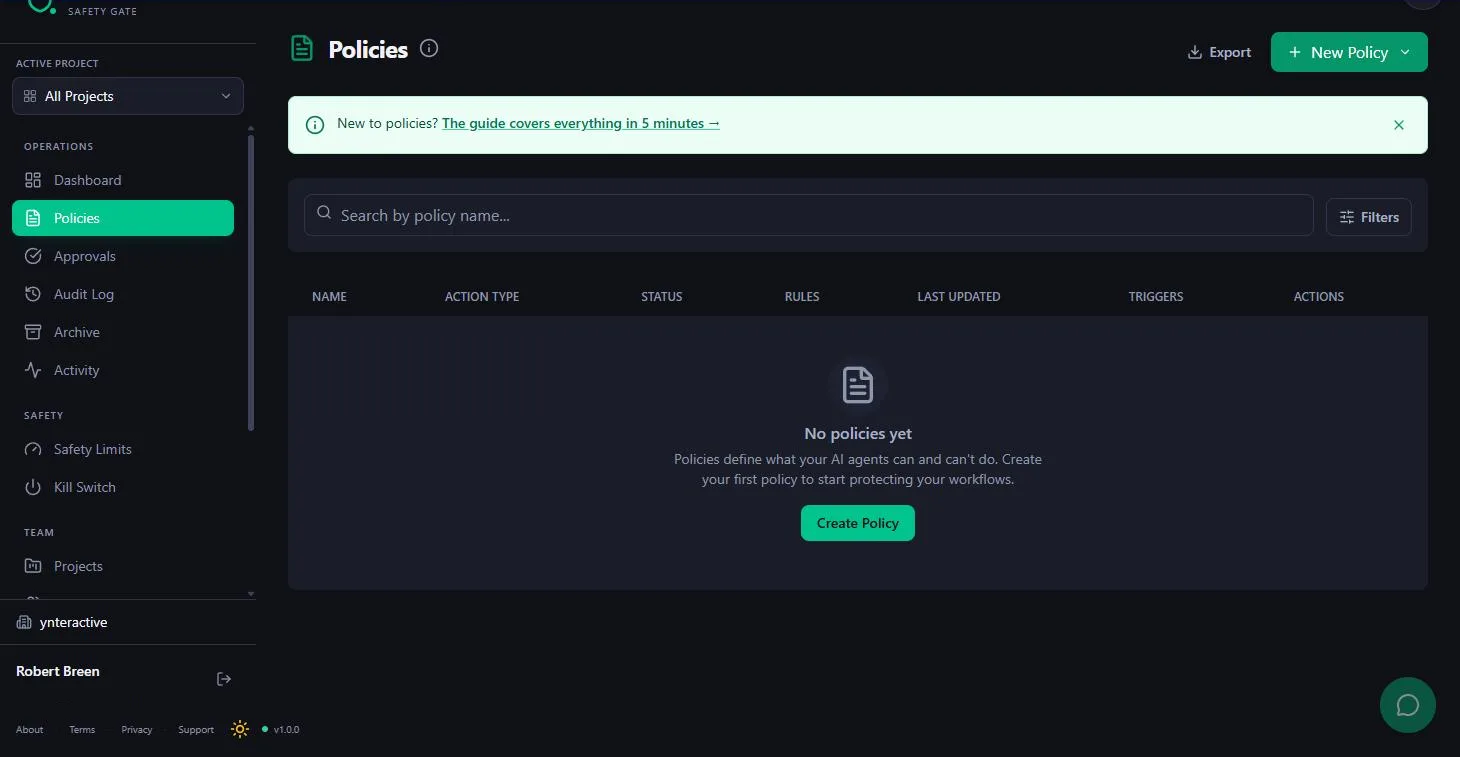
You want to describe a job in plain English and have an agent build, schedule and run it. Each agent has its own cloud computer, so routines keep running with your laptop closed, and it connects to 1,500+ apps. It is free to start with daily credits. Practise free in Get a Weekly KPI Report Every Monday using SPIRITT. Official site: spiritt.ai. Directory card: SPIRITT.
Which of these tools have a free Stepthrough lesson?
- n8n: free lesson: How to Use n8n Tools in an AI Agent: Check Google Calendar, Book and Log It
- Make AI Agents: a free Stepthrough lesson is coming.
- Zapier Agents: a free Stepthrough lesson is coming.
- Relevance AI: a free Stepthrough lesson is coming.
- Lindy: free lesson: How to Use Lindy AI to Draft Client Email Replies in Gmail
- SPIRITT: free lesson: SPIRITT: Get a Weekly KPI Report Every Monday Without Building It
Practice it free, step by step
How to Use n8n Tools in an AI Agent: Check Google Calendar, Book and Log It. Stop playing phone tag over appointments. Give an n8n chat agent three tools: check Google Calendar for a free hour, book it, and log the booking in Google Sheets. You do every step yourself in a practice copy of n8n, it checks your work as you go, and “Do it for me” finishes any step you get stuck on. Free, and nothing touches your real accounts.
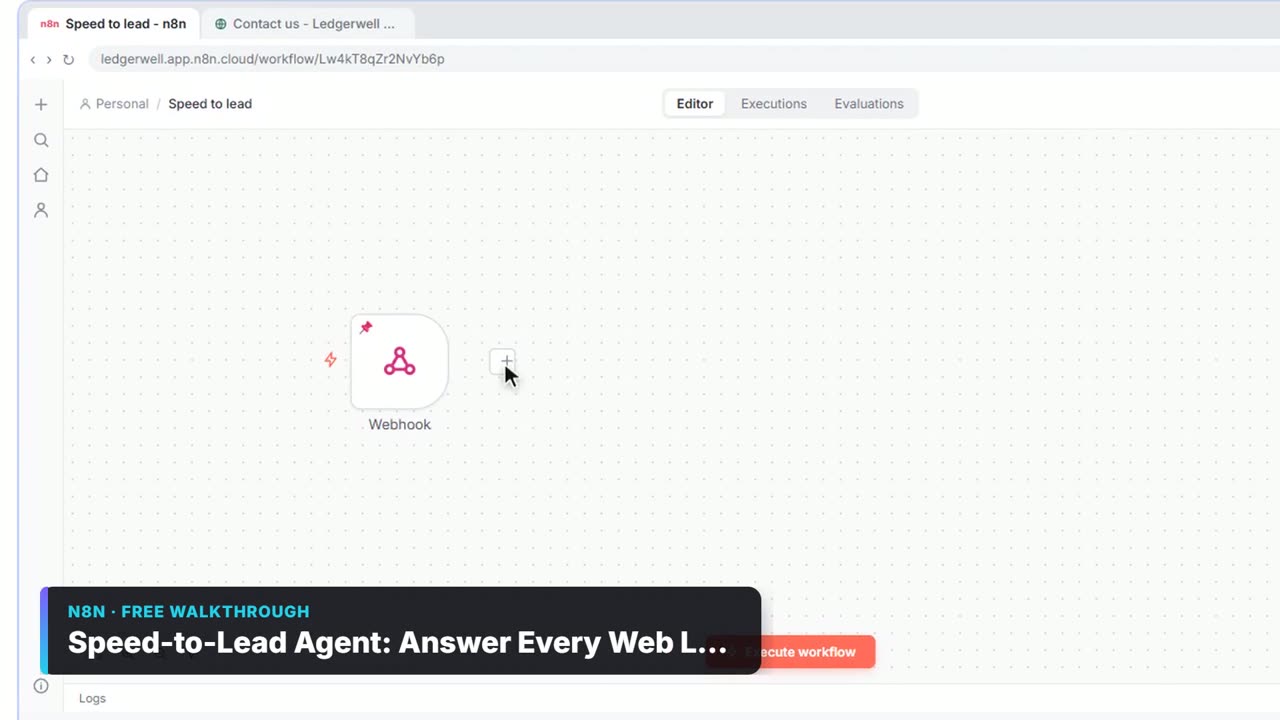
Start the free lessonWatch it in a free lesson: How to Connect n8n to Slack and Gmail to Answer Every Web Lead in 60 Seconds
 3:28
Speed-to-Lead Agent: Answer Every Web Lead in 60 Seconds: video walkthrough
Build an n8n workflow that scores every website lead with AI, emails a personal first reply within seconds, and pings Slack only when a lead is hot. The whole lesson narrated step by step, recorded in Stepthrough’s simulated practice environment.
Key takeaways
- n8n, Make and Zapier add agents to automation platforms; Relevance AI, Lindy and SPIRITT are built around agents.
- n8n gives the most control and is the only one of the six you can self-host.
- Every builder needs the same safety habits: few tools, drafts first, a person approving customer-facing actions.
- If the steps never change, a workflow with one AI step is usually the better choice.
Frequently asked questions
What is an AI agent builder?
A tool for setting up an AI agent: a model with instructions and tools that decides its own steps to finish a job.
Which AI agent builder is best for a small business?
It depends on what you already use. Teams on Zapier or Make can start there; teams wanting control or self-hosting pick n8n; those who want inbox help fast pick Lindy.
Do I need to code to build an AI agent?
No. All six can be set up without code. n8n lets you add code if you want to.
Is the AI model included?
It varies by tool and plan. Some include model usage, others ask for your own API key. Check each vendor's pricing page.
Where do these prices and features come from?
Every price and feature on this page was checked against the vendor's own page, as of October 2026. No numbers here are estimates or third-party figures. The example businesses in the Stepthrough lessons are made up.