OpenAI added the option in September 2025, announced for logged-in users on the web. This guide explains what a branch keeps, when it helps at work, and when a plain new chat is the better choice.
Where is "Branch in new chat" in ChatGPT?
On a message in the chat. Hover over the message you want to branch from, open the More actions menu (the three dots), and choose Branch in new chat. ChatGPT opens a new conversation that contains the chat up to that point. The original conversation stays in your chat history, unchanged.
OpenAI announced the feature for the web. Menus differ a little between the web, the desktop apps and the mobile apps, so if you don't see it in an app, try ChatGPT in a browser.
What does a branch keep, and what does it leave behind?
A branch keeps the conversation up to the message you chose: your earlier requests, the facts you pasted and ChatGPT's earlier answers. It leaves out everything after that message. From then on, the two chats are separate. Changes in one don't appear in the other.
That is the difference from the other options:
| Option | Starts with | Best for |
|---|---|---|
| Keep going in the same chat | Everything so far | The next step builds on the last answer |
| Branch in new chat | Everything up to one message | Trying another direction from the same setup |
| New chat | Nothing (plus memory or project context, if on) | A new task, a new client or a fresh start |
When is branching useful at work?
When you have done the setup once and want two or more results from it:
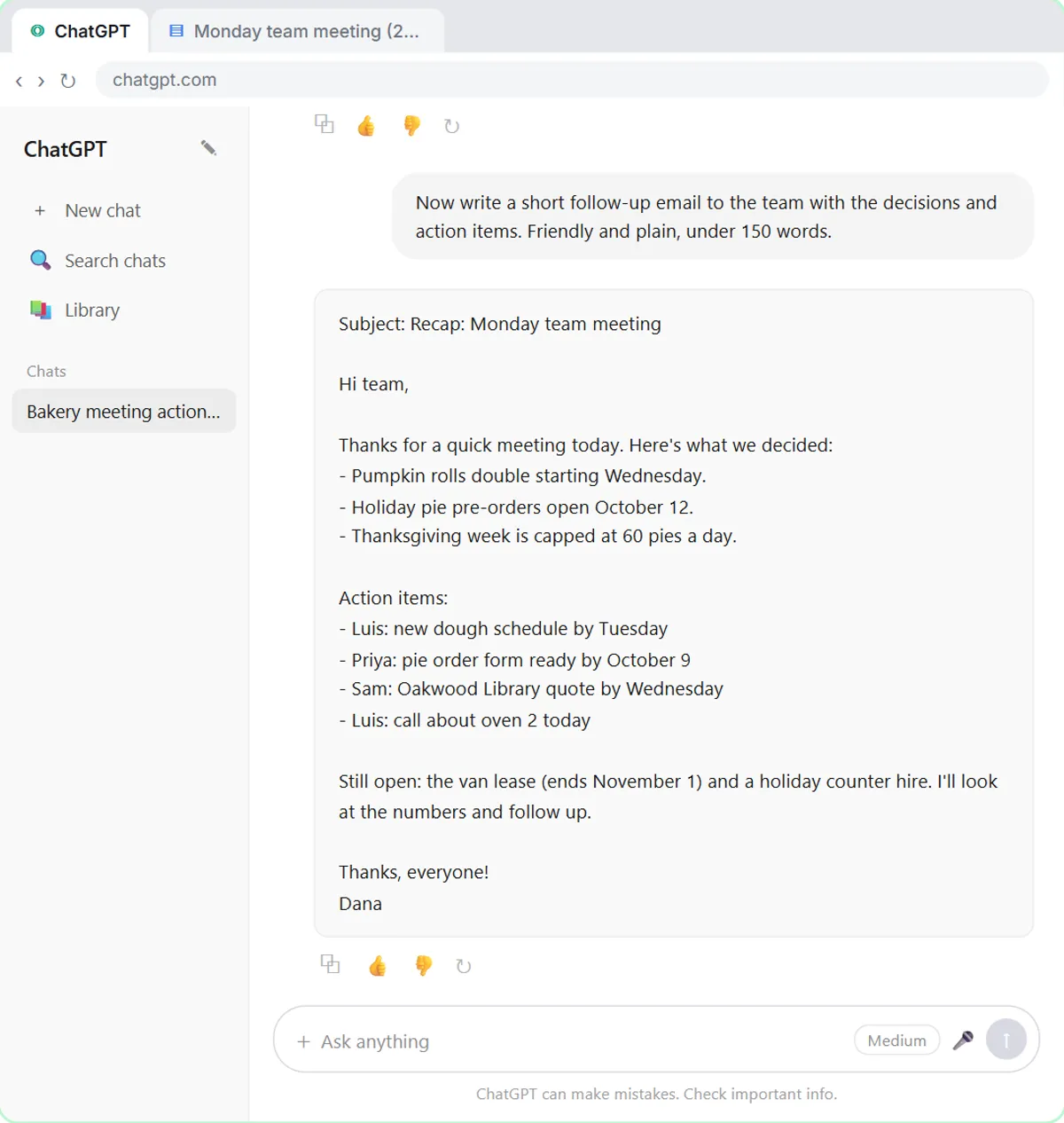
- Two versions of a draft. You pasted the client's facts and got a reply. Branch from the facts message and ask for a firmer version in one chat and a warmer one in the other.
- A side question. You are halfway through a report and want to check a definition or a calculation. Branch, ask it there, and keep the main chat clean.
- Going back before a wrong turn. If the last few answers went off track, branch from the last good message instead of arguing with the chat.
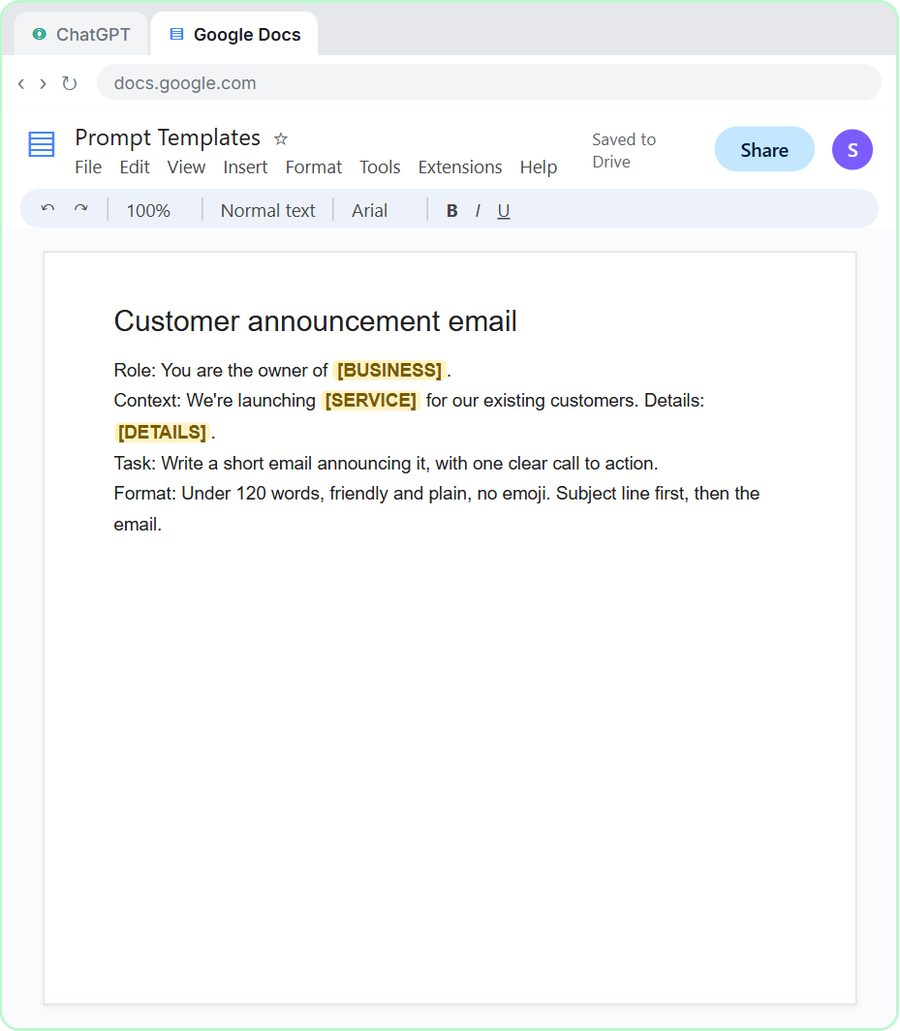
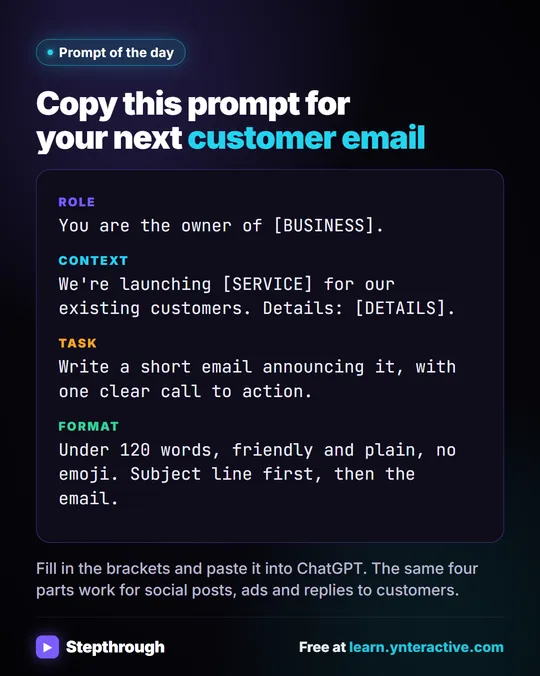
The same four-part request from Prompt Writing 101 is a good thing to branch from: write the Role, Context, Task and Format once, then branch for each variation.
Try it free, step by step
New Chat in ChatGPT or Keep Going? How to Stop Losing Context. Quote a customer in one ChatGPT chat, change the numbers without re-pasting anything, then start a clean chat for the next customer so their details never mix. You do every step yourself in a practice copy of ChatGPT, it checks your work as you go, and “Do it for me” finishes any step you get stuck on. Free, and nothing touches your real accounts.
Start the free lessonWhen should I start a new chat instead of branching?
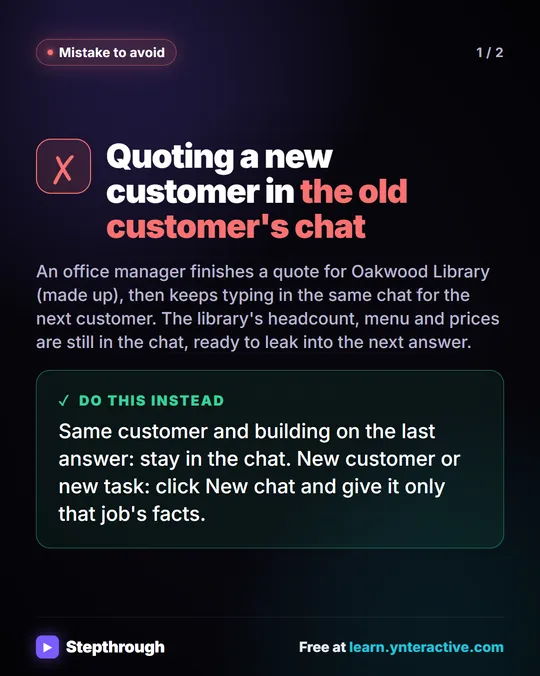
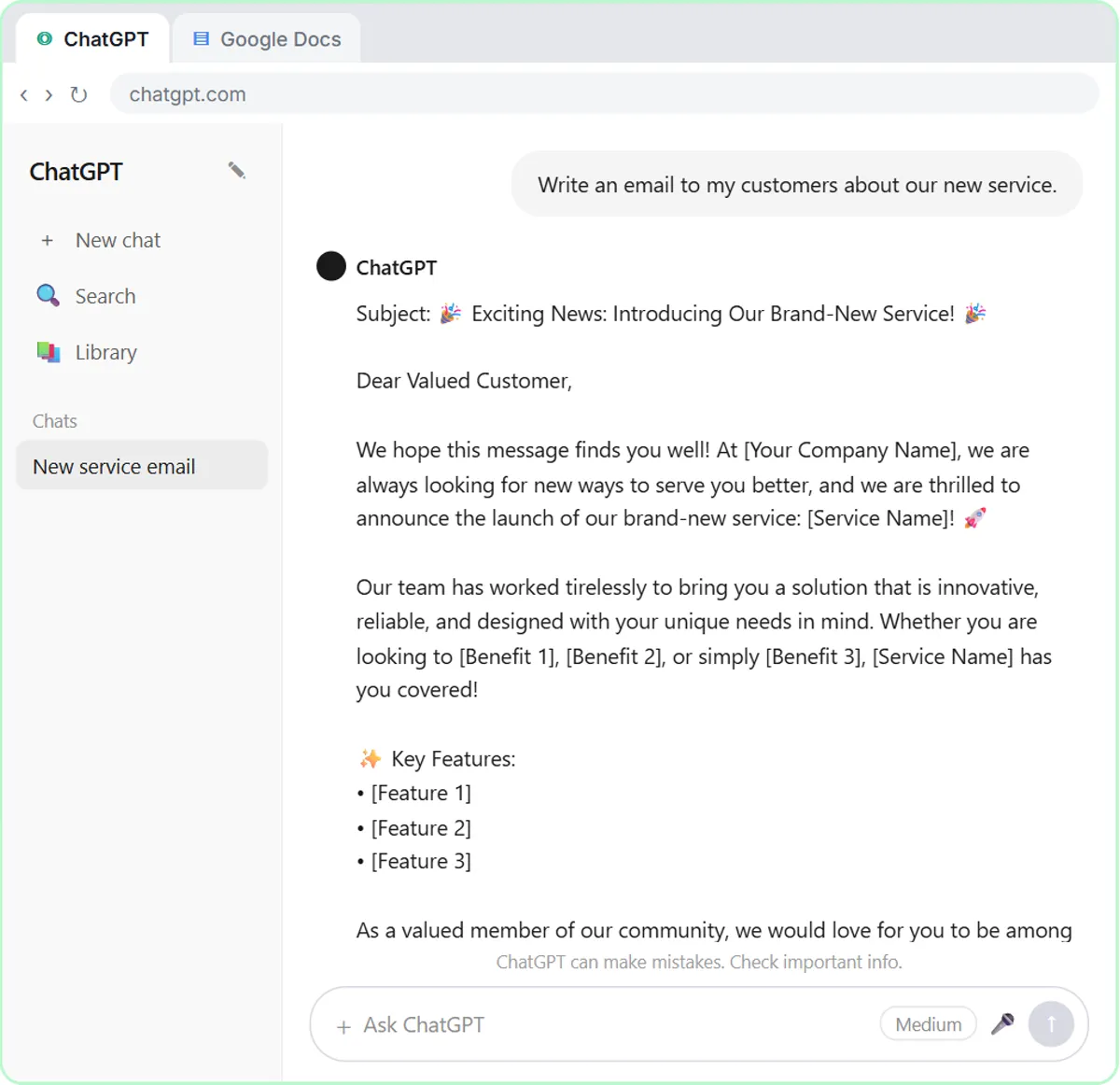
When you switch to a different customer, client or task. A branch carries every earlier detail with it, including names, numbers and anything private you pasted. Branching from one client's chat to write to another client is how facts leak from one email into the next.
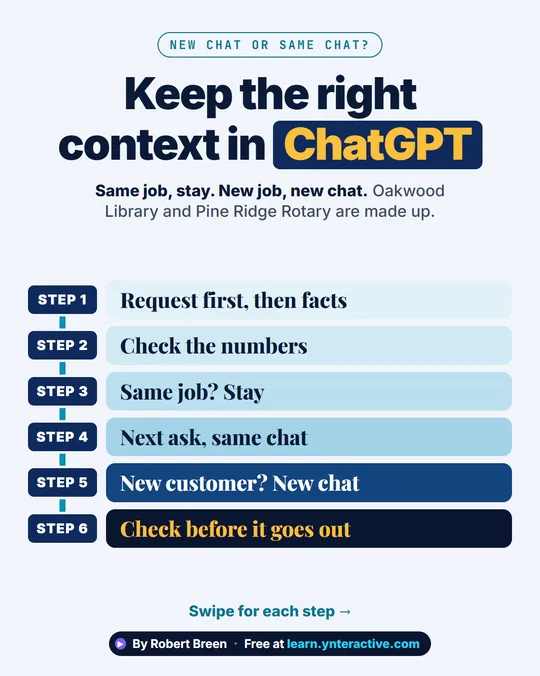
The stop losing context lesson practices the rule: keep going in the same chat when the next request builds on the last answer, and start a fresh chat with a file for the next customer, then check that nothing leaked across. ChatGPT: New Chat vs Same Chat goes deeper.
Does branching help with long chats that forget things?
A little, but it doesn't fix the cause. A branch copies the whole conversation up to that point, so a very long chat stays long. If ChatGPT is losing track of early details, a new chat with a short summary of the facts usually works better. Why ChatGPT Forgets in a Long Chat explains why.
Key takeaways
- Branch in new chat starts a separate conversation containing everything up to the message you pick.
- Find it in a message's More actions menu; the original chat is kept unchanged.
- Branch to compare versions, ask a side question, or go back before a wrong turn.
- Start a new chat, not a branch, when you switch clients or tasks, so private details don't carry over.
- Branching doesn't shorten a long chat; a fresh chat with a summary does.
Frequently asked questions
- Does branching delete or change the original chat?
No. The original conversation stays in your history as it was. The branch is a new, separate chat.
- Can I branch from any message?
You choose the message you want the branch to start after. Everything up to and including that point comes with it; anything later does not.
- Is a branch the same as editing a message?
No. Editing a message changes the path inside the same chat. Branching opens a new chat and leaves the original one alone, so you keep both.
- Does a branch share memory with the original?
The branch starts with the earlier conversation's text. Account features such as saved memory or project instructions apply as they do in any chat, depending on your settings.
Where can I go next?
See ChatGPT Projects vs Chats for keeping a client's files and instructions in one place.