This guide is for owners and office managers who keep re-explaining the same background to ChatGPT.
What is the difference between a chat and a Project?
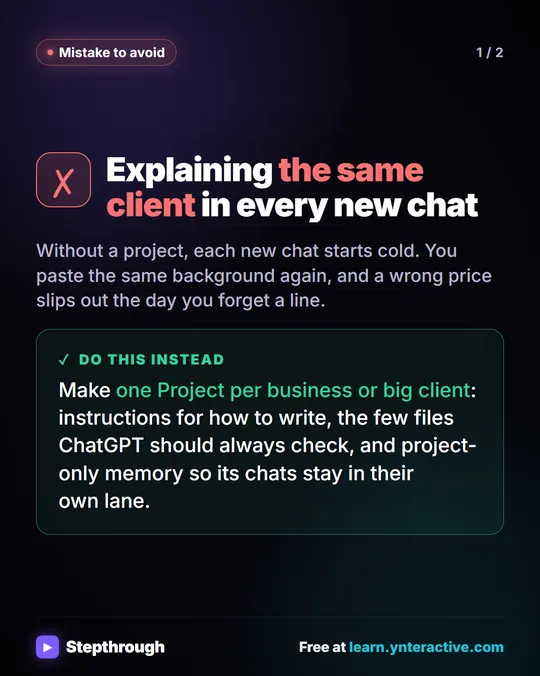
A chat is one conversation with a blank start. A Project is a workspace: instructions that apply to every chat inside it, files it can read, and the chats themselves, kept together. In the lesson, a made-up house-cleaning company, Brightwater Cleaning, gets a Project with brand voice instructions, a price list and a style guide as sources. A customer asks what a deep clean costs, and the reply uses the right price without anyone pasting it again.
| Regular chat | Project | |
|---|---|---|
| Starts with | A blank page, plus anything memory brings in | The project's instructions and files |
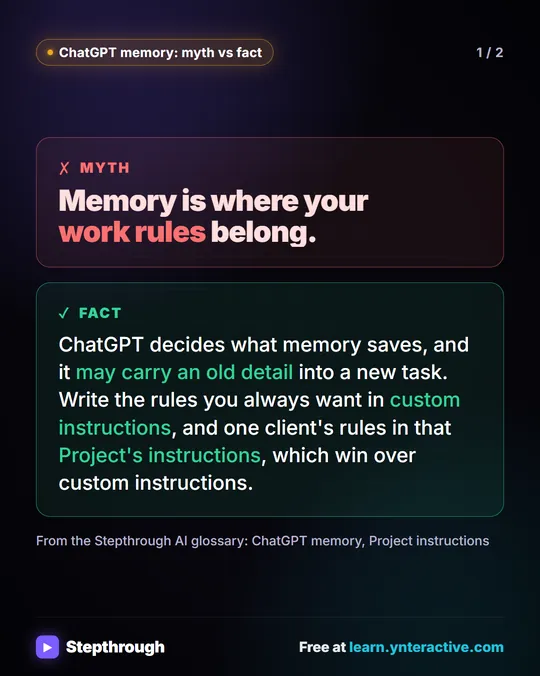
| Instructions | Your custom instructions | Project instructions, which win over custom instructions |
| Files | Attached to that one chat | Added once under Sources, readable by every chat in the project |
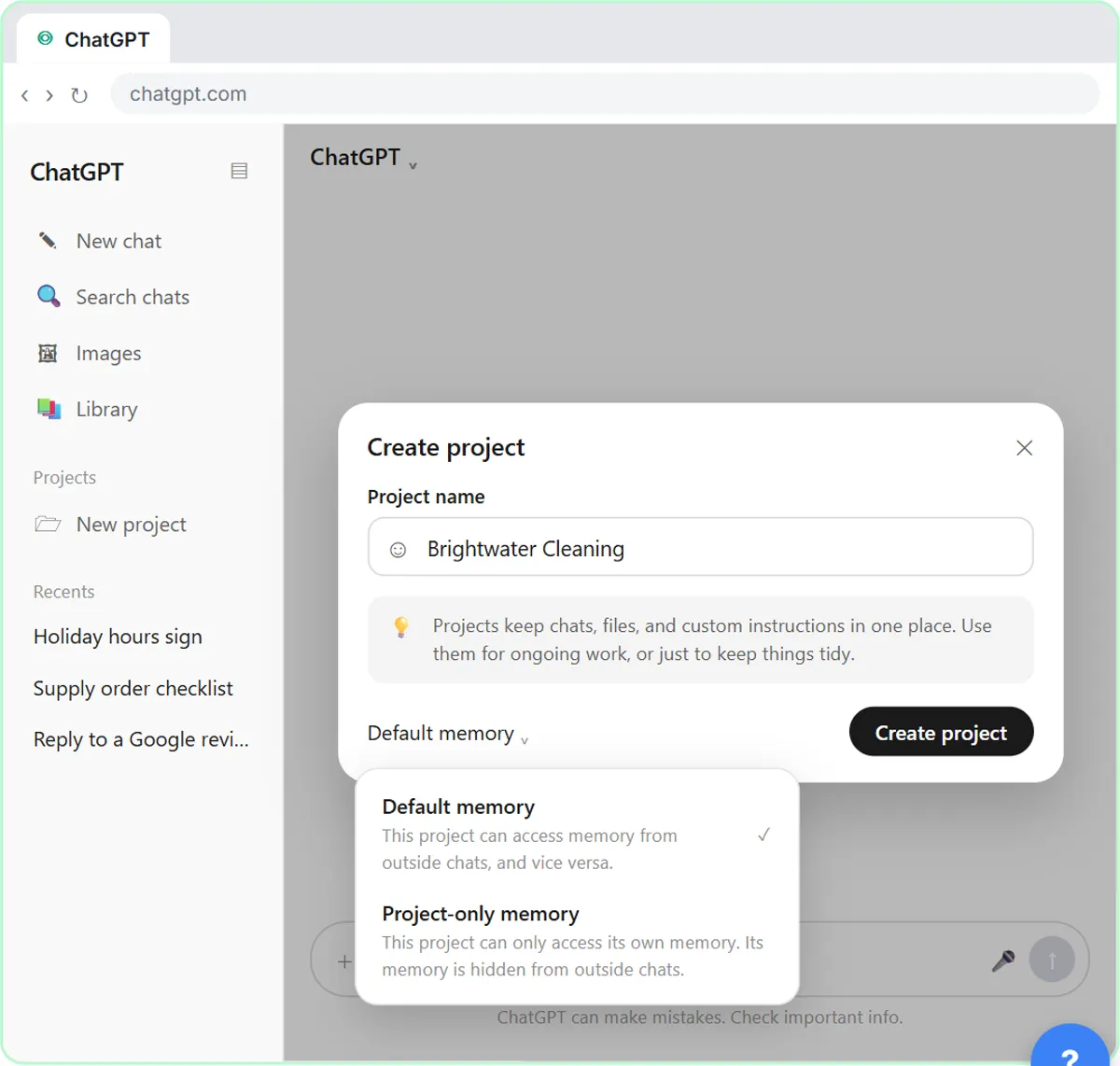
| Memory | Your account's memory settings | Default or project-only memory, chosen when you create it |
| Best for | One-off tasks | Repeated work for one business, client or job |
When should I use a regular chat?
For something you'll do once: proofreading a paragraph, brainstorming a title, a quick question. There is nothing to reuse, so setup would cost more than it saves. See when to start a new chat in ChatGPT for the habits that apply to ordinary chats.
When should I use a Project?
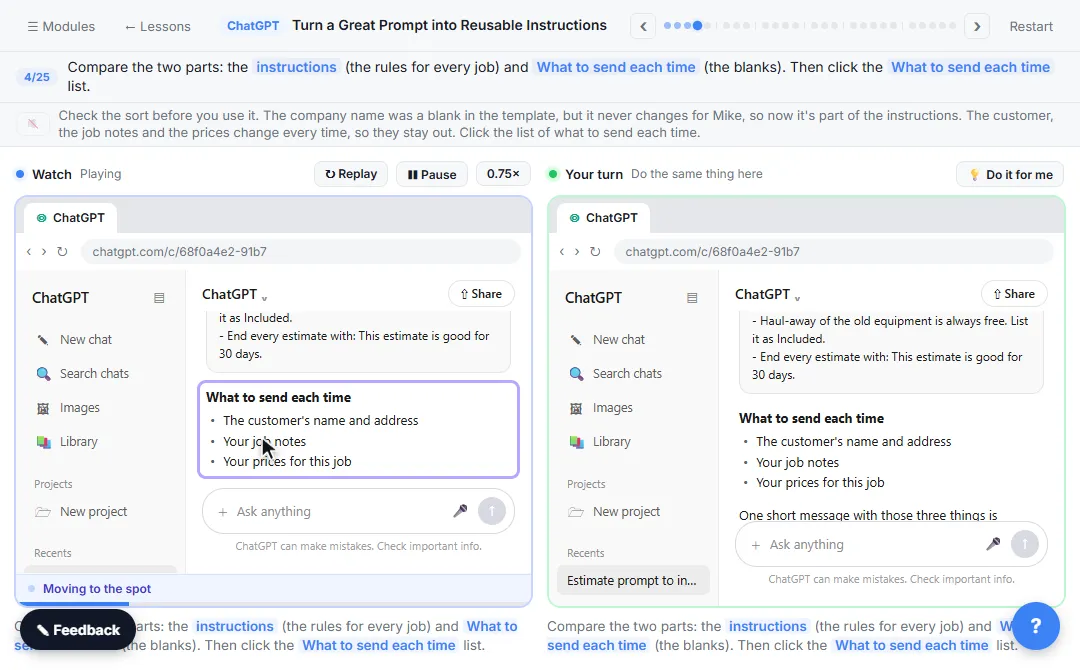
When you'd otherwise paste the same background into several chats: your price list, your tone of voice, a standard sign-off, your client rules. In Turn a Great Prompt into Reusable Instructions, you take a prompt you paste every week, move the permanent rules into a Project and keep only the blanks for each request. After that, a one-line request is enough.
How do you set up a Project in ChatGPT?
These are the steps from the ChatGPT Projects lesson. Menus change, so look for the same names on your screen.
- In the sidebar, under Projects, click New project (or the + next to the Projects heading) and type a name.
- Click Default memory and choose Project-only memory, then click Create project. On some accounts this is behind a gear icon.
- Click the ⋯ button next to Share, then Project settings, and paste your rules into Instructions. Click Save; closing with the X doesn't save.
- Open the Sources tab, click Add sources, then Upload, and add files like a price list.
- Start work in the New chat in box on the project page.
Test it with a real request, and check the answer against your price list.
What does project-only memory mean?
You choose a memory setting when you create the Project. With project-only memory, chats in the Project can use each other but not your chats outside it, and outside chats can't see the Project. For business or client work, that keeps things separate. Read how ChatGPT memory works for the bigger picture.
Do Projects replace Custom GPTs?
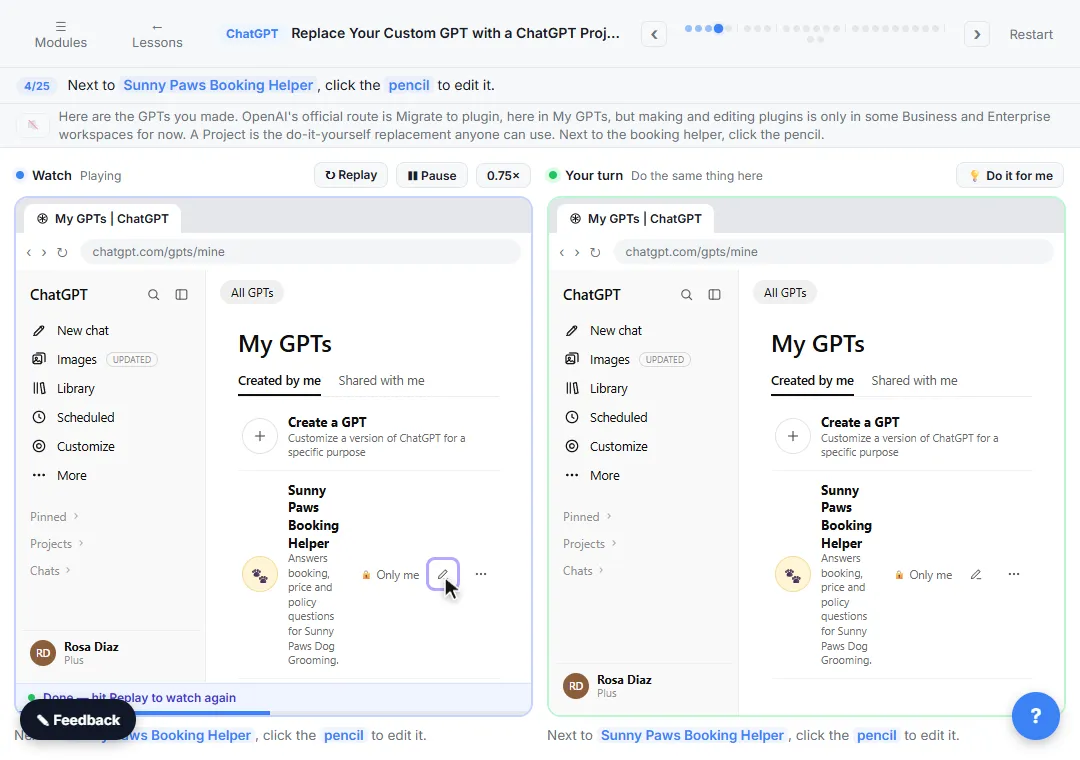
For many small-business uses, yes. Custom GPTs are being retired, and the Replace Your Custom GPT with a ChatGPT Project lesson shows how to copy the instructions, starters and files into a Project and test it on a real customer question. Check the dates for your own plan.
Try it free, step by step
How to Create a Project in ChatGPT for Your Brand Voice and Files. Set up a ChatGPT Project with your brand voice instructions, your price list and your style guide, so every new chat already knows your business. You do every step yourself in a practice copy of ChatGPT, it checks your work as you go, and “Do it for me” finishes any step you get stuck on. Free, and nothing touches your real accounts.
Start the free lessonIs the work in a Project still something I need to check?
Yes. Instructions like "never invent a price" help, but read every reply before it goes to a customer. Projects don't make private data safe either: leave out what the task doesn't need.
Key takeaways
- Chat for one-off tasks; Project for repeated work.
- A Project keeps instructions, files and chats together.
- Project-only memory keeps one Project's context from mixing with the rest.
- Move permanent rules into the Project; type only what changes each time.
- Always read the answer before it goes out.
Frequently asked questions
- What is the difference between a chat and a project in ChatGPT?
A chat is a single conversation. A Project is a workspace with shared instructions, files and chats, so each new chat inside it starts with your business context instead of a blank page. Use a chat for a one-off question and a Project for work you come back to, such as one client or one recurring report.
- Project vs chat in ChatGPT: which should I use?
Use a chat when the task is one-off and needs no background. Use a project when you'd paste the same instructions or files more than once, such as one client's rules or your price list. The Projects vs Chats lesson runs the same request both ways so you can see the difference.
- Is a ChatGPT Project just a folder of chats?
It's more than a folder. Besides grouping chats, a Project has its own instructions and files that every chat inside it uses, and it can keep its memory separate from your other chats.
- Can I move an existing chat into a Project?
ChatGPT lets you add chats to a Project from the sidebar on most plans. Menu labels vary, so check your own screen.
- Do I need a paid plan to use Projects?
Availability and limits depend on your plan and change over time. Check the current options in ChatGPT before planning around it.
- Should I use one Project for all my clients?
Usually not. Separate clients with separate Projects or chats so their details don't mix.
Where can I go next?
- How ChatGPT behaves in any chat: why ChatGPT gives different answers, why ChatGPT ignores your instructions and does ChatGPT remember other chats?.
- Where rules belong: custom instructions vs project instructions and one Project for each client.
Using Claude too? Compare Claude skills, Projects and custom instructions, or read what a Claude skill is.