Updated . Built step by step in a real Runable Free-plan account on 19 October 2026. Every screen in the practice is a real Runable screen, and every output is what Runable produced in that run. How we check this lesson
Most new founders buy stock first and research later. In this free lesson you follow Maya Chen (made up) as she checks the market for Harbor & Pine, a small-batch soy candle brand in Portland, before spending $3,000. You brief Runable, an AI agent, with the decision and three questions, approve its plan, and get a one-page brief with a sourced market-size range, five competitors and their prices, and two gaps to test. Then you check a source, download it, and ask which numbers are estimates. Our run used 562 of the 1,500 free daily credits.
At a glance
| Question | Answer |
|---|---|
| What you build | A business case for new founders: before you buy stock, have Runable, an AI agent, research the market size, five competitors and their prices, and two gaps, with a source for every number. Then check the sources and ask which numbers are guesses. Free plan. |
| Tools | Runable |
| Time | About 12 minutes, 23 steps in 6 parts |
| Level | Beginner, no coding needed |
| Cost | Free |
| Ways to learn it | Practice it step by step, read the guide with screenshots |
The 6 parts, in short
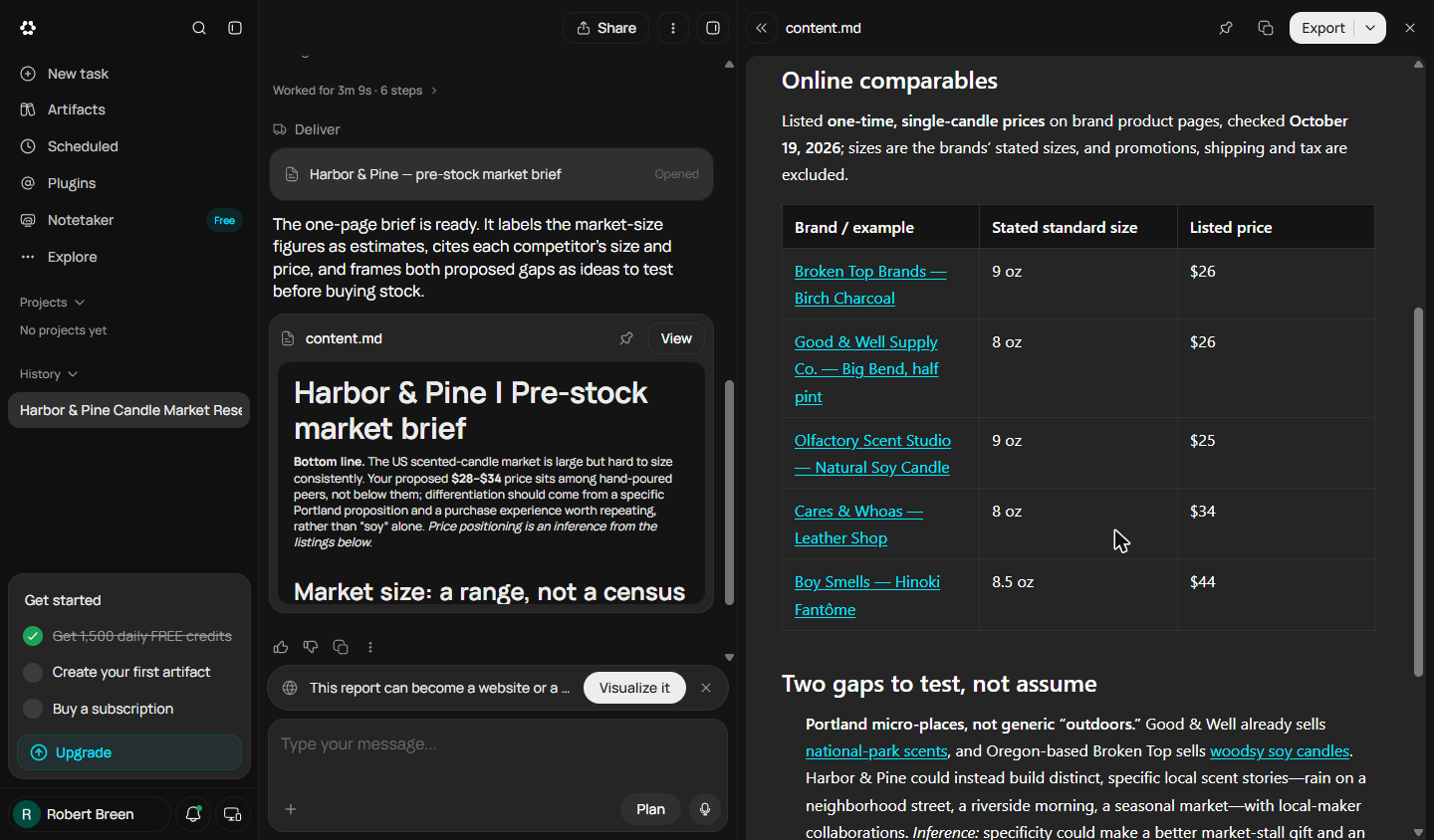
- Before you spend a dollar: Put a price on guessing, Meet Runable, Read the research brief first.
- Open Runable and check your credits: Check your credits, See the daily allowance.
- Brief the agent: Paste the brief, Send it, Read the plan before it works, Say yes, and 2 more steps.
- Read the brief and check the sources: Open the brief, Check a source, Find the export options, Download it as a PDF.
- Ask what is a guess: Ask which numbers are guesses, Send the question, Read the honest answer, Close the brief, and 2 more steps.
- What it saved, and what is next: See what you have now, Up next.
Part of: AI Apps Worth Knowing (step 12 of 186). Next up: Turn Your Research into a One-Page Business Plan using Runable
Size Up Your Market and 5 Competitors Before You Spend a Dollar using Runable: step-by-step guide with screenshots
About the screenshots. They come from Stepthrough’s simulated practice environment (a practice copy of Runable), not the live tool, so no real account appears. The buttons and labels match the real screens the lesson was built against. Practice it yourself free at ynteractive.com.
- Tools: Runable
- Time: about 12 minutes, 23 steps in 6 parts
- Level: beginner, no coding needed
Part 1: Before you spend a dollar
Step 1: Put a price on guessing
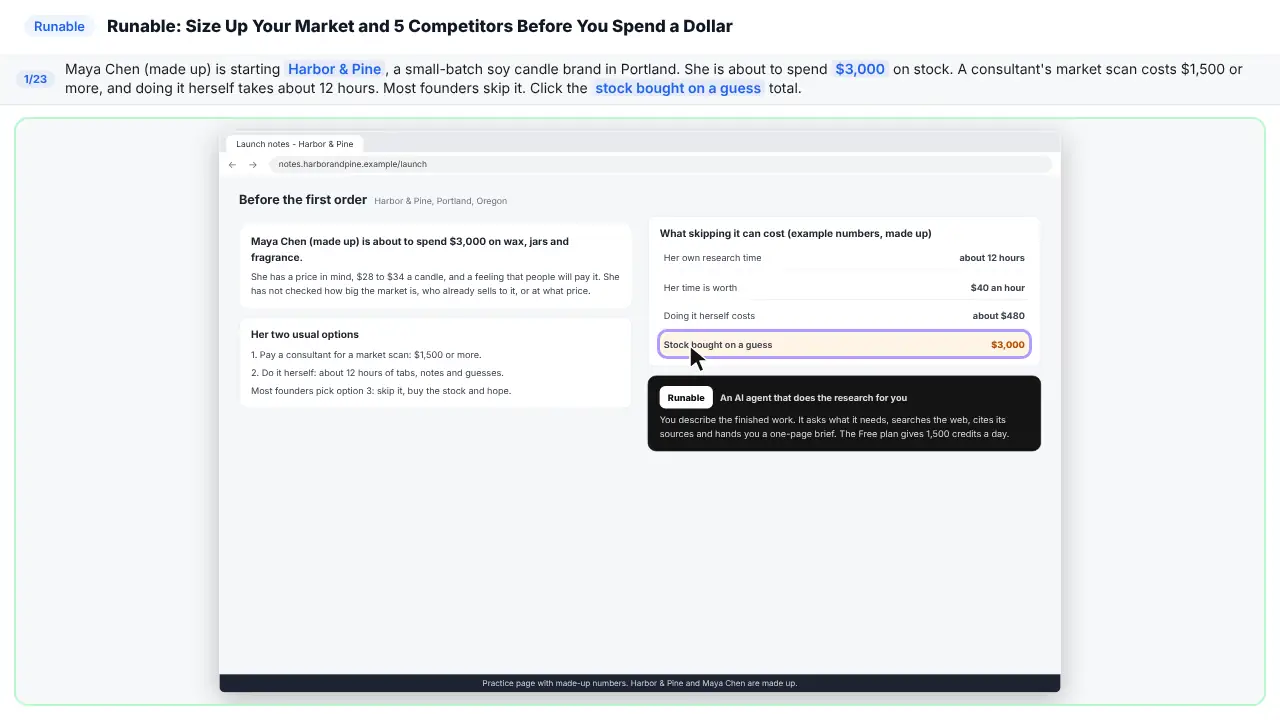
Meet Maya. She's starting a small candle brand in Portland. She's about to spend three thousand dollars on stock. But she hasn't checked the market.
Step 2: Meet Runable
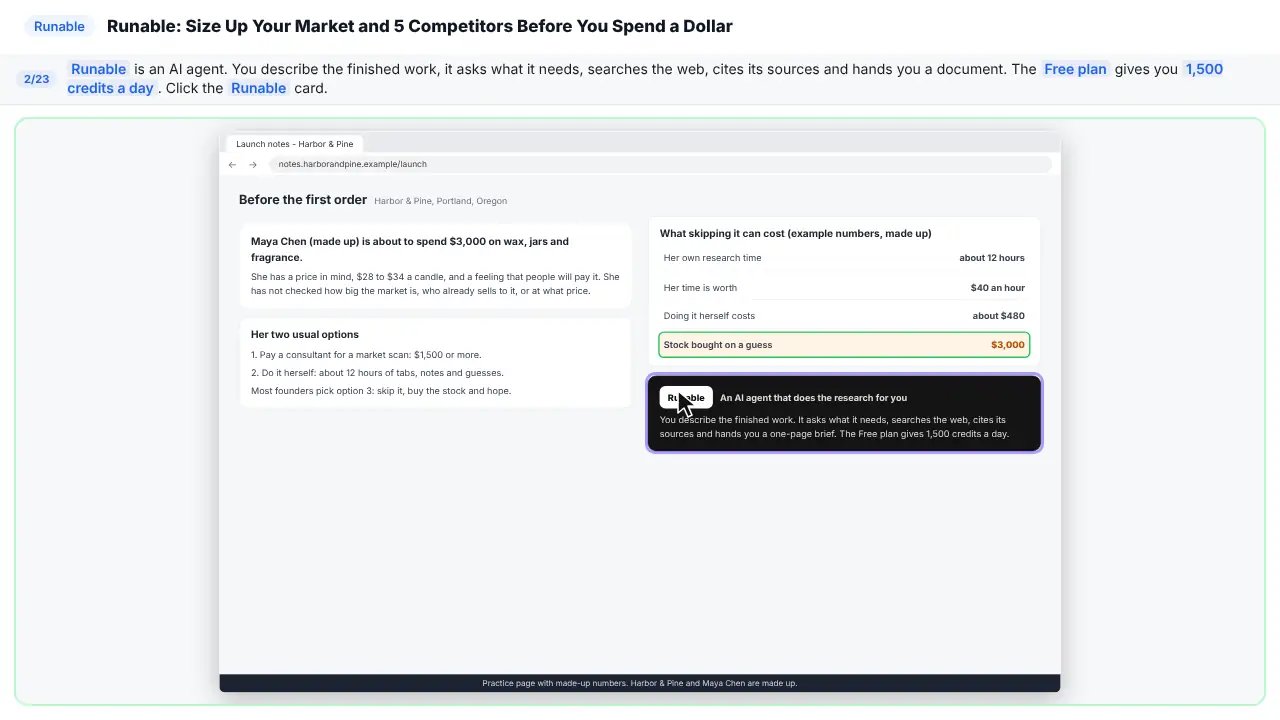
Runable is an AI agent. You describe the finished work. It searches, cites sources, and hands you the result. The free plan gives you fifteen hundred credits a day.
Step 3: Read the research brief first
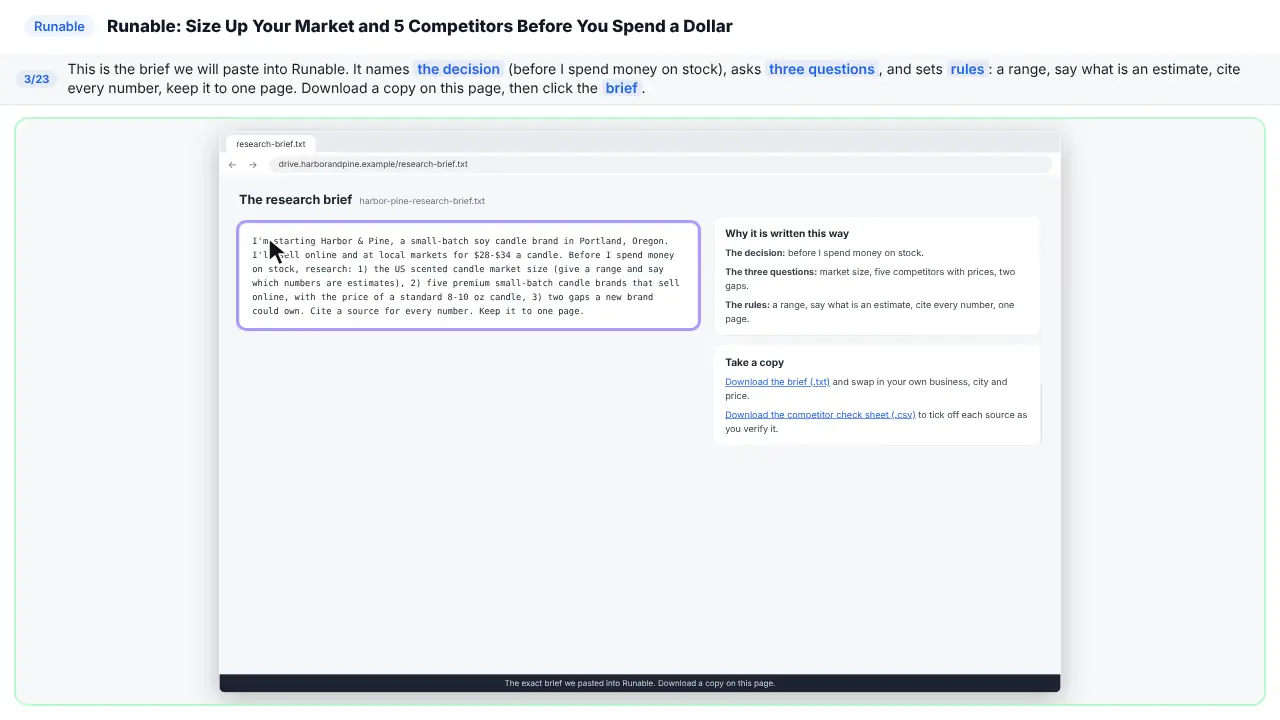
Here's the brief we'll paste in. It says what decision the research is for. It asks three questions. And it sets the rules. Cite every number. Keep it to one page.
Part 2: Open Runable and check your credits
Step 4: Check your credits
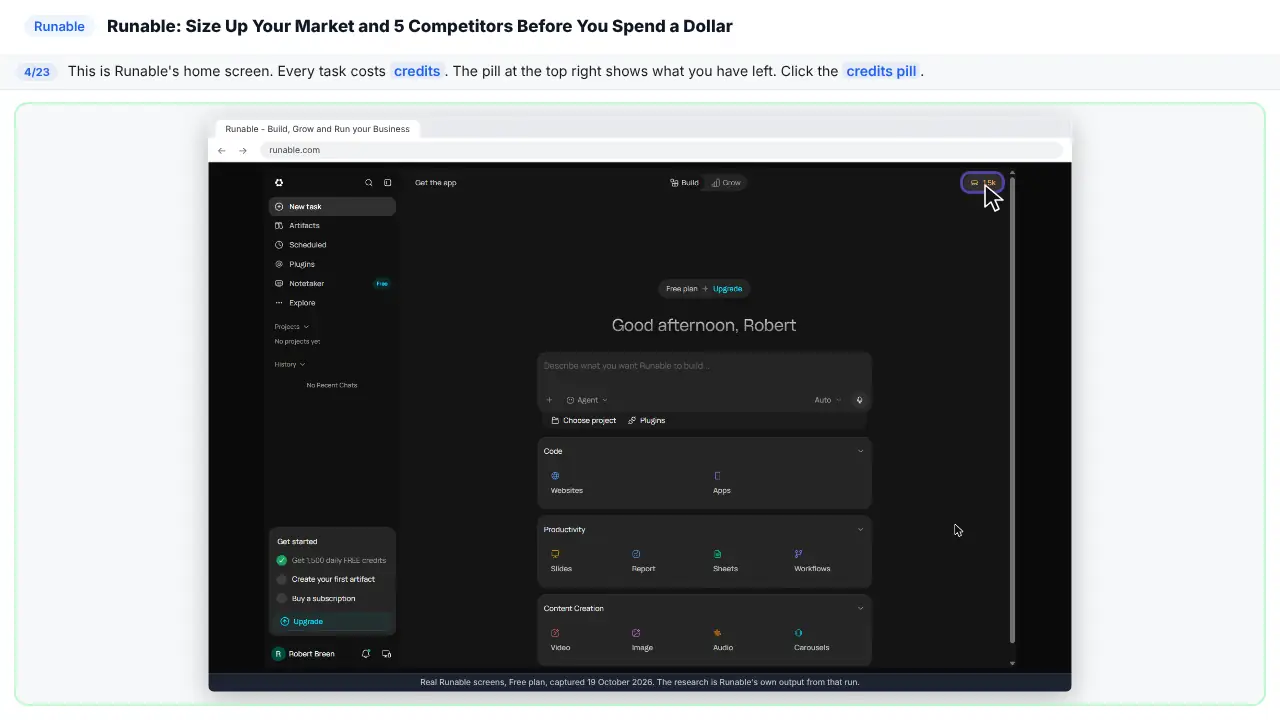
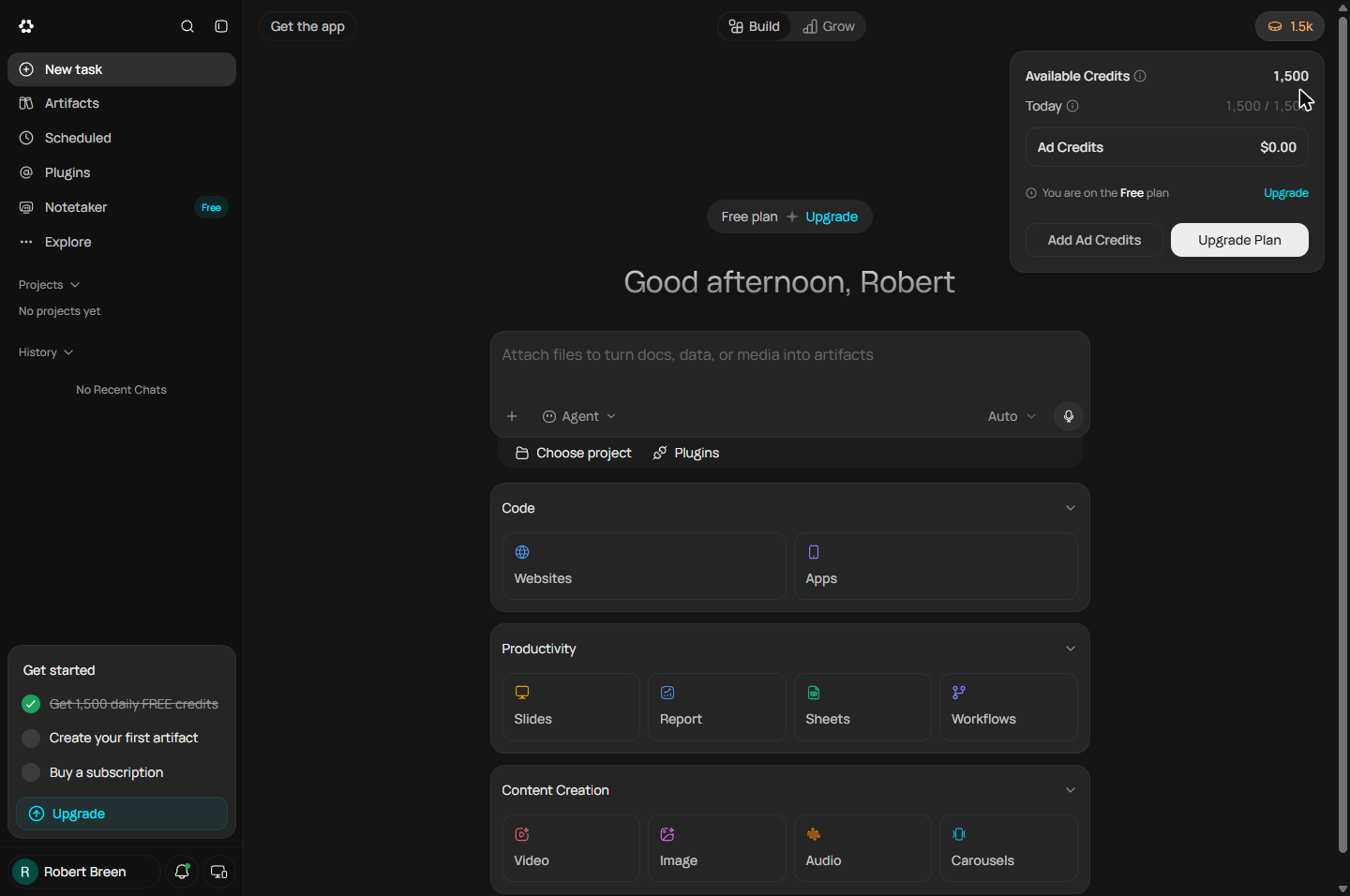
This is Runable's home screen. Every task costs credits.
Step 5: See the daily allowance
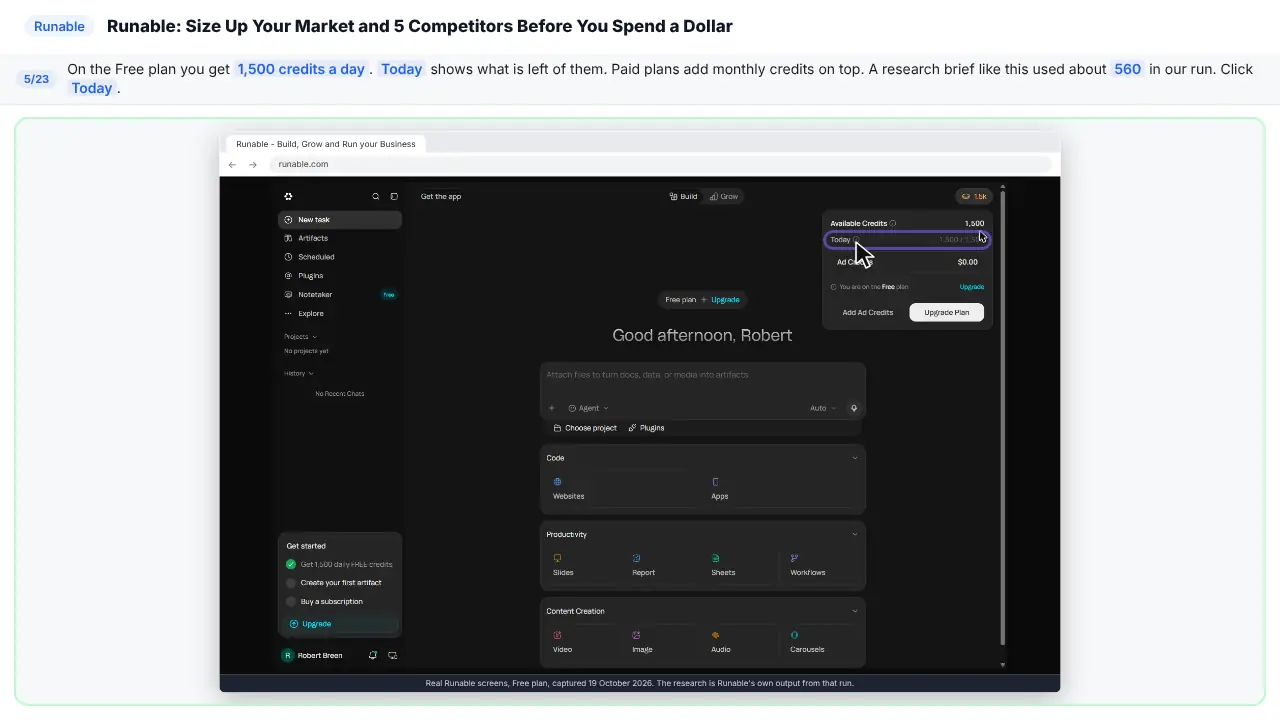
On the free plan you get fifteen hundred credits a day. Today shows what's left. Our research run used about five hundred and sixty.
Part 3: Brief the agent
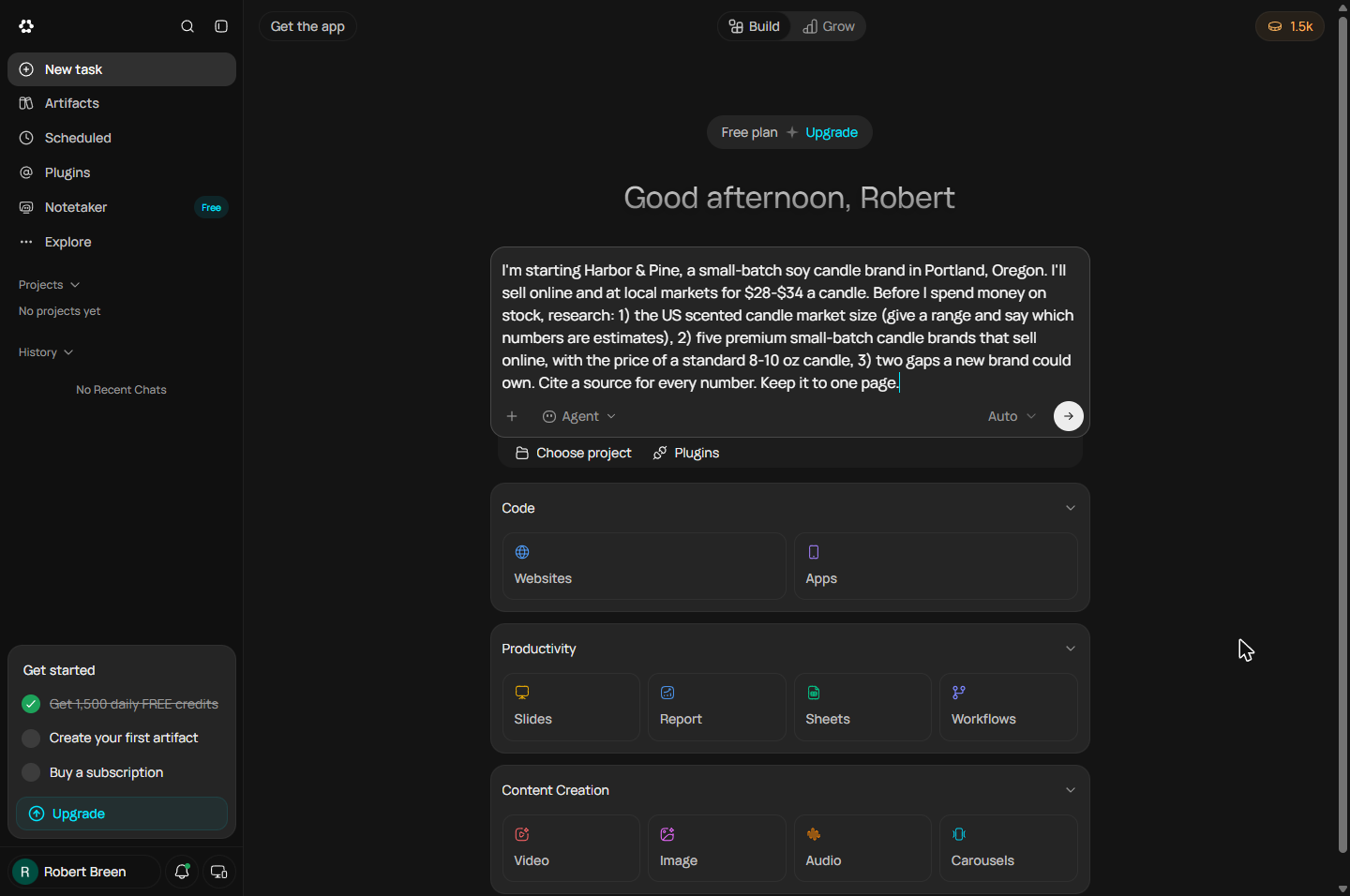
Step 6: Paste the brief
Keep Agent mode on.
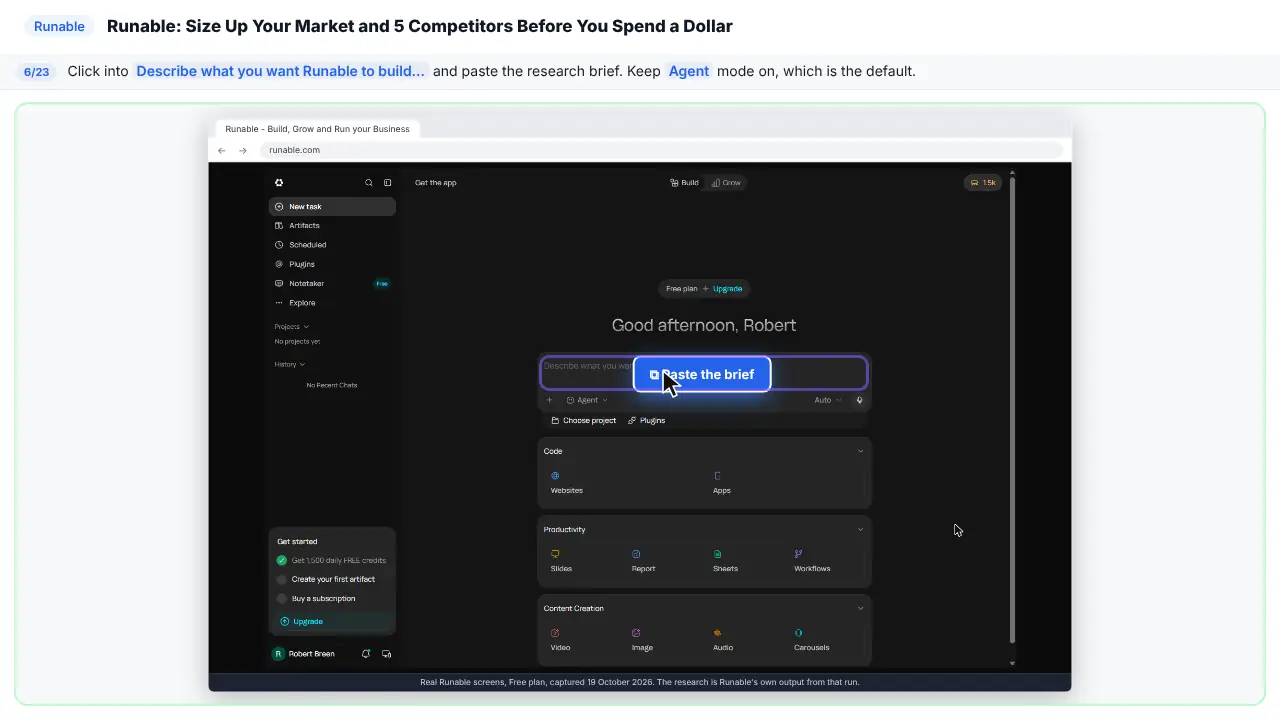
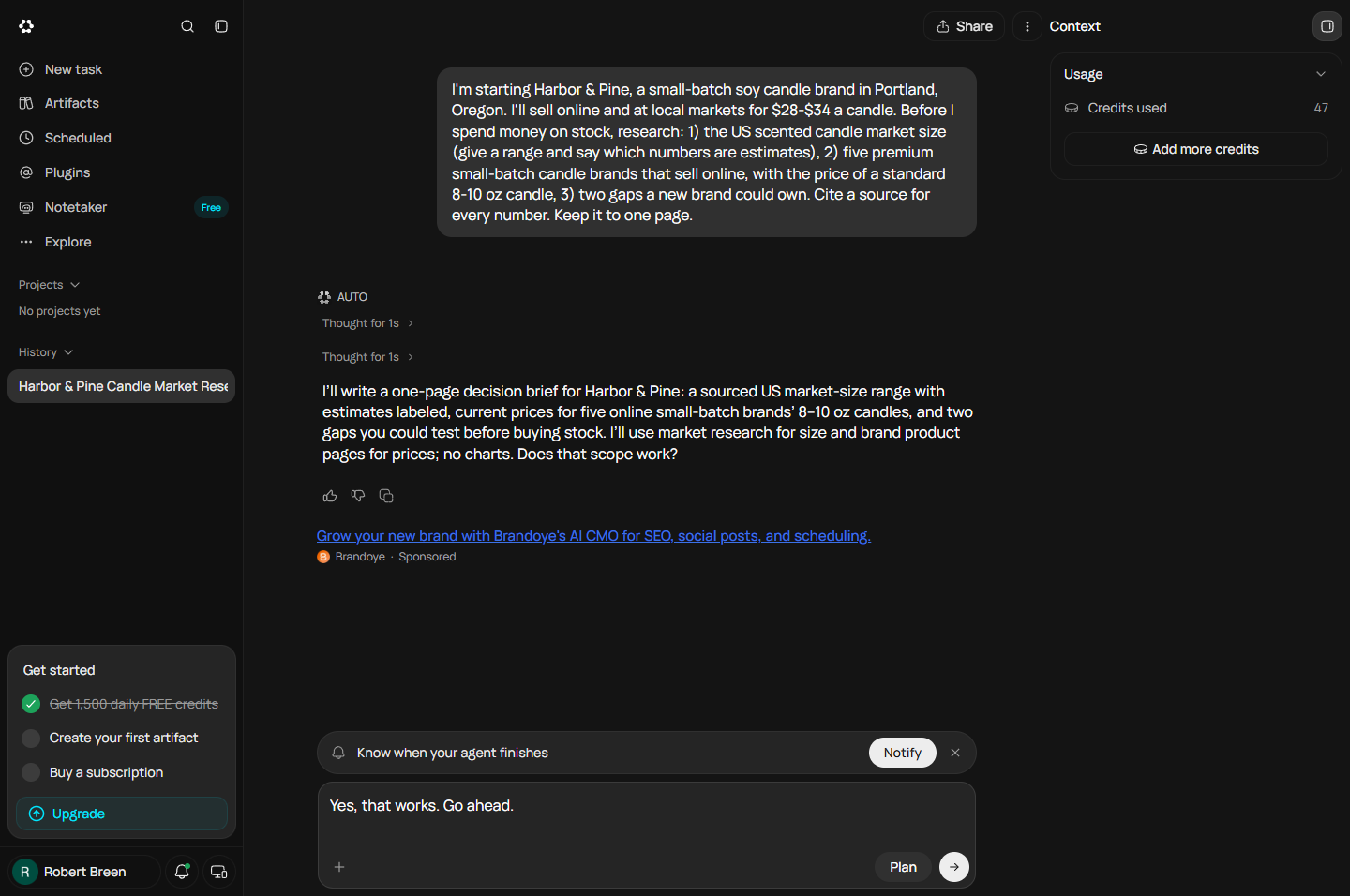
I'm starting Harbor & Pine, a small-batch soy candle brand in Portland, Oregon. I'll sell online and at local markets for $28-$34 a candle. Before I spend money on stock, research: 1) the US scented candle market size (give a range and say which numbers are estimates), 2) five premium small-batch candle brands that sell online, with the price of a standard 8-10 oz candle, 3) two gaps a new brand could own. Cite a source for every number. Keep it to one page.
Step 7: Send it
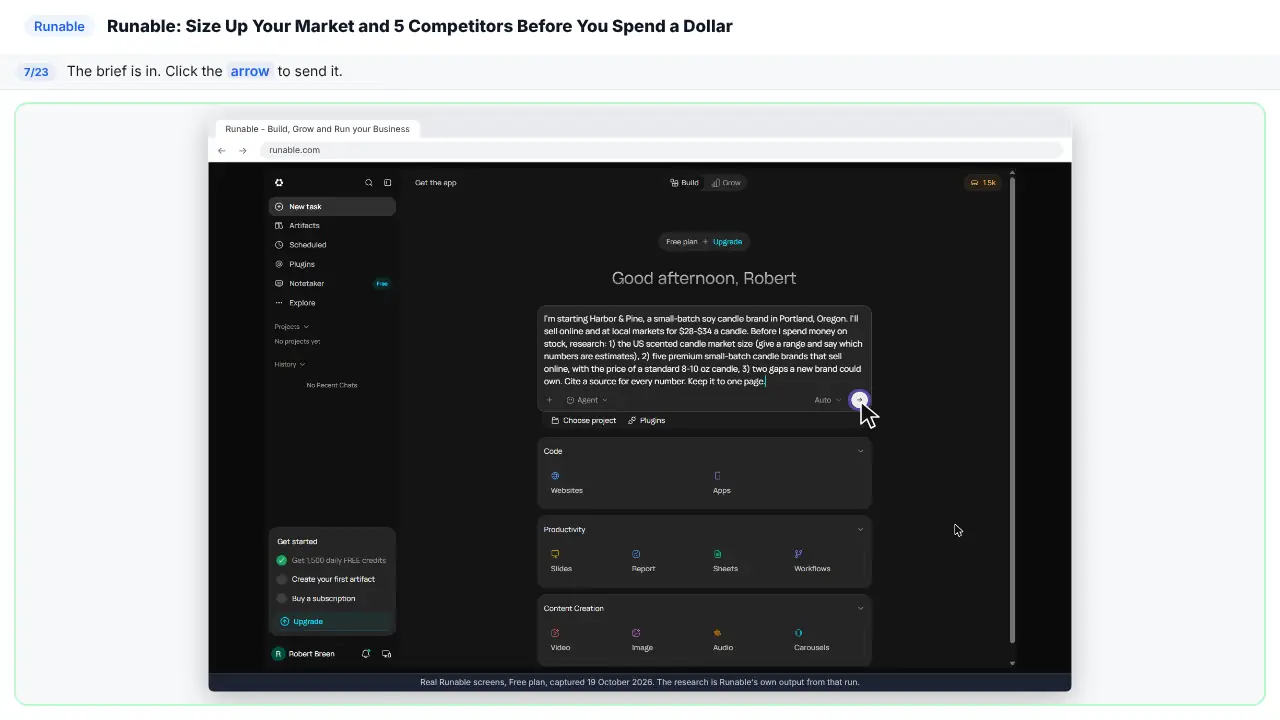
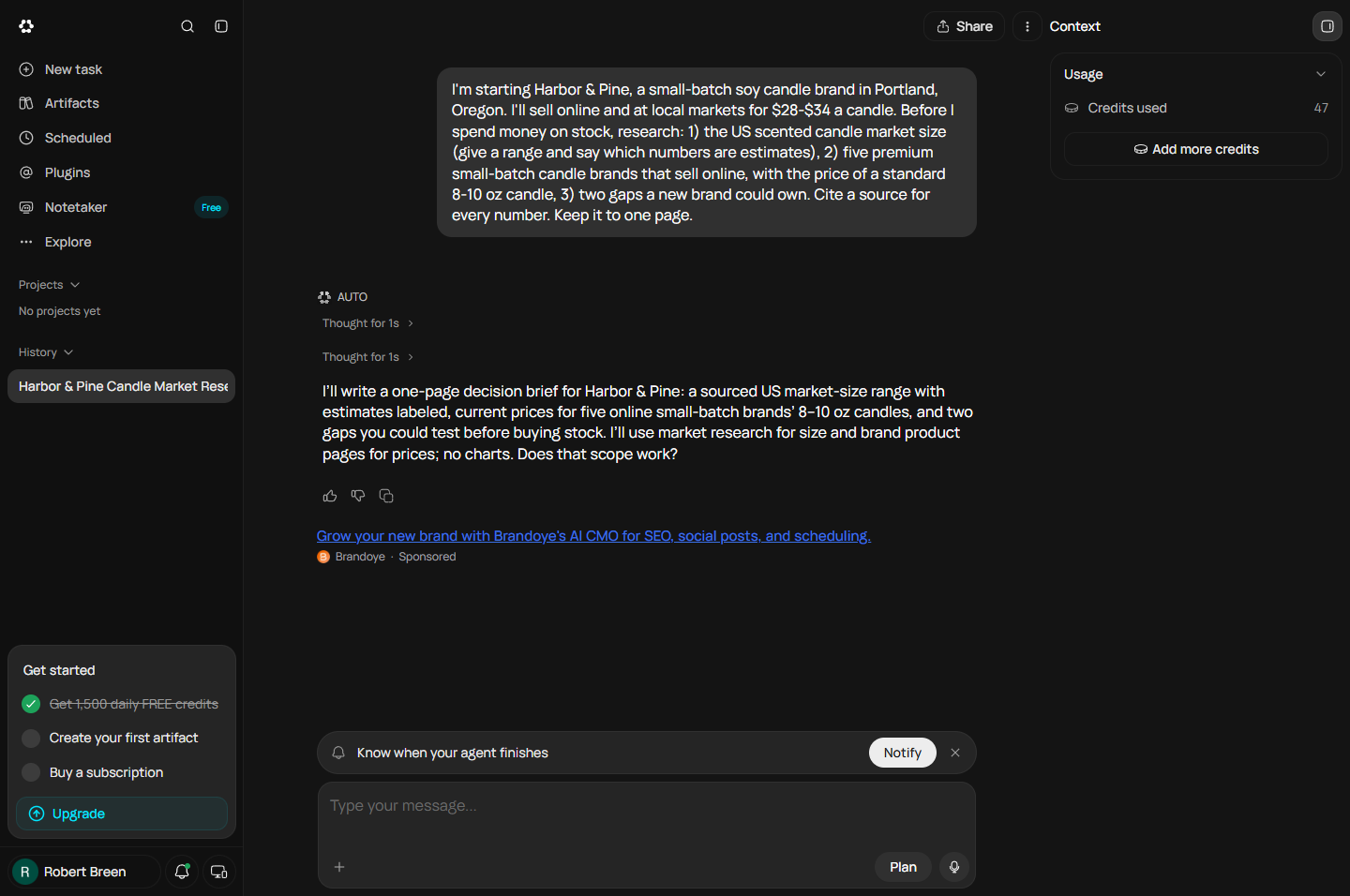
Step 8: Read the plan before it works
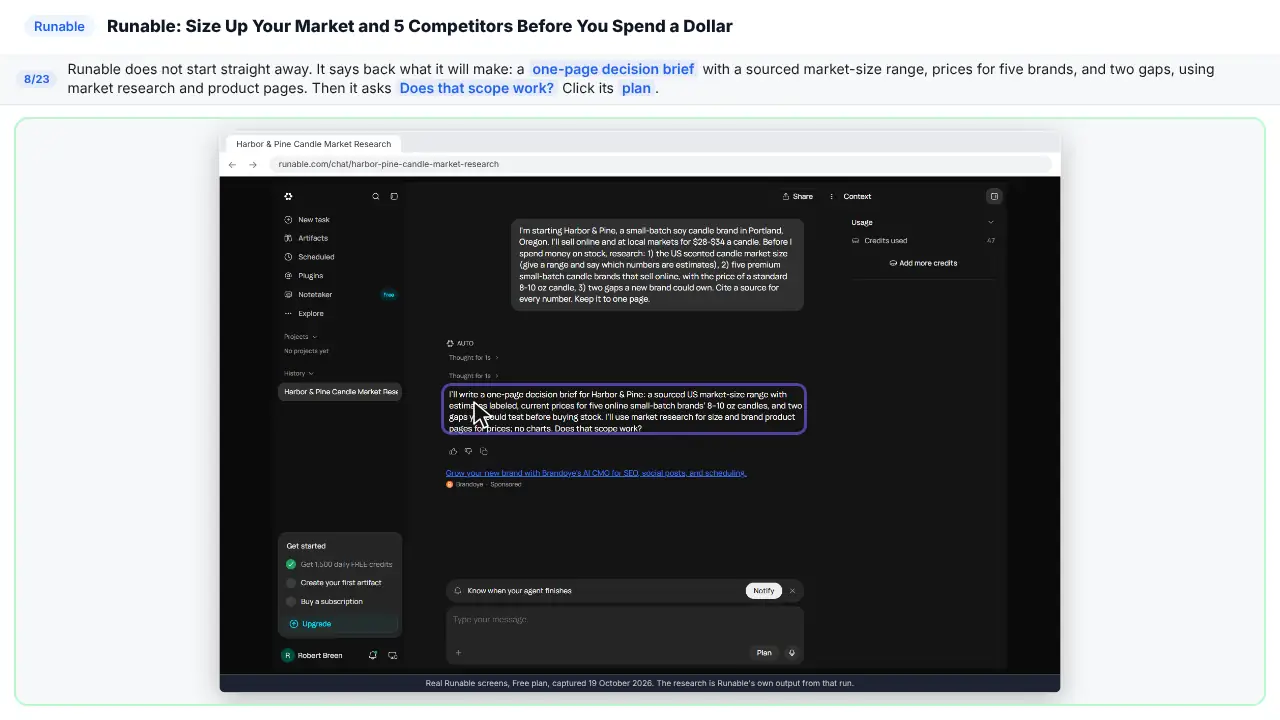
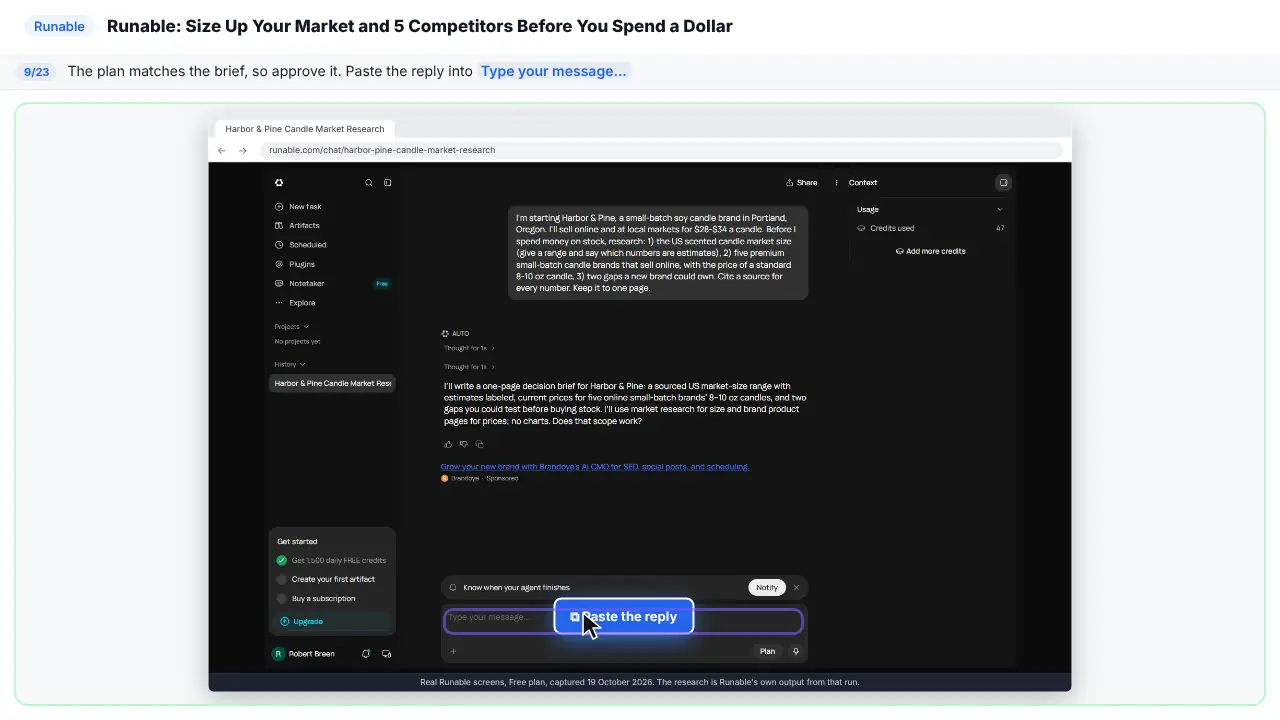
Runable doesn't start straight away. It tells you what it plans to make. Then it asks, does that scope work? Read it.
Step 9: Say yes
The plan matches what we asked for. So say yes.
Step 10: Send your answer
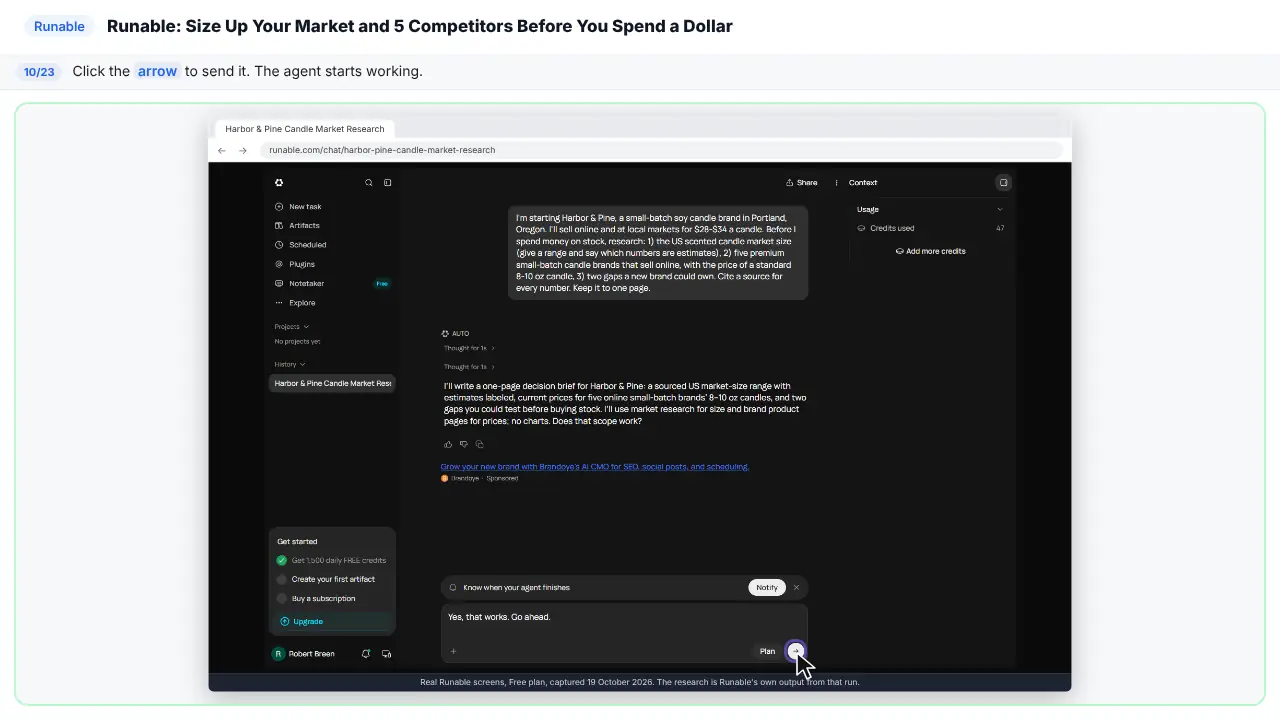
Now it gets to work.
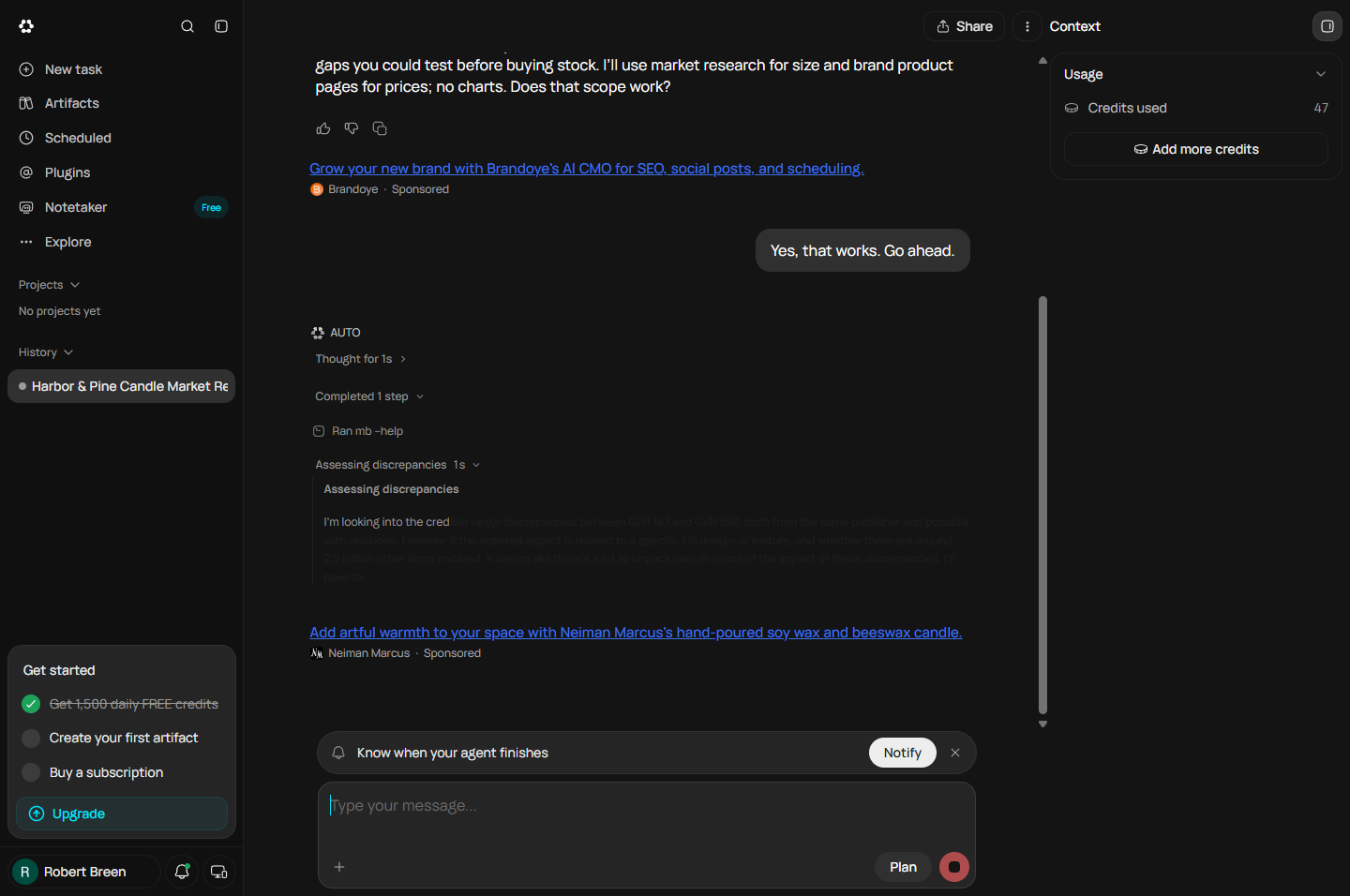
Step 11: Watch it work
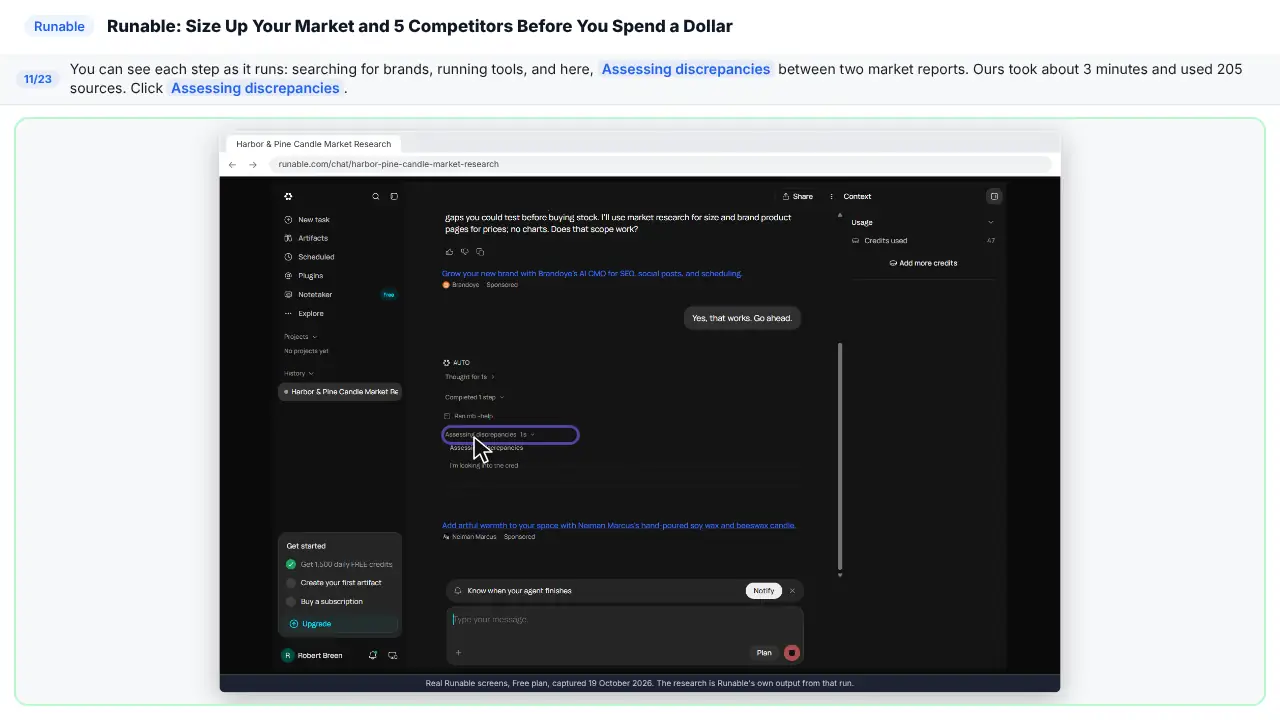
You can watch each step. Here it's comparing two market reports that disagree. Ours took about three minutes.
Part 4: Read the brief and check the sources
Step 12: Open the brief
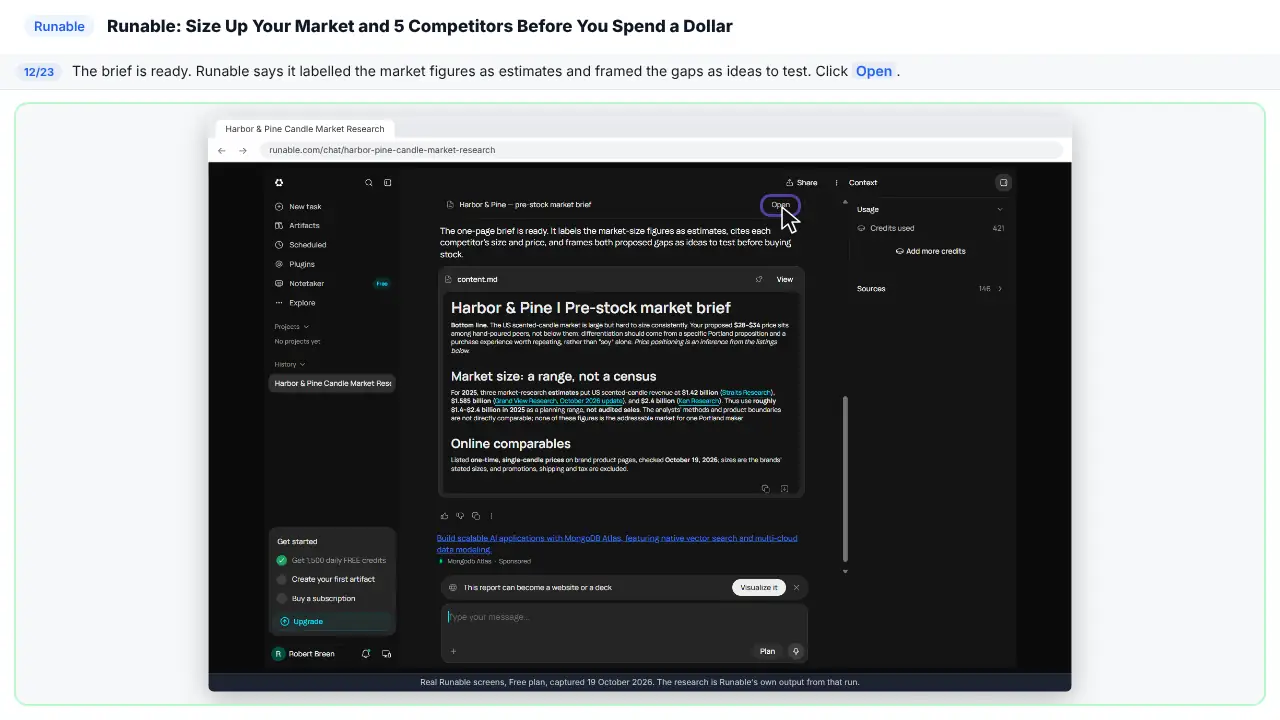
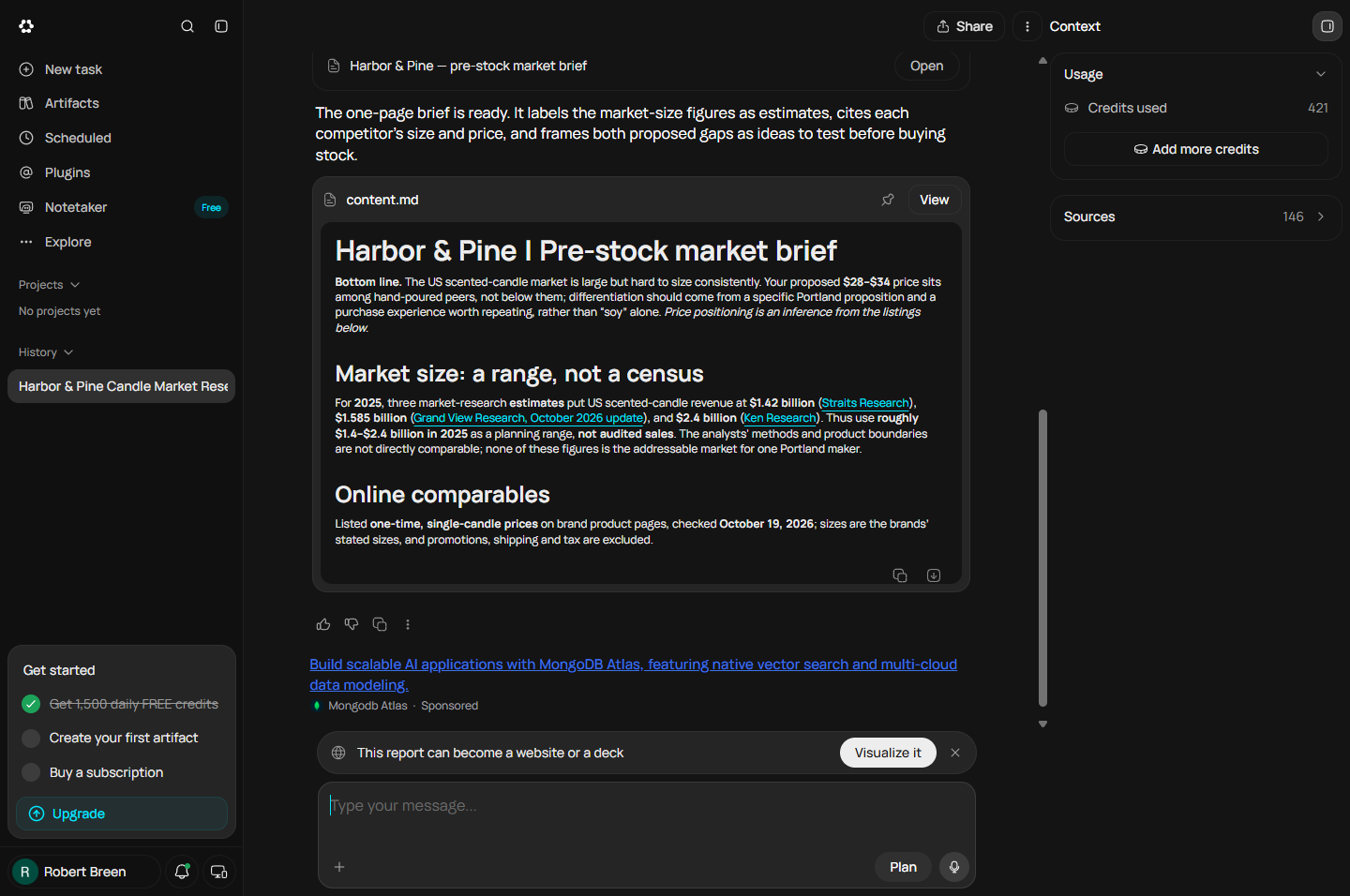
The brief is ready.
Step 13: Check a source
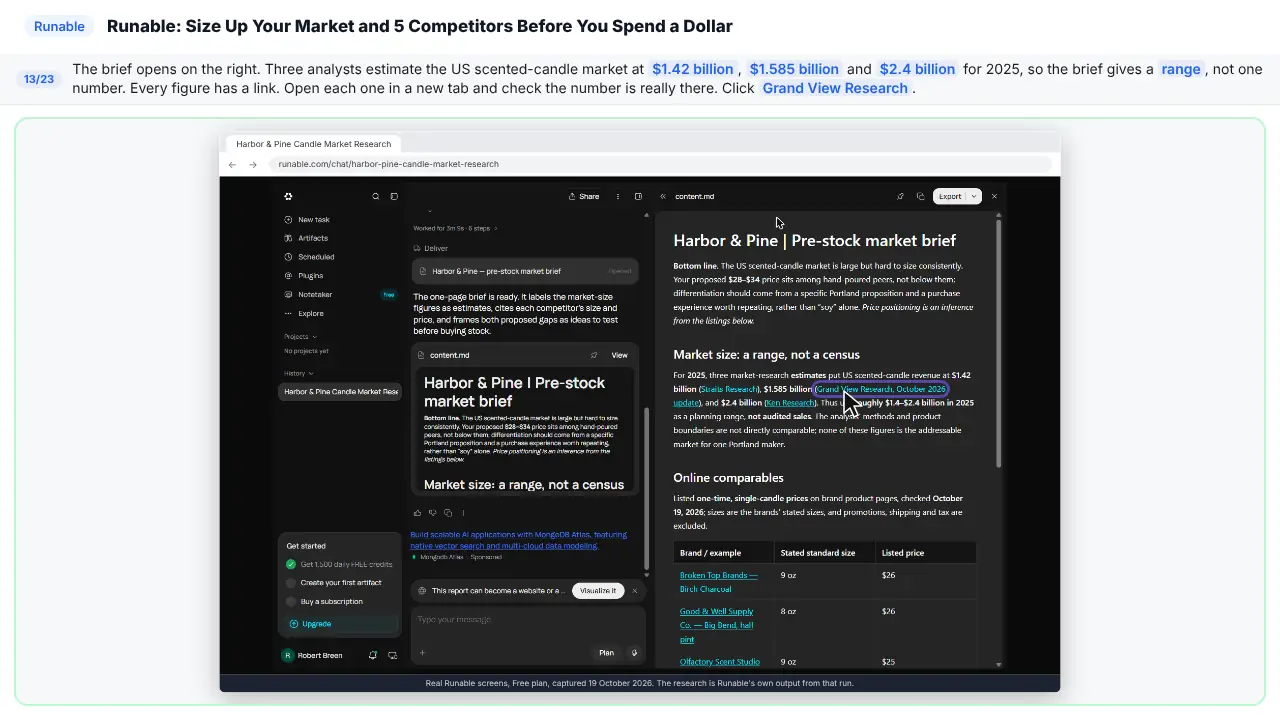
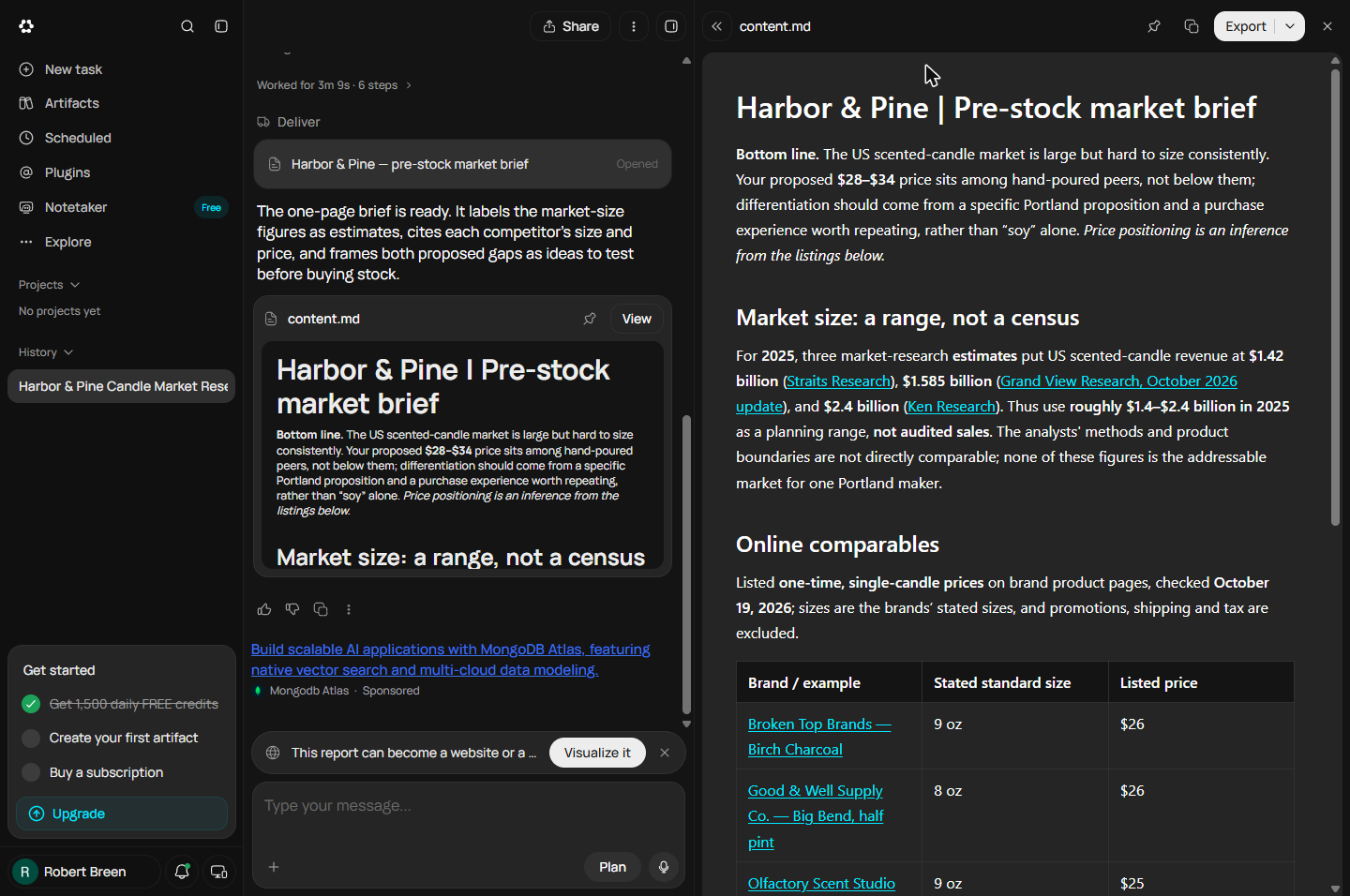
Three analysts. Three different numbers. So the brief gives you a range. Every number has a link.
Step 14: Find the export options
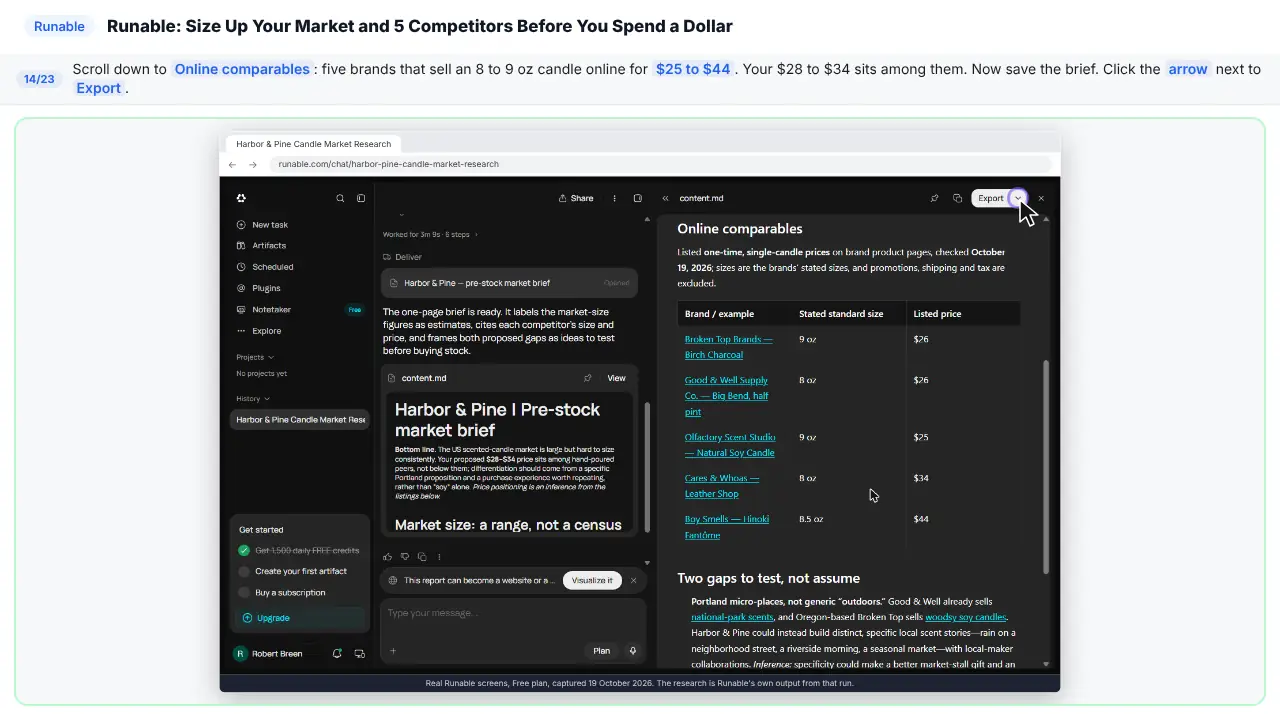
Here are five competitors and their prices. Twenty-five to forty-four dollars. Your price fits right in. Now save it.
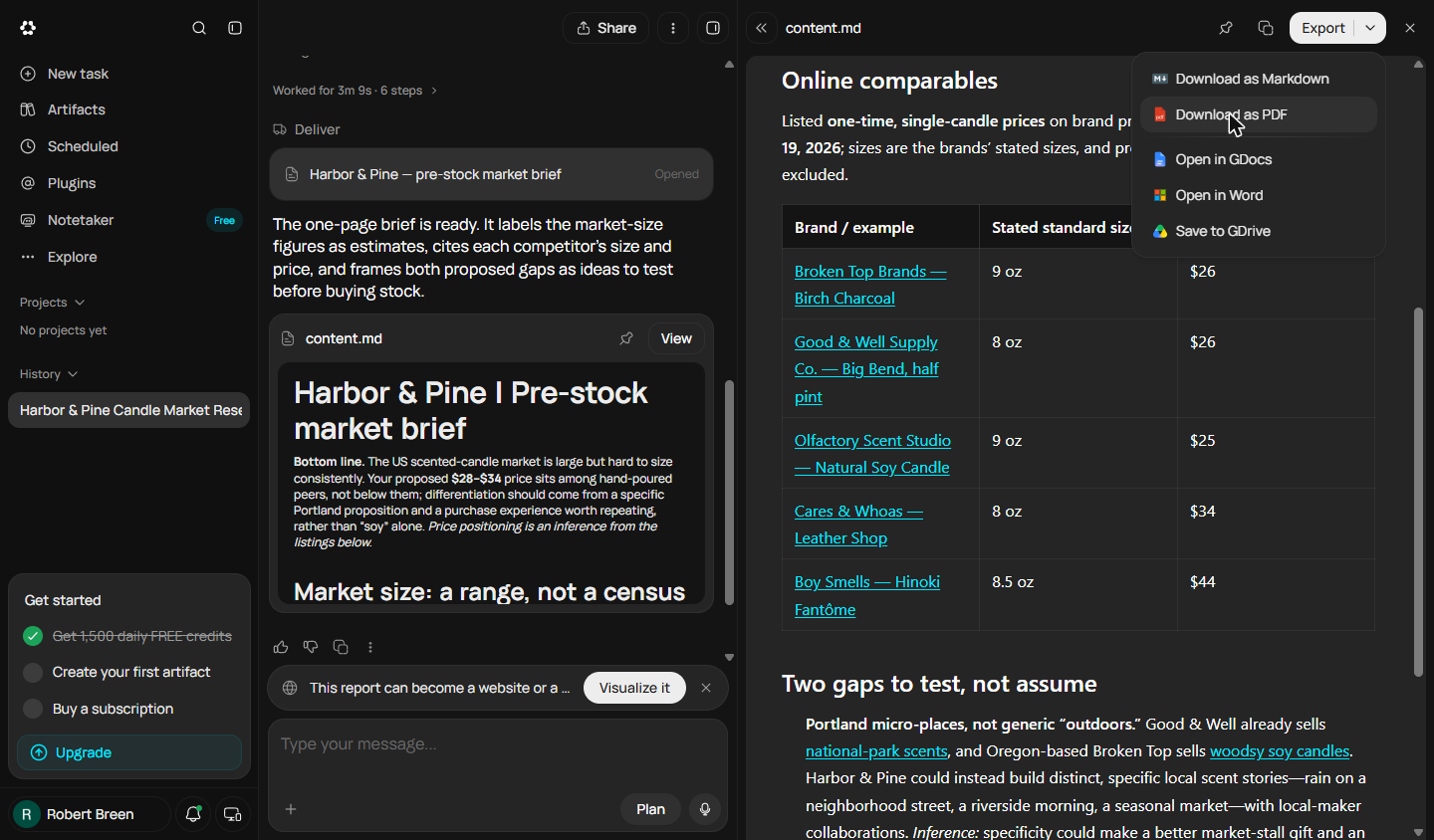
Step 15: Download it as a PDF
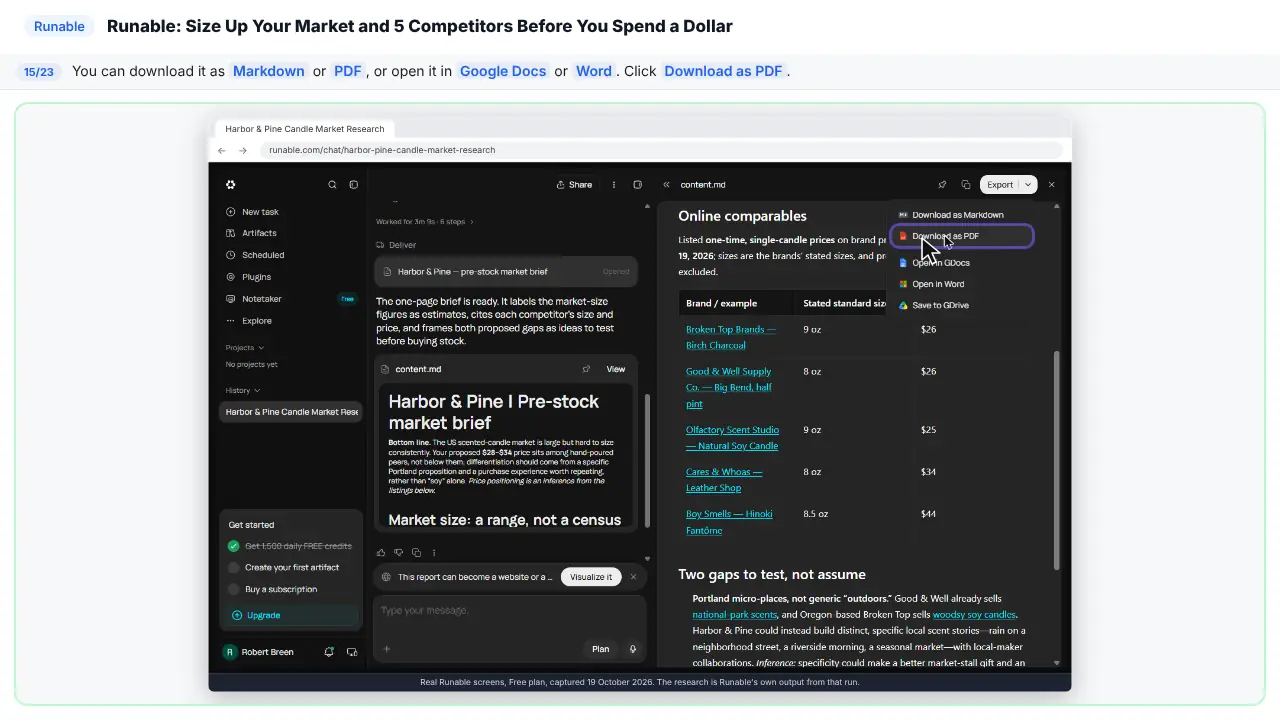
You can download it, or open it in Google Docs or Word.
Part 5: Ask what is a guess
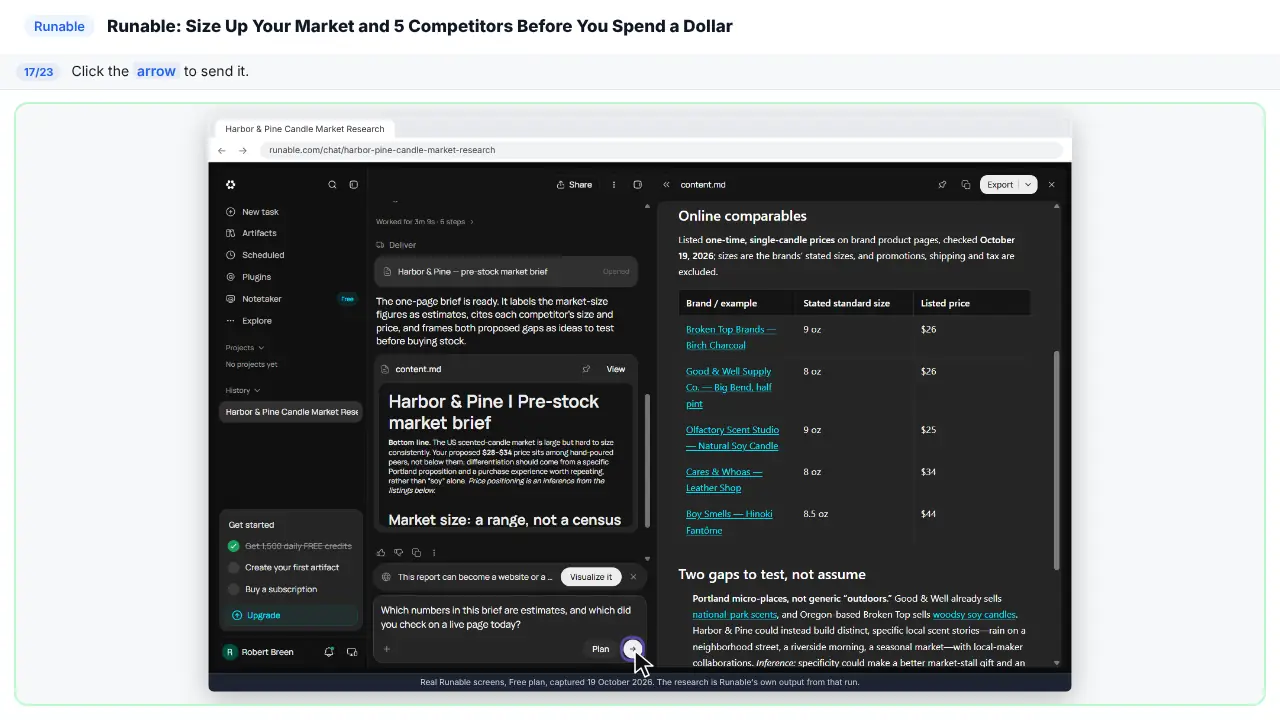
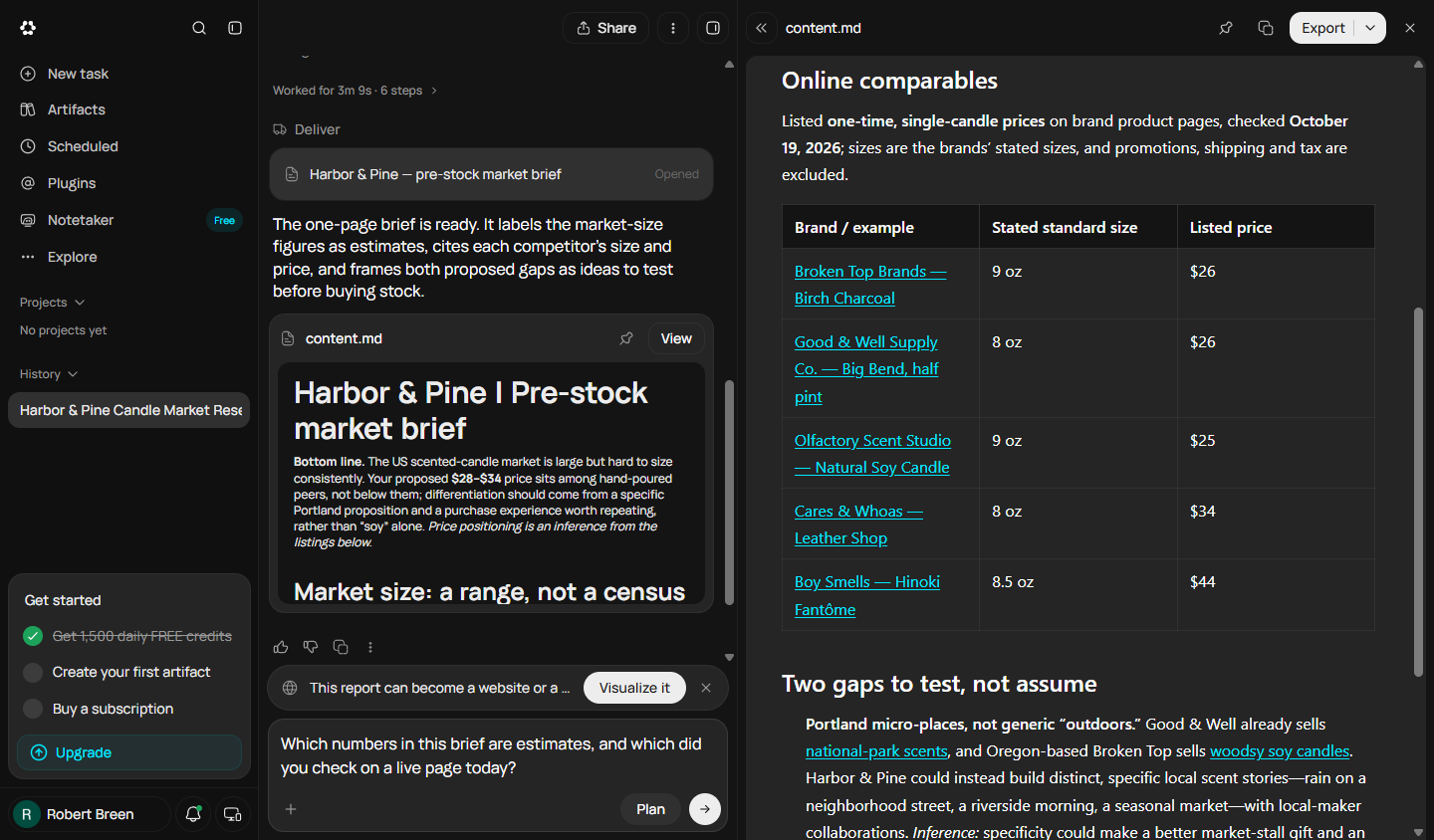
Step 16: Ask which numbers are guesses
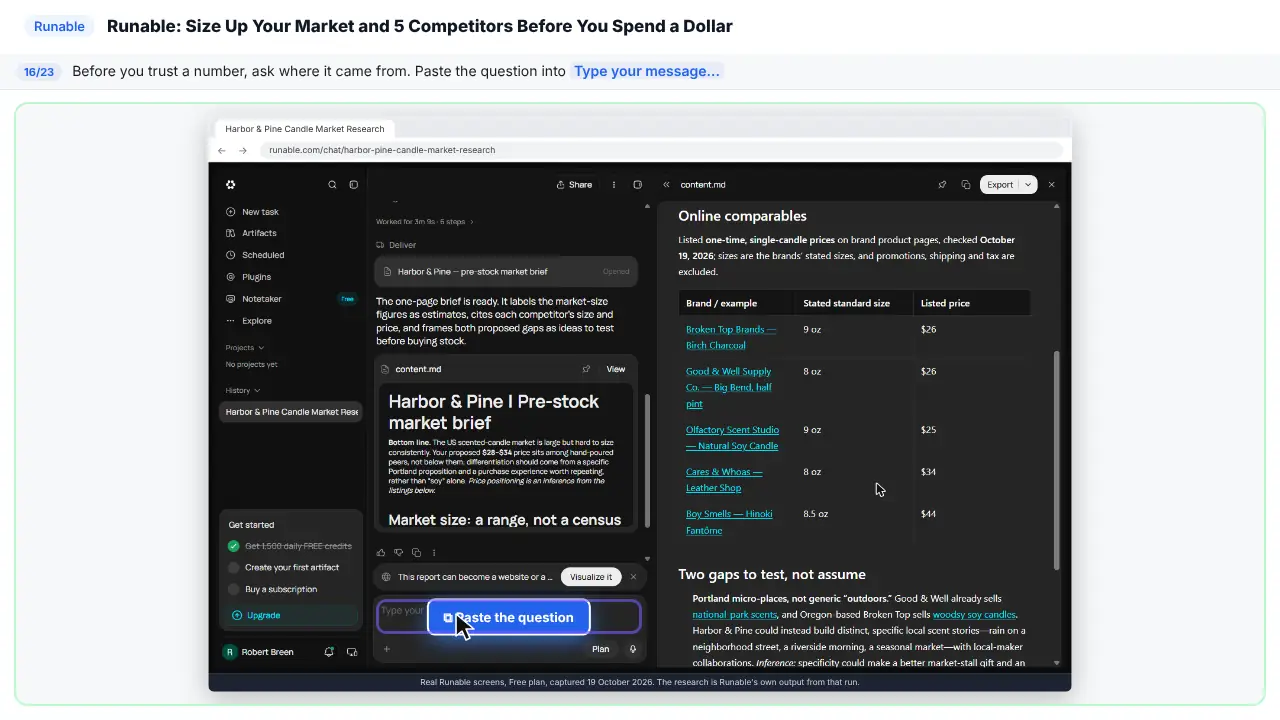
Before you trust a number, ask where it came from.
Step 17: Send the question
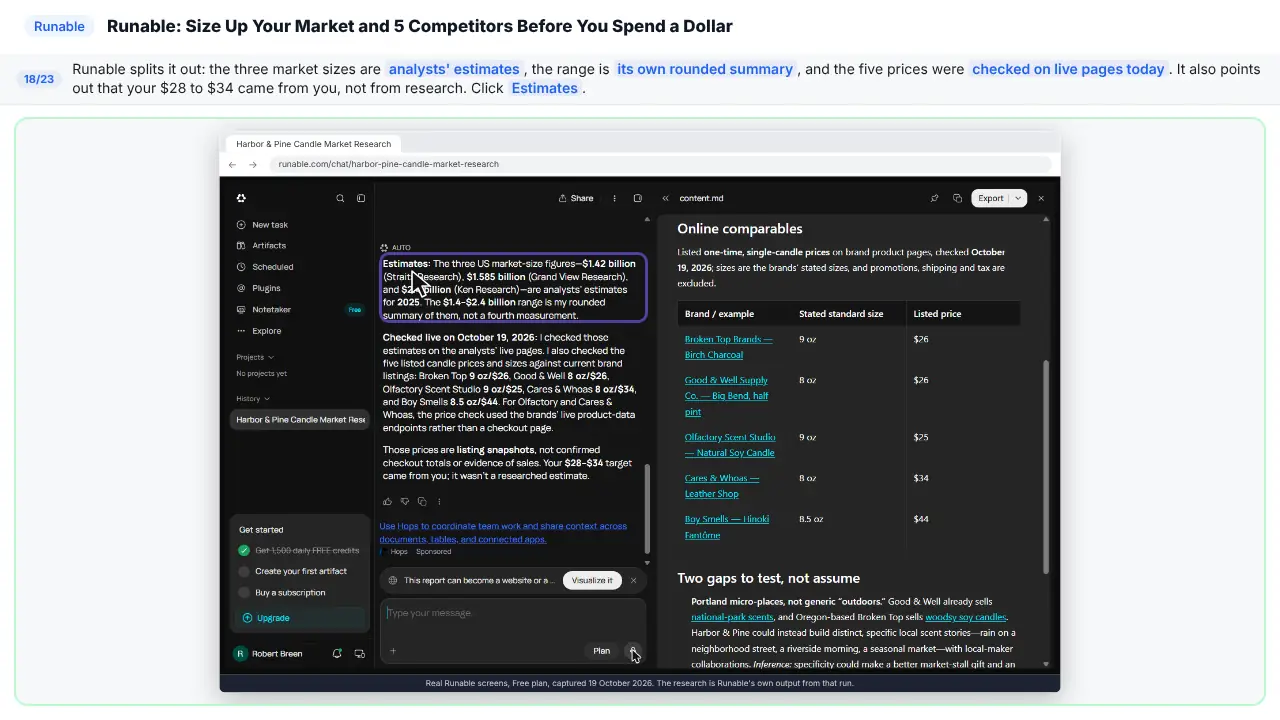
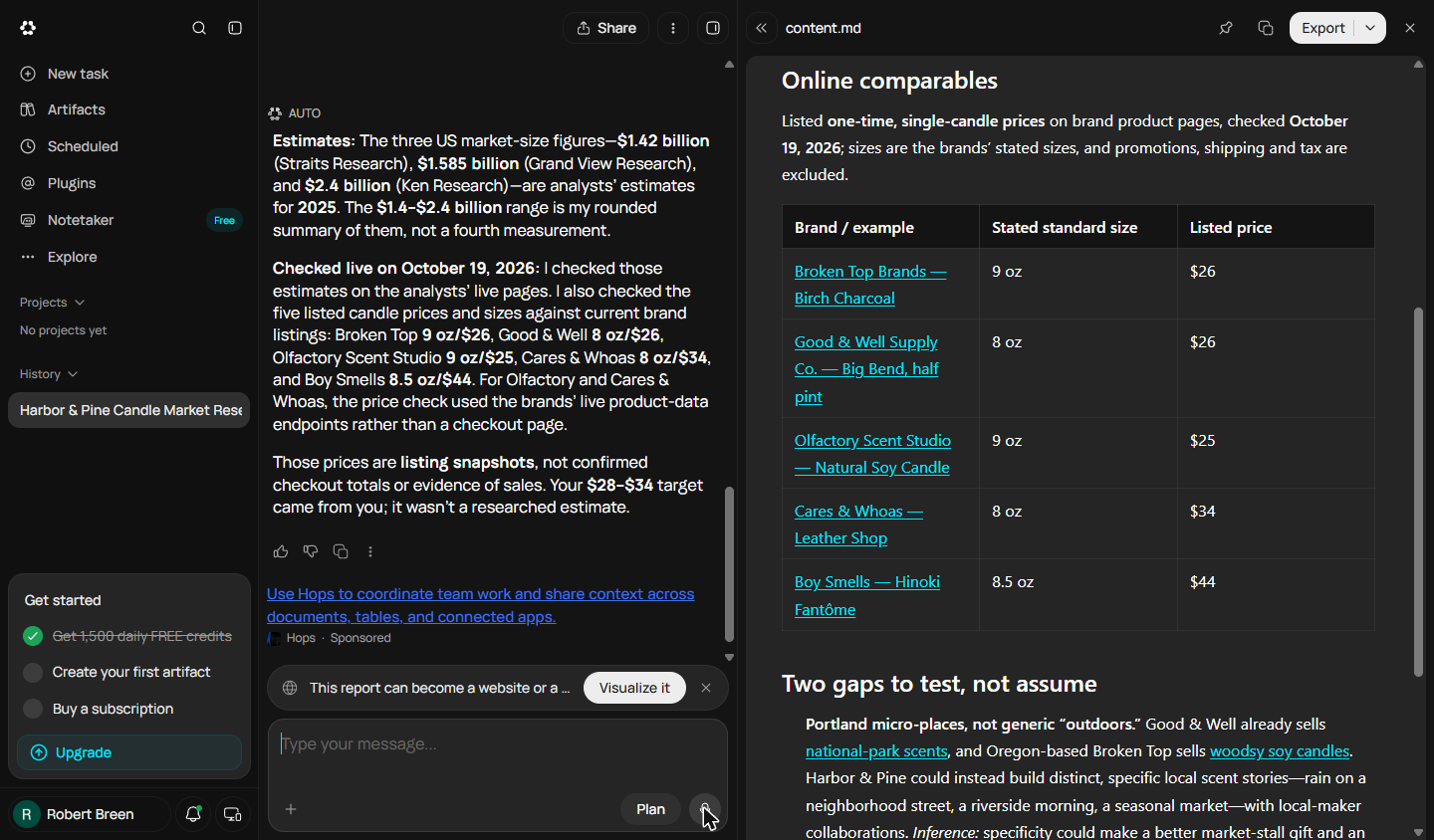
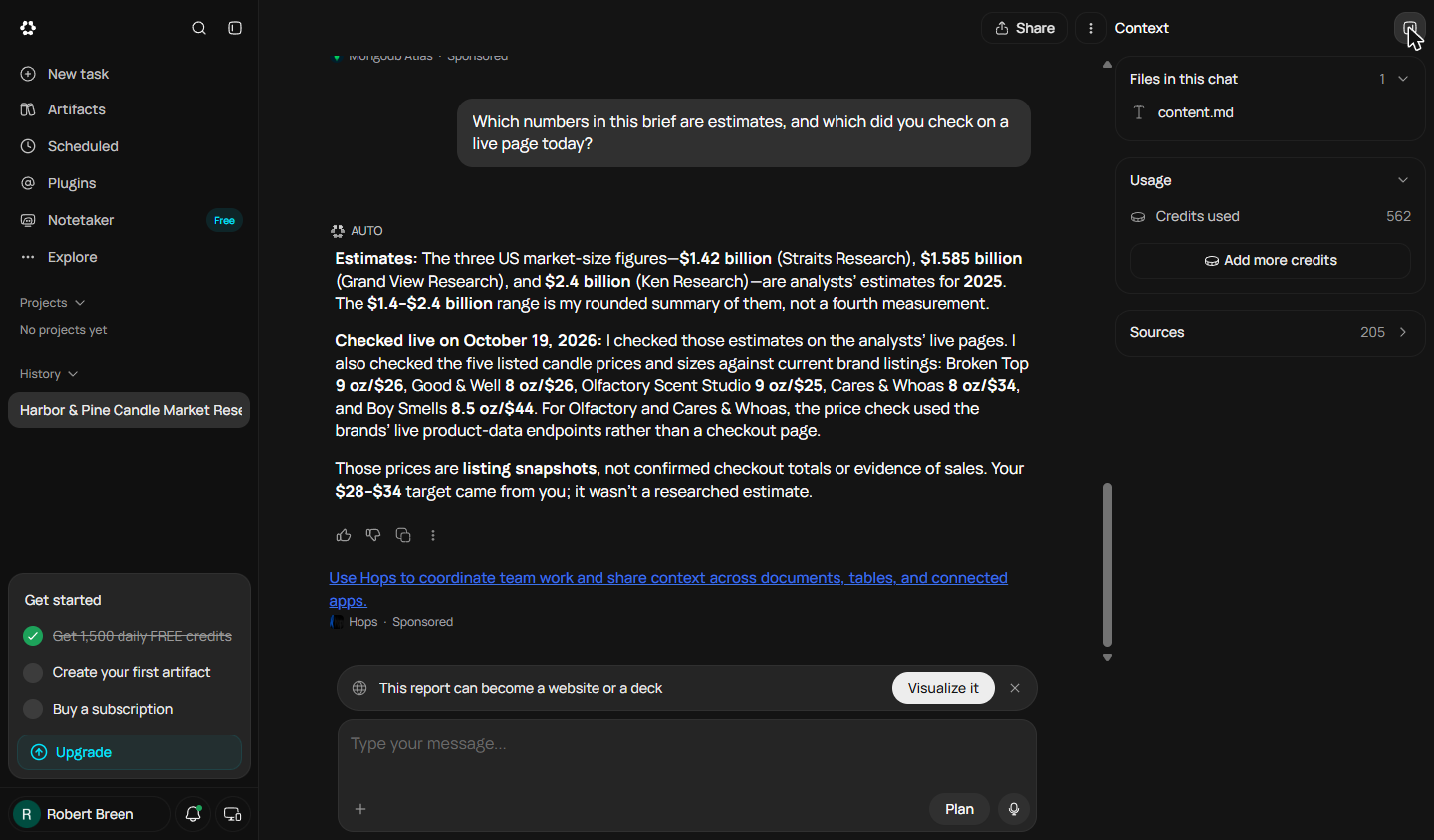
Step 18: Read the honest answer
Runable splits it out. The market sizes are estimates. The prices were checked today. And it reminds you, your price came from you.
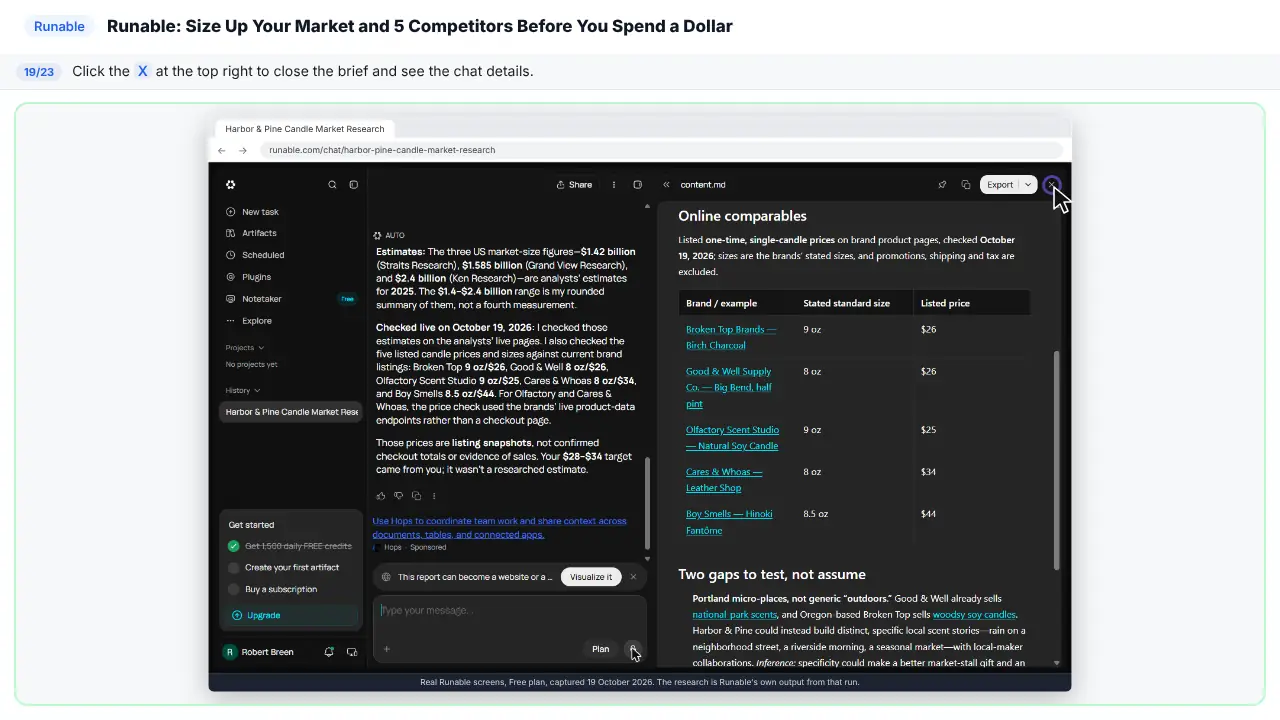
Step 19: Close the brief
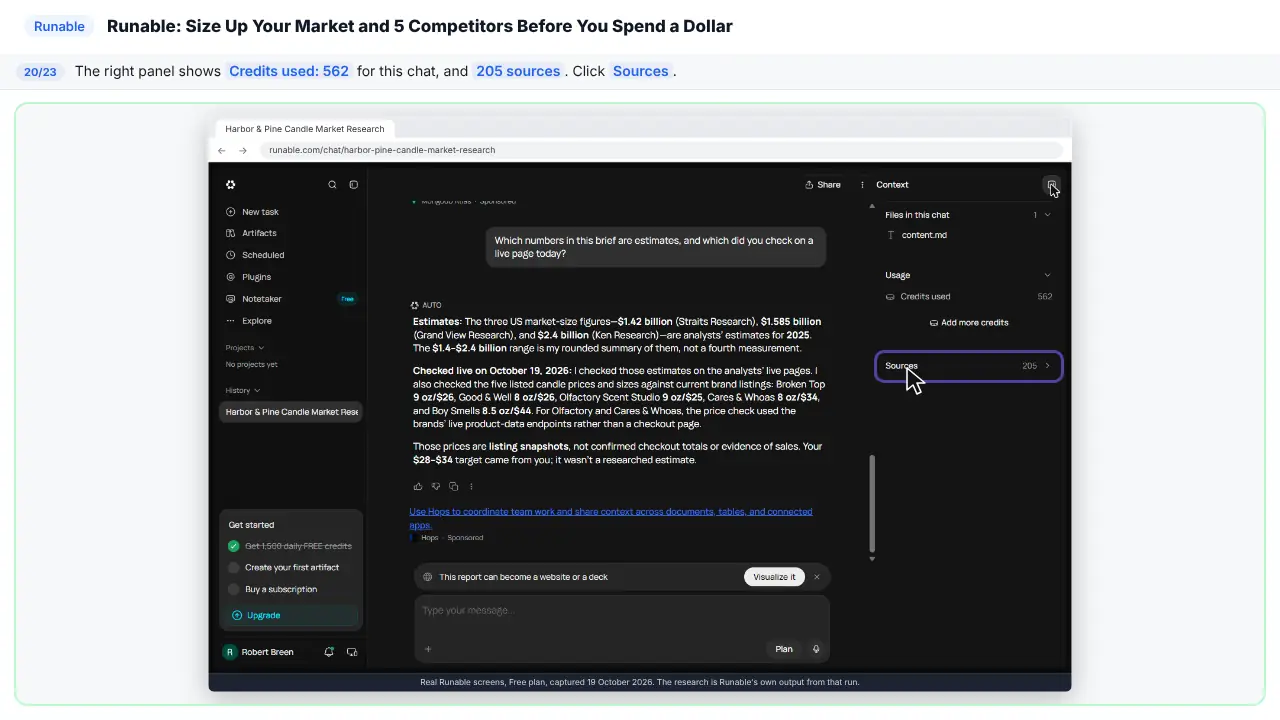
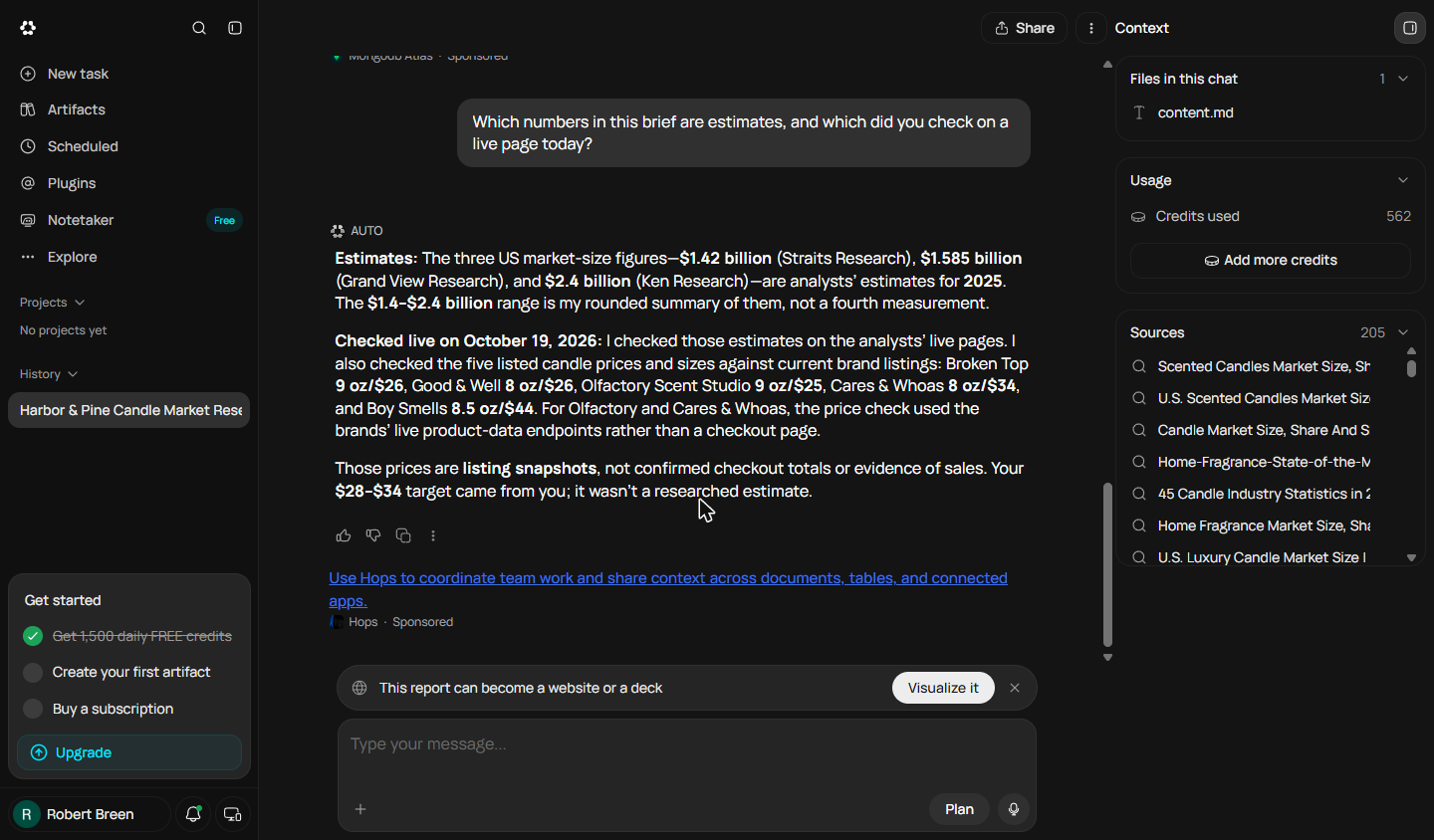
Step 20: Open the sources list
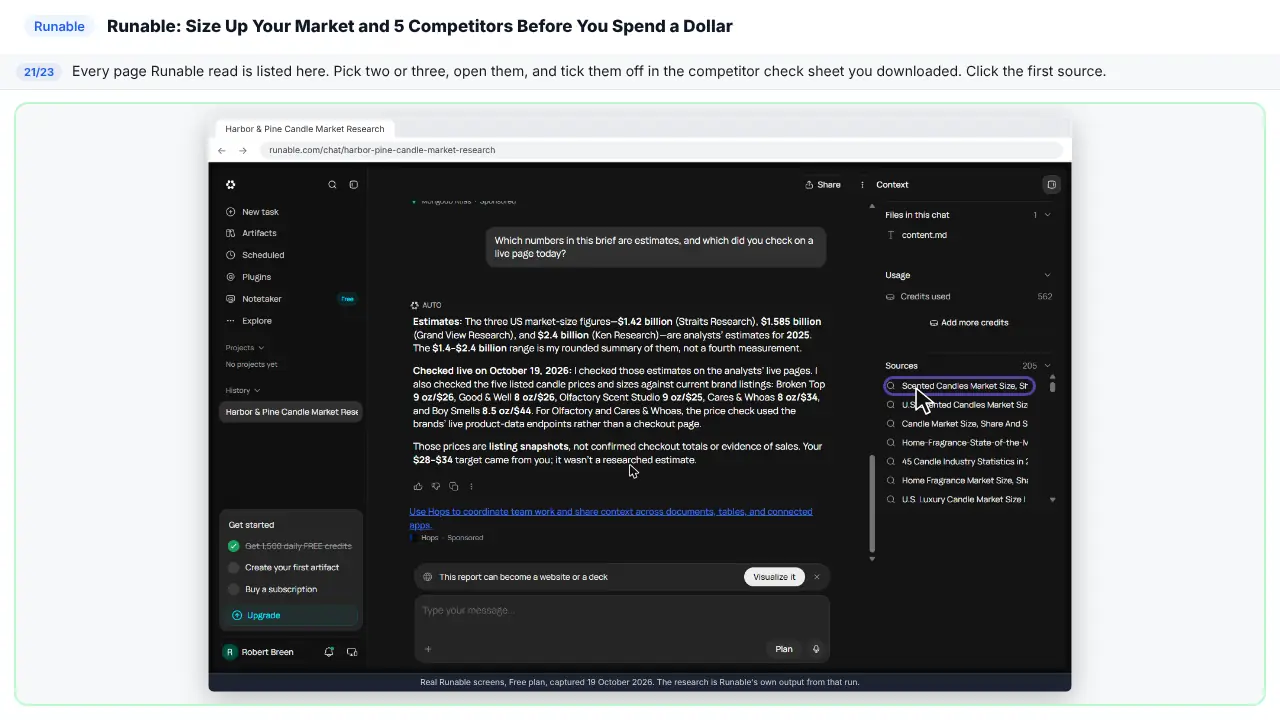
This chat used five hundred and sixty-two credits. And it read two hundred and five sources.
Step 21: Spot-check a source
Every page it read is here. Tick them off in your check sheet.
Part 6: What it saved, and what is next
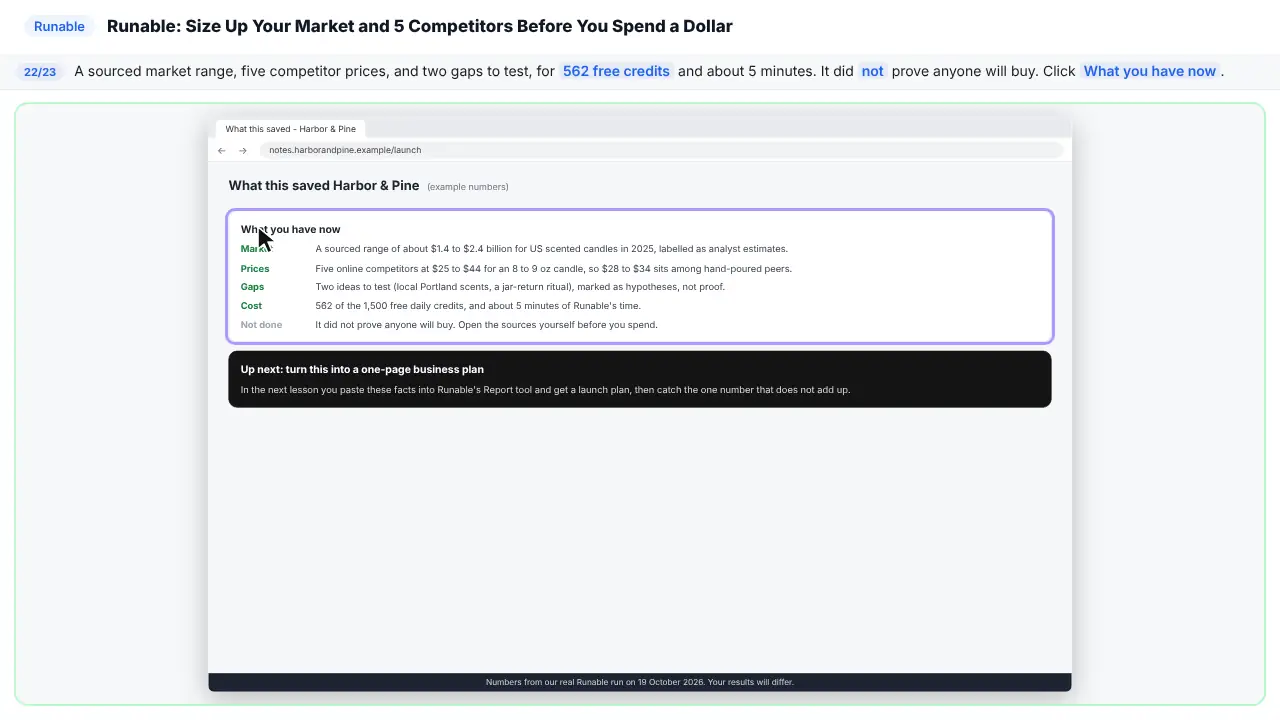
Step 22: See what you have now
A market range. Five competitor prices. Two ideas to test. All for free credits. But it didn't prove anyone will buy.
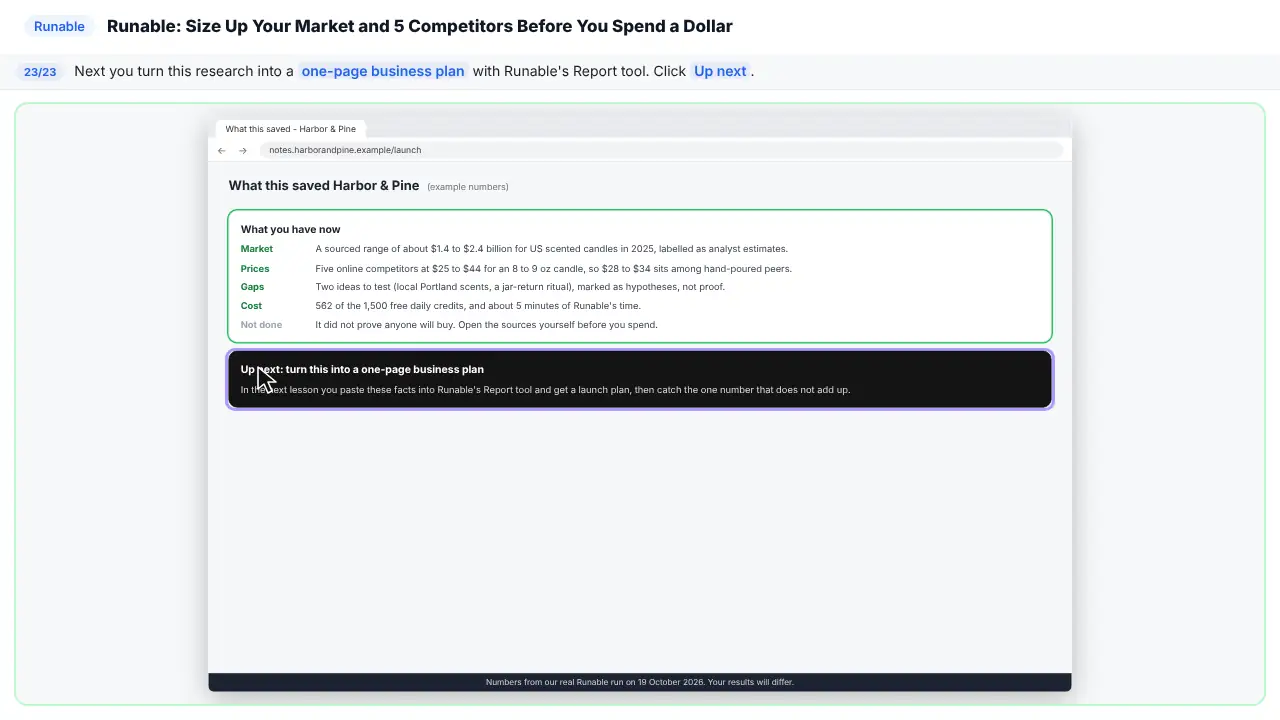
Step 23: Up next
Next, you'll turn this research into a one-page business plan.
Part of these free courses: Runable for Startups: Your One-Person Team, Jump Start: Runable
Now do it yourself, free
Reading the steps is a start. Doing them is how it sticks. The interactive lesson puts you in a practice copy of Runable: you do every step yourself, it checks your work, and “Do it for me” finishes any step you get stuck on. Nothing touches your real accounts.
Practice “Size Up Your Market and 5 Competitors Before You Spend a Dollar using Runable” step by step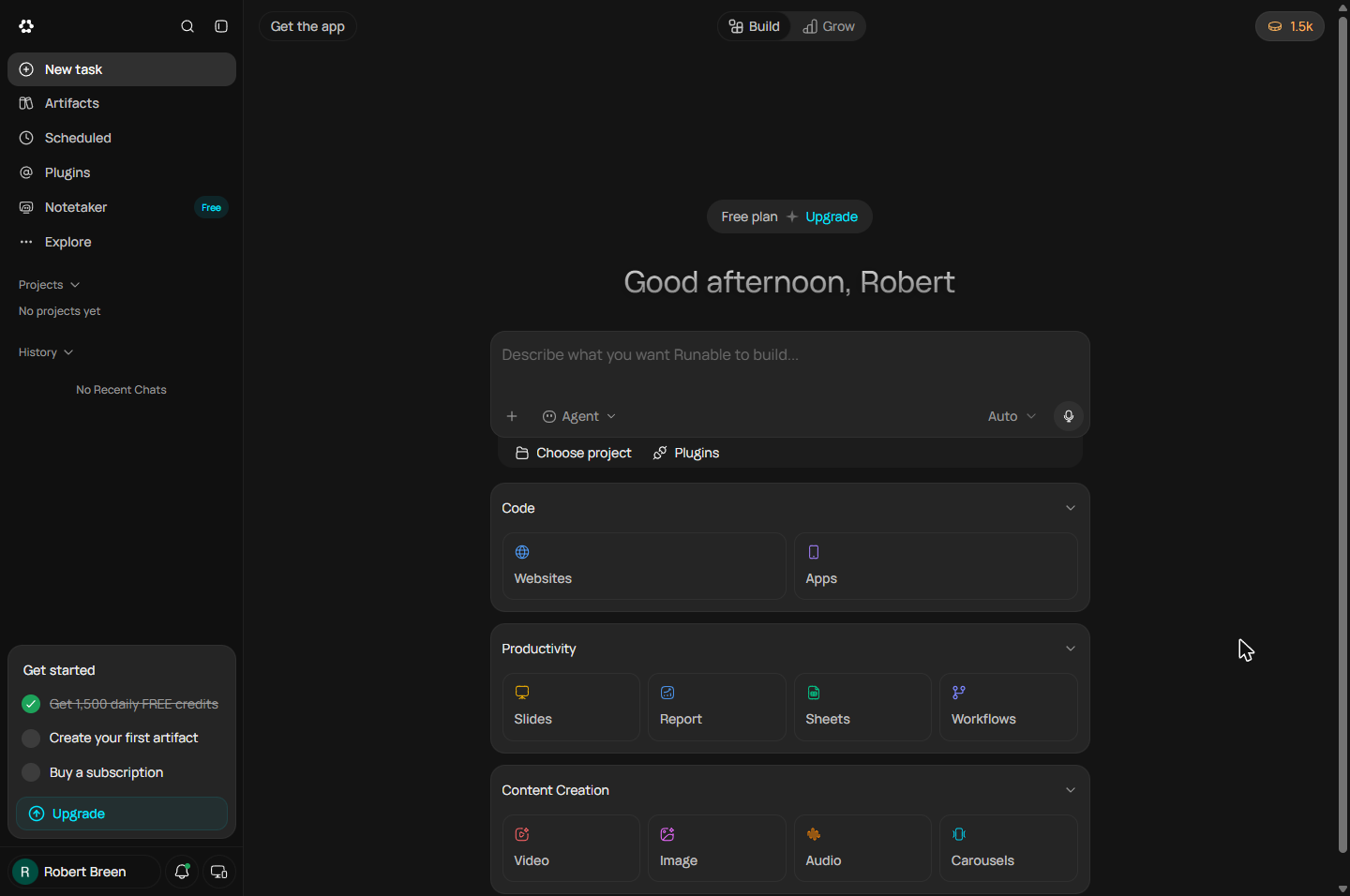
The business case: research before the first order
Maya is about to spend $3,000 on wax, jars and fragrance, at a price of $28 to $34 a candle that feels right but has never been checked. A consultant would charge $1,500 or more for a market scan. Doing it herself takes about 12 hours of tabs and notes, about $480 of her time at $40 an hour. Most founders skip both and buy on a guess. These are example numbers; use your own.
The job is small and well defined: how big is the market, who already sells to it and at what price, and where is the gap. That is exactly the kind of work an AI agent can do in minutes, as long as you check what it hands back.
What you do in the lesson
You check your credits, paste a research brief with three questions and four rules, and read the scope Runable writes back before it starts. It worked for about three minutes and read 205 sources. The brief gave a range of $1.4 to $2.4 billion for the 2025 US scented-candle market from three analyst estimates, five online brands selling 8 to 9 oz candles for $25 to $44, and two gaps marked as ideas to test.
Then you do the part that matters: open a source, export the brief, and ask which numbers are estimates. Runable separated the analysts' estimates from the prices it checked on live pages that day, and pointed out that the $28 to $34 target came from Maya, not from research.
What it does not do
It does not prove anyone will buy. Market reports disagree, listings change, and citations only show you where to look. Open two or three sources yourself and mark them verified in the competitor check sheet before the numbers go into a plan.
Links
- Runable: the AI agent this course teaches. Its Free plan showed 1,500 credits a day when we tested it in October 2026.
- Runable pricing: current plans, credits and limits. Check them before you rely on the Free plan.
Try it yourself, free
Reading the steps is a start. Doing them is how it sticks. The interactive module walks you through every click in a practice copy of Runable, checks each step, and never touches your real accounts.
Start “Size Up Your Market and 5 Competitors Before You Spend a Dollar using Runable”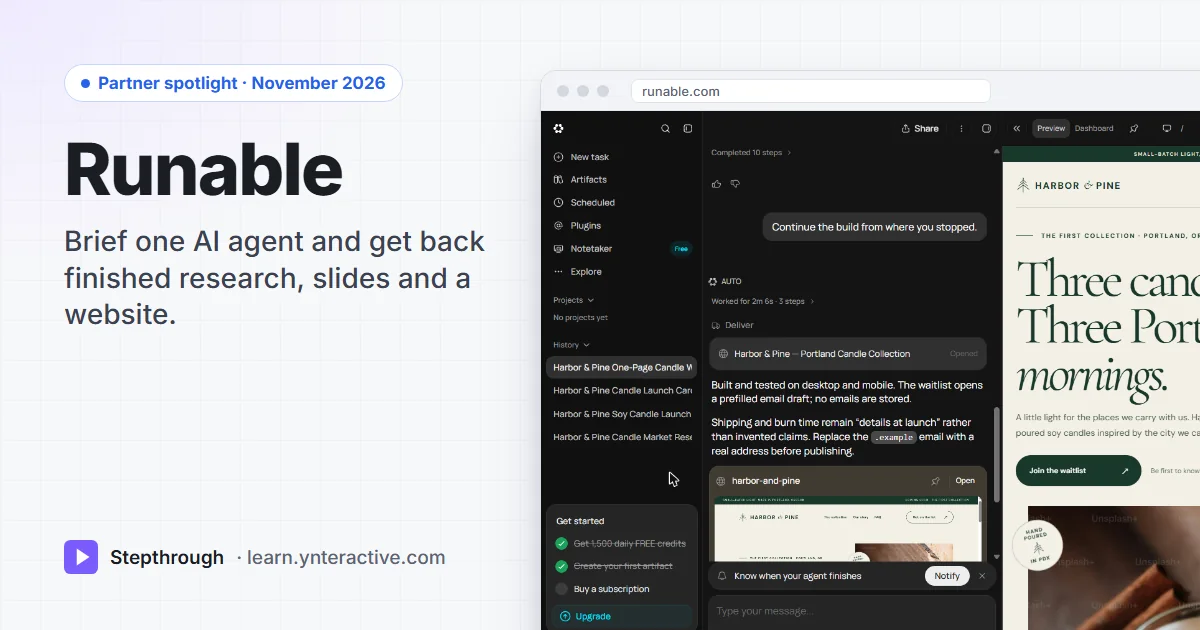
November 2026 spotlight
Runable
A general AI agent that turns one brief into finished research, a business plan, slides, carousels and a one-page website, like a one-person team for a small office.
Screenshots
Frequently asked questions
- Can Runable do market research?
- Yes. In our test Runable searched the web, read 205 sources and wrote a one-page brief with a market-size range, five competitors with prices and two gaps, citing a source for each number. Check the sources yourself before you rely on them.
- How many credits does a research brief use on Runable's Free plan?
- Our brief and one follow-up question used 562 credits. The Free plan showed 1,500 credits a day in October 2026. Check runable.com/pricing for current limits.
- Is this lesson free?
- Yes. The practice copy needs no account. To do it for real you need a Runable account; the Free plan is enough.
More in Runable for Entrepreneurs
All 3 modules in Runable for Entrepreneurs
More Runable tutorials
A business case for a small agency: price what a slow proposal costs, then use Runable, an AI agent, to turn a messy client email into a finished six-slide proposal…
Free · Live ~16 min Beginner
 Brief a One-Page Website and Approve the Plan using Runable (and Budget Your Credits)
A business case for new founders: brief Runable's Websites tool for a one-page site, answer its two clarifying questions, approve the plan, run out of free credits…
Free · Live ~16 min Beginner
 Turn Customer Questions into a Help Page and DM Replies using Runable (and Check What It Changed)
A business case for small shops: turn the questions customers keep asking into a help page and paste-ready DM replies with Runable, make it list what your facts don't…
Free · Live ~10 min Beginner
 Replace the Clipboard Stock Count with an App using Runable (and Test It Before You Approve)
A business case for office managers: describe a phone-friendly stock-count app to Runable's App Builder, catch a plan that would keep the counts in each phone's…
Free · Live ~11 min Beginner
 Build a Weighted Interview Scorecard with Runable (and Catch What the Averages Hide)
A business case for hiring managers: brief Runable's Sheets tool for a weighted interview scorecard with a summary and question bank, check the formulas and the notes…
Free · Live ~10 min Beginner
 Know How Many Sales Pay the Bills Before You Order Stock using Runable
A business case for founders: brief Runable's Sheets tool for a break-even and pricing workbook, check the unit economics by hand, catch a price table that answers the…
Free · Live ~11 min Beginner
From the blog
Runable Prompts and Templates: Free Harbor & Pine FilesDownload the five files from the Runable course: the research brief, competitor check sheet, plan facts and prompt, the finished plan and carousel copy.
Oct 20, 2026 5 min read
 Runable Use Cases by Role: Founders, Consultants, Marketers
How founders, consultants, marketers, analysts and ops leads can use Runable's research briefs, one-page plans and carousels, with the checks each needs.
Oct 20, 2026 5 min read
Runable FAQ: Credits, Research, Plans and CarouselsAnswers about Runable from a real Free-plan run: what it is, how credits work, research briefs, business plans, carousels, exports and what to check.
Oct 20, 2026 4 min read
Free cheat sheet
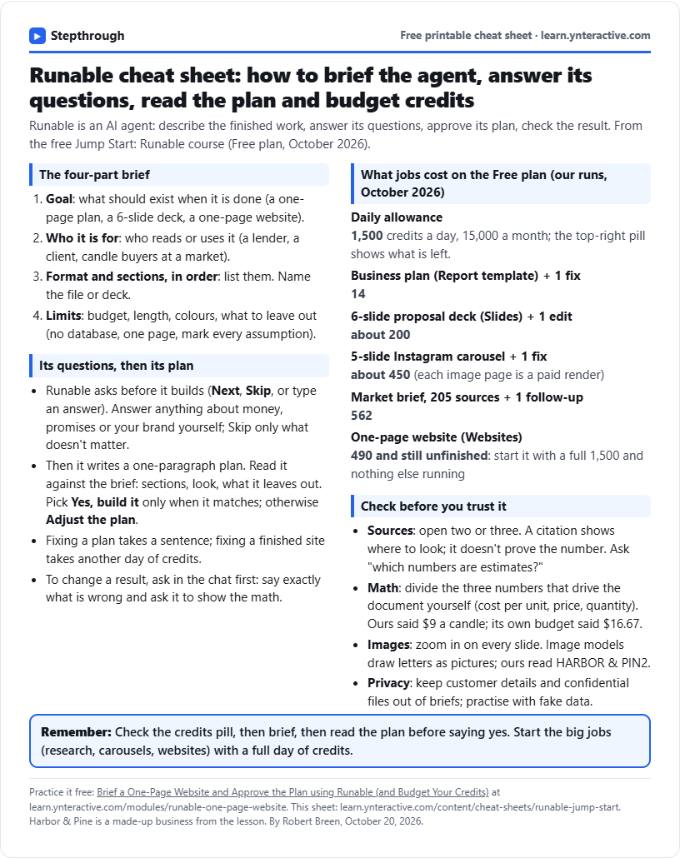
Print it or save the PDF: the key steps and checks from this lesson on one page, free.
All free printable cheat sheets
Terms in this lesson
Plain-English definitions, each with an example from a free lesson.