Updated . Built against the tool’s current screens and checked step by step. How we check this lesson
Small agencies and consultancies do not usually lose a client to a better offer. They lose it to a slower proposal. A long, messy email arrives, the week gets busy, and the deck that should take an hour takes half a day. Runable is an AI agent: you describe finished work, such as slides, a report or a website, and it builds it. In this free business-case lesson you use a practice copy to price what a slow proposal costs, then use Runable's free plan to turn a messy client brief into a finished six-slide proposal deck: you check your credits, paste the brief, answer Runable's questions, pick a template, review the numbers, and fix the blanks by asking.
At a glance
| Question | Answer |
|---|---|
| What you build | A business case for a small agency: price what a slow proposal costs, then use Runable, an AI agent, to turn a messy client email into a finished six-slide proposal deck on the free plan. Check your credits, paste the brief, answer its questions, pick a template, review the numbers and fix the blanks by asking. |
| Tools | Runable |
| Time | About 16 minutes, 26 steps in 9 parts |
| Level | Beginner, no coding needed |
| Cost | Free |
| Ways to learn it | Practice it step by step, read the guide with screenshots |
The 9 parts, in short
- The cost of a slow proposal: Read the messy brief, Put a price on it, Meet Runable.
- Check your free credits: Check your credits.
- Start with the messy brief: Paste the brief, Send it.
- Answer its questions: Choose the deck format, Next, Choose the look, Send the answers, and 4 more steps.
- Pick a look: Apply a template, Send the template.
- Check slide one first: Read slide one, Build the rest.
- Review and fix the deck: Open the deck, Check the pricing slide, Find the placeholders, Ask for the fix in plain words.
- Get it out of Runable: See the export options, Read the four options.
- What this saves you: What this saves you, Next business case.
Part of: AI for Consulting & Agencies (step 2 of 40)
Part of: AI Apps Worth Knowing (step 11 of 186). Next up: Size Up Your Market and 5 Competitors Before You Spend a Dollar using Runable
Part of: AI Presentations & Client Decks (step 5 of 12)
Part of: AI Presentations and Visual Content (step 5 of 8). Next up: Make an Instagram Launch Carousel for Your Products using Runable
How to turn a Messy Client Brief into a Finished Proposal Deck using Runable: step-by-step guide with screenshots
About the screenshots. They come from Stepthrough’s simulated practice environment (a practice copy of Runable), not the live tool, so no real account appears. The buttons and labels match the real screens the lesson was built against. Practice it yourself free at ynteractive.com.
- Tools: Runable
- Time: about 16 minutes, 26 steps in 9 parts
- Level: beginner, no coding needed
Part 1: The cost of a slow proposal
Step 1: Read the messy brief
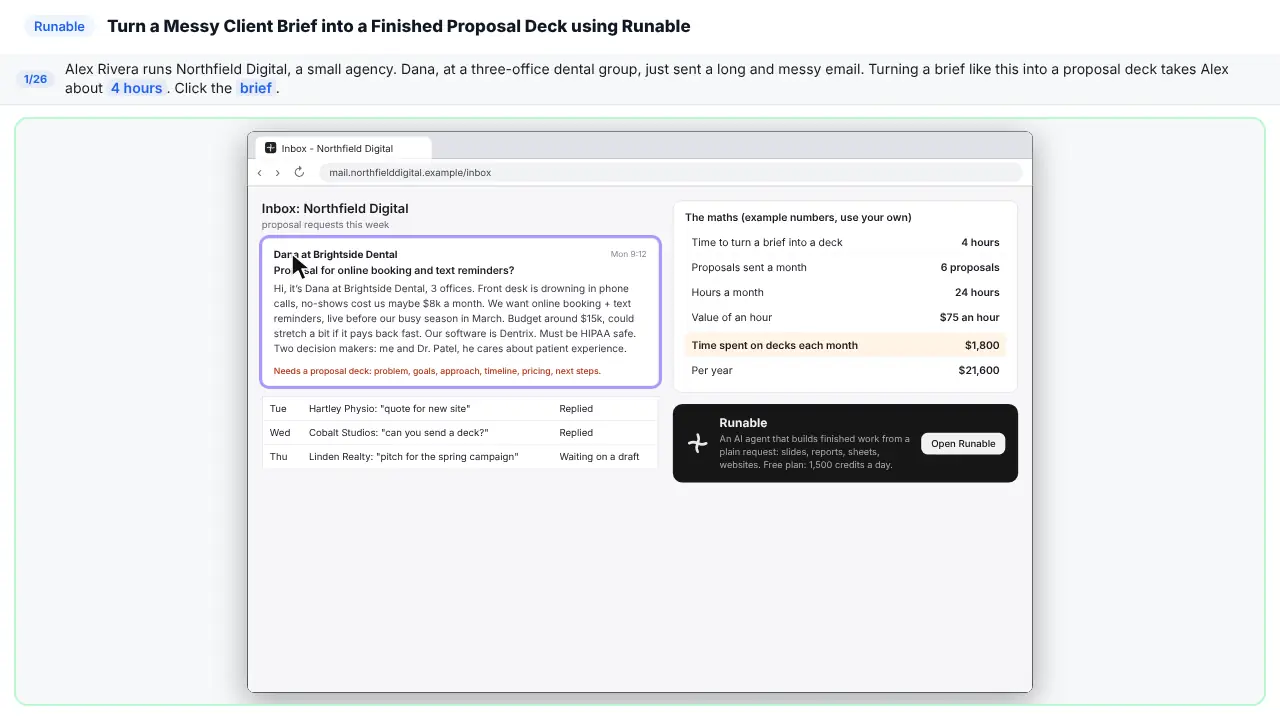
Alex runs a small agency. A dental group just sent a long, messy email asking for a proposal. Turning a brief like this into a deck takes Alex about four hours.
Step 2: Put a price on it
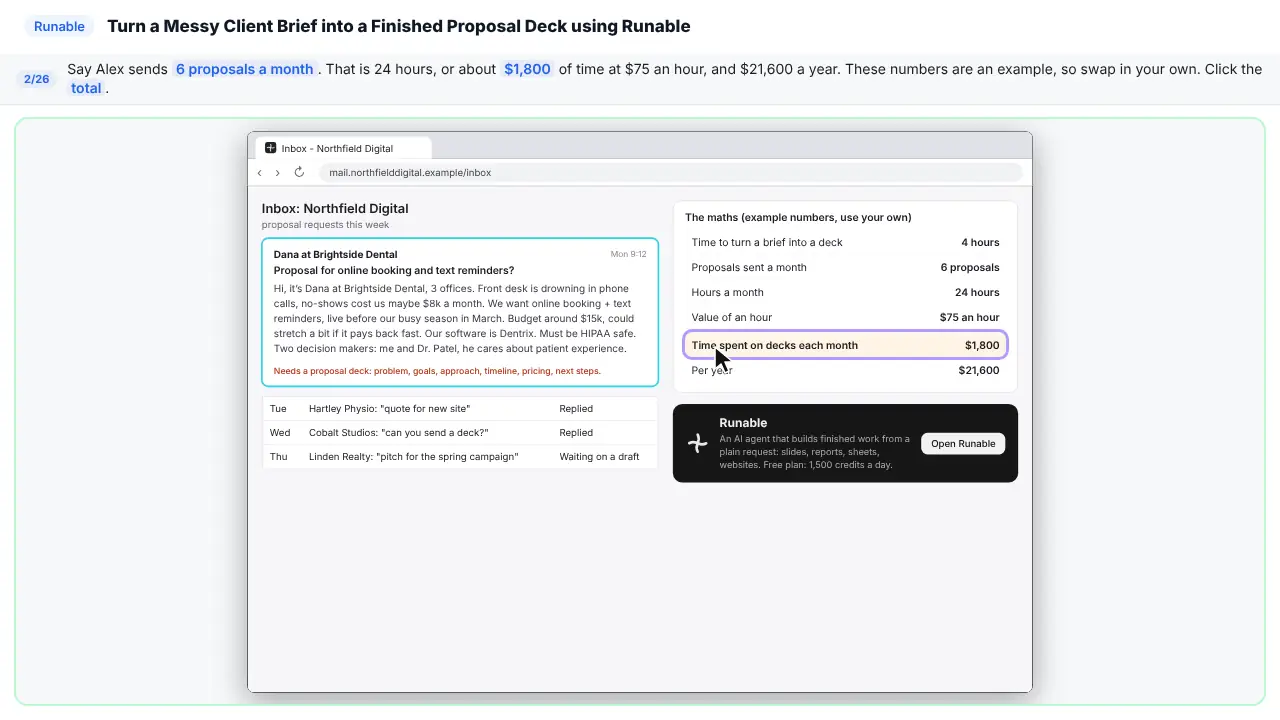
Say Alex sends six proposals a month. That is twenty four hours. At seventy five dollars an hour, it is eighteen hundred dollars of time every month. These are example numbers, so use your own.
Step 3: Meet Runable
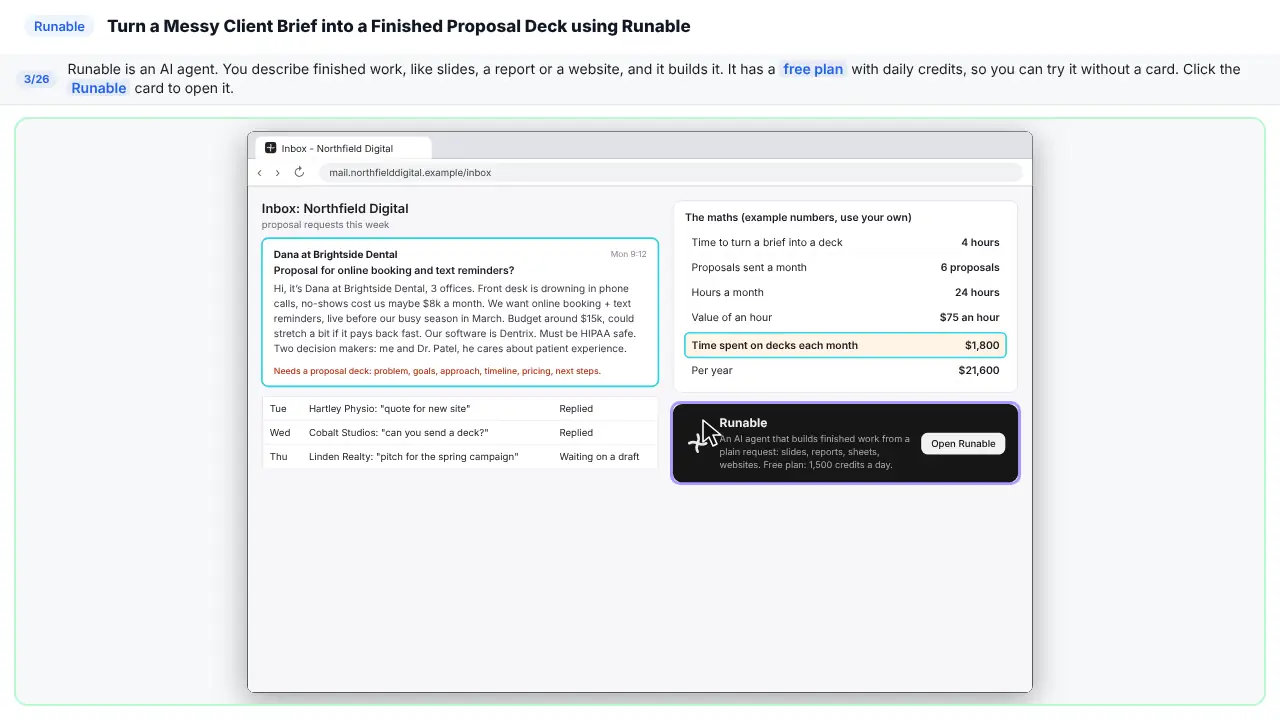
Runable is an A I agent. You describe finished work, like slides or a report, and it builds it. It has a free plan with daily credits.
Part 2: Check your free credits
Step 4: Check your credits
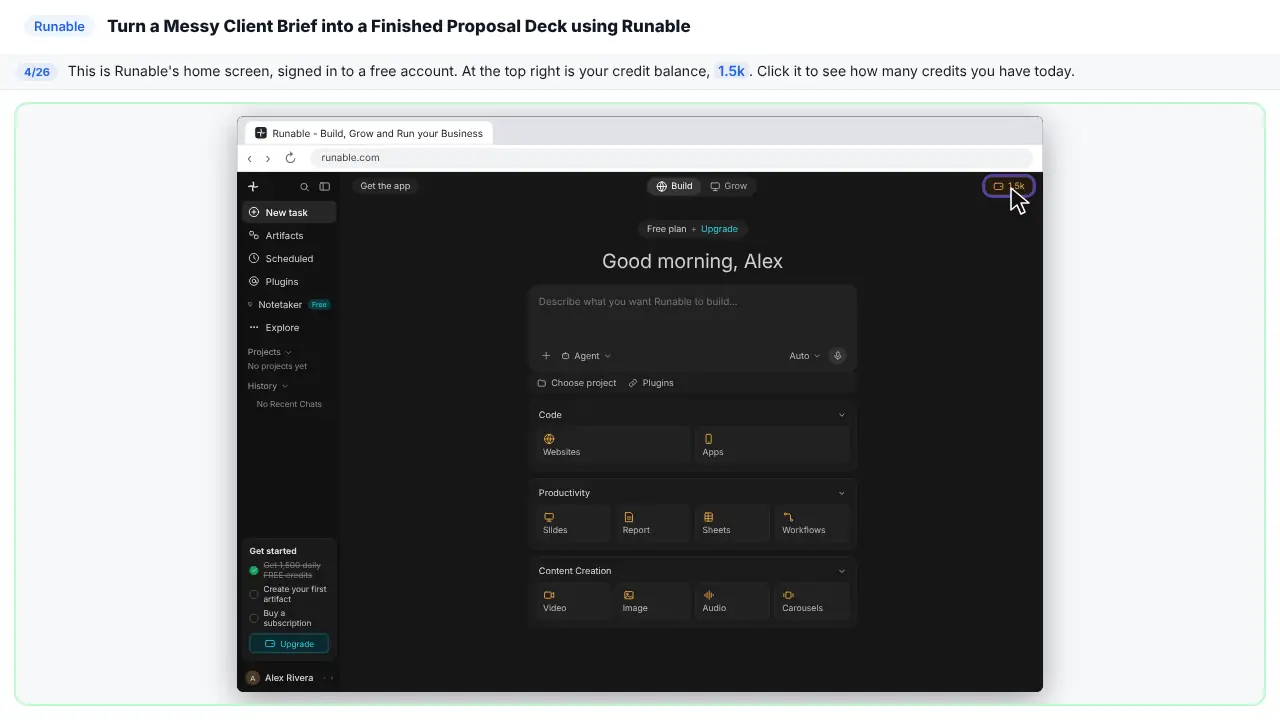
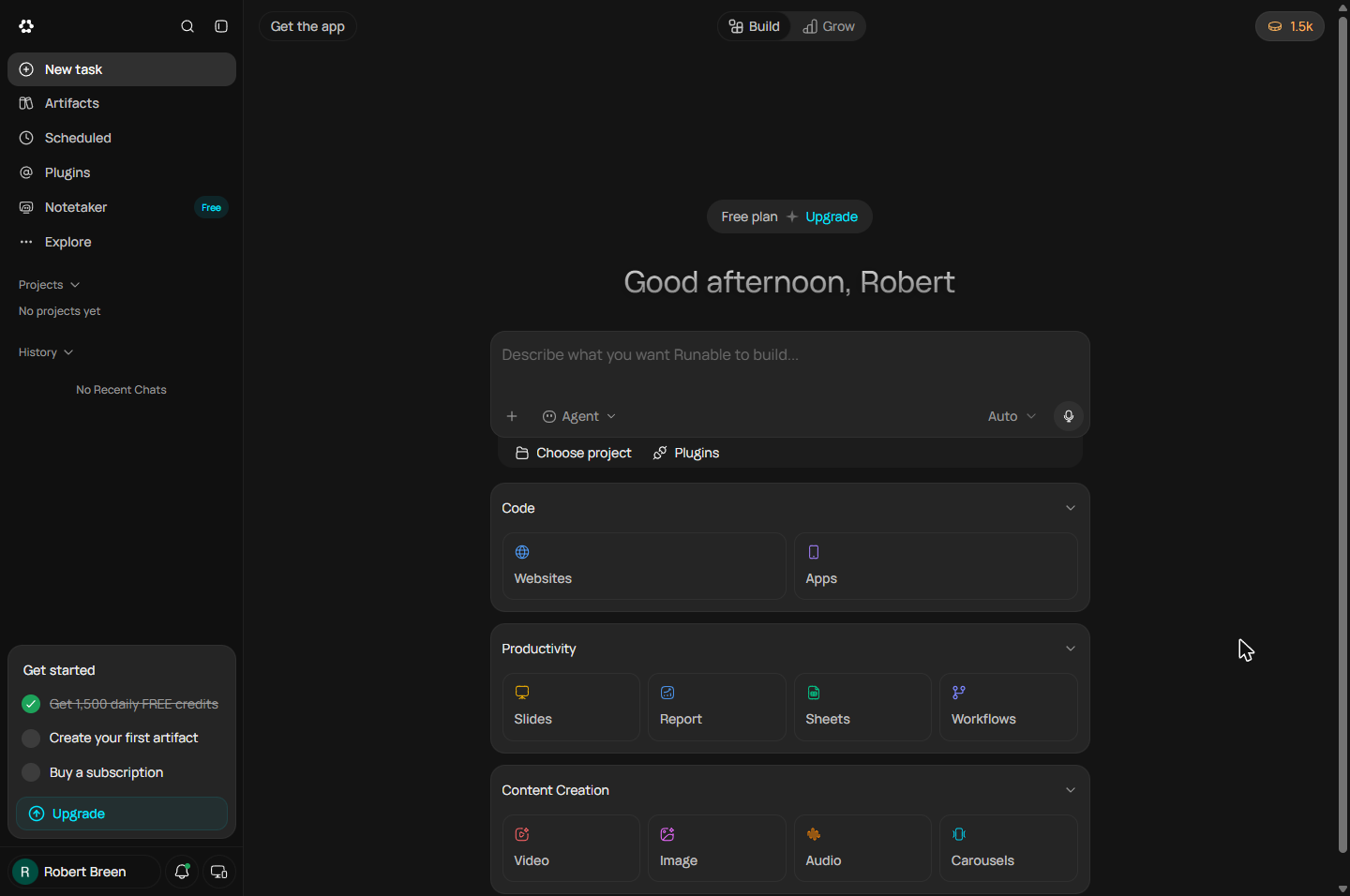
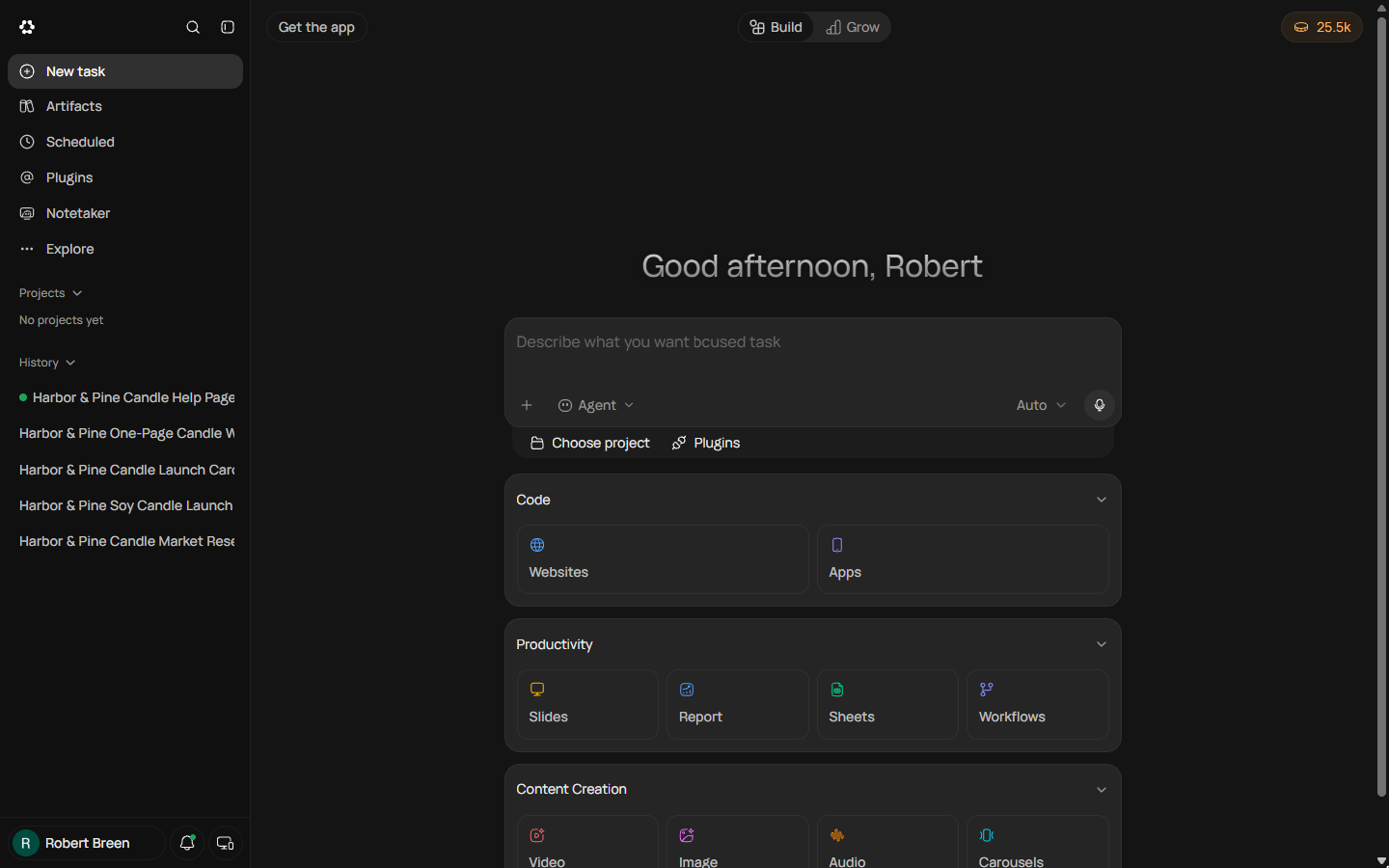
This is the Runable home screen. At the top right is your credit balance. It says one point five k.
Part 3: Start with the messy brief
Step 5: Paste the brief
The free plan gives you fifteen hundred credits a day. It is the messy brief, plus what you want: a clean six slide proposal deck.
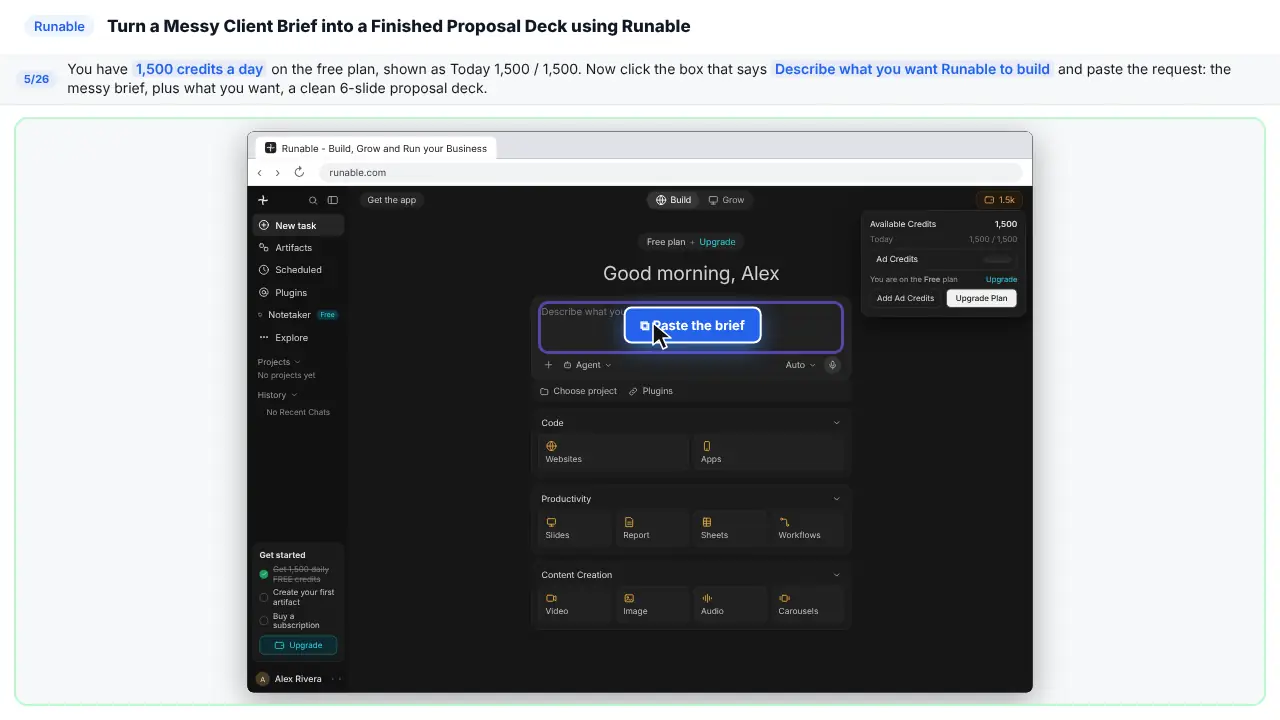
Turn this messy client brief into a clean 6-slide proposal deck (problem, goals, our approach, timeline, pricing, next steps). Brief: Hi, it's Dana at Brightside Dental, 3 offices. Front desk is drowning in phone calls, no-shows cost us maybe $8k a month. We want online booking + text reminders, live before our busy season in March. Budget around $15k, could stretch a bit if it pays back fast. Our software is Dentrix. Must be HIPAA safe. Two decision makers: me and Dr. Patel, he cares about patient experience.
Step 6: Send it
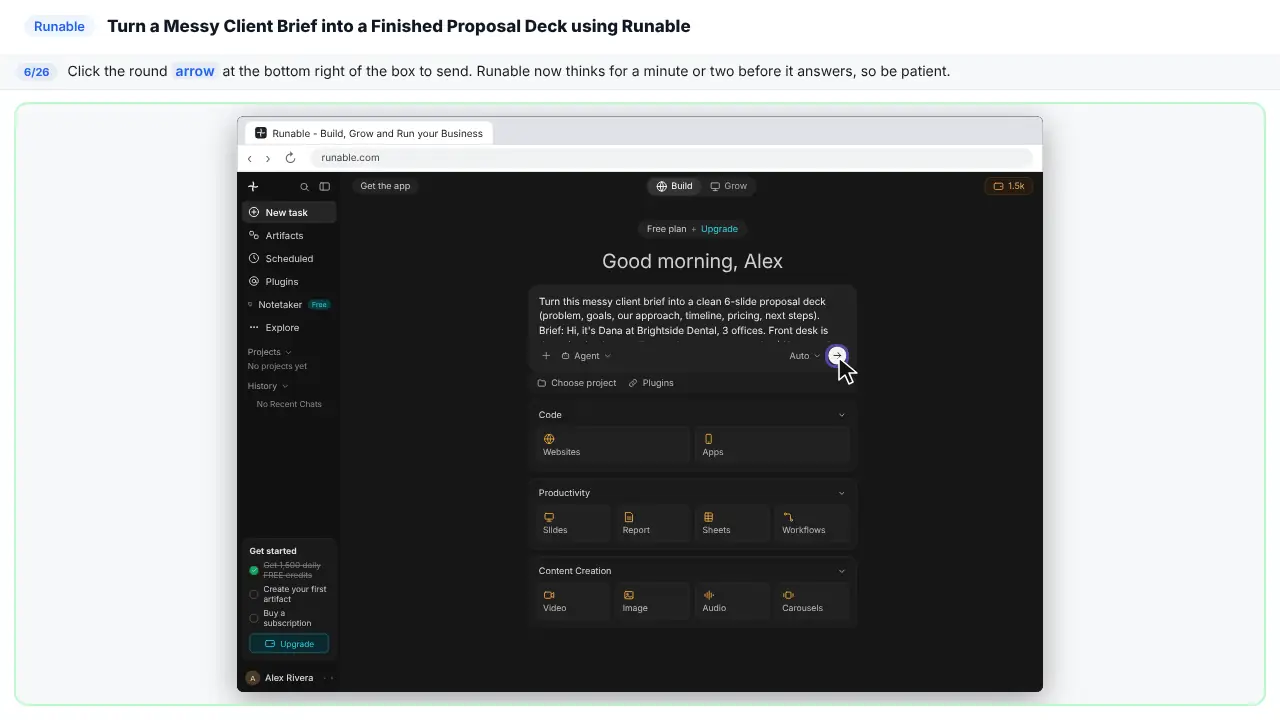
Runable thinks for a minute or two before it answers, so be patient.
Part 4: Answer its questions
Step 7: Choose the deck format
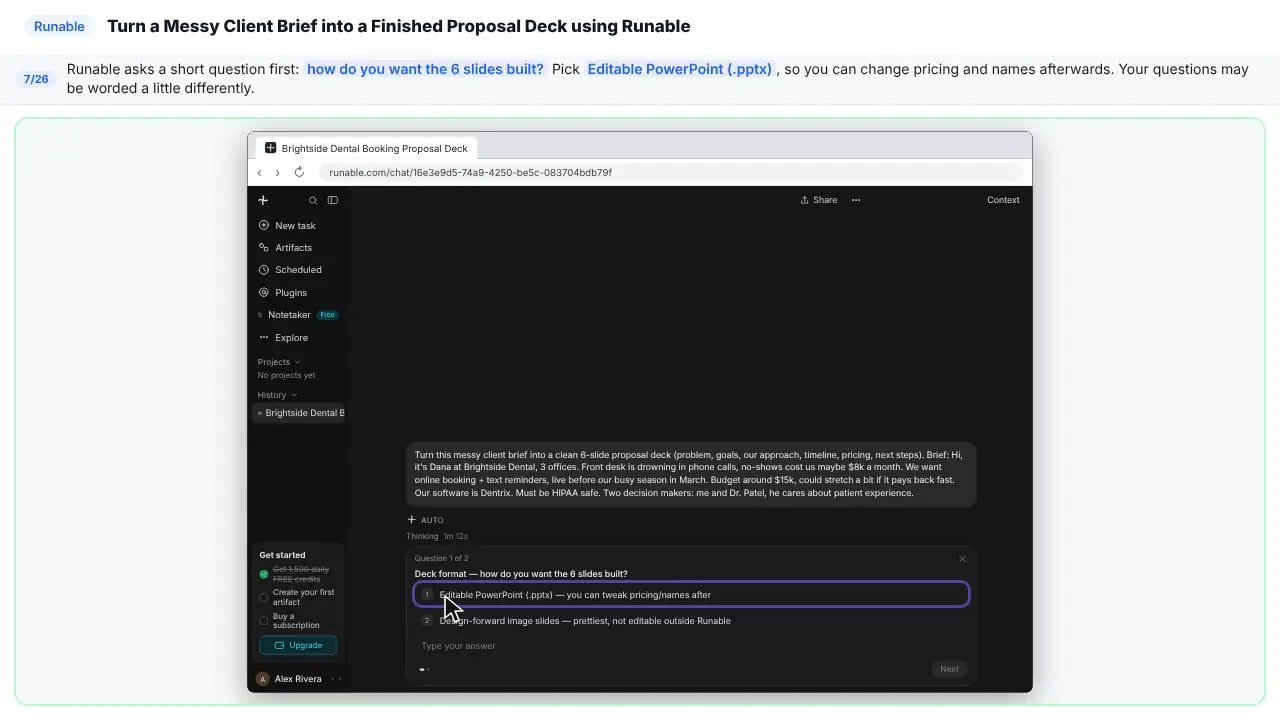
Runable asks how you want the slides built. Pick editable PowerPoint, so you can change the pricing and names afterwards.
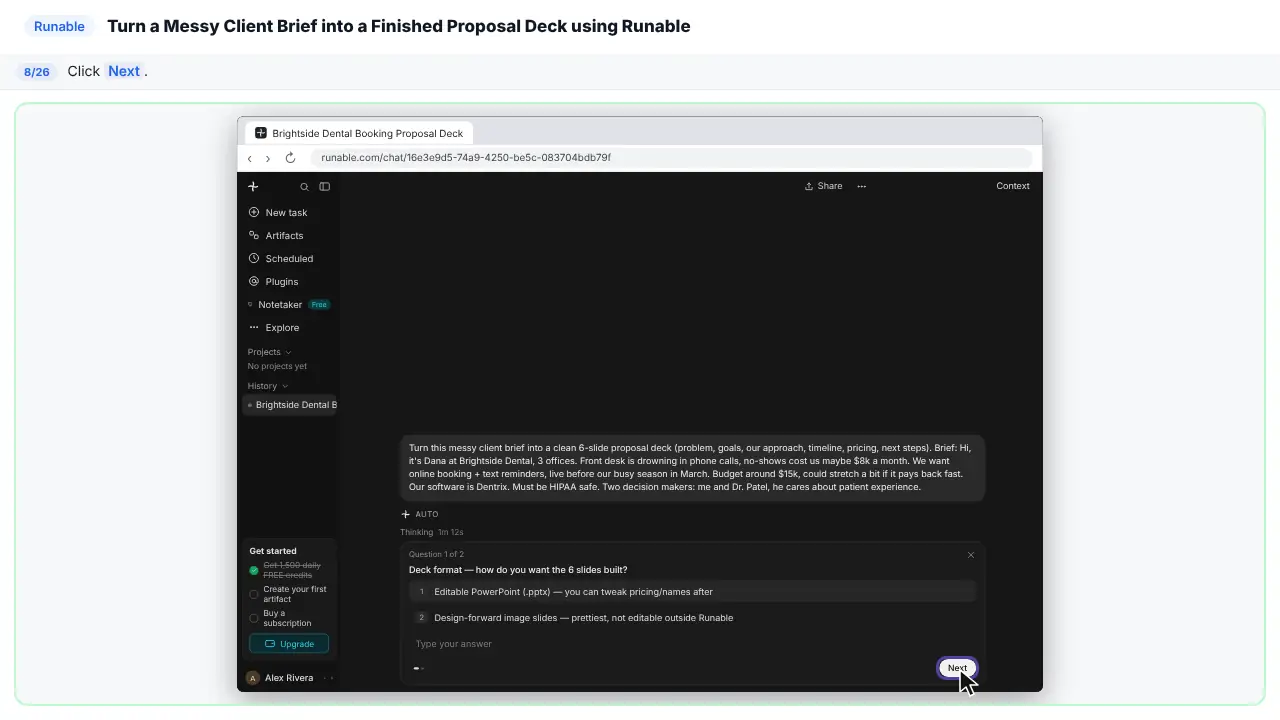
Step 8: Next
Step 9: Choose the look
Question two is the look. Pick clean clinical blue and white. It suits a dental practice.
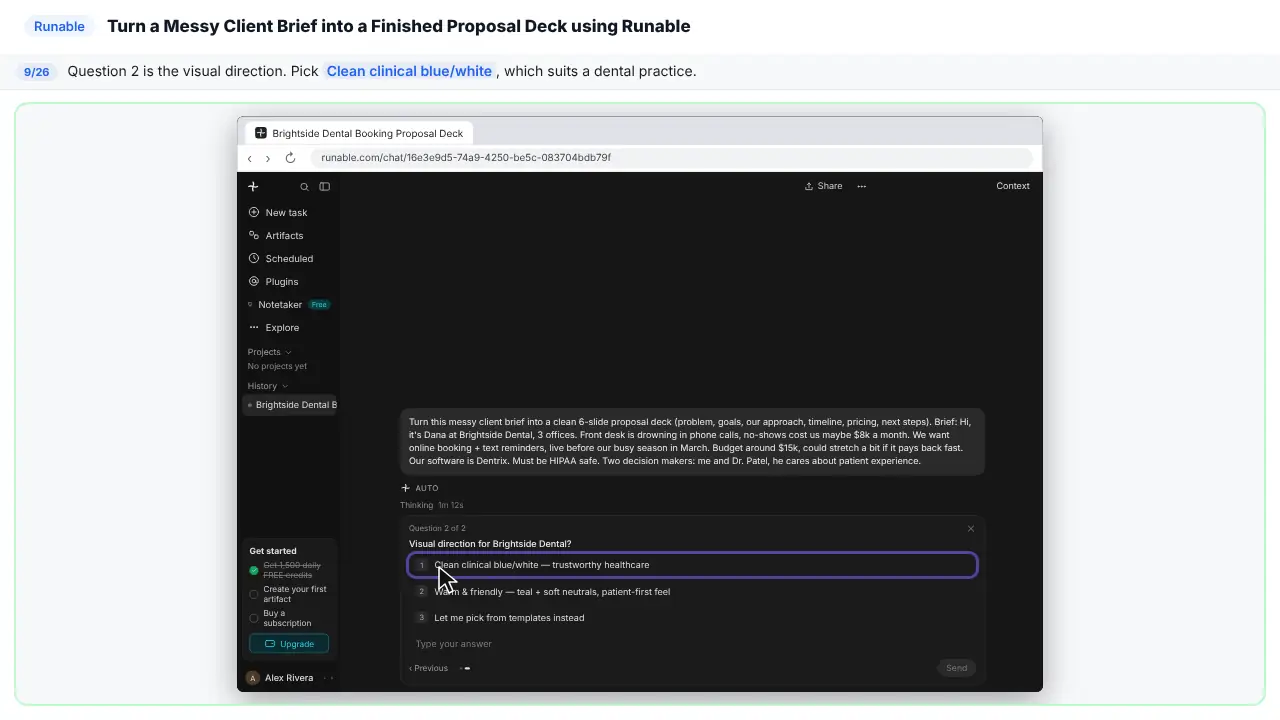
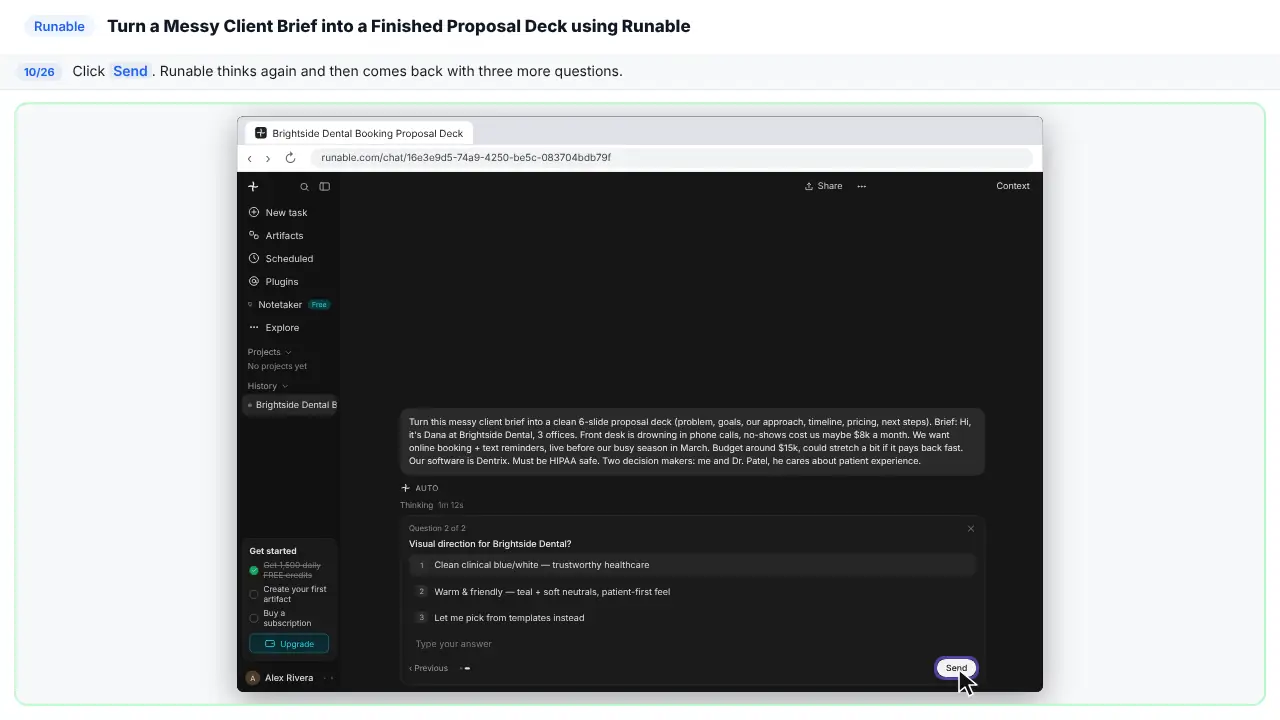
Step 10: Send the answers
Runable thinks again, and then asks three more questions.
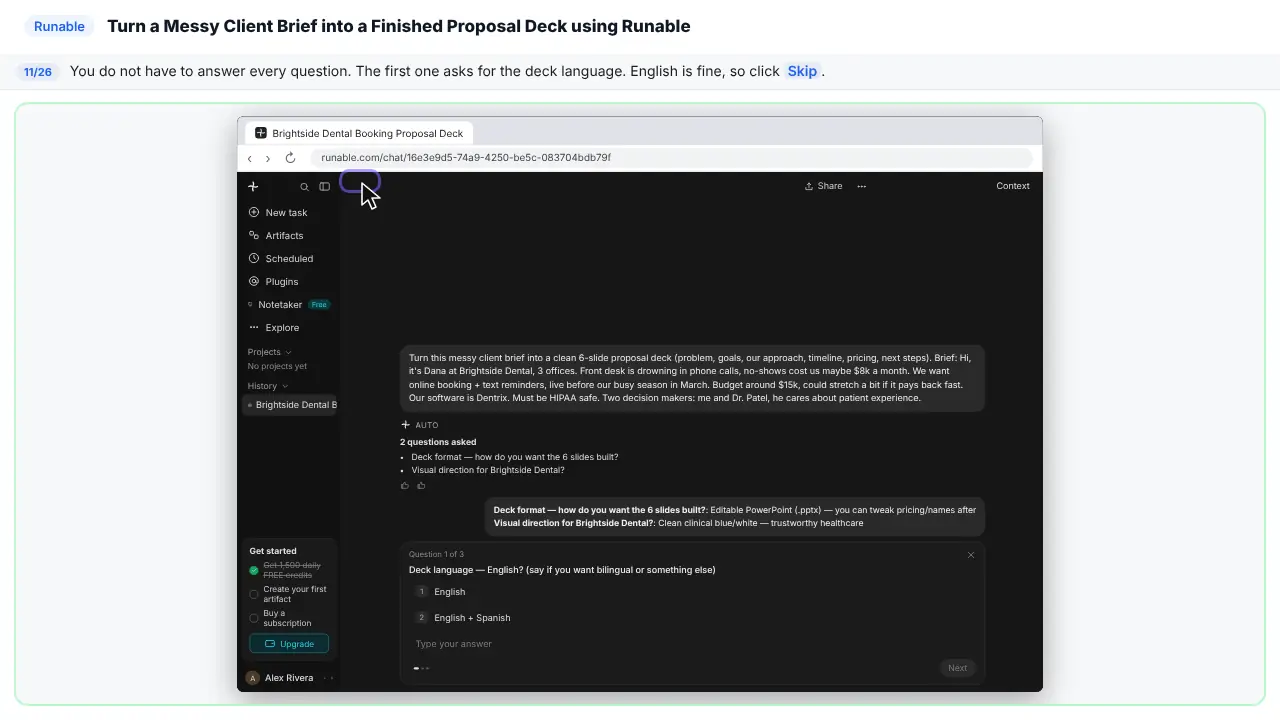
Step 11: Skip what does not matter
You do not have to answer every question. The first one is the language. English is fine, so click skip.
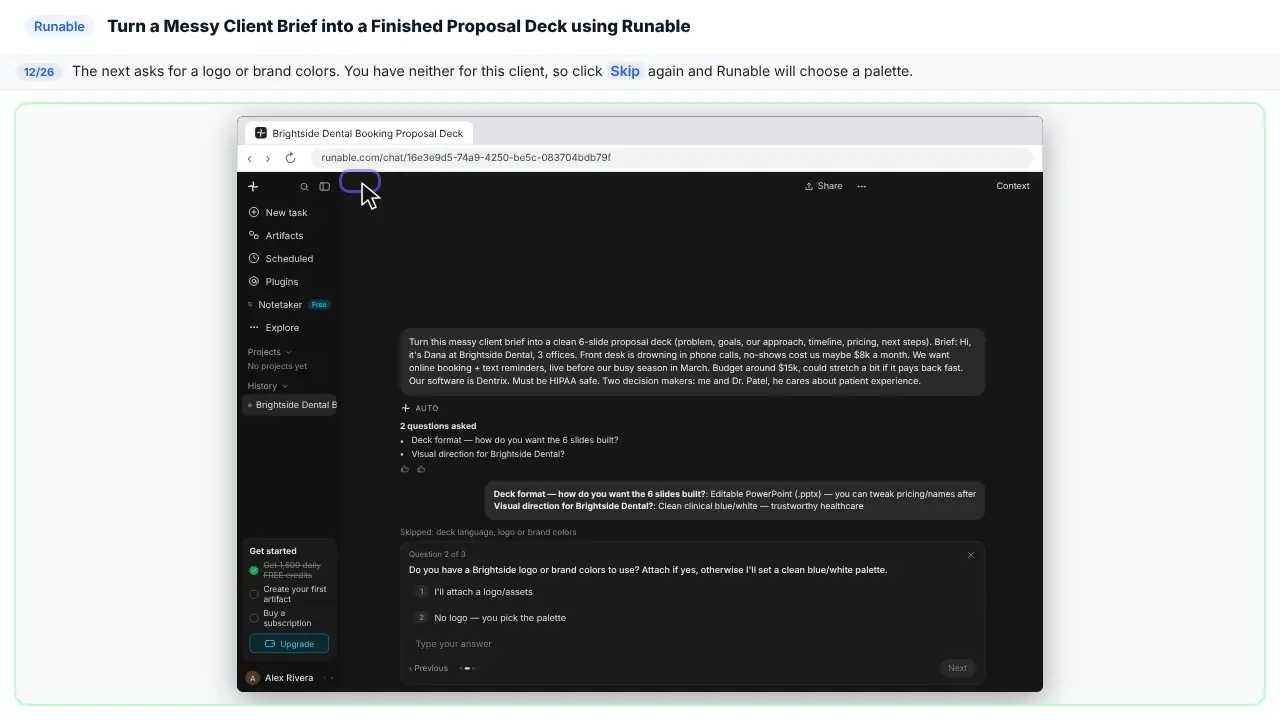
Step 12: Skip the logo question
The next one asks for a logo. You do not have one, so click skip again. Runable will choose the colors.
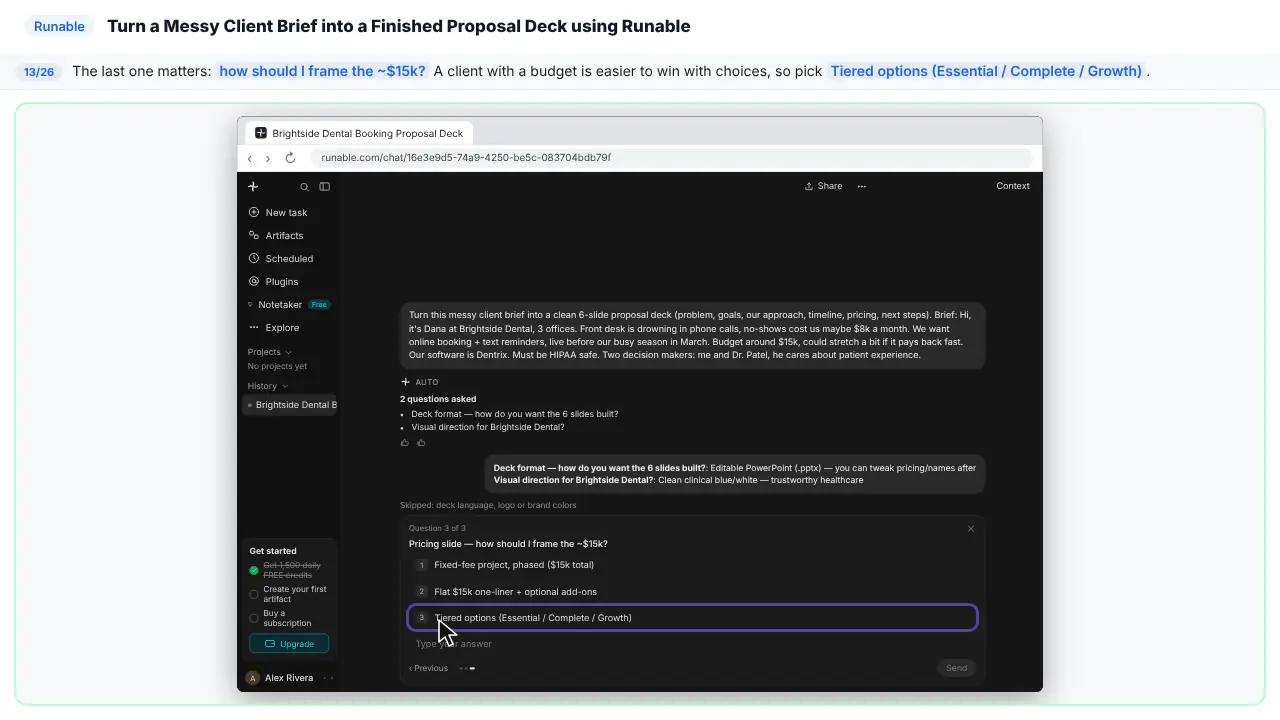
Step 13: Frame the price
The last question matters. How should it frame the fifteen thousand dollar budget? Choices are easier to win with. Pick tiered options.
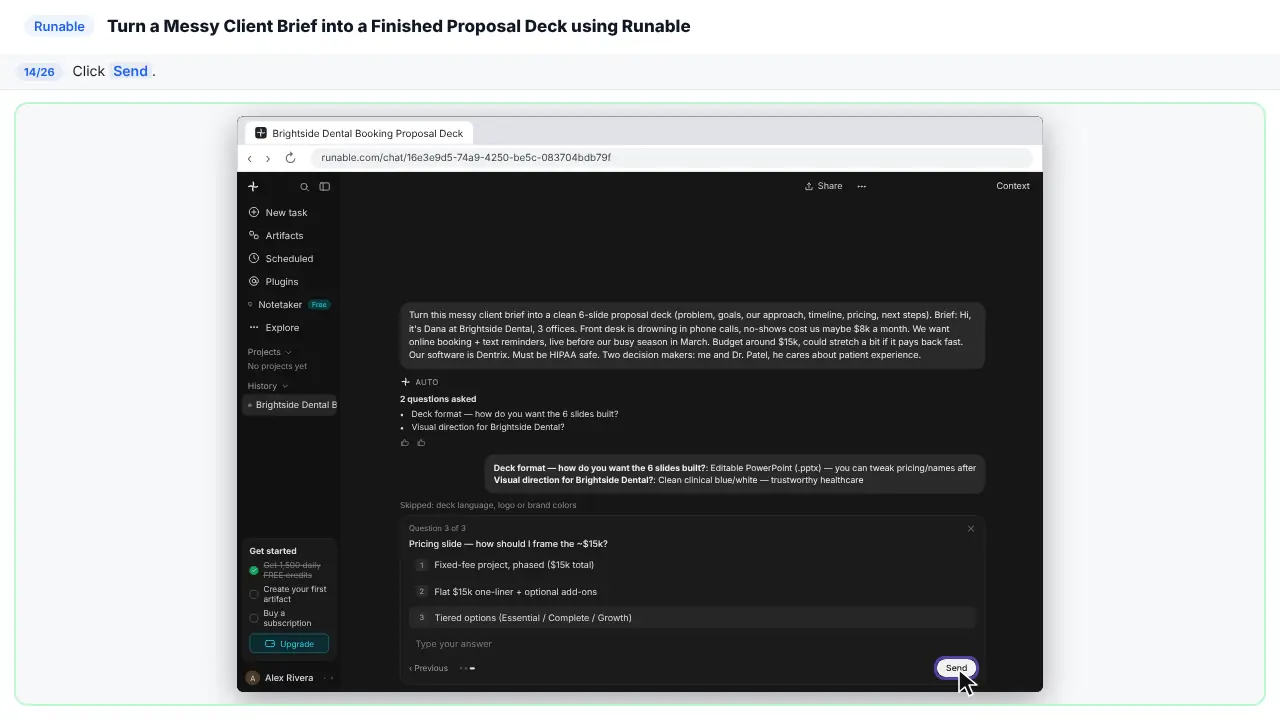
Step 14: Send
Part 5: Pick a look
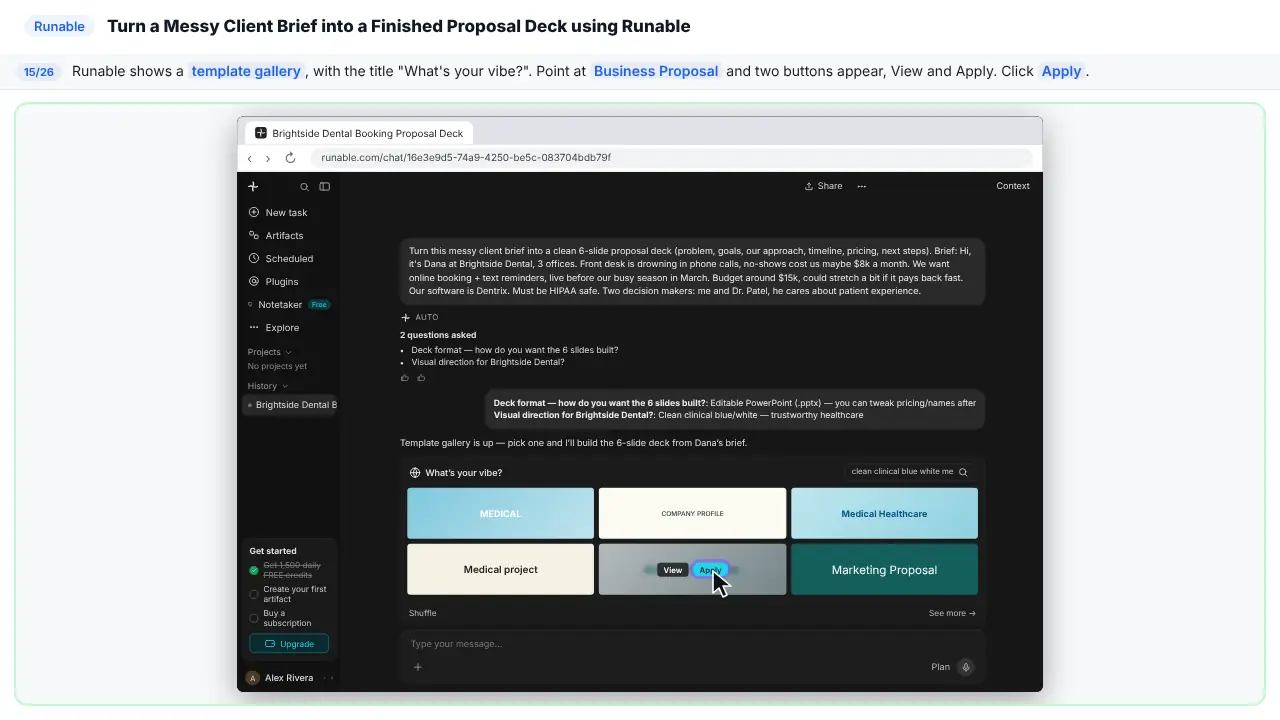
Step 15: Apply a template
Runable shows a gallery of templates. Point at Business Proposal, and two buttons appear.
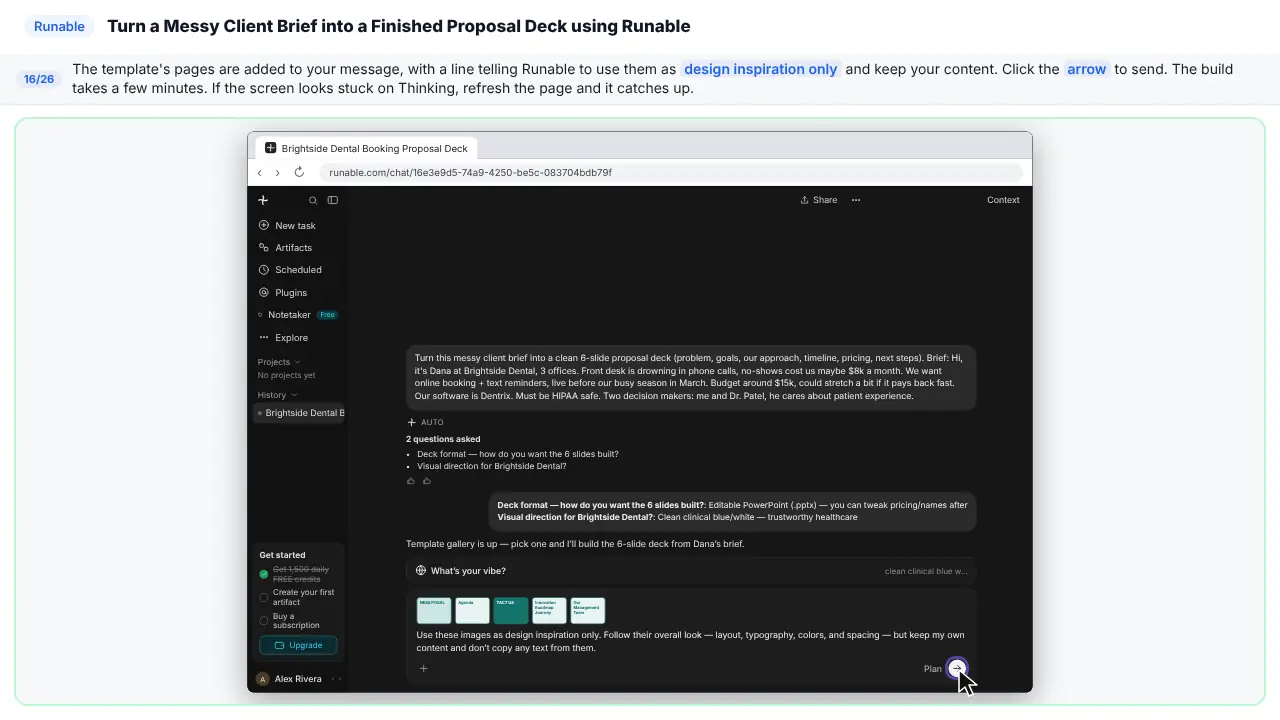
Step 16: Send the template
The template pages are added to your message, as design inspiration only. The build takes a few minutes. If the screen looks stuck, refresh the page, and it catches up.
Part 6: Check slide one first
Step 17: Read slide one
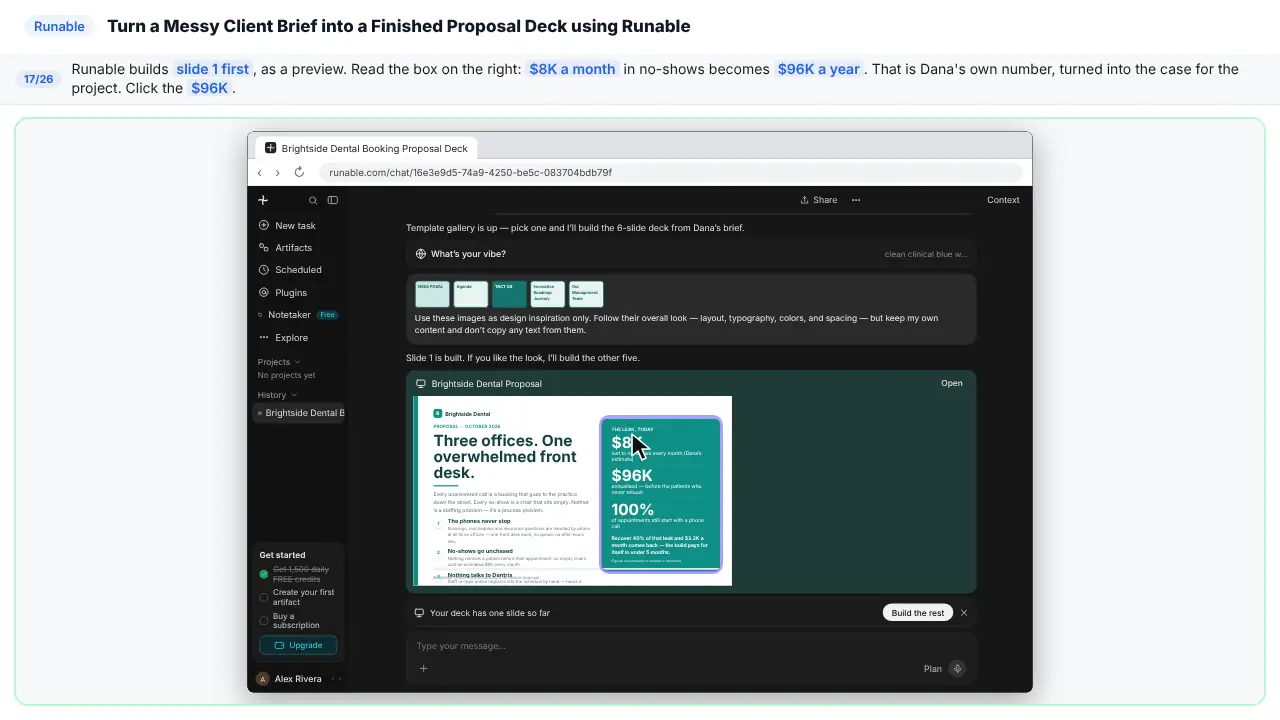
Runable builds slide one first, as a preview. Eight thousand dollars a month in no shows becomes ninety six thousand a year. That is the case for the project.
Step 18: Build the rest
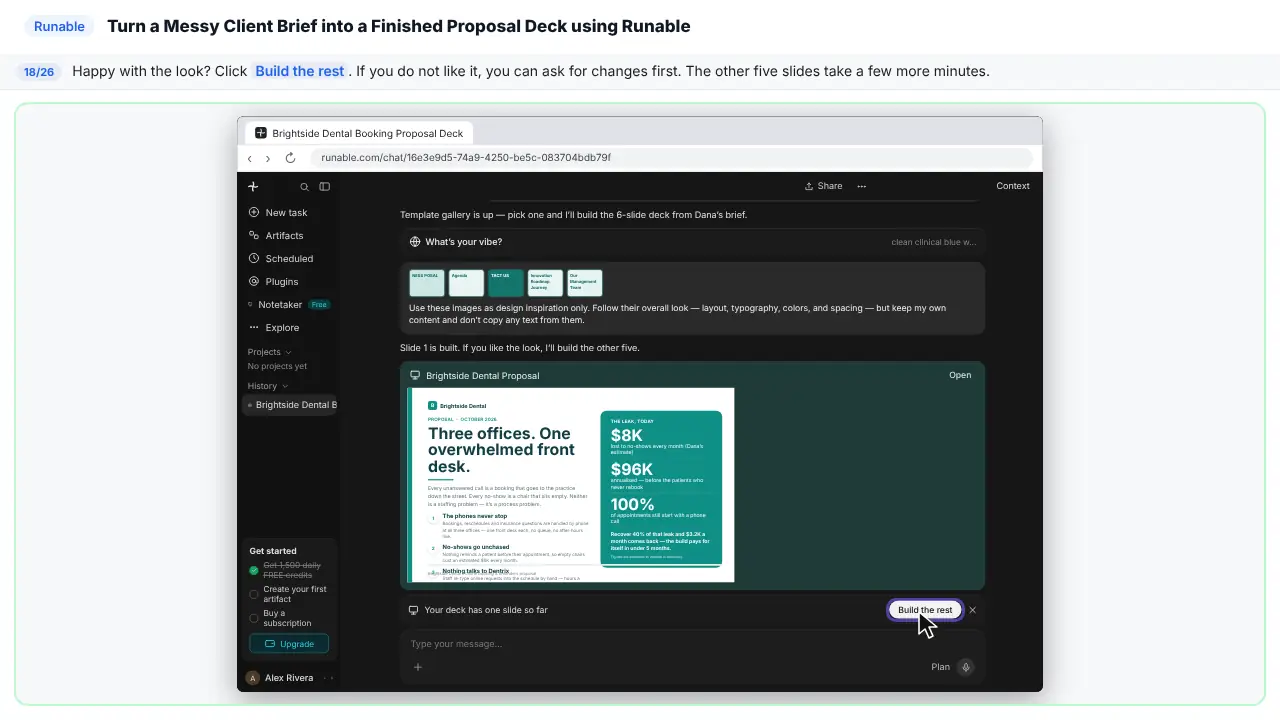
Happy with the look? If you do not like it, ask for changes first. The other five slides take a few more minutes.
Part 7: Review and fix the deck
Step 19: Open the deck
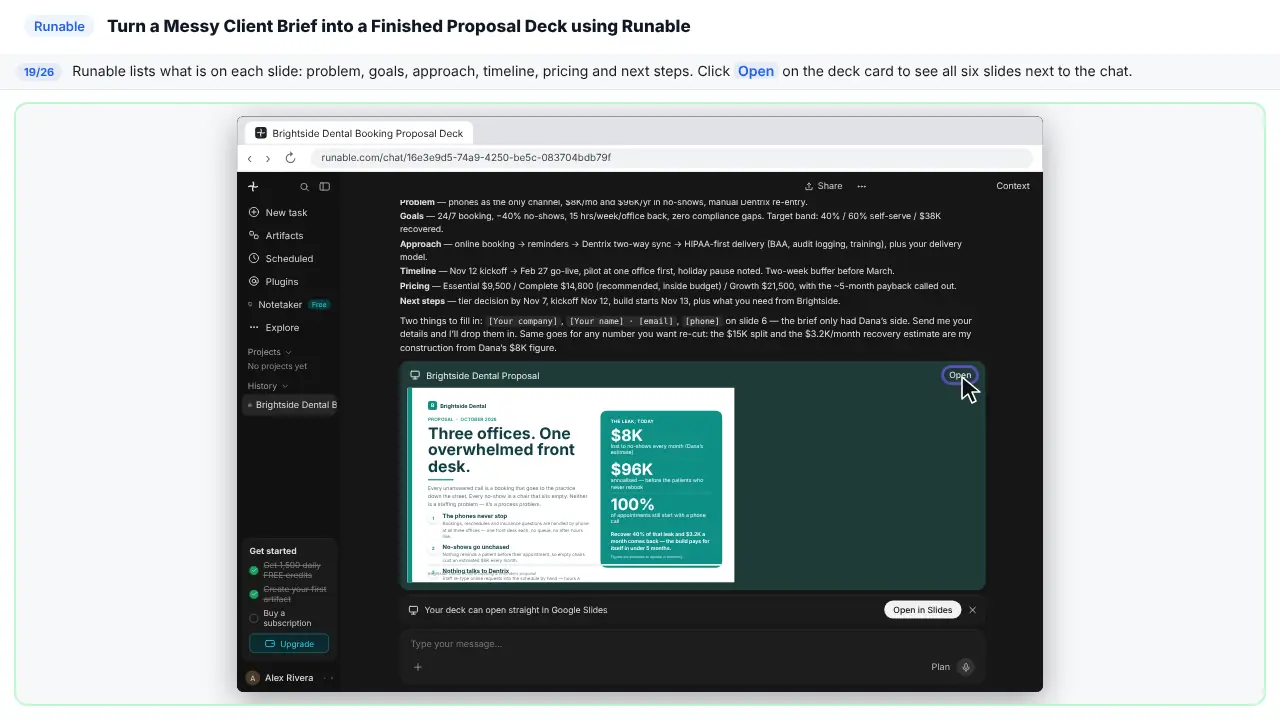
Runable lists what is on each slide.
Step 20: Check the pricing slide
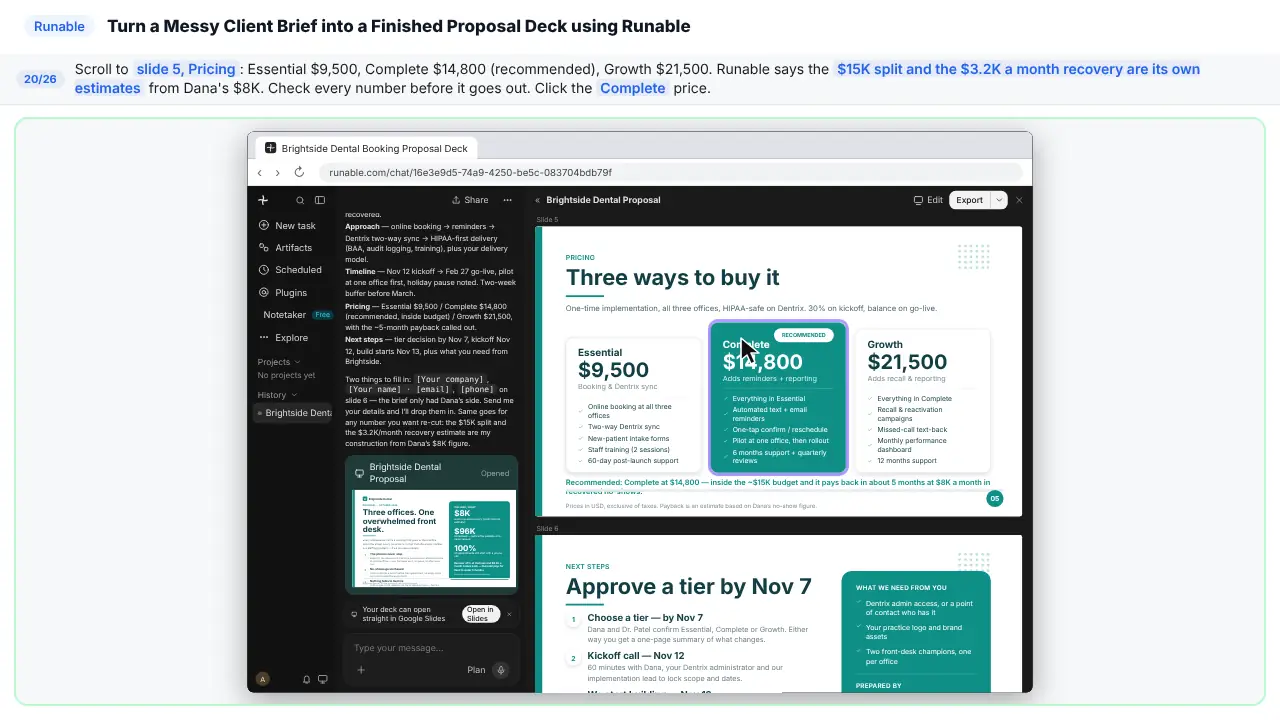
Slide five is the pricing. Three tiers. Runable says the split and the monthly recovery are its own estimates. Check every number before it goes out.
Step 21: Find the placeholders
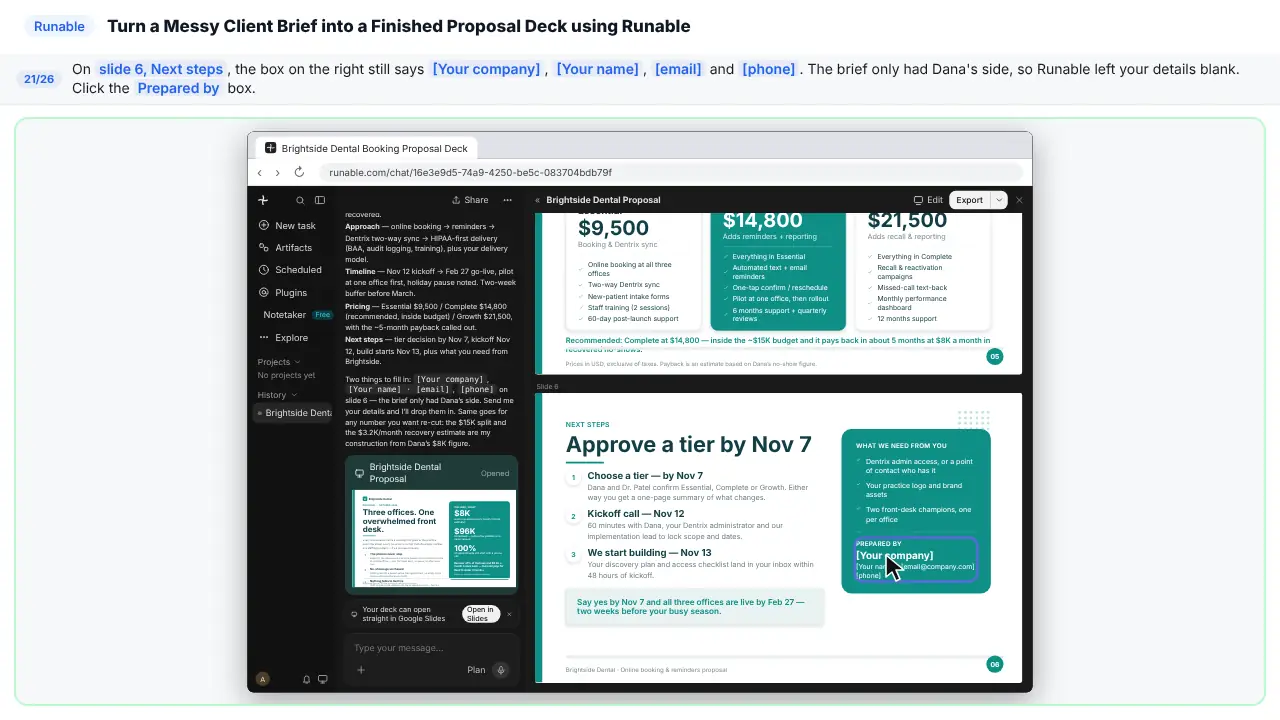
On slide six, the details box still has blanks for your company, name, email and phone. The brief only had Dana's side.
Step 22: Ask for the fix in plain words
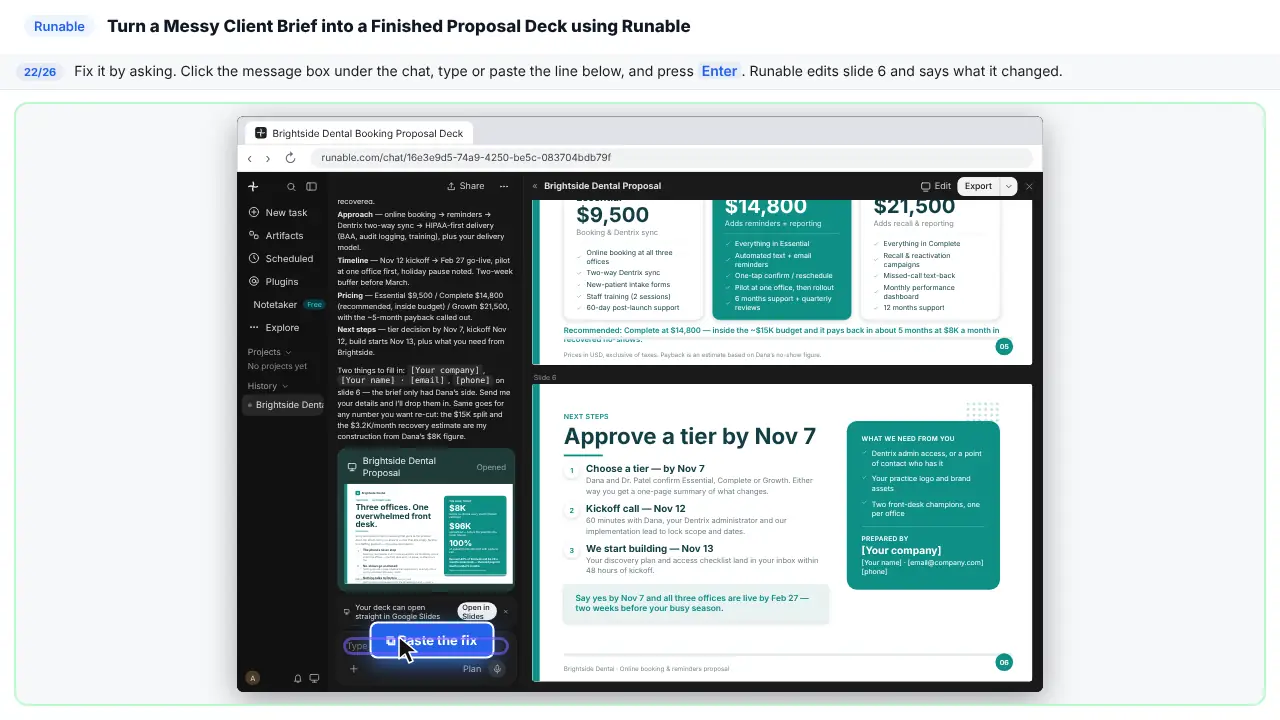
Fix it by asking. Runable edits slide six and tells you what it changed.
Part 8: Get it out of Runable
Step 23: See the export options
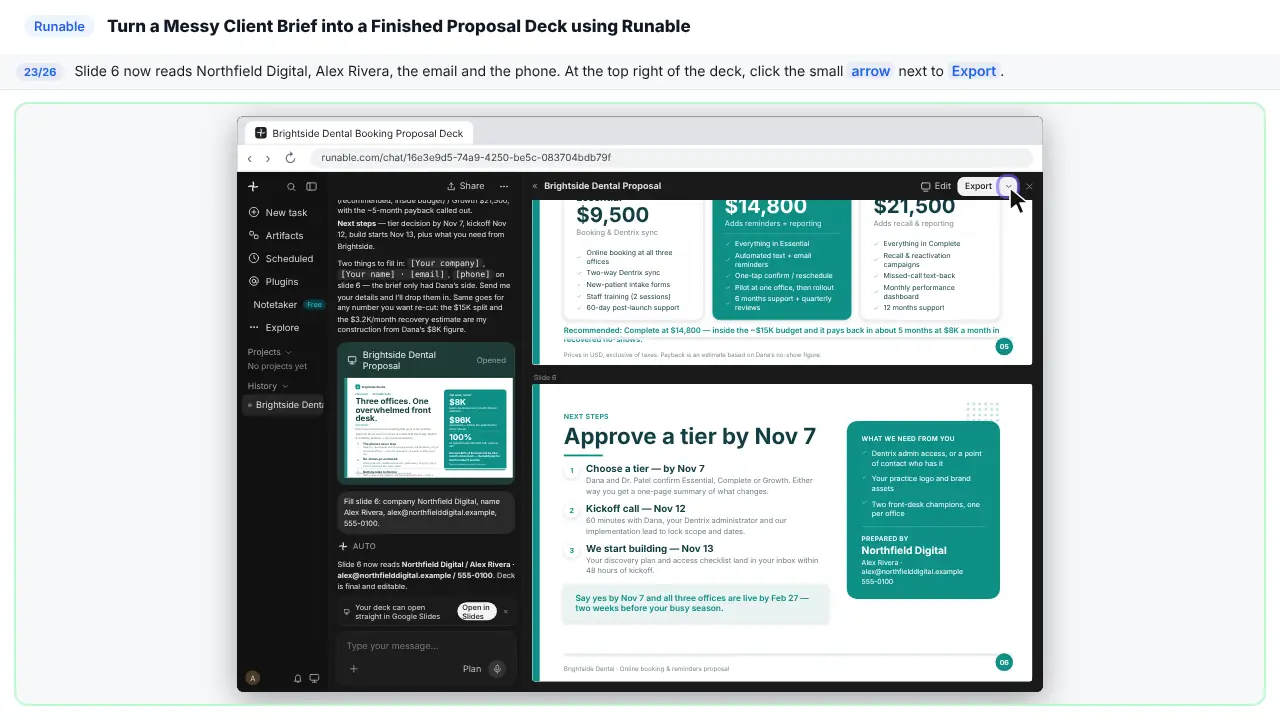
Slide six now has Alex's details. At the top right, click the small arrow next to export.
Step 24: Read the four options
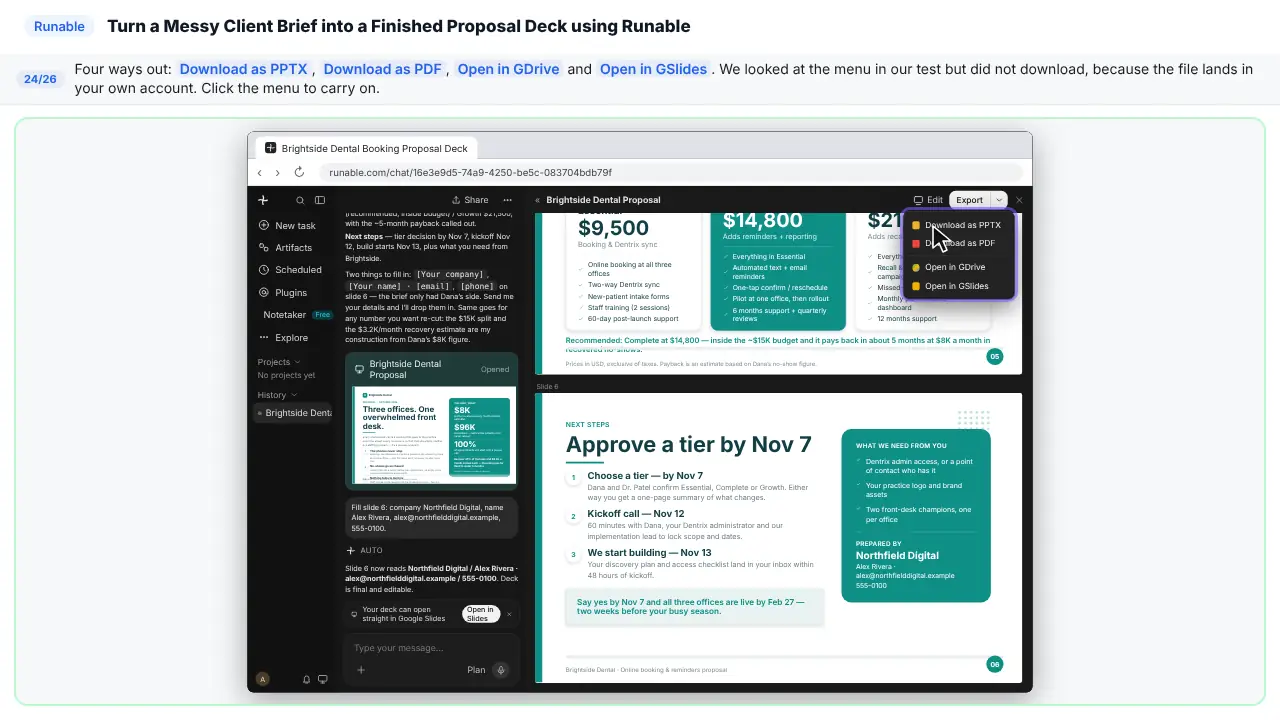
There are four ways out: download as PowerPoint, download as P D F, or open in Google Drive or Google Slides. Pick the one your client expects.
Part 9: What this saves you
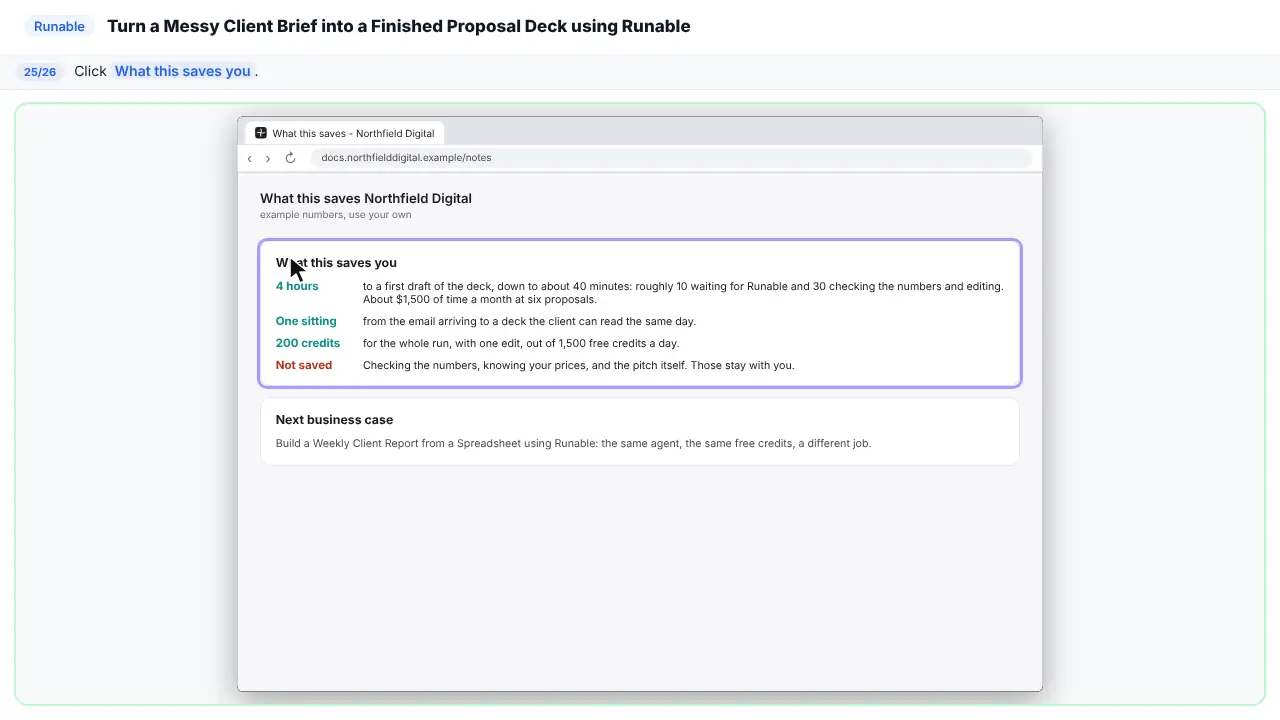
Step 25: What this saves you
Here is what it saves.
Step 26: Next business case
Next up, a weekly client report.
Part of these free courses: AI Apps Worth Knowing, Jump Start: Runable, AI for Consulting & Agencies, AI Presentations & Client Decks, Win a New Client and Start the Work in One Week with AI
Now do it yourself, free
Reading the steps is a start. Doing them is how it sticks. The interactive lesson puts you in a practice copy of Runable: you do every step yourself, it checks your work, and “Do it for me” finishes any step you get stuck on. Nothing touches your real accounts.
Practice “Turn a Messy Client Brief into a Finished Proposal Deck using Runable” step by stepThe business case: what a slow proposal costs a small agency
Picture Alex, who runs Northfield Digital, a made-up five-person agency. On Monday a three-office dental group emails a long, messy request: phones are swamping the front desk, no-shows cost about $8,000 a month, they want online booking and text reminders live before their busy season in March, the budget is around $15,000, and the software is Dentrix. Alex has to turn that into a proposal deck: problem, goals, approach, timeline, pricing and next steps.
Here is the arithmetic, using example numbers you should replace with your own. Say a deck like that takes about four hours and Alex sends six a month. That is 24 hours, or about $1,800 of time at $75 an hour, and $21,600 a year. The cost is not only time. The longer the proposal takes, the more time the client has to talk to someone else.
The fix is not a bigger team. It is a faster first draft, so the person sending the proposal spends their time on the numbers and the pitch instead of the layout.
Who this is for, and what it costs to start
Owners and account leads at small agencies, consultancies and freelance practices who write proposals from client emails and calls. You do not need any design or technical background.
Runable has a free plan. When we tested it in October 2026, the account showed 1,500 free credits a day (the top-right balance read Today 1,500 / 1,500), and our whole run, including one edit, used about 200 of them. Check Runable's pricing page for current limits, because plans and credit costs change. You do not need to pay, connect another account or publish anything to follow this lesson.
Why Runable asks questions before it builds
A one-line request like 'make a proposal' gives an AI agent too little to go on. Runable asks short questions about the choices that change the deck most: whether you want an editable PowerPoint or image-based slides, the visual direction, the language, whether you have a logo, and how to frame the price. Each answer shapes the deck, and each Skip lets Runable choose for you.
In our run it asked two questions, then three more, and we answered the format, the look and the price framing and skipped the language and logo. Choosing tiered pricing (Essential, Complete and Growth) made the pricing slide a choice between three options instead of a single number, which is easier for a client with a budget to say yes to.
You still own the numbers
The deck came back with a recommended tier, a payback period and a recovery estimate. Runable told us that the split of the $15,000 and the $3,200-a-month recovery were its own construction from the one figure in the brief, the client's $8,000 a month in no-shows. That is useful, because it gives the client something concrete to react to, but they are estimates and not facts.
Before a proposal like this goes out, read the goals slide and the pricing slide against what you really know: your real prices, your real timeline, and what you can honestly promise. A proposal with a wrong number is worse than a slow one.
Fixing the deck by asking
The brief only described the client's side, so slide 6 came back with blanks for your company, name, email and phone. You do not edit the deck by hand to fix that. You type the correction into the chat, for example 'Fill slide 6: company Northfield Digital, name Alex Rivera, an email address and a phone number', and Runable edits the slide and tells you what it changed. The same works for any slide: ask for a different tone, a shorter timeline or a different price.
In our test the deck was built as editable PowerPoint, so after Runable's edits you can still adjust text and numbers yourself in PowerPoint or Google Slides.
What this saves you
- Hours on the first draft: in the example, a four-hour deck becomes about 40 minutes, roughly 10 of waiting for Runable and 30 checking the numbers and editing. That is an estimate from one run, not a promise.
- One sitting: from the email arriving to a deck the client can read the same day.
- Free credits: our whole run, with one edit, used about 200 of the 1,500 daily free credits, so a free day covers several decks.
- What it does not do: check your numbers, know your prices, or win the work. You still read every figure before it goes out.
What we checked in a real Runable account
We ran every step of this lesson in a real Runable Free-plan account in October 2026: the credit balance, the prompt, both rounds of questions, the template gallery, slide 1, building the rest, reading all six slides, the edit to slide 6 and opening the Export menu. We did not download the file or open it in Google Slides, so those are mentioned and not taught, and we did not buy credits, publish or share anything. Runable's screens and credit costs change over time, so yours may differ slightly. In our run the page sometimes looked stuck on Thinking while Runable was still working, and refreshing the page showed the latest result.
Next business case: a weekly client report from a spreadsheet
Once proposals are faster, the next time sink for most small agencies is the weekly or monthly client report. Runable can also build reports and sheets from a request, using the same free credits. A lesson on turning a spreadsheet into a weekly client report is the natural next step.
Links
- Runable: the AI agent this lesson teaches. It has a free plan with daily credits, shown in the app as 1,500 a day when we tested it.
- Runable pricing: current plans, credits and limits. Check them before you rely on the free plan for client work.
Try it yourself, free
Reading the steps is a start. Doing them is how it sticks. The interactive module walks you through every click in a practice copy of Runable, checks each step, and never touches your real accounts.
Start “Turn a Messy Client Brief into a Finished Proposal Deck using Runable”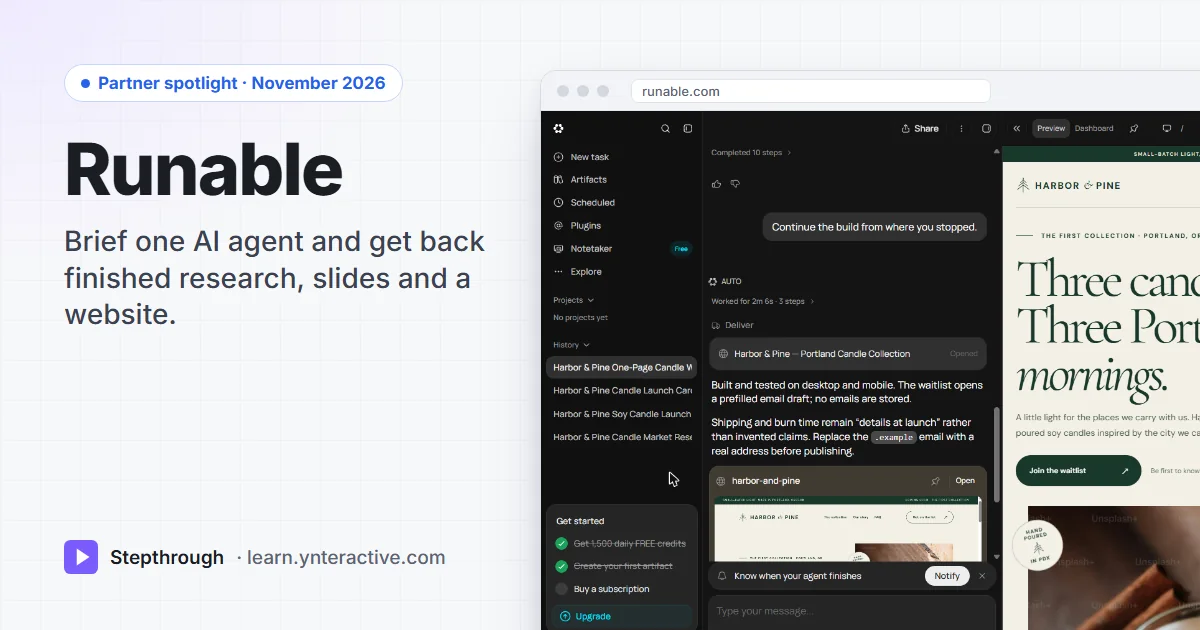
November 2026 spotlight
Runable
A general AI agent that turns one brief into finished research, a business plan, slides, carousels and a one-page website, like a one-person team for a small office.
Frequently asked questions
- What is Runable?
- Runable is a general AI agent. You describe finished work, such as a slide deck, a report, a spreadsheet or a website, and it builds it, asking a few questions first. It has a free plan with daily credits.
- Is Runable free?
- Runable has a free plan. When we tested it in October 2026 the account showed 1,500 free credits a day, and one six-slide deck with a single edit used about 200 of them. Check runable.com/pricing for current plans and limits.
- Can Runable make a proposal deck from a client email?
- Yes. In our test we pasted a long, messy client email, asked for a clean six-slide proposal deck, answered a few questions and picked a template. Runable built a deck with problem, goals, approach, timeline, pricing and next steps slides, as editable PowerPoint.
- Can I edit the deck Runable builds?
- Yes. You can ask Runable for changes in plain words, and if you choose the editable PowerPoint format the slides use real text boxes and shapes, so you can also edit them in PowerPoint or Google Slides. The Export menu offers PPTX, PDF, Google Drive and Google Slides.
- Are the numbers in the deck reliable?
- Treat them as a first draft. Runable told us the price split and the monthly recovery estimate in our deck were its own construction from one figure in the brief. Check every number against what you really know before you send a proposal.
- Is this lesson free, and has it been tested in the real Runable app?
- The lesson is free and the practice copy needs no account. Every step was run in a real Runable Free-plan account in October 2026, except downloading the file and opening it in Google Slides. Runable is a third-party product and its screens change, so yours may differ slightly.
More Runable tutorials
 Size Up Your Market and 5 Competitors Before You Spend a Dollar using Runable
A business case for new founders: before you buy stock, have Runable, an AI agent, research the market size, five competitors and their prices, and two gaps, with a…
Free · Live ~12 min Beginner
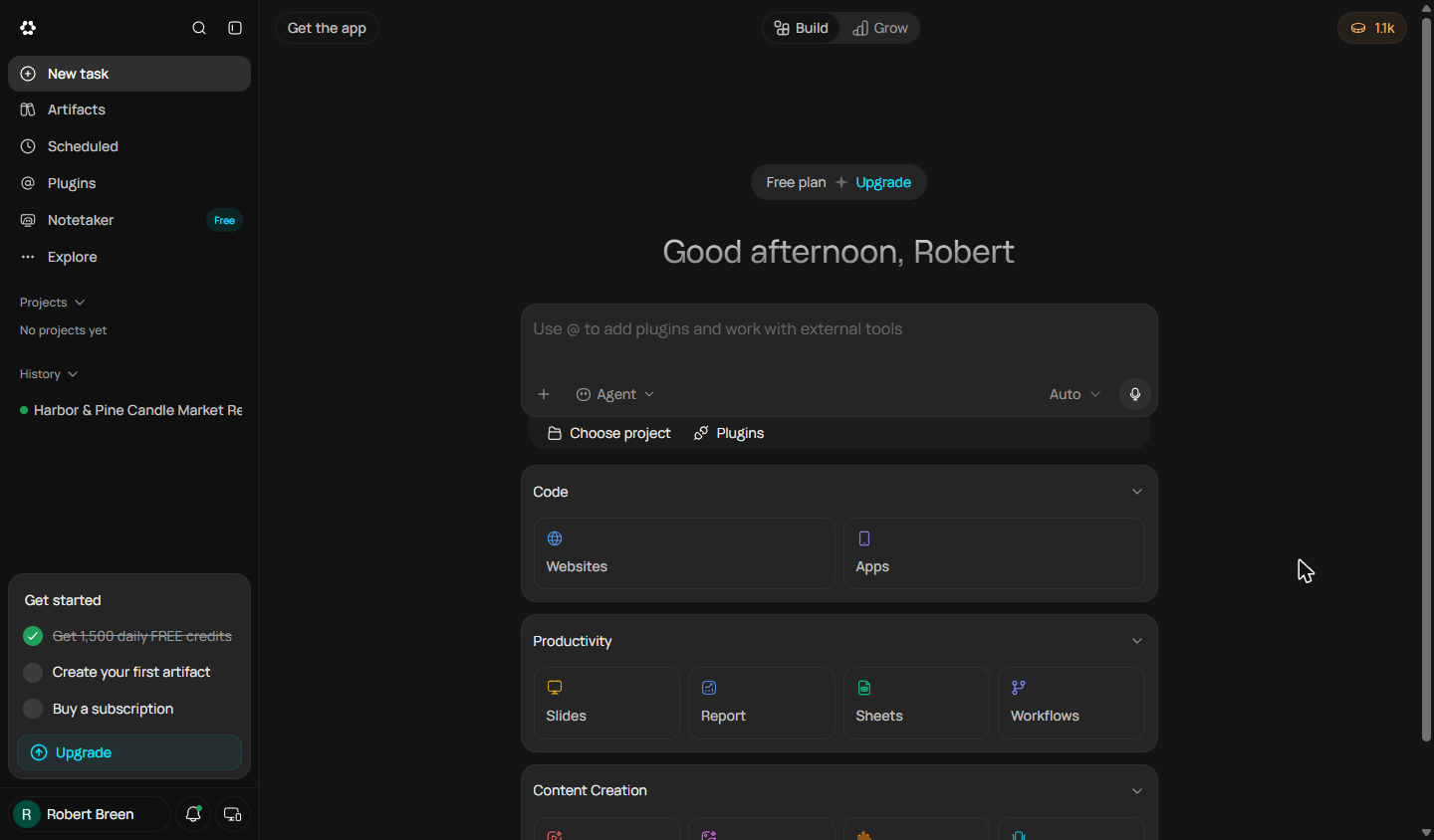 Turn Your Research into a One-Page Business Plan using Runable
A business case for new founders: turn your research into a one-page launch plan with Runable's Report tool and Business Plan template, read the fact and assumption…
Free · Live ~10 min Beginner
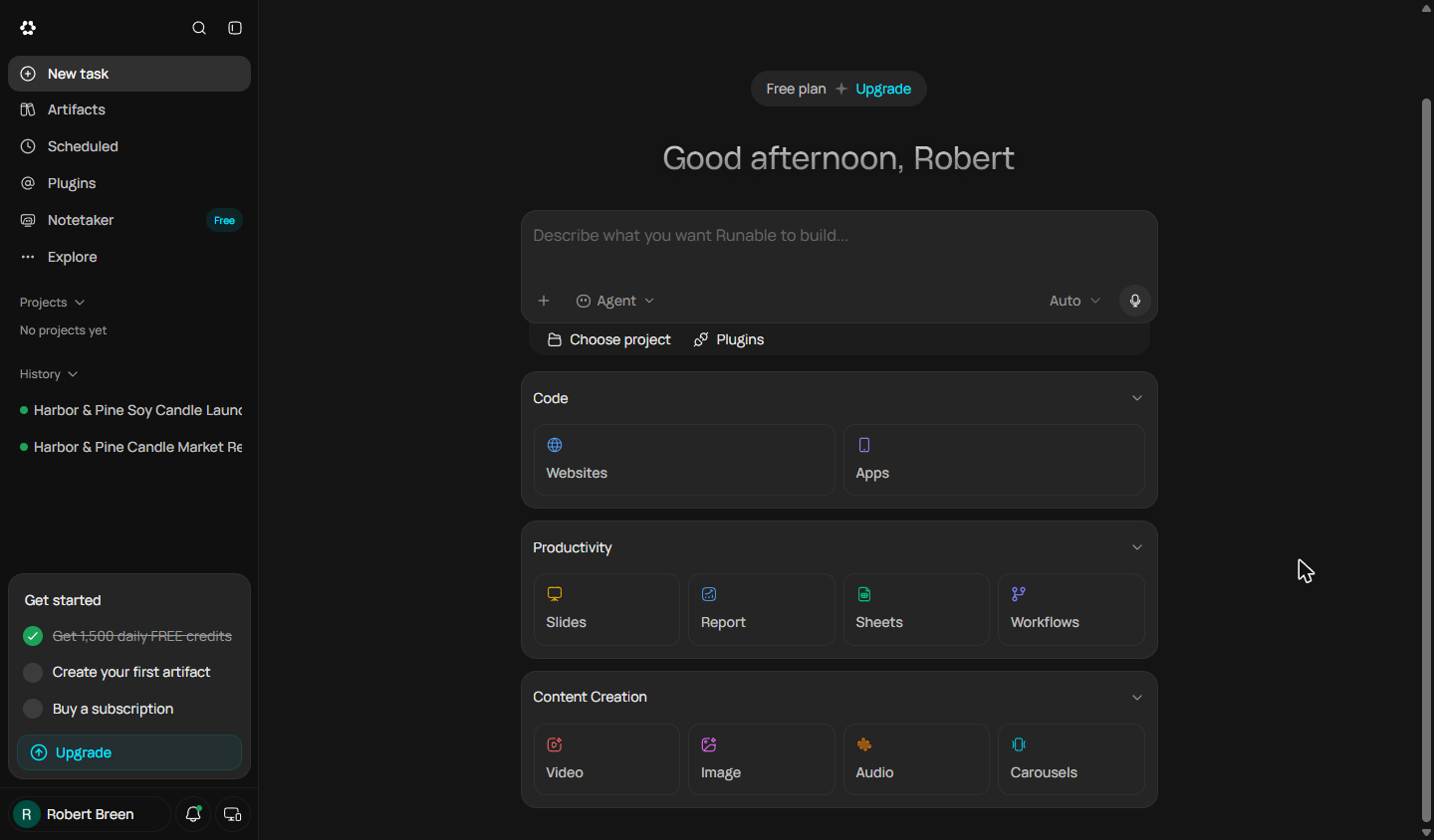 Make an Instagram Launch Carousel for Your Products using Runable
A business case for new founders: make a 5-slide Instagram launch carousel with Runable's Carousels tool, approve the cover before it renders the rest, check every…
Free · Live ~10 min Beginner
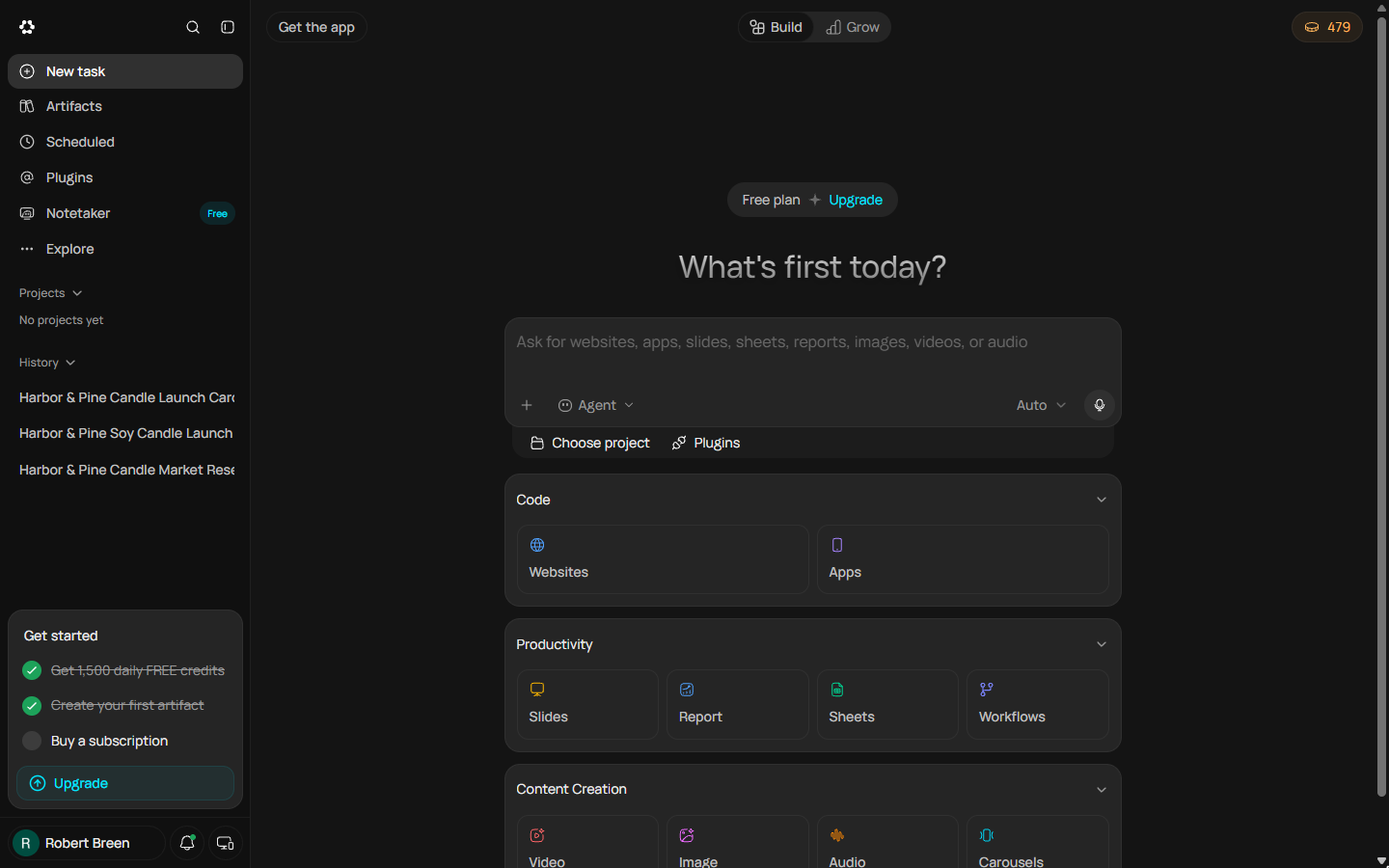 Brief a One-Page Website and Approve the Plan using Runable (and Budget Your Credits)
A business case for new founders: brief Runable's Websites tool for a one-page site, answer its two clarifying questions, approve the plan, run out of free credits…
Free · Live ~16 min Beginner
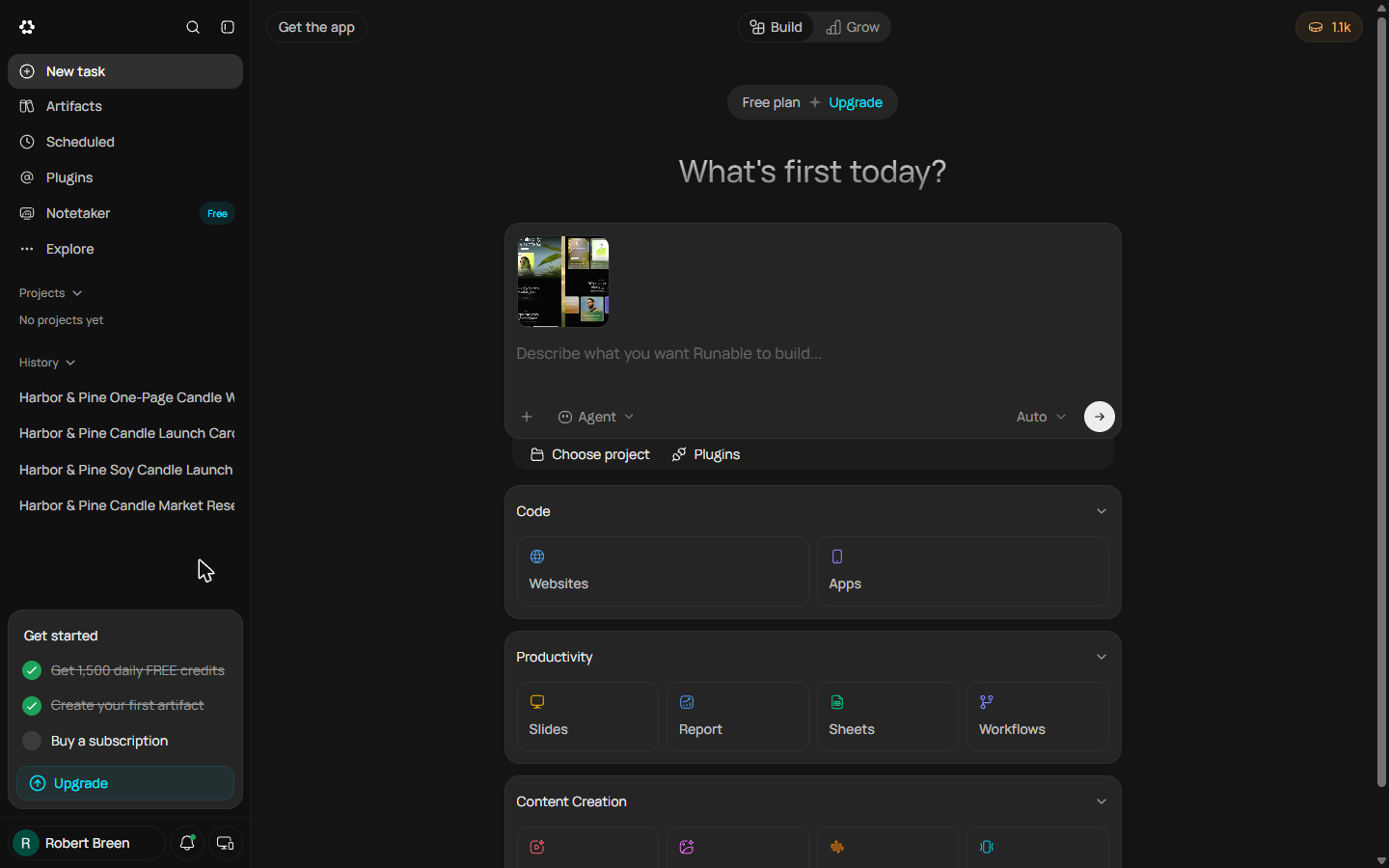 Turn Customer Questions into a Help Page and DM Replies using Runable (and Check What It Changed)
A business case for small shops: turn the questions customers keep asking into a help page and paste-ready DM replies with Runable, make it list what your facts don't…
Free · Live ~10 min Beginner
 Replace the Clipboard Stock Count with an App using Runable (and Test It Before You Approve)
A business case for office managers: describe a phone-friendly stock-count app to Runable's App Builder, catch a plan that would keep the counts in each phone's…
Free · Live ~11 min Beginner
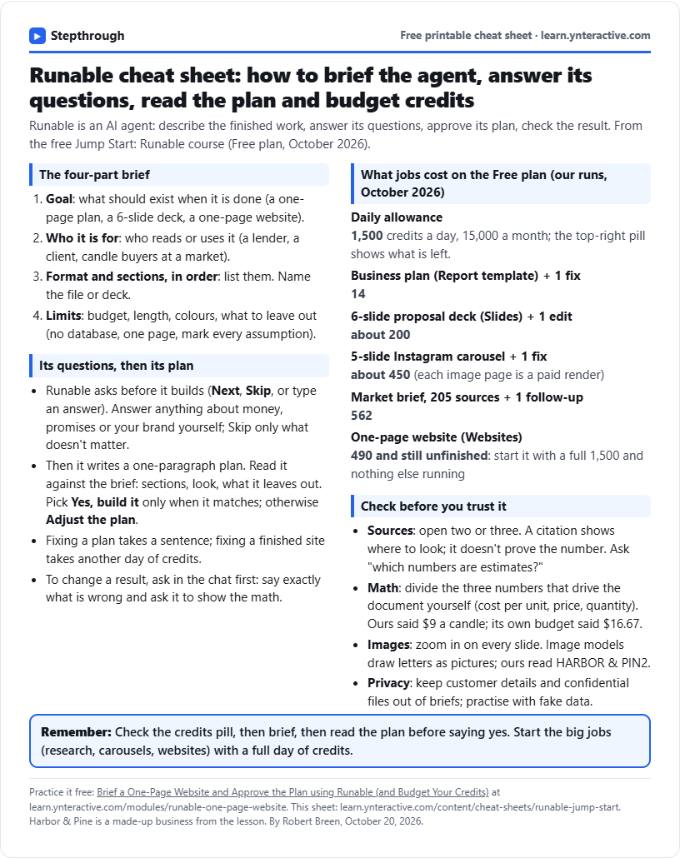
Free cheat sheet
Print it or save the PDF: the key steps and checks from this lesson on one page, free.
All free printable cheat sheets
Terms in this lesson
Plain-English definitions, each with an example from a free lesson.