Updated . Built step by step in a real Runable Free-plan account on 19 October 2026. Every screen in the practice is a real Runable screen, and every output is what Runable produced in that run. How we check this lesson
A launch needs people to know your products before they meet you. In this free lesson you make a 5-slide Instagram carousel for Harbor & Pine's three scents with Runable's Carousels tool: pick Product Showcase, paste the words for each slide, approve the cover, and let Runable build the rest. Then you read every slide, catch a typo the AI drew into slide 3, ask for the fix, and see what a one-word fix really changes. It used about 450 credits.
At a glance
| Question | Answer |
|---|---|
| What you build | A business case for new founders: make a 5-slide Instagram launch carousel with Runable's Carousels tool, approve the cover before it renders the rest, check every slide for AI typos, and see what a one-word fix really costs. Free plan. |
| Tools | Runable |
| Time | About 10 minutes, 21 steps in 6 parts |
| Level | Beginner, no coding needed |
| Cost | Free |
| Ways to learn it | Practice it step by step, read the guide with screenshots |
The 6 parts, in short
- Launch content without a designer: Price your launch content, Meet Runable Carousels, Write the words first.
- Pick a carousel style: Open Carousels, Pick Product Showcase, Use a template, Swap in your slides, and 1 more step.
- Approve the cover, then build the rest: Open the cover, Check the cover, Approve it, Send the approval.
- Check every slide: Look at every slide, Spot the typo, Ask for the fix, Send the fix, and 1 more step.
- Export it and watch your credits: Export the carousel, Check your credits.
- What it saved, and what is next: See what you have now, Up next.
Start here first: Size Up Your Market and 5 Competitors Before You Spend a Dollar using Runable (module 1 of Runable for Entrepreneurs)
Part of: AI Apps Worth Knowing (step 14 of 186). Next up: Brief a One-Page Website and Approve the Plan using Runable (and Budget Your Credits)
Part of: AI Presentations and Visual Content (step 7 of 8)
How to make an Instagram Launch Carousel for Your Products using Runable: step-by-step guide with screenshots
About the screenshots. They come from Stepthrough’s simulated practice environment (a practice copy of Runable), not the live tool, so no real account appears. The buttons and labels match the real screens the lesson was built against. Practice it yourself free at ynteractive.com.
- Tools: Runable
- Time: about 10 minutes, 21 steps in 6 parts
- Level: beginner, no coding needed
Part 1: Launch content without a designer
Step 1: Price your launch content
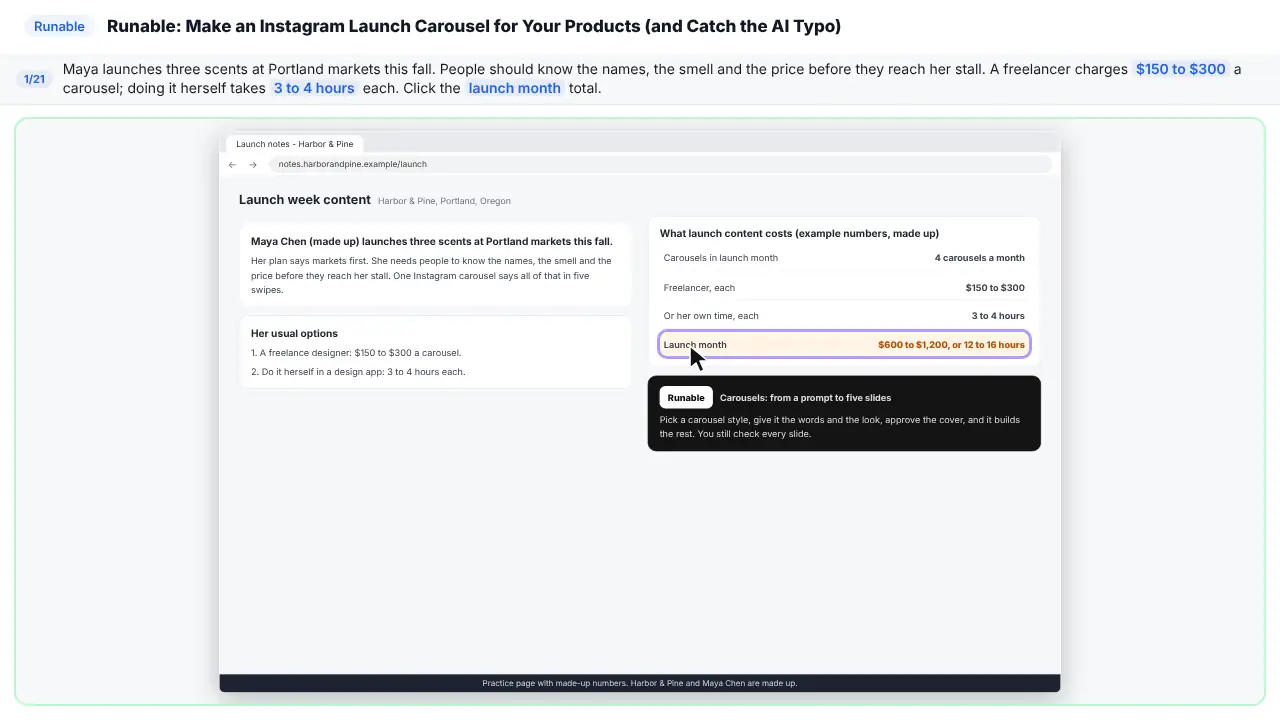
Maya launches three candles this fall. She wants people to know them before they reach her stall. A designer costs up to three hundred dollars a carousel.
Step 2: Meet Runable Carousels
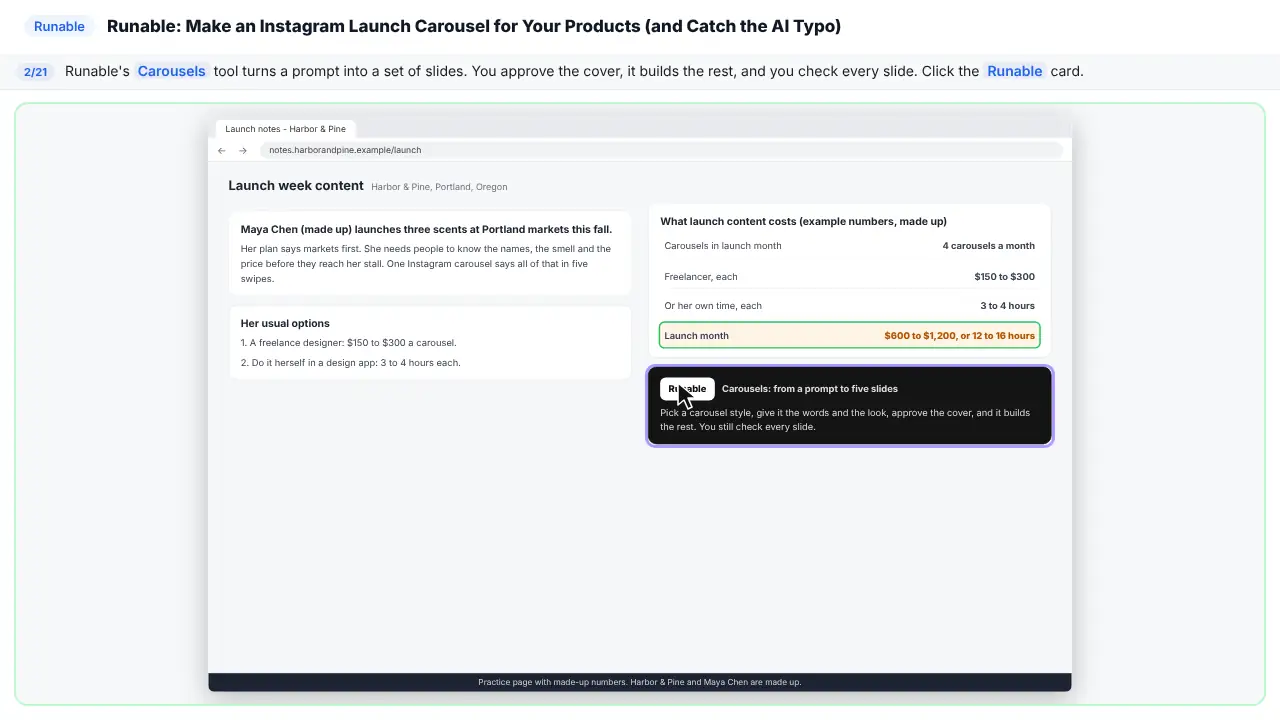
Runable can build a carousel from a prompt. You approve the cover. It builds the rest.
Step 3: Write the words first
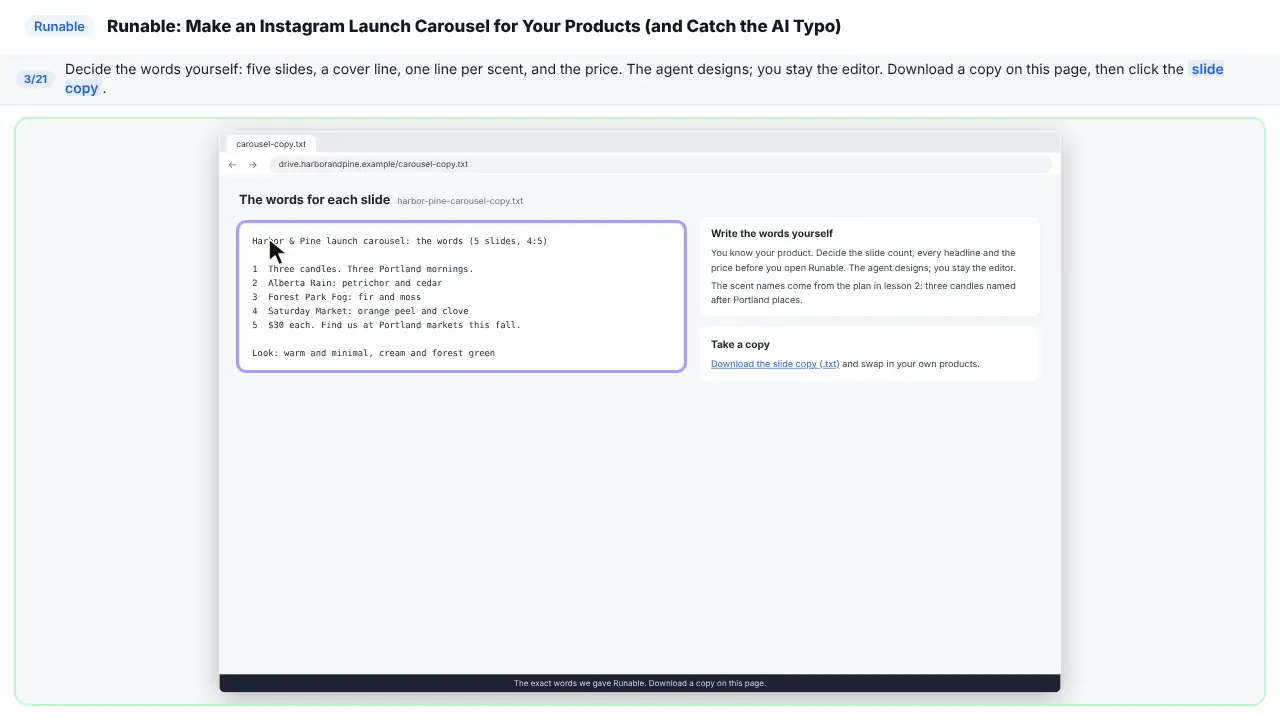
Write the words yourself first. Five slides. A cover, three scents, and the price.
Part 2: Pick a carousel style
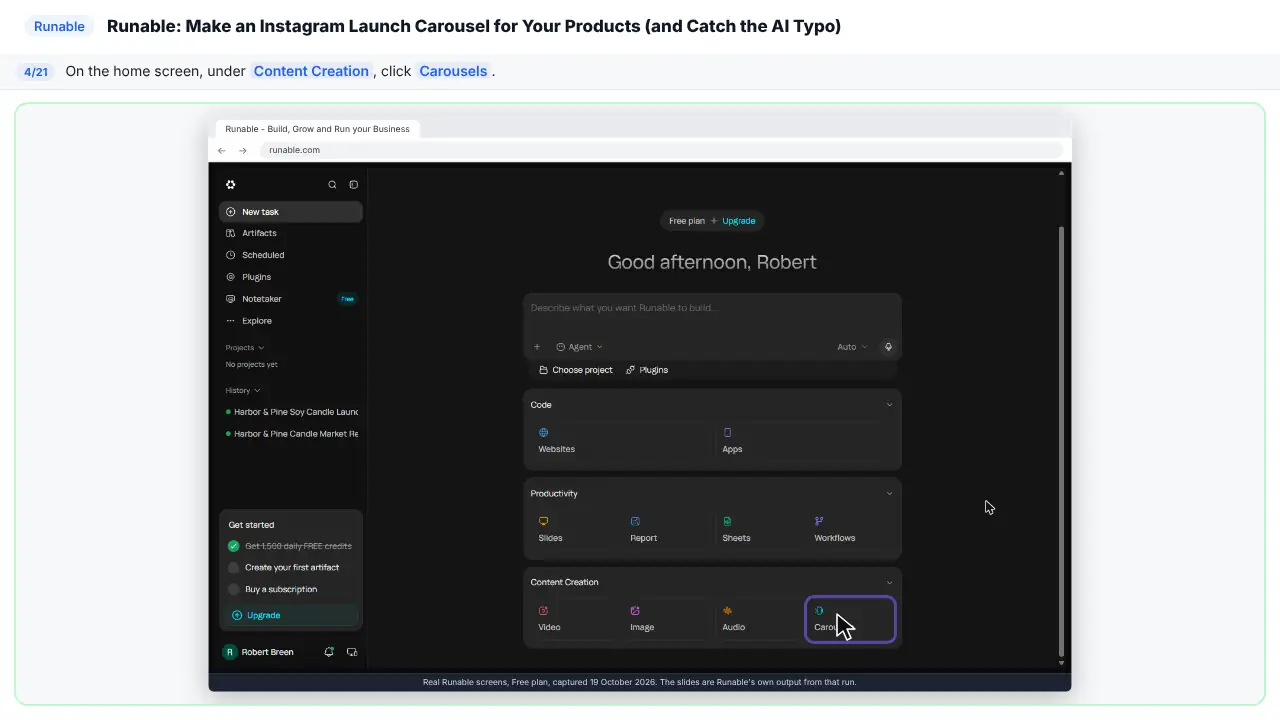
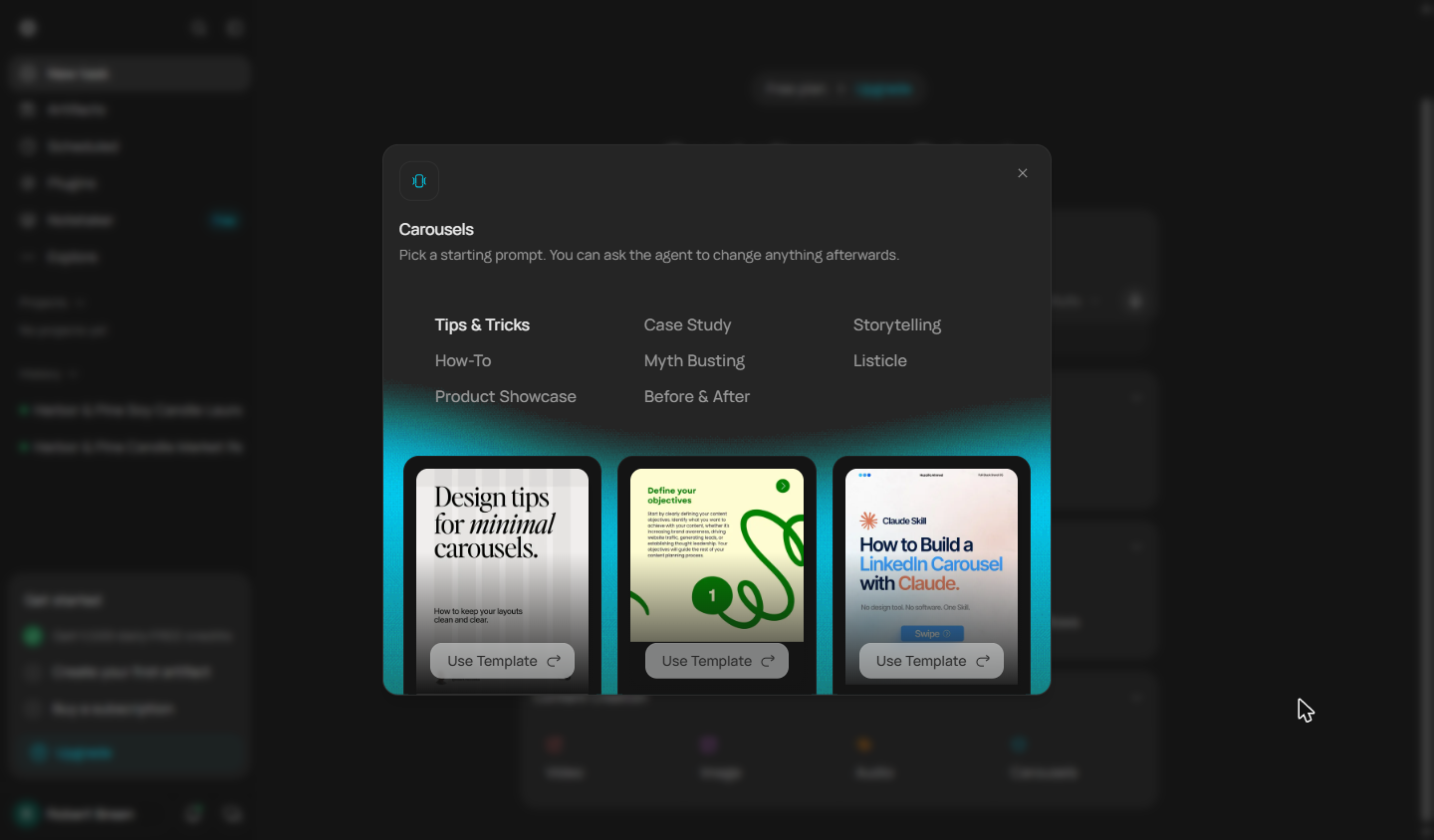
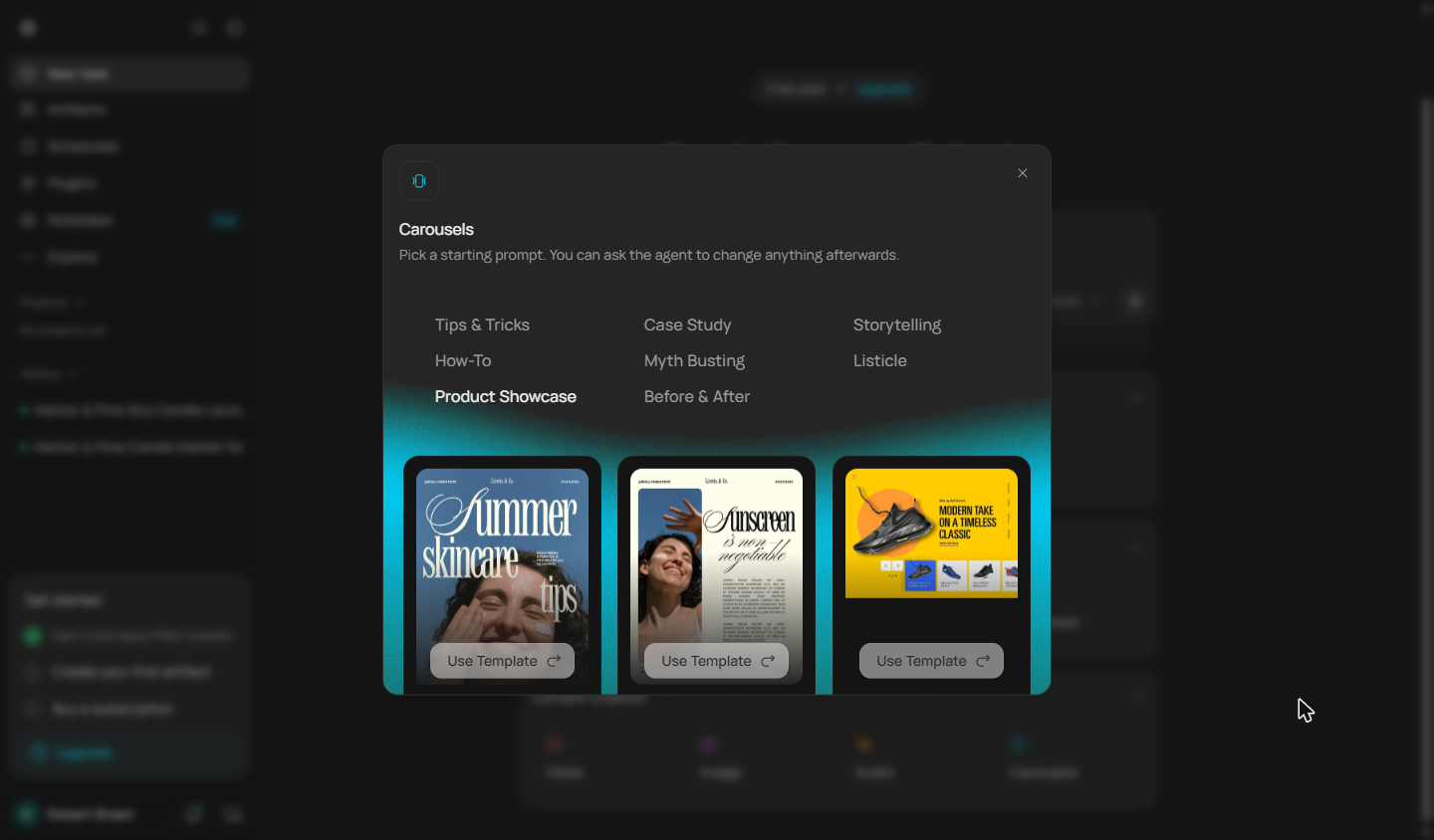
Step 4: Open Carousels
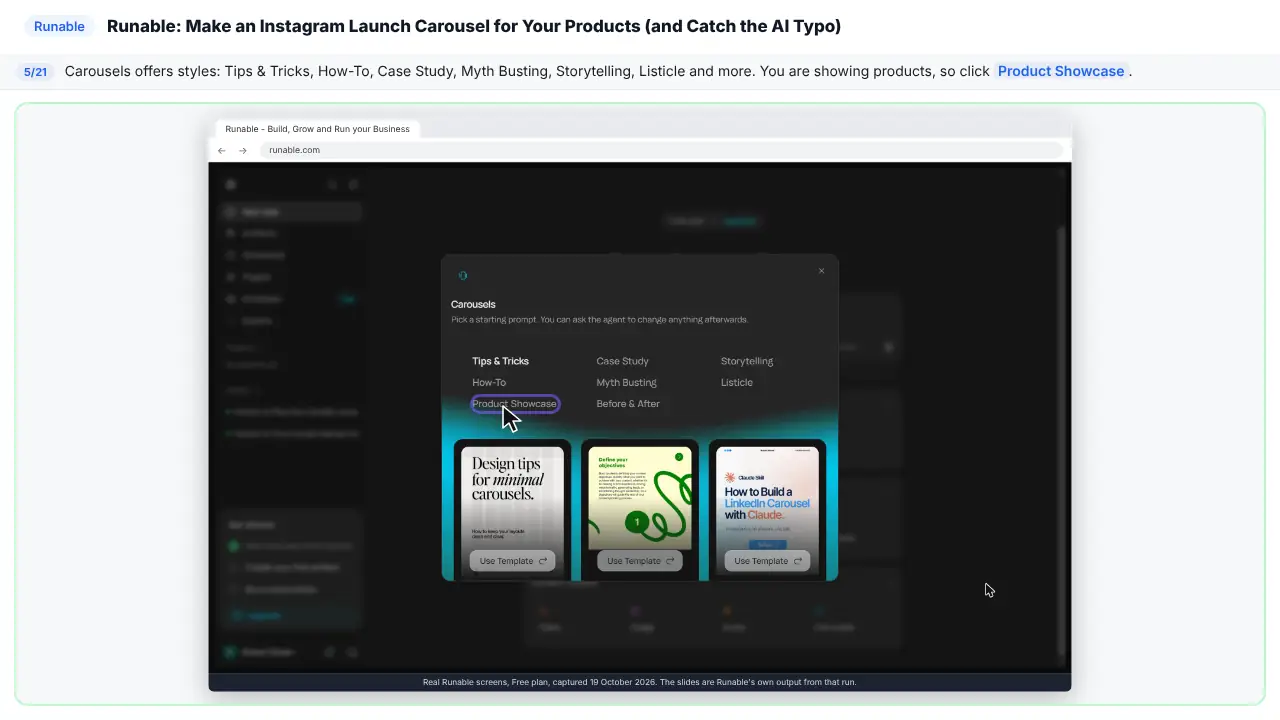
Step 5: Pick Product Showcase
You're showing products.
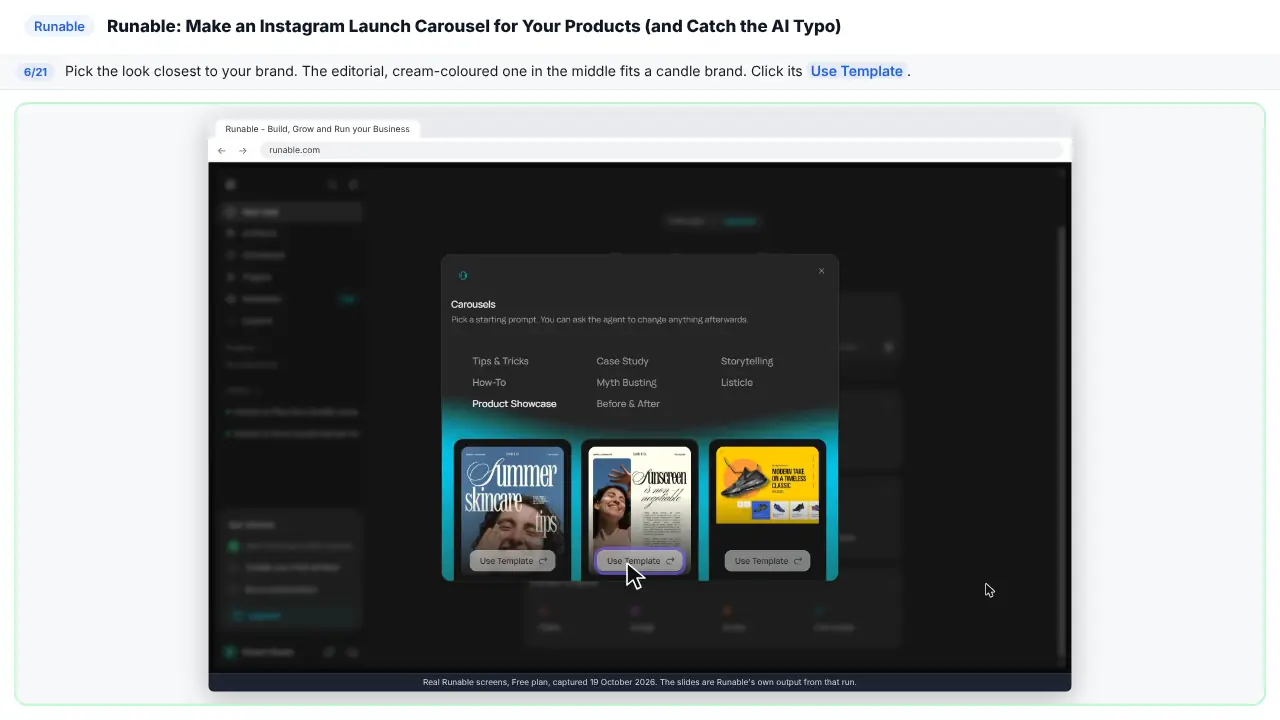
Step 6: Use a template
Pick the look closest to your brand.
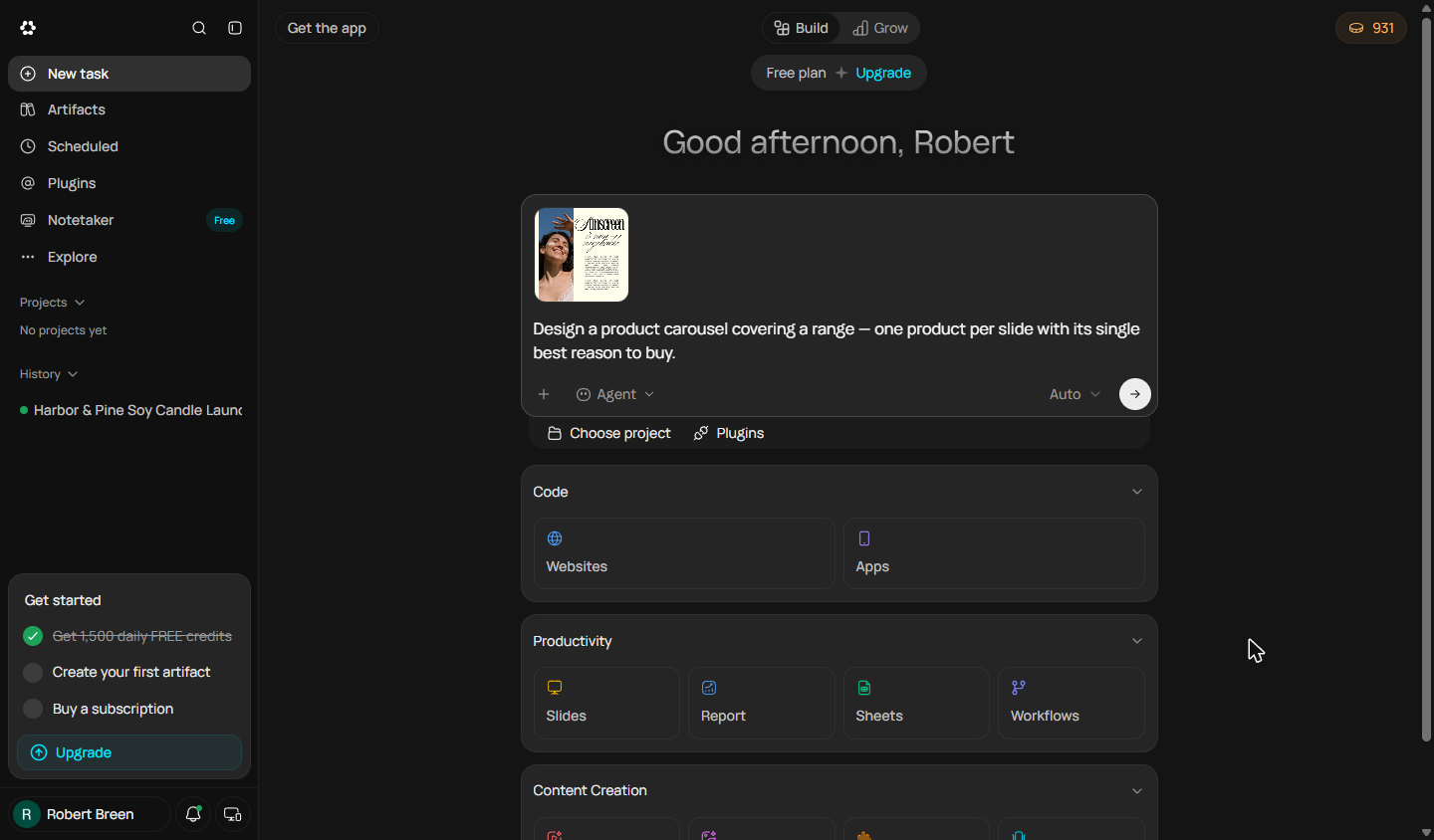
Step 7: Swap in your slides
Replace the sample prompt with yours. Every slide's words. The colours. And the size.
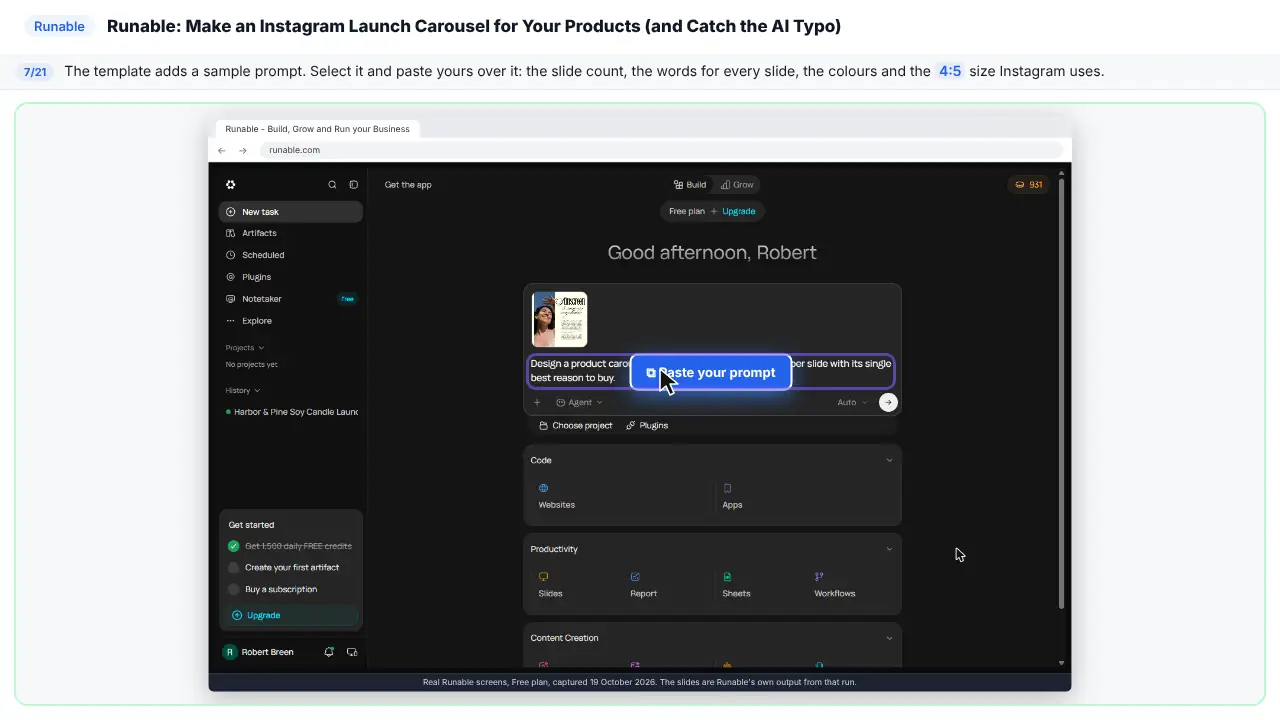
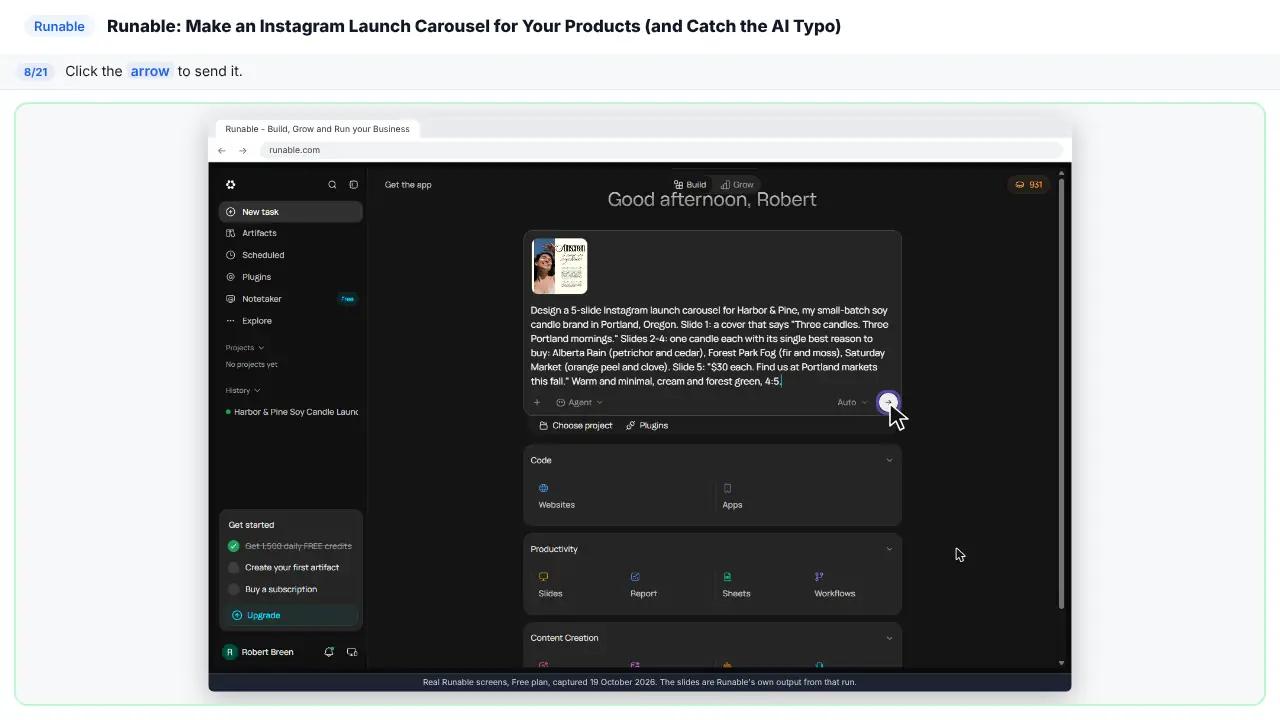
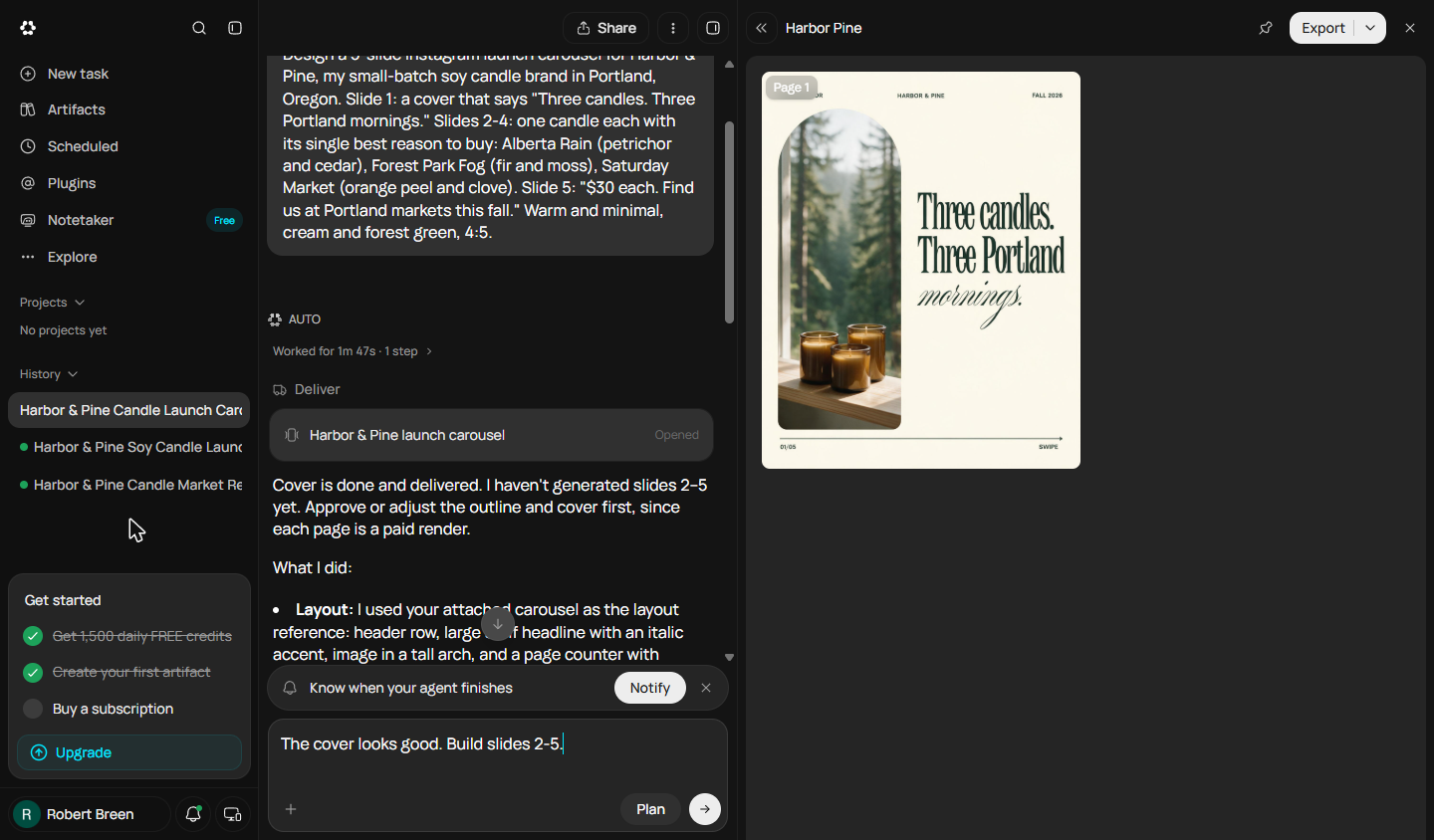
Design a 5-slide Instagram launch carousel for Harbor & Pine, my small-batch soy candle brand in Portland, Oregon. Slide 1: a cover that says "Three candles. Three Portland mornings." Slides 2-4: one candle each with its single best reason to buy: Alberta Rain (petrichor and cedar), Forest Park Fog (fir and moss), Saturday Market (orange peel and clove). Slide 5: "$30 each. Find us at Portland markets this fall." Warm and minimal, cream and forest green, 4:5.
Step 8: Send it
Part 3: Approve the cover, then build the rest
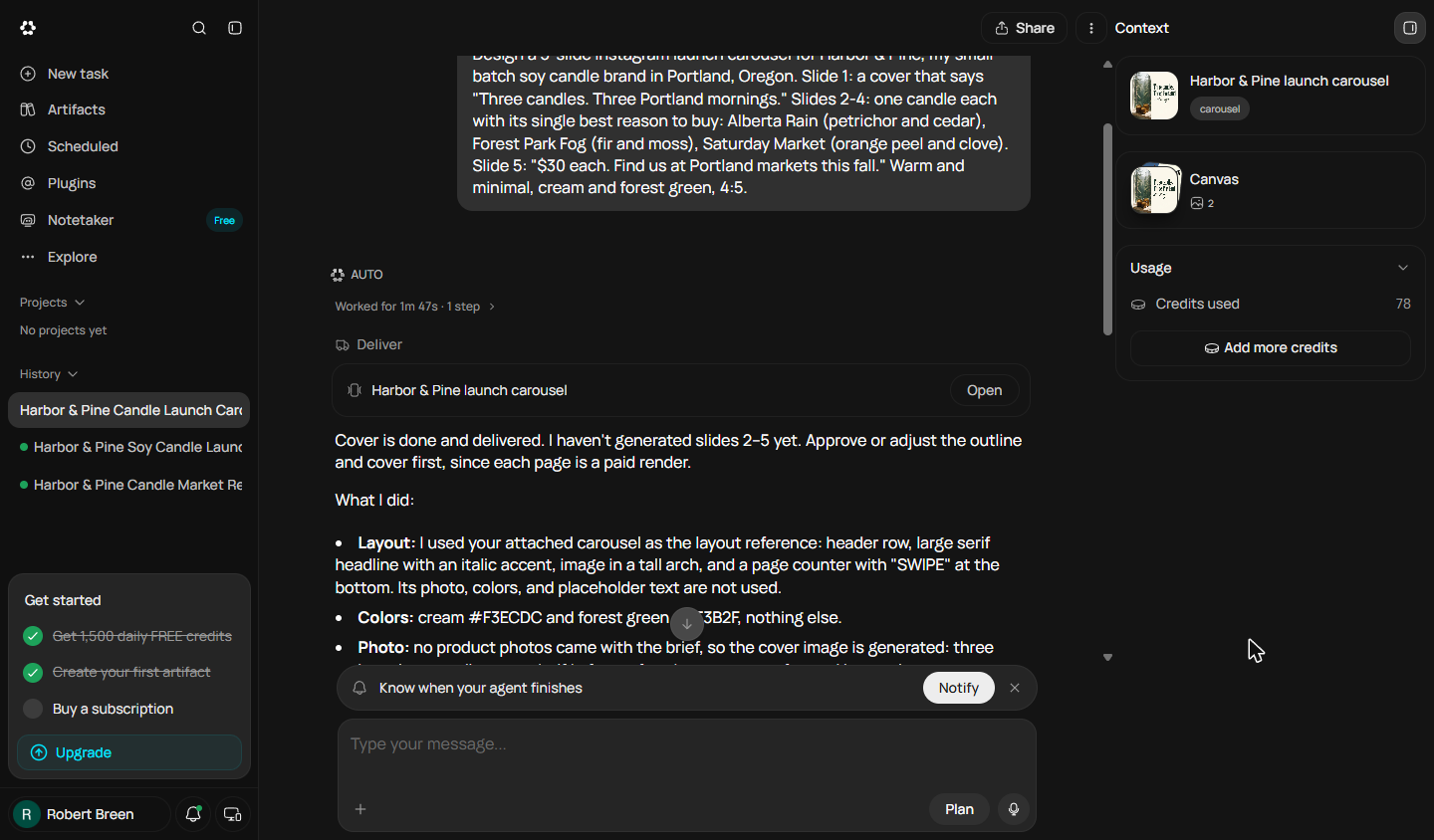
Step 9: Open the cover
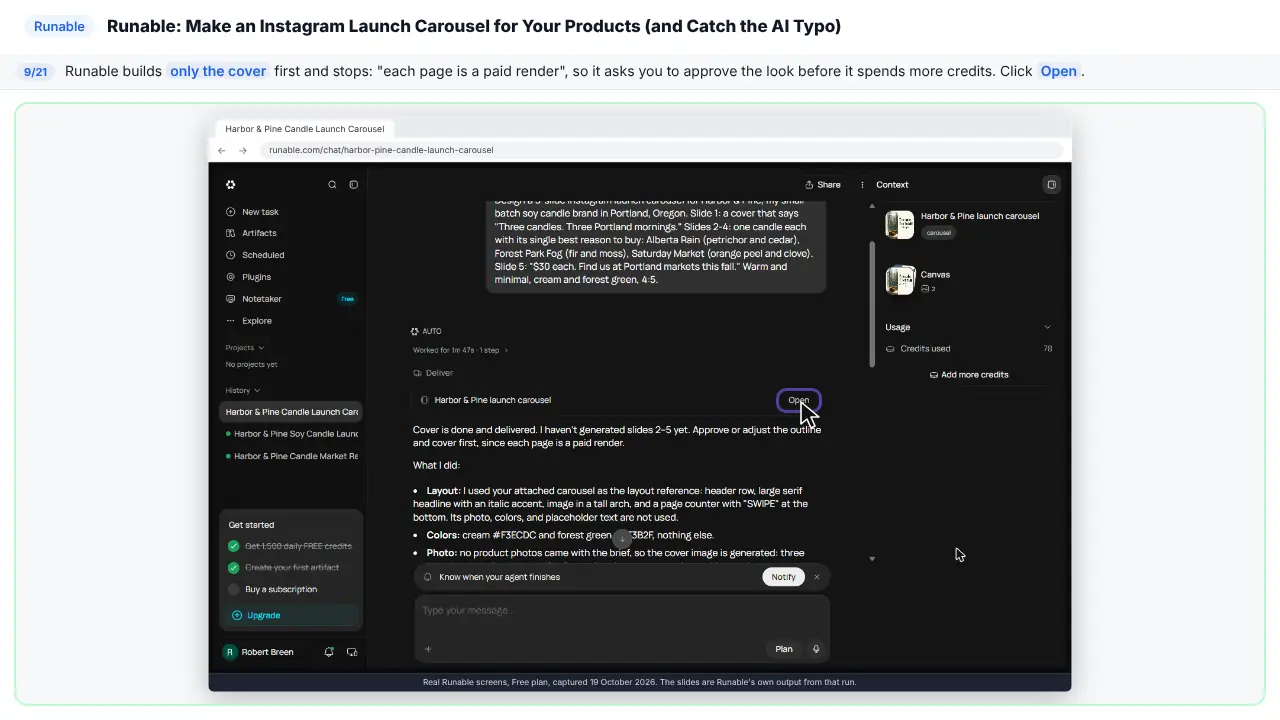
It builds only the cover first. Each slide costs credits, so it asks you to approve the look.
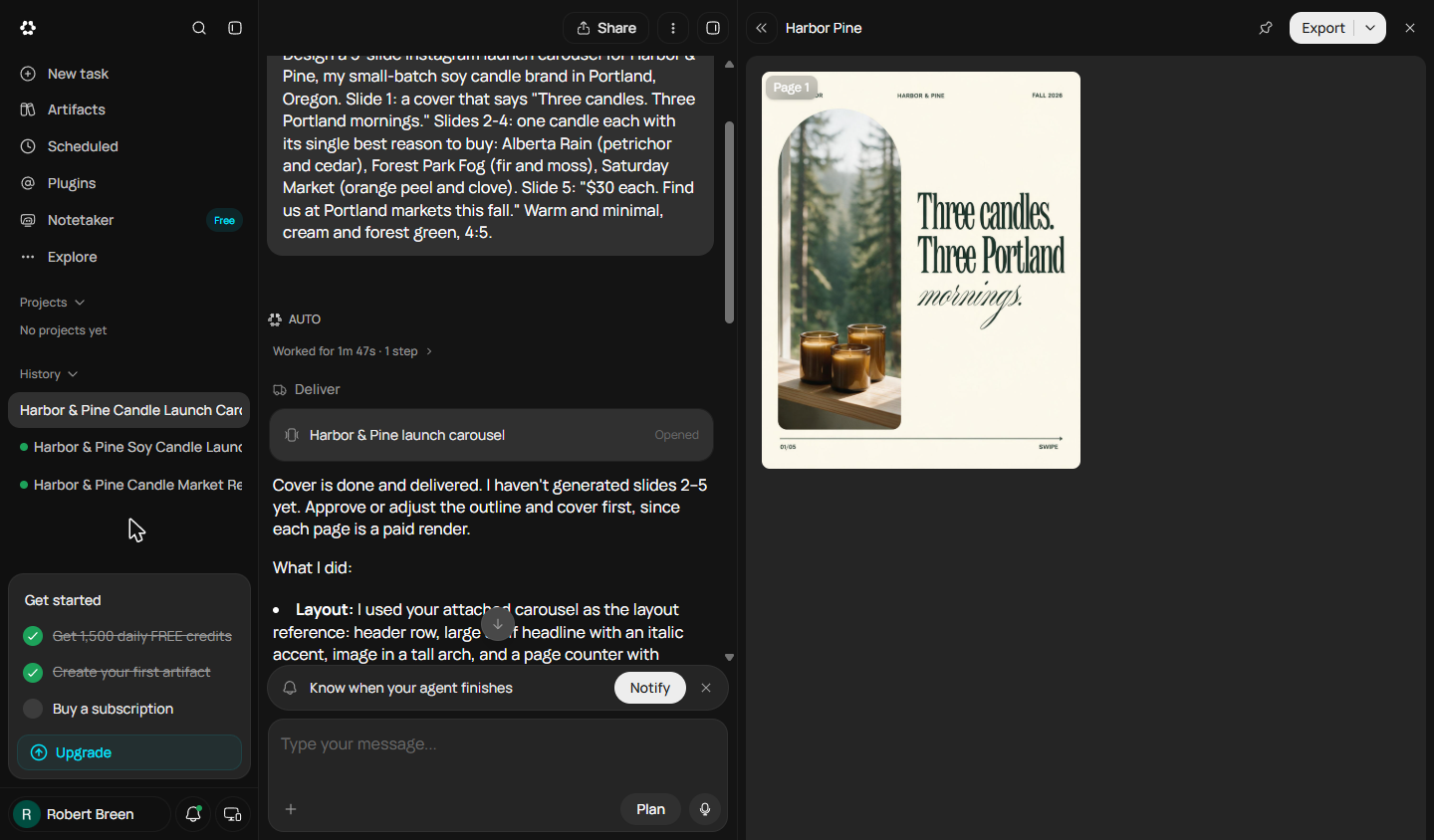
Step 10: Check the cover
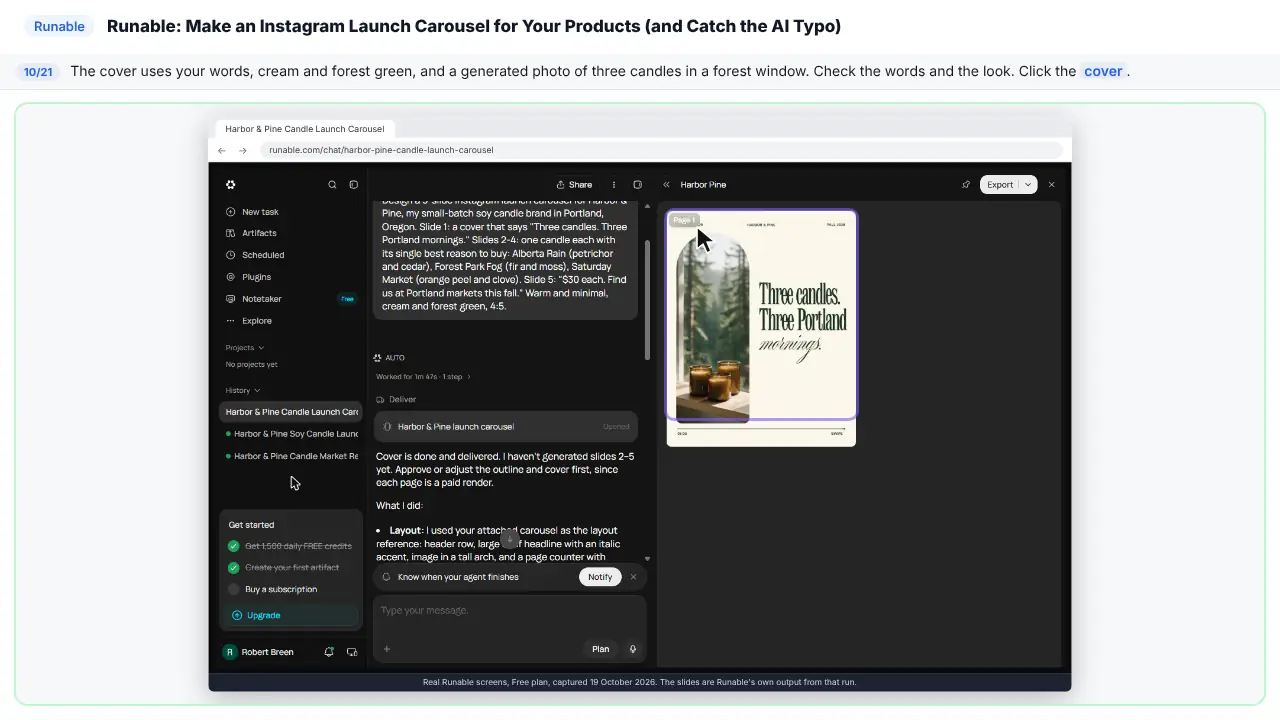
Check the words and the look.
Step 11: Approve it
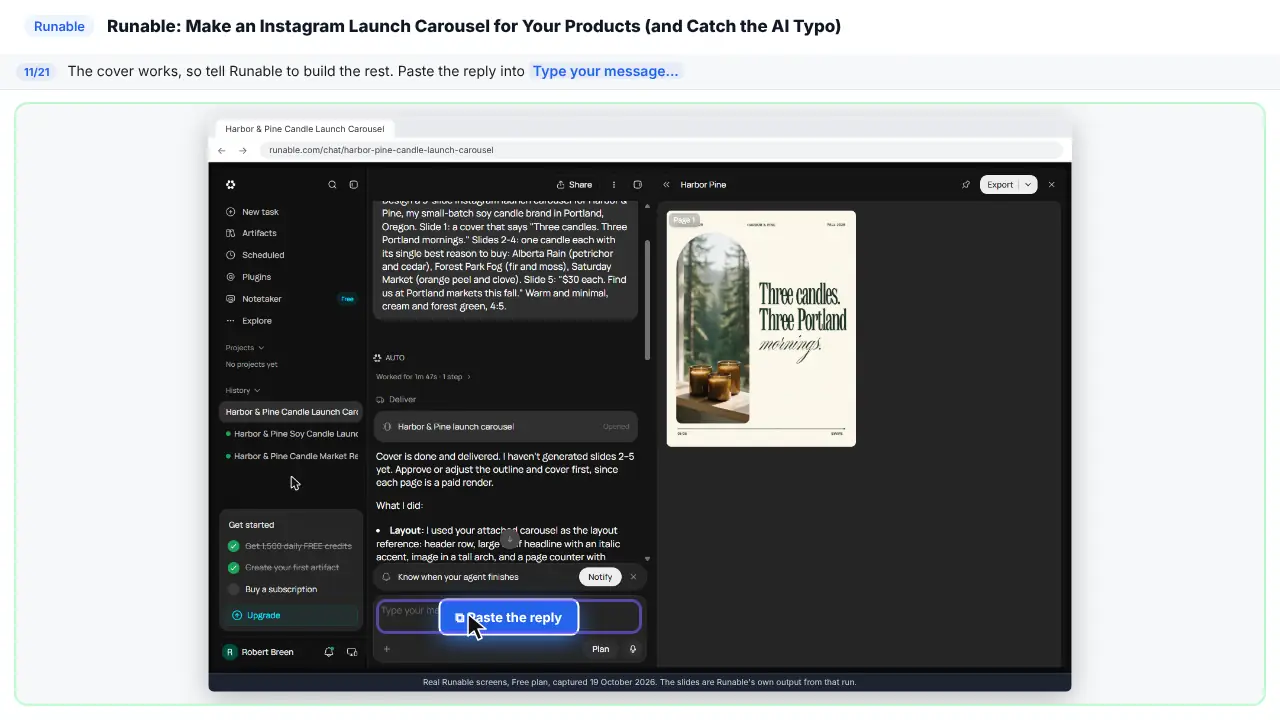
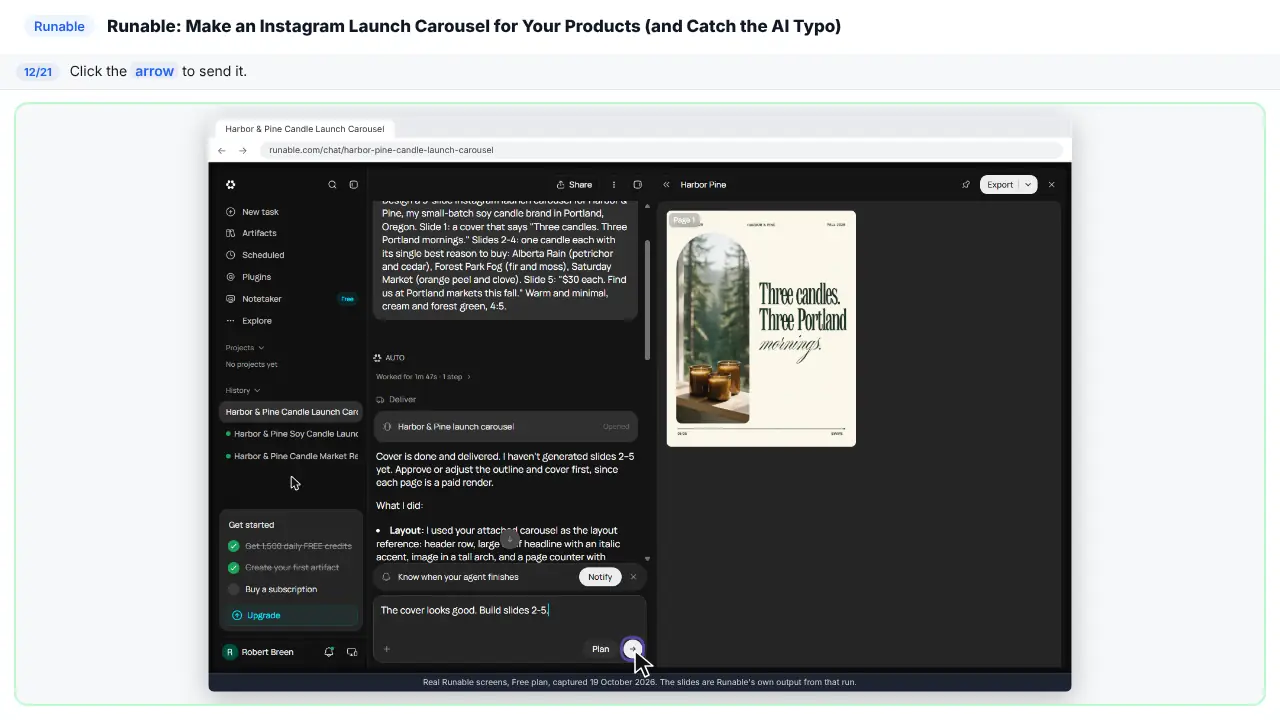
It looks right. Tell it to build the rest.
Step 12: Send the approval
Part 4: Check every slide
Step 13: Look at every slide
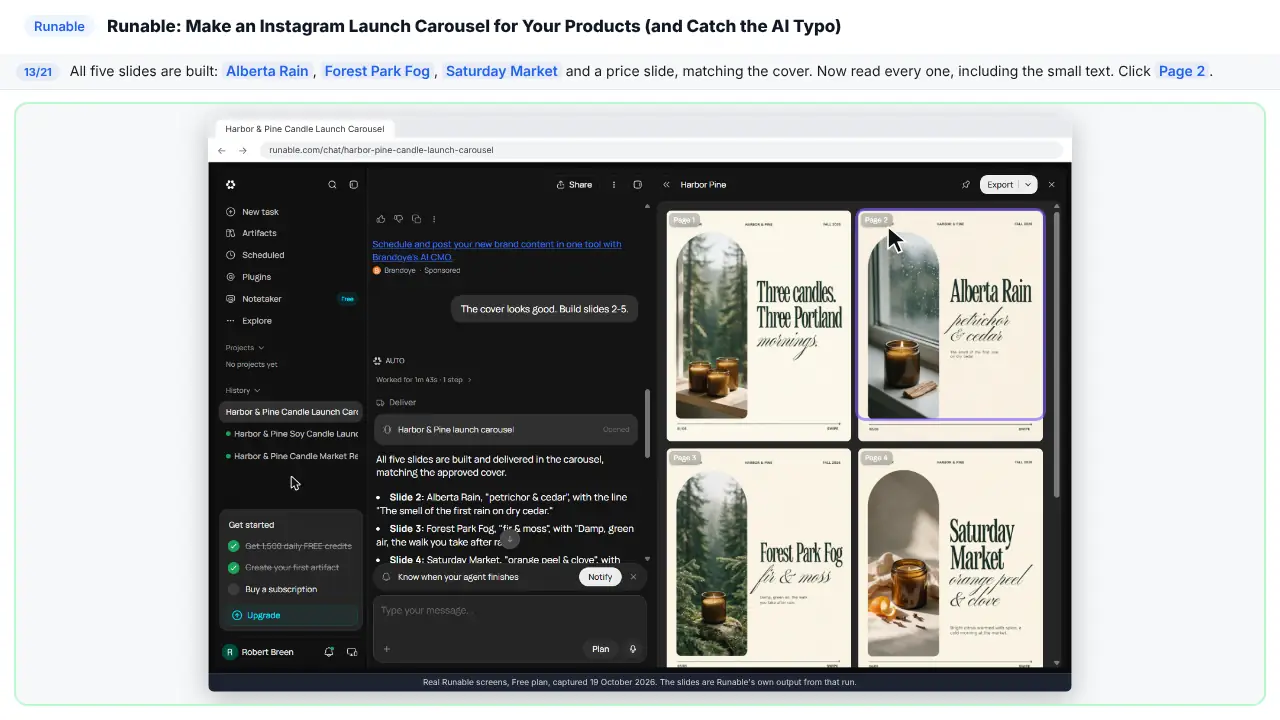
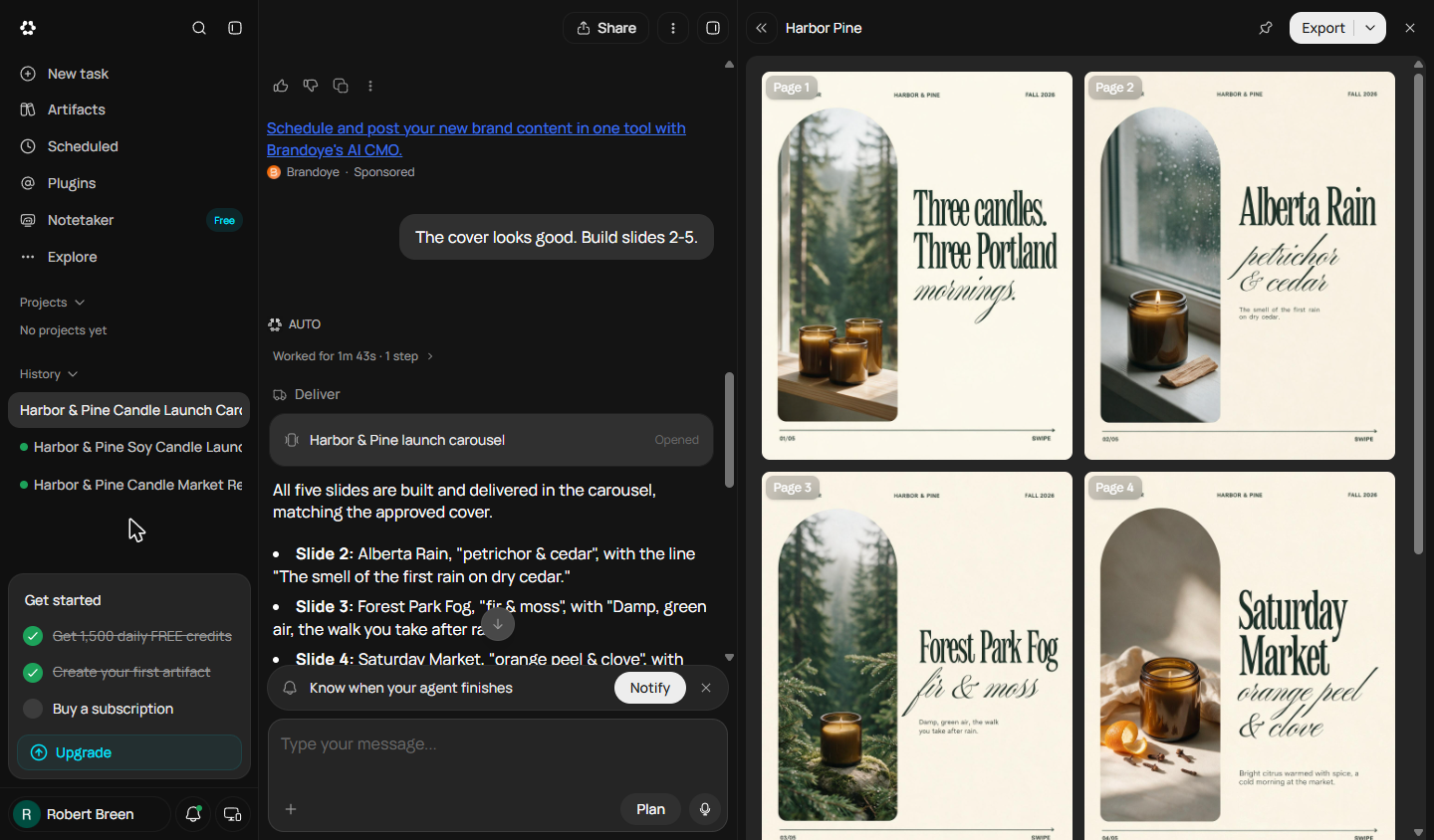
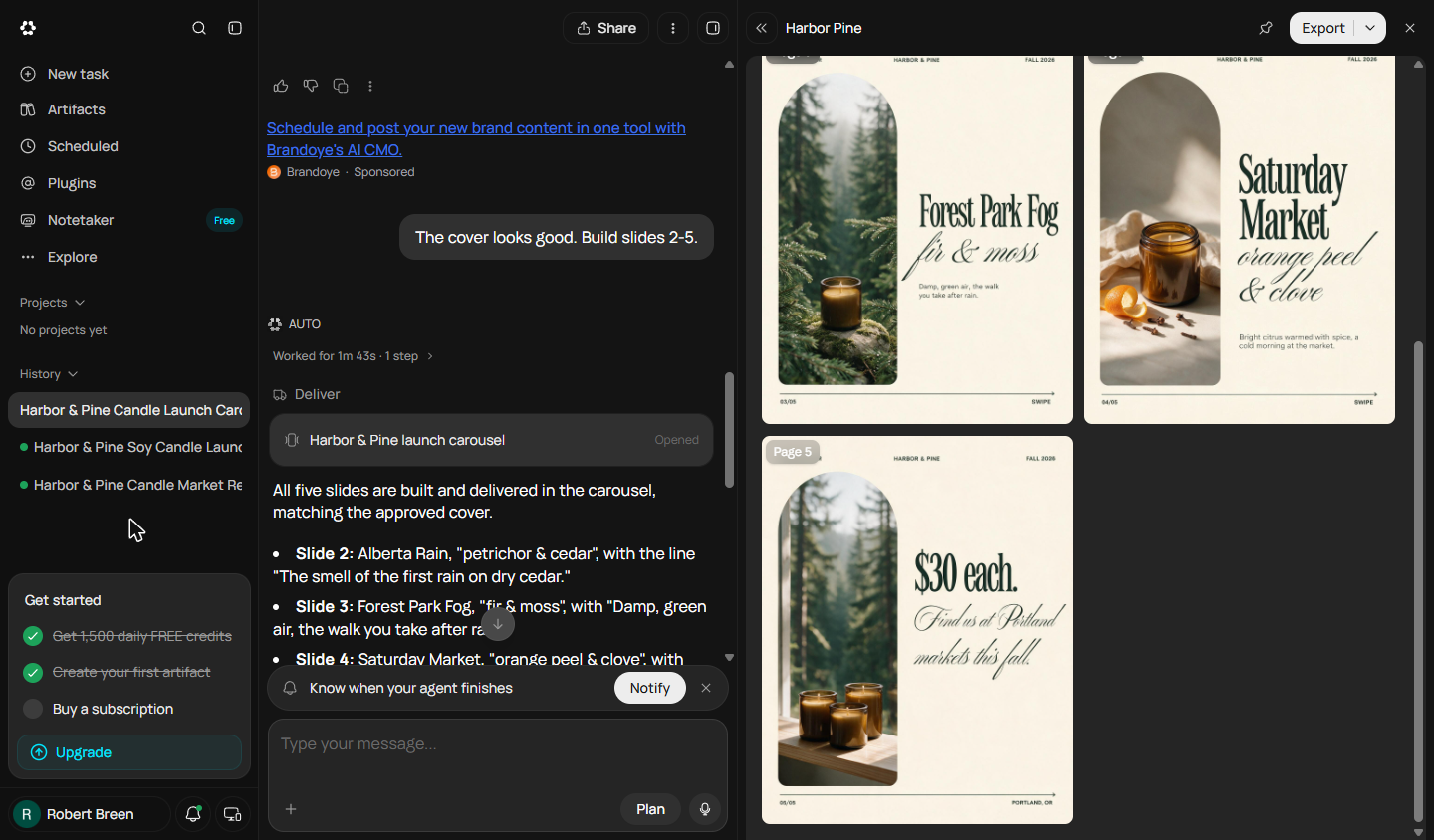
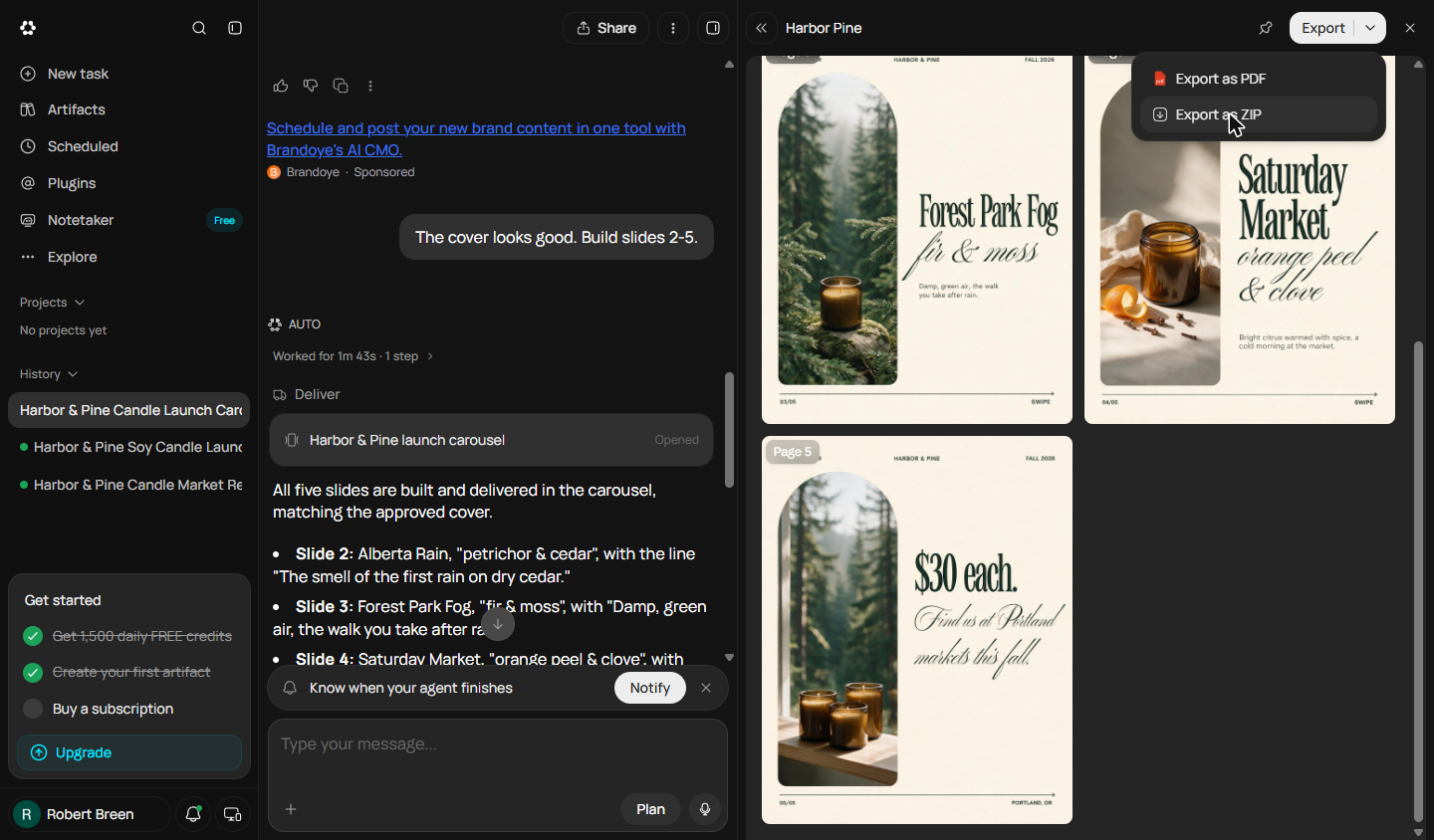
All five slides are done. Now read every one. Even the small text.
Step 14: Spot the typo
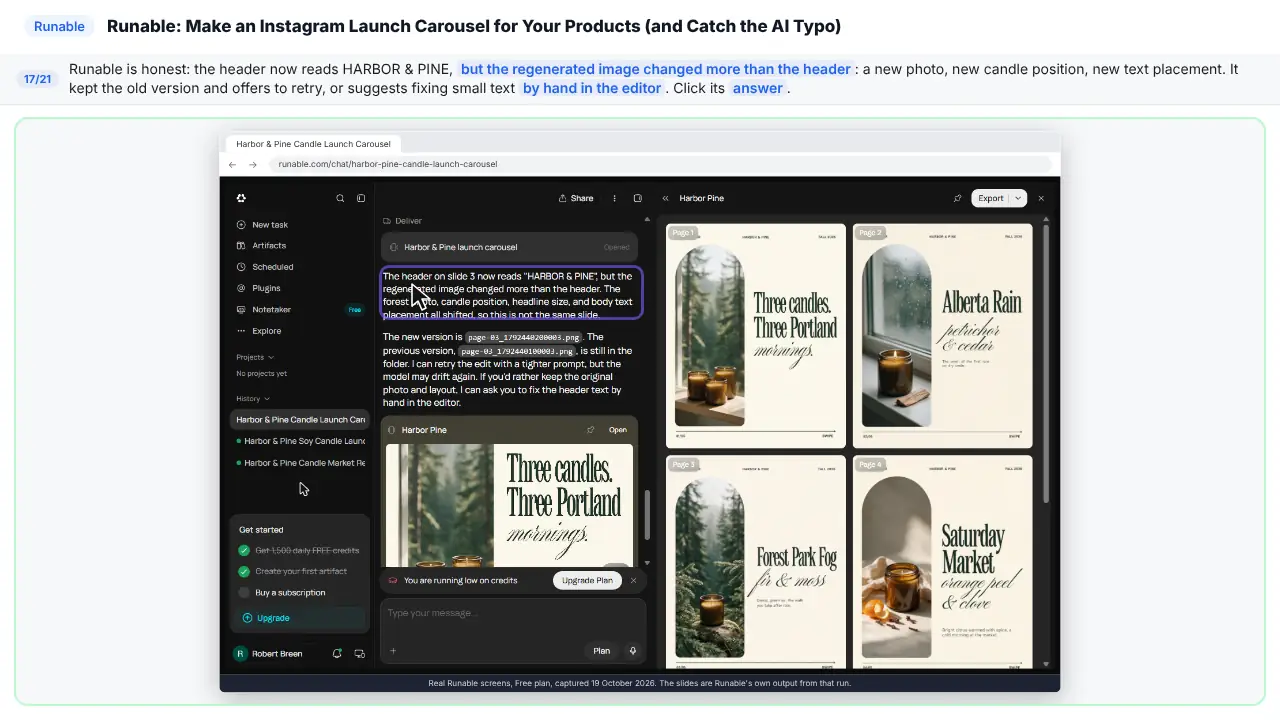
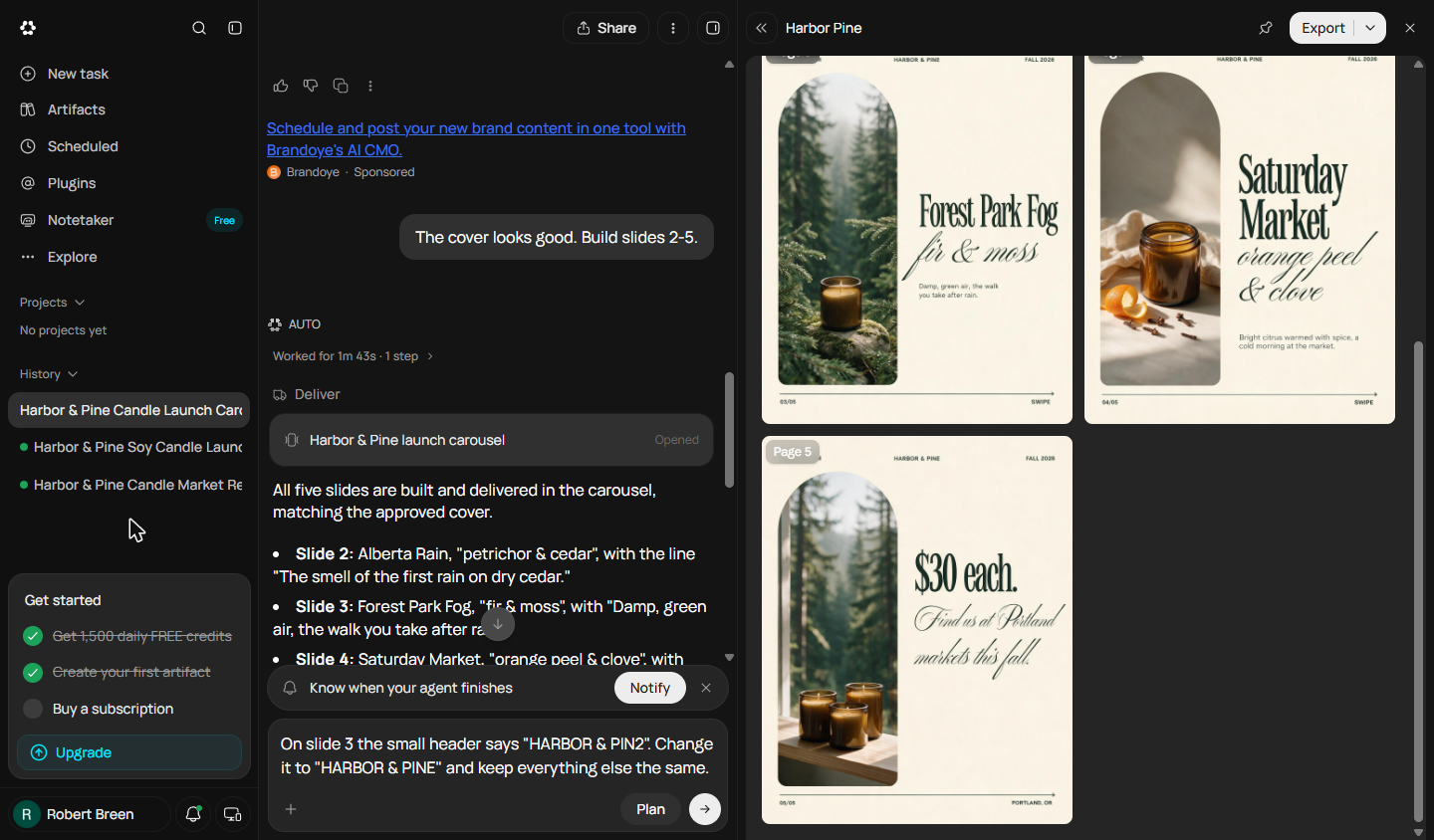
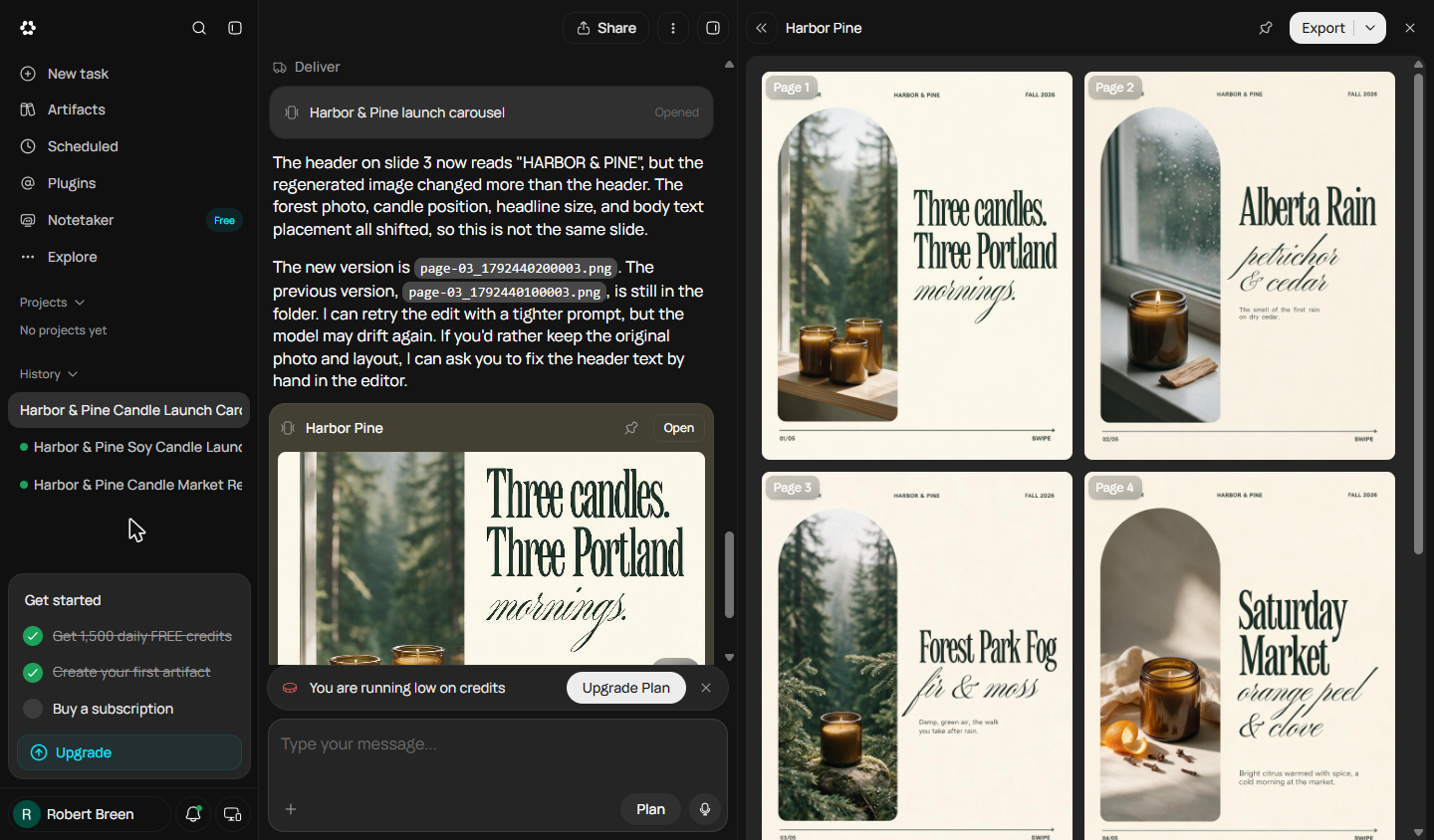
Look at the small header on page three. It says Harbor and Pin two. AI images still misspell small text.
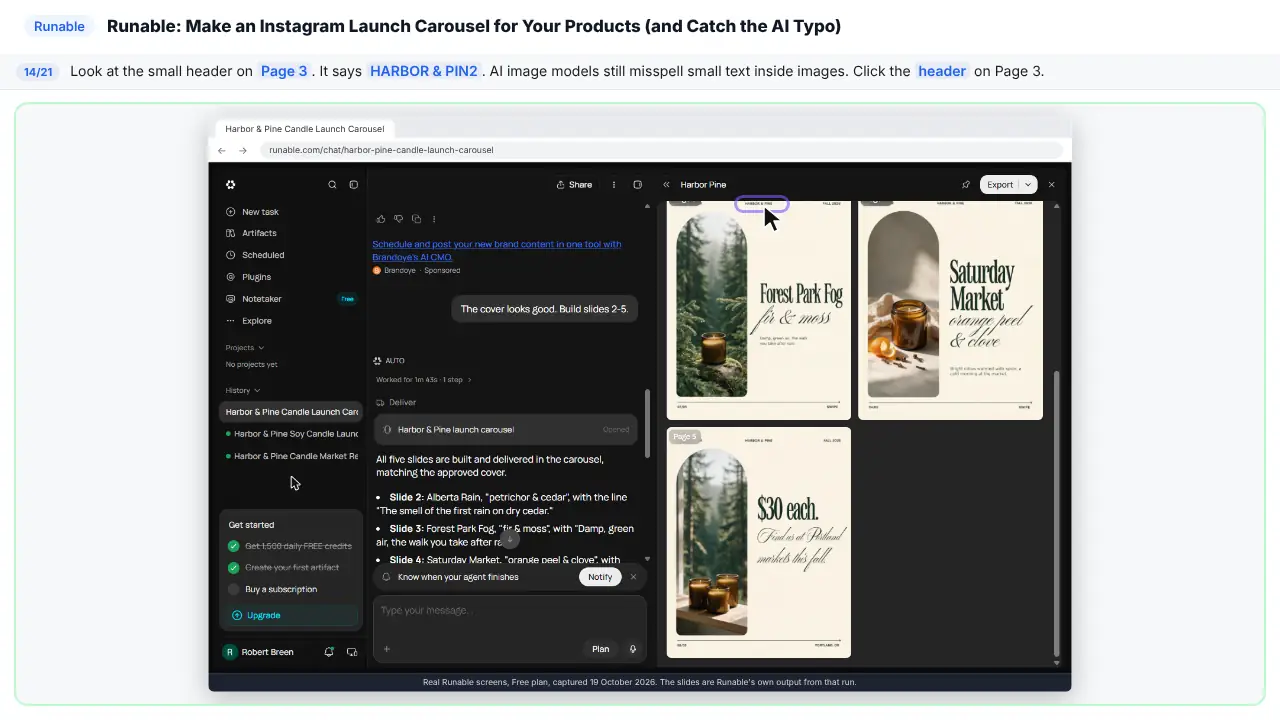
Step 15: Ask for the fix
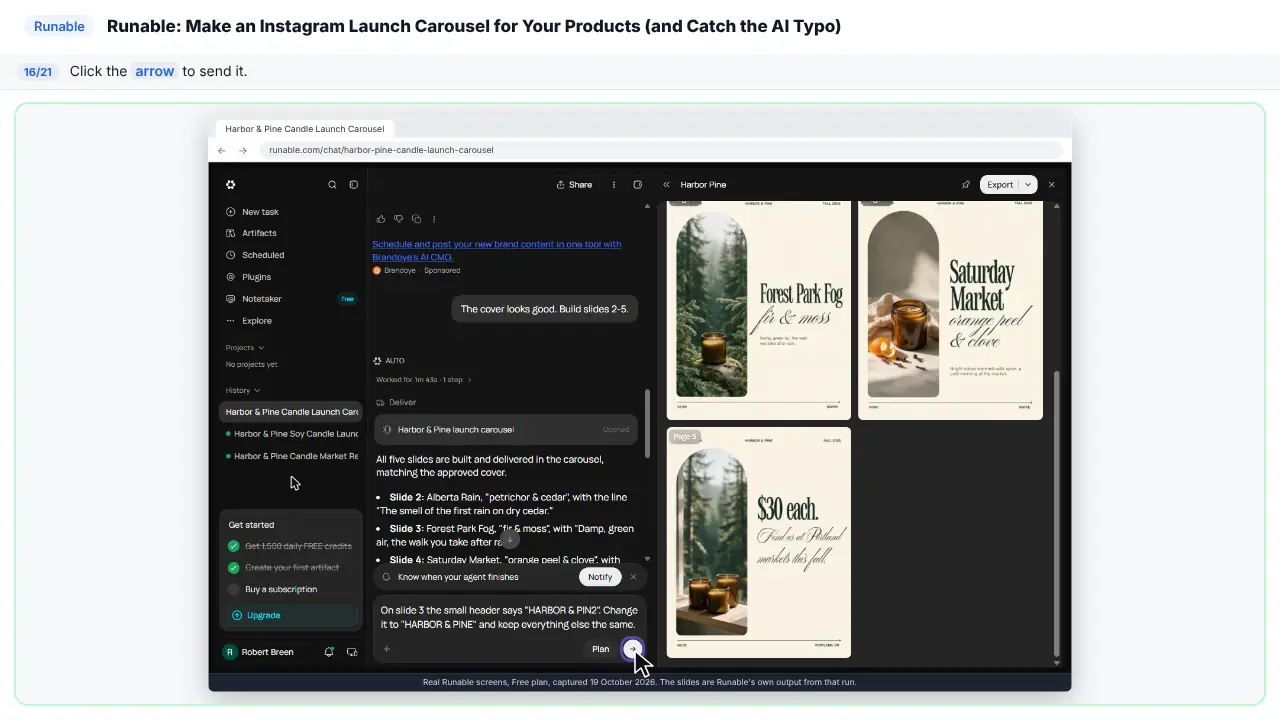
Say what's wrong, and what to keep.
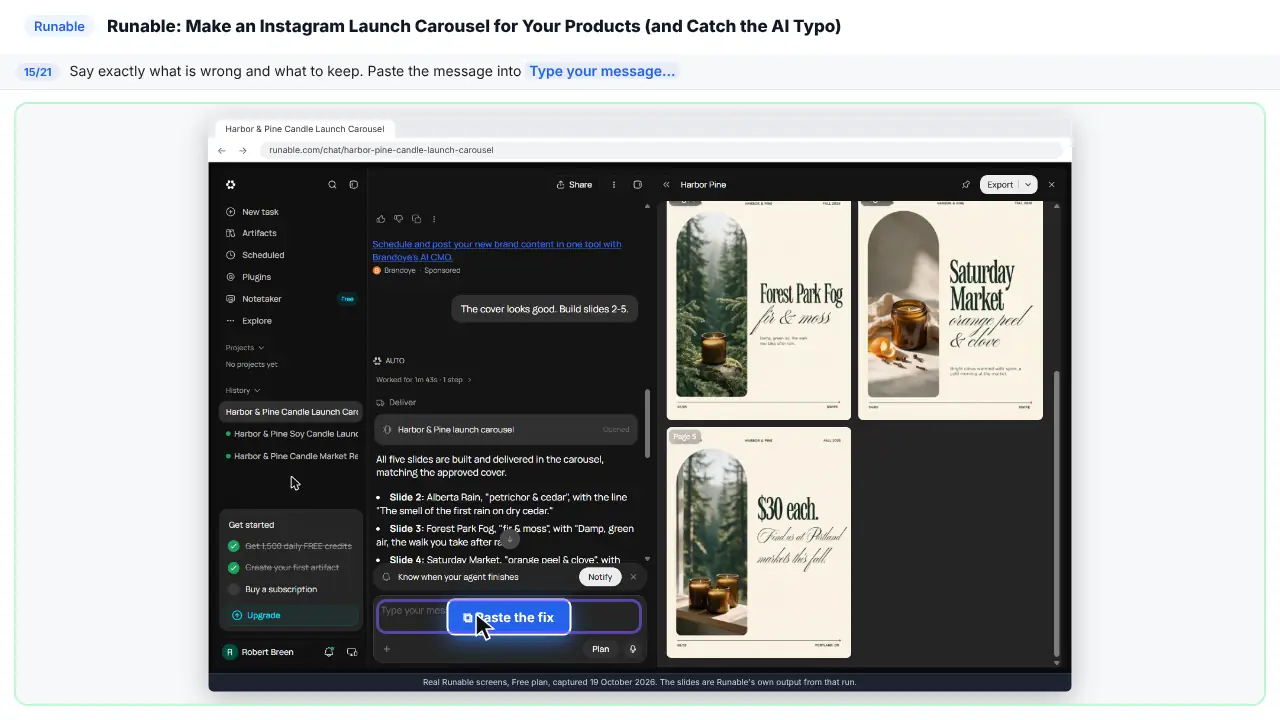
Step 16: Send the fix
Step 17: Read what changed
It fixed the header. But it redrew the whole slide. New photo. New layout. For small text, fixing it by hand is often faster.
Part 5: Export it and watch your credits
Step 18: Export the carousel
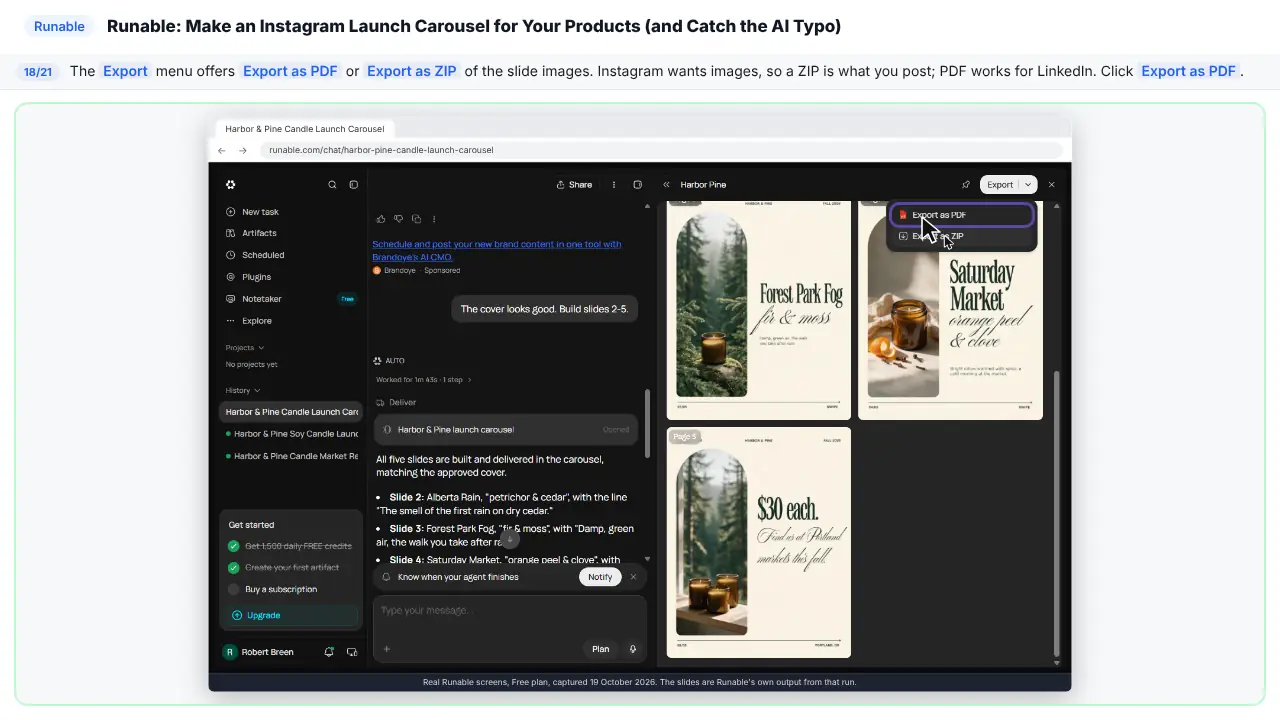
You can export a PDF, or a zip of the images.
Step 19: Check your credits
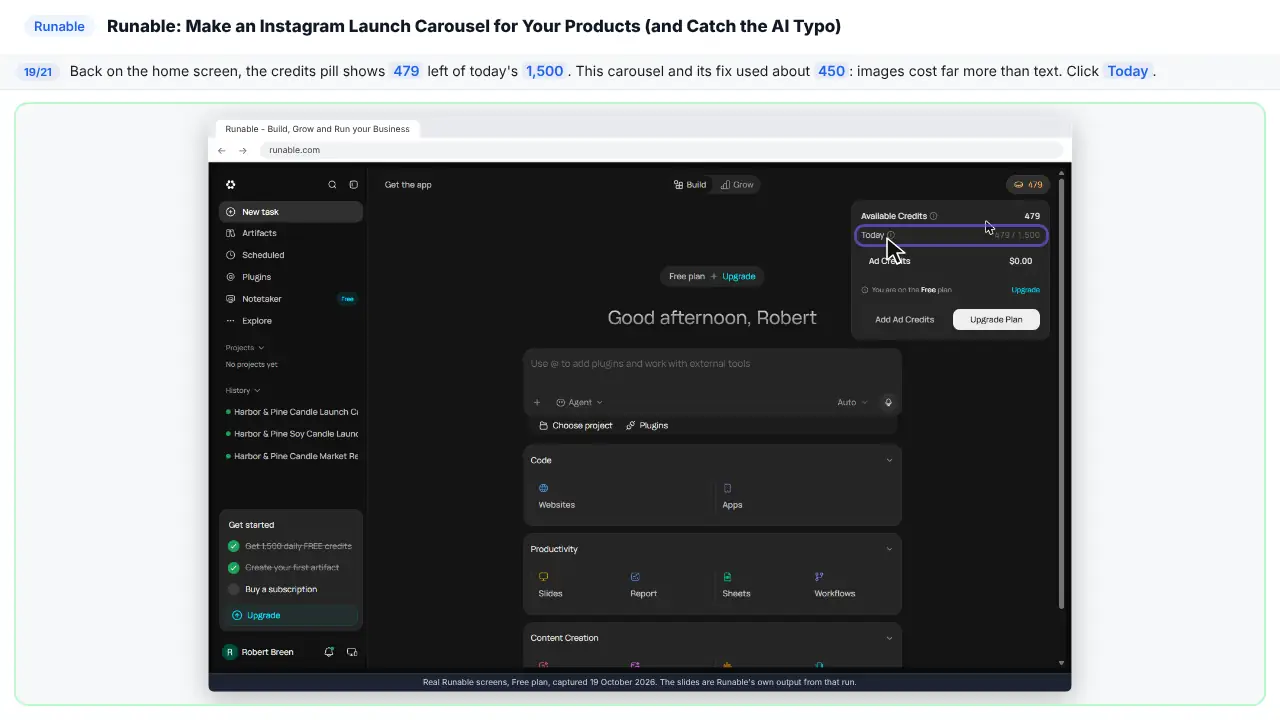
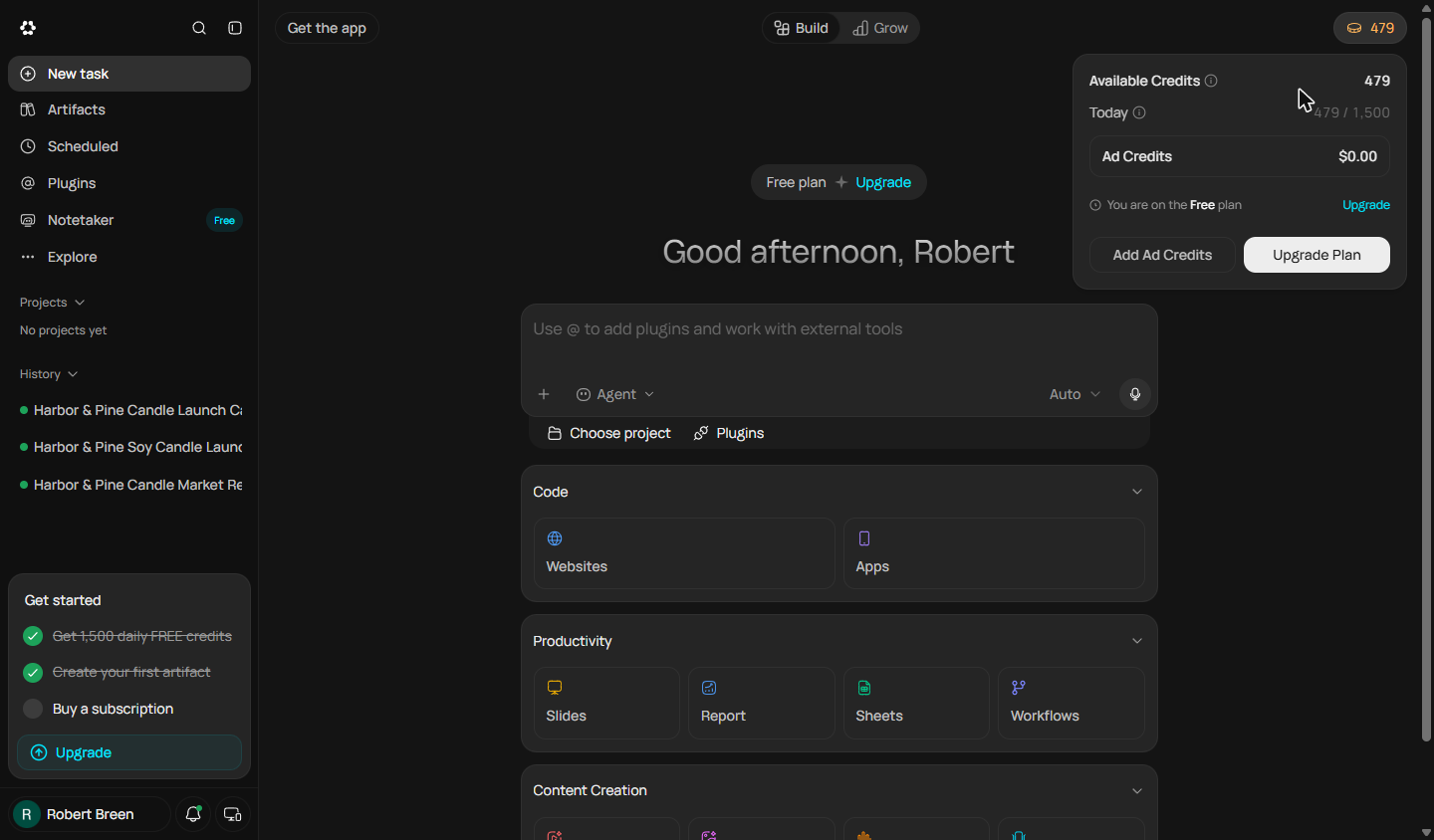
This carousel used about four hundred and fifty credits. Images cost much more than text.
Part 6: What it saved, and what is next
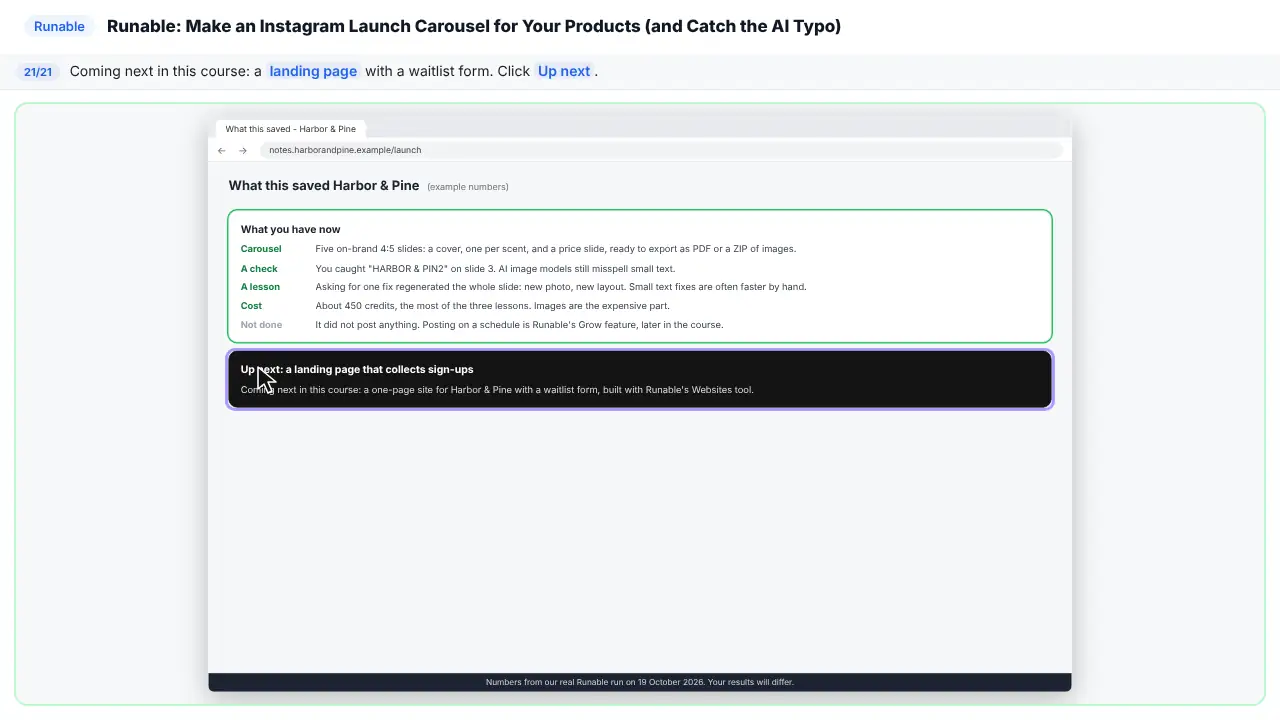
Step 20: See what you have now
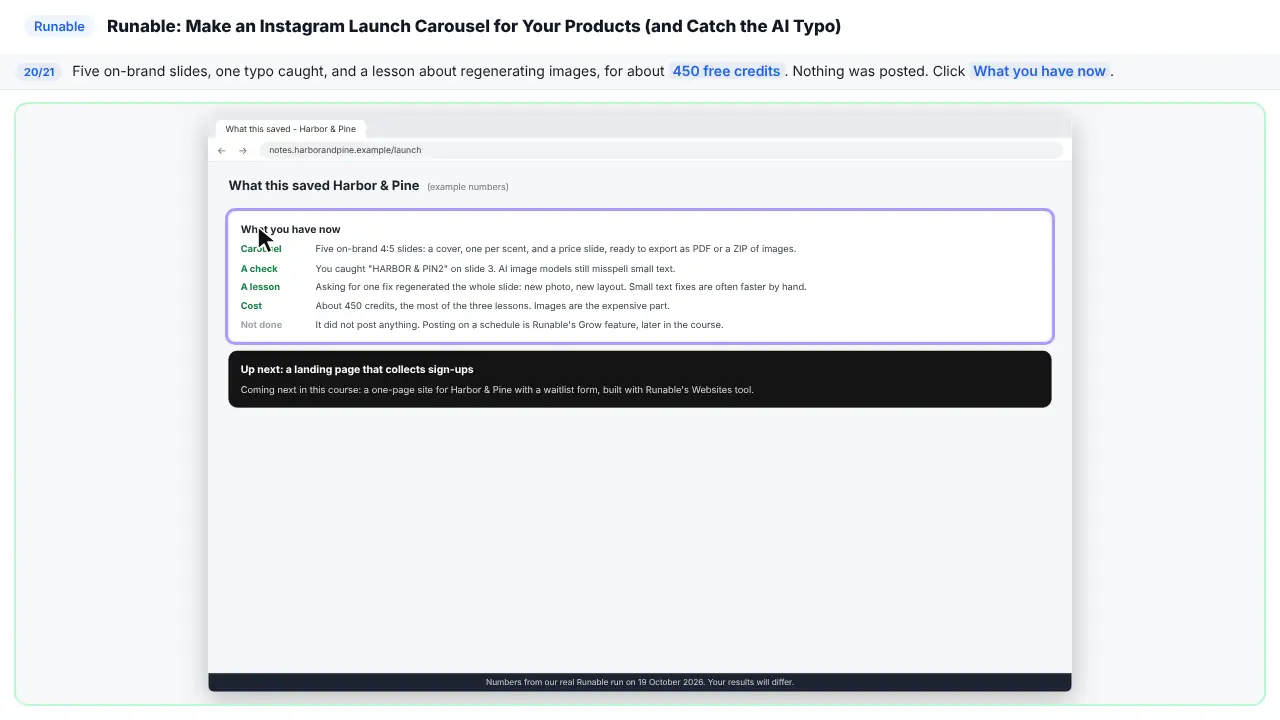
Five slides. One typo caught. And a lesson about fixing images.
Step 21: Up next
Coming next, a landing page that collects sign-ups.
Part of these free courses: Runable for Startups: Your One-Person Team, Jump Start: Runable, AI Presentations & Client Decks
Now do it yourself, free
Reading the steps is a start. Doing them is how it sticks. The interactive lesson puts you in a practice copy of Runable: you do every step yourself, it checks your work, and “Do it for me” finishes any step you get stuck on. Nothing touches your real accounts.
Practice “Make an Instagram Launch Carousel for Your Products using Runable” step by step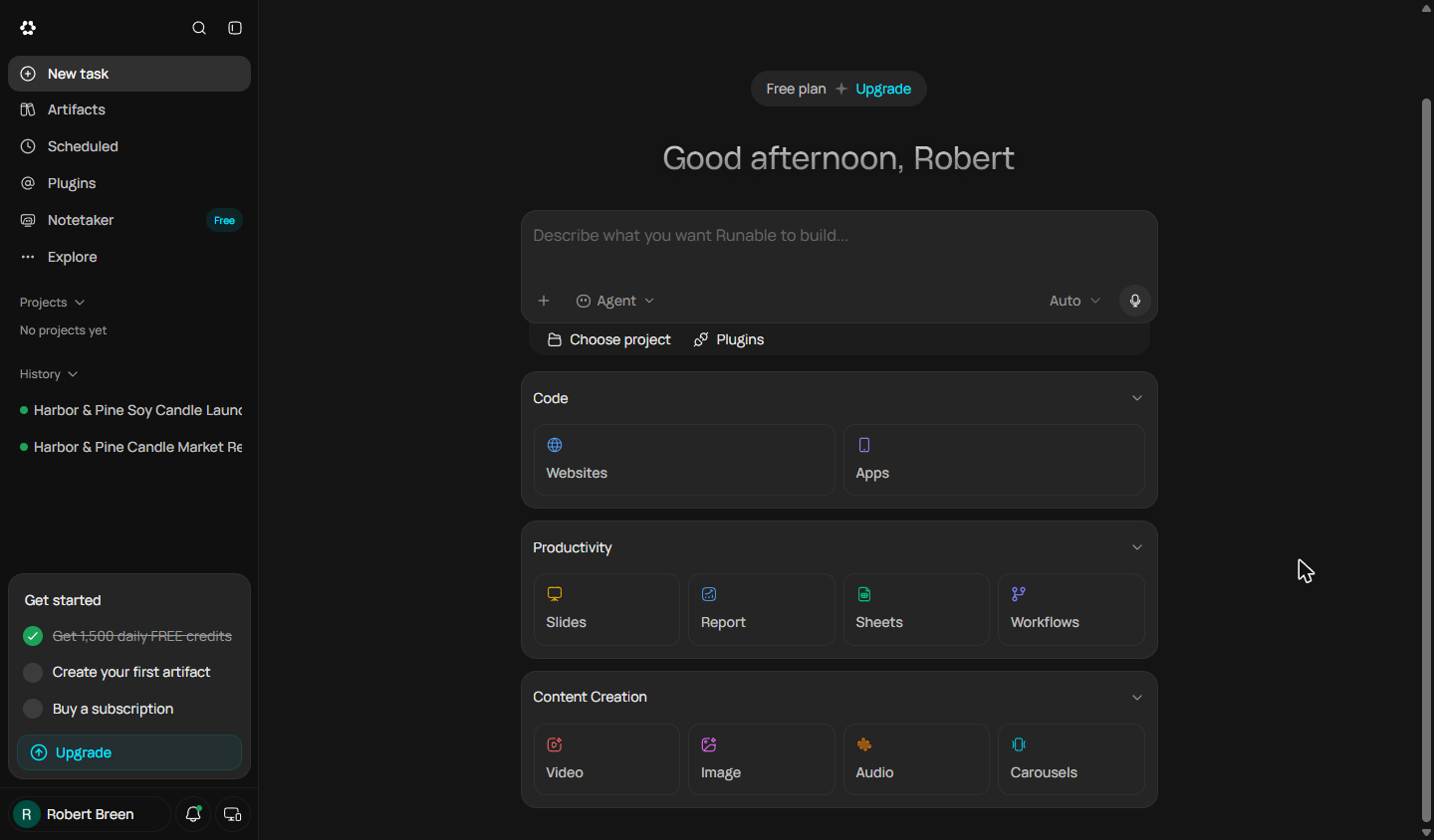
The business case: launch content without a designer
A freelance designer charges $150 to $300 a carousel, and a launch month might need four. Doing it yourself in a design app takes 3 to 4 hours each. These are example numbers; use your own.
What you do in the lesson
You write the words first, then pick Carousels and Product Showcase and paste them over the template's sample prompt, with the colours and the 4:5 Instagram size. Runable rendered only the cover and stopped, because each page is a paid render. After you approve it, it builds the other four slides.
Reading every slide pays off: the small header on slide 3 said HARBOR & PIN2. Asking Runable to fix it changed the header, but it also redrew the slide with a new photo and layout, kept the old version, and suggested fixing small text by hand in the editor. Then you open the Export menu (PDF or a ZIP of images) and check your credits.
Links
- Runable: the AI agent this course teaches. Its Free plan showed 1,500 credits a day when we tested it in October 2026.
- Runable pricing: current plans, credits and limits. Check them before you rely on the Free plan.
Try it yourself, free
Reading the steps is a start. Doing them is how it sticks. The interactive module walks you through every click in a practice copy of Runable, checks each step, and never touches your real accounts.
Start “Make an Instagram Launch Carousel for Your Products using Runable”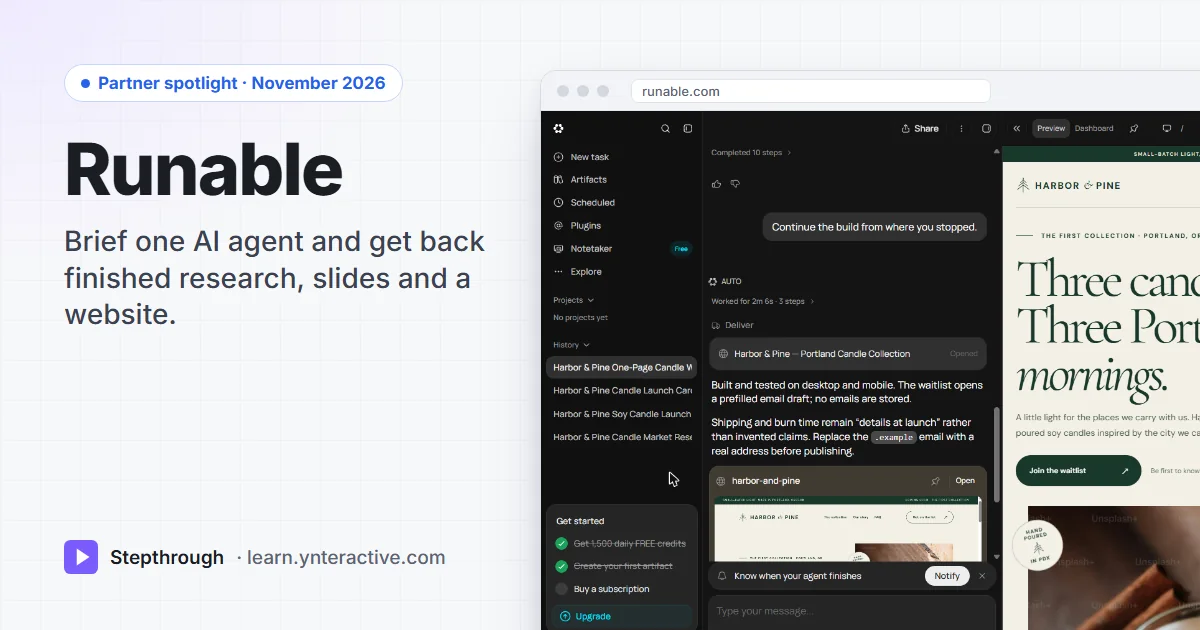
November 2026 spotlight
Runable
A general AI agent that turns one brief into finished research, a business plan, slides, carousels and a one-page website, like a one-person team for a small office.
Screenshots

Frequently asked questions
- Can Runable make Instagram carousels?
- Yes. Runable's Carousels tool has styles such as Product Showcase, How-To and Listicle. In our test it made a 5-slide 4:5 carousel from a prompt, building the cover first for approval.
- Why does AI spell text wrong in images?
- Image models draw letters as part of the picture, so small text can come out misspelled. Ours read HARBOR & PIN2 instead of HARBOR & PINE. Zoom in on every slide before you post.
- How many credits does a carousel use?
- Our five slides and one fix used about 450 credits, much more than text tasks. The Free plan showed 1,500 credits a day in October 2026.
More in Runable for Entrepreneurs
All 3 modules in Runable for Entrepreneurs
More Runable tutorials
A business case for a small agency: price what a slow proposal costs, then use Runable, an AI agent, to turn a messy client email into a finished six-slide proposal…
Free · Live ~16 min Beginner
 Brief a One-Page Website and Approve the Plan using Runable (and Budget Your Credits)
A business case for new founders: brief Runable's Websites tool for a one-page site, answer its two clarifying questions, approve the plan, run out of free credits…
Free · Live ~16 min Beginner
 Turn Customer Questions into a Help Page and DM Replies using Runable (and Check What It Changed)
A business case for small shops: turn the questions customers keep asking into a help page and paste-ready DM replies with Runable, make it list what your facts don't…
Free · Live ~10 min Beginner
 Replace the Clipboard Stock Count with an App using Runable (and Test It Before You Approve)
A business case for office managers: describe a phone-friendly stock-count app to Runable's App Builder, catch a plan that would keep the counts in each phone's…
Free · Live ~11 min Beginner
 Build a Weighted Interview Scorecard with Runable (and Catch What the Averages Hide)
A business case for hiring managers: brief Runable's Sheets tool for a weighted interview scorecard with a summary and question bank, check the formulas and the notes…
Free · Live ~10 min Beginner
 Know How Many Sales Pay the Bills Before You Order Stock using Runable
A business case for founders: brief Runable's Sheets tool for a break-even and pricing workbook, check the unit economics by hand, catch a price table that answers the…
Free · Live ~11 min Beginner
From the blog
 Runable Prompts and Templates: Free Harbor & Pine Files
Download the five files from the Runable course: the research brief, competitor check sheet, plan facts and prompt, the finished plan and carousel copy.
Oct 20, 2026 5 min read
Runable Use Cases by Role: Founders, Consultants, MarketersHow founders, consultants, marketers, analysts and ops leads can use Runable's research briefs, one-page plans and carousels, with the checks each needs.
Oct 20, 2026 5 min read
 Runable FAQ: Credits, Research, Plans and Carousels
Answers about Runable from a real Free-plan run: what it is, how credits work, research briefs, business plans, carousels, exports and what to check.
Oct 20, 2026 4 min read
Free cheat sheet
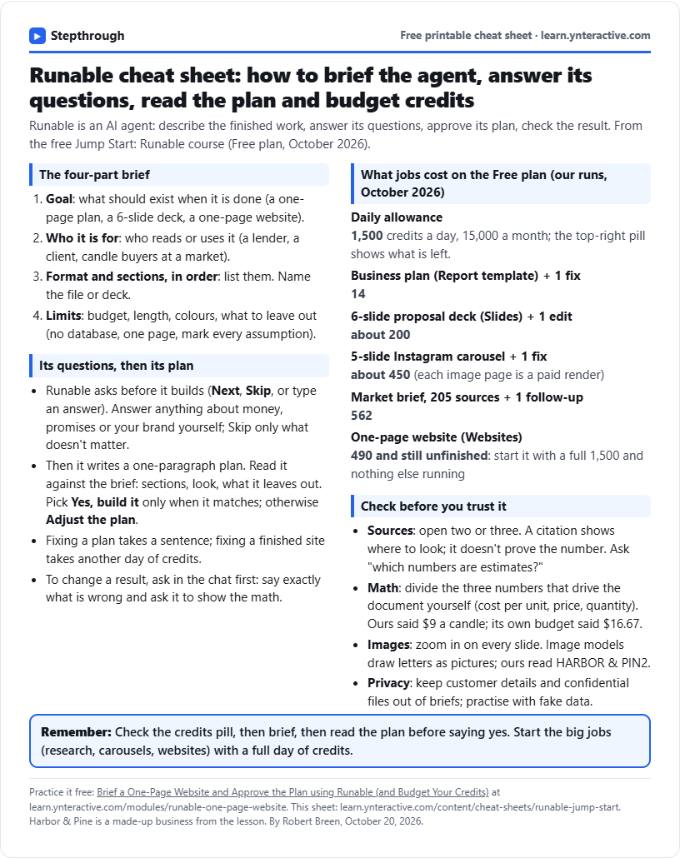
Print it or save the PDF: the key steps and checks from this lesson on one page, free.
All free printable cheat sheets
Terms in this lesson
Plain-English definitions, each with an example from a free lesson.