Updated . Built against the tool’s current screens and checked step by step. How we check this lesson
Library, city and nonprofit communications teams need the same event flyer in several shapes, usually without a designer. Free Privacy Tools by Anwaar Digital is a set of 90 free online tools that run in your browser with no sign-up. In this free lesson, on real screens captured on 24 November 2026, you prepare a workshop flyer at Maplewood Public Library, a made-up city library: a 1024 px registration QR code with the QR Code Generator, a 1080 x 1080 Instagram version with the Image Resizer, and a size check of the print PDF with the PDF Compressor. 13 steps, about six minutes, nothing to install.
At a glance
| Question | Answer |
|---|---|
| What you build | One flyer, three formats, no designer. Make a print-size sign-up QR code, resize the flyer for Instagram and check the PDF before you email it, with the free QR Code Generator, Image Resizer and PDF Compressor. No sign-up, files stay in your browser. |
| Tools | Anwaar Digital |
| Time | About 6 minutes, 13 steps in 3 parts |
| Level | Beginner, no coding needed |
| Cost | Free |
| Ways to learn it | Practice it step by step |
The 3 parts, in short
- Make the QR code: Type the sign-up link, Make it big enough to print, Generate the code, Download the PNG.
- Size it for Instagram: Open the Image Resizer, Select the square flyer, Pick the Instagram size, Resize and download.
- Check the PDF for email: Go back to all the tools, Search for the PDF tool, Open PDF Compressor, Select the flyer PDF, and 1 more step.
Start here first: How to Do OCR in n8n: Read Receipt Photos into Google Sheets with AI (module 1 of Business Automations)
In the course: Part 9 · n8n Automation Toolkit (Module 167 of the full course)
The business case: three small jobs that stall a campaign
Picture Priya, the communications coordinator at Maplewood Public Library, a made-up city library. The free Resume Lab workshop starts next week. She needs a printed poster with a QR code for sign-ups, a square post for the library's Instagram, and a PDF to email to every branch. The library has no designer on call. To make the flyer image itself from a short brief, see How to Create an Image in ChatGPT for Your Business: Posters, Fixes, Stories. Three small requests that each wait a day or two can eat most of a week's promotion window.
None of the three jobs needs design software. A QR code, a resize and a size check take a minute each in free tools, as long as the tools are trustworthy with library files. Anwaar Digital's tools process files in your browser, so the flyer does not leave Priya's computer.
Who this is for, and what you need
Communications staff at libraries, city offices, schools and nonprofits, and anyone who promotes events without a designer. The practice runs in your browser. To do it for real you need the flyer as a square image (for social) and as a PDF (for email), plus the registration link. No account or sign-up is needed.
Tips and limits we saw on the real tools
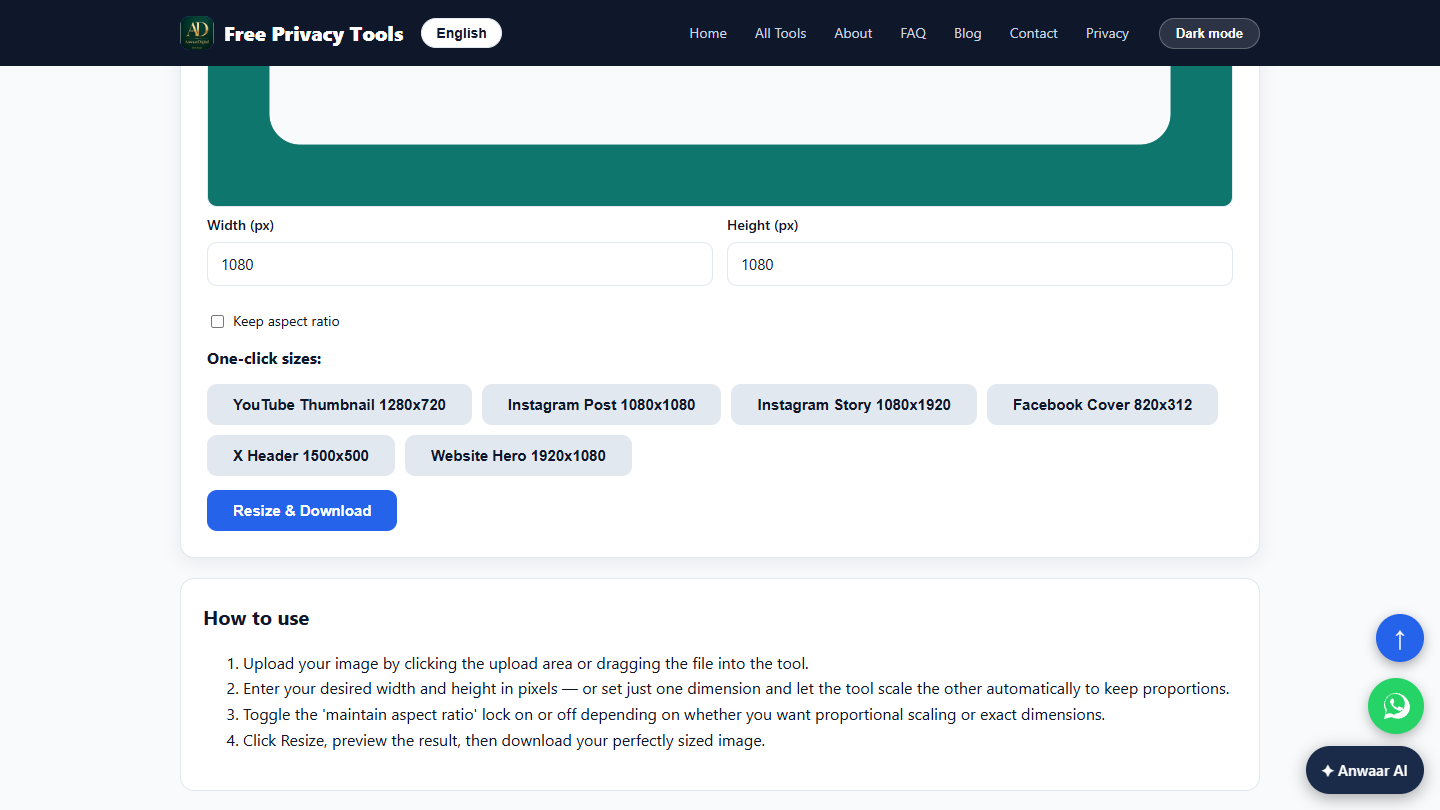
QR codes: Size (px) starts at 256 and accepts 64 to 1024; use 1024 for print and always scan a test print. The Image Resizer's one-click sizes (YouTube Thumbnail 1280x720, Instagram Post 1080x1080, Instagram Story 1080x1920, Facebook Cover 820x312, X Header 1500x500, Website Hero 1920x1080) untick Keep aspect ratio and set an exact width and height, so start from artwork with the right shape or it will be squeezed. After Resize & Download the page shows no message; the file simply lands in your downloads.
The PDF Compressor is lossless: it rebuilds the PDF with object streams and does not shrink pictures, so an image-heavy flyer barely changes. It saves most on PDFs with lots of structure and metadata. If a print PDF is many MB because of its images, shrink the artwork with the Image Compressor before building the PDF. On the home page, search results appear below the Featured Tools row, so scroll down to see them.
What this saves you
- Waiting on a designer for a QR code, a resize and a size check.
- Uploading library files to unknown sites: the tools run in your browser.
- What it does not do: it does not design the flyer or fix a design that is the wrong shape, and it will not make a picture-heavy PDF much smaller. Check each version before it goes out.
How this lesson was built
Every screen in the practice is a real capture of freetools.anwaardigital.com taken on 24 November 2026 while doing the task for real with a made-up flyer image and PDF; the results quoted here (file names, sizes and messages) are what the tools actually returned. Maplewood Public Library, its workshop and its link are made up. The full hands-on course on the same free tools is the [Anwaar Digital Free Tools Jump Start](/courses/anwaar-free-tools-jump-start): five office jobs, from a lease's signature pages and website-ready listing photos to a clean email list, a suspicious link checked and one small signed client packet. Another quick one with the same free tools: Send a New Hire One Small Onboarding PDF Instead of Five Attachments.
Links
- Free Privacy Tools by Anwaar Digital: all 90 tools by category, with a search box on the home page.
- Anwaar Digital: QR Code Generator: Text / URL, Size (px) from 64 to 1024, Generate QR Code and Download PNG (saves qrcode.png).
- Anwaar Digital: Image Resizer: Width (px), Height (px), Keep aspect ratio, One-click sizes and Resize & Download.
- Anwaar Digital: PDF Compressor: lossless compression; reports the saving, or that a file was already optimized, and downloads compressed.pdf.
- Anwaar Digital: Image Compressor: the tool to use when a PDF is heavy because of its pictures: shrink the artwork first.
Try it yourself, free
Reading the steps is a start. Doing them is how it sticks. The interactive module walks you through every click in a practice copy of Anwaar Digital, checks each step, and never touches your real accounts.
Start “Anwaar Digital: Prepare an Event Flyer for Print, Social and Email”Step by step: Anwaar Digital: Prepare an Event Flyer for Print, Social and Email
All 13 steps of the interactive module, in order. In the module you watch each one, then do it yourself in a practice copy that checks your work.
1. Make the QR code
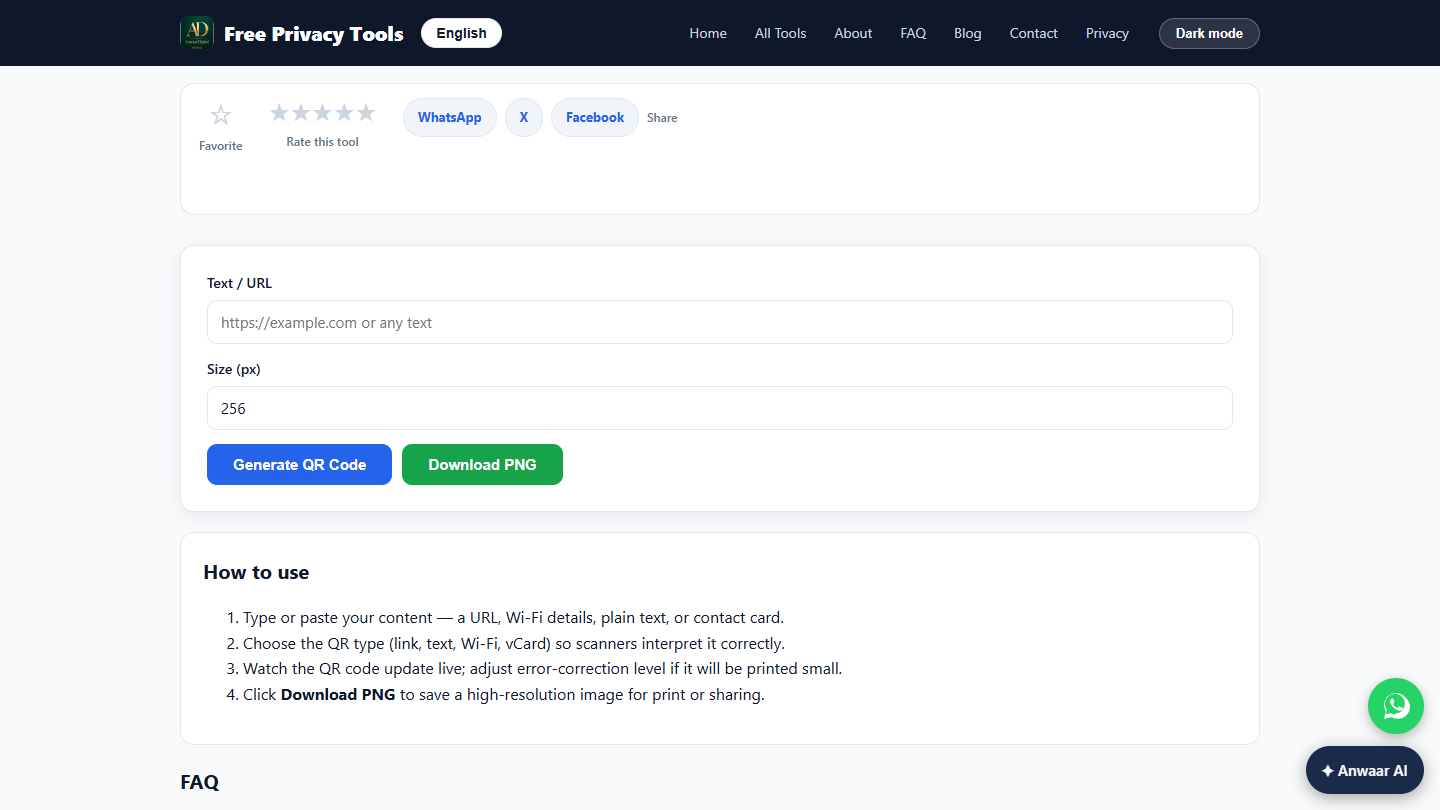
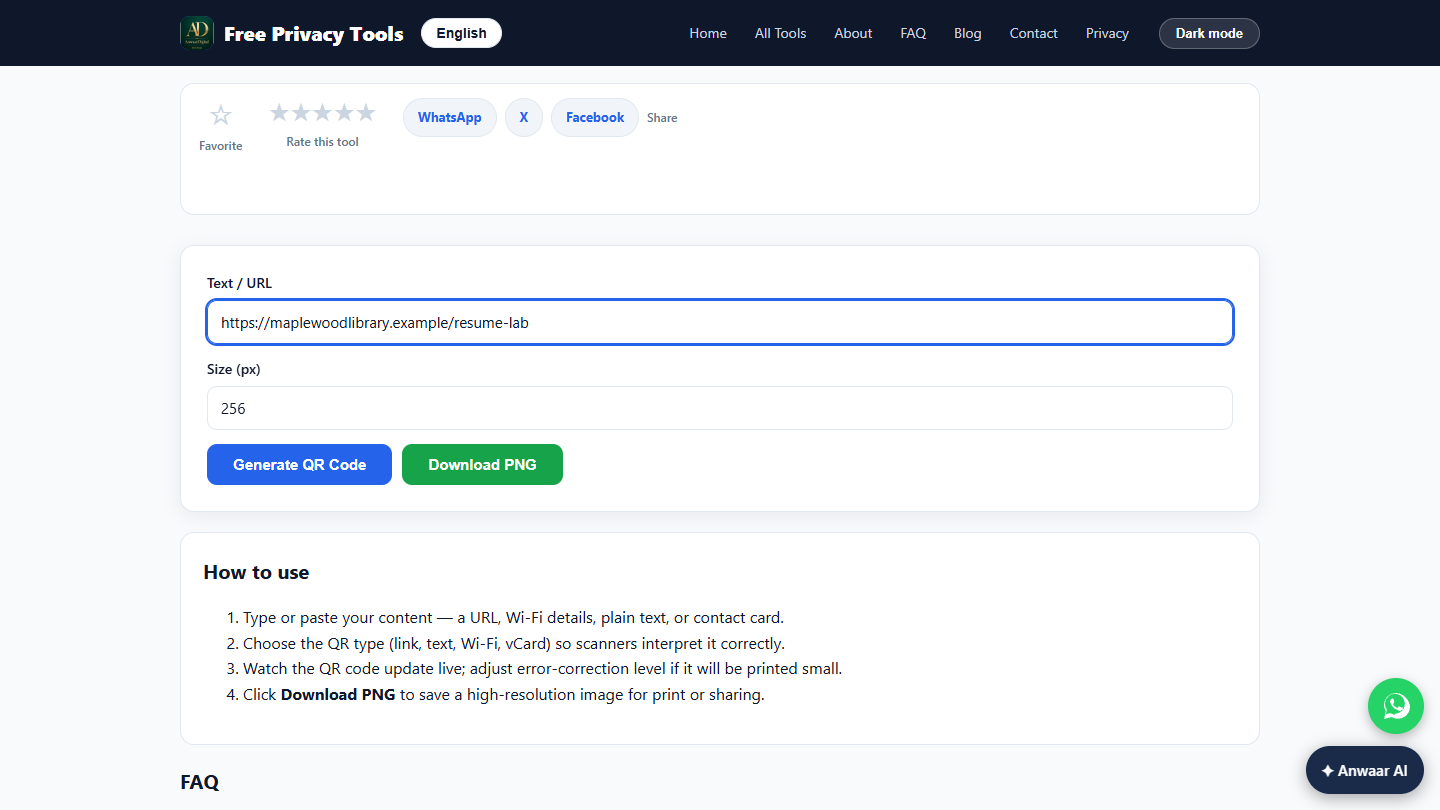
- Type the sign-up link. You are Priya, communications coordinator at Maplewood Public Library (made up). The free Resume Lab workshop is next week, and the flyer has to work in three places: a printed poster with a sign-up QR code, a square Instagram post, and a PDF emailed to every branch. There is no designer on call. Open the free QR Code Generator on freetools.anwaardigital.com: no account, and everything runs in your browser. In Text / URL, type the sign-up link.
You promote a library workshop with no designer.
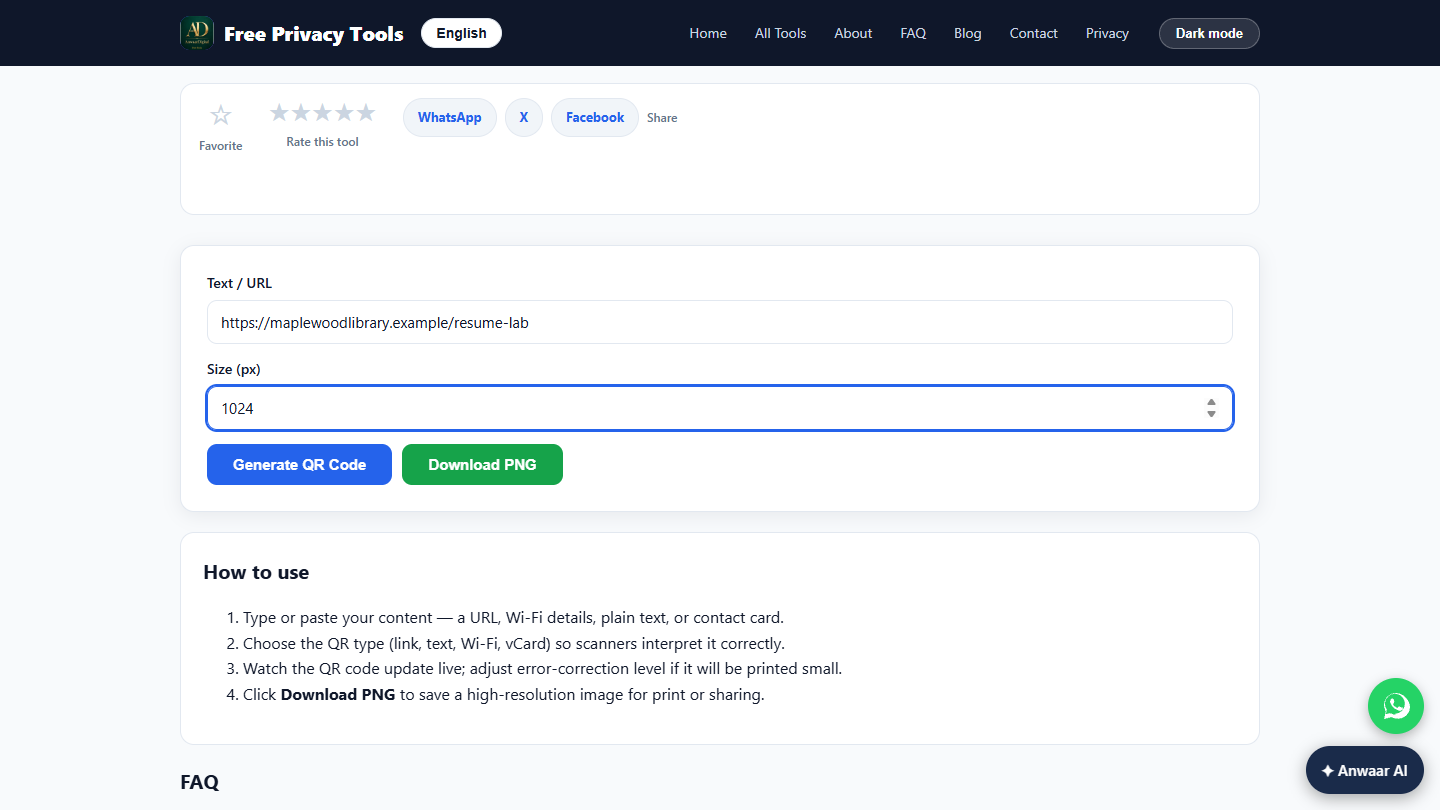
- Make it big enough to print. Size (px) starts at 256, which is small for a poster. Type 1024, the largest size the field allows (it takes 64 to 1024), so the code prints sharply.
Size starts at 256.
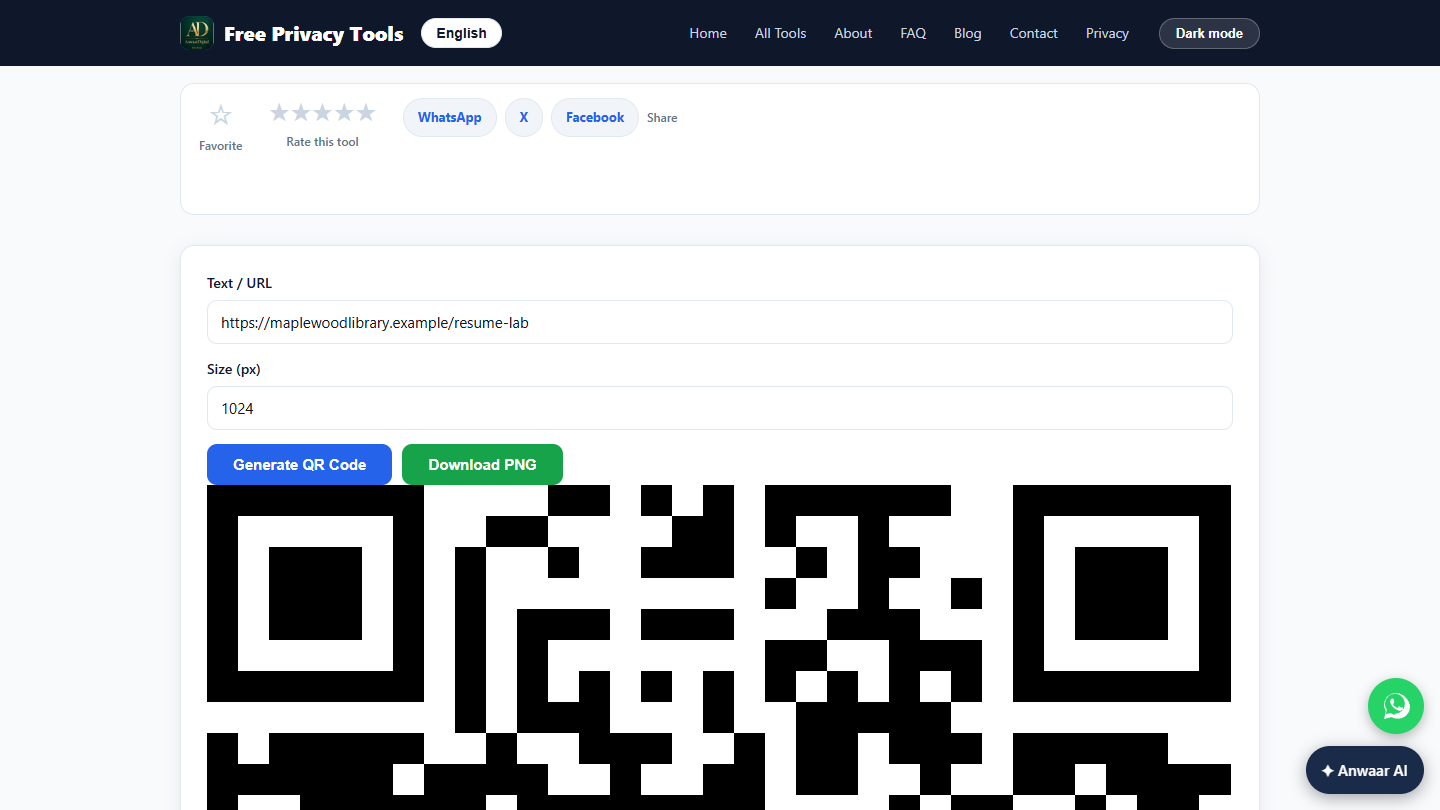
- Generate the code. Click Generate QR Code.
- Download the PNG. The code appears under the buttons at full size. Scan it with your phone to be sure it opens the right page, then click Download PNG. When we did this, the browser saved qrcode.png, 1024 by 1024 pixels, ready to drop onto the poster.
Scan it with your phone to check it, then click Download PNG.
2. Size it for Instagram
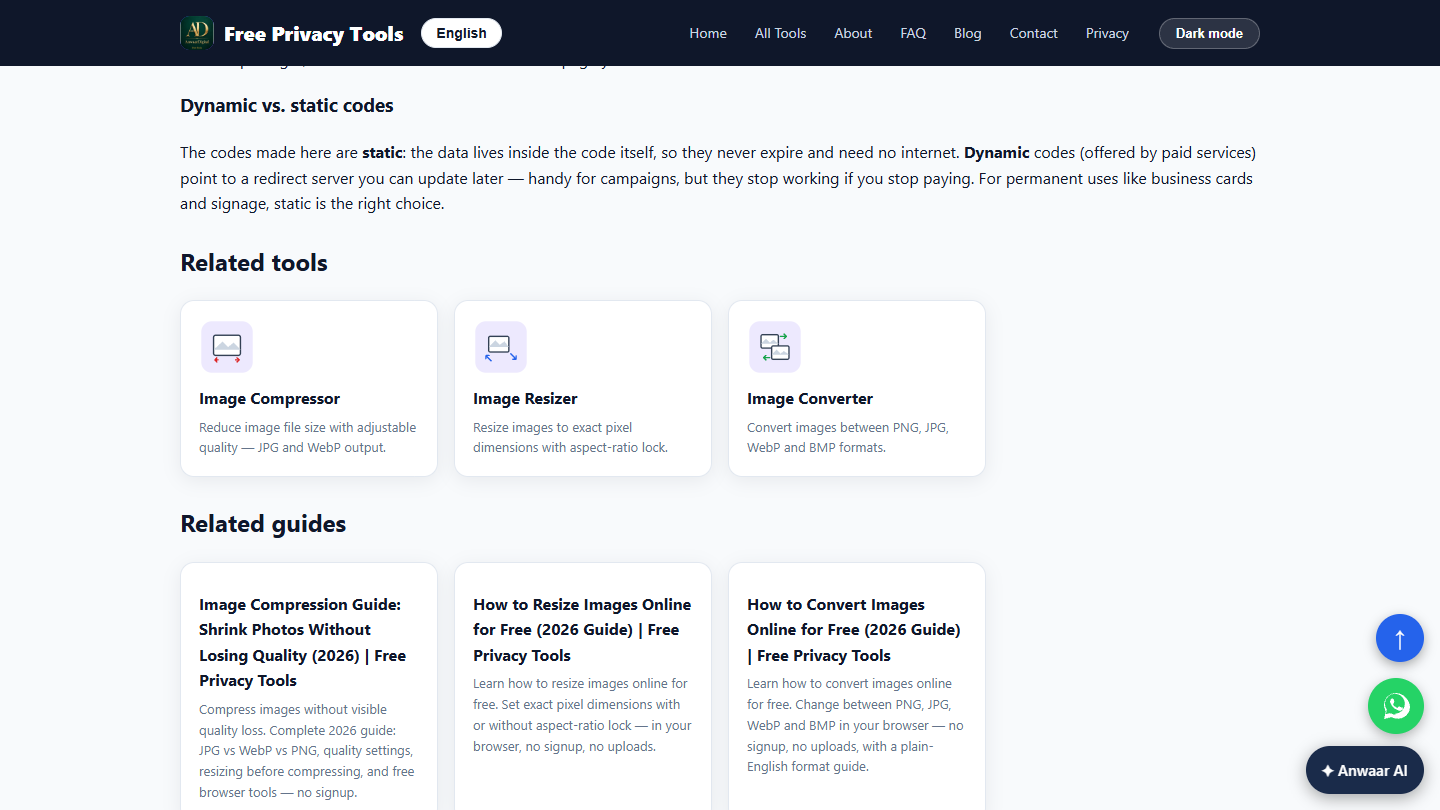
- Open the Image Resizer. Next, the Instagram post. Scroll down to Related tools and click Image Resizer.
Now the Instagram post. In Related tools, click Image Resizer.
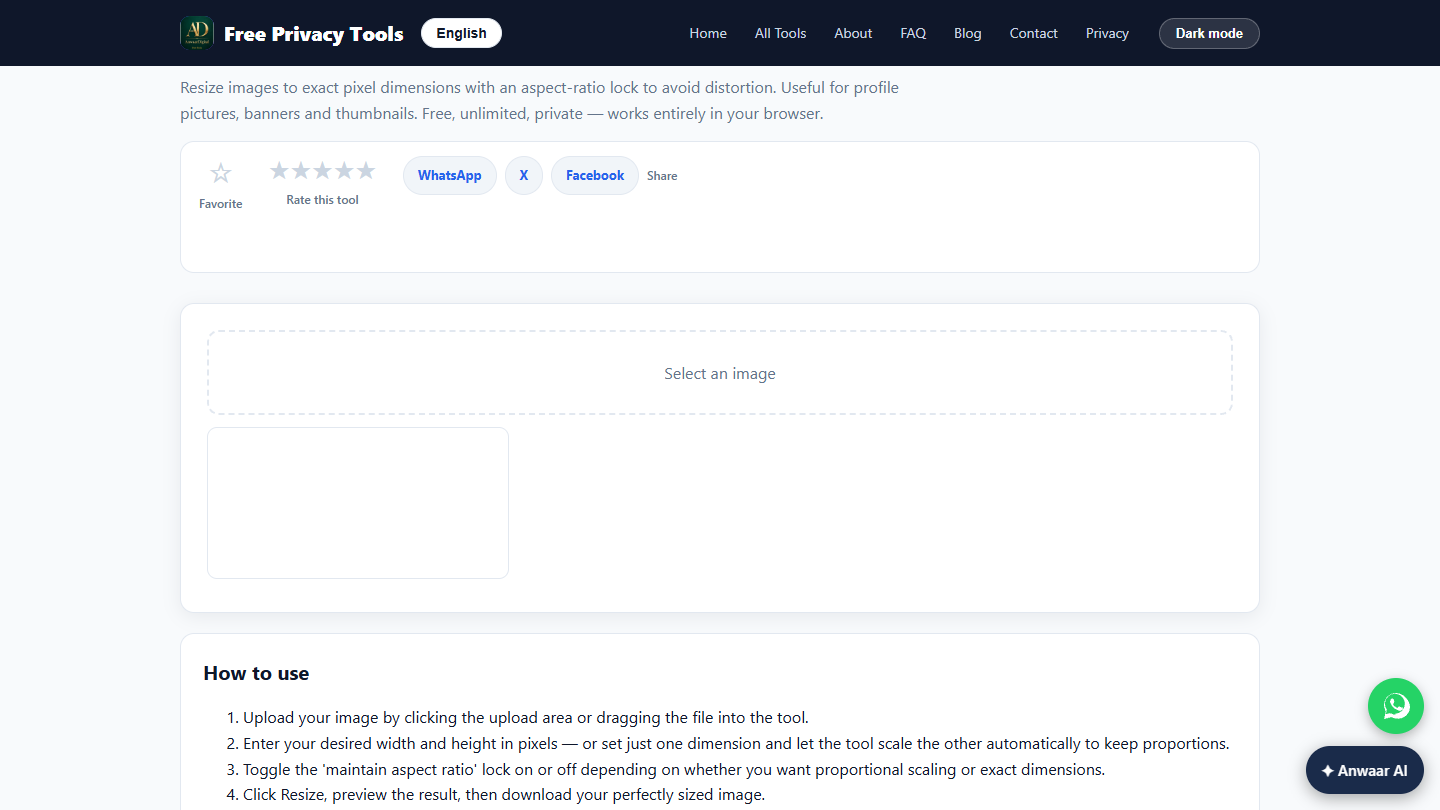
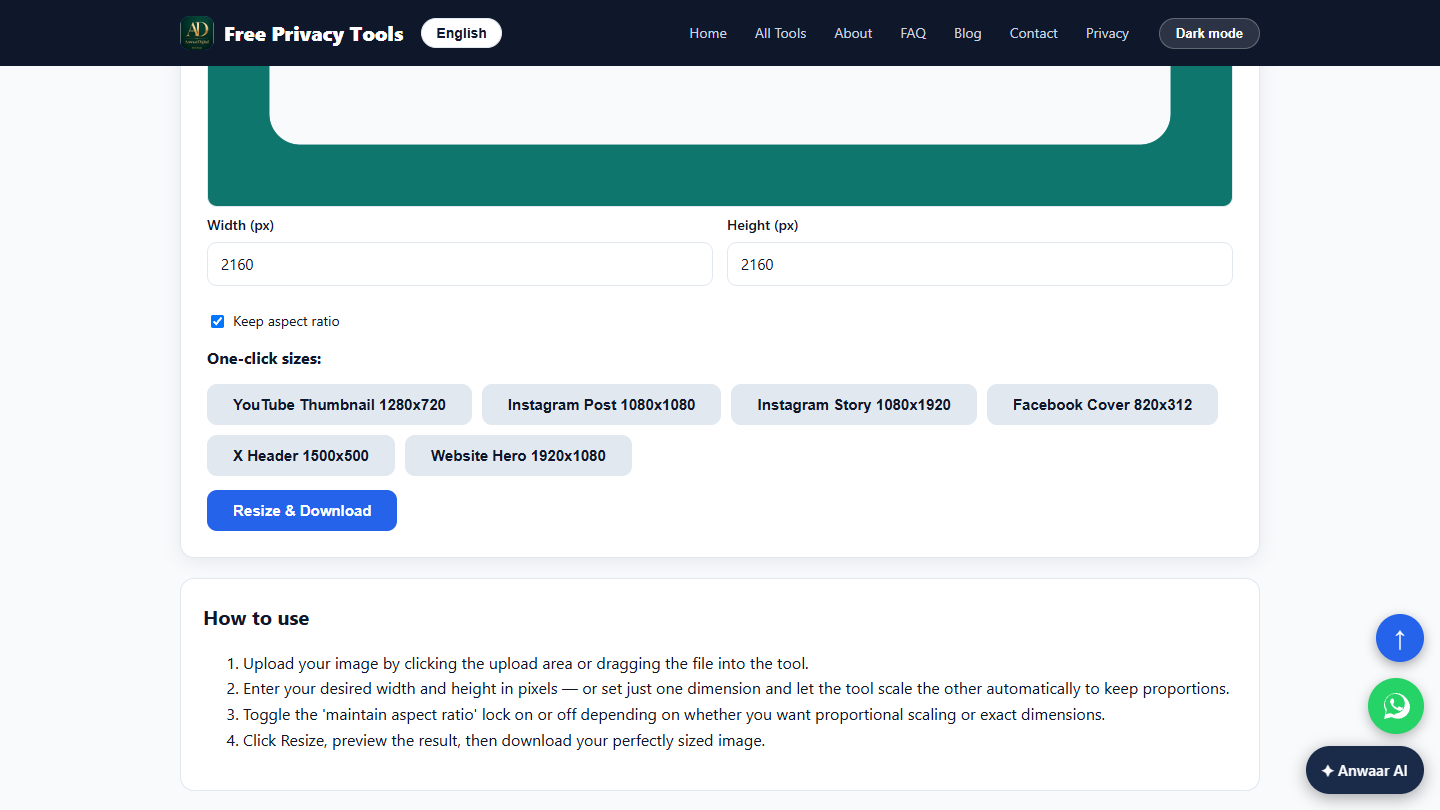
- Select the square flyer. Click Select an image and pick the square version of the flyer, flyer-resume-lab-square.png. It is 2160 by 2160 pixels: far bigger than Instagram needs.
- Pick the Instagram size. The flyer shows as a preview, and Width (px) and Height (px) read 2160. Under One-click sizes:, click Instagram Post 1080x1080.
The flyer is 2160 pixels square. Under One-click sizes, click Instagram Post, 1080 by 1080.
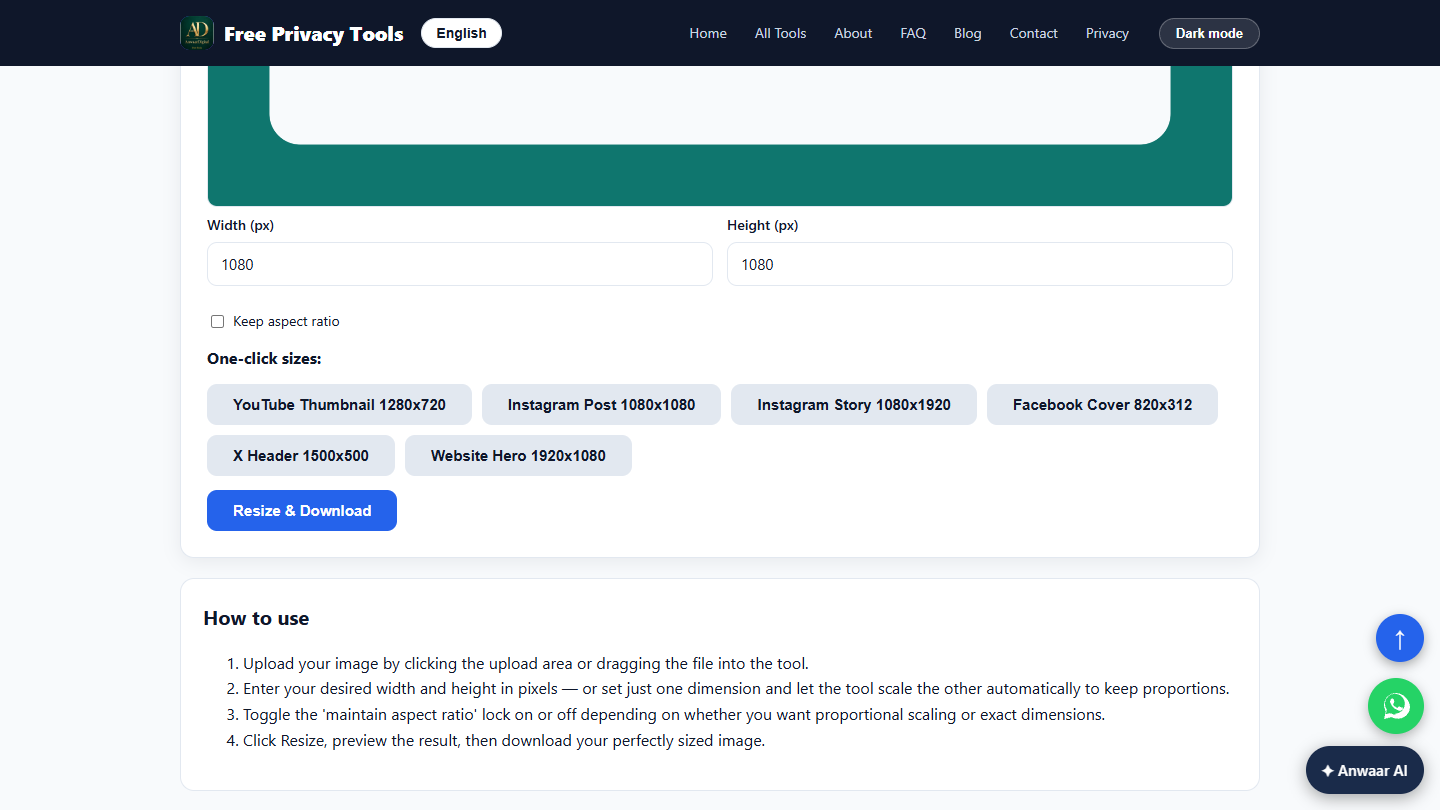
- Resize and download. Width and Height now read 1080, and Keep aspect ratio is unticked: a one-click size sets an exact width and height. That is fine here because the flyer is already square. Click Resize & Download.
Both now read 1080, and Keep aspect ratio is off. The flyer is square, so that is fine.
3. Check the PDF for email
- Go back to all the tools. The page shows no message, but the browser saved flyer-resume-lab-square-1080x1080.png, exactly 1080 by 1080. Now the email: the branch staff get the print PDF. Click Home at the top of the page.
The browser saved the 1080 by 1080 file. Now the email version.
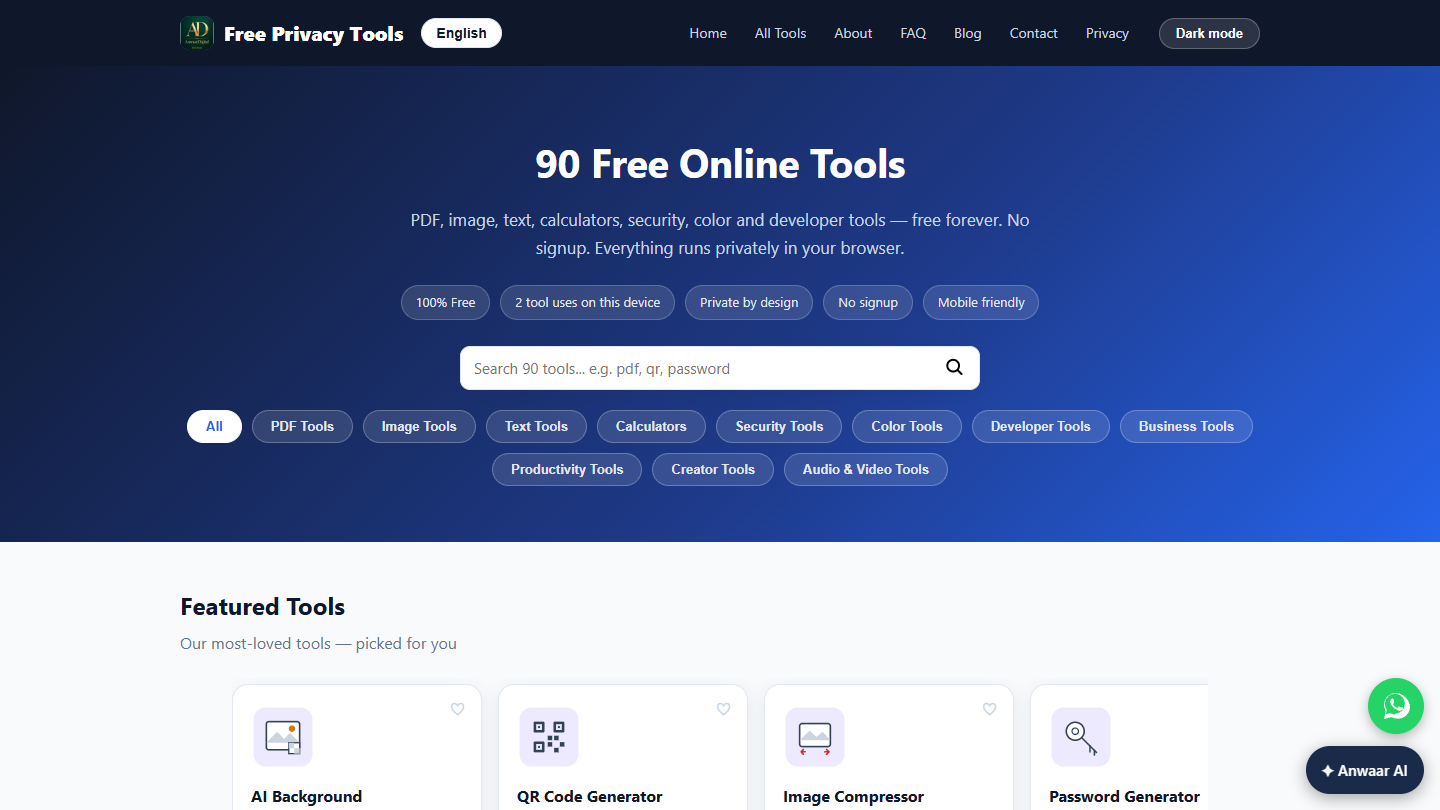
- Search for the PDF tool. In the search box, type pdf compressor.
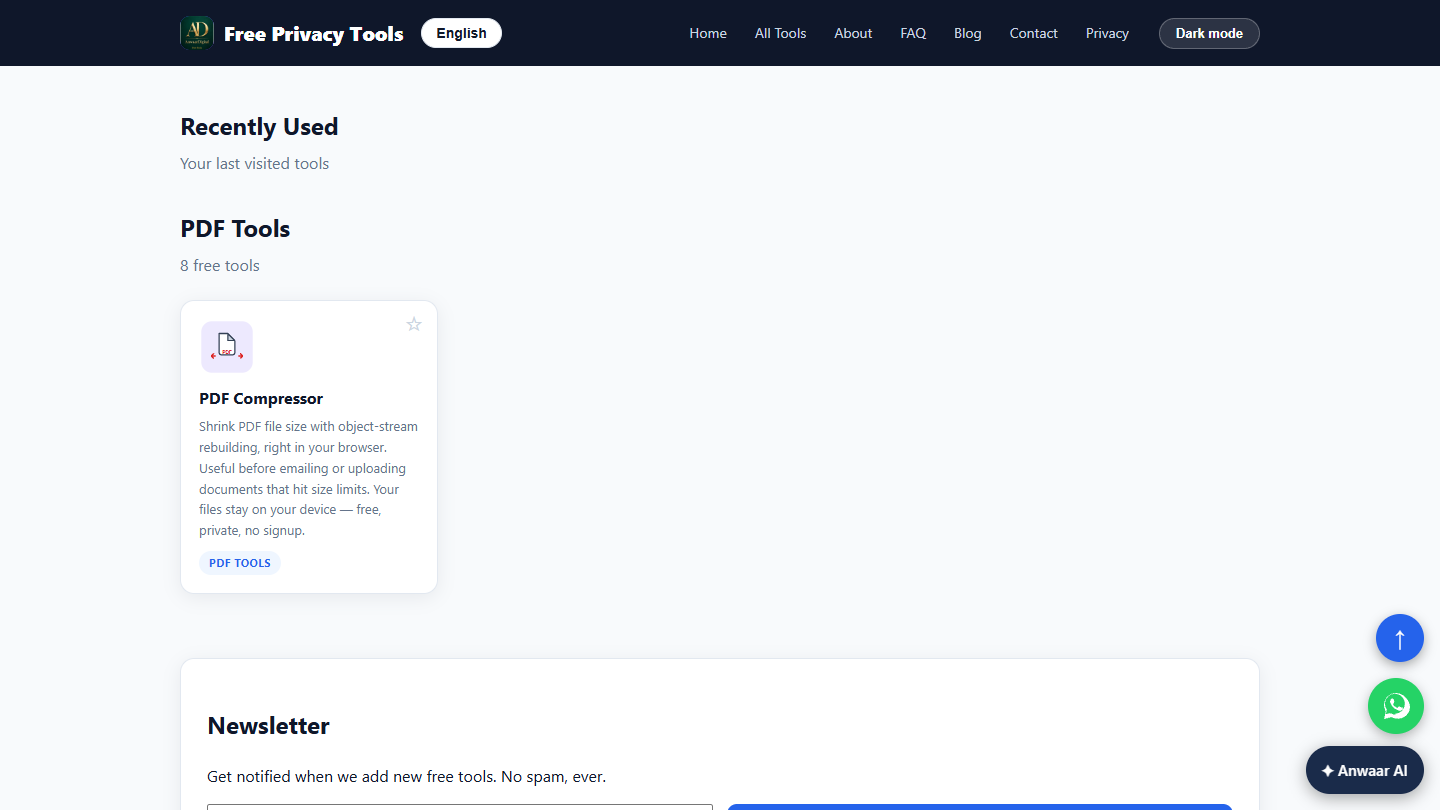
- Open PDF Compressor. The results appear further down the page, under Featured Tools. Scroll down to PDF Tools and click the PDF Compressor card.
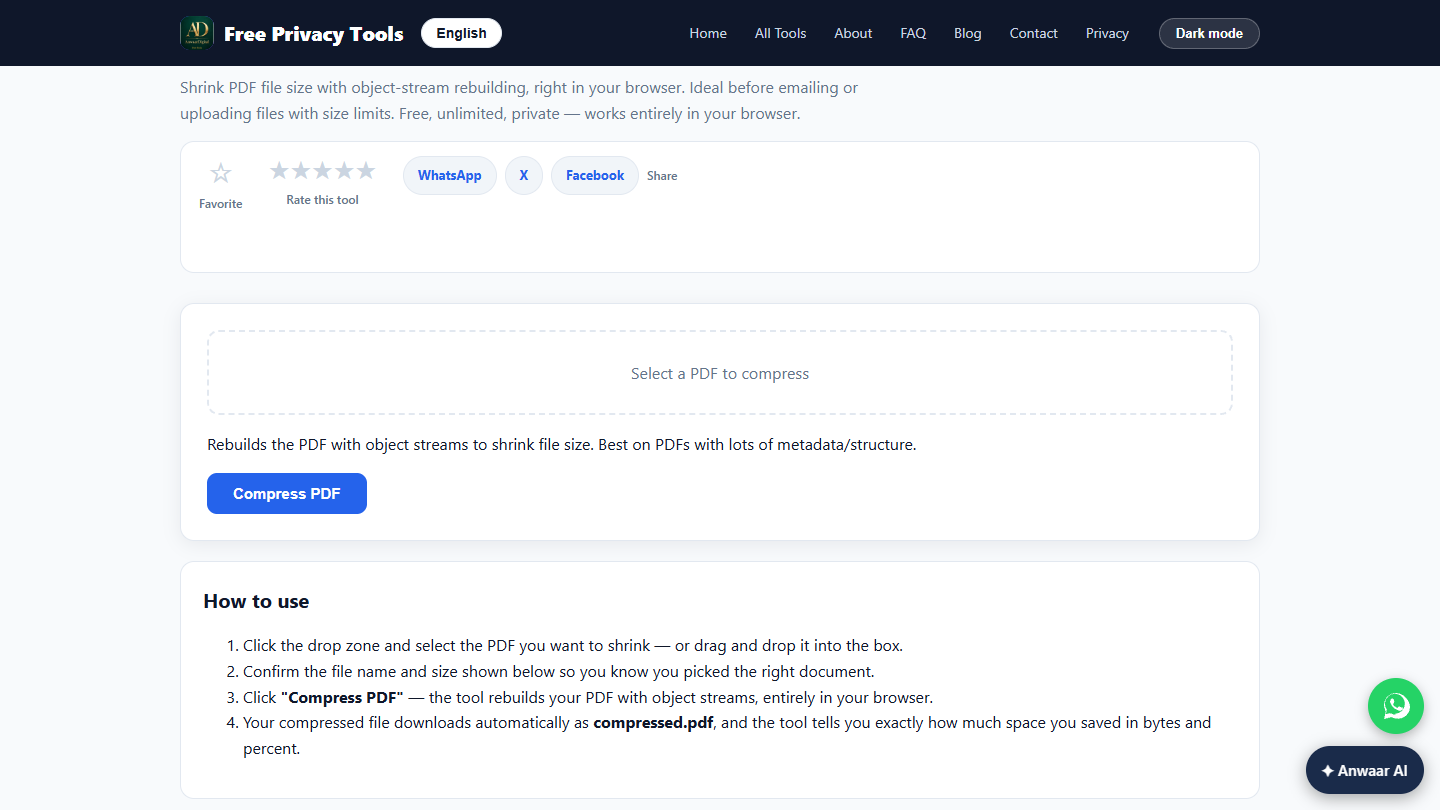
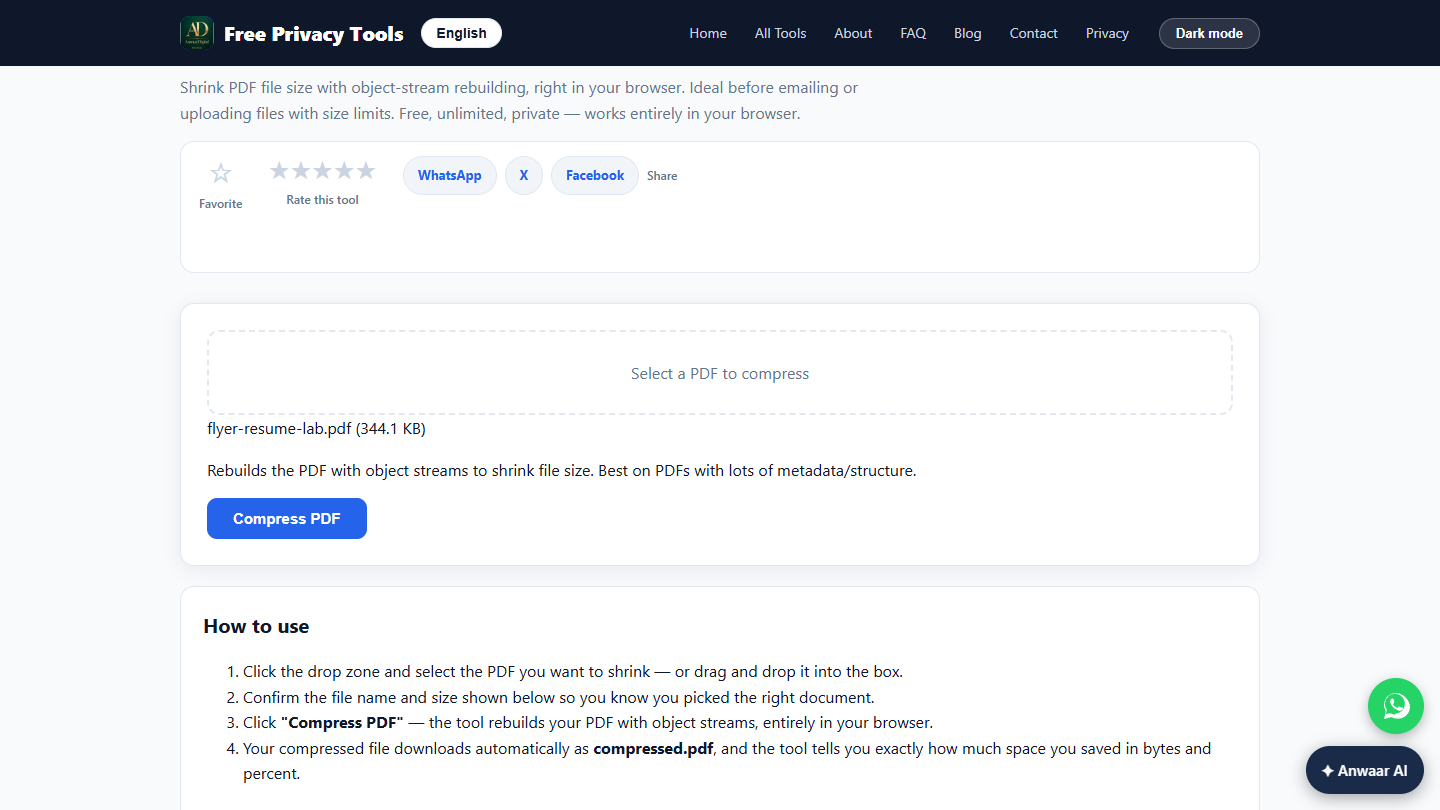
- Select the flyer PDF. Click Select a PDF to compress and pick flyer-resume-lab.pdf, the two-page print PDF: the poster and a page of details for branch staff.
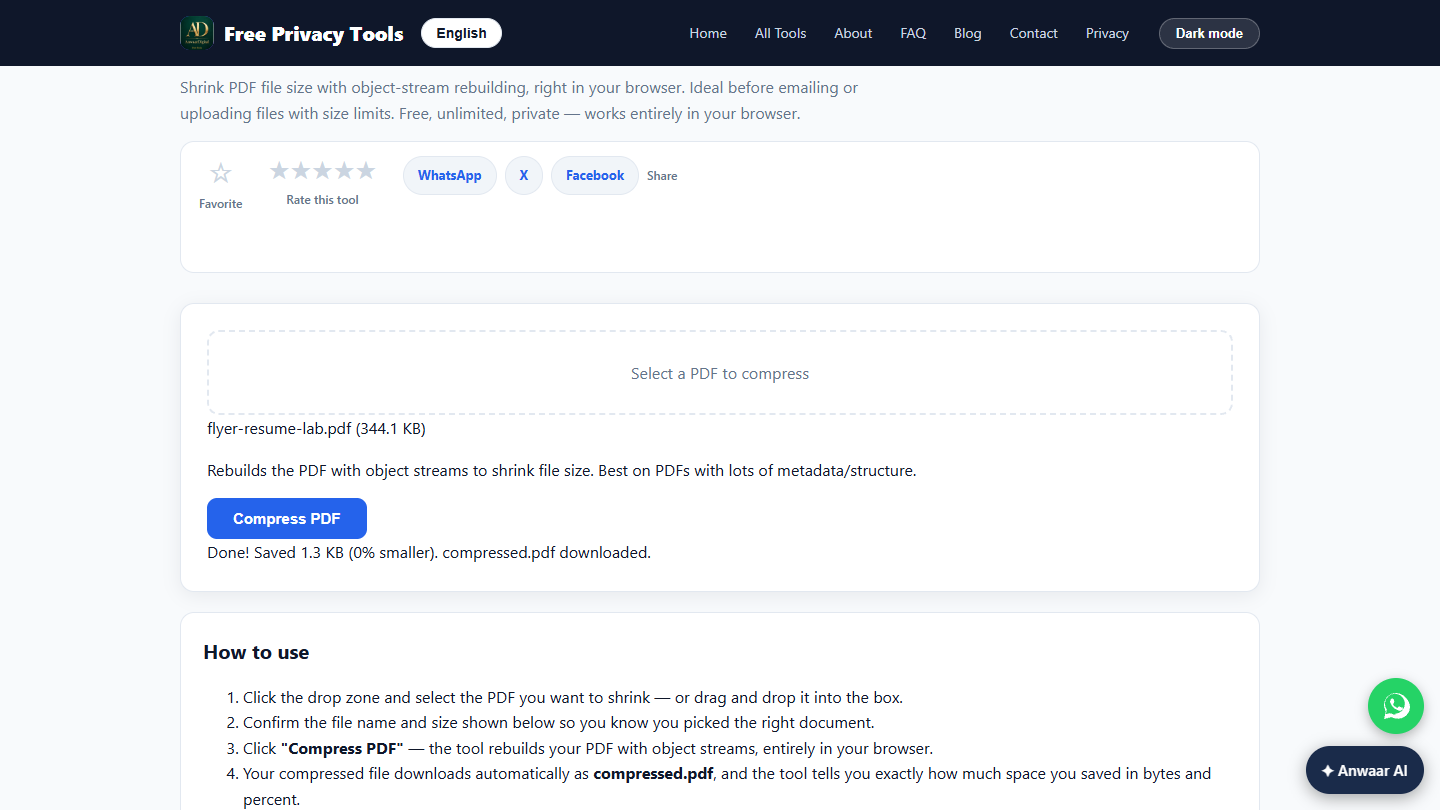
- Compress it and read the result. The file name and size appear under the box: 344.1 KB. Click Compress PDF. When we did it, the tool said Done! Saved 1.3 KB (0% smaller). compressed.pdf downloaded. That is the honest answer: this compressor is lossless and does not shrink pictures, and the flyer is mostly one picture. At 344 KB the flyer is already fine to email, so send the original. The tool saves the most on PDFs with lots of structure and metadata, such as long reports.
It saved almost nothing, because the flyer is mostly a picture and this tool does not shrink pictures. At 344 kilobytes it is already fine to email.
Screenshots
Frequently asked questions
- Are Anwaar Digital's tools really free?
- Yes. The site describes its 90 tools as free with no sign-up, and we used all three in this lesson without an account.
- Are my files uploaded?
- The site says everything runs privately in your browser, and the tool pages say processing happens on your device. A few tools, such as Link Shortener and IP Lookup, rely on outside services, which the site notes.
- Why did my PDF barely shrink?
- The PDF Compressor is lossless: it rebuilds the PDF structure and does not shrink pictures. On our image-heavy flyer it saved 1.3 KB (0%). It saves more on PDFs with lots of structure and metadata, and it tells you when a file is already optimized.
- Was this lesson tested with real files?
- Yes. On 24 November 2026 we made the QR code, resized the flyer and compressed the PDF on the live site with made-up files, and the practice screens are captures of those runs.
More in Business Automations
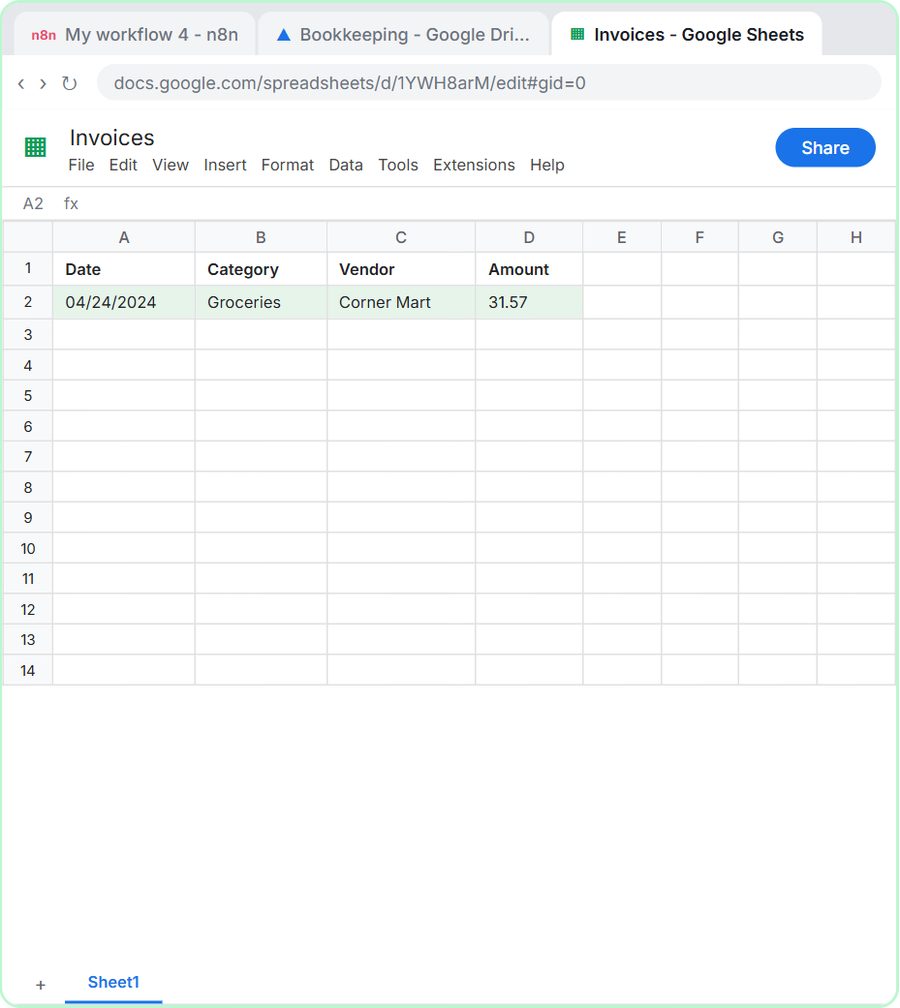 How to Do OCR in n8n: Read Receipt Photos into Google Sheets with AI
Drop a photo of a receipt into an n8n chat. An AI agent reads it, pulls out the date, vendor and amount, picks a category, and adds a row to Google Sheets.
Free · Live ~12 min Intermediate
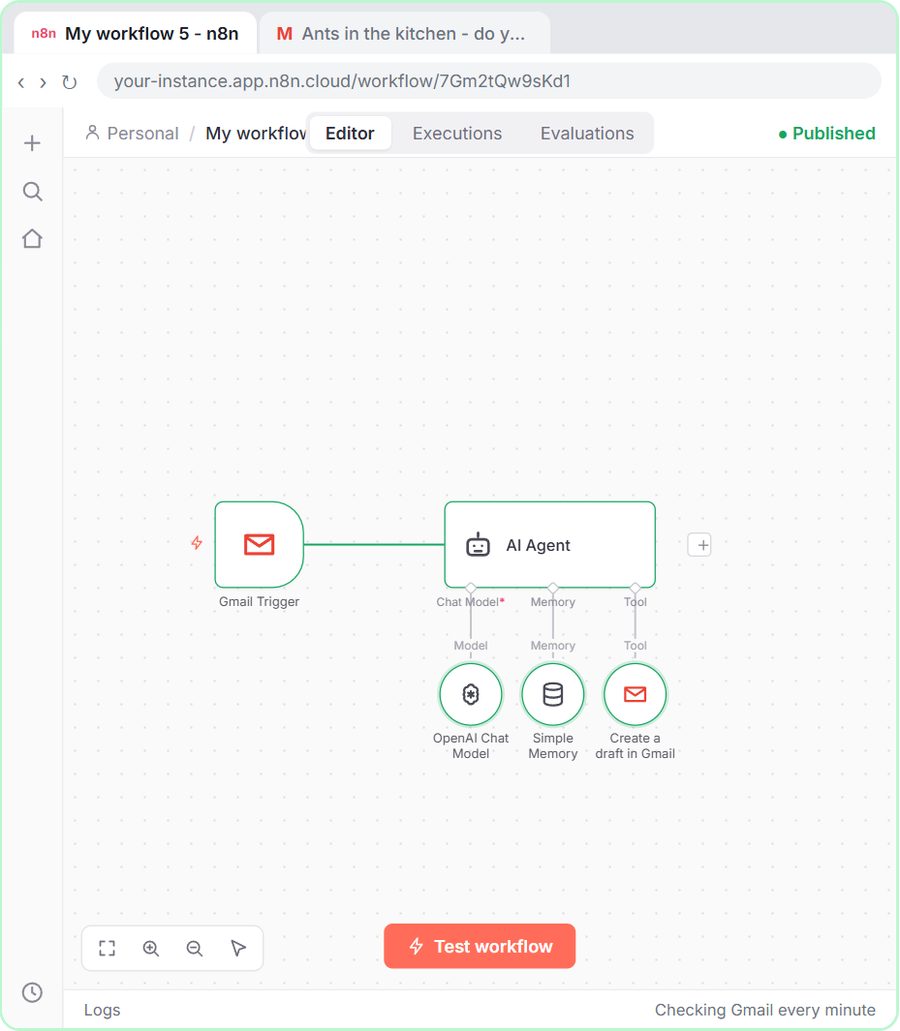 n8n AI Email Responder: Draft Gmail Replies Automatically
Build an n8n agent that watches your Gmail, reads each new customer email, and writes a reply as a draft in the same thread, ready for you to check and send.
Free · Live ~12 min Intermediate
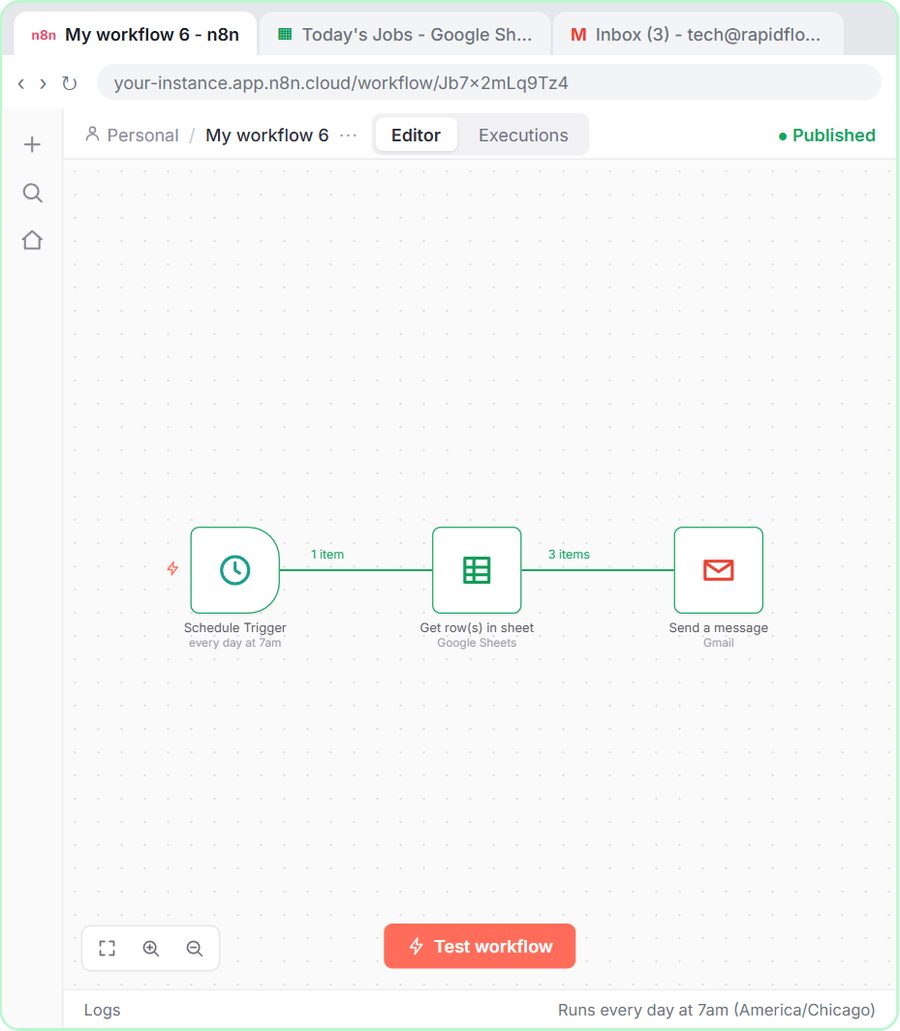 How to Make an n8n Workflow That Emails Each Tech Their Jobs from Sheets
Every morning at 7, n8n reads a plumbing company's jobs sheet, skips anything not assigned yet, and emails each job to the tech it's assigned to — customer, address…
Free · Live ~10 min Intermediate
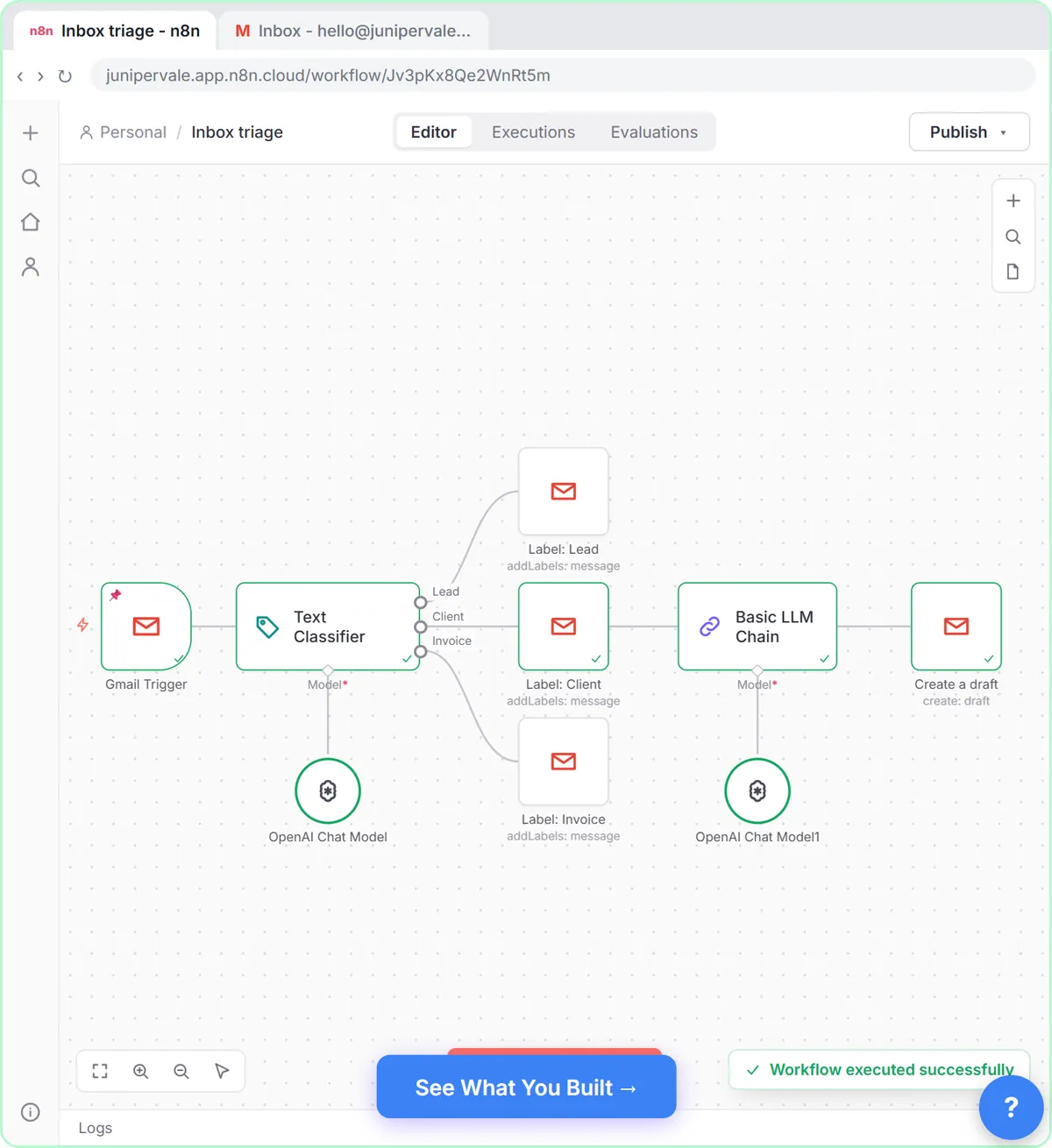 Gmail AI Triage: Auto-Label Every Email and Draft Replies
Build an n8n workflow that reads each new email, sorts it as a lead, a client or an invoice with a Text Classifier, adds the matching Gmail label, and drafts a reply to…
Free · Live ~18 min Advanced
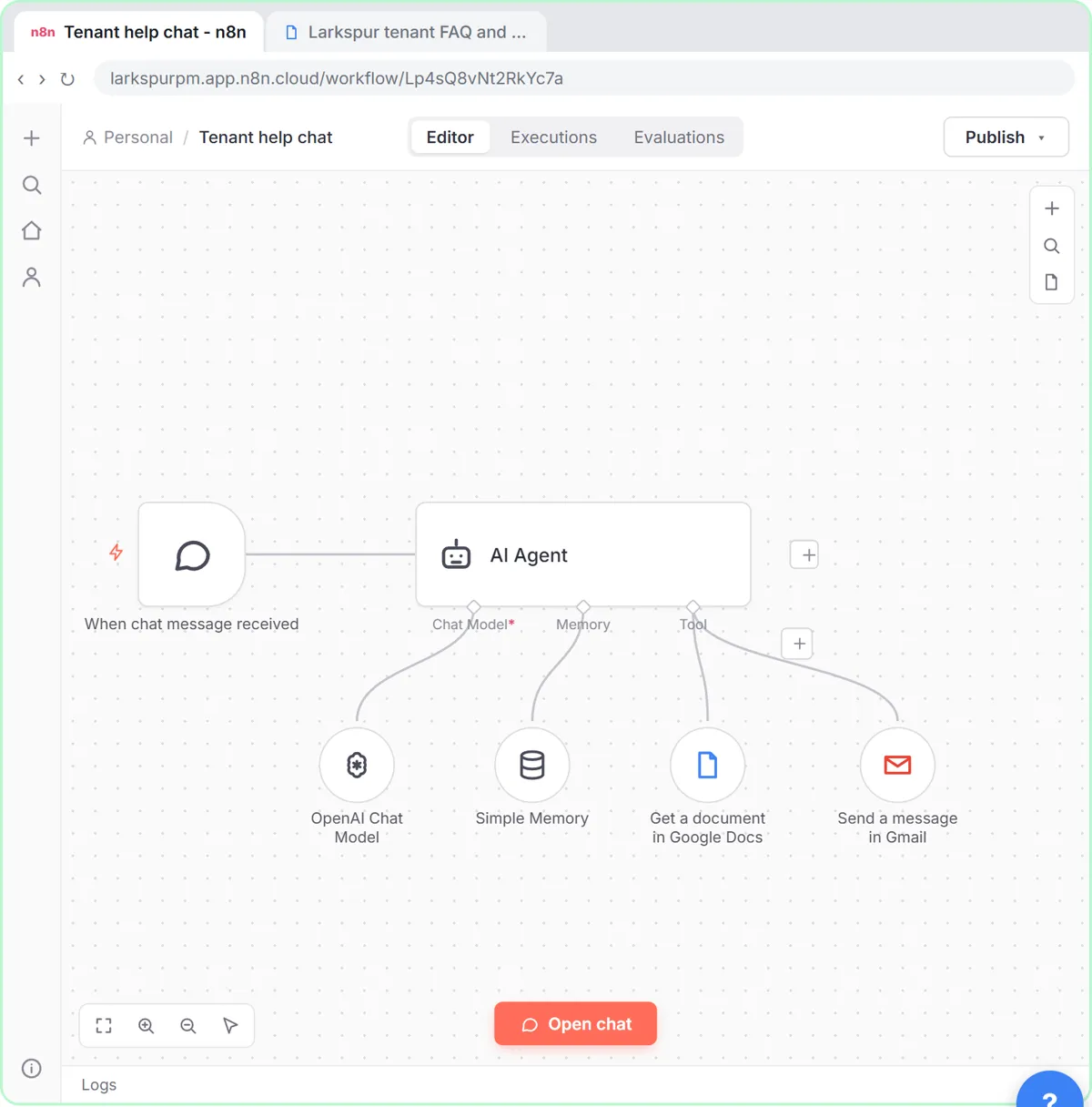 How to Use n8n to Build AI Agents: A Support Agent That Answers from Your Docs
Turn an n8n chat agent into a support agent that answers only from your policies in a Google Doc, refuses what it should, and hands off to a person by email.
Free · Live ~13 min Advanced
 Chatbase: Answer Customer FAQs with an AI Agent
A business case for a small firm that answers the same customer questions every week: build a Chatbase AI agent on your FAQ in the real app, make it say when it does…
Free · Live ~15 min Beginner
All 62 modules in Business Automations
More Anwaar Digital tutorials
 Anwaar Digital: Pull the Signature Pages Out of a 12-Page Lease for Real Estate
Send a new tenant only the three pages they must sign, and put the rent, deposit and notice terms in the email, with PDF Splitter and PDF to Text. Free, no sign-up…
Free · Live ~5 min Beginner
 Anwaar Digital: Get a Listing Photo Website-Ready (Resize, Watermark, Compress) for Real Estate
Turn a 5.6 MB phone photo into a 142 KB, branded, website-sized listing photo with three free browser tools: Image Resizer, Watermark Adder and Image Compressor. No…
Free · Live ~7 min Beginner
 Anwaar Digital: Clean a Messy Volunteer Email List Before You Import It for Marketing
Trim stray spaces, lowercase every address and remove duplicate sign-ups before the list goes into your email tool, then check a text reminder fits in one message. Four…
Free · Live ~6 min Beginner
 Anwaar Digital: Check a Suspicious Payroll Link, Then Replace a Weak Shared Password for Operations
A "your payroll password expires today" email lands at the front desk. Check the link without opening it, score the shared password, and generate a strong replacement…
Free · Live ~6 min Beginner
 Anwaar Digital: Send a Client One Small, Signed Engagement Packet for Consulting & Agencies
Turn a client's 3.3 MB phone photo of a signed page into one small PDF packet, letter, scope and signature in order, with Image Compressor, Images to PDF and PDF…
Free · Live ~7 min Beginner
 Anwaar Digital: Send a New Hire One Small Onboarding PDF Instead of Five Attachments
New hires open two attachments and skip the page they must sign. Turn the welcome letter into a PDF, merge the packet in reading order and check it before you send…
Free · Live ~5 min Beginner
Terms in this lesson
Plain-English definitions, each with an example from a free lesson.