Updated . Built against the tool’s current screens and checked step by step. How we check this lesson
New hires get a welcome letter, a schedule, a benefits summary and a handbook page as separate attachments, open two, and arrive on day one without the signed page. Free Privacy Tools by Anwaar Digital is a set of 90 free browser tools that process files on your device. In this free lesson, on real screens captured on 24 November 2026, you are the HR coordinator at Brightwater Dental Group, a made-up dental group, turning the packet into one PDF in reading order with Word to PDF, PDF Merger and PDF Compressor. 10 steps, about five minutes, no sign-up.
At a glance
| Question | Answer |
|---|---|
| What you build | New hires open two attachments and skip the page they must sign. Turn the welcome letter into a PDF, merge the packet in reading order and check it before you send, with the free Word to PDF, PDF Merger and PDF Compressor. No sign-up, files stay in your browser. |
| Tools | Anwaar Digital |
| Time | About 5 minutes, 10 steps in 3 parts |
| Level | Beginner, no coding needed |
| Cost | Free |
| Ways to learn it | Practice it step by step |
The 3 parts, in short
- Turn the letter into a PDF: Select the welcome letter, Check the preview, Save it as a PDF.
- One file, in reading order: Open PDF Merger, Select the four PDFs in order, Check the order, then merge.
- Check it before you send: One file, downloaded, Open PDF Compressor, Select the merged packet, Compress, then send.
Start here first: Strawberry: Check Minimum-Wage Rules Every Monday and Approve Every Change (module 1 of AI Automation for Recruiting & HR)
The business case: the attachment nobody opens
Picture Keisha, HR coordinator at Brightwater Dental Group, a made-up group of six dental offices that hires a hygienist or assistant most weeks. Each offer email carries five attachments: the offer and four onboarding files. New hires open the first two, the handbook acknowledgment goes unread, and the office manager spends day one chasing a signature.
One PDF in reading order, with the signature page last, fixes that. The three tools in this lesson are free, need no sign-up, and process the files in your browser rather than uploading them, which matters for employee documents.
Who this is for, and what you need
HR coordinators, office managers and recruiters at small businesses who send offer or onboarding packets. You need a browser and the packet files: the welcome letter as .docx and the rest as PDFs. The practice runs in your browser with no files.
Tips and limits we saw on the real tools
Word to PDF does not make the PDF itself: Save as PDF (Print) hands the preview to your browser's print window, where you pick Save as PDF as the printer. Check the preview first; if a heading or table looks wrong there, it will look wrong in the PDF. The page asks for .docx files, so re-save old .doc files first.
PDF Merger has no drag-to-reorder: the order you select is the order you get, shown as a numbered list with each file's size. Starting file names with a number (1-welcome, 2-schedule and so on) keeps them in order in the file picker. The merged file is already lean, so PDF Compressor had nothing left to save on it; use the compressor on big PDFs from other programs before you merge them.
What this saves you
- Chasing new hires for the page they never opened.
- Sending a pile of attachments that look different on every phone.
- What it does not do: it does not collect signatures or track who opened the packet. Follow your own policy for employee personal data.
How this lesson was built
Every screen in the practice is a real capture of freetools.anwaardigital.com taken on 24 November 2026 while doing the task for real with a made-up welcome letter (.docx) and three made-up PDFs; the messages and sizes quoted here are what the tools actually showed. Your browser's print window is not shown, because it belongs to the browser, not the site. Brightwater Dental Group, Keisha and the new hire are made up. The full hands-on course on the same free tools is the [Anwaar Digital Free Tools Jump Start](/courses/anwaar-free-tools-jump-start): five office jobs, from a lease's signature pages and website-ready listing photos to a clean email list, a suspicious link checked and one small signed client packet. Another quick one with the same free tools: Prepare an Event Flyer for Print, Social and Email.
Links
- Free Privacy Tools by Anwaar Digital: the full list of 90 tools by category, including the PDF tools.
- Word to PDF: reads .docx files, shows a preview, and Save as PDF (Print) opens your browser's own print window; no upload.
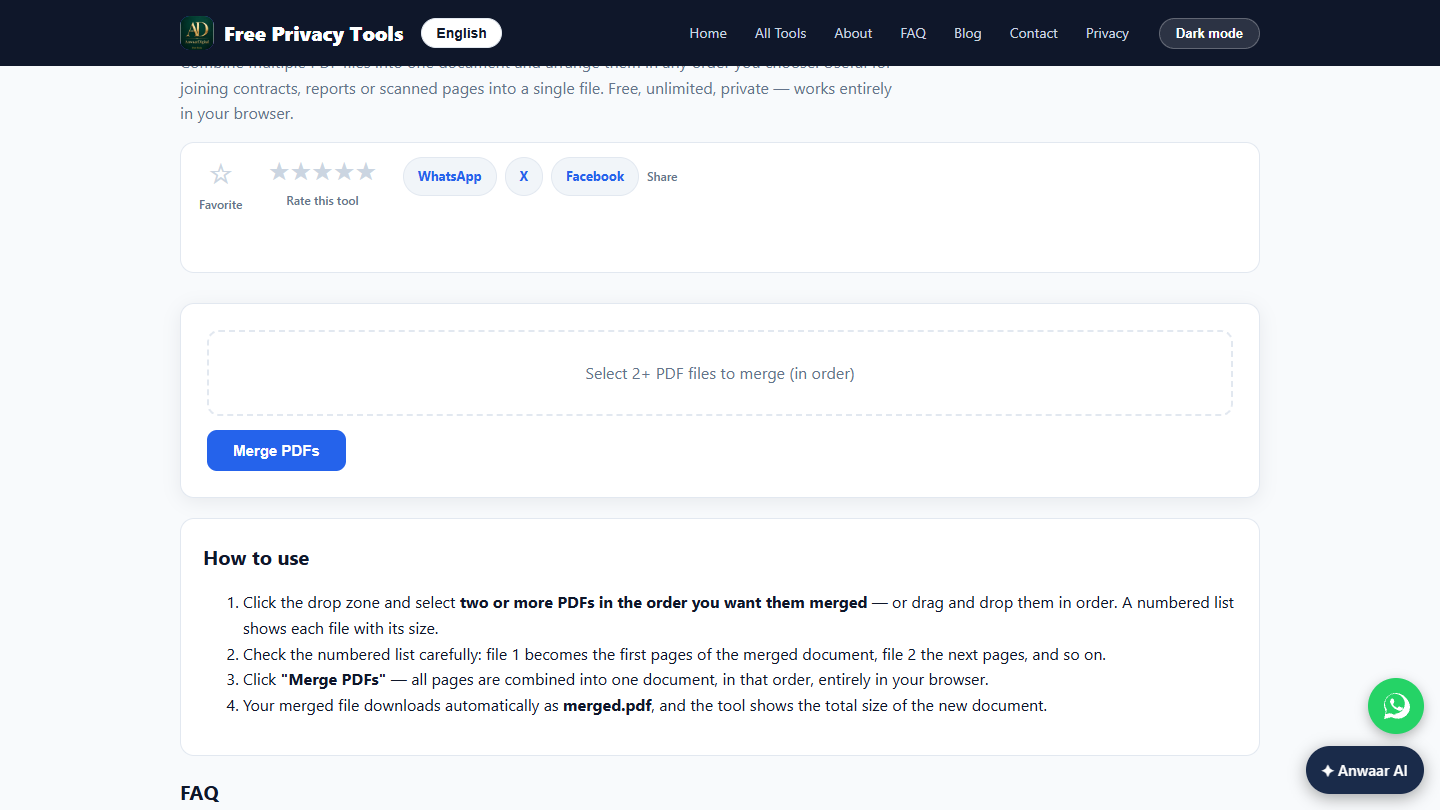
- PDF Merger: select two or more PDFs in the order you want them merged, check the numbered list, Merge PDFs; downloads merged.pdf and shows its size.
- PDF Compressor: Compress PDF reports the saving, or that the file was already optimized, and downloads compressed.pdf.
Try it yourself, free
Reading the steps is a start. Doing them is how it sticks. The interactive module walks you through every click in a practice copy of Anwaar Digital, checks each step, and never touches your real accounts.
Start “Anwaar Digital: Send a New Hire One Small Onboarding PDF Instead of Five Attachments”Step by step: Anwaar Digital: Send a New Hire One Small Onboarding PDF Instead of Five Attachments
All 10 steps of the interactive module, in order. In the module you watch each one, then do it yourself in a practice copy that checks your work.
1. Turn the letter into a PDF
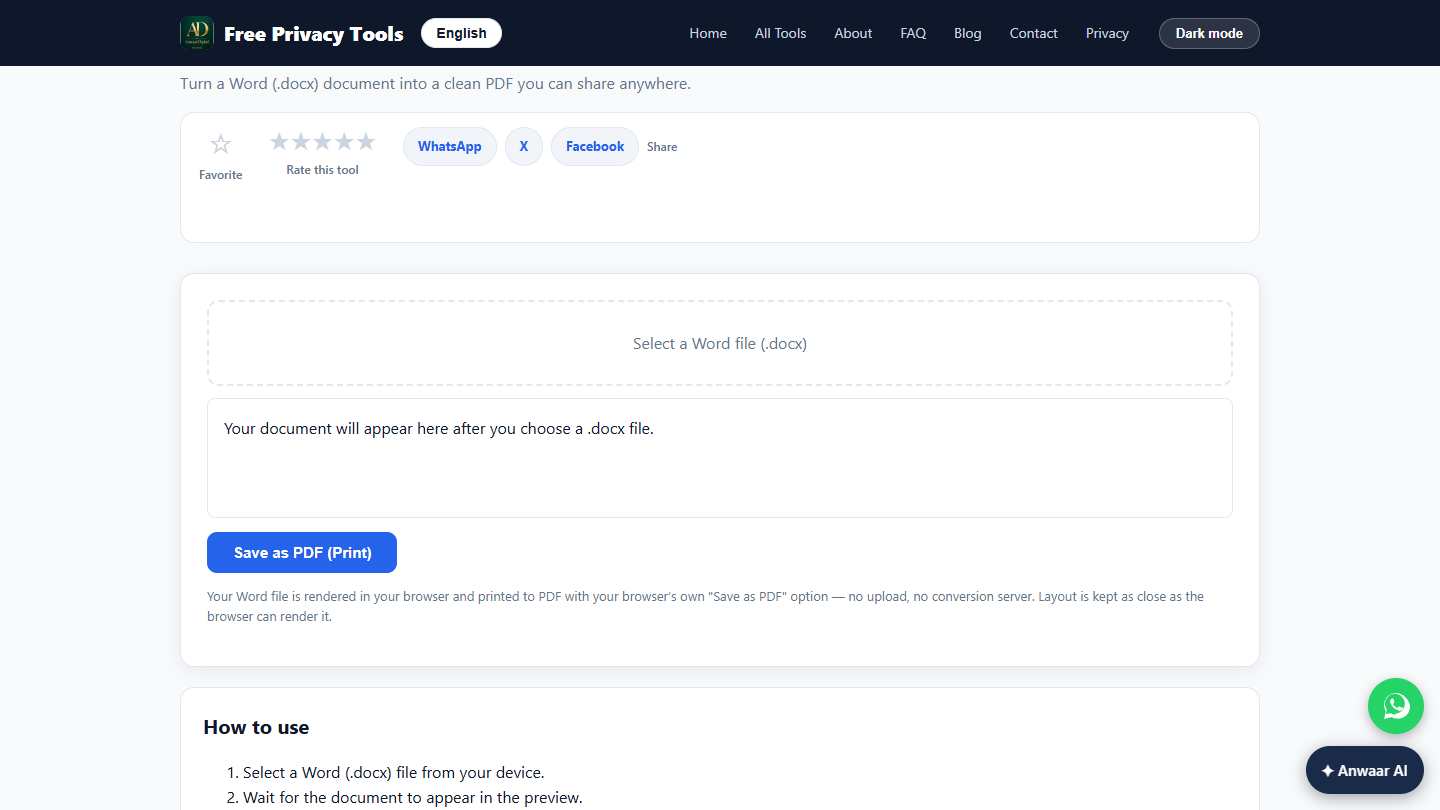
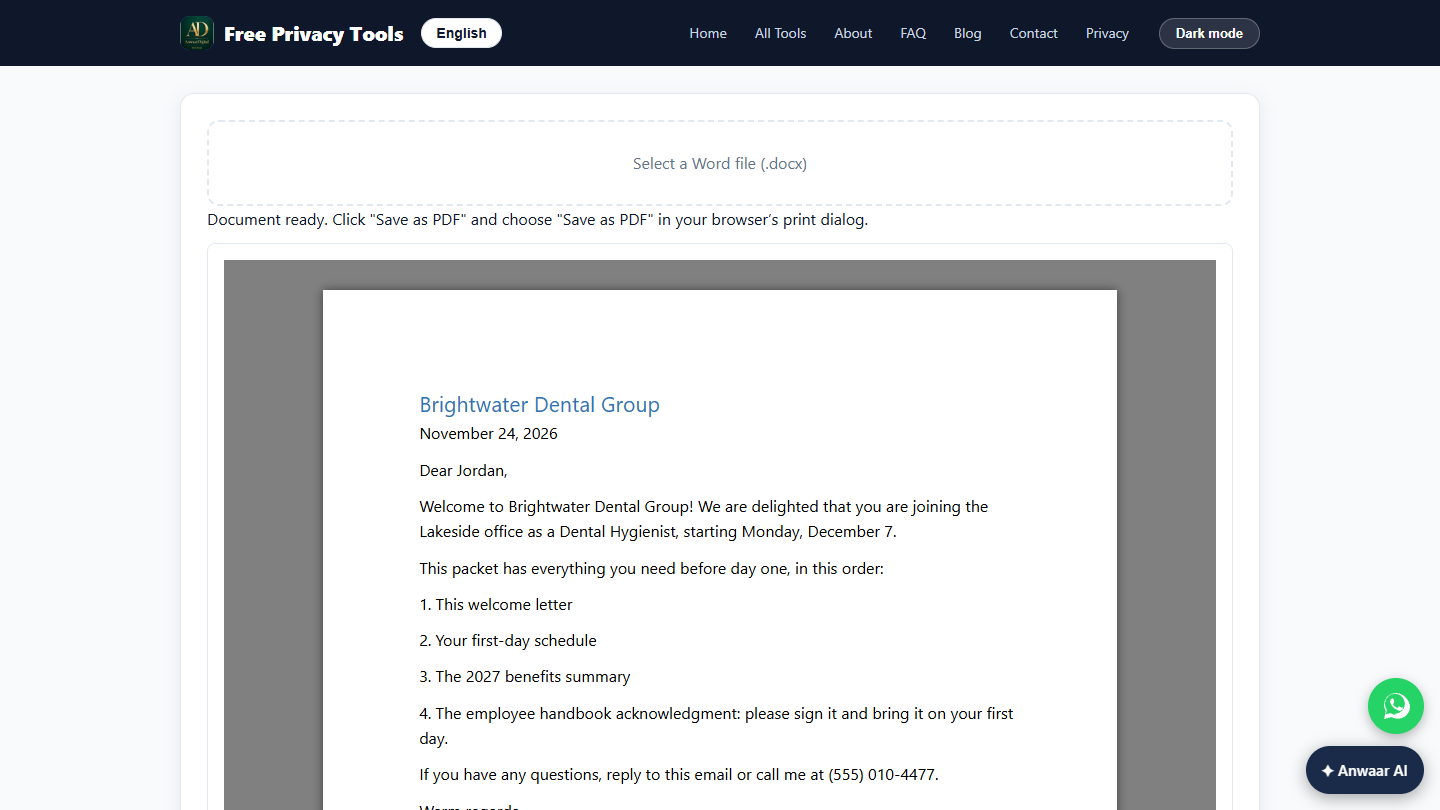
- Select the welcome letter. You are Keisha, HR coordinator at Brightwater Dental Group, a made-up group of six dental offices that hires most weeks. Every offer email carries five attachments: the offer and four onboarding files. New hires open two, and the signed handbook page is missing on day one. Today the new hygienist, Jordan, gets the four onboarding files as one PDF in reading order. Open Word to PDF on freetools.anwaardigital.com: free, no account, and the file is read in your browser. Click Select a Word file (.docx) and pick welcome-letter-j-ortiz.docx.
You send new hires one PDF instead of a pile of attachments.
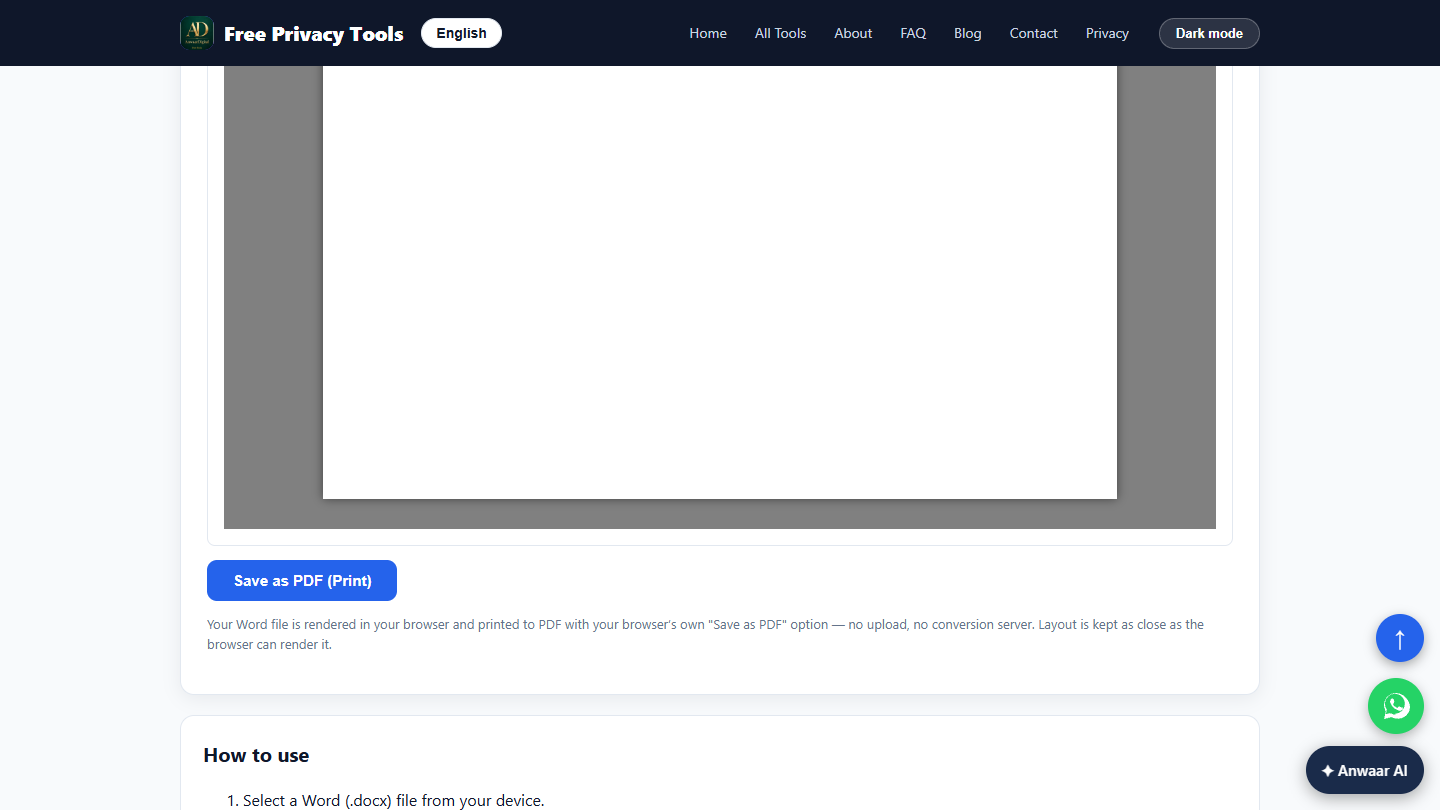
- Check the preview. The page says Document ready and shows the letter as it will print. Check it now: if a heading or table looks wrong here, it will look wrong in the PDF. Then scroll down to the button under the preview.
Check the preview, then scroll down to the button.
- Save it as a PDF. Click Save as PDF (Print). This tool uses your browser's own print window, so nothing is uploaded: in that window, choose Save as PDF as the printer and save the file as welcome-letter-j-ortiz.pdf.
In your browser's print window, choose Save as PDF and save the letter.
2. One file, in reading order
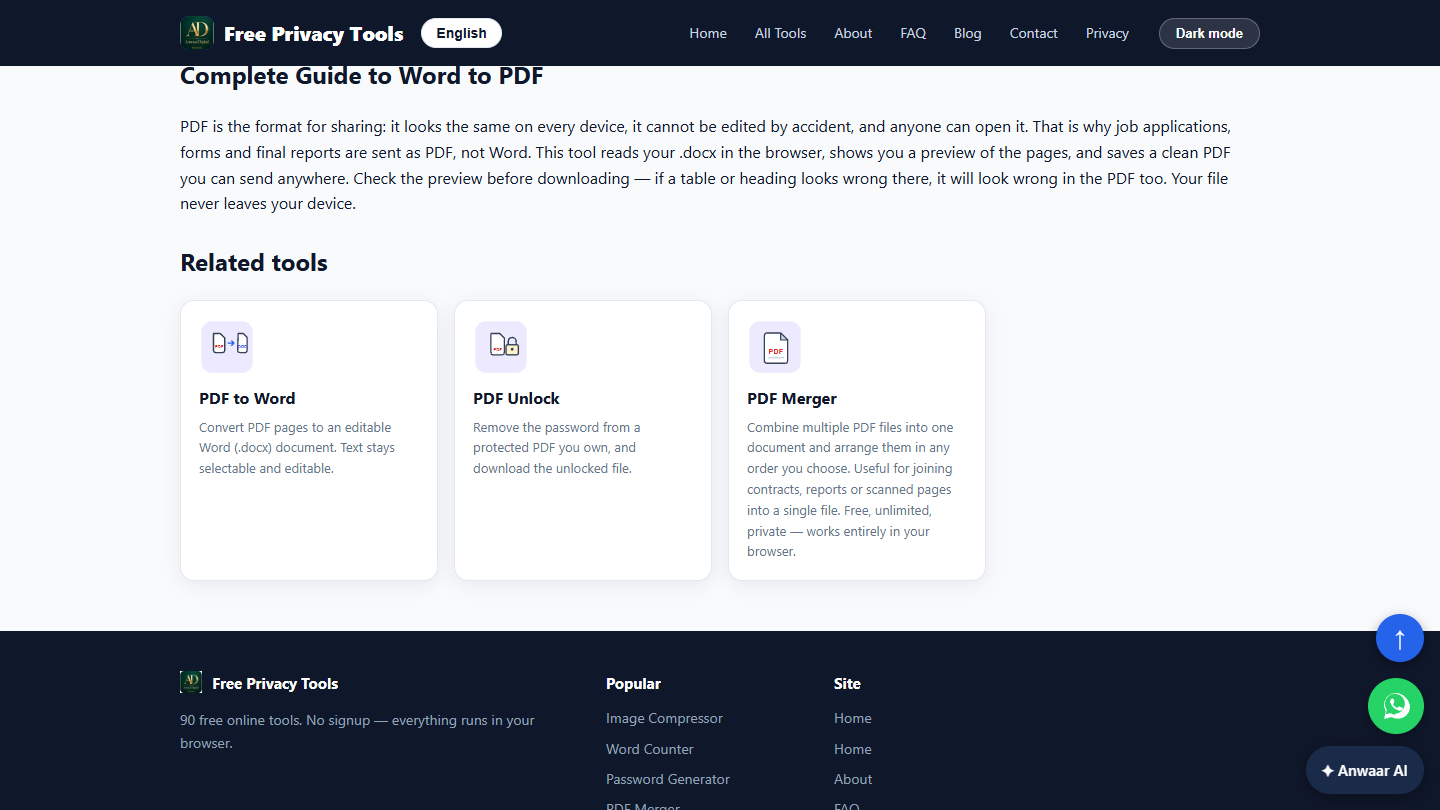
- Open PDF Merger. Now put the four files together. Scroll down to Related tools and click PDF Merger.
Now put the files together. In Related tools, click PDF Merger.
- Select the four PDFs in order. Click Select 2+ PDF files to merge (in order) and select the packet in the order Jordan should read it: the welcome letter, first-day-schedule.pdf, benefits-summary-2027.pdf, then handbook-acknowledgment.pdf. There is no drag-to-reorder, so the order you select is the order you get.
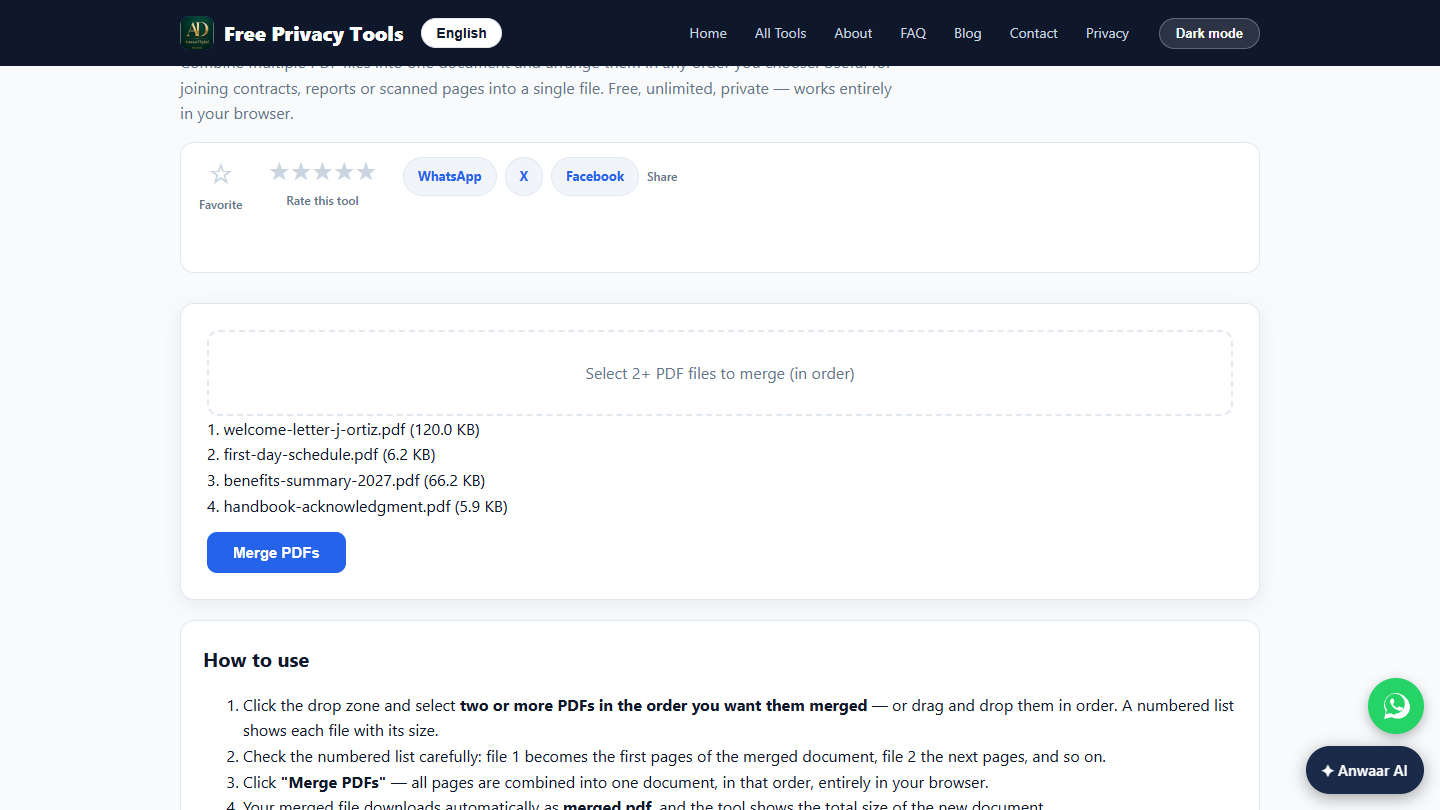
- Check the order, then merge. A numbered list shows each file with its size. File 1 becomes the first pages, file 2 the next, and so on. Ours read 1 welcome letter, 2 first-day schedule, 3 benefits summary, 4 handbook acknowledgment. If the order is wrong, select the files again. Click Merge PDFs.
Check the numbered list: file one comes first.
3. Check it before you send
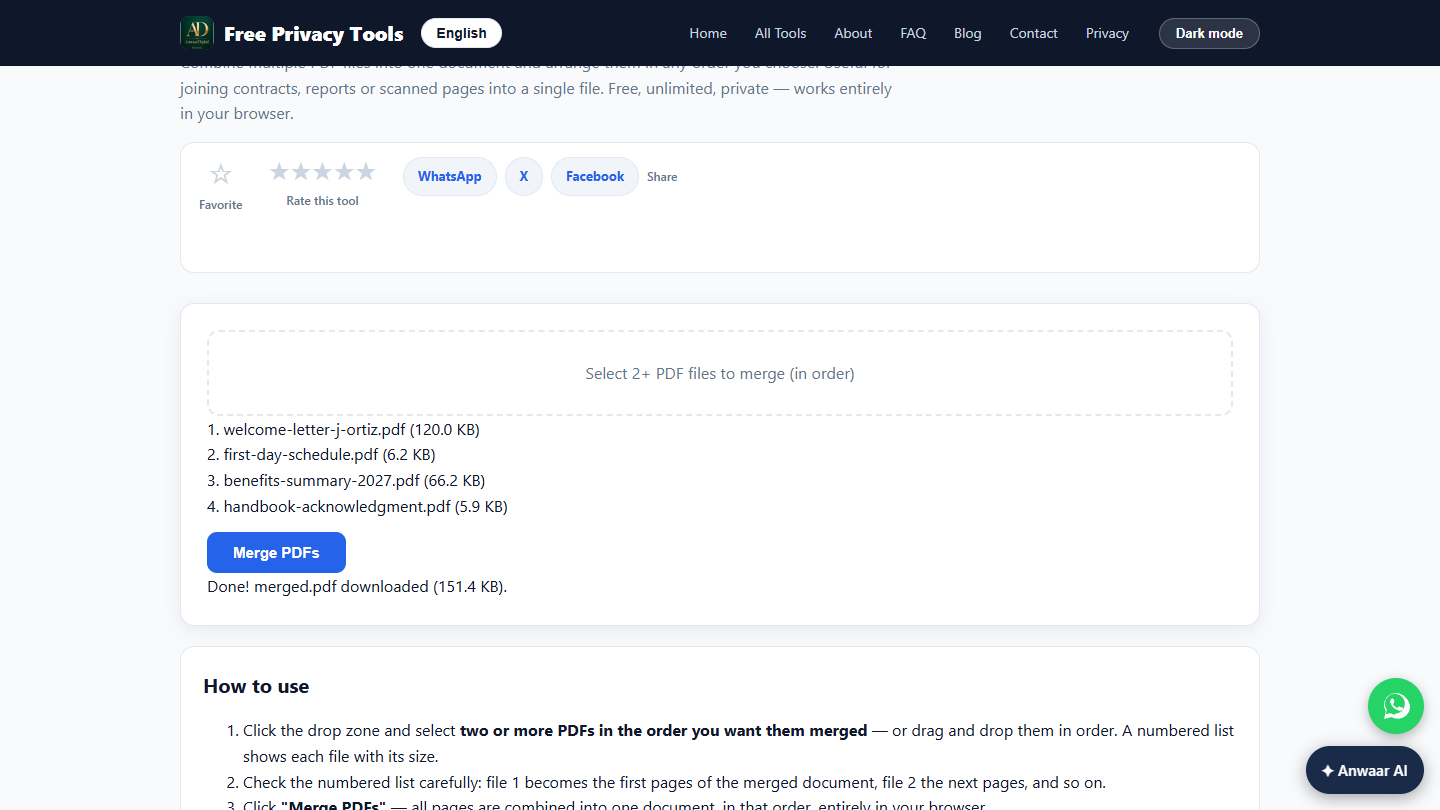
- One file, downloaded. The tool says Done! merged.pdf downloaded (151.4 KB). Open it once and scroll through: letter first, signature page last. Rename it for the new hire, for example Brightwater onboarding - J. Ortiz.pdf. Click the Done line to continue.
Done. One file, about 151 kilobytes.
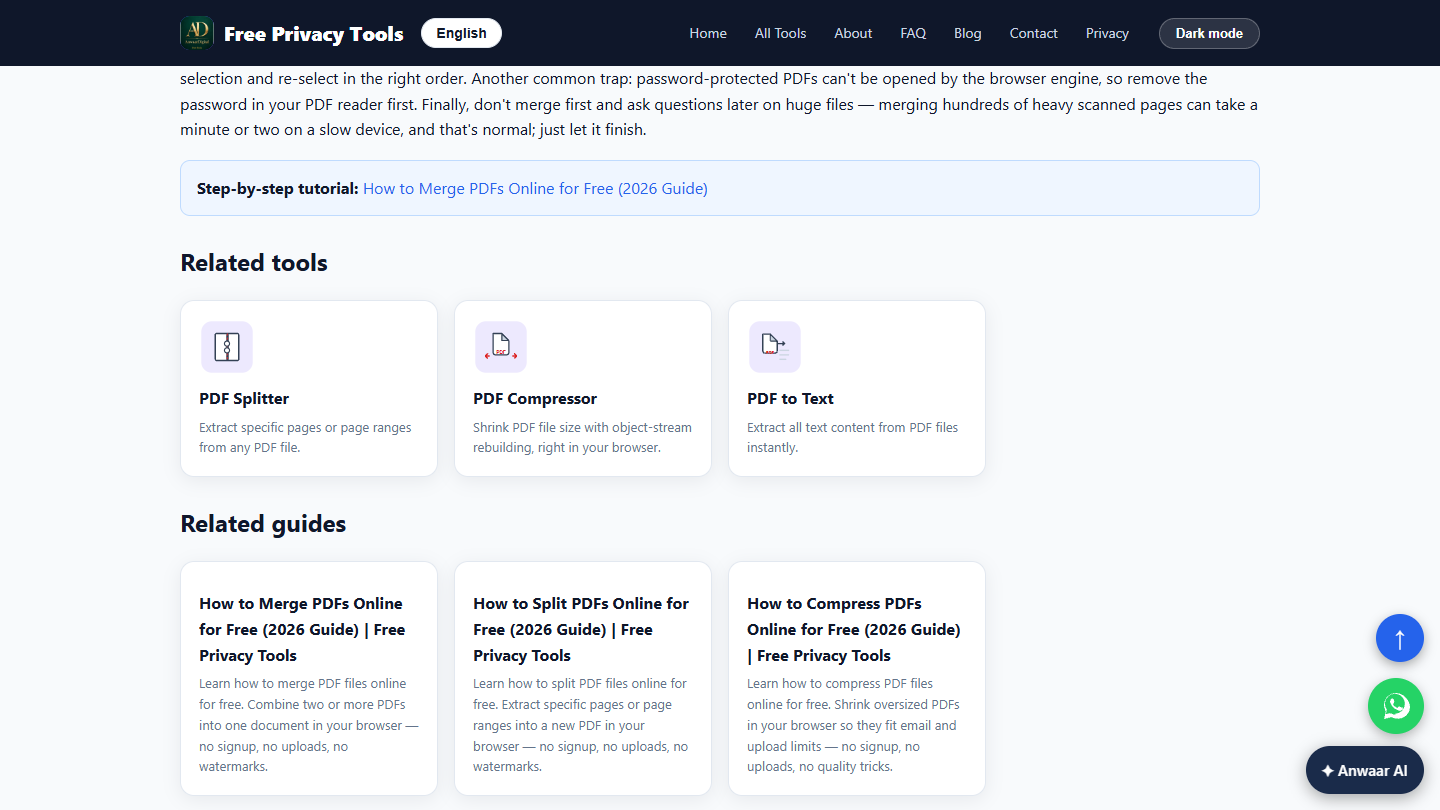
- Open PDF Compressor. Before you attach it, check whether it can get any smaller. In Related tools, click PDF Compressor.
Check whether it can get smaller. In Related tools, click PDF Compressor.
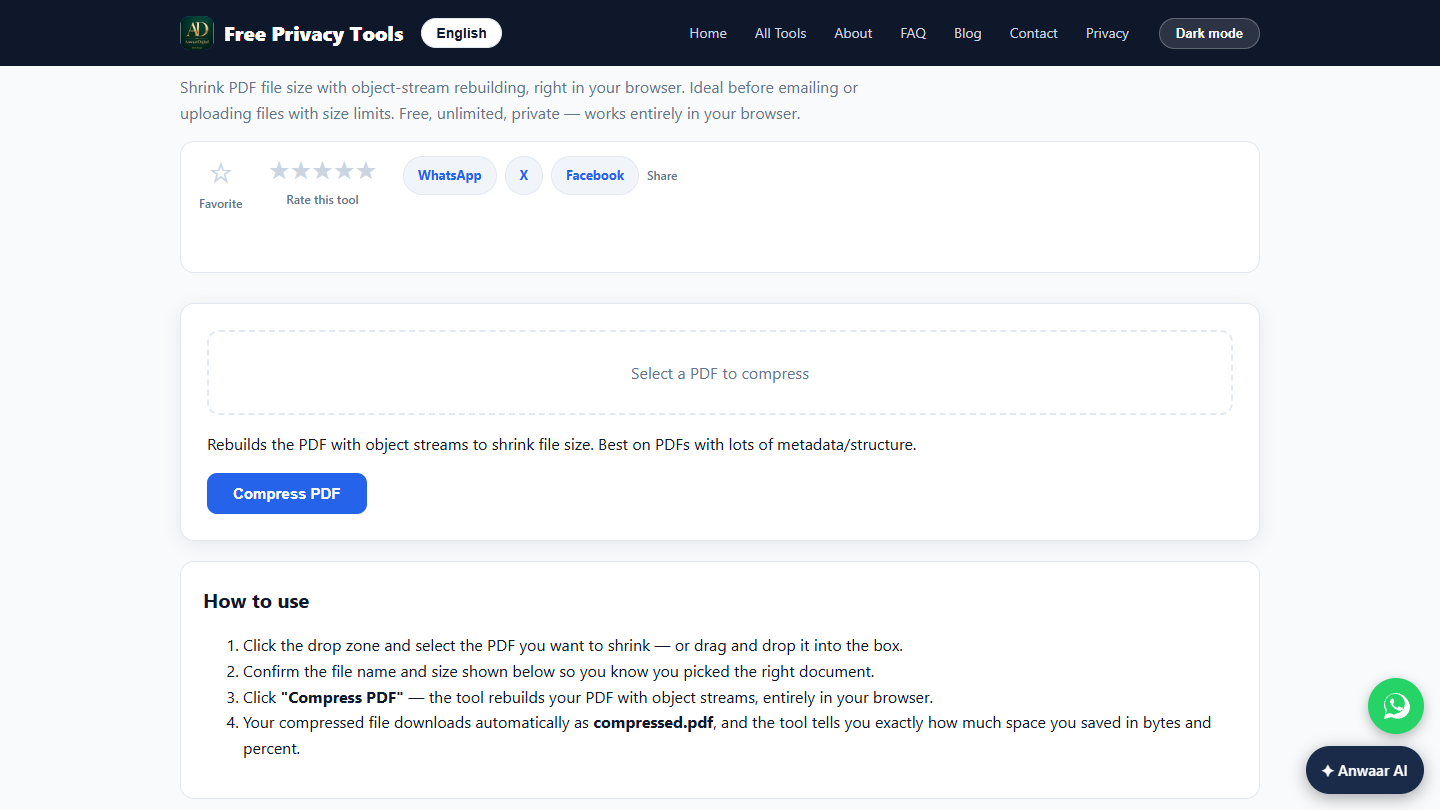
- Select the merged packet. Click Select a PDF to compress and pick merged.pdf.
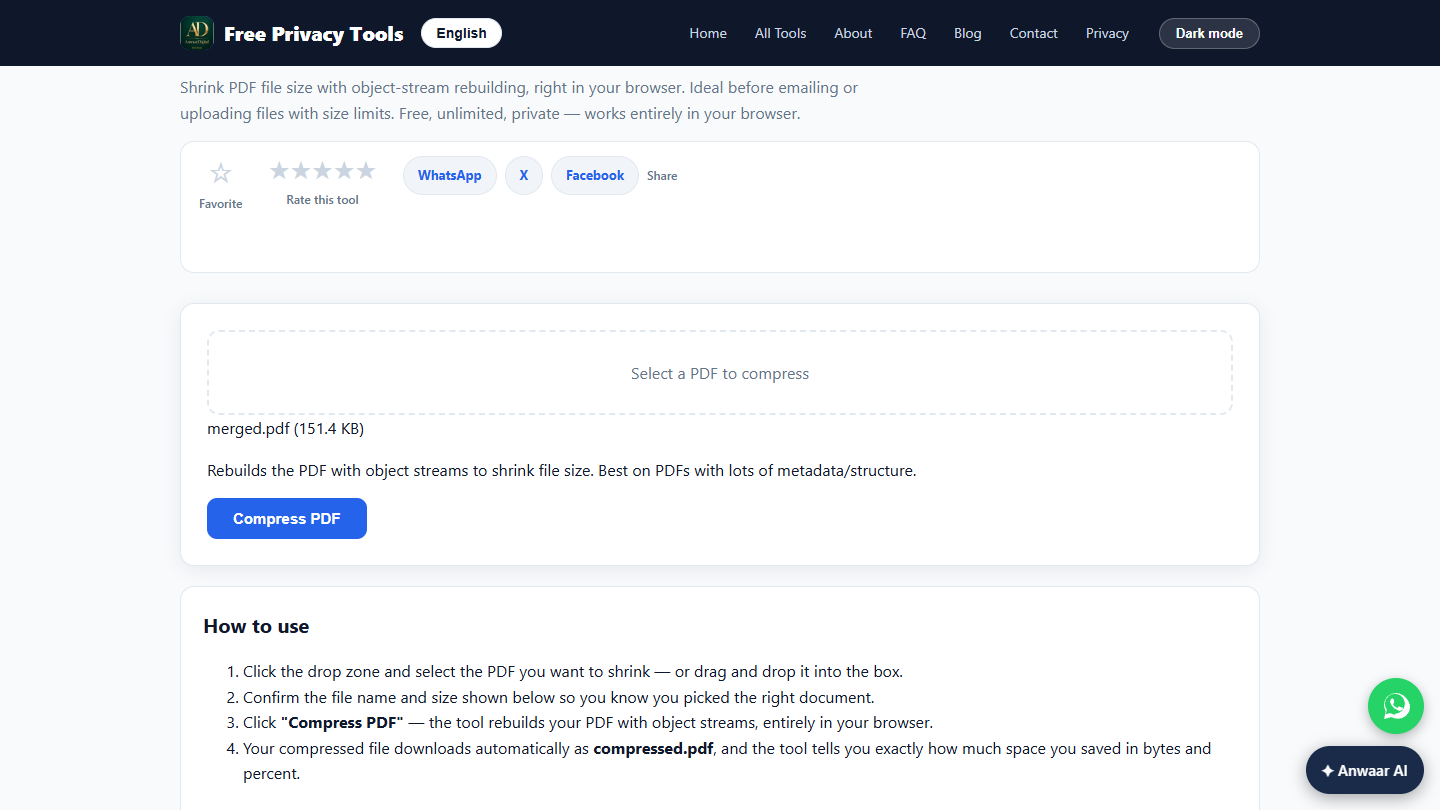
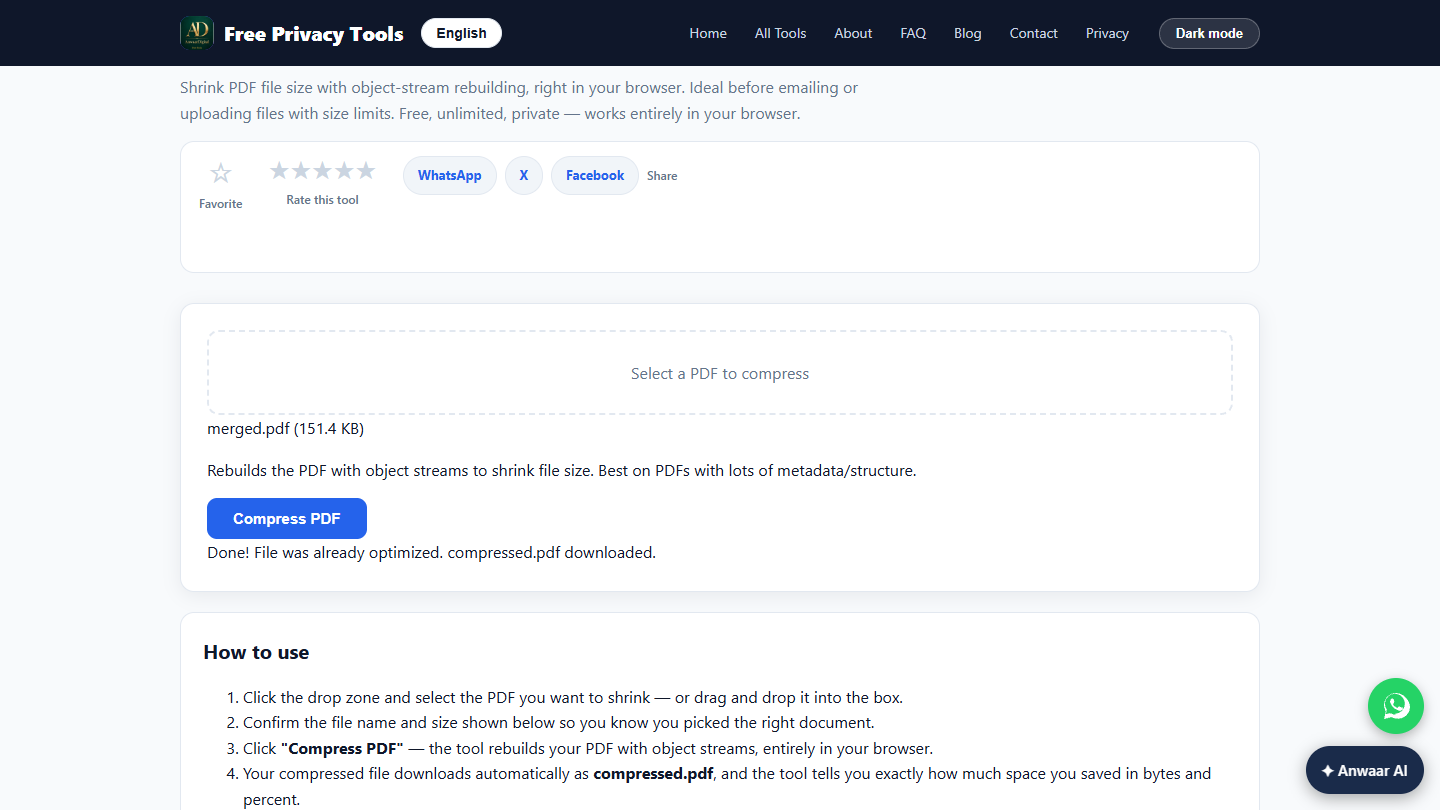
- Compress, then send. The name and size appear under the box: merged.pdf (151.4 KB). Click Compress PDF. When we did it, the tool said Done! File was already optimized. PDF Merger already builds a lean file, so there was nothing left to squeeze, and 151 KB is small enough for any email. Attach the merged packet and send it. Use PDF Compressor on big files that come from other programs, before you merge.
The tool says the file was already optimized, so it is ready. Attach it and send it.
Screenshots
Frequently asked questions
- How do I merge PDFs in a specific order for free?
- In PDF Merger on Free Privacy Tools by Anwaar Digital, select the files in the order you want them merged; a numbered list shows the order, and there is no drag-to-reorder, so select again to change it. Click Merge PDFs and it downloads merged.pdf.
- Are my files uploaded?
- The tool pages say processing happens locally in your browser and files are never uploaded, and Word to PDF uses your browser's own print window. Still follow your company's policy for personal data.
- Why didn't my PDF get smaller?
- PDF Compressor is lossless. A file that PDF Merger just built is already lean, so on ours it said Done! File was already optimized. It saves more on PDFs with lots of structure and metadata from other programs.
- Was this lesson tested with real files?
- Yes. On 24 November 2026 we converted, merged and compressed a made-up onboarding packet on the live site, and the practice screens are captures of that run.
More in AI Automation for Recruiting & HR
 Strawberry: Check Minimum-Wage Rules Every Monday and Approve Every Change
Build a Strawberry routine that checks the U.S. Department of Labor minimum-wage page for your states every Monday, and stops at an approval card before it saves a…
Free · Live ~8 min Beginner
◷How to Use DeepL Translator on a Word Document and Keep Its FormattingTranslate a client's Word policy into Spanish with DeepL file translation, keep its headings and table, set a formal tone, then polish the English cover email with…
Free · Live ~5 min Beginner
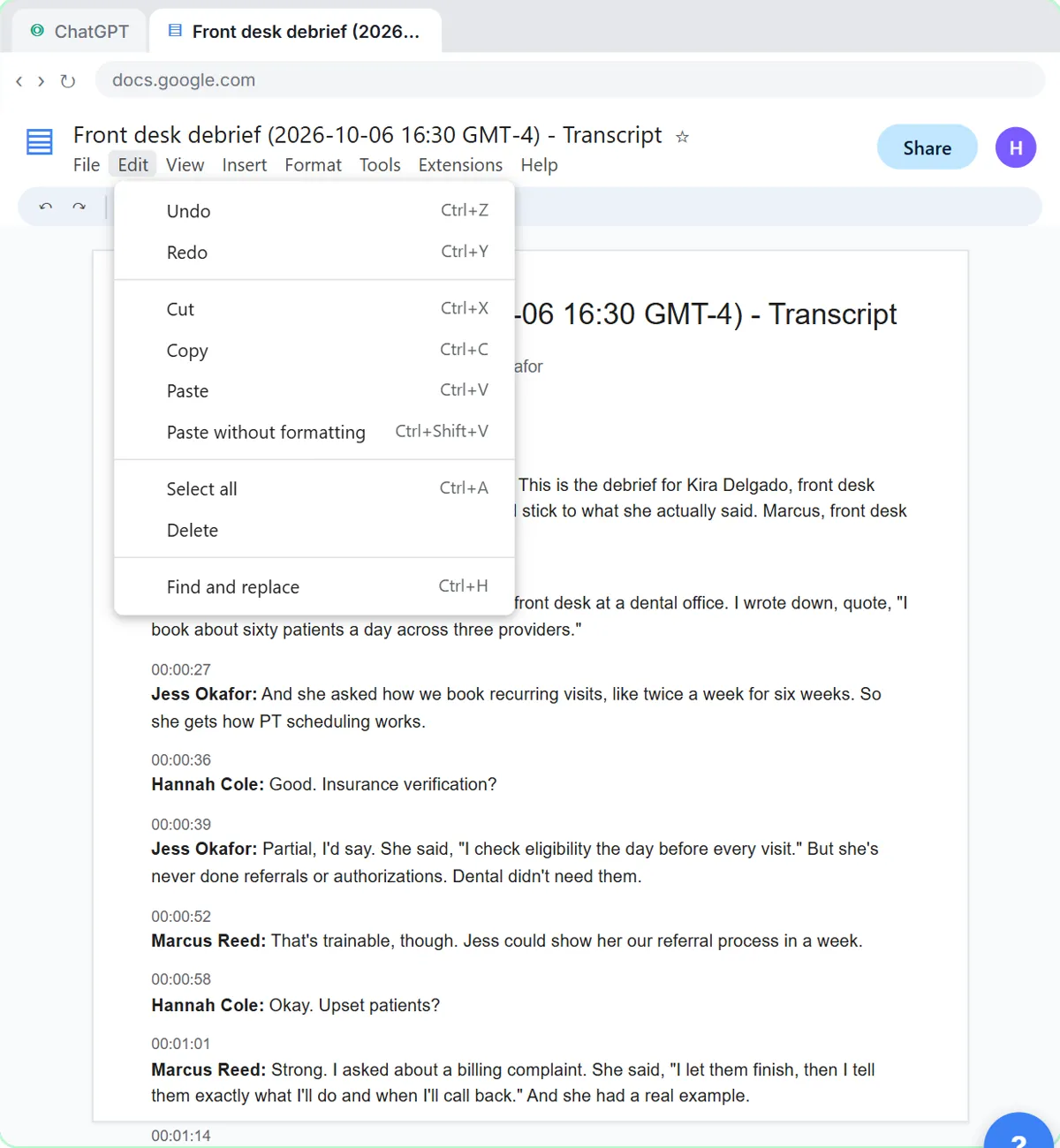 Score Every Candidate Fairly After the Interview using ChatGPT
Turn the transcript of an interview panel's debrief into a scorecard against the role's must-haves, the decisions, action items with owners and dates, and a follow-up…
Free · Live ~7 min Beginner
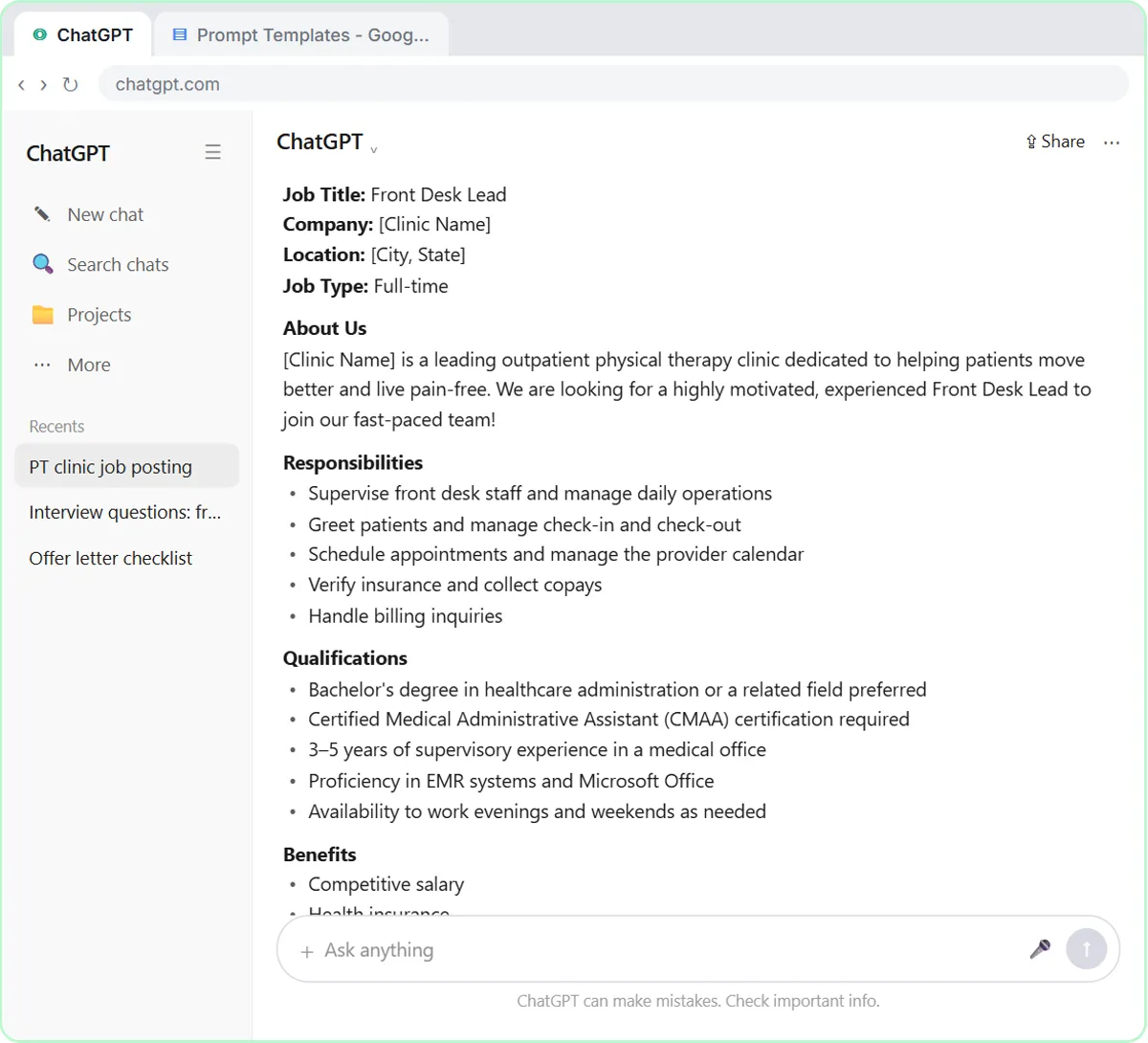 Write a Fair, Job-Related Job Posting with ChatGPT's Interview Prompt
Ask ChatGPT for a front desk lead posting the quick way, then let it interview you: true must-haves only, a real pay range, the work described instead of a personality…
Free · Live ~7 min Beginner
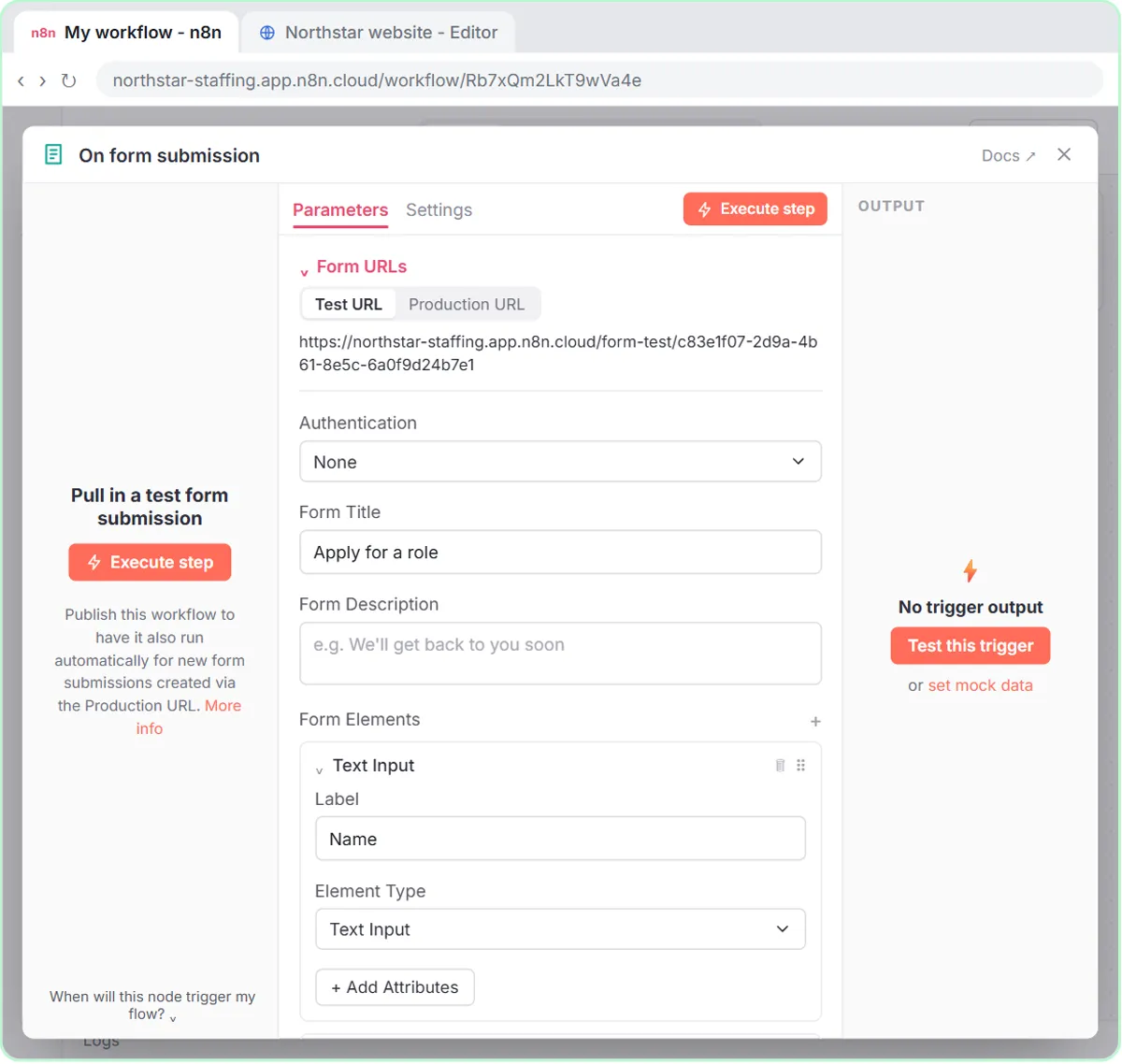 Collect Job Applications in Google Sheets with an n8n Form and a Careers-Page Webhook
Stop losing applicants between job boards and your careers page. An n8n form plus a careers-page webhook put every application in one Google Sheet.
Free · Live ~12 min Advanced
◷Keep Top Candidates Warm with Honest Status Replies using ChatGPTYour best candidate has another offer and wants to know if she got the job, if you'll match her pay and when she can start. Give ChatGPT the thread and the hiring…
Free · Live ~9 min Beginner
All 22 modules in AI Automation for Recruiting & HR
More Anwaar Digital tutorials
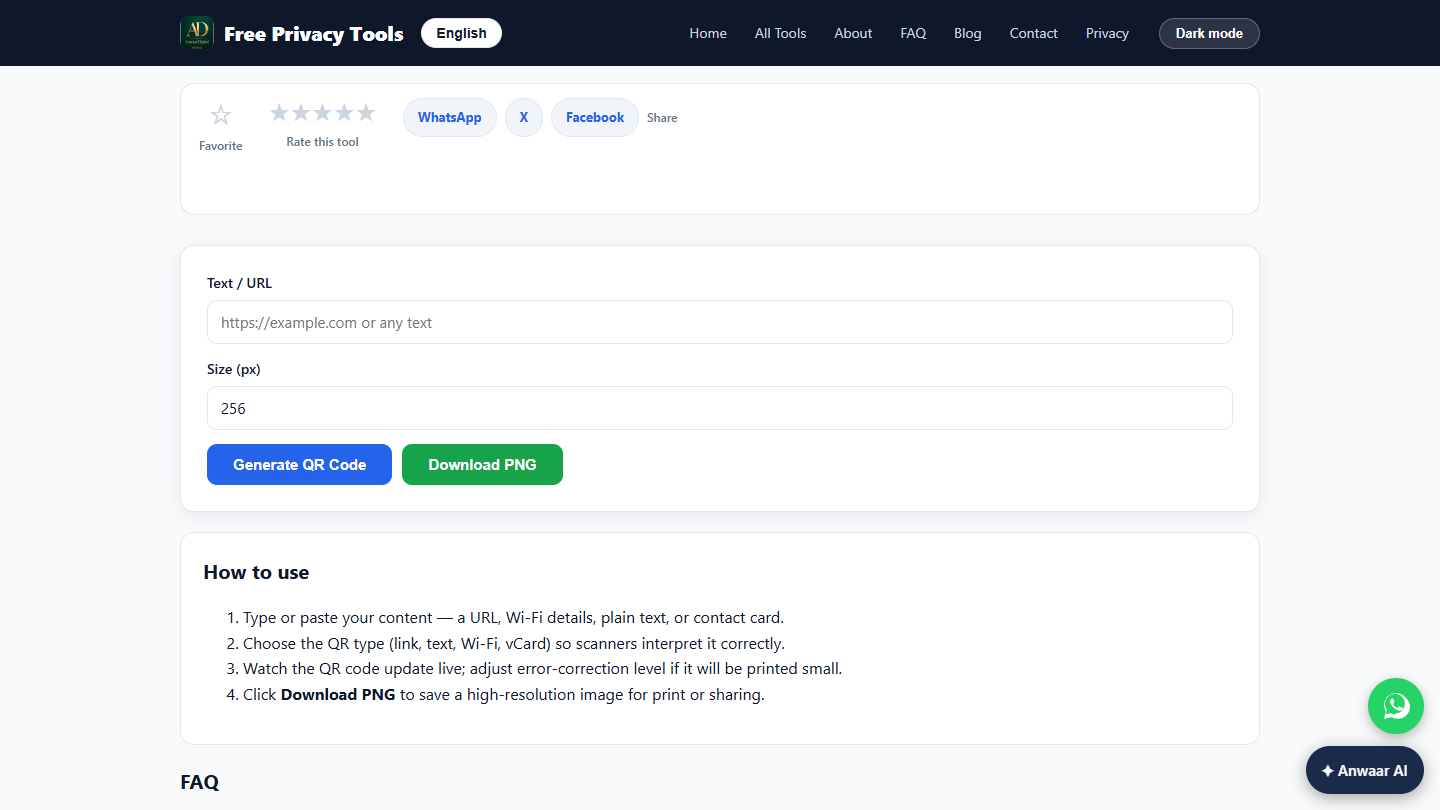 Anwaar Digital: Prepare an Event Flyer for Print, Social and Email
One flyer, three formats, no designer. Make a print-size sign-up QR code, resize the flyer for Instagram and check the PDF before you email it, with the free QR Code…
Free · Live ~6 min Beginner
 Anwaar Digital: Pull the Signature Pages Out of a 12-Page Lease for Real Estate
Send a new tenant only the three pages they must sign, and put the rent, deposit and notice terms in the email, with PDF Splitter and PDF to Text. Free, no sign-up…
Free · Live ~5 min Beginner
 Anwaar Digital: Get a Listing Photo Website-Ready (Resize, Watermark, Compress) for Real Estate
Turn a 5.6 MB phone photo into a 142 KB, branded, website-sized listing photo with three free browser tools: Image Resizer, Watermark Adder and Image Compressor. No…
Free · Live ~7 min Beginner
 Anwaar Digital: Clean a Messy Volunteer Email List Before You Import It for Marketing
Trim stray spaces, lowercase every address and remove duplicate sign-ups before the list goes into your email tool, then check a text reminder fits in one message. Four…
Free · Live ~6 min Beginner
 Anwaar Digital: Check a Suspicious Payroll Link, Then Replace a Weak Shared Password for Operations
A "your payroll password expires today" email lands at the front desk. Check the link without opening it, score the shared password, and generate a strong replacement…
Free · Live ~6 min Beginner
 Anwaar Digital: Send a Client One Small, Signed Engagement Packet for Consulting & Agencies
Turn a client's 3.3 MB phone photo of a signed page into one small PDF packet, letter, scope and signature in order, with Image Compressor, Images to PDF and PDF…
Free · Live ~7 min Beginner
Terms in this lesson
Plain-English definitions, each with an example from a free lesson.