The best AI presentation makers for work decks in 2026
Quick answer
The best AI presentation maker is the one that starts from what you already have, such as notes, a document or a spreadsheet, and exports a deck your team can still edit. As of November 2026, Presentations.AI builds a deck from notes, files or a URL and exports to PowerPoint and Google Slides, Slidebean is built for pitch decks with viewer analytics, Gamma turns a topic, pasted text or an imported file into slides you can export to PowerPoint or PDF, Copilot in PowerPoint works inside the app Microsoft 365 offices already use, and Beautiful.ai keeps every slide on brand with layouts that adjust as you edit.
Last updated · Last checked
Take the free module →Module 32 of the free AI Apps Worth Knowing course, about 12 minutes. No account needed.
This list is for sales leads, consultants, founders and managers who build quarterly reviews, client proposals and pitch decks. Features come from each vendor's own pages, and prices from each vendor's own pricing page, checked in November 2026. We built the Presentations.AI and Slidebean lessons on real screens in each app (October 2026); the other tools are compared from their vendors' own pages. Tools with a free Stepthrough lesson come first; that is not a ranking. Disclosure: Stepthrough has an affiliate relationship with Gamma. There are no affiliate links on this page. Practise the whole routine for free in Presentations.AI: Build a Quarterly Sales Review Deck from Your Notes.
How do they compare at a glance?
| Tool | Best for | Starting price | Free plan | Verdict | Practice it free |
|---|---|---|---|---|---|
| Presentations.AI | Data-backed work decks | $20/month (Pro, billed yearly) | Yes, limited (200 credits, up to 20 slides) | Pick it for quarterly reviews and board updates built from your own notes and files. | Quarterly sales review deck |
| Slidebean | Investor pitch decks | $7/month (Starter, billed yearly) | No (free trial; sharing and download need a paid plan) | Pick it for a fundraising deck when you want to see which slides investors read. | Investor-ready deck |
| Gamma | A fast first draft from rough notes | See vendor pricing | Yes, limited (one-time starting credits) | Pick it for a quick first draft from rough notes that you finish in PowerPoint. | A presentation from your notes |
| Copilot in PowerPoint | Microsoft 365 offices | $18/user/month (Microsoft 365 Copilot Business add-on, paid yearly, offer price to December 31, 2026; regular $21) | No | Pick it if your company already licenses Copilot and every deck stays in PowerPoint. | Not yet |
| Beautiful.ai | On-brand decks for a whole team | $14.50/month (Pro, billed yearly) | No (14-day free trial, card required) | Pick it when a whole team must ship decks that stay on brand. | Client review deck |
Make an AI tool? We build a free, hands-on lesson for it. Request one →
What should an AI presentation maker do for a work deck?
Start from your material, not a blank prompt. A quarterly review should come from your numbers and notes, and a proposal from the client brief. As of October 2026, Presentations.AI accepts notes, PDFs, Word files, Google Docs, URLs and Excel files, Gamma can import a file or URL or take pasted text, and Beautiful.ai builds from a prompt, outline or document.
Then make sure the deck can leave the tool. Presentations.AI exports editable PowerPoint and Google Slides files, Gamma exports to PowerPoint and PDF, and Beautiful.ai imports and exports PowerPoint. If your company sends every deck as a .pptx, check export before your team commits. On free accounts, check what export costs: in our October 2026 runs, Download on a free Presentations.AI account asked for a paid plan, and Slidebean's free Basic plan showed "Unlock to export". The AI presentation maker entry covers the basics.
Which AI presentation maker is best for pitch decks?
Slidebean is built for them. It lists an AI pitch deck builder, more than 100 startup pitch deck templates and analytics that show which slides an investor viewed and for how long, as of October 2026. Its pricing page lists Starter at $7 a month billed yearly, as of November 2026. The free Turn a One-Page Business Plan into an Investor-Ready Deck using Slidebean lesson walks through it on real Slidebean screens. The pitch deck entry lists the slides investors expect.
Should Microsoft 365 offices just use Copilot in PowerPoint?
It is the simplest choice if your company already licenses Copilot, because the deck never leaves PowerPoint. Microsoft's help page says Copilot creates a new presentation from a description, may ask about audience, length and template first, and applies your organization's Brand Kit when one exists. As of November 2026, Microsoft's pricing page lists the Microsoft 365 Copilot Business add-on at $18 per user per month paid yearly (an offer price to December 31, 2026; regular $21), and says Microsoft 365 Personal and Family subscriptions also get Copilot in the Microsoft 365 apps. A dedicated tool can still be worth it when you need features Copilot does not list on that page, such as Presentations.AI's live data connections or Slidebean's viewer analytics.
How do you keep AI slides accurate?
Give the tool the numbers instead of asking it to find them, then check every figure and claim before the deck goes out. AI layouts look finished long before the content is right. In our October 2026 Presentations.AI run, the chart on slide 2 showed Q1 and Q2 revenue we never gave it, and in our Slidebean run the AI invented two numbers on the Problem slide. Read each slide against your source, cut anything you cannot back up, and keep the speaker notes in your own words. The free AI slides lesson practises the checking habit.
For the writing before the slides, such as an outline or an executive summary, a chat assistant works well; which AI should I use? compares the main ones.
Who is each one for?
Presentations.AI
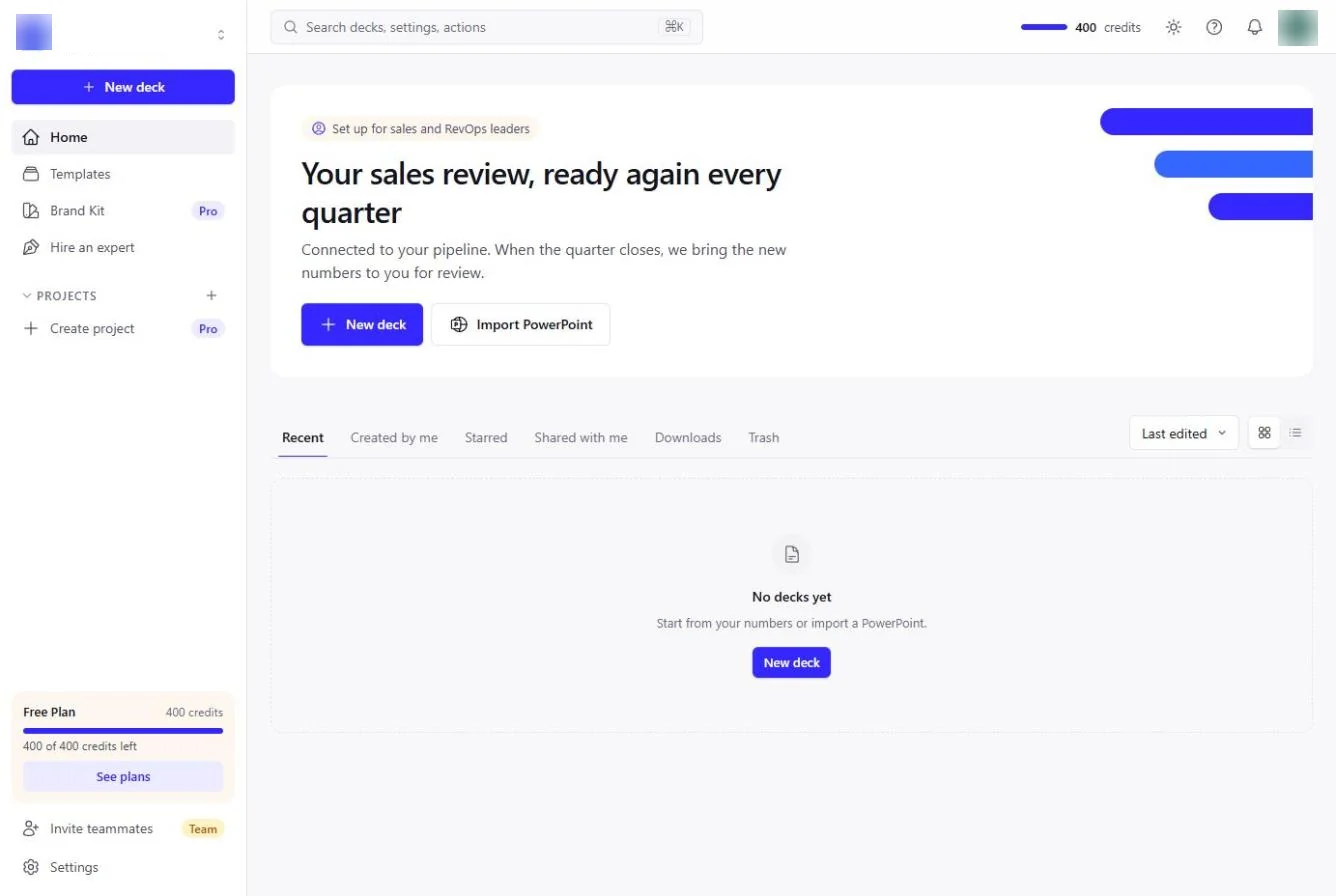
For data-backed work decks such as sales reviews and board updates: it builds from your files, matches your brand from your website, exports to PowerPoint and Google Slides, and connects to sources like Salesforce, HubSpot and Google Sheets. As of November 2026 its pricing page lists a free Starter plan (200 credits, up to 20 slides) and Pro at $20 a month billed yearly. Practise free in Presentations.AI: Build a Quarterly Sales Review Deck from Your Notes, built on real Presentations.AI screens. Official site: presentations.ai. Directory card: Presentations.AI.
Slidebean
For founders and consultants building investor or fundraising decks, with viewer analytics after you share. As of November 2026 Slidebean offers a free trial with no time limit and no card, but sharing and downloading need a paid plan; Starter is $7 a month billed yearly. Practise free in Turn a One-Page Business Plan into an Investor-Ready Deck using Slidebean, built on real Slidebean screens. Official site: slidebean.com. Directory card: Slidebean.
Gamma
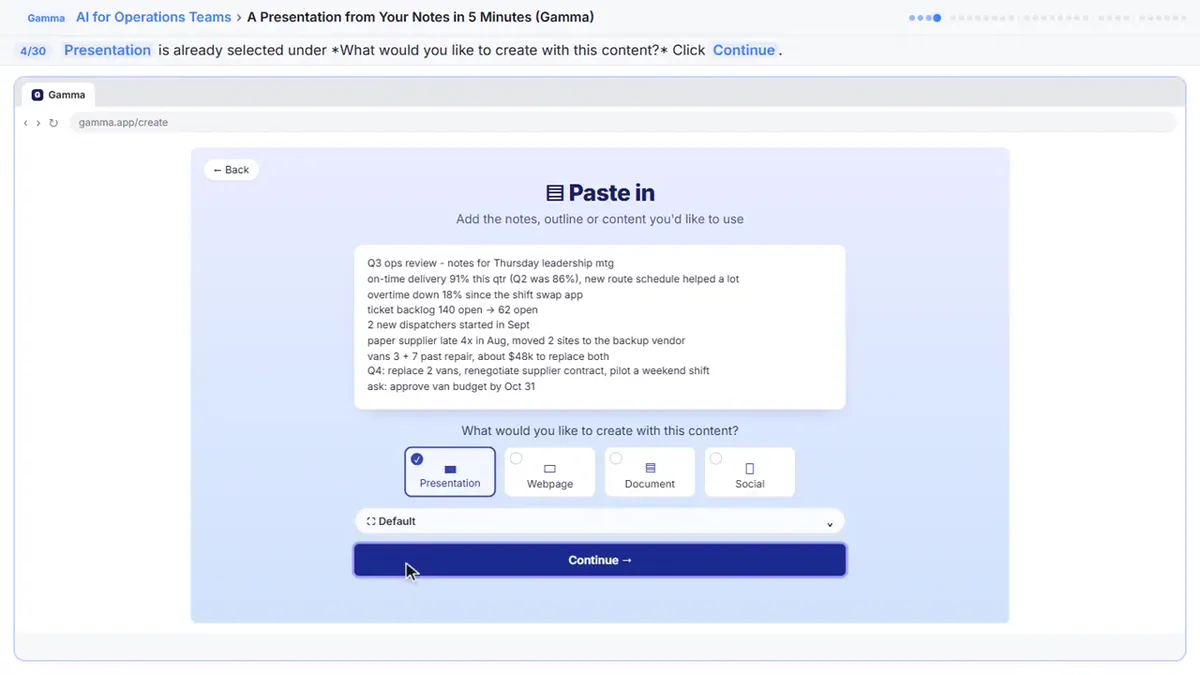
For a fast first draft from rough notes, as slides, a document or a webpage, exported to PowerPoint or PDF. Gamma has a free plan with one-time starting credits; its pricing page shows paid prices only in the browser, so check gamma.app/pricing for today's price. Practise free in A Presentation from Your Notes in 5 Minutes (Gamma). Official site: gamma.app. Directory card: Gamma.
Microsoft Copilot in PowerPoint
For Microsoft 365 offices with Copilot licenses that want decks to stay in PowerPoint with the company Brand Kit applied. As of November 2026 the Microsoft 365 Copilot Business add-on is $18 per user per month paid yearly (offer price to December 31, 2026). Official help: Create a presentation with Copilot in PowerPoint. Directory card: Microsoft 365 Copilot.
Beautiful.ai
For teams that want every deck on brand: saved colors, fonts and logos, lockable themes, shared slide libraries and charts that link to a spreadsheet. As of November 2026 Pro is $14.50 a month billed yearly, with a 14-day free trial that needs a card. Practise free in the Beautiful.ai client review deck lesson, a practice copy built from Beautiful.ai's help center. Official site: beautiful.ai. Directory card: Beautiful.ai.
Which of these tools have a free Stepthrough lesson?
- Presentations.AI: free lesson: Presentations.AI: Build a Quarterly Sales Review Deck from Your Notes
- Slidebean: free lesson: Turn a One-Page Business Plan into an Investor-Ready Deck using Slidebean
- Gamma: free lesson: How to Use Gamma to Create a PowerPoint Presentation from Notes
- Microsoft Copilot in PowerPoint: a free Stepthrough lesson is coming.
- Beautiful.ai: free lesson: Beautiful.ai: A Client Review Deck from Your Brief in Under an Hour
Practice it free, step by step
Presentations.AI: Build a Quarterly Sales Review Deck from Your Notes. A business case for sales managers who rebuild the same quarterly review deck every quarter: price that, then have Presentations.AI turn your notes into a 7-slide draft, and check every number it… You do every step yourself in a practice copy of Presentations.AI, it checks your work as you go, and “Do it for me” finishes any step you get stuck on. Free, and nothing touches your real accounts.
Start the free lessonWatch it in a free lesson: How to Use Gamma to Create a PowerPoint Presentation from Notes
 3:03
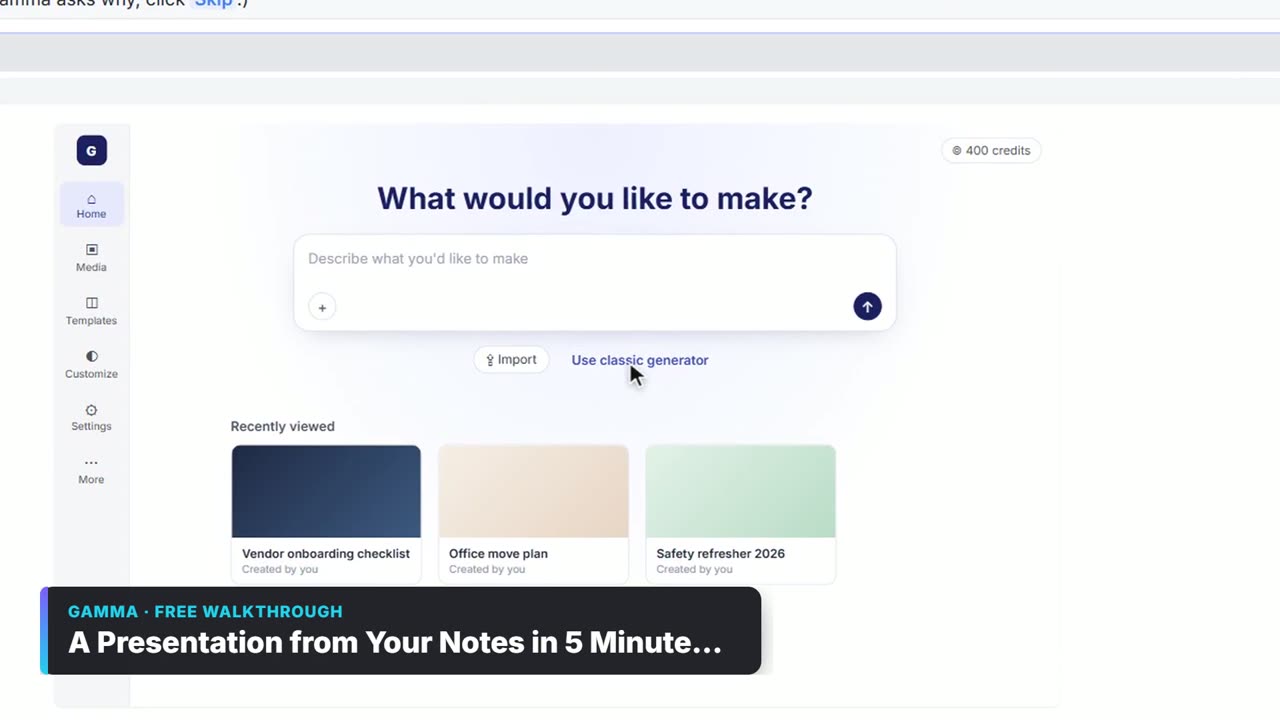
A Presentation from Your Notes in 5 Minutes (Gamma): video walkthrough
Paste rough meeting notes into Gamma, pick a theme, fix one slide by chatting with its AI, and export the deck to PowerPoint and PDF. The whole lesson narrated step by step, recorded in Stepthrough’s simulated practice environment.
Key takeaways
- Start the deck from your own notes, files or numbers; Presentations.AI, Gamma and Beautiful.ai all build from documents.
- Check export before you commit: Presentations.AI, Gamma and Beautiful.ai all list PowerPoint export, but free accounts may not include it.
- As of November 2026, paid plans start at $7 a month (Slidebean Starter, billed yearly); Presentations.AI and Gamma have free plans.
- Slidebean fits pitch decks; Copilot in PowerPoint fits Microsoft 365 offices that already license it.
- AI slides look finished before they are right; check every number against your source.
Frequently asked questions
What is the best AI presentation maker?
For work decks built from your own notes and numbers, Presentations.AI; for investor pitch decks, Slidebean; for a fast first draft, Gamma; for Microsoft 365 offices, Copilot in PowerPoint; and for on-brand team decks, Beautiful.ai, as of November 2026. Try the routine in the free Presentations.AI lesson.
What is the best AI tool to turn notes into a PowerPoint presentation?
Paste or upload the notes into Presentations.AI or Gamma, then export to PowerPoint; both list PowerPoint export as of November 2026. If you already license Microsoft 365 Copilot, Copilot in PowerPoint builds the deck inside PowerPoint. The free Gamma lesson turns rough notes into a deck and exports it.
Gamma vs Beautiful.ai vs Copilot: which is best for making slides?
Gamma is the quickest first draft and has a free plan. Beautiful.ai keeps a team's decks on brand, from $14.50 a month billed yearly. Copilot in PowerPoint is best when your company already pays for Copilot, from $18 per user per month paid yearly for the Business add-on (offer price to December 31, 2026). Prices from each vendor's pricing page, November 2026.
Can AI make a presentation from a PDF or Word document?
Yes. Presentations.AI lists PDF and Word as starting points, Gamma can import a document, and Beautiful.ai builds from a document, as of October 2026.
Can AI presentation makers use my company's branding?
Several can. Presentations.AI's Brand Sync takes your logo, fonts and colors from your website, Beautiful.ai saves brand settings and can lock themes, and Copilot in PowerPoint applies your organization's Brand Kit, as of October 2026.
Where do these prices and features come from?
Every price and feature on this page was checked against the vendor's own page, as of November 2026. No numbers here are estimates or third-party figures. The example businesses in the Stepthrough lessons are made up.