The best AI research tools with sources you can check in 2026
Quick answer
The best AI research tool is the one that shows its sources, so you can open each one before you quote it. As of November 2026, Felo researches across the web, academic papers and your files with a citation on every conclusion and can turn the result into a report or slides; Paperguide is built for academic papers; Perplexity answers with numbered citations and writes Deep Research reports; ChatGPT, Gemini and Claude each have a research mode inside the assistant you may already use; NotebookLM, now Gemini Notebook, answers only from the documents you give it; and Qind answers from a library of articles and files you save, with a link to each source.
Last updated · Last checked
Take the free module →Module 2 of the free Win a New Client and Start the Work in One Week with AI course, about 10 minutes. No account needed.
This list is for consultants, analysts, marketers and managers doing market scans, client prep and fact-checks. Features come from each vendor's own pages, and prices from each vendor's own pricing pages, checked in November 2026. We built the Felo, Paperguide, ChatGPT deep research and Gemini Deep Research lessons from real runs in each app (October and November 2026); the other tools are compared from their vendors' own pages. Partner tools come first; that is not a ranking. Practise for free in Felo: Price a New Service in 10 Minutes, with a Source for Every Number.
How do they compare at a glance?
| Tool | Best for | Starting price | Free plan | Verdict | Practice it free |
|---|---|---|---|---|---|
| Felo | Market research with a source for every number | $14.99/month (Pro) | Yes, limited (daily credits) | Pick it for market and pricing research that ends as a report or slides. | Price a service with sources |
| Paperguide | Academic and scientific papers | $12/seat/month (Plus, billed yearly) | Yes, limited (1,500 AI credits a month) | Pick it when the answer has to come from published research. | Check a vendor claim against the research |
| Perplexity | Fast cited answers from the web | $17/month (Pro, billed yearly) | Yes, limited (limited weekly usage) | Pick it for quick cited answers from the live web. | Not yet |
| ChatGPT | Research inside the assistant you already use | $8/month (Go) | Yes, limited (search; limited deep research) | Pick it if your team already works in ChatGPT and wants cited reports there. | A cited vendor comparison |
| Gemini Deep Research | Long reports with an editable plan | $4.99/month (Google AI Plus) | Yes, limited (usage limits) | Pick it for long reports when you want to edit the research plan first. | A cited brief before a client meeting |
| Claude Research | Research that also searches your Google apps | $17/month (Pro, billed yearly; $20 monthly) | Yes, limited (no Research on Free) | Pick it if your team uses Claude and wants research that also checks Gmail and Docs. | Claude Research |
| NotebookLM (Gemini Notebook) | Research over your own documents only | $4.99/month (Google AI Plus, higher limits) | Yes, limited (usage limits) | Pick it when answers must come only from your own documents. | Cited answers from your docs |
| Qind | A saved research library you can ask | €3.99/month (Basic, billed yearly) | Yes, limited (100 saved items, 10 questions a day) | Pick it to keep client research in one library and ask it questions later. | Not yet |
Make an AI tool? We build a free, hands-on lesson for it. Request one →
What is the difference between AI search and deep research?
AI search answers one question from a few sources in seconds, with citations: good for a quick fact or a definition. Deep research runs many searches that build on each other and writes a longer report: good for a market scan or a briefing. As of October 2026, Perplexity, ChatGPT, Gemini and Claude all offer both kinds. Google says Gemini Deep Research shows you a research plan you can edit before it runs, and Anthropic says Claude Research decides what to look into next as it goes. In our October 2026 ChatGPT deep research run, one vendor comparison took 5 minutes, 173 searches and 21 citations; our Gemini Deep Research run took about five minutes.
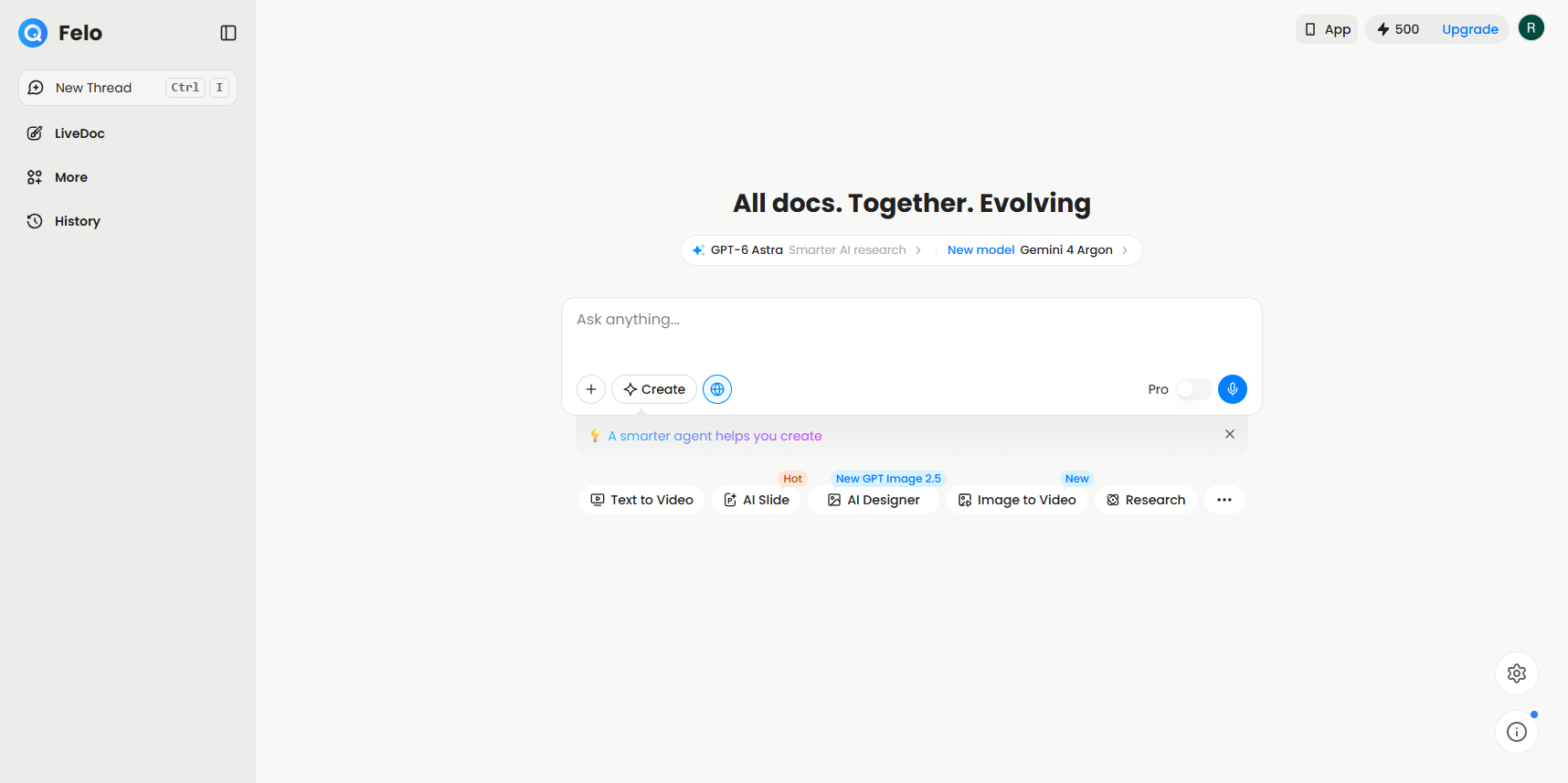
Felo combines the two: it researches across the web, academic papers and your uploaded files, and can turn one run into a report, slides, a mind map or a web page. The deep research entry explains when a report is worth the wait.
How do you check that AI research is accurate?
Open the source behind every number you plan to use. All eight tools here show sources or citations, as of November 2026, but a citation only proves where a claim came from, not that it is right or current. Check the date, check that the page says what the AI says, and prefer primary sources such as the vendor's own pricing page or a government statistic. In our November 2026 Paperguide runs, the agent once said numbers were missing that were on the page, and one summary line got a study's year wrong.
The free Felo pricing lesson builds the habit: price a new service with a source for every number, then click each one. The AI citations and hallucination check entries explain what to look for.
Which tool should I use for research on my own documents?
NotebookLM, now called Gemini Notebook. Google's help pages say it answers from the sources you add, such as PDFs, websites, YouTube videos and Google Docs, with inline citations, and its Studio panel turns them into reports, mind maps and audio overviews. The free NotebookLM cited answers lesson practises it on a set of company documents.
Qind fits a library you build over time: as of November 2026 it saves web pages, PDFs, Office files, notes and recordings, tags them into collections, and answers questions from your items with a link to each source. For academic papers specifically, Paperguide lets you chat with one PDF or several at once and manage references imported from Zotero or Mendeley; the free Paperguide thesis sources lesson practises it. Felo and Gemini Deep Research also accept your own files alongside the web. The grounding entry explains why answers from your own sources are easier to trust.
Should I use Perplexity or my main AI assistant for research?
If your company already licenses ChatGPT, Gemini or Claude, try its research mode first: the report lands in the same place as the rest of your work. Perplexity is built around search, with numbered citations on every answer and reports you can export to PDF or a shareable page. As of November 2026, Perplexity Pro is $17 a month billed yearly, ChatGPT Go is $8 a month, Google AI Plus is $4.99 a month and Claude Pro is $17 a month billed yearly, from each vendor's pricing page. The Perplexity vs ChatGPT vs Gemini for research comparison goes deeper on the differences.
Who is each one for?
Felo
For consultants and marketers who need market research with a source on every number, in several languages, turned into a report or slides. Felo's Pro FAQ lists one subscription at $14.99 a month, and there is a free plan with daily credits, as of November 2026. Practise free in Felo: Price a New Service in 10 Minutes, with a Source for Every Number, built on real Felo screens. Official site: felo.ai. Directory card: Felo.
Paperguide
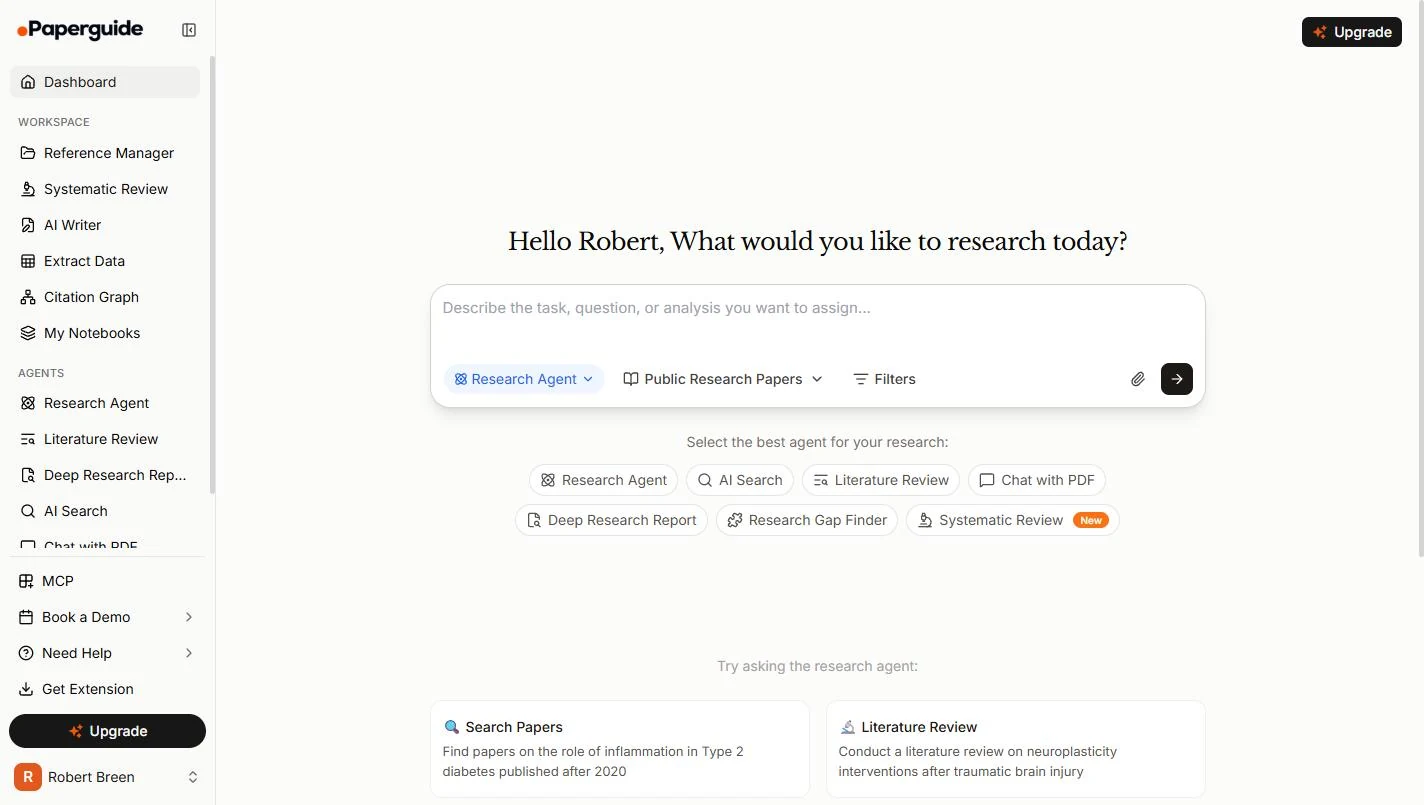
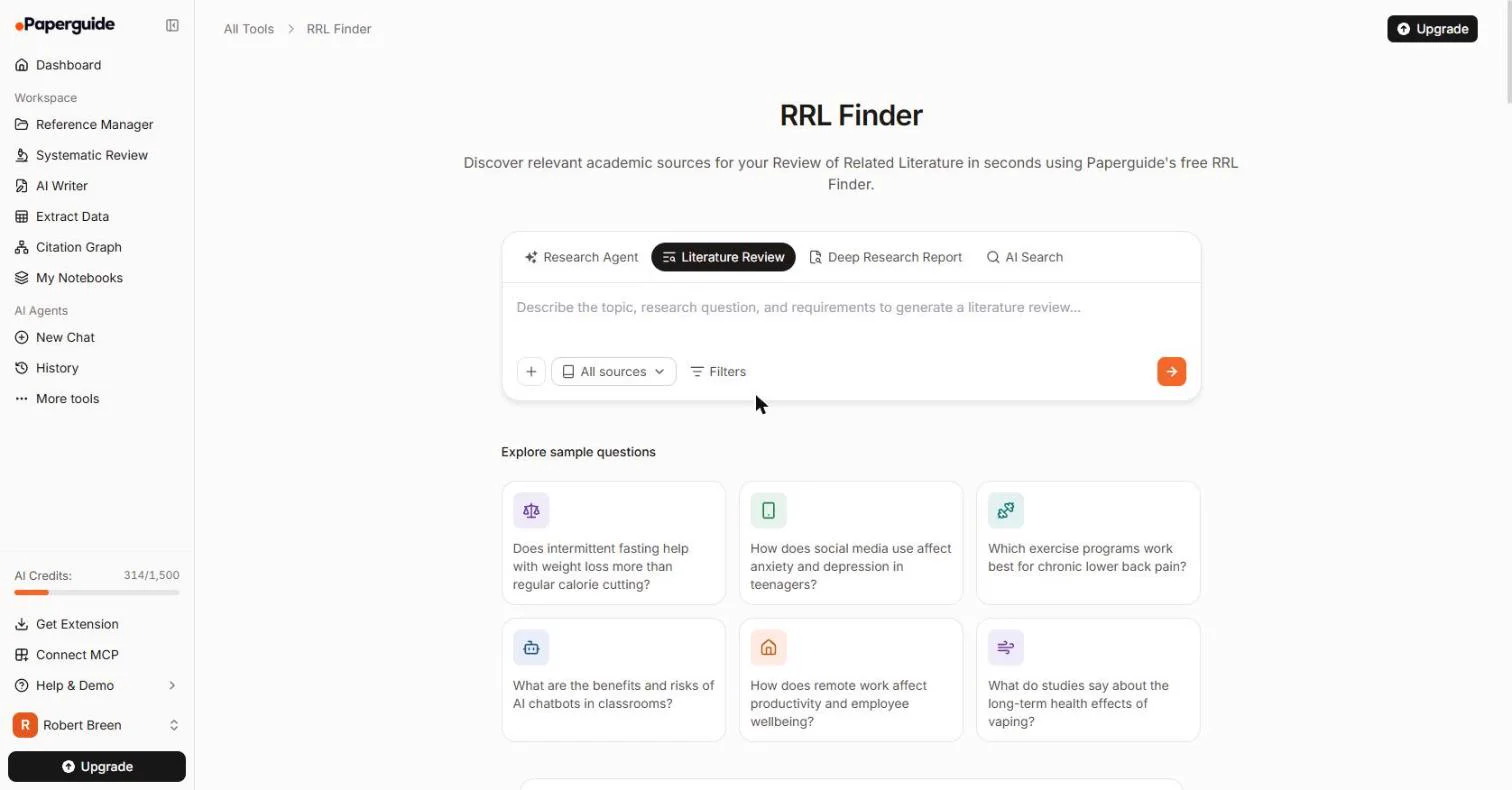
For anyone working from academic research: cited answers from papers, chat across several PDFs, a reference manager and a writer that keeps citations. As of November 2026 the Free plan has 1,500 AI credits a month and Plus is $12 per seat a month billed yearly. Practise free on real Paperguide screens in Check a vendor claim against the research or Find and cite sources for a thesis review. Official site: paperguide.ai. Directory card: Paperguide.
Perplexity
For fast, cited answers from the live web and longer Deep Research reports you can export or share. As of November 2026 the free plan has limited weekly usage and Pro is $17 a month billed yearly. Official site: perplexity.ai. Directory card: Perplexity.
ChatGPT search and deep research
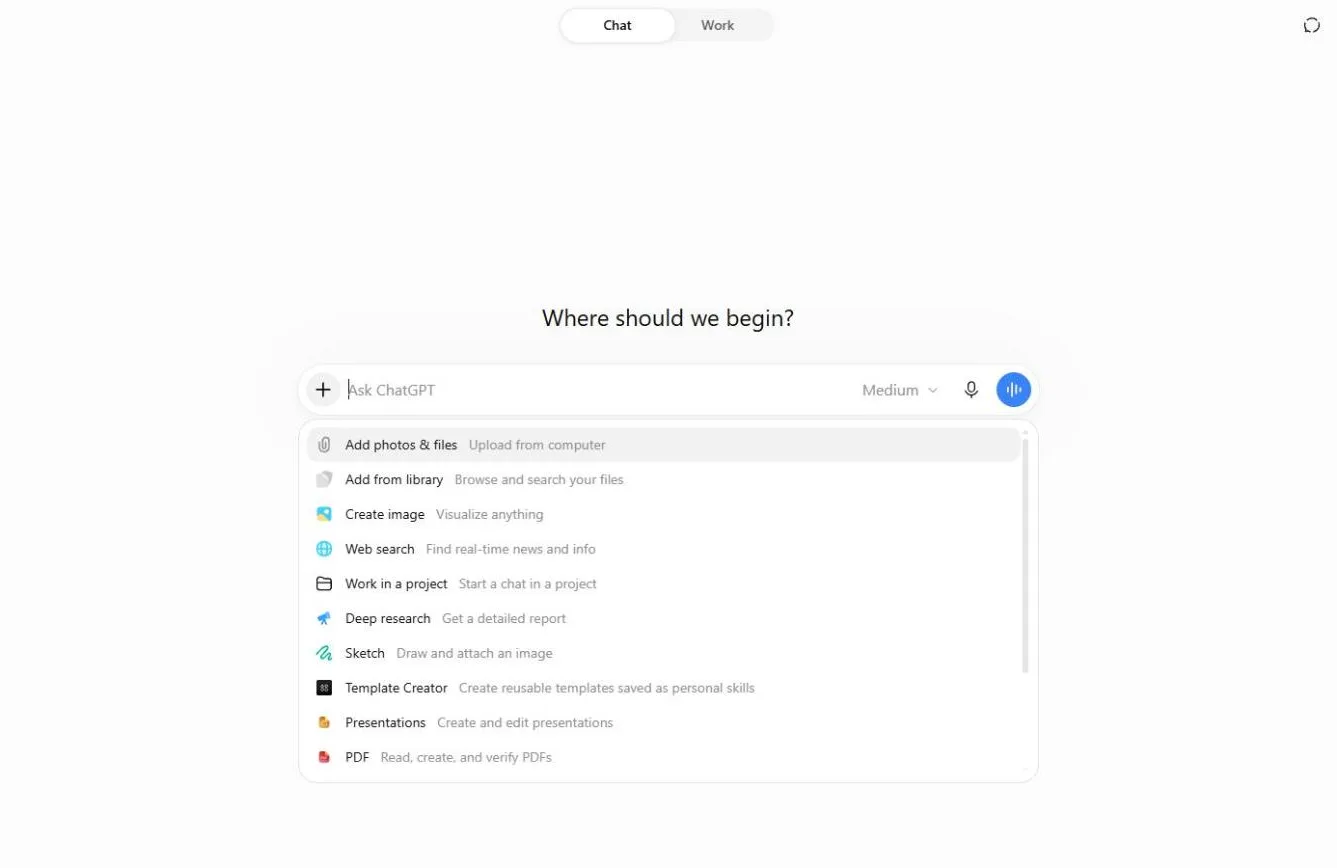
For teams already on ChatGPT who want cited web answers and research reports in the same assistant. As of November 2026 the Free plan includes search and limited deep research, and paid plans start with Go at $8 a month. Practise free in A Cited Vendor Comparison in 5 Minutes using ChatGPT Deep Research, built from a real deep research run. Official site: chatgpt.com. Directory card: ChatGPT.
Gemini Deep Research
For long, multi-page reports with a plan you can edit first, drawing on the web and, if you allow it, your Gmail and Drive. As of November 2026 Google lists Deep Research on the free plan, with higher usage on Google AI Plus ($4.99 a month) and Pro ($19.99 a month). Practise free in Gemini Deep Research: a cited brief before a client meeting, walked through in a real Gemini account. Official site: Gemini Deep Research. Directory card: Gemini.
Claude Research
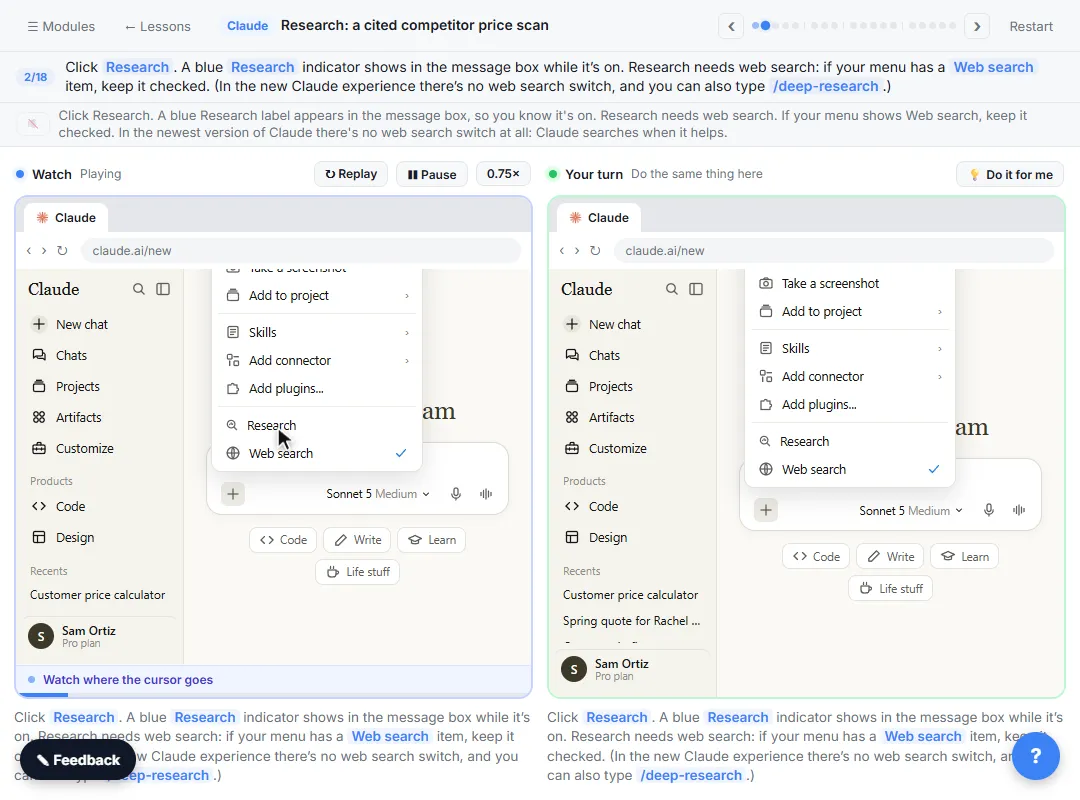
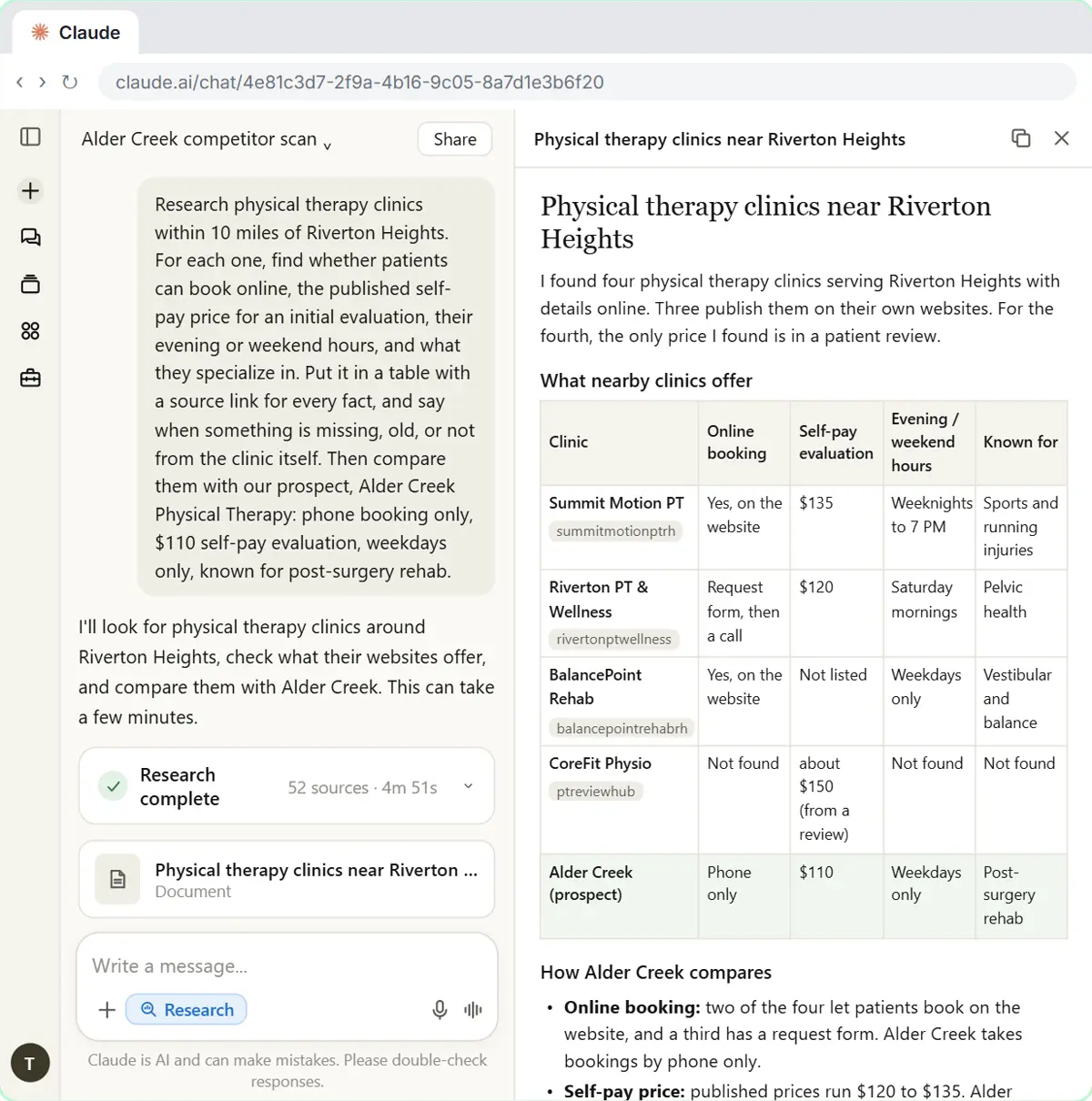
For research that combines the web with your Gmail, Calendar and Google Docs, with citations to check. As of November 2026 Research is in Pro, Max and Team but not Free; Pro is $17 a month billed yearly or $20 monthly. Practise free in the Claude Research lesson, or the consulting version, Claude research for consultants. Official help: Using Research on Claude. Directory card: Claude.
NotebookLM (Gemini Notebook)
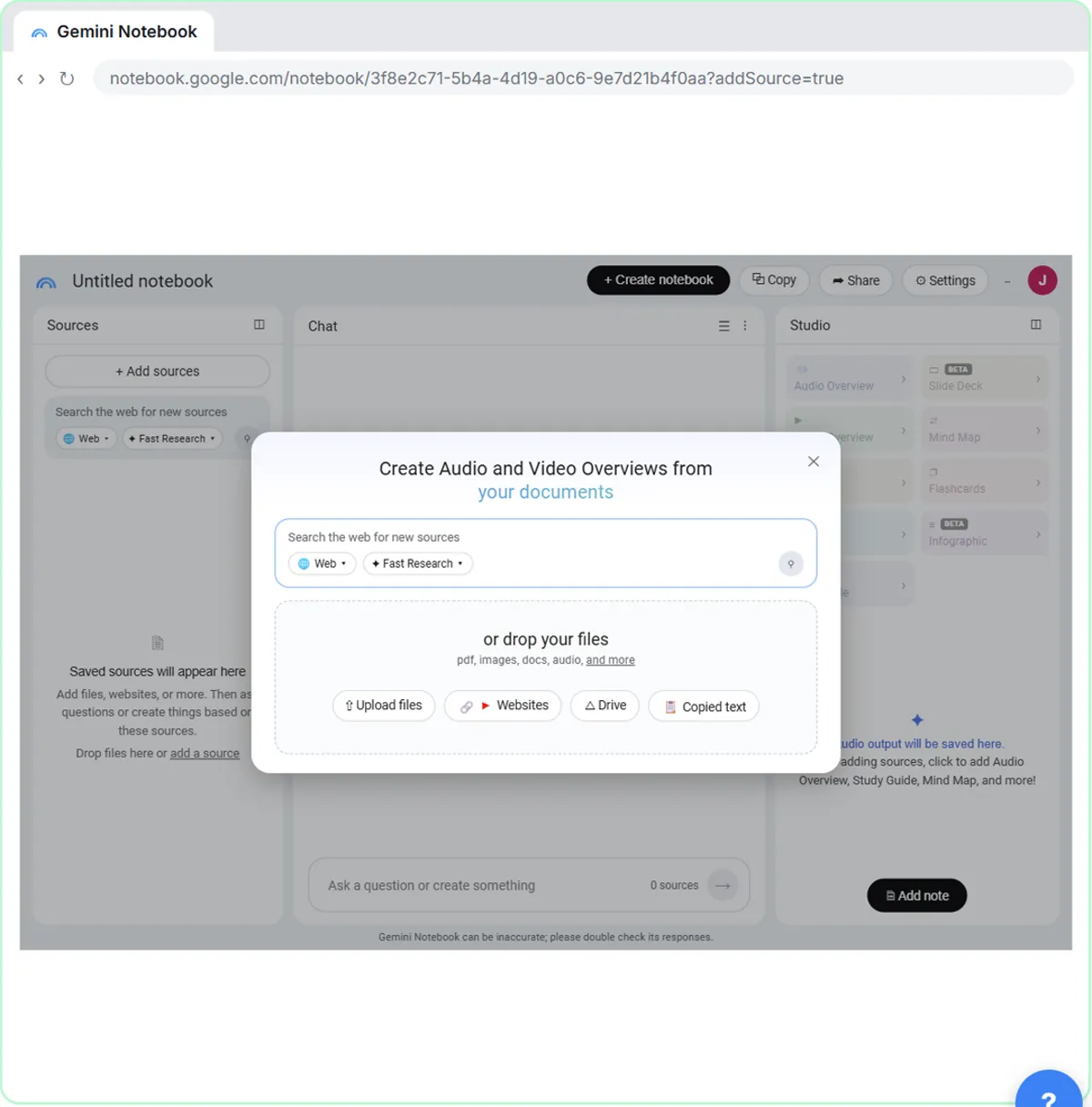
For research that must stay inside your own documents, with inline citations and briefings, audio overviews and reports. As of November 2026 it is on Google's free plan, and Google AI Plus ($4.99 a month) raises the limits. Practise free in NotebookLM (Now Gemini Notebook): Cited Answers and a Briefing from Your Docs. Official site: notebook.google. Directory card: NotebookLM.
Qind
For consultants and researchers who save articles, PDFs and notes as they go and want to ask that library questions later, with a link to each source. As of November 2026 the Free plan holds 100 saved items with 10 Ask Qind questions a day, and Basic is €3.99 a month billed yearly. Official site: qind.ai.
Which of these tools have a free Stepthrough lesson?
- Felo: free lesson: Price a New Service in 10 Minutes, with a Source for Every Number, using Felo
- Paperguide: free lesson: Paperguide: Check a Vendor's Claim Against the Research Before You Buy
- Perplexity: a free Stepthrough lesson is coming.
- ChatGPT search and deep research: free lesson: A Cited Vendor Comparison in 5 Minutes using ChatGPT Deep Research
- Gemini Deep Research: free lesson: How to See Sources in Gemini Deep Research: A Cited Brief Before a Meeting
- Claude Research: free lesson: How to Do Research in Claude: A Cited Competitor Price Scan
- NotebookLM (Gemini Notebook): free lesson: How to Use NotebookLM (Gemini Notebook) for Cited Answers and a Briefing Doc
- Qind: a free Stepthrough lesson is coming.
Practice it free, step by step
Price a New Service in 10 Minutes, with a Source for Every Number, using Felo. A business case for small firms: before you price a new service, ask Felo, an AI search tool, what the market pays and which firms publish prices, with a numbered source on every number. Then check… You do every step yourself in a practice copy of Felo, it checks your work as you go, and “Do it for me” finishes any step you get stuck on. Free, and nothing touches your real accounts.
Start the free lessonKey takeaways
- Pick a research tool that shows sources, and open the source behind every number you use.
- Use quick AI search for single facts and deep research for market scans and briefings.
- As of November 2026, NotebookLM (now Gemini Notebook) and Qind answer from your own saved sources; Paperguide focuses on academic papers.
- Every tool here has a free plan as of November 2026, but Claude's Free plan does not include Research.
- Try the research mode in the assistant you already license before adding a new tool.
Frequently asked questions
What are the best AI research tools?
For market research with a source on every number, Felo; for academic papers, Paperguide; for quick cited web answers, Perplexity; for reports inside the assistant you already use, ChatGPT, Gemini or Claude; and for your own documents, NotebookLM or Qind, as of November 2026. Practise in the free Felo lesson.
What is the best AI tool for business research with cited sources?
Felo and Perplexity are built around cited search, and the deep research modes in ChatGPT, Gemini and Claude write longer cited reports. For a business decision, run one report, then open the sources behind the numbers you will use. The free ChatGPT deep research lesson does this for a three-vendor comparison.
Perplexity vs ChatGPT deep research vs Gemini deep research: which is best for work research?
They do similar jobs. Perplexity is search first, with numbered citations on every answer. ChatGPT deep research and Gemini Deep Research write longer reports, and Gemini shows a plan you can edit first. Pick the one your company already uses. As of November 2026, Perplexity Pro is $17 a month billed yearly, ChatGPT Go is $8 a month and Google AI Plus is $4.99 a month. The Perplexity vs ChatGPT vs Gemini comparison has the details.
What is the best AI for academic research?
Paperguide is built for it: it links each claim to a paper, lets you chat with several PDFs and manages references. Felo also searches academic papers, as of November 2026. Try it in the free Paperguide thesis sources lesson.
Can AI research tools be wrong?
Yes. They can misread a source, use an old page or state a number that is not there. Open each citation before you quote it. The hallucination entry explains why.
Where do these prices and features come from?
Every price and feature on this page was checked against the vendor's own page, as of November 2026. No numbers here are estimates or third-party figures. The example businesses in the Stepthrough lessons are made up.
- Felo research
- Felo Pro FAQ (price)
- Felo pricing
- Paperguide
- Paperguide pricing
- Perplexity: How does Perplexity work?
- Perplexity: Introducing Deep Research
- Perplexity pricing
- OpenAI: Deep research in ChatGPT
- ChatGPT plans and pricing
- OpenAI: ChatGPT pricing (plan prices)
- Google: Gemini Deep Research
- Google: Gemini subscriptions
- Anthropic: Using Research on Claude
- Claude pricing
- Google: NotebookLM is now Gemini Notebook
- Google: NotebookLM help
- Qind
- Qind pricing