The Stepthrough blog: page 17
Updated
Practical, plain-English guides to using AI at work: better prompts, email replies you can trust, and automations that do the busywork. Every post points to a free lesson where you build it yourself, one click at a time.
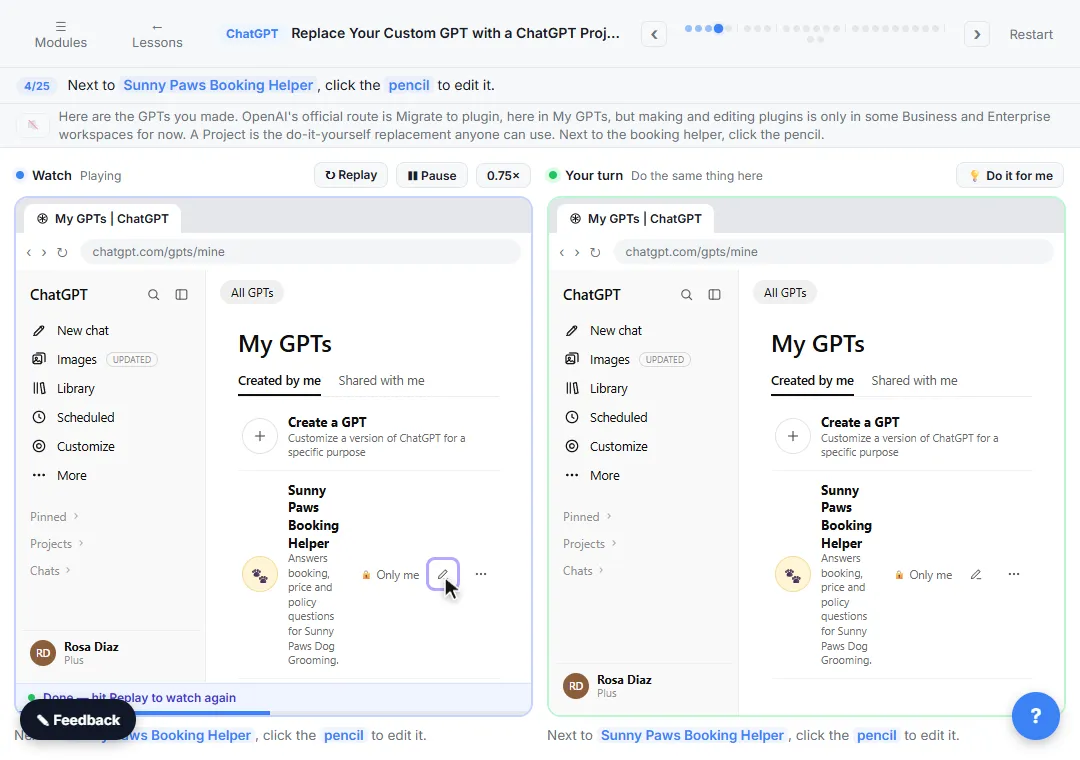 How to Build a Custom GPT for Your Business (2026)
How to build a custom GPT for your business in 2026: who can still create one, why a ChatGPT Project is now the better route, and the steps for both.
Oct 20, 2026 6 min read
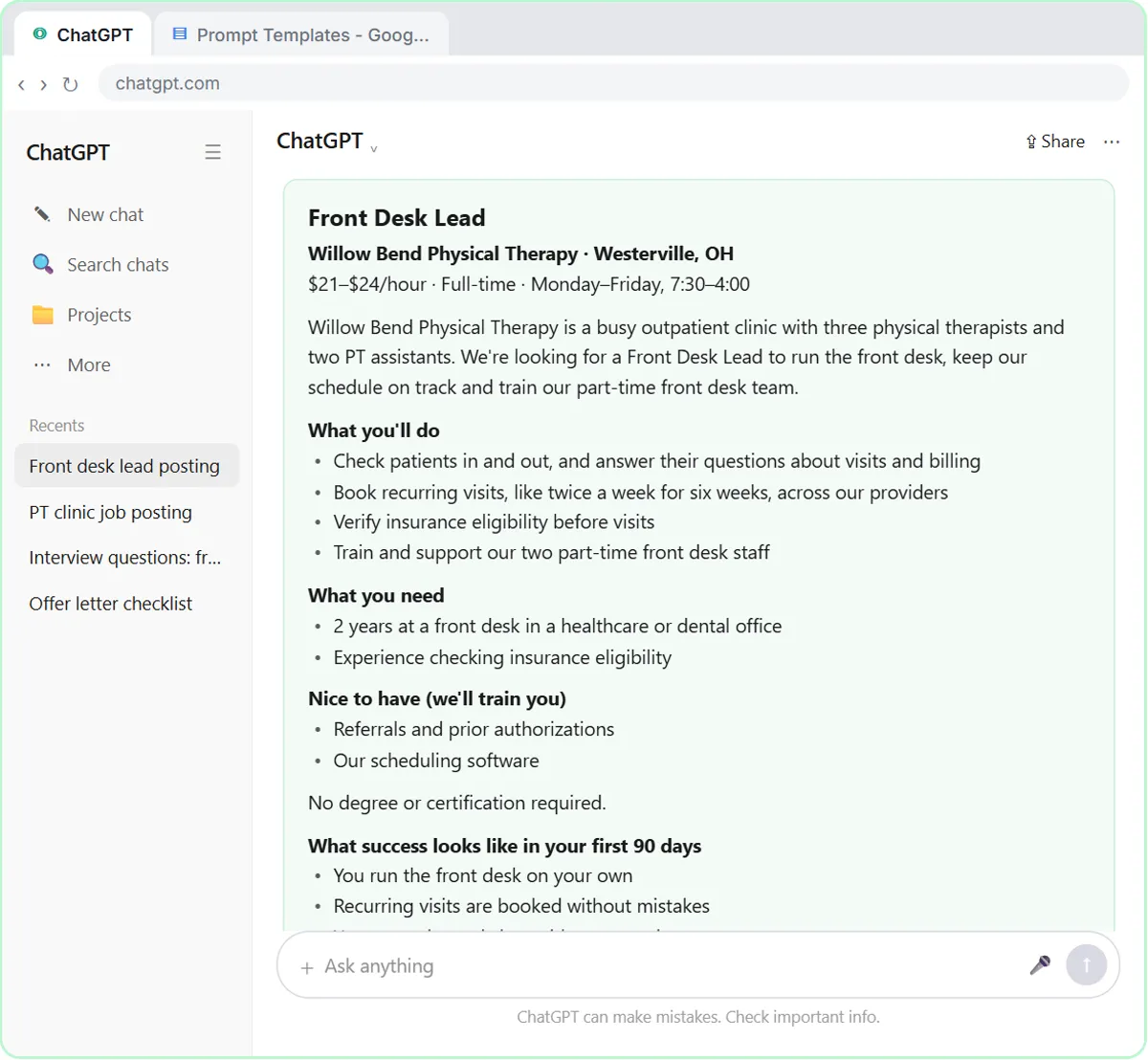 How to Use ChatGPT for Recruiting and Job Posts (2026)
How to use ChatGPT for recruiting: fair job posts, interview scorecards, honest candidate replies and pay research, step by step, and what to keep out.
Oct 20, 2026 8 min read
 Make Data Mapping Examples: 12 Functions to Copy
How mapping works in Make, from form answers to sheet columns, plus 12 copy-ready functions: ifempty, if, lower, trim, replace, parseNumber and more.
Oct 20, 2026 3 min read
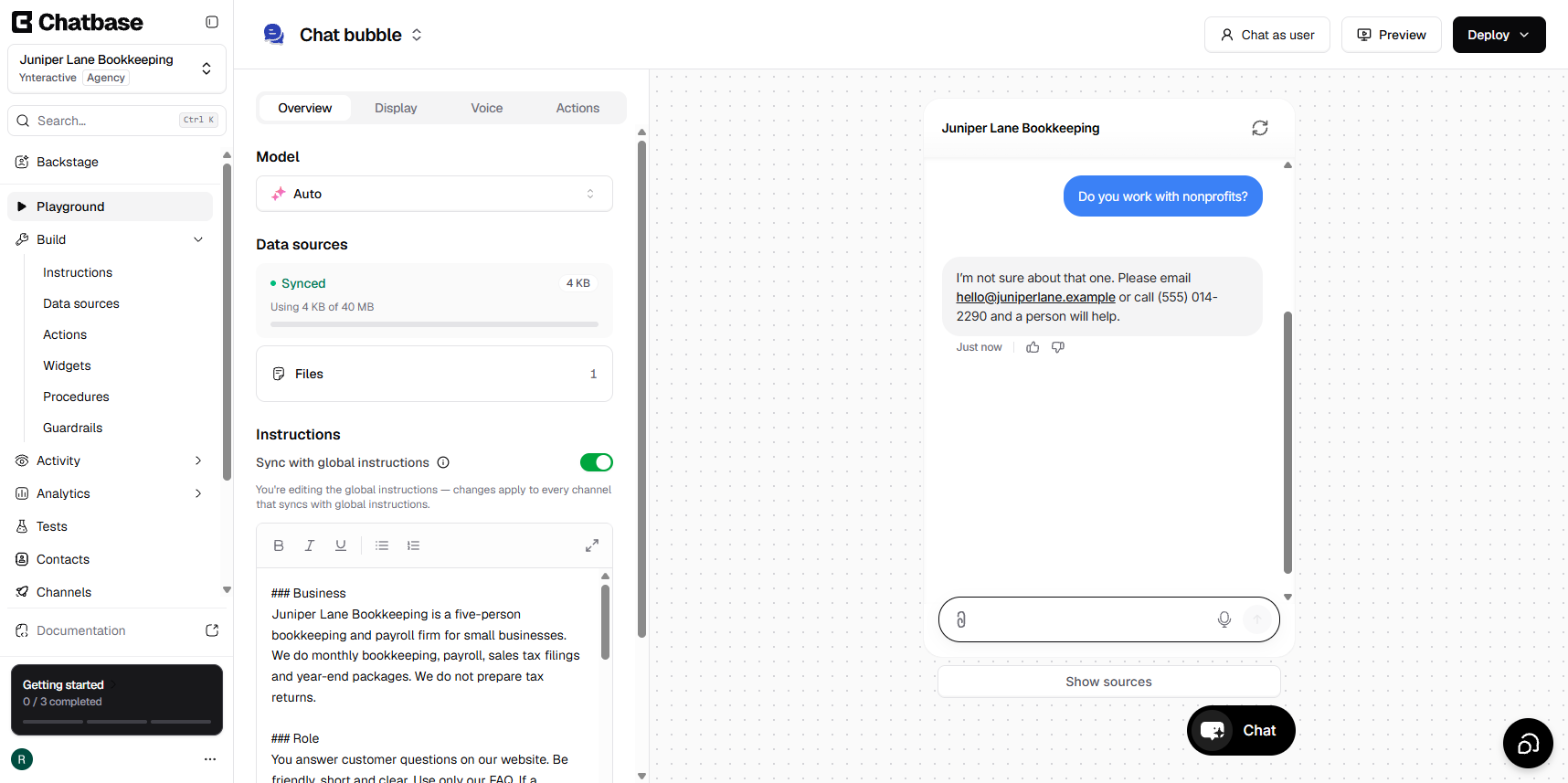 Chatbase FAQ Agent: 9 Mistakes and How to Fix Them
Chatbase FAQ agent mistakes from a real build: no fallback rule, a scanned PDF, the bubble left disabled, Specific domains off, unread chat logs and more.
Oct 20, 2026 7 min read
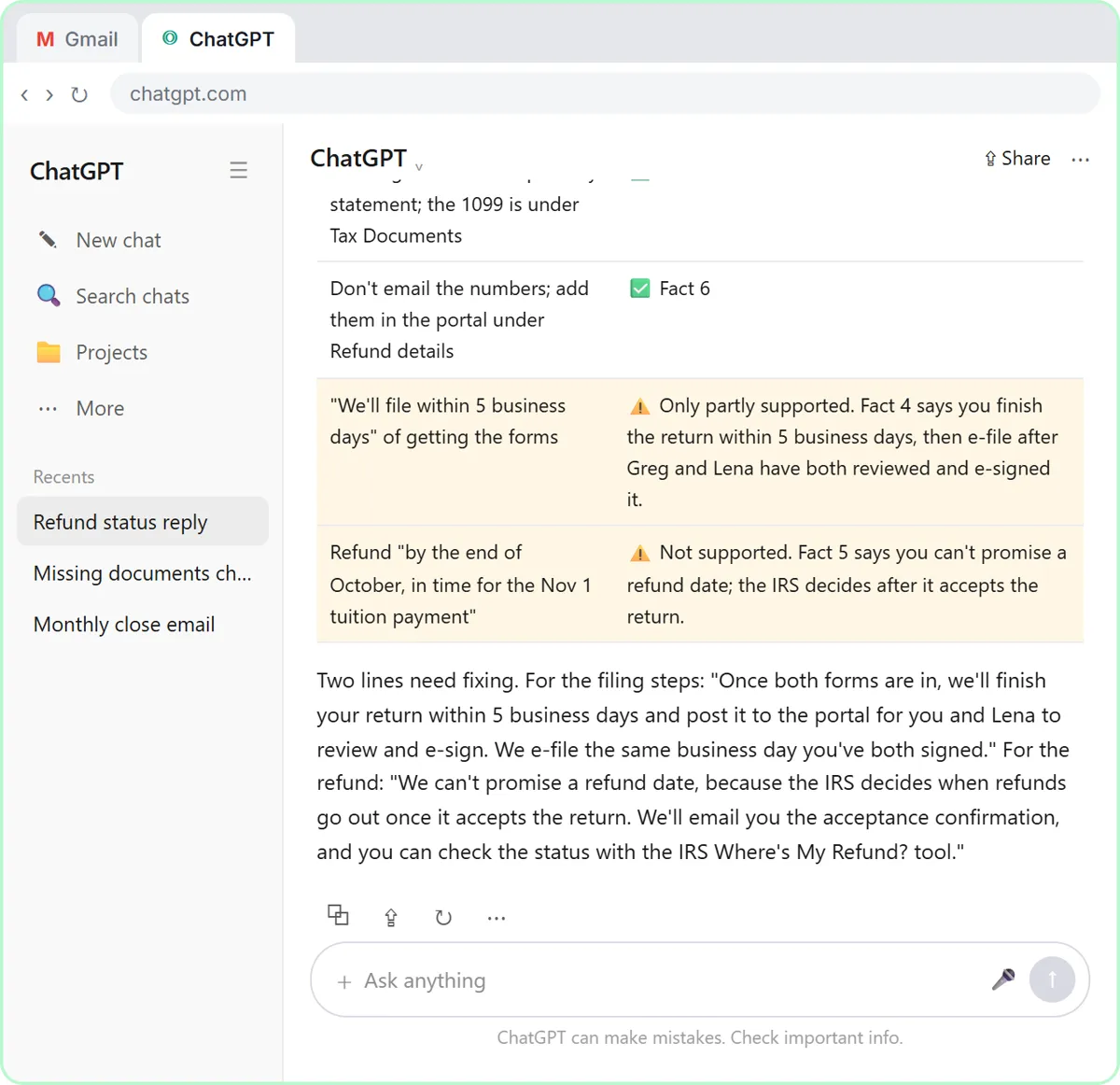 How to Use ChatGPT for Accounting (Step by Step, 2026)
How to use ChatGPT for accounting: 5 tested jobs (bank recs, overdue invoices, P&L reviews, recaps, client emails), what never to paste, how to check it.
Oct 20, 2026 6 min read
 n8n Google Sheets Node Cheat Sheet: Get, Append, Update
Every n8n Google Sheets operation on one page: Get row(s), Append row, Append or update row, Update row, Column to match on and Map Automatically.
Oct 20, 2026 4 min read
n8n Append or Update Row: Stop Duplicate Sheet RowsWhy n8n adds the same Google Sheets row on every run, and how Append or update row with Column to match on fixes it, with a test that proves it.
Oct 20, 2026 4 min read
n8n Google Sheets Errors: Sheet Not Found and 5 MoreFix n8n Google Sheets errors: "Sheet with ID gid=0 not found", "At least one value has to be added under Values to Send", permissions and columns.
Oct 20, 2026 4 min read
✎n8n Split Out Node Examples: One List, Many ItemsHow the n8n Split Out node turns a list inside one item into separate items, the path for AI JSON output, the "o" field error and examples.
Oct 20, 2026 4 min read
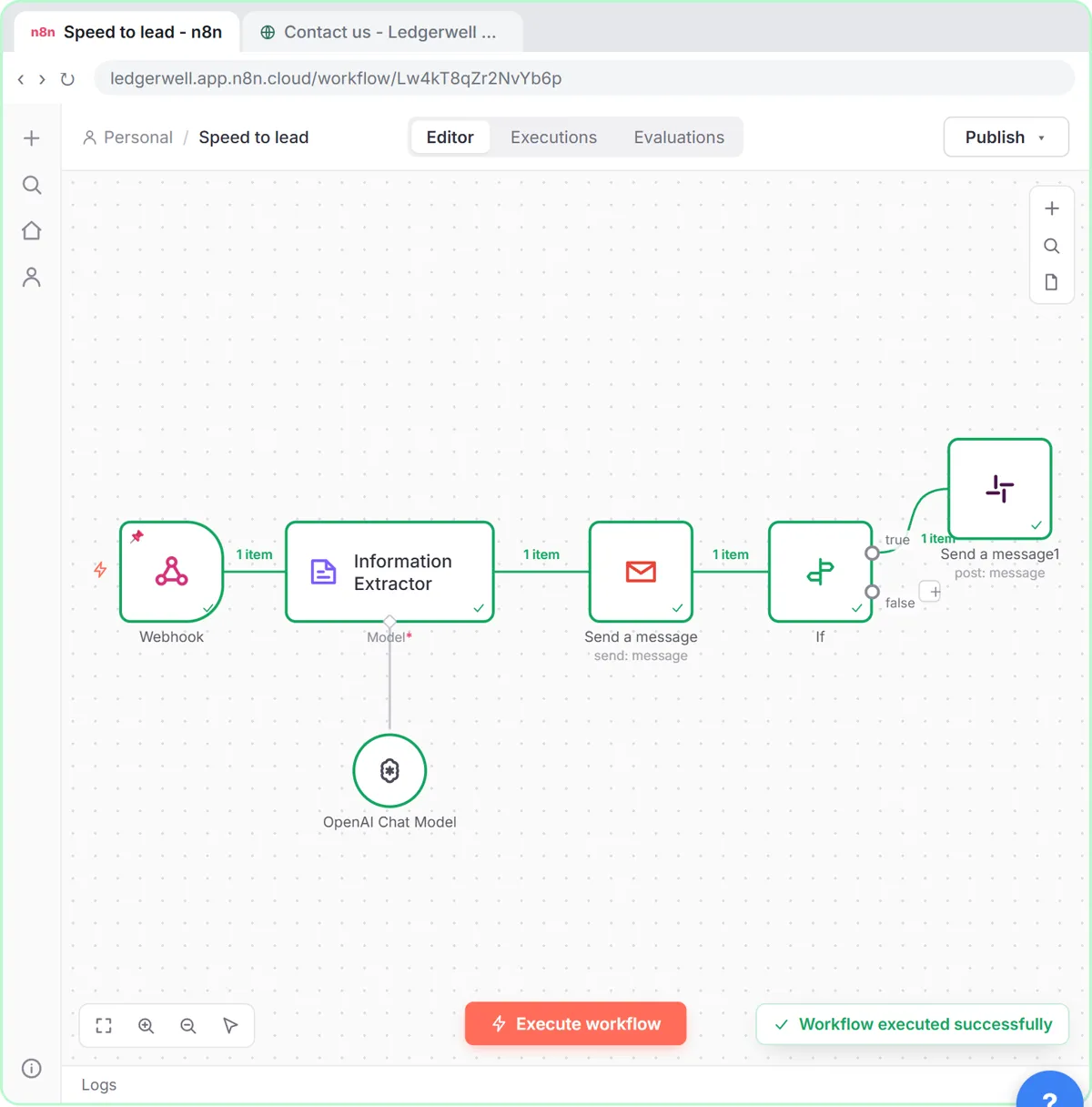 n8n OpenAI JSON Output: Get Data Back, Not a Paragraph
Make the n8n OpenAI node return usable JSON: the exact shape in the prompt, Output Format set to JSON Object, the output path and when to use Extractor.
Oct 20, 2026 4 min read
 n8n OpenAI Node Errors: 401, Empty Model List, Raw Braces
Fix n8n OpenAI node problems: "401 Authorization failed", a Model list that won't load, {{ }} sent as plain text, long answers and costs per item.
Oct 20, 2026 3 min read
n8n Gmail Node Examples: Send, Draft, Wait for ApprovalFive n8n Gmail node setups from real workflows: send a message, create a draft, send and wait for approval, email type and the n8n footer.
Oct 20, 2026 4 min read
All free tutorials · The full course, in order
How every module works
Each step is shown on the left, with a cursor pointing to exactly where to click. You do the same thing on the right, in a practice copy of the real tool. Get it right and it moves on. Nothing touches your real accounts until you're ready to build it for real.
Start learning free