The Stepthrough blog: page 14
Updated
Practical, plain-English guides to using AI at work: better prompts, email replies you can trust, and automations that do the busywork. Every post points to a free lesson where you build it yourself, one click at a time.
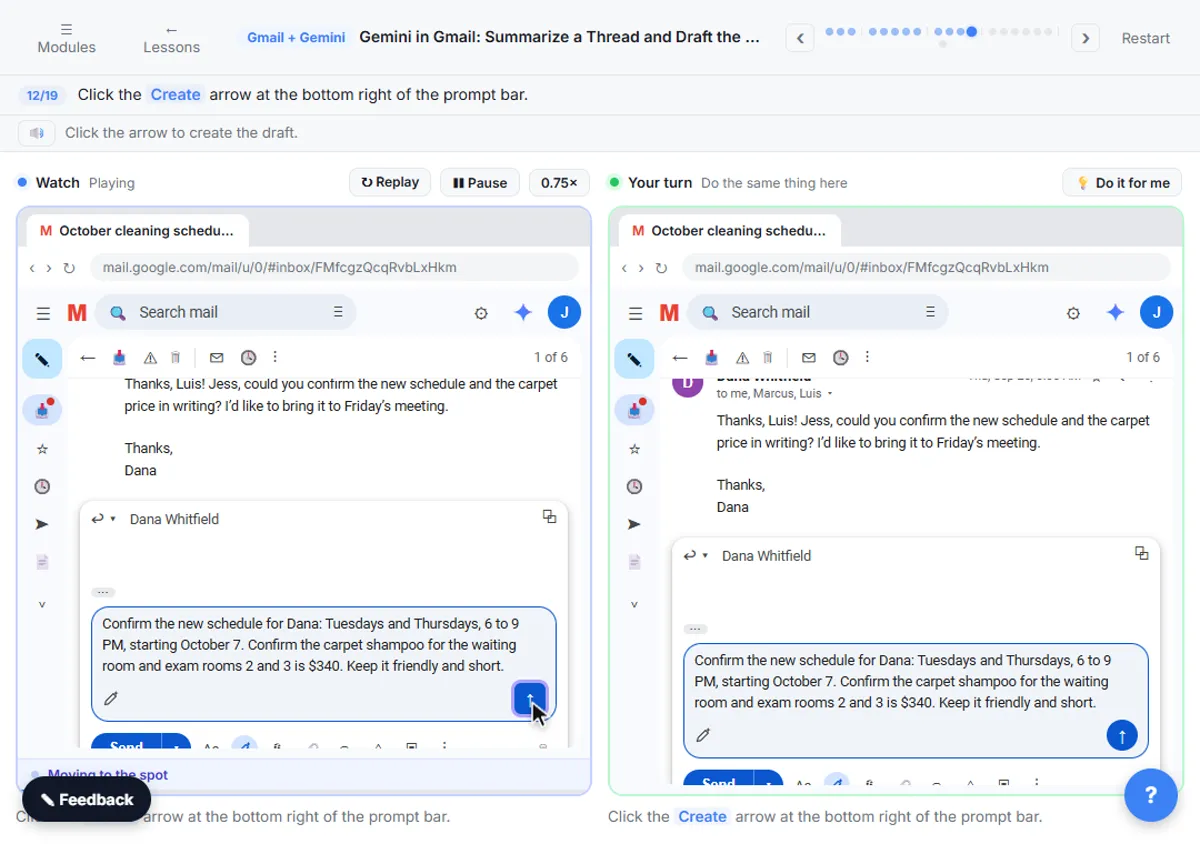 Gemini in Gmail Prompts: 15 for Summaries and Replies
15 copy-paste Gemini in Gmail prompts: questions for the side panel, Help me write prompts for replies, and change requests that fix a draft.
Oct 20, 2026 5 min read
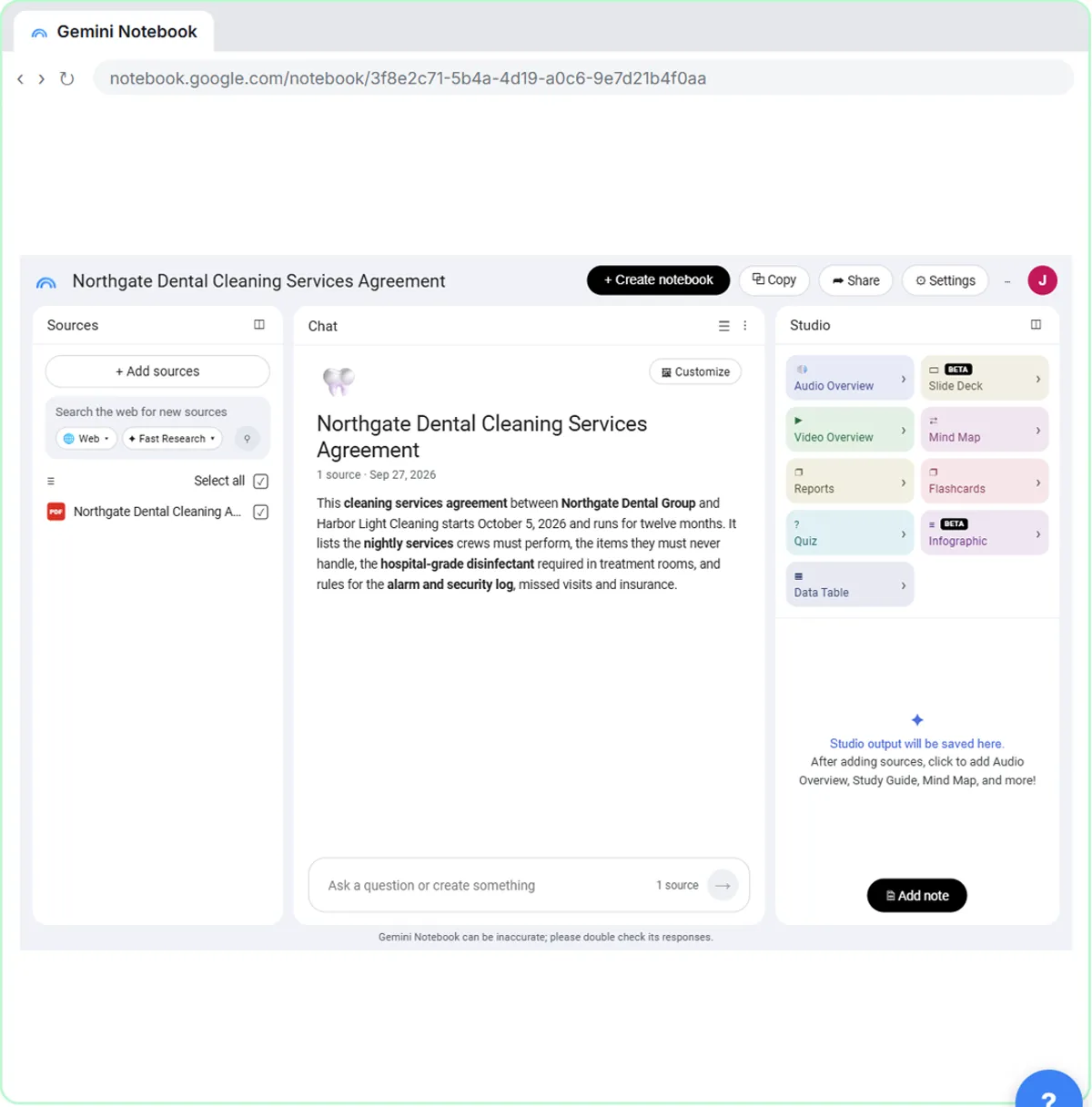 NotebookLM for Paralegals: 6 Cited Uses for Case Documents
How paralegals can use NotebookLM (Gemini Notebook) for cited answers from documents: duties, deadlines, clashes, chronologies and briefings.
Oct 20, 2026 5 min read
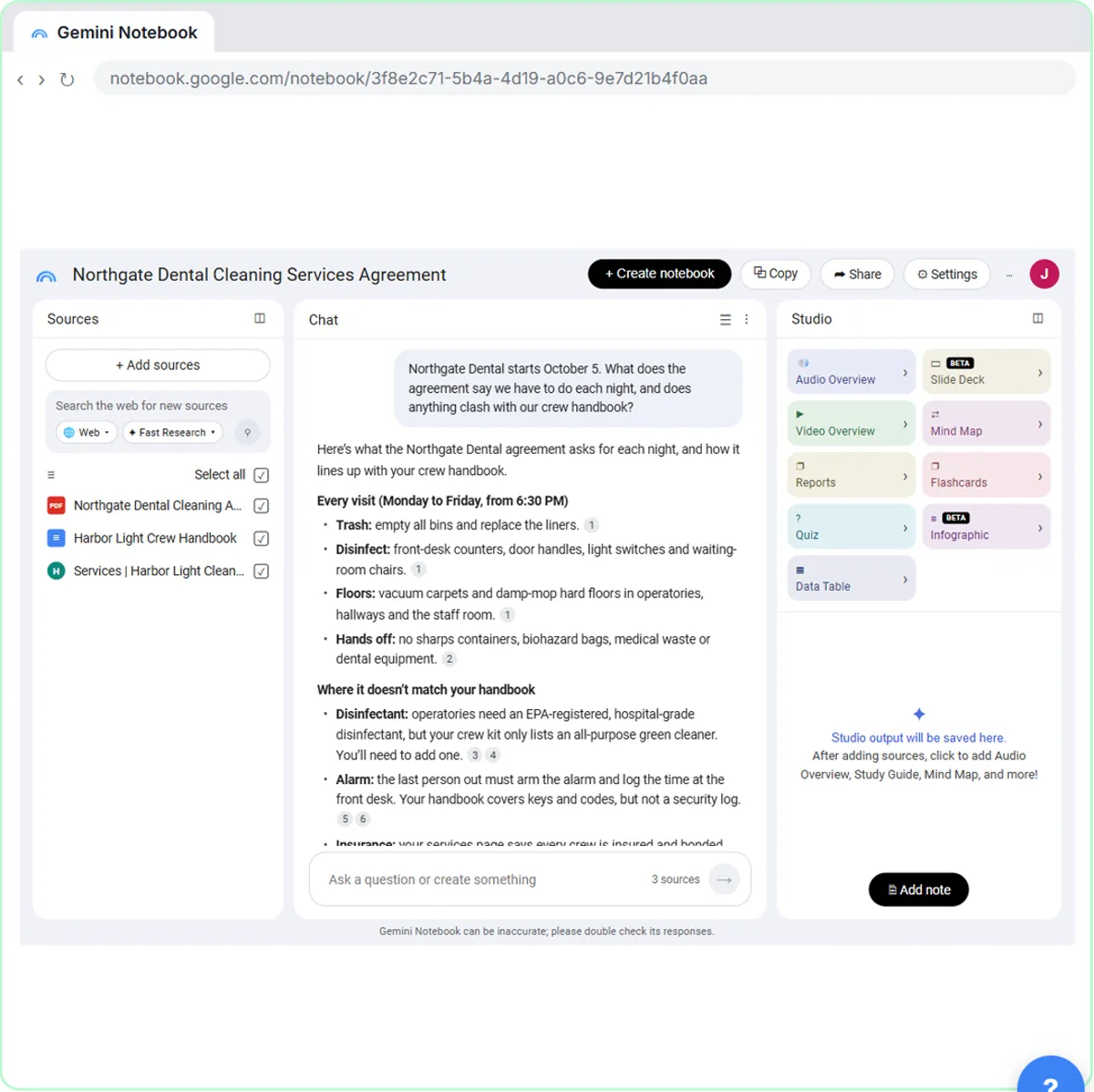 NotebookLM Prompts: 15 for Contracts, Policies and Briefs
15 copy-paste NotebookLM (Gemini Notebook) prompts for work documents: contract duties, policy clashes, cited answers, briefing docs and checks.
Oct 20, 2026 5 min read
✎Gemini Deep Research Mistakes: 7 to Avoid Before a MeetingSeven Gemini Deep Research mistakes, from skipping the plan to quoting a number you never traced, with the fix for each from a free hands-on lesson.
Oct 20, 2026 5 min read
✎Gemini Deep Research Prompts: 13 for Meeting Briefs13 copy-paste Gemini Deep Research prompts for client meetings, sales calls and planning, plus follow-ups to fix the plan and check the sources.
Oct 20, 2026 6 min read
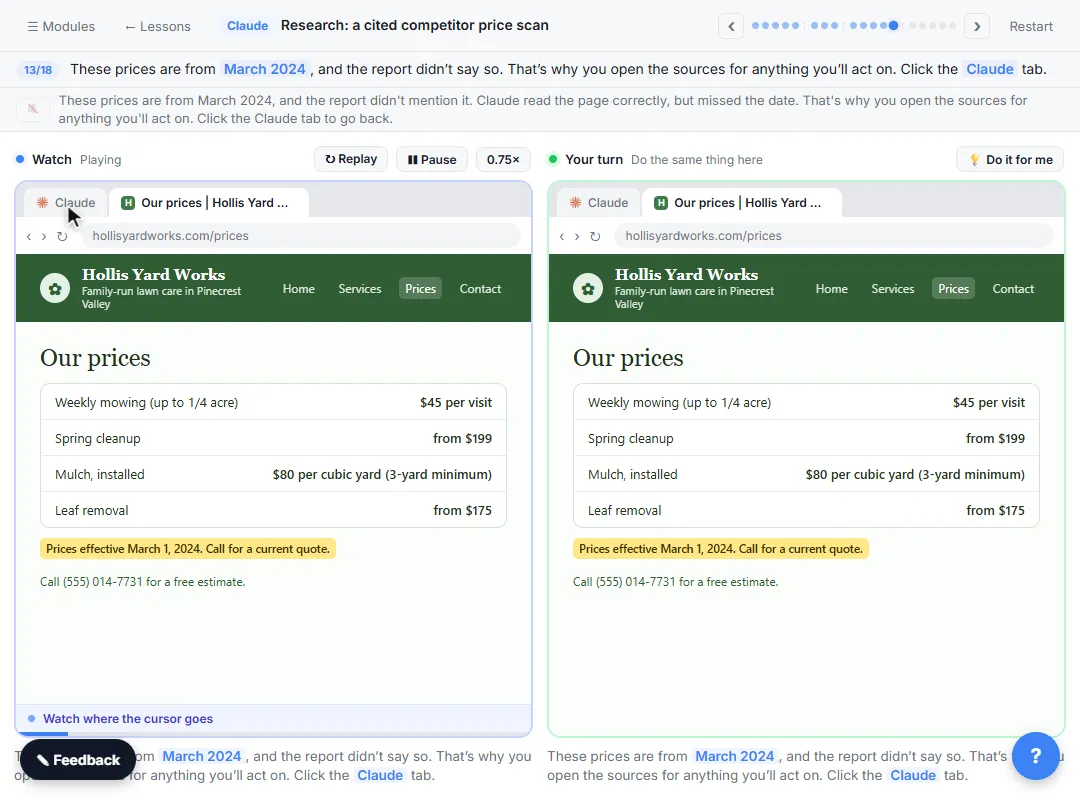 Claude Research Mistakes: 7 Ways Cited Reports Go Wrong
Seven Claude Research mistakes, from vague requests to trusting citations you never opened, with the fix for each from a free hands-on lesson.
Oct 20, 2026 5 min read
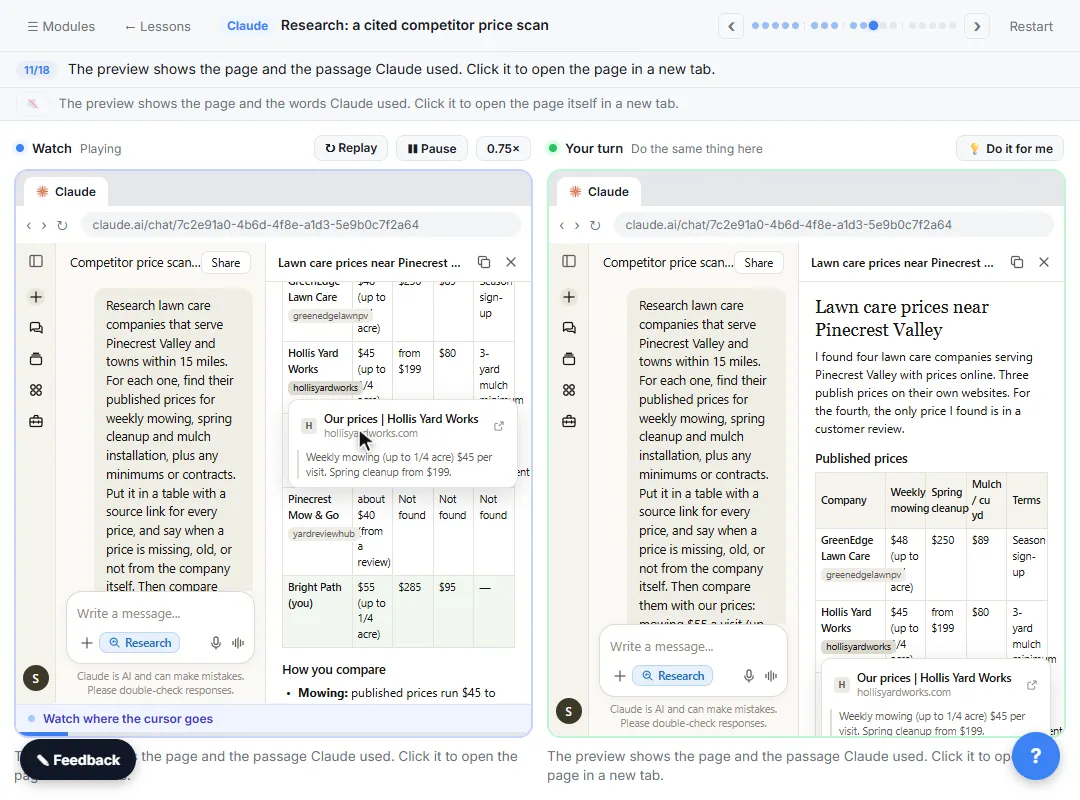 Claude Research Prompts: 14 for Cited Business Reports
14 copy-paste Claude Research prompts for cited business reports: competitor prices, vendor scans, market questions and follow-ups that check sources.
Oct 20, 2026 6 min read
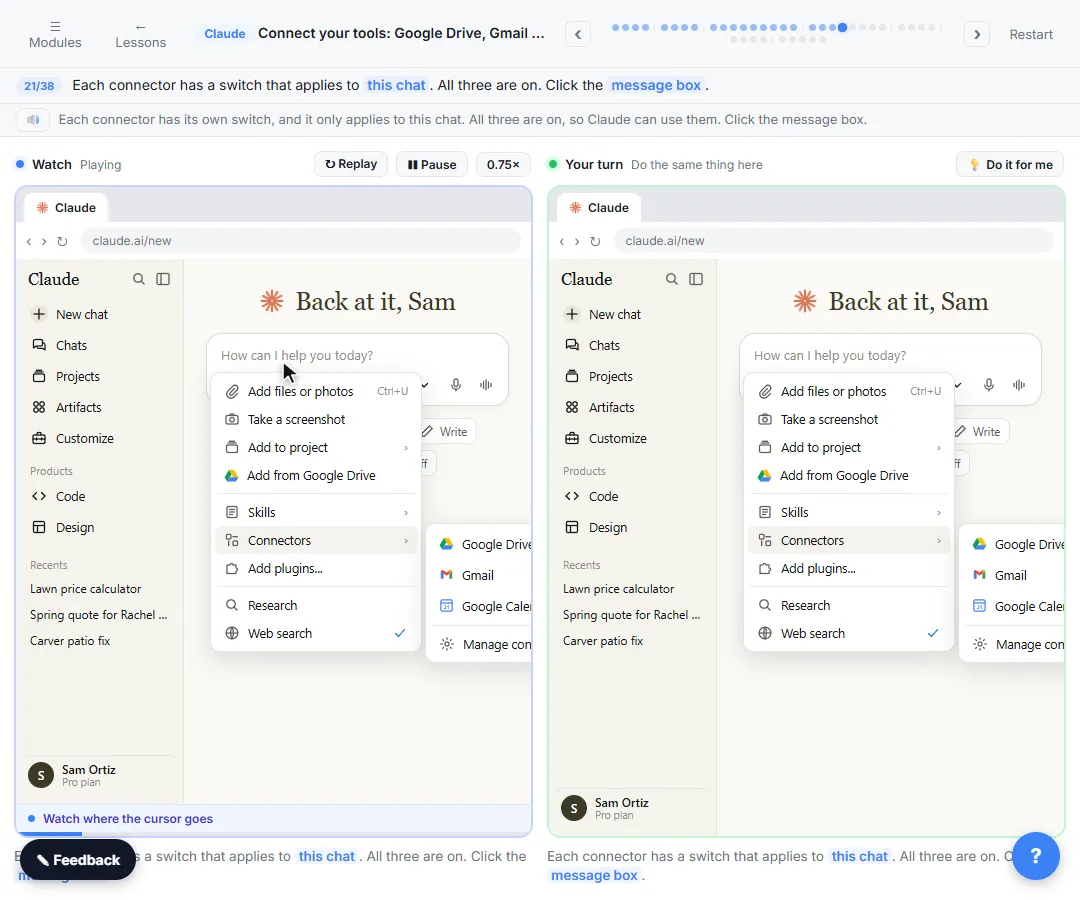 Claude Connectors Mistakes: 7 Permission Errors to Avoid
Seven Claude connectors mistakes with Google Drive, Gmail and Calendar, from Always allow on everything to the wrong account, with a safe fix for each.
Oct 20, 2026 5 min read
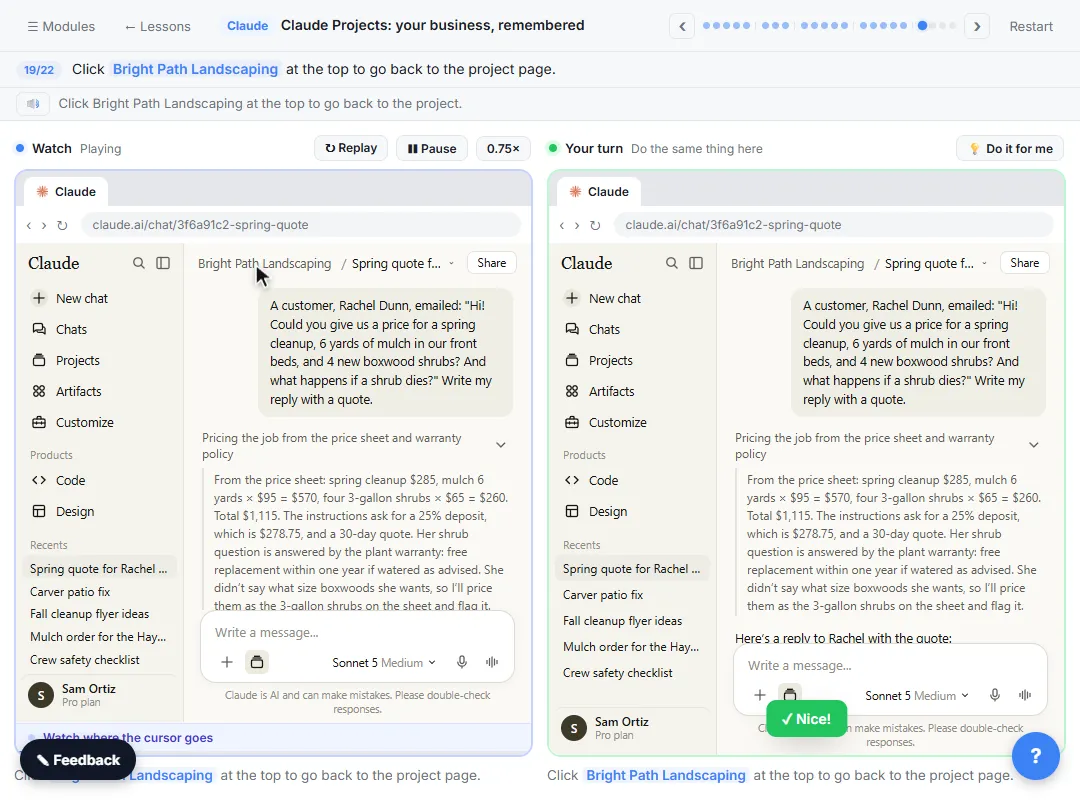 Claude Projects Mistakes: 7 Setup Errors and Fixes
Seven Claude Projects mistakes that cause wrong quotes and off-tone replies, from vague instructions to fixing chats instead of rules, with a fix for each.
Oct 20, 2026 5 min read
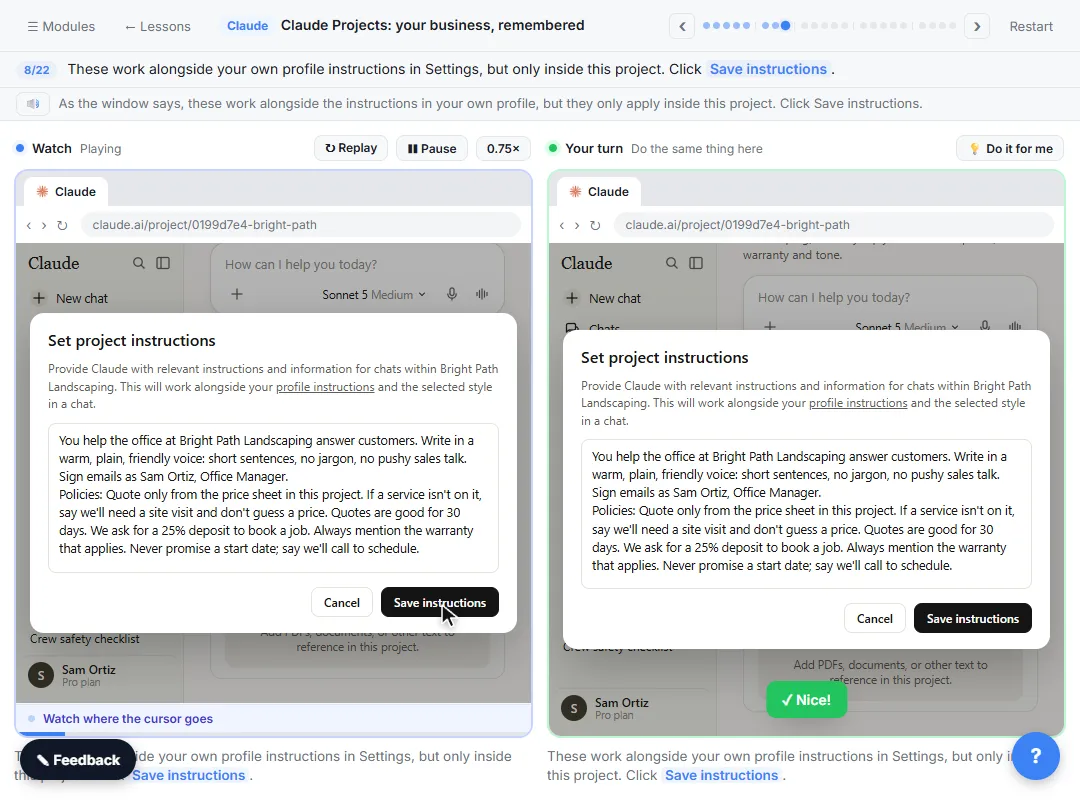 Claude Projects Prompts: 15 for Instructions and Chats
15 copy-paste prompts for Claude Projects: write project instructions, set up knowledge files, start chats that use them and fix replies at the source.
Oct 20, 2026 6 min read
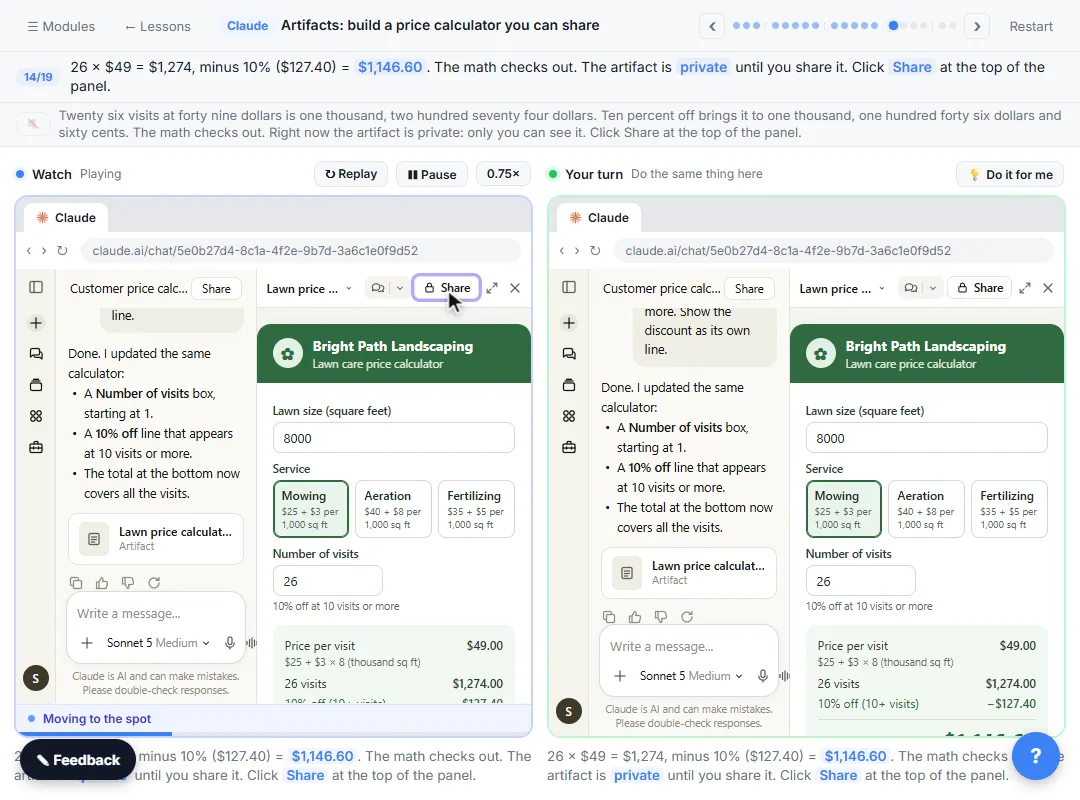 Claude Artifacts for Office Managers: 6 Tools to Build
Six small tools office managers can build with Claude artifacts, from a quote calculator to an onboarding checklist, with a prompt and a check for each.
Oct 20, 2026 6 min read
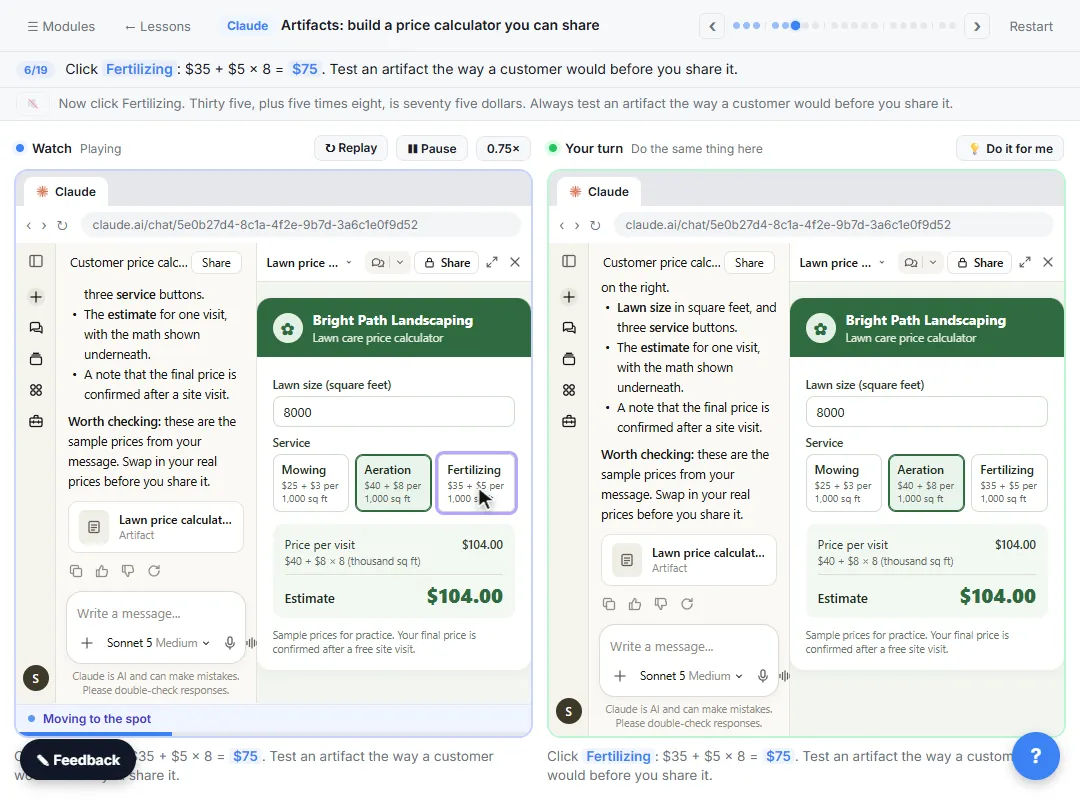 Claude Artifacts Mistakes to Avoid (7 Fixes)
Seven common Claude artifacts mistakes, from made-up prices to sharing before you test, with the fix for each one from a free hands-on lesson.
Oct 20, 2026 5 min read
All free tutorials · The full course, in order
How every module works
Each step is shown on the left, with a cursor pointing to exactly where to click. You do the same thing on the right, in a practice copy of the real tool. Get it right and it moves on. Nothing touches your real accounts until you're ready to build it for real.
Start learning free