The Stepthrough blog: page 15
Updated
Practical, plain-English guides to using AI at work: better prompts, email replies you can trust, and automations that do the busywork. Every post points to a free lesson where you build it yourself, one click at a time.
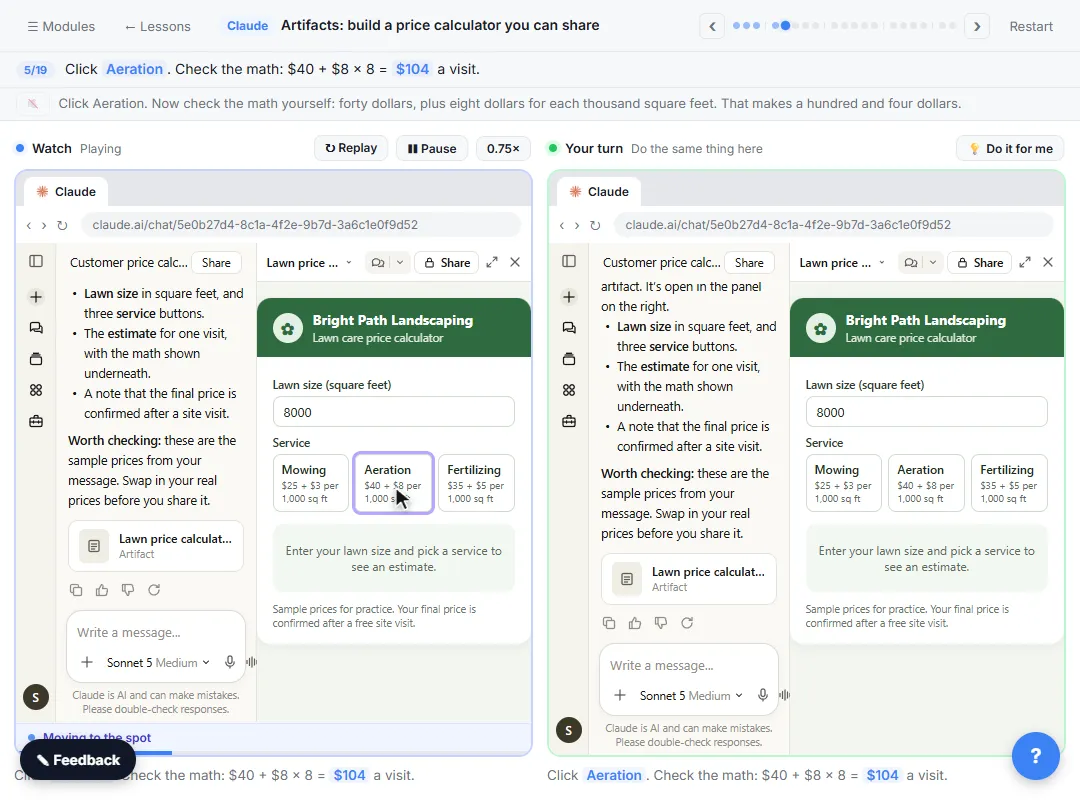 Claude Artifacts Prompts: 14 to Build Office Tools
14 copy-paste Claude prompts for artifacts: calculators, checklists, trackers and one-page tools, plus follow-ups to test, change and share them.
Oct 20, 2026 7 min read
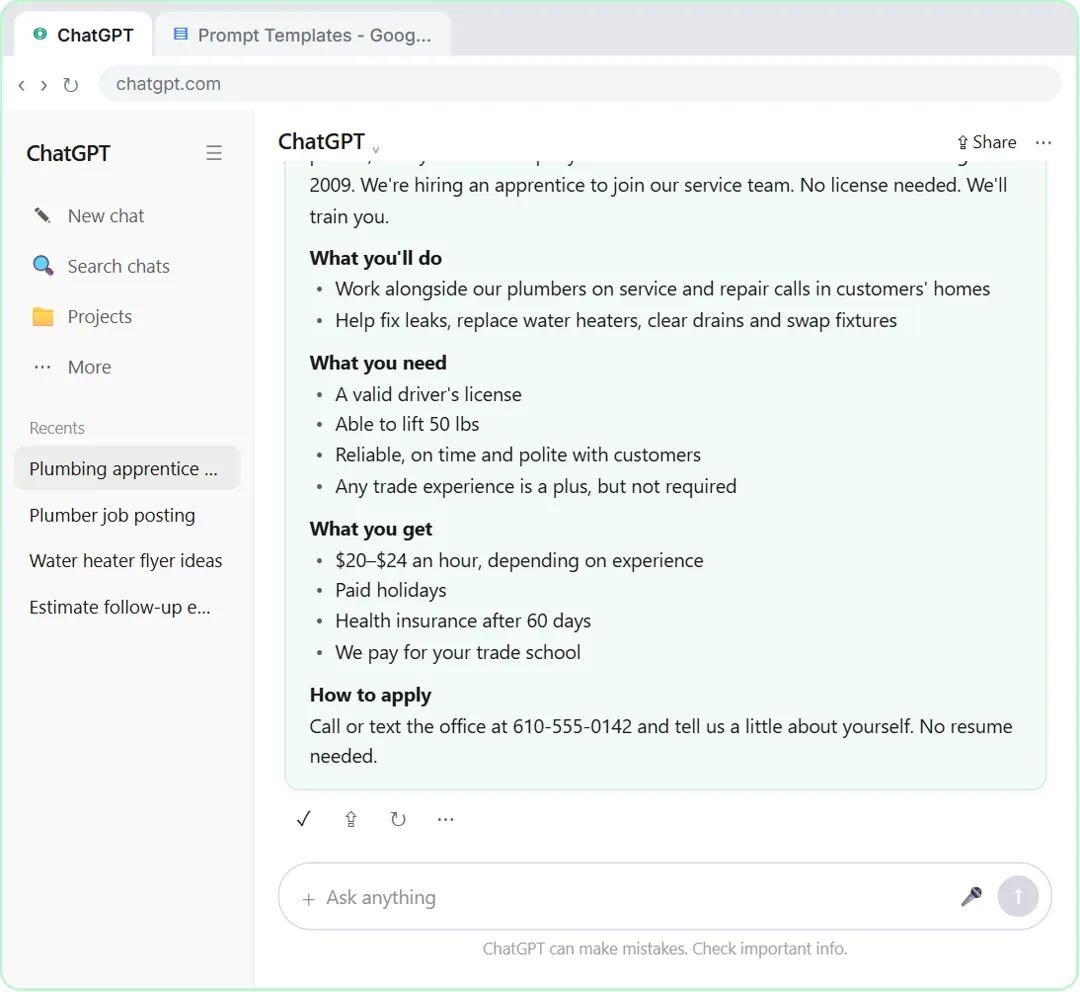 ChatGPT for Managers: Briefs, Reviews and Job Posts
How managers can use ChatGPT's interview prompt for job posts, project briefs, review notes and team updates: it asks you questions first, then writes.
Oct 20, 2026 7 min read
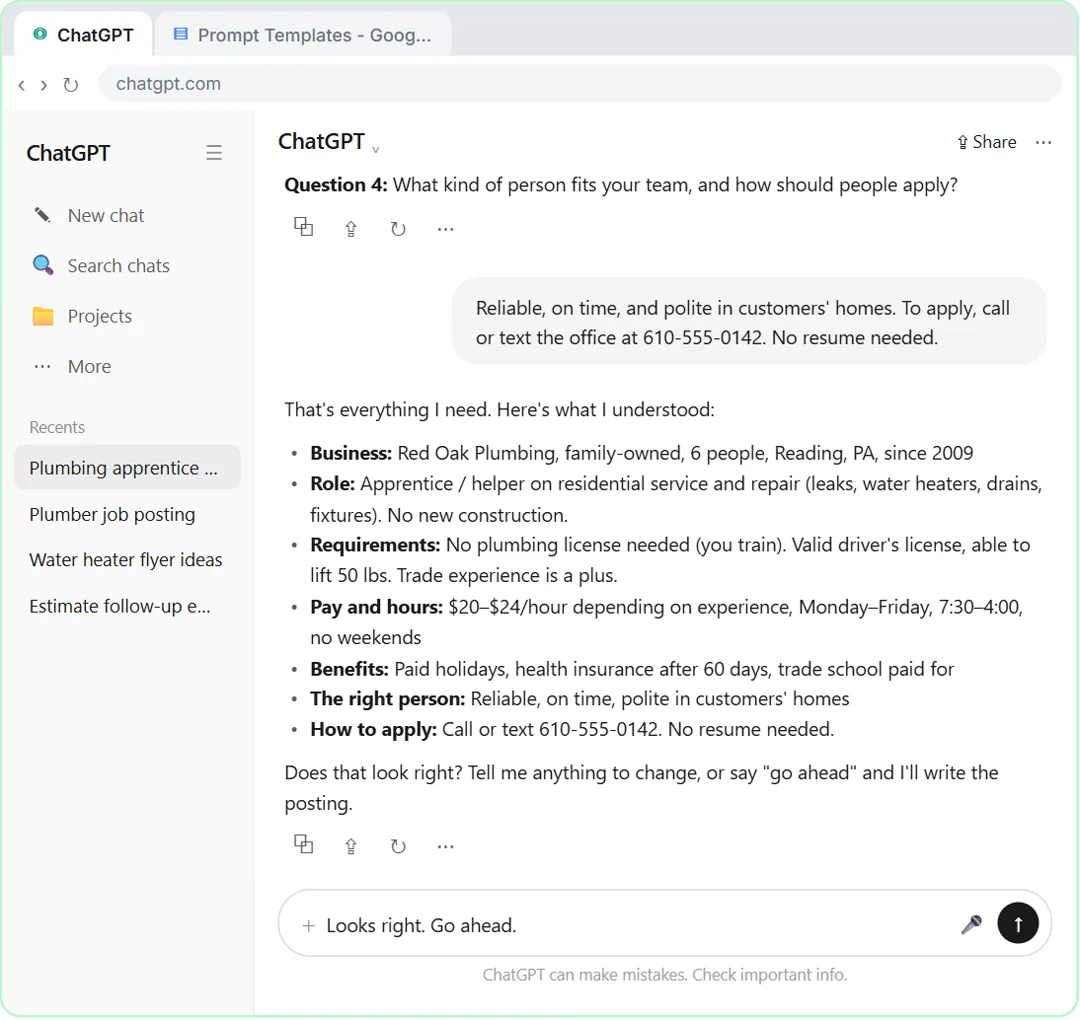 ChatGPT Interview Prompt Mistakes (and the Fix for Each)
Seven mistakes that make ChatGPT's interview prompt fall flat, from a wall of questions to skipping the summary, with a simple fix for each one.
Oct 20, 2026 6 min read
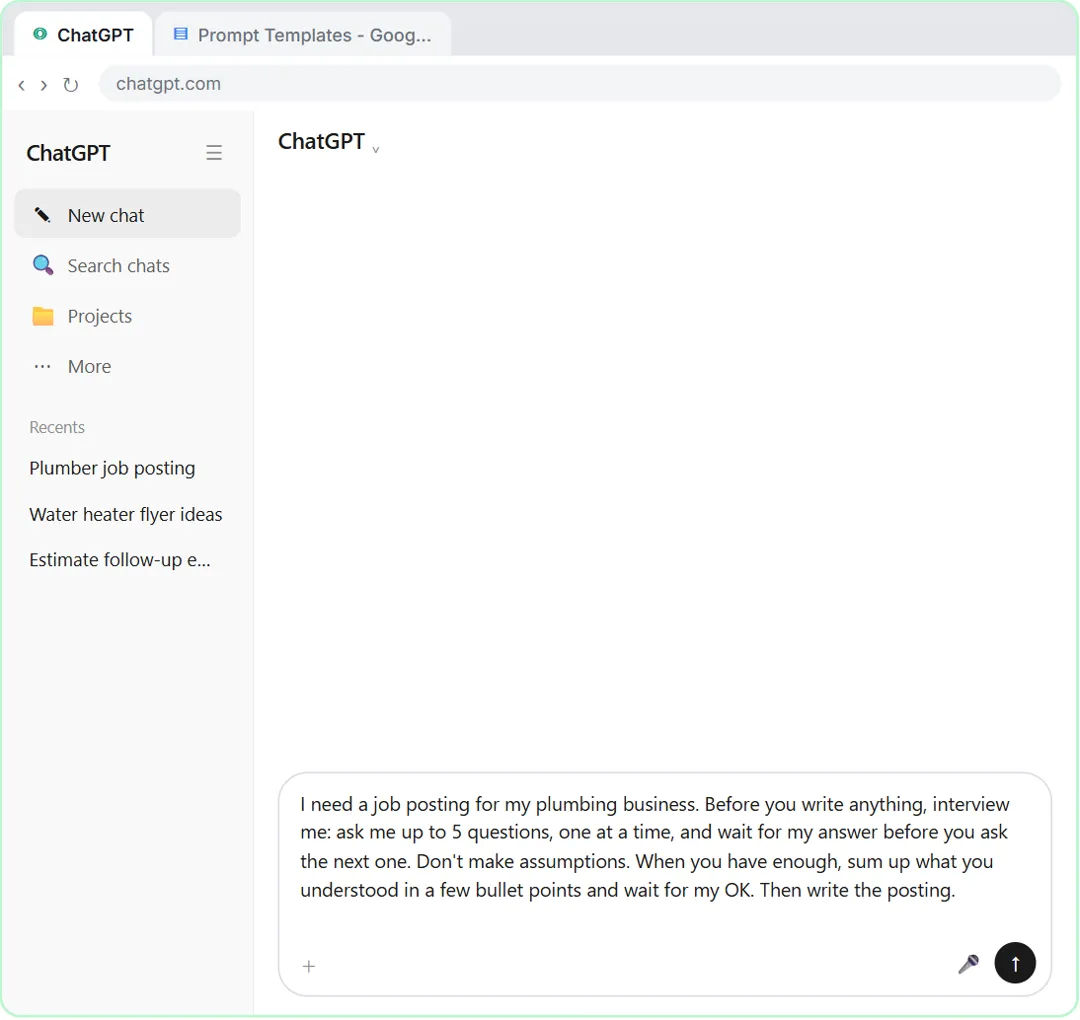 ChatGPT Interview Prompts: 14 That Make It Ask First
14 copy-ready ChatGPT interview prompts that make it ask you questions one at a time before it writes, for postings, FAQs, proposals, reviews and more.
Oct 20, 2026 7 min read
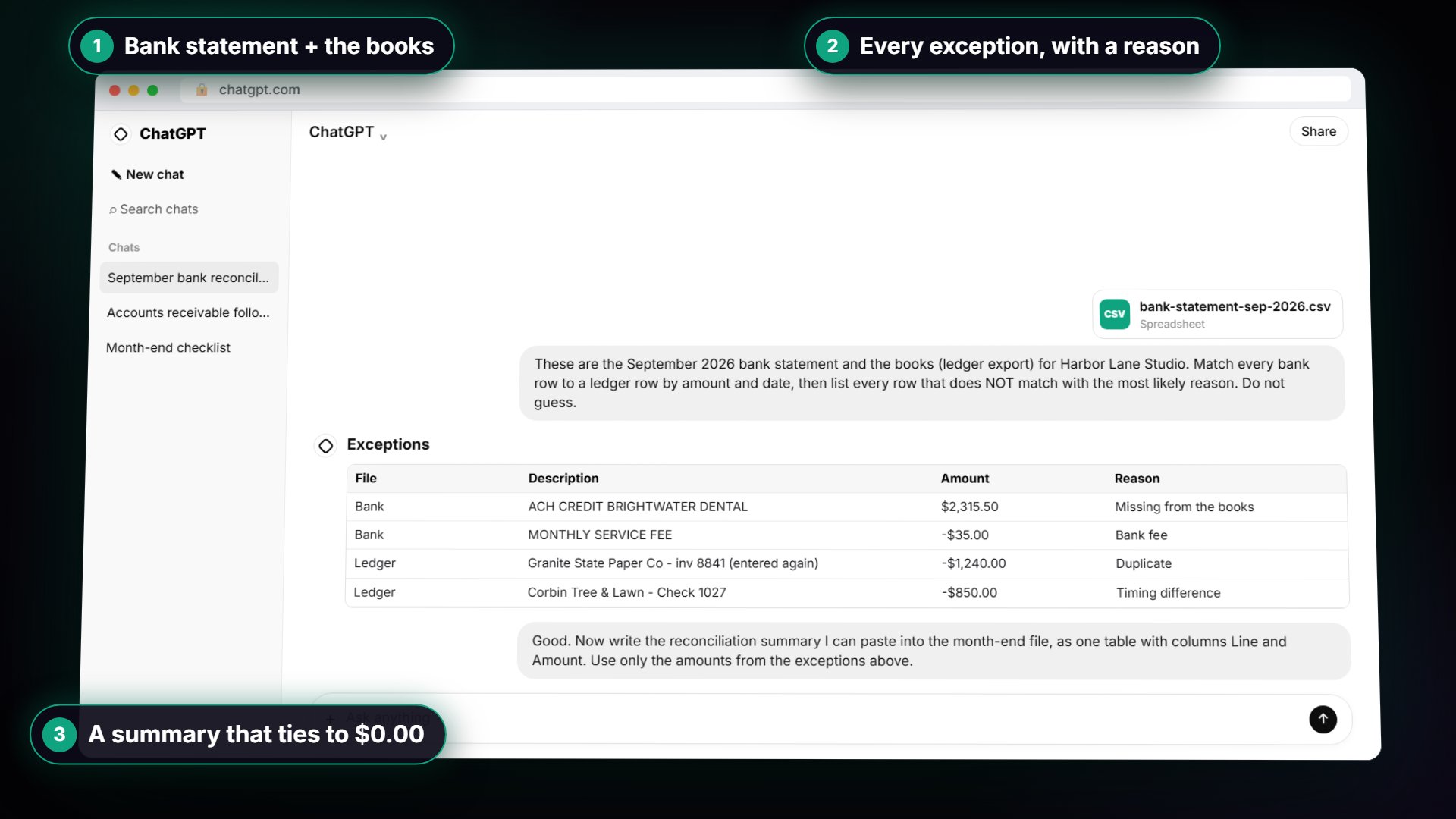 ChatGPT Bank Reconciliation Mistakes to Avoid
Eight mistakes bookkeepers make reconciling a bank statement with ChatGPT, from "reconcile this" with no balances to trusting its math, and fixes.
Oct 20, 2026 6 min read
ChatGPT Bank Reconciliation Prompts: 14 to Copy14 copy-ready ChatGPT prompts for month-end bank reconciliation: match a bank CSV to the books, list exceptions, build the summary and check the math.
Oct 20, 2026 7 min read
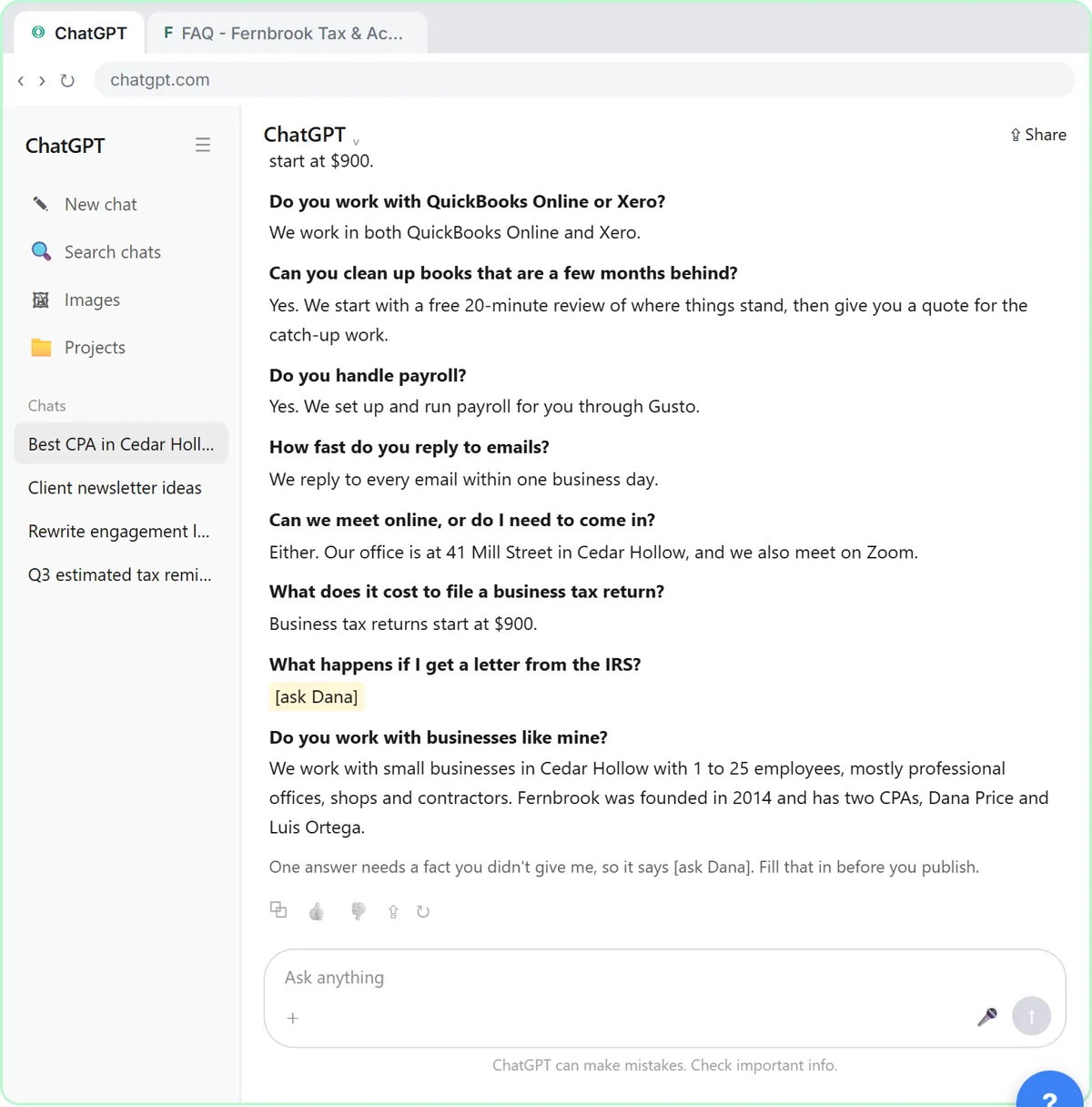 ChatGPT Search: 8 Mistakes That Keep Your Firm Unnamed
Eight mistakes small firms make trying to get recommended in ChatGPT search, from asking the wrong question to guessed FAQ answers, and the fixes.
Oct 20, 2026 7 min read
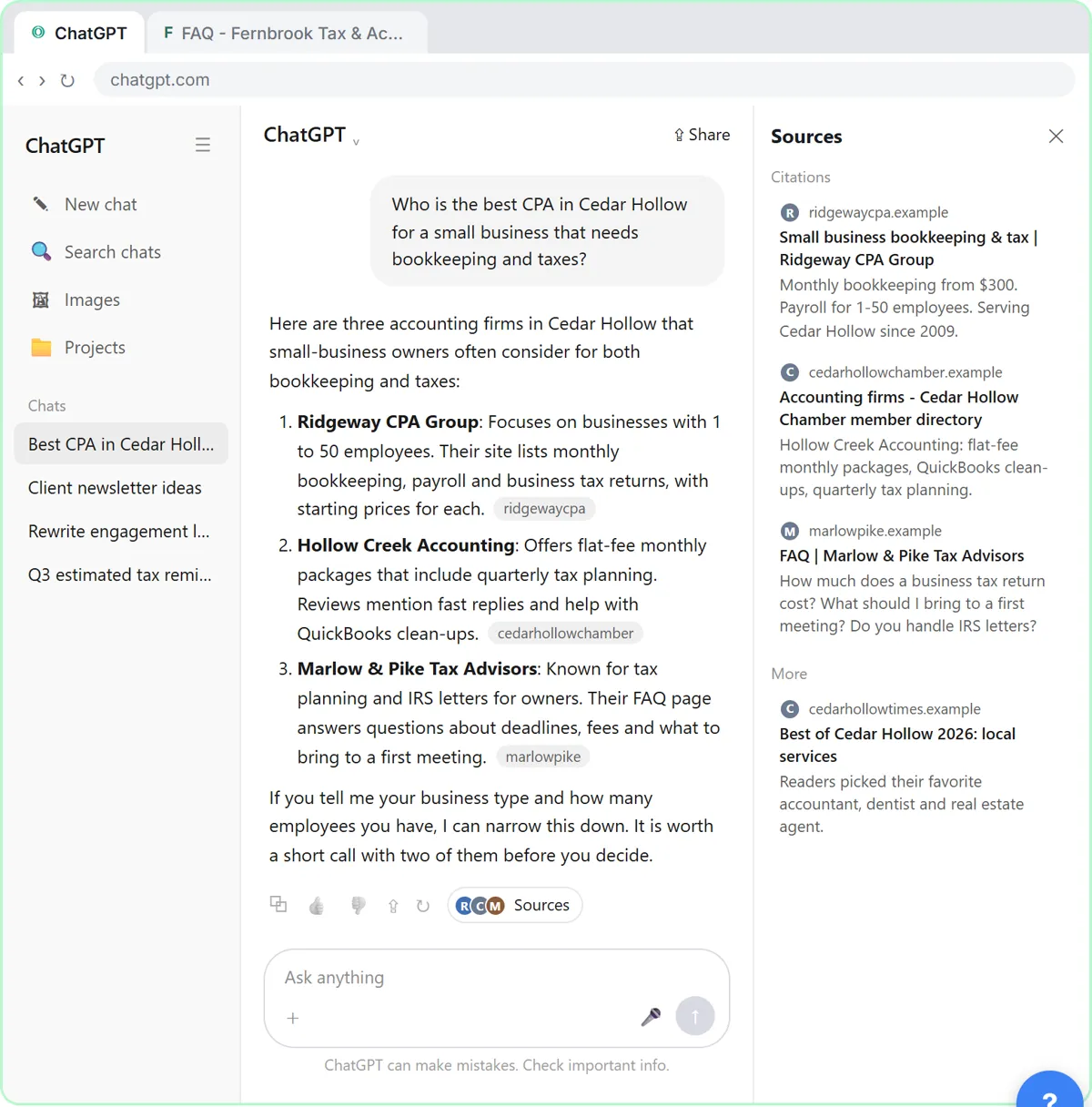 ChatGPT Prompts to Check Your AI Search Visibility
14 copy-ready ChatGPT prompts to see how AI search describes your business, find the gaps, and turn your own facts into answers it can use.
Oct 20, 2026 7 min read
 Make Router and Filter Examples: Send Data Two Ways
How a Make router and filters split one scenario into routes: urgent vs routine, a fallback route, route order and five filter setups you can copy.
Oct 20, 2026 4 min read
 Make Filter Operators Cheat Sheet: Text, Number, Date
Every Make filter operator group on one page: text, numeric, date, basic and array, with an office example for each and the mistakes that block bundles.
Oct 20, 2026 4 min read
Make formatDate Examples: Dates in Filters and EmailsCopy-ready Make date functions: formatDate(now; "YYYY-MM-DD"), addDays, parseDate and time zones, with the daily summary filter that finds today's rows.
Oct 20, 2026 3 min read
Make Text Aggregator Examples: Many Rows, One EmailHow the Make Text aggregator joins many bundles into one block of text: source module, separators, HTML line breaks and a daily summary email you can copy.
Oct 20, 2026 3 min read
All free tutorials · The full course, in order
How every module works
Each step is shown on the left, with a cursor pointing to exactly where to click. You do the same thing on the right, in a practice copy of the real tool. Get it right and it moves on. Nothing touches your real accounts until you're ready to build it for real.
Start learning free