Updated . Built from Ringly’s official docs and help center. Screens may differ slightly in your account. How we check this lesson
"Where is my order?" is the call every online store gets all day. Ringly gives Shopify stores Seth, an AI phone agent that recognizes the caller, looks up their order and answers, and hands calls he cannot solve to your team. In this free starter lesson, built from Ringly's own help center, you lead customer experience at Juniper & Oak Home, a made-up furniture and decor store, and get Seth ready: a short greeting, a lead-time note, a rule, escalation and a typed test. 8 steps, about eight minutes, no account needed to practice.
At a glance
| Question | Answer |
|---|---|
| What you build | A Shopify home-decor store spends hours a day on "where is my order?" calls. Set up Seth, Ringly's AI phone agent: a short greeting, a lead-time note, a rule, escalation in business hours and a typed test, all from Ringly's own help center. |
| Tools | Ringly |
| Time | About 8 minutes, 8 steps in 2 parts |
| Level | Beginner, no coding needed |
| Cost | Free |
| Ways to learn it | Practice it step by step |
The 2 parts, in short
- Train Seth: Edit the greeting, Write a short greeting, Add the made-to-order note, Type the lead times, and 1 more step.
- Hand off and test: Choose when Seth transfers, Test Seth by typing, Check Call history, then go live carefully.
Next: take the full free Voice AI Jump Start course, or browse every AI for Operations tutorial.
The business case: hours a day reading tracking numbers aloud
Picture Priya, who leads customer experience at Juniper & Oak Home, a made-up Shopify store selling sofas, rugs and decor. Most calls are customers asking where their order is, and many are about made-to-order sofas that take weeks to build. Each call takes a few minutes to look up, and they come all day, so returns and damaged-item claims wait.
With Ringly, Priya sets up Seth to answer those calls: he looks up the caller's Shopify order, knows the made-to-order lead times, follows the store's rules, and transfers to the team during business hours or opens a ticket after hours.
Who this is for, and what you need
Customer experience and operations leads at Shopify stores. The practice runs in your browser with no account. To do it for real, Ringly's pricing page (read 17 November 2026) lists $99 a month covering the first 50 phone conversations, then $1.99 per conversation. Spam, hang-ups, wrong numbers, callers who only want a human and your own test calls are free. Ringly lists a 30-day money-back guarantee, and a month is free if Seth resolves under 65% of calls.
Before Seth takes real calls
Test by typing and by calling Seth yourself, with your own orders. Check your greeting against the recording and AI disclosure rules where you and your callers are; Ringly's help center says this is your responsibility. Make sure your phone system passes the caller's original number when you forward the line, so Seth can match the order.
What this saves you
- The hours your team spends looking up and reading order status on the phone.
- After-hours calls that went to voicemail: Seth answers and opens a ticket when you are closed.
- What it does not do: it does not fix a delayed order. Problems still reach your team as transfers or tickets.
How this lesson was built
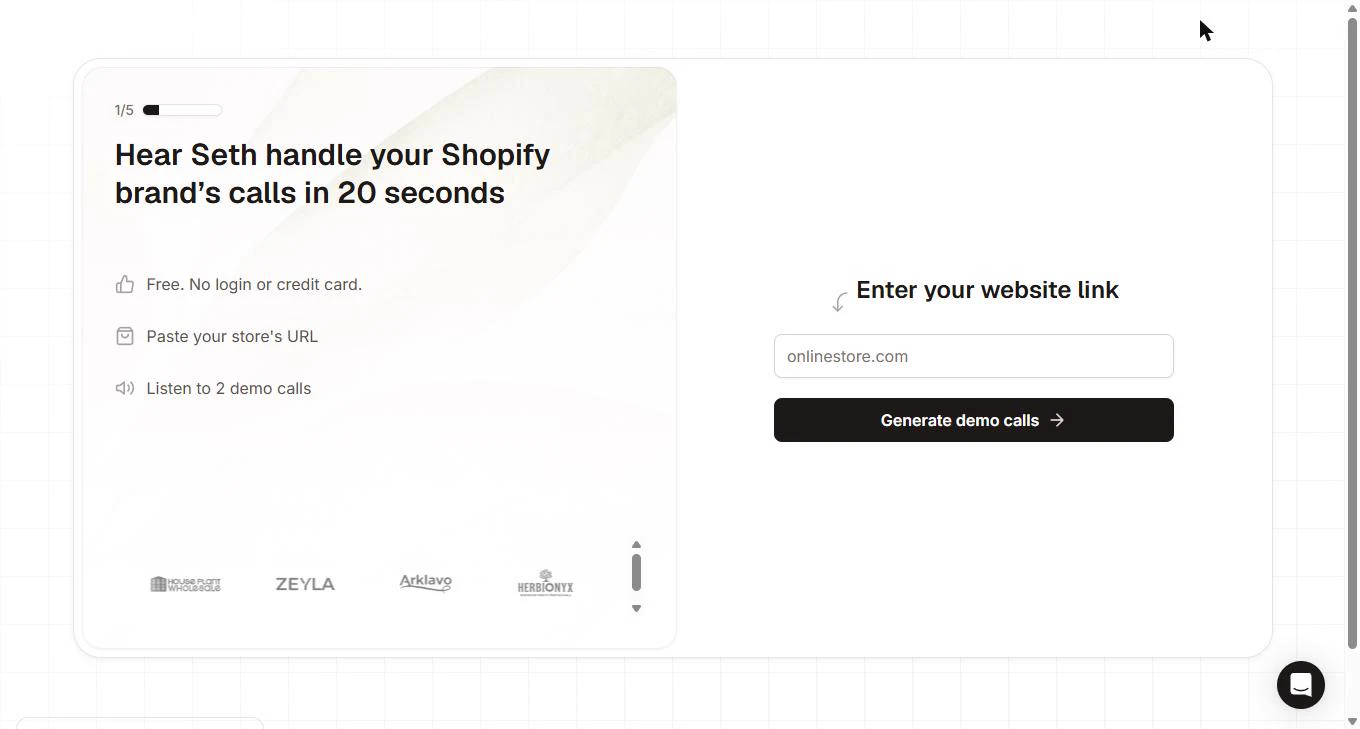
This is a starter lesson based on Ringly's public pages (home, pricing and how it works) and help center articles on the greeting, knowledge, rules, escalation and testing by typing, read on 17 November 2026. The practice screen is a plain frame that uses the labels from those pages; it is not a copy of Ringly, and the lesson was not run in an account. Connecting Shopify and forwarding the phone line are summarized rather than clicked, and the order lookup shown is a made-up example. Juniper & Oak Home and its orders are made up. Want to hear Seth before you set him up? The follow-up on real Ringly screens: Hear an AI Phone Agent Answer Your Shopify Store's Calls Before You Commit, with the free demo calls, voice, greeting and hand-off.
Links
- Ringly help: How to write a great greeting for Seth: the under-8-words formula and Edit greeting.
- Ringly help: Manage Seth's knowledge: websites, plain text, documents and Google Drive.
- Ringly help: How to use Rules for Seth AI support: IF and THEN, Instructions and Escalate rules.
- Ringly help: How to let Seth AI phone agent escalate to a human: transfer options, business hours and tickets.
- Ringly help: Test Seth by typing: the Try Seth tab, quick questions and Fix in Coach.
- Ringly pricing: per-conversation pricing and what is free.
- Ringly: AI phone support for Shopify: Ringly's guide to the wider options for Shopify phone support, for when you are comparing tools.
Try it yourself, free
Reading the steps is a start. Doing them is how it sticks. The interactive module walks you through every click in a practice copy of Ringly, checks each step, and never touches your real accounts.
Start “Ringly: Set Up an AI Phone Agent for Order-Status Calls”Step by step: Ringly: Set Up an AI Phone Agent for Order-Status Calls
All 8 steps of the interactive module, in order. In the module you watch each one, then do it yourself in a practice copy that checks your work.
1. Train Seth
- Edit the greeting. You lead customer experience at Juniper & Oak Home, a made-up Shopify decor store. Seth, Ringly's AI phone agent, will answer your order calls. His current greeting is long and sounds like a recording. On the Train tab, under Seth introduces itself, click Edit greeting.
Seth will answer your order calls. His greeting is too long.
- Write a short greeting. The help center says a short greeting resolves more calls: hello, your brand and Seth's name, under 8 words, then stop. Skip "how can I help you today". Type the new greeting, then click Save.
Keep it under eight words: hello, your brand, and Seth. Then stop.
- Add the made-to-order note. Seth reads your website and policies, but the build time for made-to-order furniture is only in your team's heads. Under Using knowledge and rules, click Plain text.
Add what is not on your website.
- Type the lead times. Name the text, type the facts Seth should know, then click Attach text.
Made-to-order sofas and chairs are built after you order and ship in 6 to 8 weeks. Rugs, lamps and decor ship in 2 to 4 business days. We send a tracking text when an order leaves the workshop.
- Add a rule for discount calls. Under Following rules, click New rule. The IF is filled in. Choose Instructions and type the THEN, then click Save. The docs say Instructions rules apply to general questions, not inside the Order Status or Request Return flows.
Add a rule: if a caller asks for a discount code, tell Seth what to say.
2. Hand off and test
- Choose when Seth transfers. On Escalating to your team, pick Yes, during business hours under Can Seth transfer callers to your team? Seth transfers while you are open and creates a ticket when you are closed. Add your team's number under Transfer to and set the hours.
Seth transfers while you are open and creates a ticket after hours.
- Test Seth by typing. Open the Try Seth tab and choose Type. You play the caller. Ask about an order and watch for the pill that shows what Seth did, such as Looked up order.
In Try Seth, type an order question and watch Seth look up the order.
- Check Call history, then go live carefully. Open Call history and filter by WISMO to see each call's outcome and summary once real calls come in. This lesson was built from Ringly's help center, not run in an account: in your own account, connect Shopify, test by typing and by calling Seth yourself, then forward your store line.
In your own account, test Seth yourself before you forward your line.
Frequently asked questions
- What is Ringly?
- AI phone support for Shopify brands. Its agent, Seth, answers calls about order status, returns, exchanges, cancellations and products, 24/7, and hands calls it cannot solve to your team.
- How much does Ringly cost?
- Ringly's pricing page, read 17 November 2026, lists $99 a month for the first 50 phone conversations, then $1.99 each. Spam, hang-ups, wrong numbers, callers who only want a human and your own test calls are free.
- How does Seth find the caller's order?
- Ringly says Seth matches the caller's phone number to your Shopify customers. If there is no match, he asks for two of three: order number, ZIP code or order email.
- Can I test Seth without making a call?
- Yes. Open the Try Seth tab, choose Type and play the caller. A pill such as Looked up order shows each step Seth took, and Fix in Coach lets you correct a reply.
- Was this lesson tested in a real Ringly account?
- No. It is a free starter lesson built from Ringly's help center. The practice frame is generic and the labels come from those pages; check them against your own screens.
Keep going: Voice AI Jump Start, the free 7-module course this lesson leads into.
More in AI Automation for Operations
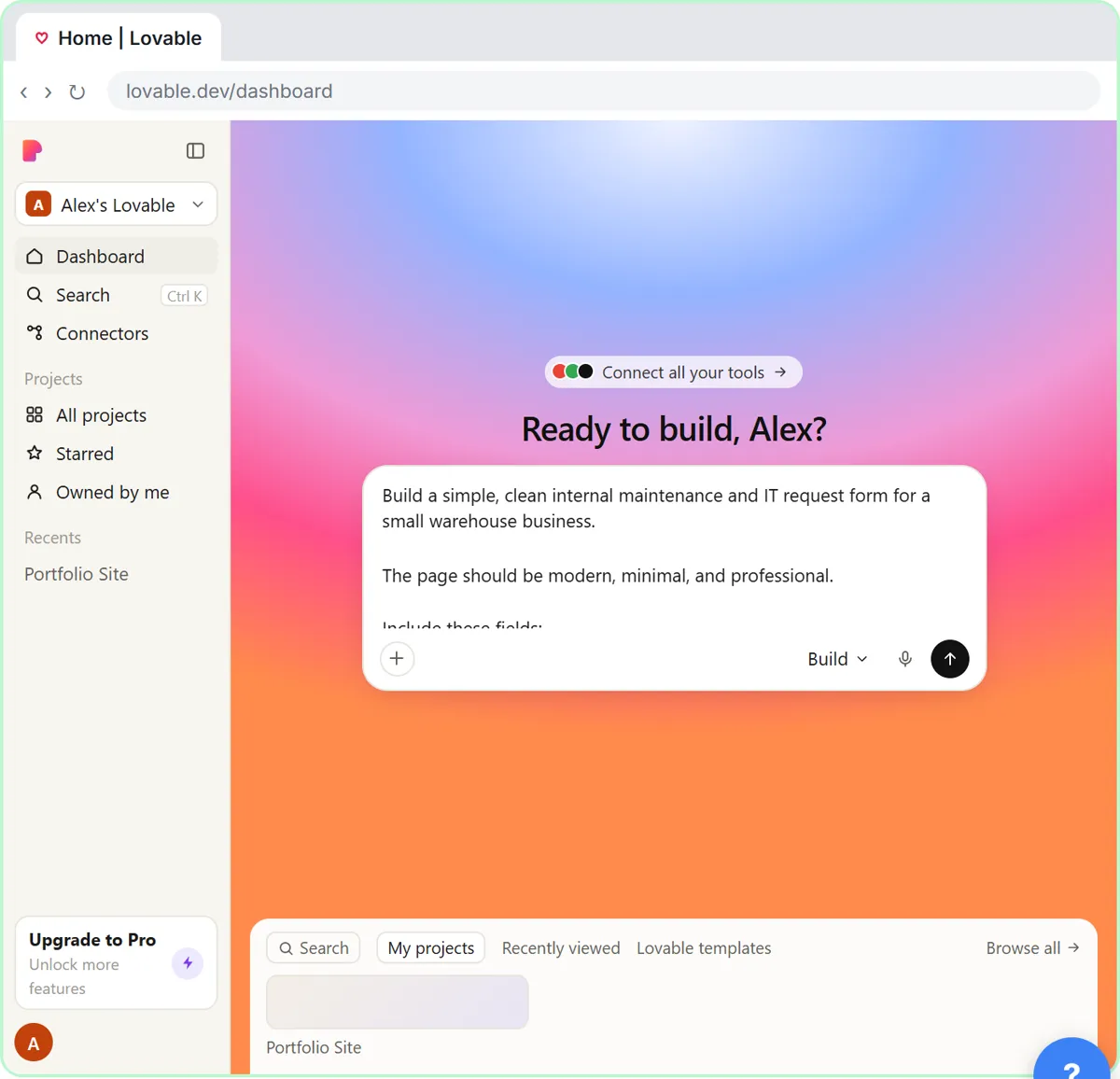 Build an AI Maintenance and IT Request Form
Build an internal maintenance and IT request form in Lovable for Ridgeline Supply Co. and connect it to n8n — the AI agent sets the priority, assigns a team, saves the…
Free · Live ~15 min Advanced
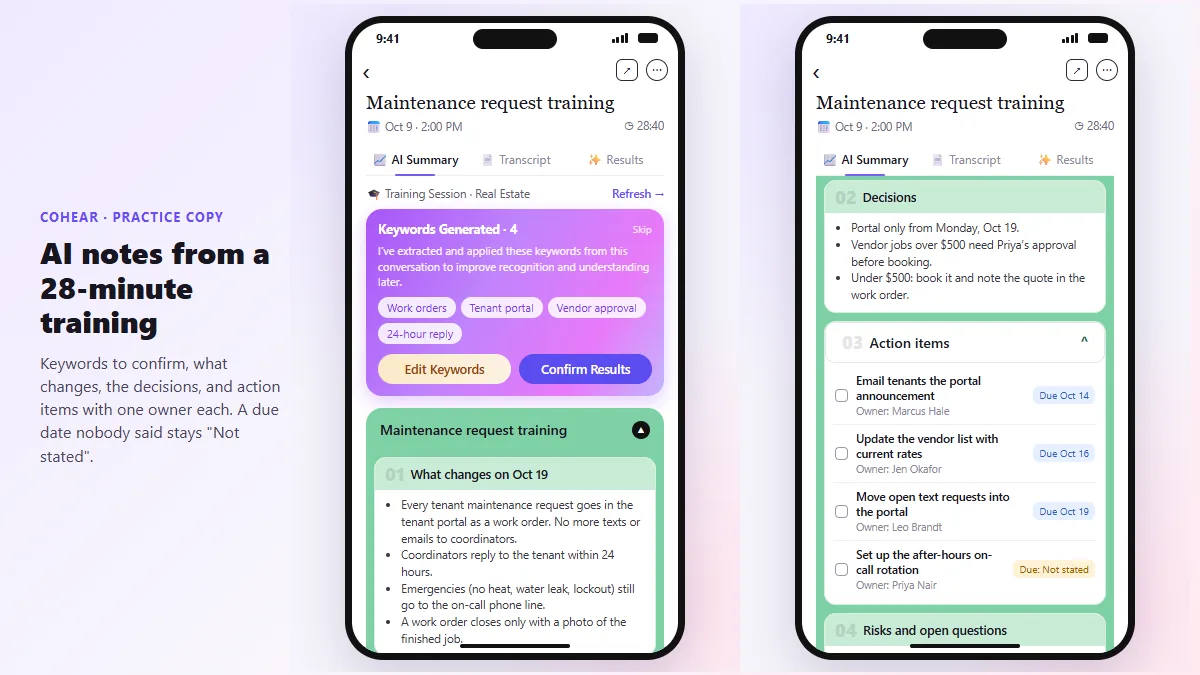 CoHear: AI Meeting Notes from a Team Training Session
Record a team training session on your iPhone with CoHear, check the AI notes and action items against the transcript, make a one-page handout and share it behind a…
Free · Live ~8 min Intermediate
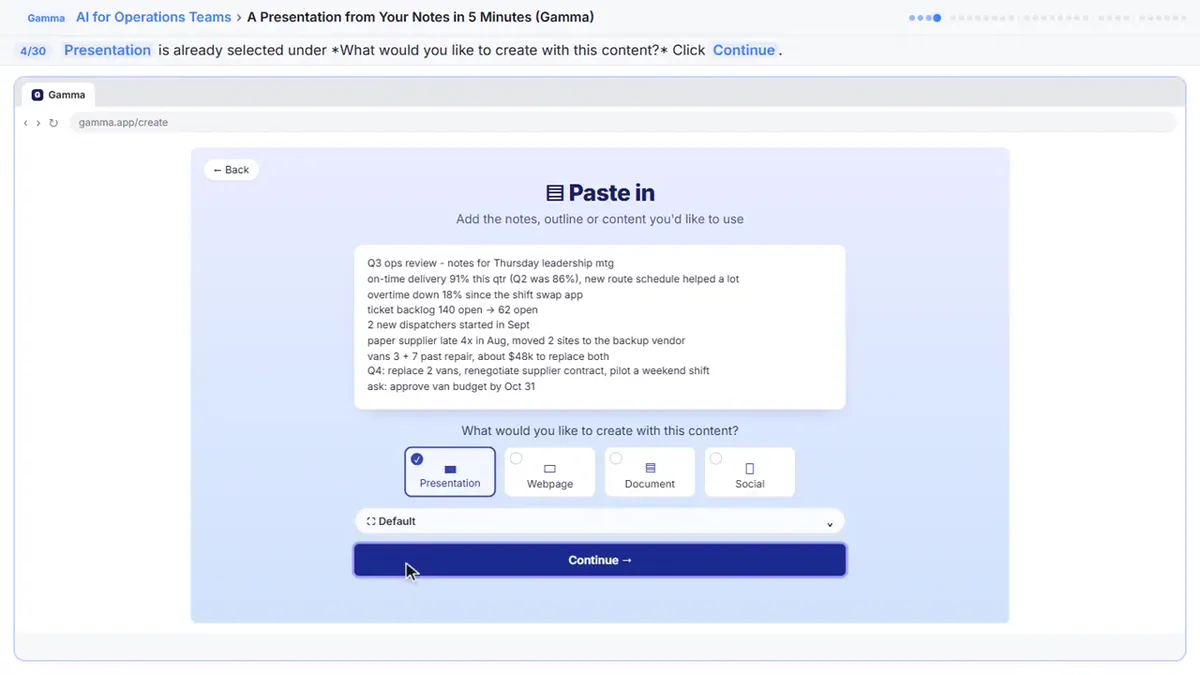 How to Use Gamma to Create a PowerPoint Presentation from Notes
Paste rough meeting notes into Gamma, pick a theme, fix one slide by chatting with its AI, and export the deck to PowerPoint and PDF.
Free · Live ~9 min Intermediate
◷Airia for Beginners: What an AI Agent Is Made OfA five-minute map of Airia before you build: the four parts of an agent (model and instructions, data sources, Playground, Publish), three office jobs that suit one…
Free · Live ~5 min Beginner
◷How to Use Foxit: Workspace, AI Assistant and PDF Editor for BeginnersA five-minute map of Foxit before you use it: Foxit Workspace, the PDF AI Assistant and PDF Editor, which one fits a contract review, a revised contract, a flat form or…
Free · Live ~5 min Beginner
◷AI Contract Review in 10 Minutes using Foxit AISkimmed contracts hide auto-renewals, late fees and liability caps. Upload one to Foxit Workspace, get a plain-English summary and every renewal and exit date, check…
Free · Live ~10 min Beginner
All 39 modules in AI Automation for Operations
More Ringly tutorials
Terms in this lesson
Plain-English definitions, each with an example from a free lesson.