Updated . Built against the tool’s current screens and checked step by step. How we check this lesson
Stepthrough teaches AI at work by having you do it, not watch it. Every lesson is a practice copy of a real app (ChatGPT, Claude, Gemini, n8n and more) where you click and type through a real office job, one checked step at a time. It is free, and nothing you do in a practice touches your real accounts. This two-minute practice shows you how every lesson works.
At a glance
| Question | Answer |
|---|---|
| What you build | Try the practice in under two minutes: watch a step, click, type, get unstuck with Do it for me, and finish. |
| Tools | Stepthrough |
| Time | About 2 minutes, 5 steps in 1 part |
| Level | Beginner, no coding needed |
| Cost | Free |
| Ways to learn it | Practice it step by step |
The 1 parts, in short
- Your first practice: Watch, then click, Type when a step asks, Send it, Stuck? Use Do it for me, and 1 more step.
In the course: Part 1 · Intro to AI Automation (Module 1 of the full course)
Courses, modules and practices
- A course is a set of modules in order, beginner to advanced, built around one goal or one line of work, such as Intro to AI Automation or AI for Accounting Firms.
- A module is one real job, such as summing up a meeting or answering a tricky email. It explains why the job matters, lets you practice it, and gives you a checklist to do it for real.
- A practice is the hands-on part: a copy of the real app where you do every step yourself.
How the practice works
- Each step plays first in Watch: a cursor shows you where to click.
- Then you do the same thing in Your turn. When a step asks you to type, type in the box. Close enough counts.
- Every step is checked before you move on. A voice reads each step, and the words stay on screen, so you can mute it and read instead.
- Stuck? Do it for me finishes the step for you. Replay shows it again, and you can slow it down or pause it.
- Your place is saved in your browser, so you can stop and come back later.
Safe to try, best on a computer
The practice looks like the real app, but it is a copy. Nothing you click sends, posts or changes anything in a real account, and you don't need an account to start. It works on a phone, but a computer screen is easier.
After each practice, Do it for real gives you a short checklist to repeat the job in your own account, plus any templates, prompts or files to download.
Try it yourself, free
Reading the steps is a start. Doing them is how it sticks. The interactive module walks you through every click in a practice copy of Stepthrough, checks each step, and never touches your real accounts.
Start “Start Here: How Stepthrough Works”Step by step: Start Here: How Stepthrough Works
All 5 steps of the interactive module, in order. In the module you watch each one, then do it yourself in a practice copy that checks your work.
1. Your first practice
- Watch, then click. Watch shows you where to click: a cursor moves to the spot. Then do the same thing here in Your turn. Click New chat.
Welcome to Stepthrough. The Watch screen shows you where to click. Then you do the same thing on the Your turn screen.
- Type when a step asks. Some steps ask you to type. Click the message box at the bottom (it says "Message Practice Assistant") and type Hello. Close enough counts, and the step moves on by itself.
Some steps ask you to type. Close enough counts.
- Send it. Your message is typed but not sent yet. Click the round ↑ send arrow at the right end of the message box.
- Stuck? Use Do it for me. Try it now, or click Copy under the answer yourself.
Try it now.
- Finish the practice. The 🔊 speaker button turns the voice on or off. The words always stay on screen. Click Finish practice.
The speaker button turns my voice on or off, and the words always stay on screen. That's it, you're ready.
Frequently asked questions
- Is Stepthrough free?
- Yes. Every course, module and practice is free.
- Do I need an account or a download?
- No. Every practice runs in your browser. You only need your own accounts, such as a free ChatGPT account, when you choose to do a job for real.
- Can the practice change my real accounts?
- No. The practice is a copy of the real app's screens. Nothing is sent, posted or changed anywhere.
- Does it work on a phone?
- Yes, but it is easier on a computer, where you can see the Watch and Your turn sides together.
More in AI Basics
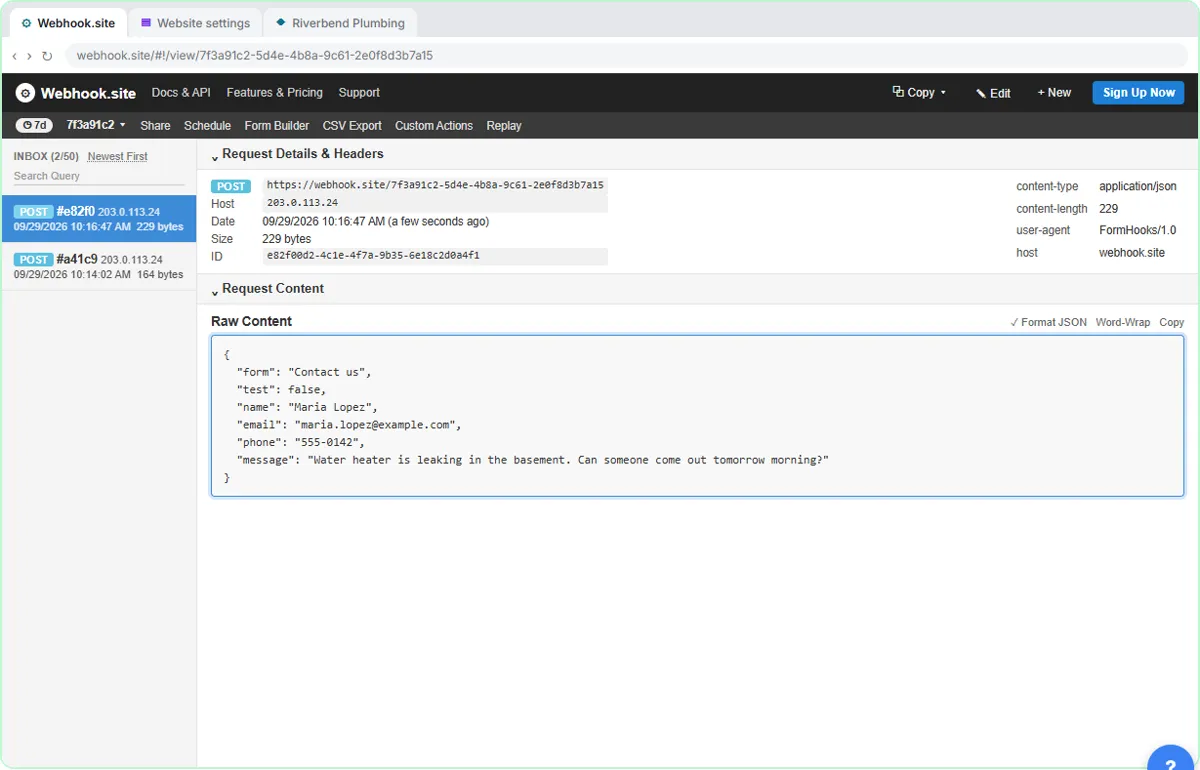 What Is a Webhook? Send a Test and Watch the Data Arrive
Point a plumber's website contact form at a free webhook tester, send a test and a real message, and watch the data arrive the moment it's sent.
Free · Live ~6 min Intermediate
◷Automation Basics: Triggers, Actions and Data MappingLearn the three ideas behind every n8n workflow, Make scenario and Zap: a trigger starts it, actions do the jobs, and data mapping carries the details. Fix the classic…
Free · Live ~6 min Beginner
◷When to Add AI to an Automation (n8n, Make or Zapier)Sort six office jobs into plain rules, AI steps and human decisions, then see the safe shape of an AI automation and how n8n, Make and Zapier each add the AI step.
Free · Live ~6 min Beginner
◷Your First AI Automation: Pick the Right Job and Test It Before It RunsMost first automations fail because people pick the wrong job or switch it on untested. Score four repeat jobs, pick the one to automate first, add one small AI step…
Free · Live ~7 min Beginner
◷n8n vs Make: Pick the Right Automation Tool for Your Team in 10 MinutesStop reading feature lists. Answer four questions about your team (who builds it, where it runs, how many steps and runs, how you test), see how n8n and Make each count…
Free · Live ~7 min Beginner
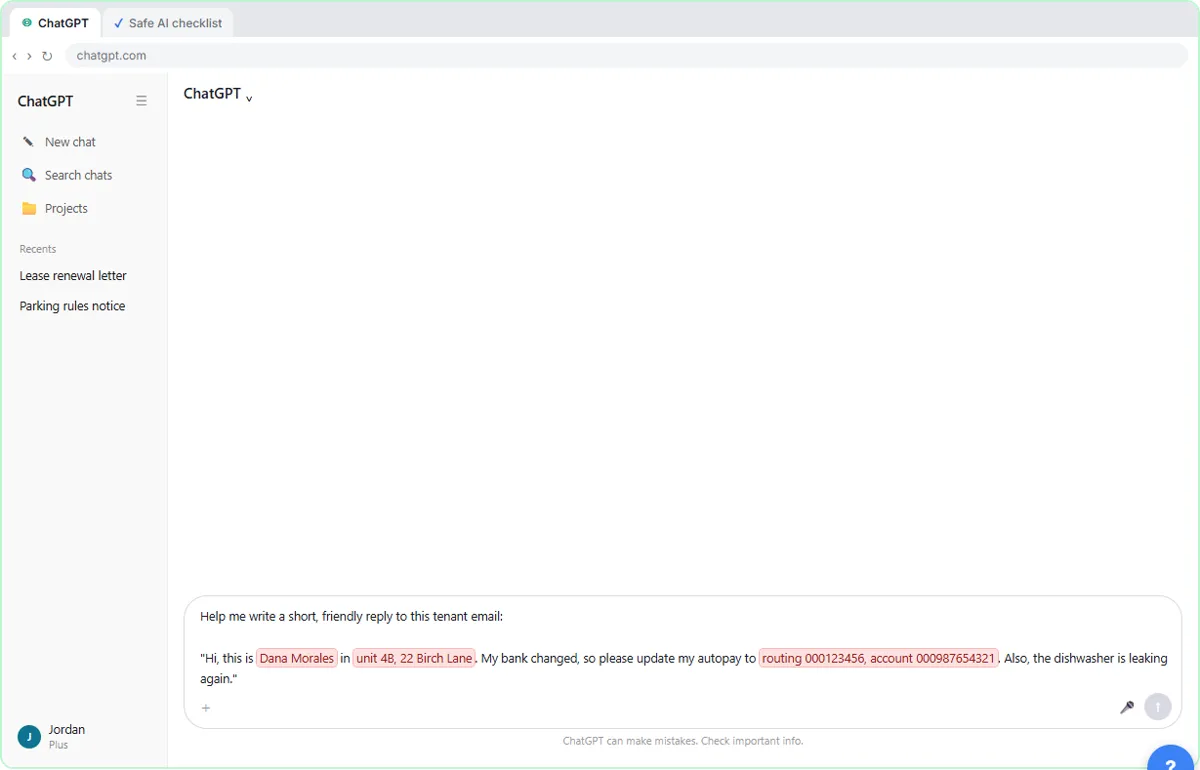 How to Make ChatGPT Private at Work: Training Off, Placeholders, Checks
Turn off model training, strip a tenant's bank details and address out of a prompt, then catch the two promises ChatGPT made up before the reply goes out.
Free · Live ~7 min Beginner
More Stepthrough tutorials
Follow one customer question through a support bot: files cut into chunks, a search by meaning, the AI told to answer only from what it found, and a safe fallback when…
Free · Live ~7 min Beginner
◷AI Support Bot Guardrails, Fallback Answers and Human HandoffWrite the rules for an insurance agency’s website bot, run five hard test chats (advice, a trick message, an upset customer) and design a handoff to a person that…
Free · Live ~7 min Beginner
◷How AI Reads a PDF: OCR, Document Parsing and Field ExtractionFollow two vendor invoices, one digital and one scanned, through OCR, parsing rules vs AI extraction, and the four checks that stop a misread total from reaching your…
Free · Live ~7 min Beginner
◷How AI Transcription Works: Speech-to-Text, Speaker Diarization and ThemesFollow one recorded client call from sound to transcript, catch the kind of error speech-to-text makes, name the speakers, and pull out action items and themes you can…
Free · Live ~6 min Beginner
◷Safe AI Agents: Least Privilege, Approvals and Audit TrailsSet up the safety around a firm's inbox agent: strip the access it doesn't need, send client emails to a person, write rules a prompt can't talk past, and read the log.
Free · Live ~8 min Beginner
◷APIs vs Scraping vs RSS: Pick the Right Way to Get Web DataCompare the four ways web data gets into an automation, read the five parts of an HTTP request, and pick the right source for news, CRM data and competitor prices.
Free · Live ~7 min Beginner
Terms in this lesson
Plain-English definitions, each with an example from a free lesson.