The best AI tools to extract data from invoices and PDFs in 2026
Quick answer
For a small office, the best AI document extraction tool is one a non-developer can set up and that sends clean rows where you need them. As of November 2026, Docparser reads invoices, purchase orders and statements with zonal OCR and exports to Excel, CSV or JSON (from $32.50 a month billed yearly); Parseur pulls fields from emails and attachments without templates and has a free plan for 20 pages a month; DigiParser captures scanned purchase orders for review and export; Nanonets adds agents with human approval steps for accounts payable; n8n lets you build your own extractor with an AI step and a person approving; and Google Cloud Document AI and Azure AI Document Intelligence are developer services priced per page for larger volumes.
Last updated · Last checked
Take the free module →Module 37 of the free AI Apps Worth Knowing course, about 10 minutes. No account needed.
This list is for AP clerks, bookkeepers, operations and admin teams who still type numbers out of PDFs. Features come from each vendor's own pages as of October 2026, and prices and free plans from each vendor's own pricing page, rechecked on 18 November 2026. There are no accuracy figures, because accuracy depends on your documents. We built the Docparser and DigiParser lessons on real screens in each app (October 2026); the other tools are compared from their vendors' own pages. Disclosure: Stepthrough has an affiliate relationship with n8n. There are no affiliate links on this page. Practise for free in Docparser: Pull Invoice Data from PDFs into a Spreadsheet.
How do they compare at a glance?
| Tool | Best for | Starting price | Free plan | Verdict | Practice it free |
|---|---|---|---|---|---|
| Docparser | Repeat layouts such as invoices and POs | $32.50/month (Starter, billed yearly); $39 billed monthly | No (14-day free trial) | Pick it when the same invoice and PO layouts arrive every week and you want control over each field. | Invoice data from PDFs |
| Parseur | Data that arrives by email | $39/month (Micro, $468 billed yearly); $49 billed monthly | Yes, limited (20 pages a month, 1 user) | Pick it when orders, leads or invoices land in an inbox and should go straight to a sheet. | Not yet |
| DigiParser | Scanned purchase orders and order desks | $49/month (Starter, 500 pages a month) | No (7-day free trial) | Pick it for an order desk that reviews scanned POs before they become sales orders. | Scanned POs to a sales order file |
| Nanonets | Accounts payable with approvals | Pay as you go after free credits ($0.02 to $0.30 per block run) | Yes, limited ($50 of credits, up to 3 users) | Pick it for AP teams that want approval steps and ERP connections. | Not yet |
| n8n | A custom extractor inside a bigger workflow | 20 euros/month (Starter, billed yearly) | No (free trial; free self-hosted Community Edition) | Pick it when extraction is one step in a longer job with approval and follow-up. | AI Receipt Extractor, Invoices from your inbox |
| Google Cloud Document AI | Developers on Google Cloud | $1.50 per 1,000 pages (Enterprise Document OCR); Form Parser $30 per 1,000 pages | Yes, limited (first 1,000 OCR pages free in its price table) | Pick it if your IT team already builds on Google Cloud. | Not yet |
| Azure AI Document Intelligence | Developers on Microsoft Azure | See vendor pricing | Yes, limited (500 pages a month on the free tier) | Pick it if your IT team already builds on Azure and wants prebuilt invoice and receipt models. | Not yet |
Make an AI tool? We build a free, hands-on lesson for it. Request one →
What is AI document data extraction?
It is software that reads a document, such as an invoice, receipt or purchase order, and pulls out the fields you care about: vendor, invoice number, date, line items and total. Older tools needed a template for every layout. Newer ones use AI to find the fields by name, so a new vendor's invoice does not break the setup. Parseur says its AI pulls out the fields you name without templates, and Docparser offers both zonal OCR, where you draw a box around the area to read, and DocparserAI, as of October 2026.
The data extraction and OCR entries explain the two pieces: OCR turns a scan into text, and extraction turns text into fields.
Which tool is easiest for a small office?
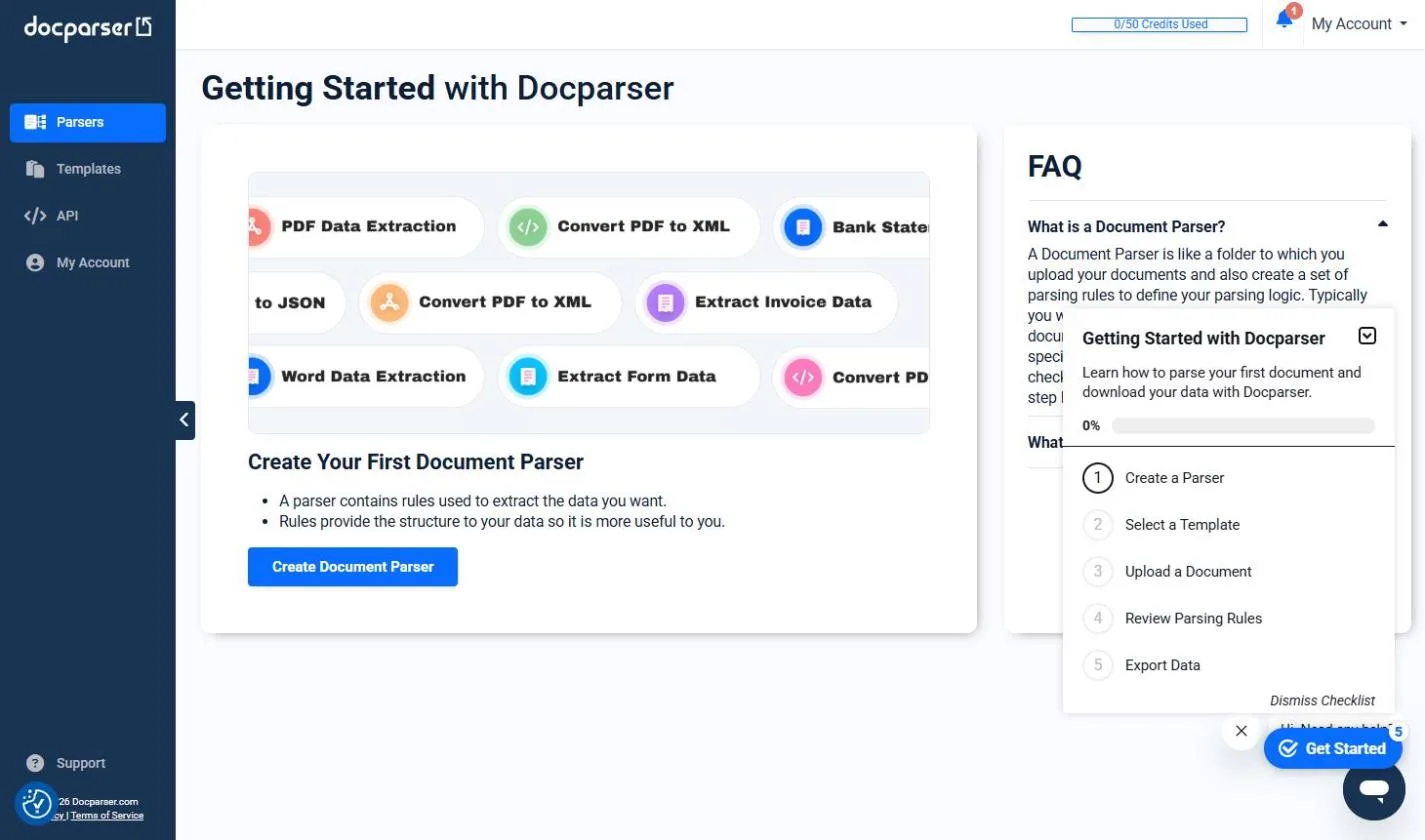
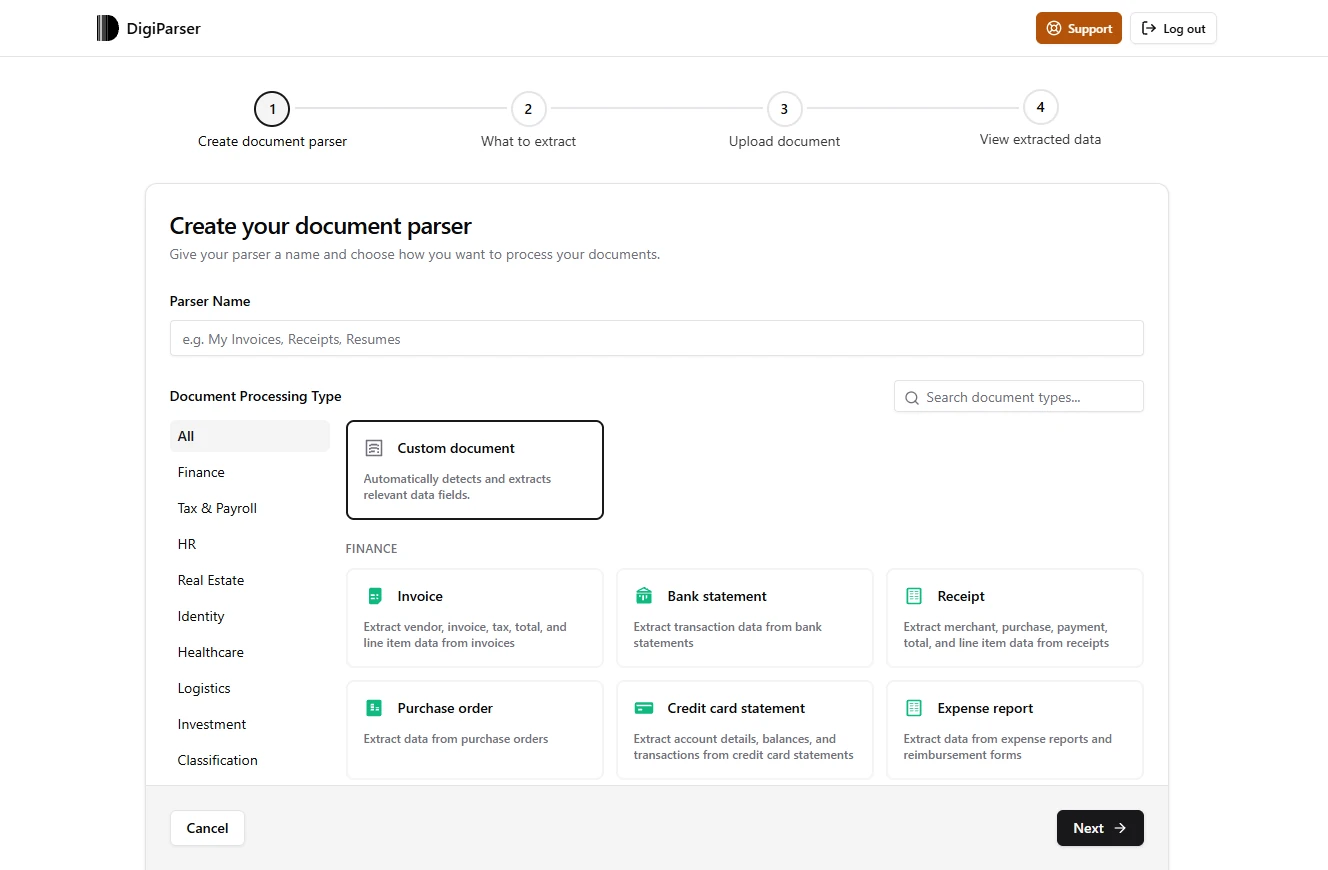
Docparser and Parseur are built for non-developers. Both take documents by upload or email and send results to a spreadsheet or another app. Pick Docparser when the same layouts repeat and you want tight control over each field; it also reads tables, checkboxes and barcodes. Pick Parseur when the data arrives in the body of emails as well as attachments. DigiParser suits an order desk: the free DigiParser lesson captures scanned customer POs, checks and corrects the values, and exports a sales order file. The free Docparser lesson shows the whole routine on a batch of invoices.
Google Cloud Document AI and Azure AI Document Intelligence are powerful, but they are developer services: you call them from code or an automation. They make sense when an IT team already works in that cloud.
How much does AI invoice extraction cost?
As of 18 November 2026, on each vendor's own pricing page: Docparser starts at $32.50 a month billed yearly ($39 monthly), where one credit is one document of up to 5 pages; Parseur has a free plan for 20 pages a month and paid plans from $49 a month (Micro, 100 pages), or $468 a year; DigiParser starts at $49 a month for 500 pages; Nanonets gives $50 of free credits and then charges per block run, from $0.02 to $0.30; and n8n Cloud starts at 20 euros a month billed yearly, or free if you self-host the Community Edition.
The cloud services charge per page. Google's price table lists Enterprise Document OCR at $1.50 per 1,000 pages after the first 1,000 and Form Parser at $30 per 1,000 pages. Microsoft lists a free tier of 500 pages a month for Azure AI Document Intelligence; its paid per-page rate did not load on its pricing page when we checked, so check it there.
Should a person still check extracted invoice data?
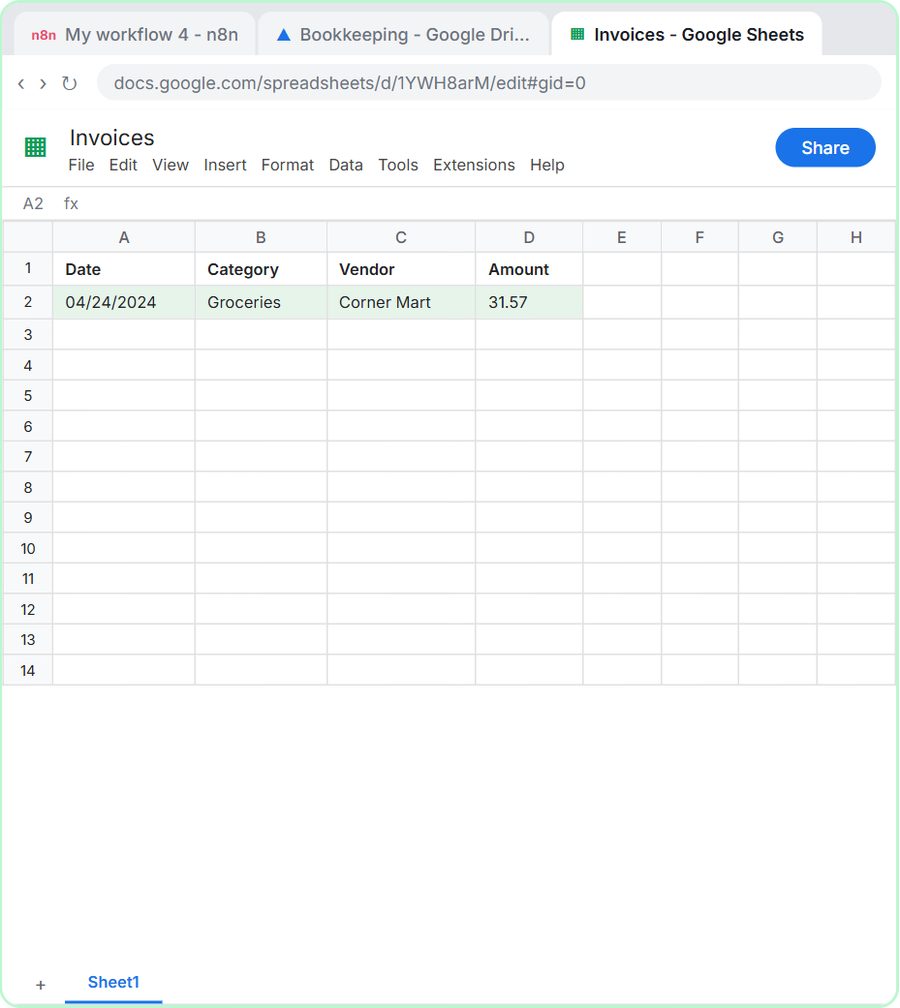
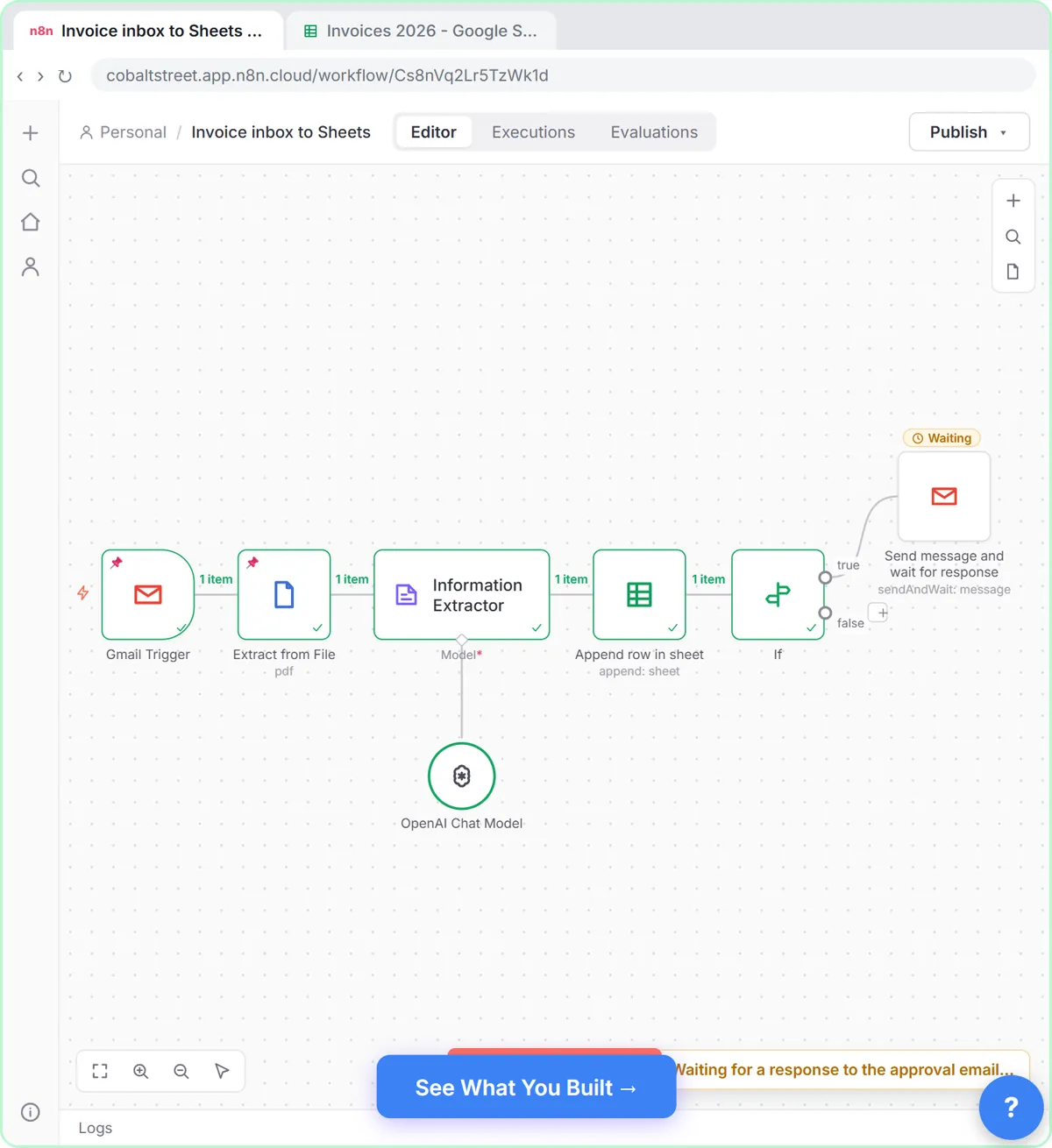
Yes, at least for anything that pays money. AI extraction removes the typing, not the checking. Nanonets lists human approval steps that send edge cases to Slack, Teams or email, as of October 2026. In the free Invoices from Your Inbox to Google Sheets, with Approval lesson, an n8n workflow logs each invoice and emails the owner an Approve button for anything over a set amount. The invoice approval and duplicate invoice entries cover the checks that catch costly mistakes.
When does building your own extractor make sense?
When extraction is one step in a longer job. n8n's Information Extractor node pulls structured data from text, and n8n hosts community templates that read invoice PDFs from email and write them to Google Sheets. Building it yourself lets you add the next steps, such as approval, a Slack message or an accounting entry, in one workflow. The free AI Receipt Extractor lesson builds one: drop in a receipt photo and an AI agent adds the date, vendor, amount and category to a sheet.
Who is each one for?
Docparser
For AP and admin teams with repeat layouts who want field-level control and exports to Excel, CSV, JSON or XML, or through Zapier, Workato and Power Automate. From $32.50 a month billed yearly, with a 14-day free trial, as of November 2026. Practise free in Docparser: Pull Invoice Data from PDFs into a Spreadsheet. Official site: docparser.com. Directory card: Docparser.
n8n with an AI step
For teams that want extraction, approval and follow-up in one workflow they control, self-hosted if needed. Practise free in AI Receipt Extractor and Invoices from Your Inbox to Google Sheets, with Approval. Official page: n8n Information Extractor. Directory card: n8n.
Parseur
For offices where orders, leads or invoices arrive by email, with AI fields, OCR including handwriting, and output to Google Sheets or a webhook. Free for 20 pages a month, as of November 2026. Official site: parseur.com. Directory card: Parseur.
DigiParser
For wholesale and distribution order desks that receive scanned customer purchase orders and need to review the values before export. From $49 a month for 500 pages, with a 7-day free trial, as of November 2026. Practise free in DigiParser: Turn Scanned Customer POs Into a Reviewed Sales Order File. Official site: digiparser.com.
Nanonets
For finance teams that want extraction plus multi-step AP workflows with human approval and connections to SAP, NetSuite, QuickBooks and Dynamics 365. Starts with $50 of free credits, then pay as you go. Official site: nanonets.com. Directory card: Nanonets.
Google Cloud Document AI
For developers on Google Cloud who need OCR, form parsing and custom extractors at scale, priced per 1,000 pages. Official site: Document AI.
Azure AI Document Intelligence
For developers on Microsoft Azure who want prebuilt invoice, receipt and bank statement models and a Studio to test them, with a free tier of 500 pages a month. Official docs: Document Intelligence overview.
Which of these tools have a free Stepthrough lesson?
- Docparser: free lesson: Docparser: Pull Invoice Data from PDFs into a Spreadsheet
- n8n with an AI step: free lesson: How to Do OCR in n8n: Read Receipt Photos into Google Sheets with AI
- Parseur: a free Stepthrough lesson is coming.
- DigiParser: free lesson: DigiParser: Turn Scanned Customer POs Into a Reviewed Sales Order File
- Nanonets: a free Stepthrough lesson is coming.
- Google Cloud Document AI: a free Stepthrough lesson is coming.
- Azure AI Document Intelligence: a free Stepthrough lesson is coming.
Practice it free, step by step
Docparser: Pull Invoice Data from PDFs into a Spreadsheet. A business case for bookkeepers and office managers who retype vendor invoices every week: have Docparser pull the vendor, invoice number, date and total out of each PDF, then download them all as… You do every step yourself in a practice copy of Docparser, it checks your work as you go, and “Do it for me” finishes any step you get stuck on. Free, and nothing touches your real accounts.
Start the free lessonKey takeaways
- Docparser, Parseur and DigiParser suit non-developers; Google Document AI and Azure Document Intelligence suit IT teams.
- As of November 2026, Parseur has a free plan (20 pages a month) and Docparser starts at $32.50 a month billed yearly.
- Keep a person approving anything that pays money; Nanonets and n8n both support approval steps.
- Build your own with n8n when extraction is one step in a longer workflow.
Frequently asked questions
What are the best AI document data extraction tools?
For a small office, Docparser, Parseur and DigiParser, because none needs code. Finance teams that want approvals and ERP connections can look at Nanonets, and IT teams can use Google Cloud Document AI or Azure AI Document Intelligence, as of November 2026. Try the routine in the free Docparser lesson.
What is the best AI tool to extract data from invoices and PDFs into a spreadsheet?
Docparser exports invoice fields to Excel or CSV, Parseur sends them to Google Sheets directly, and n8n writes rows itself, as in the free AI Receipt Extractor lesson. Check the totals on anything you will pay.
What are the best OCR and AI parsing tools for small business documents?
Parseur is the cheapest start, with a free plan for 20 pages a month as of November 2026. Docparser adds zonal OCR for fixed layouts and also reads tables, checkboxes and barcodes. Parseur lists OCR including handwriting; test it on your own samples before you rely on it.
Can ChatGPT extract data from a PDF?
For one file, yes: upload it and ask for the fields in a table. For a steady flow of invoices, a dedicated extractor or an automation saves the copy and paste and keeps a record.
Is there a free AI invoice extraction tool?
Parseur has a free plan for 20 pages a month, Nanonets gives $50 of free credits, Azure has a free tier of 500 pages a month, and n8n's Community Edition is free to self-host, as of November 2026. Docparser and DigiParser offer free trials instead.
Where do these prices and features come from?
Every price and feature on this page was checked against the vendor's own page, as of November 2026. No numbers here are estimates or third-party figures. The example businesses in the Stepthrough lessons are made up.
- Docparser
- Docparser pricing
- n8n: Information Extractor
- n8n template: invoice data extraction
- n8n pricing
- Parseur
- Parseur pricing
- DigiParser pricing
- Nanonets
- Nanonets pricing
- Google Cloud: Document AI overview
- Google Cloud: Document AI pricing
- Microsoft Learn: Document Intelligence overview
- Azure AI Document Intelligence pricing