Updated . Built from Xignifi’s official docs and help center. Screens may differ slightly in your account. How we check this lesson
Broker submissions pile up in shared inboxes while underwriters sort them by hand. Xignifi's Submissions Triage Agent reviews each one, flags missing information, ranks it by your rules and routes it to the right team. In this free starter lesson, based on Xignifi's public pages, the submissions manager at a made-up regional insurer sets the rules and checks a sample before trusting the queue. 7 steps, about seven minutes.
At a glance
| Question | Answer |
|---|---|
| What you build | Broker submissions pile up in a shared inbox while underwriters sort them by hand. Set routing rules for an AI triage agent, check how it ranks a sample, and keep complex risks with a person. |
| Tools | Xignifi |
| Time | About 7 minutes, 7 steps in 2 parts |
| Level | Beginner, no coding needed |
| Cost | Free |
| Ways to learn it | Practice it step by step |
The 2 parts, in short
- Set the rules: Choose how to route, Write a priority rule, Keep complex risks with a person, Save the rule.
- Check the queue: Open Submissions, Open a submission, Confirm the route.
Next: browse every free AI for Operations tutorial.
The business case: underwriters sorting instead of deciding
Picture Priya, submissions manager at Harborline Mutual, a made-up regional insurer for small businesses. Submissions arrive from many brokers and channels, and high-value risks wait in the queue behind low-priority ones.
Ranking and routing submissions by agreed rules lets underwriters start with complete, prioritized work, without adding headcount.
Who this is for, and what you need
Submissions, underwriting operations and insurance operations managers. Xignifi is an enterprise platform sold through a demo, so you need a deployment for your team.
What Xignifi's pages say about cost and limits
Xignifi does not publish prices; it is sold through a demo, with no setup fees and SOC 2 Type II (as of November 2026). Routing can be configured by product line, geography, broker or risk type, and the agent integrates with policy administration, CRM and underwriting platforms.
The agent does not replace underwriters: it automates triage and routing so they can focus on decisions.
What this saves you
- Submissions ranked and routed by your rules instead of sorted by hand.
- Missing information flagged before an underwriter opens the file.
- What it does not do: it does not make underwriting decisions. Spot-check its summaries and review flagged risks.
How this lesson was built
This is a starter lesson based on Xignifi's public home page and Submissions Triage Agent page, read on 24 November 2026. The practice screen is a plain frame, not a copy of Xignifi's own screens, and the lesson was not run in the live app.
Links
- Xignifi: the agent platform, deployment and security.
- Xignifi: Submissions Triage Agent: what the agent does, the five stages and the FAQ.
Try it yourself, free
Reading the steps is a start. Doing them is how it sticks. The interactive module walks you through every click in a practice copy of Xignifi, checks each step, and never touches your real accounts.
Start “Xignifi: Triage Insurance Submissions with an AI Agent”Step by step: Xignifi: Triage Insurance Submissions with an AI Agent
All 7 steps of the interactive module, in order. In the module you watch each one, then do it yourself in a practice copy that checks your work.
1. Set the rules
- Choose how to route. You are Priya, submissions manager at Harborline Mutual, a made-up regional insurer. Xignifi's page says routing can be configured by product line, geography, broker or risk type. Choose Product line.
You are Priya at Harborline Mutual. Route submissions by product line.
- Write a priority rule. The agent ranks submissions with configurable business rules. Write the rule your underwriters already use in their heads.
Write the priority rule your underwriters already use.
- Keep complex risks with a person. Turn on Flag complex risks for specialist review. The page says the agent highlights submissions that need specialized attention and does not replace underwriters.
Keep complex risks with a specialist underwriter.
- Save the rule. Click Save rule.
Save the rule.
2. Check the queue
- Open Submissions. Click Submissions in the menu to see incoming work after the agent has enriched and ranked it.
- Open a submission. Click Open Kestrel Freight. The page describes five stages: receive, enrich, prioritize, route and assign. Check that the agent's summary matches the broker's documents.
- Confirm the route. Happy with the summary and the route? Click Confirm route and assign. Xignifi says the agent integrates with policy administration, CRM and underwriting systems. Prices are not published; it is sold through a demo (as of November 2026). This lesson was built from Xignifi's public pages, not run in the live app.
Confirm the route and assign it to the team.
Frequently asked questions
- What is Xignifi?
- An enterprise agentic AI platform from Nuvento that combines document intelligence, decisioning and workflow orchestration, with ready-made agents for insurance and operations.
- What does the Submissions Triage Agent do?
- It receives broker submissions, enriches them, ranks them by your rules, routes them to the right team and assigns them to an underwriter.
- Can routing rules be customized?
- Yes. Xignifi says routing can be configured by product line, geography, broker, risk type or other business requirements.
- How much does Xignifi cost?
- Prices are not published. It is sold through a demo, with no setup fees, as of November 2026.
- Was this lesson tested in the live Xignifi app?
- No. It is a free starter lesson built from Xignifi's public pages. The practice frame is generic; check each step with your own deployment.
More in AI Automation for Operations
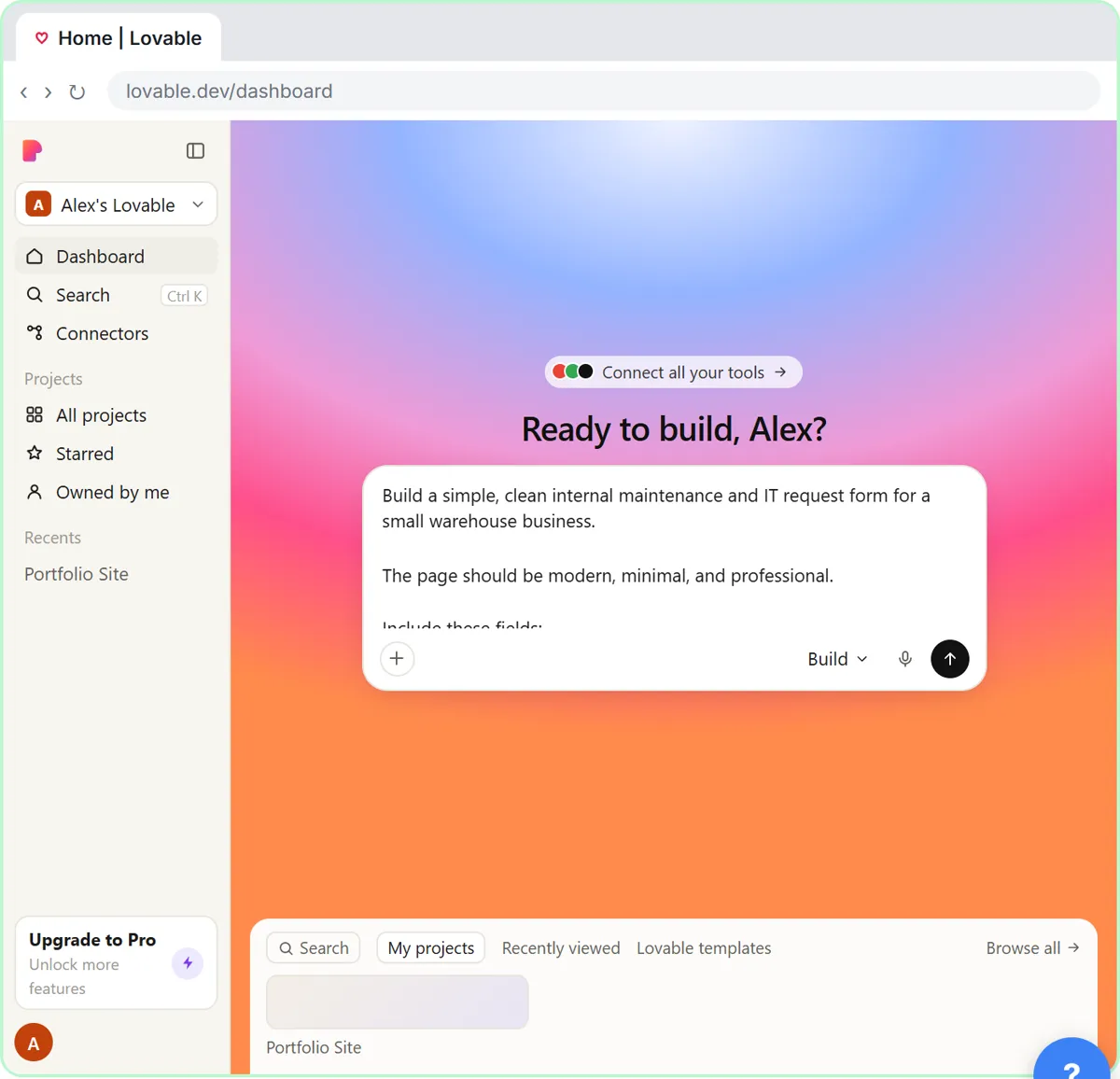 Build an AI Maintenance and IT Request Form
Build an internal maintenance and IT request form in Lovable for Ridgeline Supply Co. and connect it to n8n — the AI agent sets the priority, assigns a team, saves the…
Free · Live ~15 min Advanced
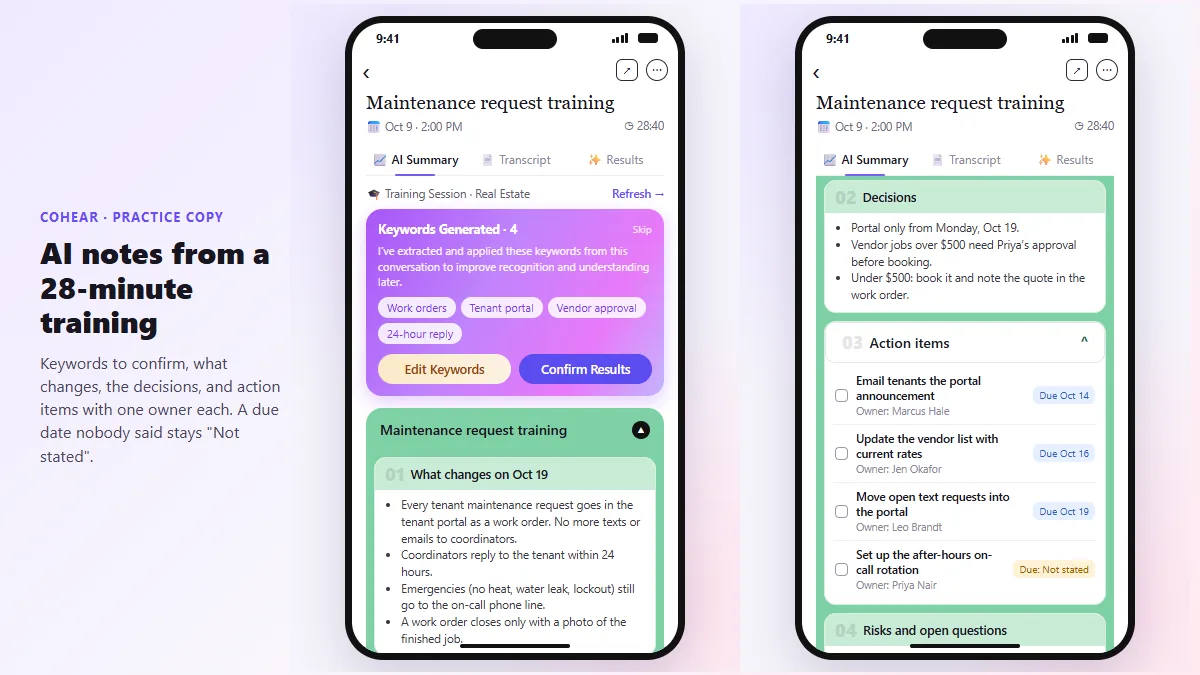 CoHear: AI Meeting Notes from a Team Training Session
Record a team training session on your iPhone with CoHear, check the AI notes and action items against the transcript, make a one-page handout and share it behind a…
Free · Live ~8 min Intermediate
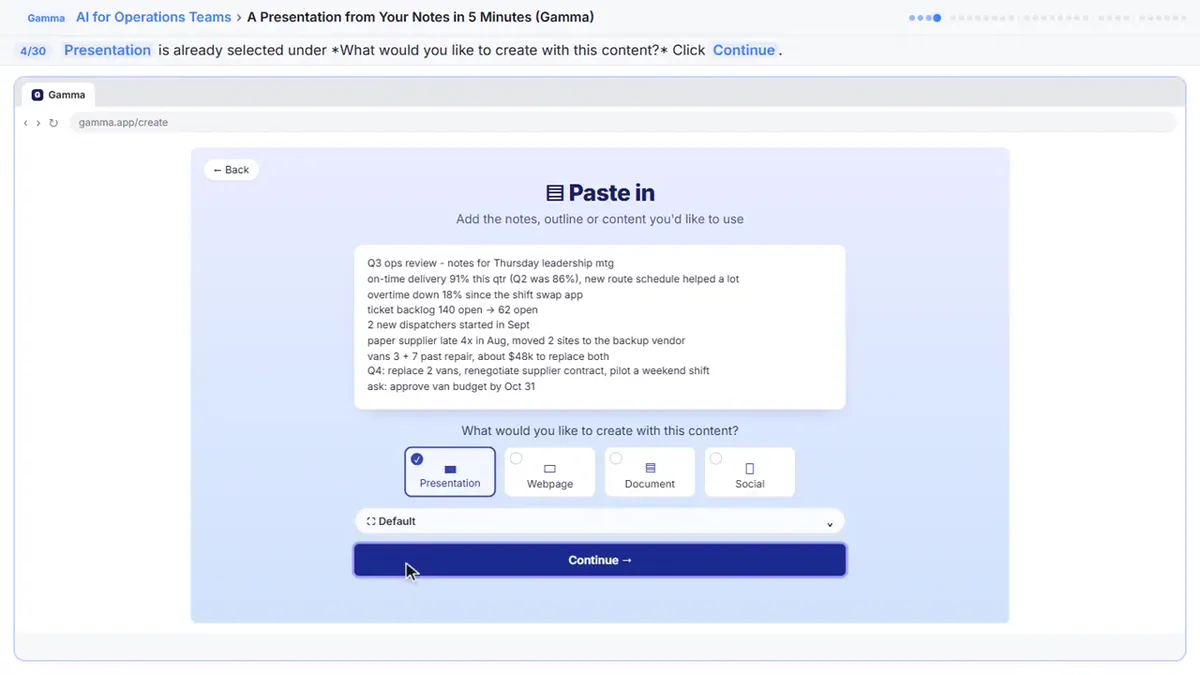 How to Use Gamma to Create a PowerPoint Presentation from Notes
Paste rough meeting notes into Gamma, pick a theme, fix one slide by chatting with its AI, and export the deck to PowerPoint and PDF.
Free · Live ~9 min Intermediate
◷Airia for Beginners: What an AI Agent Is Made OfA five-minute map of Airia before you build: the four parts of an agent (model and instructions, data sources, Playground, Publish), three office jobs that suit one…
Free · Live ~5 min Beginner
◷How to Use Foxit: Workspace, AI Assistant and PDF Editor for BeginnersA five-minute map of Foxit before you use it: Foxit Workspace, the PDF AI Assistant and PDF Editor, which one fits a contract review, a revised contract, a flat form or…
Free · Live ~5 min Beginner
◷AI Contract Review in 10 Minutes using Foxit AISkimmed contracts hide auto-renewals, late fees and liability caps. Upload one to Foxit Workspace, get a plain-English summary and every renewal and exit date, check…
Free · Live ~10 min Beginner
All 39 modules in AI Automation for Operations
Terms in this lesson
Plain-English definitions, each with an example from a free lesson.