Updated . Built from Voicy’s official docs and help center. Screens may differ slightly in your account. How we check this lesson
Sales call notes get typed late, short or never, and HubSpot has no voice typing button of its own. Voicy is an AI dictation app that types into any app or website. In this free starter lesson, built from Voicy's public pages, a sales rep at a made-up office furniture dealer speaks the call summary straight into the HubSpot deal note, checks it, saves it, and dictates the follow-up email in Gmail. 7 steps, about six minutes, no account needed to practice.
At a glance
| Question | Answer |
|---|---|
| What you build | Call notes get typed late, short or never. Use Voicy to speak the summary straight into the HubSpot note while the call is fresh, check the names, numbers and dates, and dictate the follow-up email too, all from Voicy's own guide. |
| Tools | Voicy |
| Time | About 6 minutes, 7 steps in 2 parts |
| Level | Beginner, no coding needed |
| Cost | Free |
| Ways to learn it | Practice it step by step |
The 2 parts, in short
- Log the call: Create a note on the deal, Dictate the summary, Check names, numbers and dates, Save the note.
- Send the follow-up: Open Gmail, Dictate the email, Read it once and send.
Next: browse every free AI for Sales tutorial.
The business case
Picture Marcus, a sales rep at Summit Office Interiors, a made-up office furniture dealer. His discovery call with a law firm just ended and he has three more today. If he waits until evening, the note will miss the lead time concern and the follow-up date.
With Voicy he clicks into the HubSpot note, presses a shortcut and speaks the summary in thirty seconds, punctuation included, then does the same for the follow-up email.
Who this is for, and what you need
Sales reps, account managers and anyone who logs call notes in a CRM. The practice runs in your browser with no account. To do it for real you need Voicy (free trial with 30 minutes of recording, no card) and the CRM you already use.
What the pages say about cost and control
The free trial gives 30 minutes of recording with no card. Pro is $82 a year, Lifetime is $260 once, and Teams start at $6.79 per user a month for 3 or more users. Voicy's pages say transcripts are stored only on your device, recordings are not stored or used to train AI, and offline mode on Mac, Windows and Linux keeps audio on your computer.
What this saves you
- Typing call notes from memory at the end of the day.
- Notes without a next step, owner and date.
- What it does not do: it does not check facts. Read names, numbers and dates before you save.
How this lesson was built
This is a starter lesson based on Voicy's public pages (the home page, the HubSpot notes guide and Pricing), read on 20 November 2026. The practice screen is a plain frame; it is not a copy of Voicy's or HubSpot's screens, and the lesson was not run in the live app. Names and deal details are practice values.
Links
- Voicy: the dictation app for Mac, Windows, Linux, iPhone, Android and Chrome.
- Write HubSpot notes with voice to text: Voicy's own step-by-step guide this lesson follows.
- Voicy pricing: free trial, Pro, Lifetime and Teams plans.
- Voicy in the AI tools directory: our directory listing.
Try it yourself, free
Reading the steps is a start. Doing them is how it sticks. The interactive module walks you through every click in a practice copy of Voicy, checks each step, and never touches your real accounts.
Start “Voicy: Dictate a HubSpot Call Note Right After the Call”Step by step: Voicy: Dictate a HubSpot Call Note Right After the Call
All 7 steps of the interactive module, in order. In the module you watch each one, then do it yourself in a practice copy that checks your work.
1. Log the call
- Create a note on the deal. You are Marcus, a sales rep at Summit Office Interiors, a made-up office furniture dealer. Your call with Harlow & Pine LLP just ended. Voicy's guide says to open the record the note belongs to, here the deal, and click Create note.
- Dictate the summary. Click inside the note body, press your Voicy shortcut and speak it the way you'd explain it to a teammate: what they asked for, the concern, the next step and who owns it. Voicy adds the punctuation.
Spoke with Dana Okafor at Harlow & Pine about their office move in March. They need 42 workstations and 3 meeting rooms. Main concern is lead time; their lease starts March 2. I will send two layout options and a delivery schedule by Friday, November 27, and follow up on Tuesday, December 1.
- Check names, numbers and dates. Voicy's guide says to do a quick final check of exact names, numbers and dates before saving. Dana Okafor, 42 workstations, March 2, November 27: all right. Turn on the check.
Check the names, numbers and dates before you save.
- Save the note. Click Save note. The note has a next step, an owner and a date, which is what the guide says a useful CRM note needs.
Save the note with its next step, owner and date.
2. Send the follow-up
- Open Gmail. Click Open Gmail to send the follow-up. Voicy works in any app or website, so the same shortcut works here.
- Dictate the email. Click into the message and speak the follow-up.
Dictate the follow-up email.
Hi Dana, thanks for the time today. As promised, I will send two layout options for the 42 workstations and a delivery plan that works back from your March 2 lease start by Friday, November 27. Best, Marcus
- Read it once and send. Read it once, then click Send. This lesson was built from Voicy's public pages, not run in the live app: start at usevoicy.com.
Read it once and send it.
Frequently asked questions
- What is Voicy?
- An AI dictation app that types into any app or website on Mac, Windows, Linux, iPhone, Android and Chrome, with automatic punctuation in 50+ languages.
- Does HubSpot have voice typing for notes?
- Not its own button. Voicy's guide lists Voicy, your computer's built-in dictation, or your phone keyboard's microphone.
- Is Voicy free?
- There is a free trial with 30 minutes of recording and no card. Pro is $82 a year and Lifetime is $260 once.
- Does Voicy keep my recordings?
- Voicy's pages say it does not store recordings or transcripts on its servers; transcripts stay on your device, and offline mode keeps audio on your computer.
- Was this lesson tested in the live app?
- No. It is a free starter lesson built from Voicy's public pages. The practice frame is generic; check the labels on your own screen.
More in AI Automation for Sales
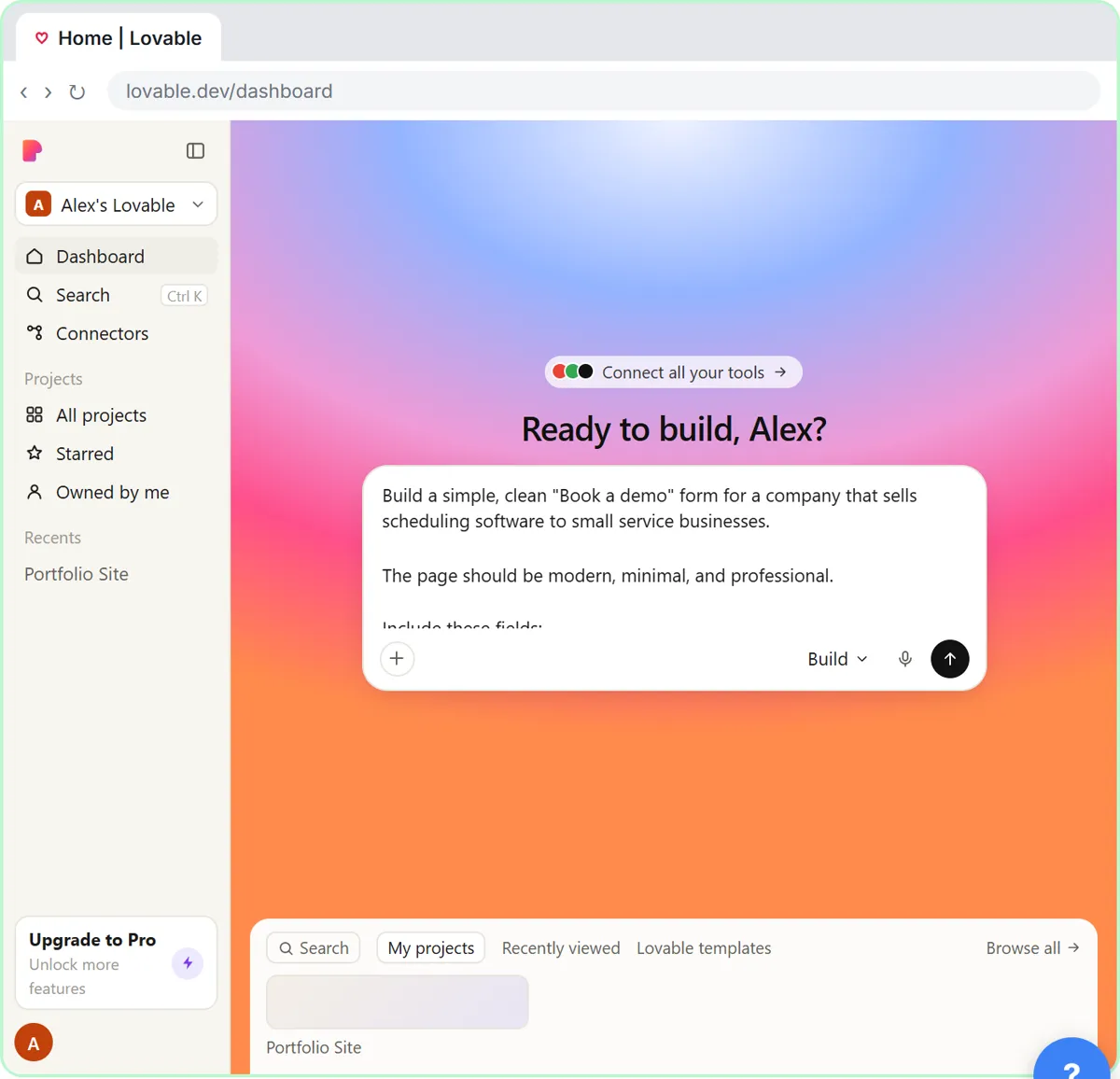 Build an AI Demo Request Form That Qualifies Leads
Build a "Book a demo" form in Lovable for Northwind Scheduling Software and connect it to n8n — the AI agent rates each lead hot, warm or nurture, saves it to Google…
Free · Live ~15 min Advanced
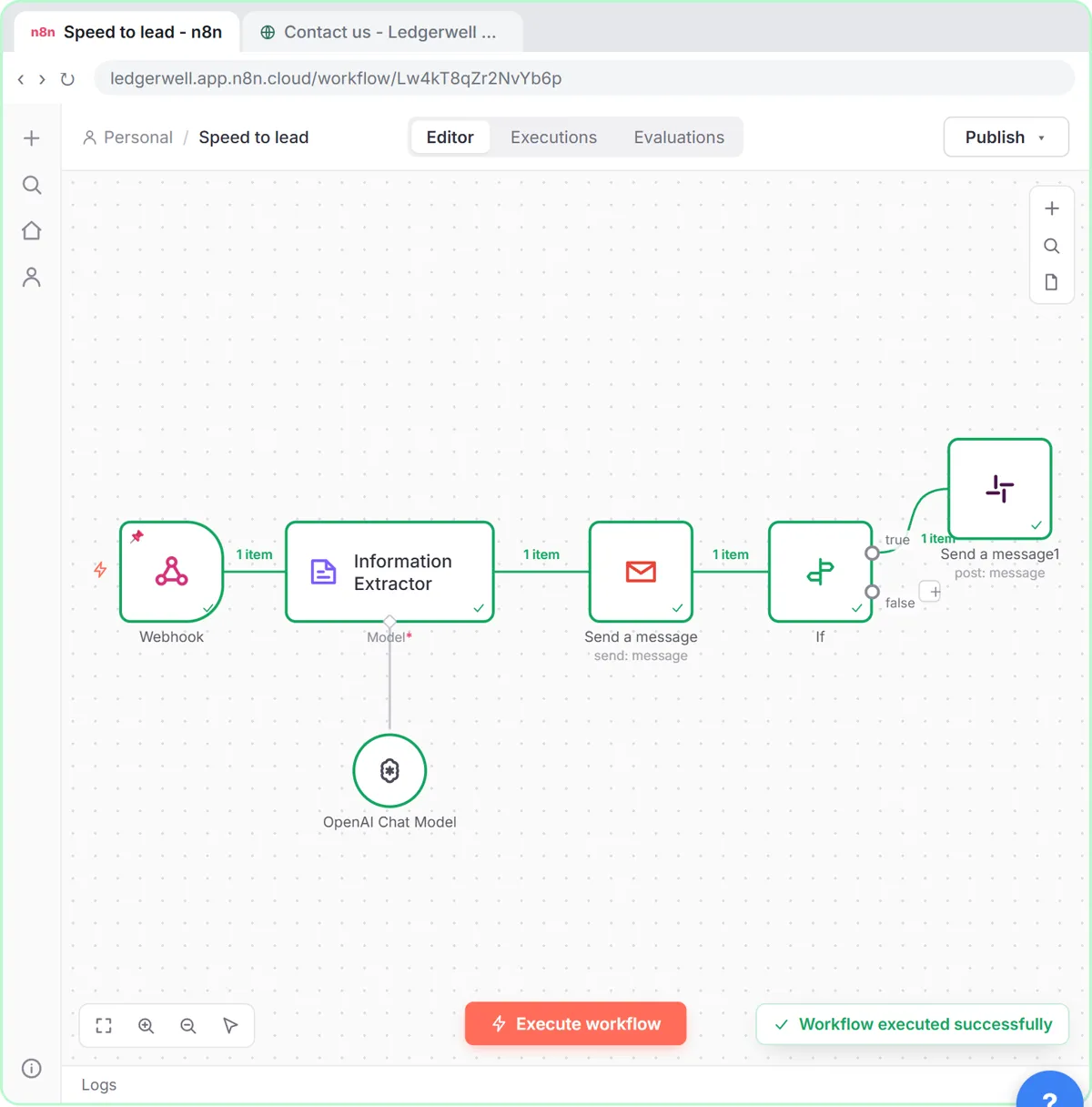 How to Connect n8n to Slack and Gmail to Answer Every Web Lead in 60 Seconds
Build an n8n workflow that scores every website lead with AI, emails a personal first reply within seconds, and pings Slack only when a lead is hot.
Free · Live ~15 min Advanced
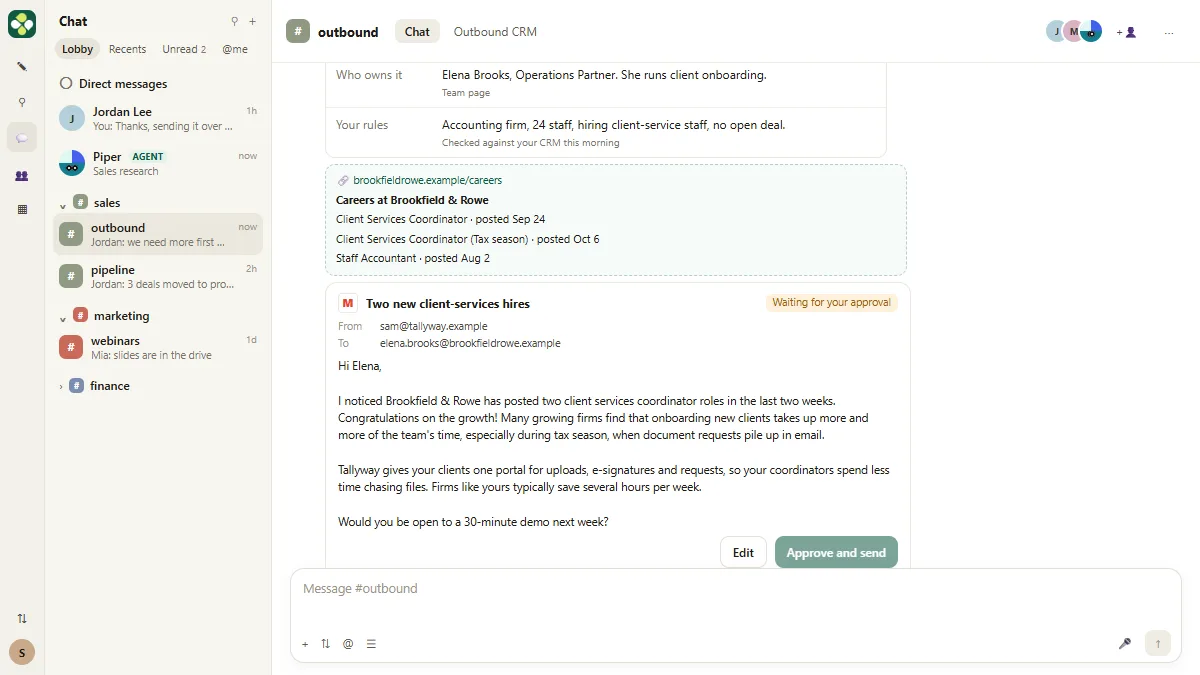 Kylon AI: How to Set Up a Sales Agent That Finds the Reason to Reach Out
Add a sales agent to your Kylon workspace, teach it what a good account looks like, check its sourced reason for one firm, approve a short first email, then make it a…
Free · Live ~8 min Intermediate
◷Pancake: Get Qualified Sales Conversations from Claude Without Hiring a BDRPrice a sales hire against $99 a month, connect Pancake to Claude, describe your ideal client, approve the leads and the messages, then read the replies and learn the…
Free · Live ~16 min Intermediate
◷Never Lose a Client Follow-up using Capsule CRMA business case for a small firm: price what dropped follow-ups cost, then use Capsule CRM to give every enquiry an owner and a next step: add a client, check the…
Free · Live ~18 min Beginner
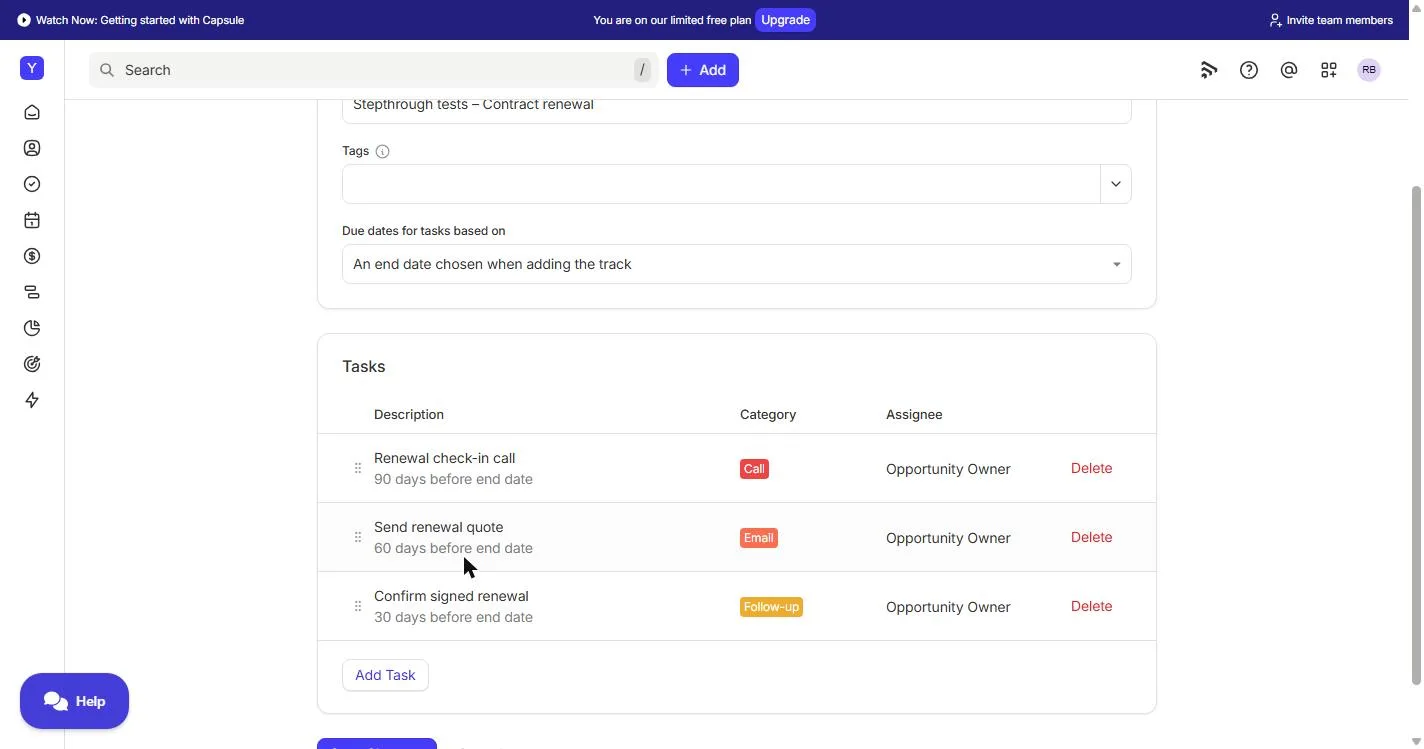 Capsule CRM: Never Miss a Contract Renewal
A business case for a managed IT or services firm: price what a missed renewal costs, then build a Capsule CRM track that sets a call 90 days before each contract ends…
Free · Live ~20 min Beginner
All 20 modules in AI Automation for Sales
Terms in this lesson
Plain-English definitions, each with an example from a free lesson.