Updated . Built against the tool’s current screens and checked step by step. How we check this lesson
Unpaid invoices are cash your business has already earned and can't use. Chasing them is awkward, so it slips, and a 30-day invoice becomes a 90-day one that may never be paid. In this free, interactive lesson you upload an accounts receivable aging report to ChatGPT and have it build this week's chase list: the oldest and biggest invoices first, the disputed one held back. You check its numbers against the file, then have it draft a reminder in the right tone for each client: friendly, firm or final. You send the emails yourself, and you make the calls.
At a glance
| Question | Answer |
|---|---|
| What you build | Upload your aging report, have ChatGPT build this week’s chase list (oldest and biggest first, disputes held back), check it against the file, then draft a friendly, firm or final reminder for each client. |
| Tools | ChatGPT |
| Time | About 12 minutes, 18 steps in 5 parts |
| Level | Beginner, no coding needed |
| Cost | Free |
| Ways to learn it | Practice it step by step, read the guide with screenshots |
The 5 parts, in short
- Upload the aging report: Open the plus menu, Add photos & files, Pick the aging report, Open it.
- Build the chase list: Click the message box, Ask for this week’s chase list, Send it, Read the chase list, and 1 more step.
- Check its answer: Check a row in the file, Check the totals.
- Draft the reminders: Click the message box, Ask for three reminders, Send it, Compare the tones.
- Check before you send: Check the facts in the Ridgeline email, Copy the email, Read the dispute note.
Start here first: Turn a Client Meeting into Action Items and a Follow-Up Email (Accounting Firms) (module 1 of AI Automation for Accounting & Bookkeeping Firms)
Part of: AI for Accounting & Bookkeeping Firms (step 9 of 42). Next up: A Claude Project for Your Accounting Firm: Fee Schedule, Engagement Terms and Tone
Part of: AI for Finance Teams (step 4 of 24). Next up: Analyze a Spreadsheet with ChatGPT: Upload a CSV, Get a Chart and Three Takeaways
Part of: AI Back Office for Small Business (step 9 of 22). Next up: Month-End Bank Reconciliation with ChatGPT: 20 Minutes, Not 3 Hours
Collect Overdue Invoices Faster using ChatGPT: step-by-step guide with screenshots
About the screenshots. They come from Stepthrough’s simulated practice environment (a practice copy of ChatGPT), not the live tool, so no real account appears. The buttons and labels match the real screens the lesson was built against. Practice it yourself free at ynteractive.com.
- Tools: ChatGPT
- Time: about 12 minutes, 18 steps in 5 parts
- Level: beginner, no coding needed
Part 1: Upload the aging report
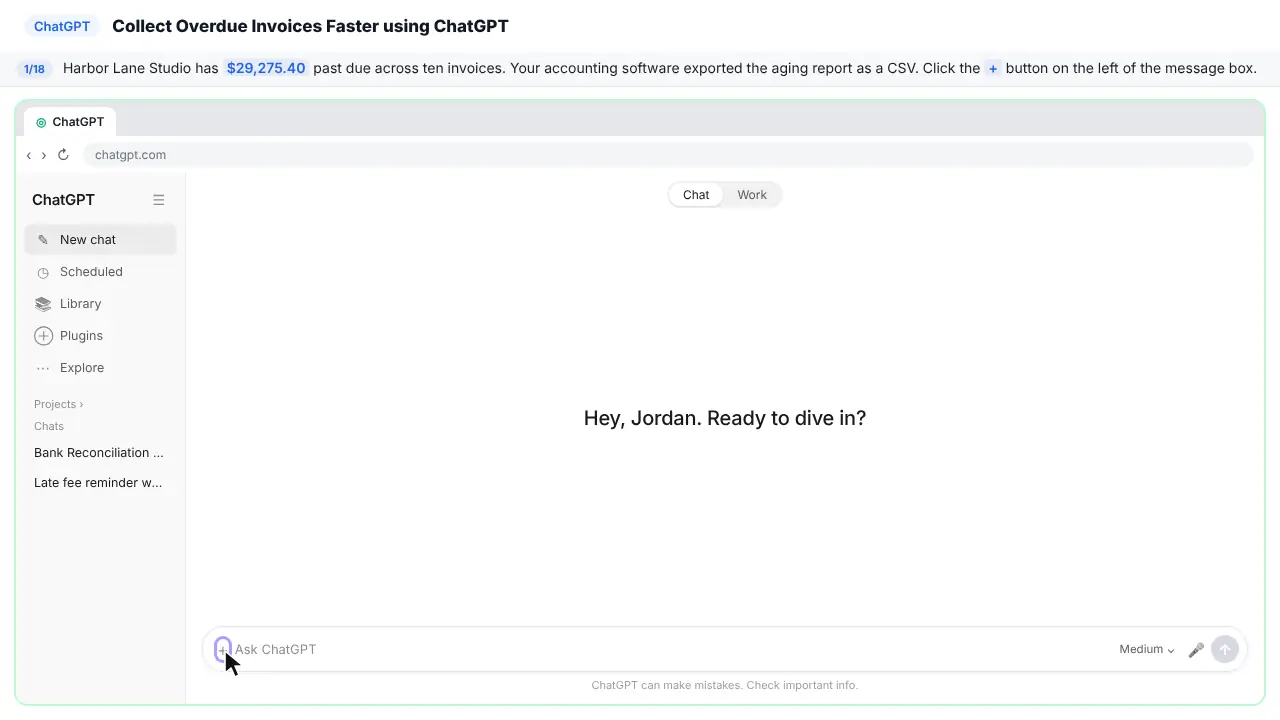
Step 1: Open the plus menu
Harbor Lane Studio is owed twenty-nine thousand dollars in overdue invoices. Nobody has had time to chase them. Let's fix that in twenty minutes.
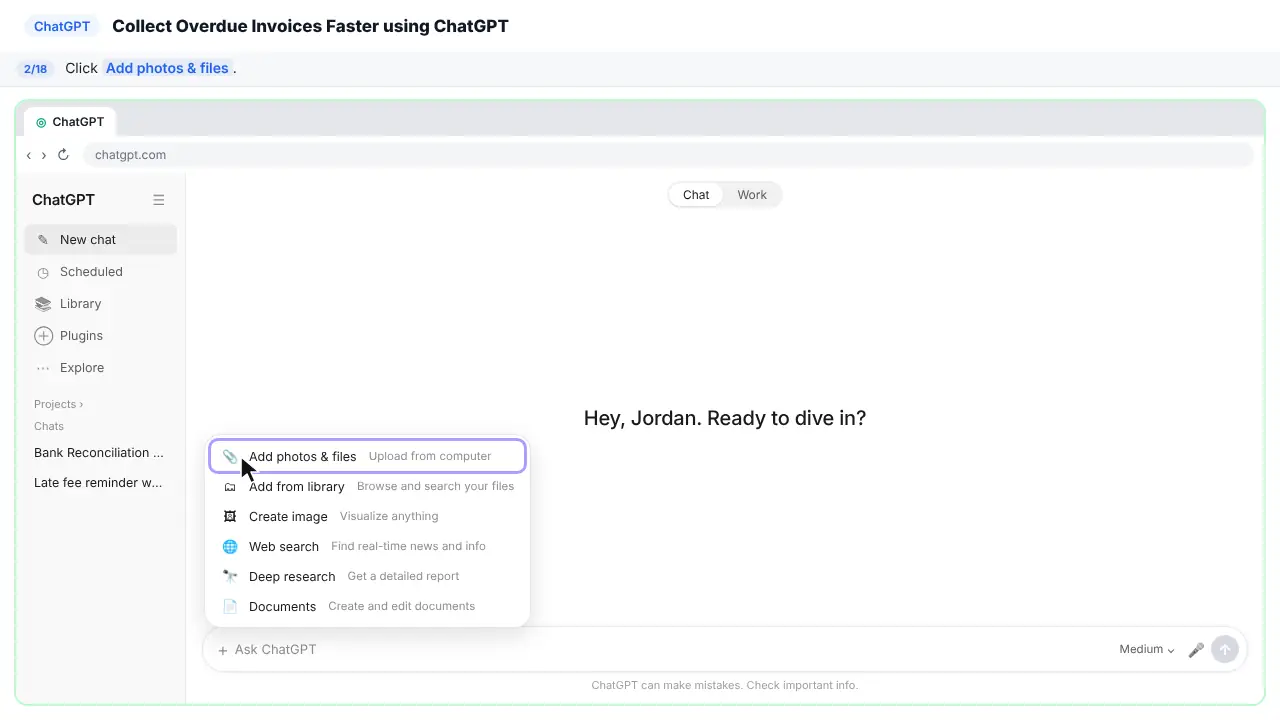
Step 2: Add photos & files
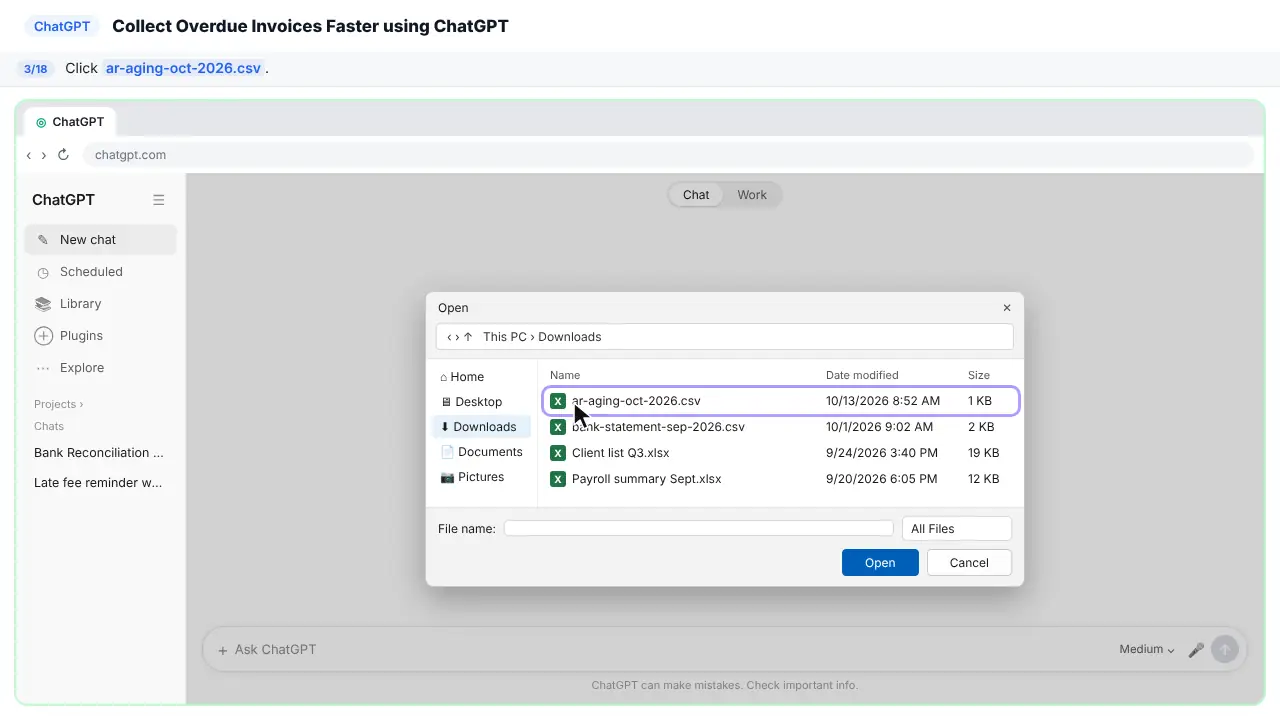
Step 3: Pick the aging report
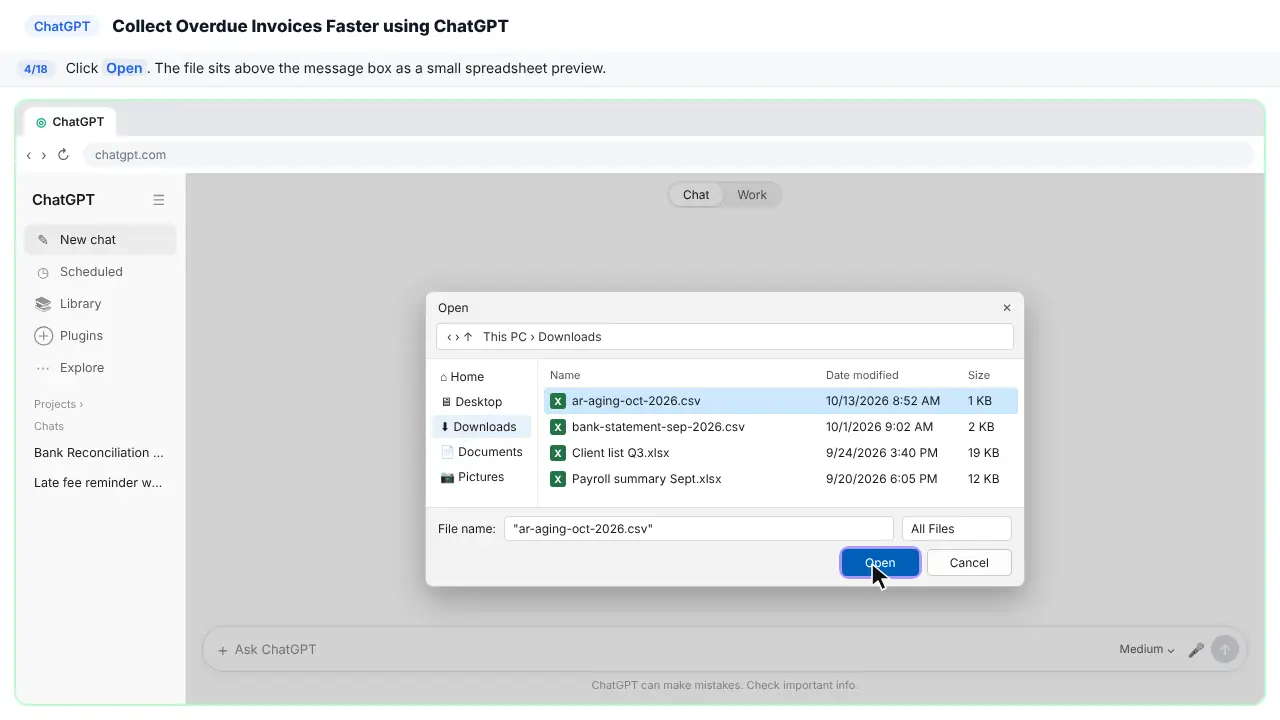
Step 4: Open it
The report now sits above the message box.
Part 2: Build the chase list
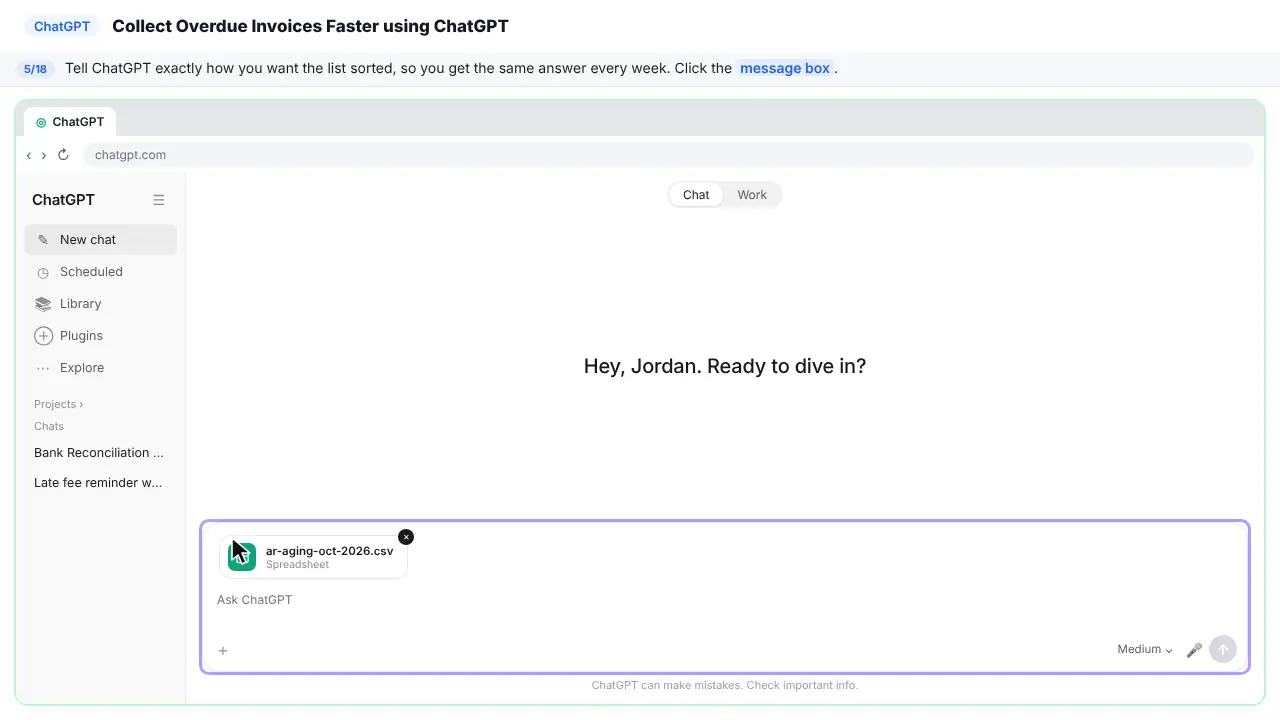
Step 5: Click the message box
Don't just say, who owes me money. Tell ChatGPT how to sort the list, so you get the same answer every week.
Step 6: Ask for this week’s chase list
This request skips invoices that aren't due yet. It holds back anything marked disputed. It sorts oldest first, then biggest first. And it picks a tone for each reminder.
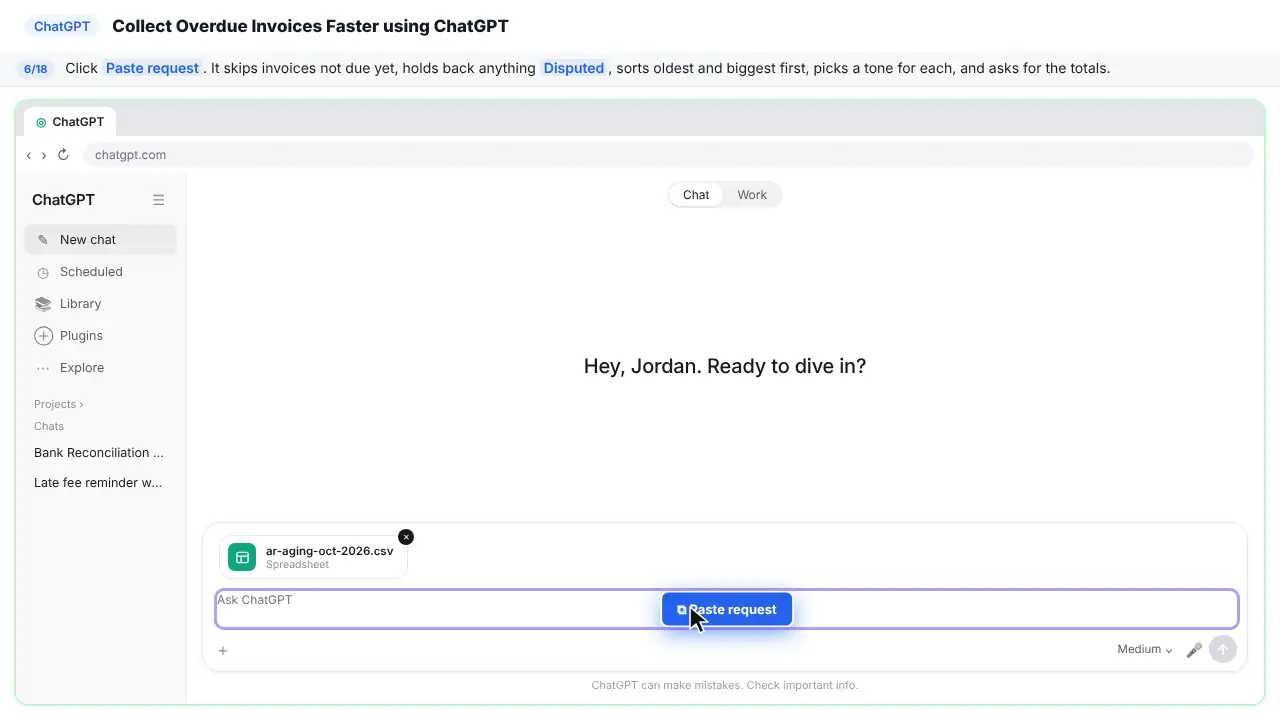
This is the accounts receivable aging report for Harbor Lane Studio as of October 13, 2026. Build my chase list for this week. Leave out invoices that are not past due yet. Put any invoice marked Disputed in a separate list, not on the chase list. Sort the chase list oldest bucket first (90+ days, 61-90, 31-60, 1-30) and, inside each bucket, largest amount first. Show one table with: bucket, customer, invoice #, amount, days past due, and reminder tone (friendly for 1-30, firm for 31-90, final notice for 90+). Under the table, give the total past due for each bucket and the overall total past due. Use only what is in the file. Do not guess.
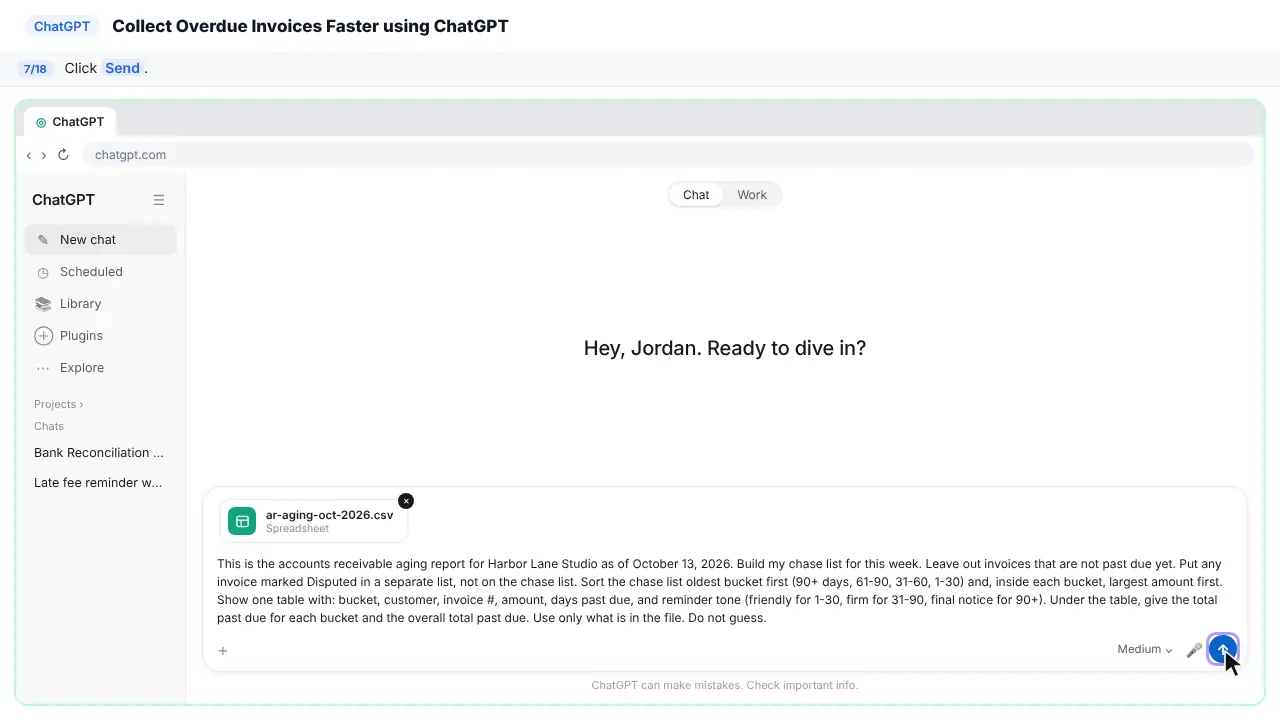
Step 7: Send it
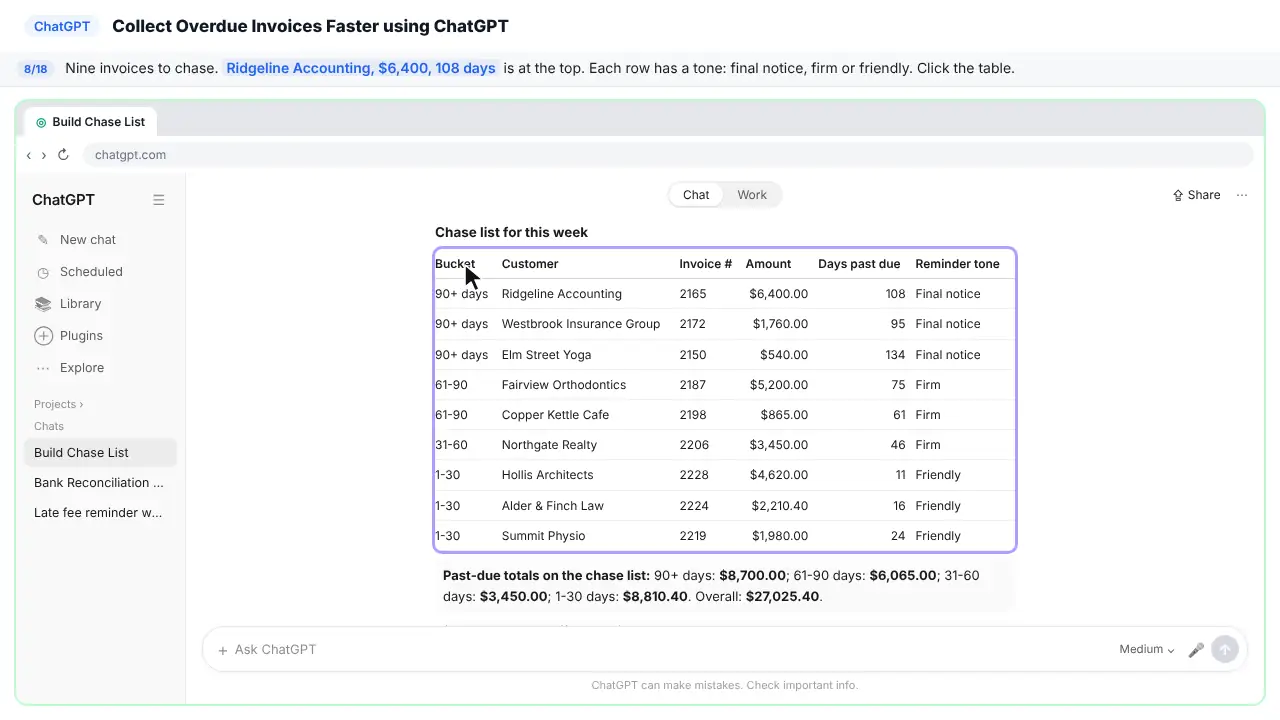
Step 8: Read the chase list
Nine invoices to chase. The biggest old one is at the top: Ridgeline Accounting, sixty-four hundred dollars, a hundred and eight days late. Each one has a tone.
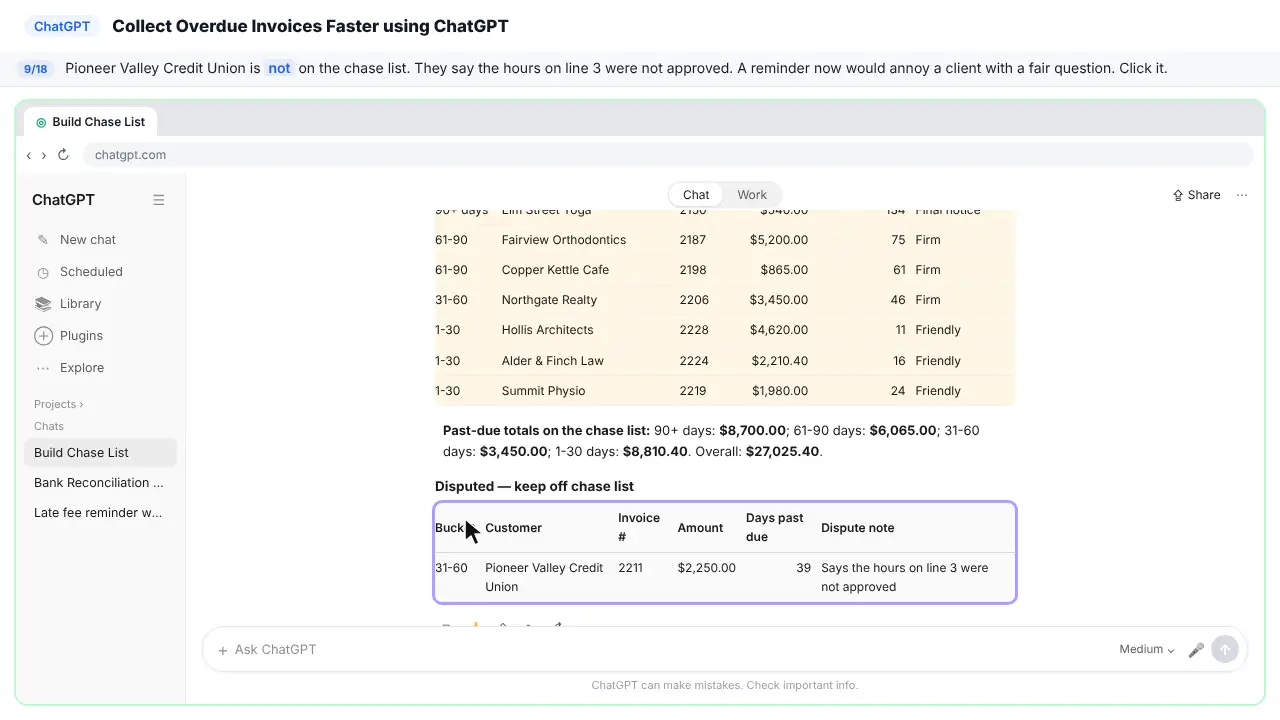
Step 9: See the disputed invoice
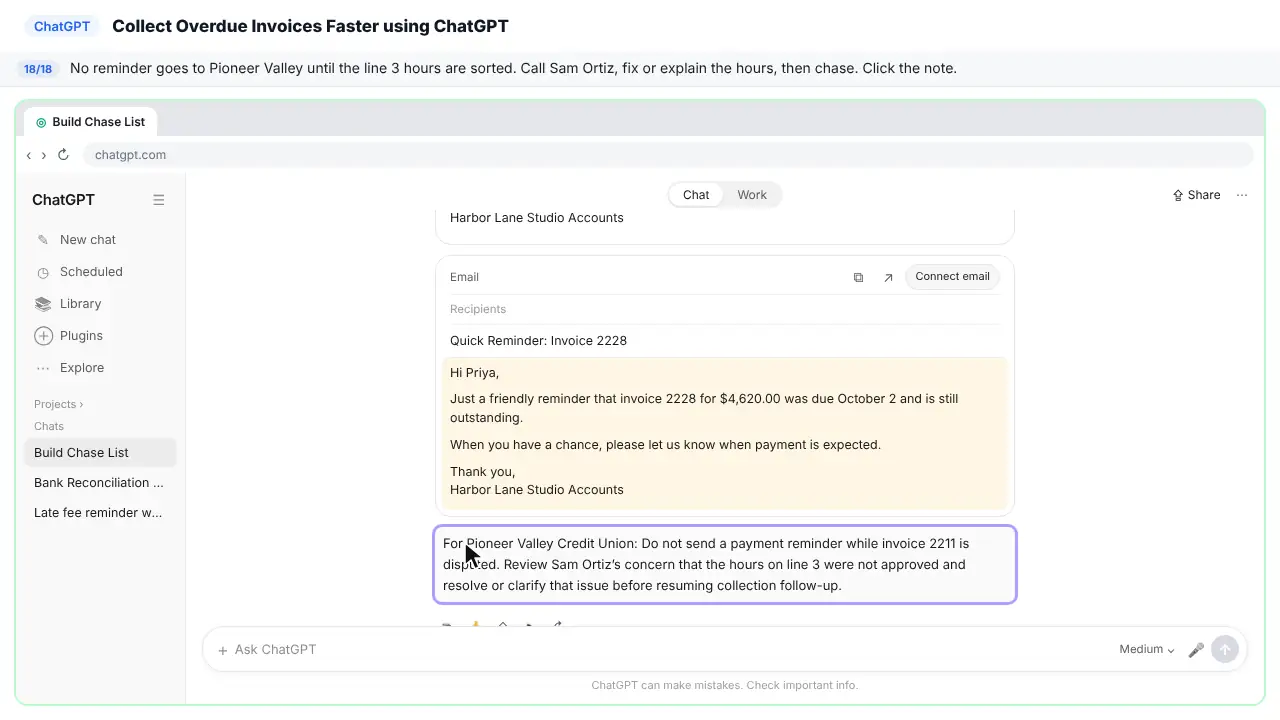
Pioneer Valley is kept off the list. They dispute the hours on line three. Sending them a payment reminder now would only annoy them.
Part 3: Check its answer
Step 10: Check a row in the file
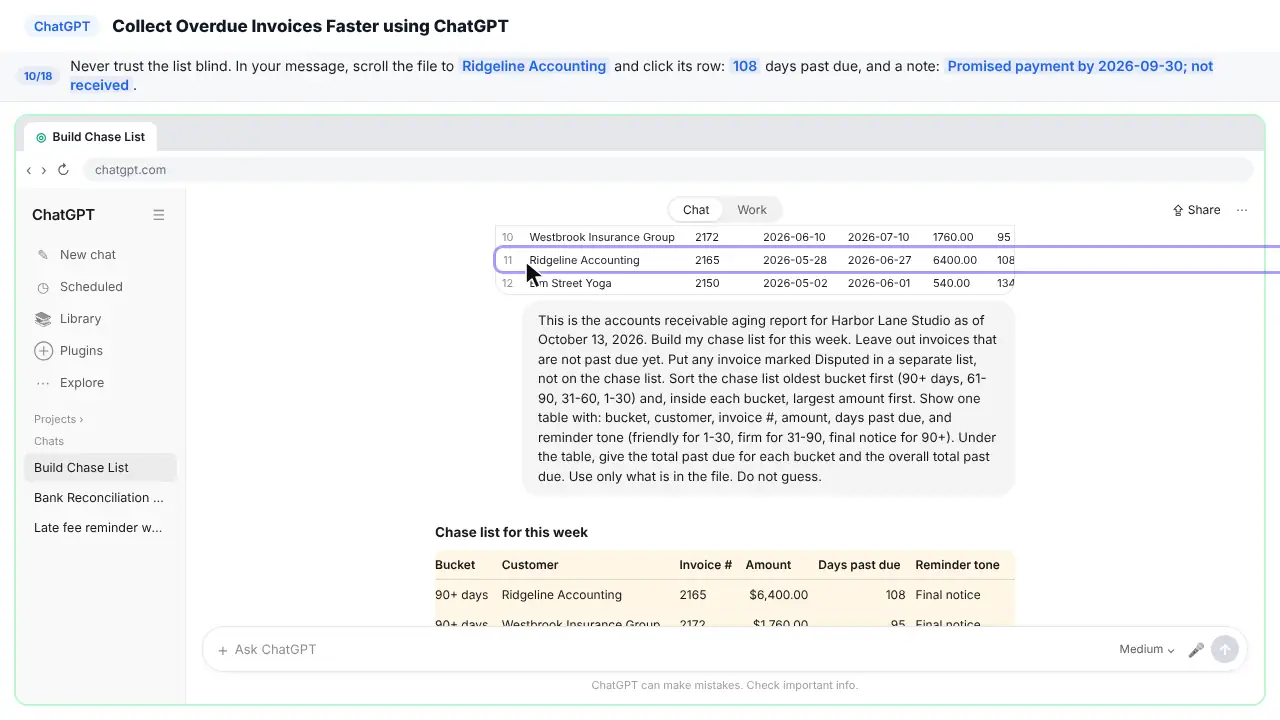
Now check it. In your message, find Ridgeline Accounting in the file. A hundred and eight days. And a note: they promised to pay by September thirtieth, and didn't.
Step 11: Check the totals
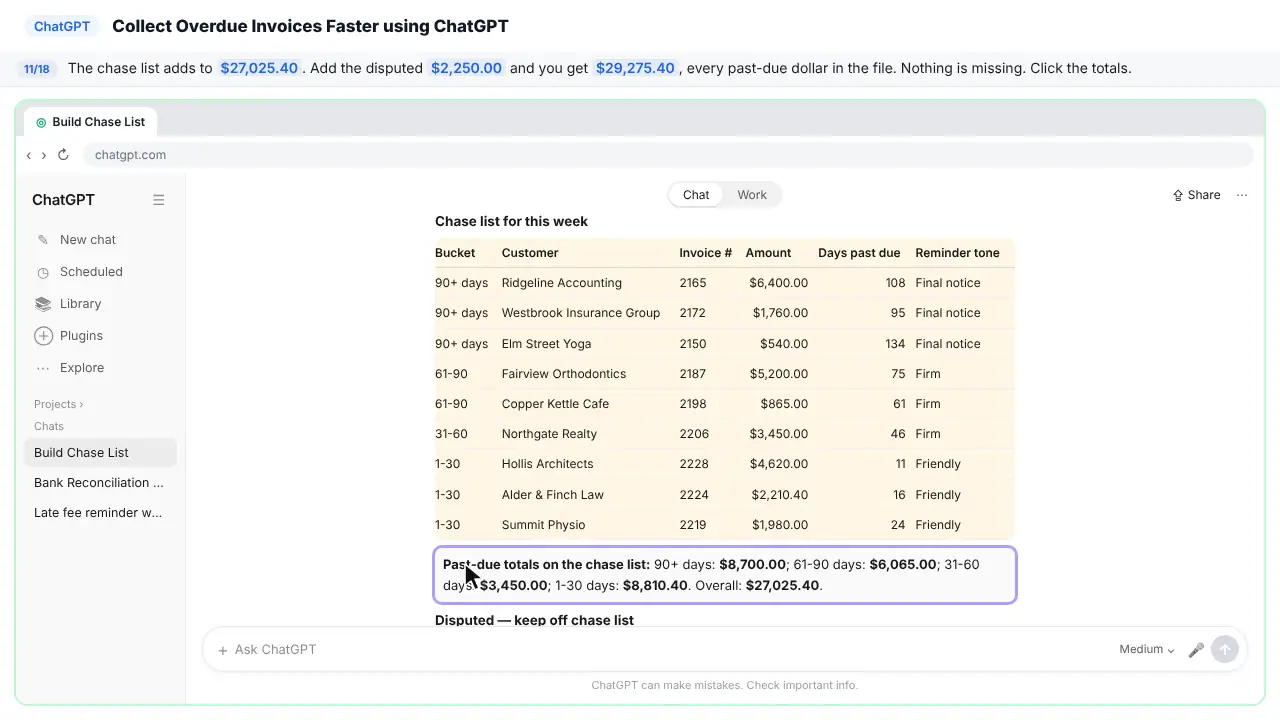
The chase list totals twenty-seven thousand and twenty-five dollars. Add the disputed twenty-two fifty, and you get twenty-nine thousand two seventy-five. That's every overdue dollar in the file.
Part 4: Draft the reminders
Step 12: Click the message box
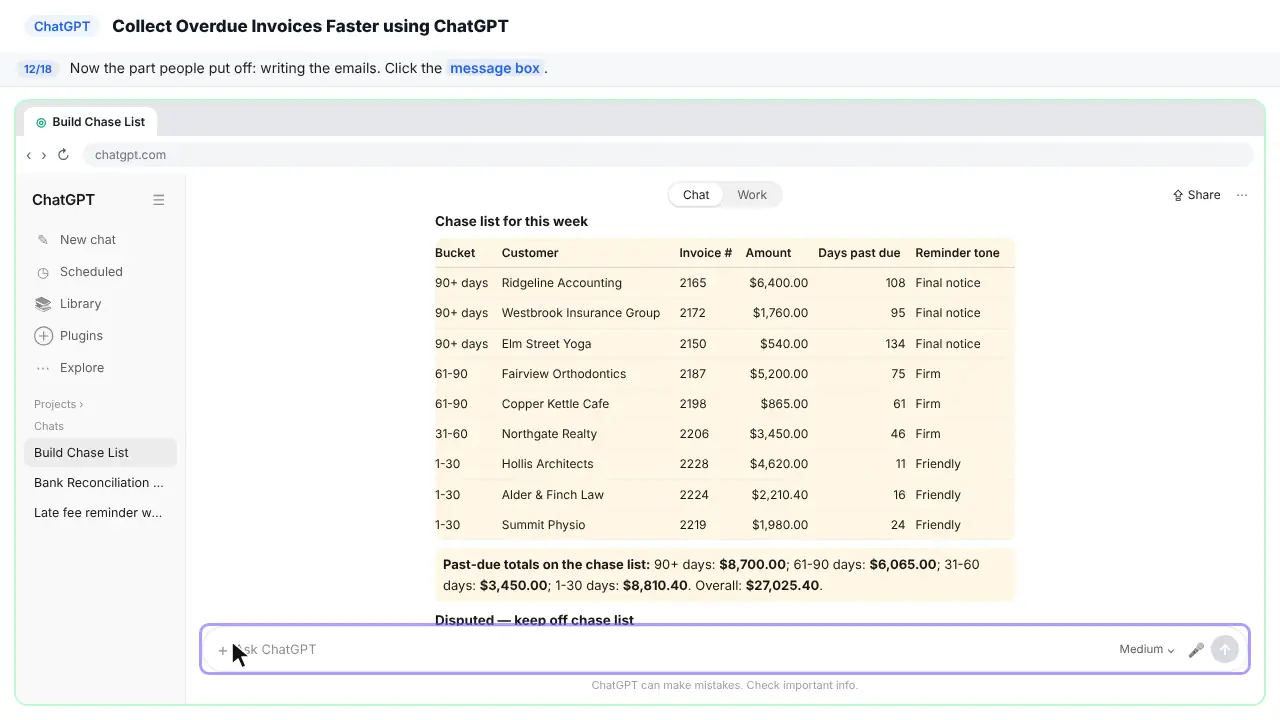
Now the part everyone puts off. Writing the emails.
Step 13: Ask for three reminders
Ask for three reminders. A final notice, a firm one, and a friendly one. No late fees, no legal threats. And a note on how to handle the dispute.
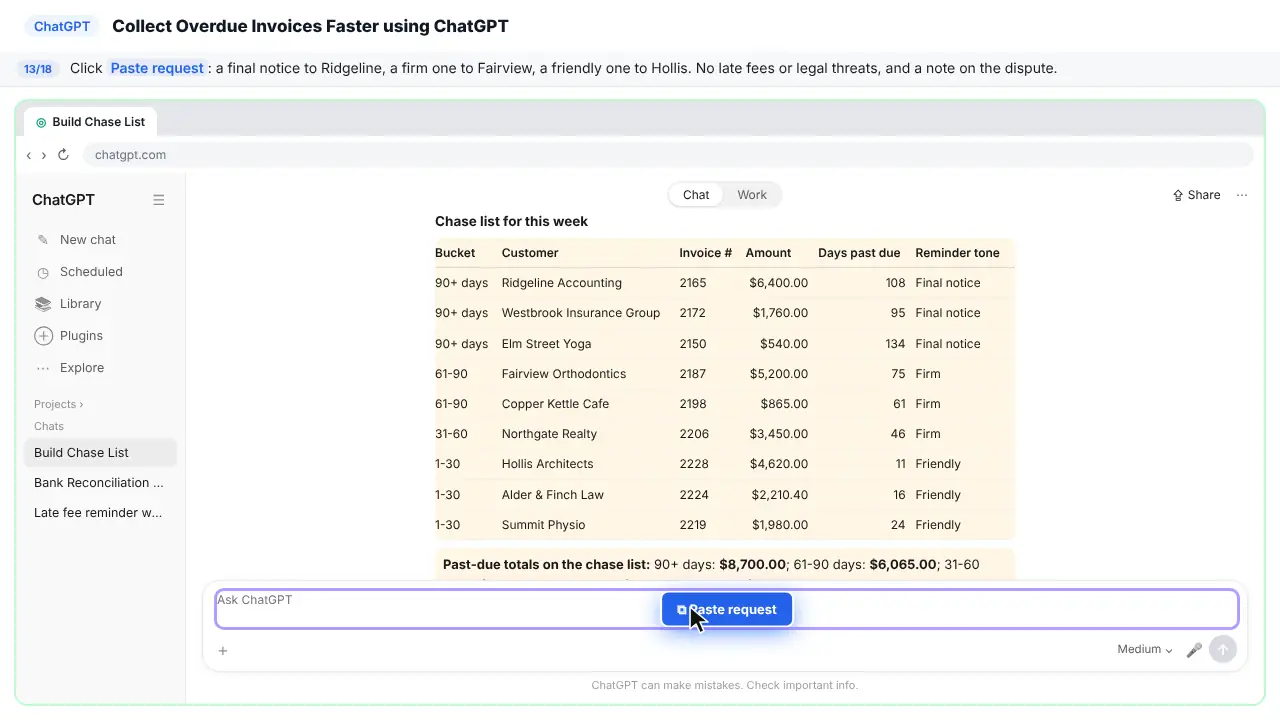
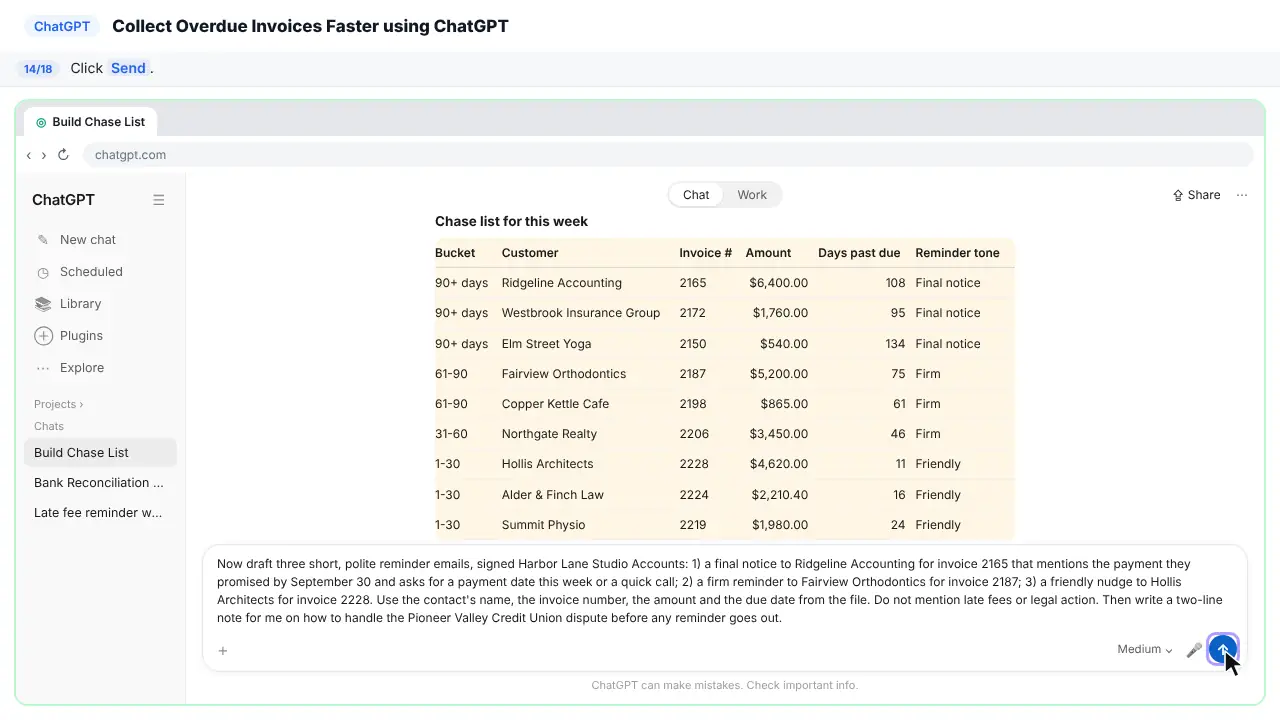
Now draft three short, polite reminder emails, signed Harbor Lane Studio Accounts: 1) a final notice to Ridgeline Accounting for invoice 2165 that mentions the payment they promised by September 30 and asks for a payment date this week or a quick call; 2) a firm reminder to Fairview Orthodontics for invoice 2187; 3) a friendly nudge to Hollis Architects for invoice 2228. Use the contact's name, the invoice number, the amount and the due date from the file. Do not mention late fees or legal action. Then write a two-line note for me on how to handle the Pioneer Valley Credit Union dispute before any reminder goes out.
Step 14: Send it
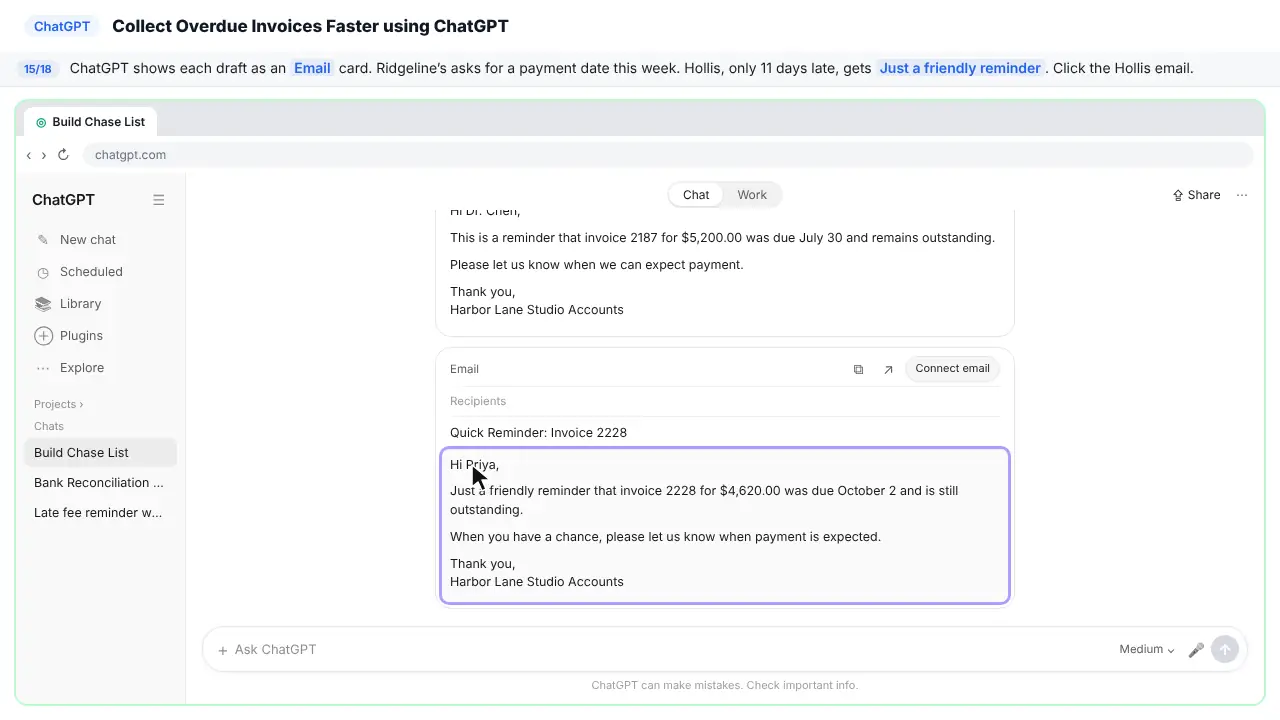
Step 15: Compare the tones
Each draft comes as an email card. Ridgeline gets a direct ask for a payment date. Hollis is only eleven days late, so it gets a friendly reminder.
Part 5: Check before you send
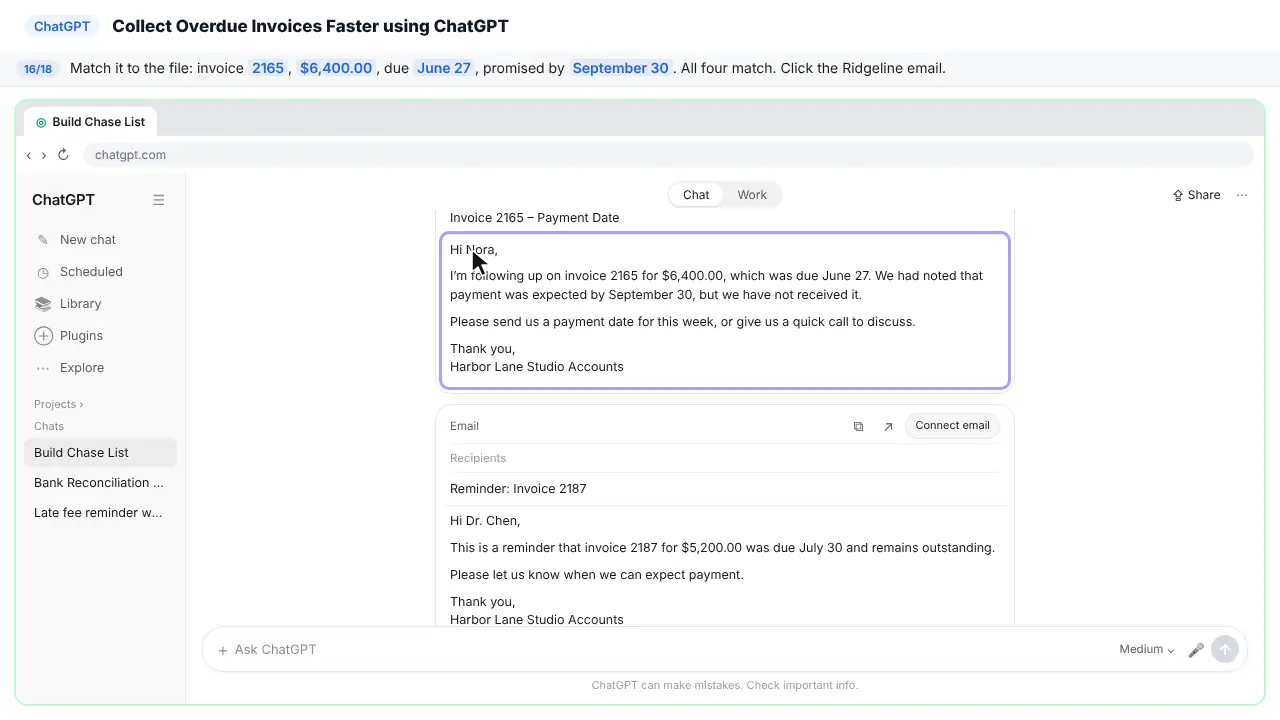
Step 16: Check the facts in the Ridgeline email
Before anything goes out, check the facts against the file. Invoice twenty-one sixty-five. Sixty-four hundred dollars. Due June twenty-seventh. Promised by September thirtieth. All four match.
Step 17: Copy the email
You send it, not ChatGPT.
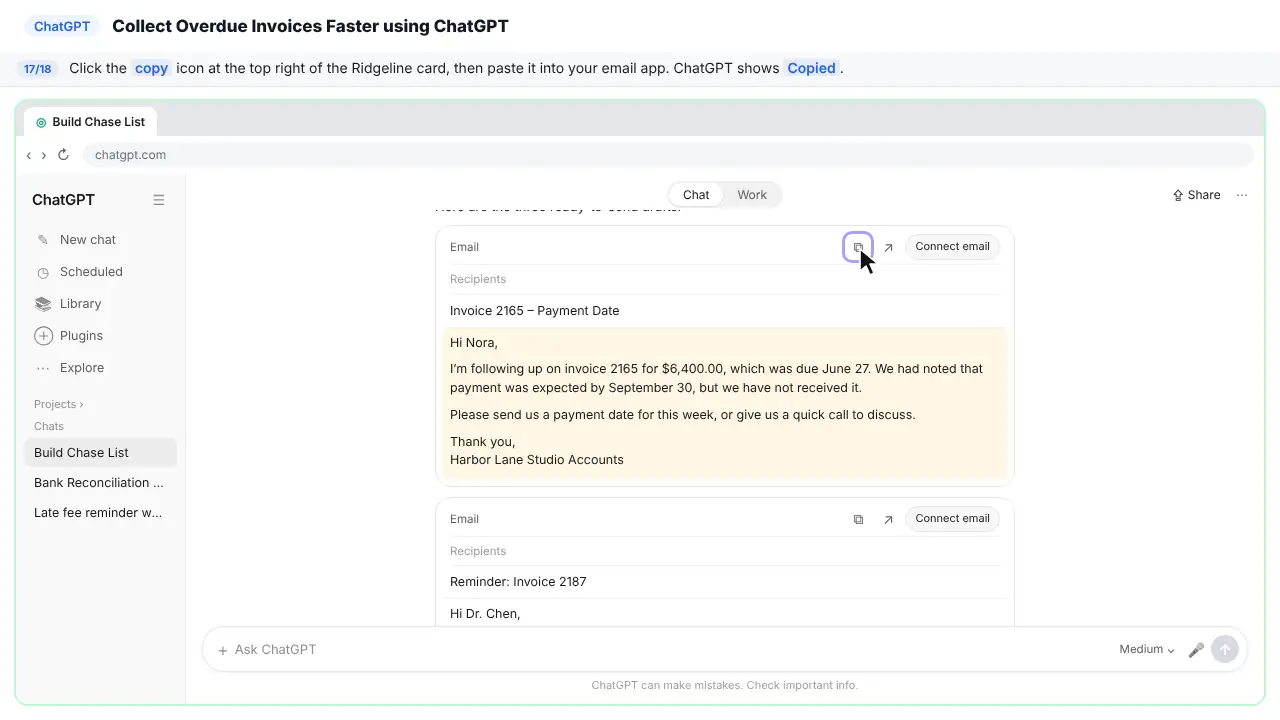
Step 18: Read the dispute note
Last, the dispute. No reminder goes to Pioneer Valley until the hours on line three are sorted. Call them, fix it, then chase. That's this week's collections, done.
Part of these free courses: AI for Accounting & Bookkeeping Firms, AI Back Office for Small Business
Now do it yourself, free
Reading the steps is a start. Doing them is how it sticks. The interactive lesson puts you in a practice copy of ChatGPT: you do every step yourself, it checks your work, and “Do it for me” finishes any step you get stuck on. Nothing touches your real accounts.
Practice “Collect Overdue Invoices Faster using ChatGPT” step by stepThe business case: what slow collections cost
Accounts receivable is the money customers owe you for work you've already delivered. In a small firm, collecting it is usually nobody's main job. The bookkeeper or the owner means to send reminders, but sorting the aging report and writing a polite-but-clear email to each client takes an hour, and it's an hour nobody looks forward to. So reminders go out late, or not at all.
Waiting costs more than the wait itself. The longer an invoice sits, the harder it is to collect, and an invoice past 90 days is often treated as at risk of never being paid. Meanwhile the business pays its own bills, payroll and rent from cash it doesn't have. The figures in this lesson are an illustration, not a benchmark, but the pattern is common: a few large, old invoices hold most of the money.
What changes: ChatGPT does the sorting and the first draft of every email in a couple of minutes. You spend your time on judgment: who needs a phone call, which invoice is disputed, and whether a draft sounds right for that client. Reminders become a 20-minute weekly habit instead of a dreaded afternoon. This process is often called dunning.
The example: Harbor Lane Studio's open invoices
Harbor Lane Studio is the same made-up design studio from the bank reconciliation lesson. On October 13, 2026 its aging report lists 12 open invoices. Two aren't due yet. Nine are past due, from 11 days to 134 days. One, from Pioneer Valley Credit Union, is marked Disputed because the client says some hours weren't approved. In total $29,275.40 is past due.
Two details are planted for you to find. Ridgeline Accounting owes $6,400 and promised to pay by September 30 but didn't. And the disputed invoice should never get an automatic reminder.
Download the sample file and follow along in ChatGPT: [ar-aging-oct-2026.csv](/content/files/chatgpt-overdue-invoices/ar-aging-oct-2026.csv). It's a plain CSV with made-up companies, so it's safe to upload anywhere.
Who this lesson is for
Bookkeepers, AR clerks, office managers and small-business owners who send their own payment reminders, plus the accountants who do it for clients. No formulas, no code and no ChatGPT account are needed to practice here. It comes right after Month-End Bank Reconciliation in both AI for Accounting & Bookkeeping Firms and AI for Finance Teams. The next lesson in the accounting path is A Claude Project for Your Accounting Firm, so your fee schedule and tone are built in.
What ChatGPT produced in the real run
With the same prompt and file, ChatGPT returned nine invoices in exactly the asked order: Ridgeline, Westbrook and Elm Street Yoga (90+), Fairview and Copper Kettle (61-90), Northgate (31-60), then Hollis, Alder & Finch and Summit Physio (1-30). It gave bucket totals of $8,700.00, $6,065.00, $3,450.00 and $8,810.40, and put Pioneer Valley in a separate disputed table.
One thing to notice: its overall total, $27,025.40, is the chase list only, because the disputed invoice was taken out. That isn't wrong, but if you compare it with the aging report's total past due you'll be $2,250.00 short. That's why the lesson has you check totals. A number that's right for the question you asked can still look wrong next to a different report.
The email drafts came back as Email cards with a copy button and a Connect email option. The lesson uses copy and paste, so nothing is sent from ChatGPT and you stay in control of what goes out.
What this saves you
- Time: sorting the report and writing the first draft of every reminder takes one or two requests instead of an hour.
- Cash sooner: when reminders are a 20-minute weekly habit, invoices get followed up at 11 days instead of 60.
- Better client relationships: the tone matches the situation, and disputed invoices are handled with a call, not an automatic demand.
- What it does not replace: your judgment, a phone call on the oldest invoices, your firm's credit terms, and any rules that apply to collecting debts where you work. This is general information, not legal or accounting advice.
Gotchas
- Say how to sort. "Who should I chase?" gets a different answer each time. A fixed rule (oldest bucket first, then largest) gives you the same list every week, and the list is easy to check.
- Keep disputes out. Tell ChatGPT to separate anything marked Disputed. A payment demand on an invoice the client is questioning damages trust and rarely gets paid faster.
- Check every fact in the email. Names, invoice numbers, amounts and dates must come from the file. Compare the first draft line by line before you trust the rest.
- No threats you can't back up. The prompt rules out late fees and legal action. Add them only if your contract allows them and you mean it.
- Protect client data. Follow your firm's AI policy, use a business plan where you can, switch off training in ChatGPT data controls on any personal account, and remove anything ChatGPT doesn't need, such as bank details or tax IDs.
Next business case
Next in AI for Accounting & Bookkeeping Firms: A Claude Project for Your Accounting Firm. Give the AI your fee schedule, engagement terms and tone once, and every reminder and client reply follows your own rules. In AI for Finance Teams, the next lesson is Analyze a Spreadsheet with ChatGPT.
Try it yourself, free
Reading the steps is a start. Doing them is how it sticks. The interactive module walks you through every click in a practice copy of ChatGPT, checks each step, and never touches your real accounts.
Start “Collect Overdue Invoices Faster using ChatGPT”Frequently asked questions
- Can ChatGPT help with accounts receivable collections?
- Yes, for the sorting and the writing. Upload your aging report as a CSV or Excel file, tell ChatGPT how to rank the overdue invoices and which to leave out, and ask it to draft a reminder for each. You still check the facts, decide who gets a phone call, and send the emails yourself.
- What is an accounts receivable aging report?
- It's a list of every unpaid customer invoice, grouped by how long it has been overdue, usually current, 1-30, 31-60, 61-90 and 90+ days. Most accounting tools, including QuickBooks and Xero, can export one. It's the starting point for deciding who to chase first.
- How do I write a polite overdue invoice reminder?
- Keep it short and factual: the client's name, the invoice number, the amount, the due date and one clear ask, such as a payment date. Match the tone to the age: friendly at 1-30 days, firm at 31-90, and a final notice asking for a call after 90. This lesson has ChatGPT draft all three.
- Should I send reminders for disputed invoices?
- No. Settle the dispute first, usually with a call, then resume follow-up. In the lesson, ChatGPT keeps the disputed invoice off the chase list and writes you a note on how to handle it.
- Is it safe to upload my receivables report to ChatGPT?
- Follow your firm's policy first. ChatGPT business plans aren't used to train OpenAI's models by default. On any plan, remove details the task doesn't need. The sample file in this lesson is made up, so you can practice with it freely.
- Is this lesson free?
- Yes. Stepthrough is free and the practice copy needs no accounts. To do it for real you need your own ChatGPT account. File uploads have usage limits that depend on your plan.
More in AI Automation for Accounting & Bookkeeping Firms
 Turn a Client Meeting into Action Items and a Follow-Up Email (Accounting Firms)
Turn the transcript of a client's quarterly review into the decisions, an action items table with owners and due dates, and a follow-up email to the client.
Free · Live ~9 min Beginner
 Answer Refund-Date Emails Without Overpromising using ChatGPT
A client wants a refund date while two tax forms are still missing. Give ChatGPT the thread and your firm's facts, catch the date it shouldn't promise, and send a calm…
Free · Live ~10 min Beginner
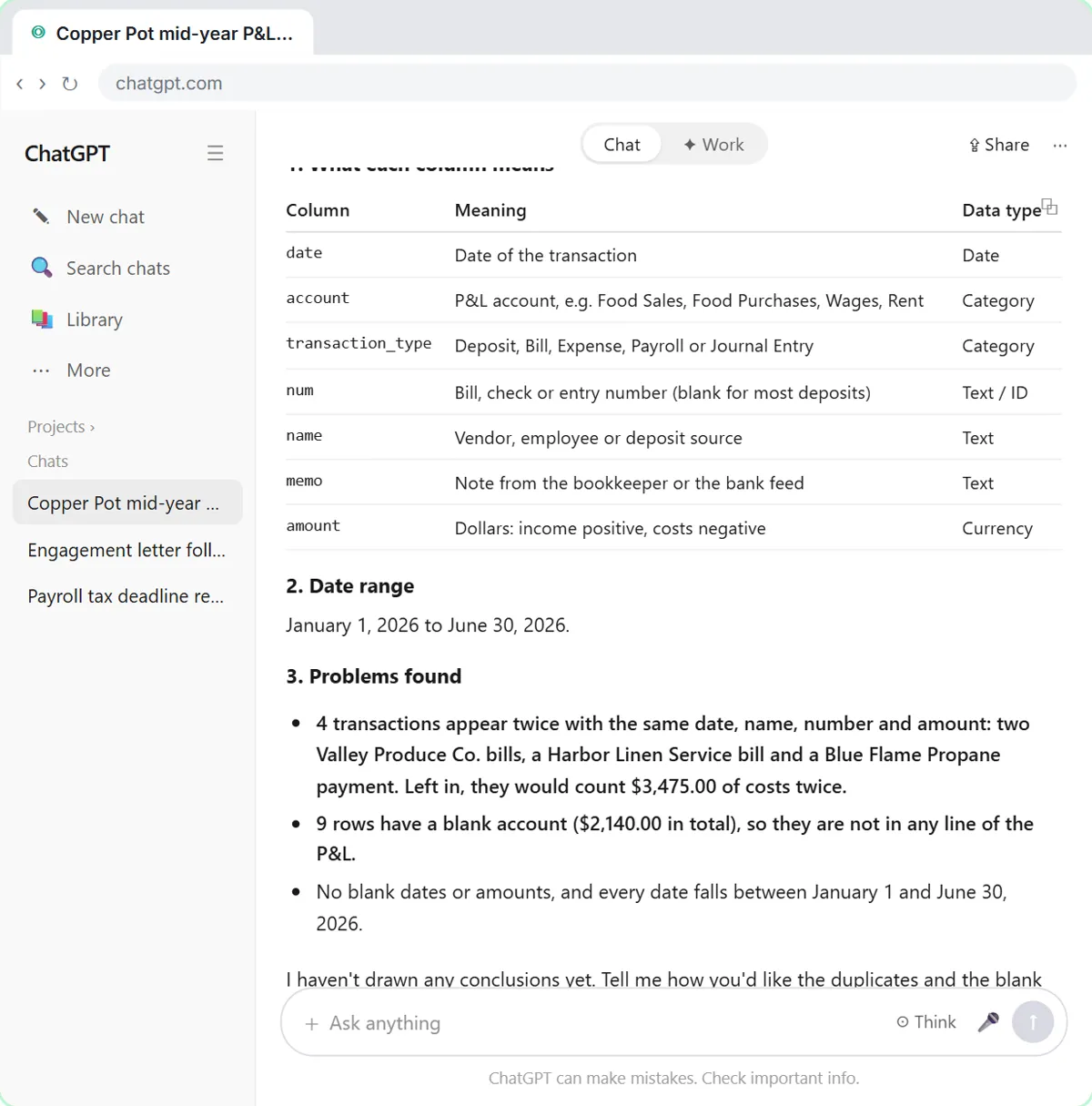 Analyze a Client's P&L Export with ChatGPT (Accounting & Bookkeeping Firms)
Upload a client's Profit and Loss Detail export to ChatGPT, catch duplicate bank-feed entries and uncategorized rows first, then get a monthly P&L summary, a chart and…
Free · Live ~11 min Beginner
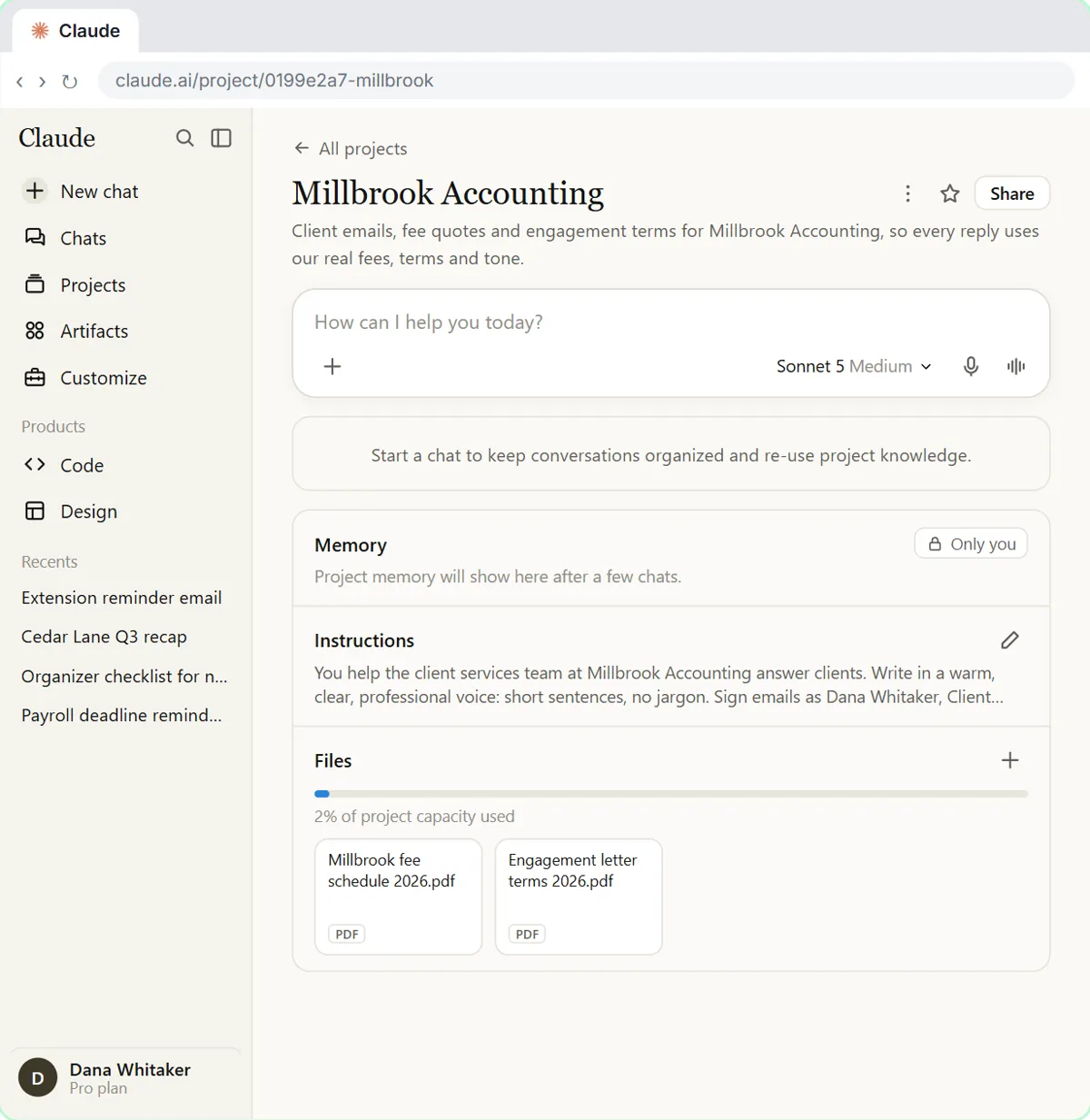 A Claude Project for Your Accounting Firm: Fee Schedule, Engagement Terms and Tone
Create a Claude project for your accounting firm, give it your tone and client policies, add your fee schedule and engagement letter terms as project knowledge, and get…
Free · Live ~9 min Beginner
◷Month-End Bank Reconciliation with ChatGPT: 20 Minutes, Not 3 HoursUpload the bank statement and the books, let ChatGPT match every row and list the exceptions, then check the answer and paste a reconciliation summary into the…
Free · Live ~12 min Beginner
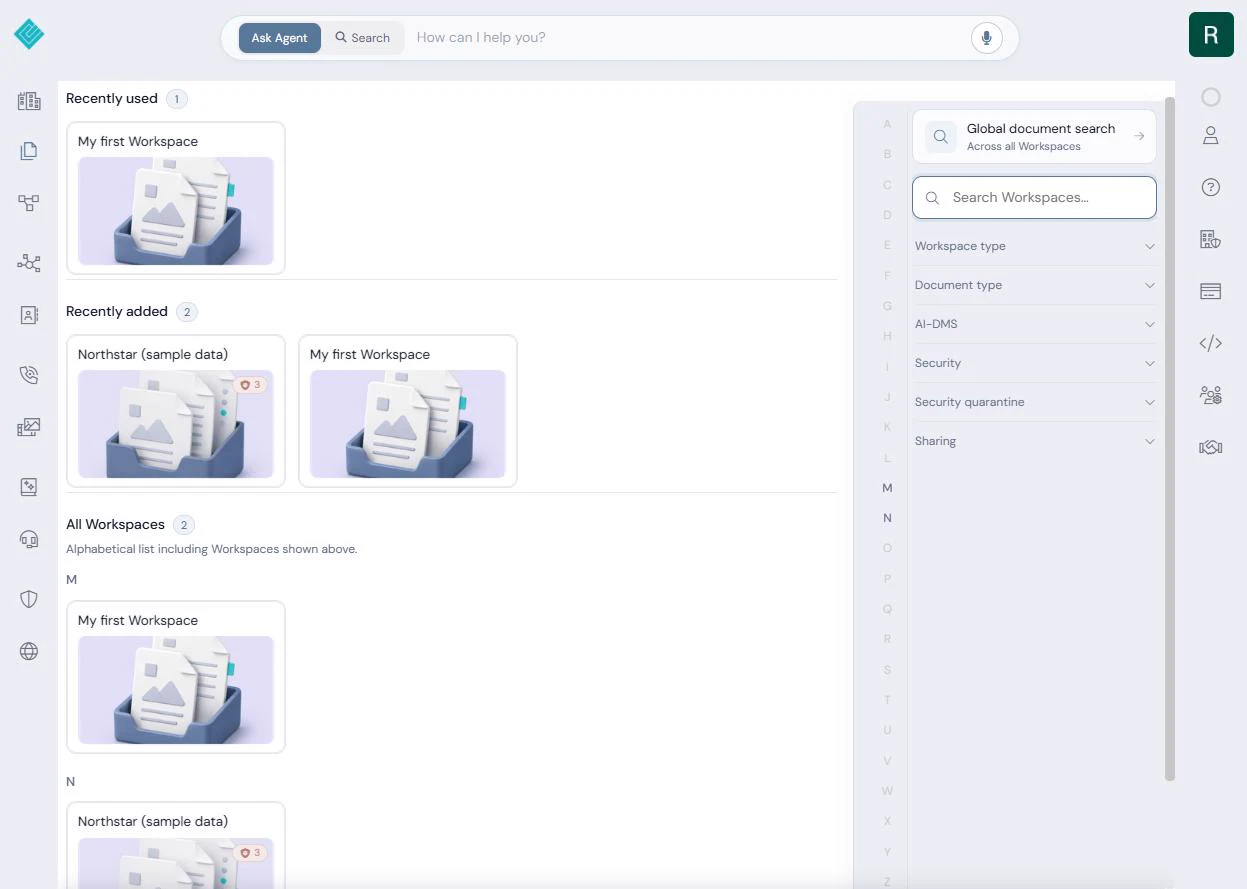 PaperOffice AI: Read Every Supplier Invoice and Spot the Ones That Need Approval for Accounting & Bookkeeping Firms
A small firm gets supplier invoices as PDFs, and anything over $2,000 needs a partner’s OK. Upload one to PaperOffice AI, watch it name, sort and read the invoice…
Free · Live ~5 min Beginner
All 15 modules in AI Automation for Accounting & Bookkeeping Firms
More ChatGPT tutorials
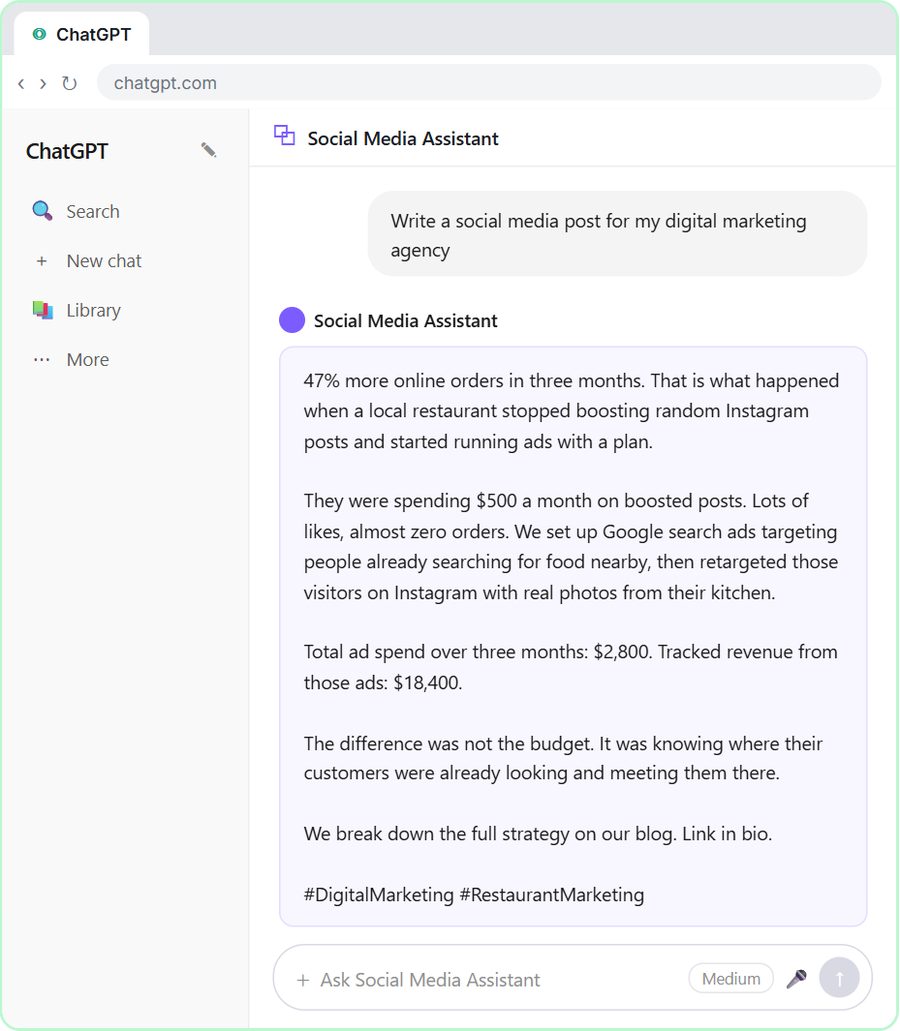 Get On-Brand Social Posts Every Time using a ChatGPT Custom GPT
See why generic prompts give generic results, then build a Custom GPT loaded with your brand voice and watch the output transform.
Free · Live ~8 min Beginner
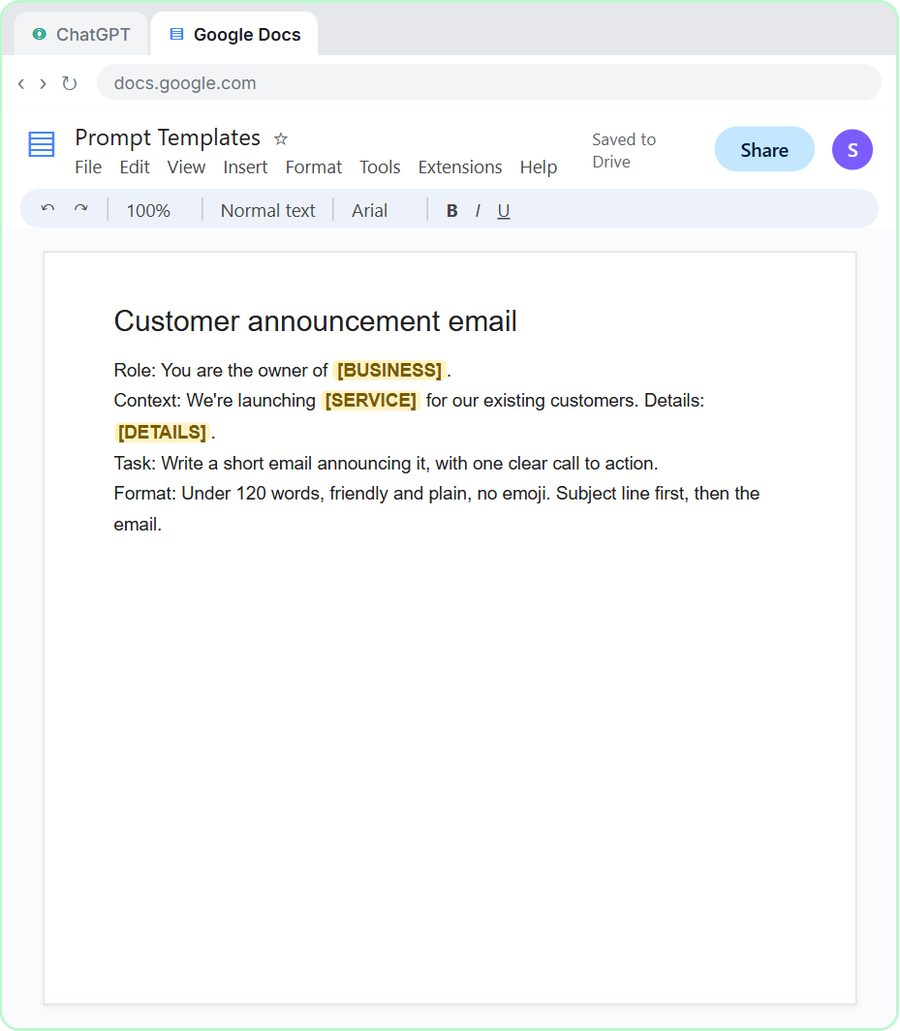 Prompt Writing 101: Role, Context, Task, Format
Ask ChatGPT for the same customer email twice, once vaguely and once with a four-part prompt, and see exactly why structure gets a better answer.
Free · Live ~8 min Beginner
◷Send a Same-Day Follow-up After Every Discovery Call using ChatGPTTurn a discovery call transcript into the decisions, the next steps with owners and dates, deal notes for your CRM, and a follow-up email the prospect gets the same…
Free · Live ~7 min Beginner
◷Hold Your Price When a Prospect Asks for a Discount using ChatGPTA prospect wants 30% off and a free month to sign this week. Give ChatGPT the thread and your pricing rules, catch the discount you can't approve, and send a reply that…
Free · Live ~9 min Beginner
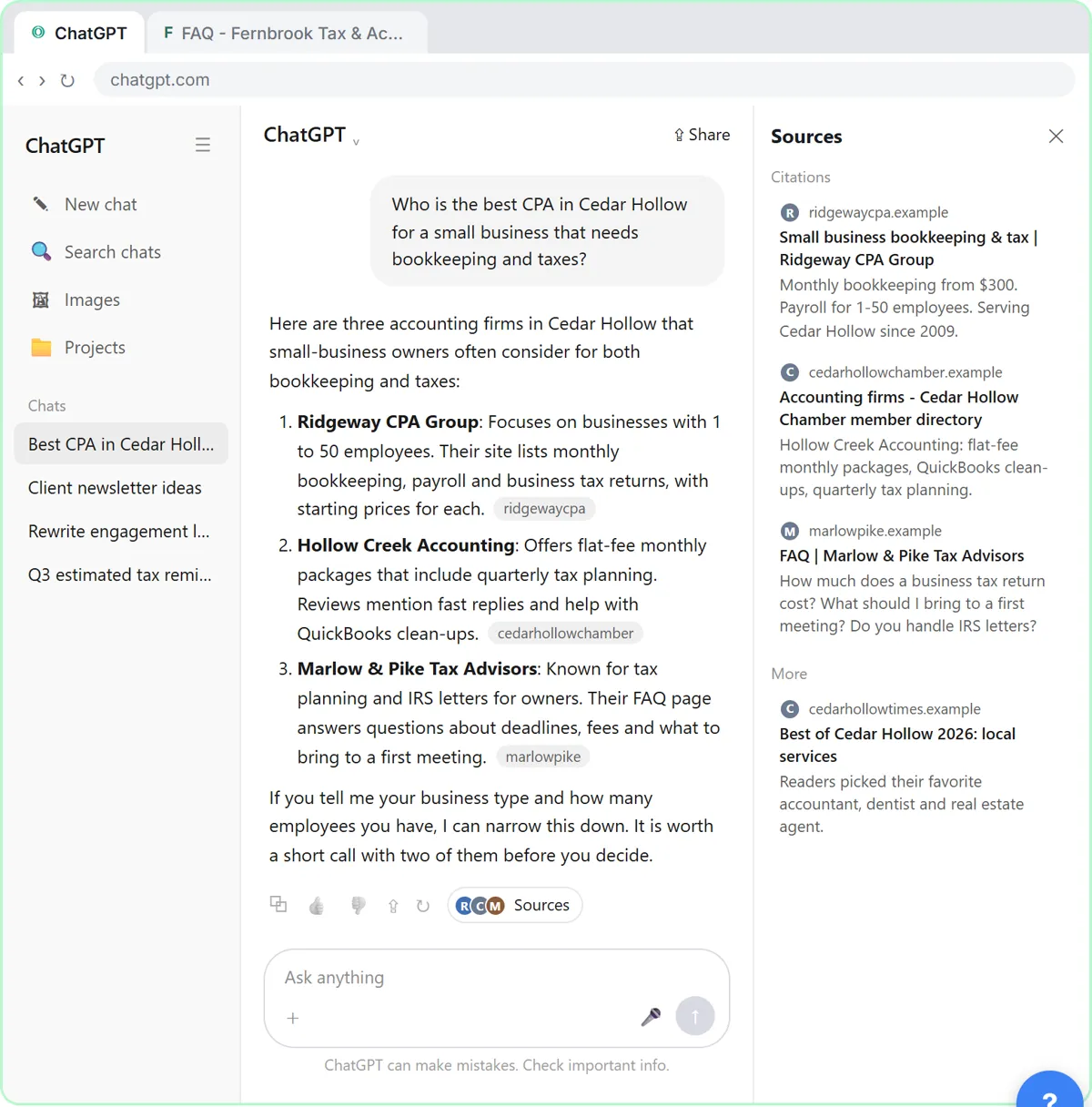 Get Your Business Recommended by ChatGPT
Ask ChatGPT who it recommends in your town, see which pages it trusts, then use it to write an FAQ page and Business Profile copy that answer real customer questions.
Free · Live ~10 min Intermediate
◷Run a Weekly Ops Review Where Every Task Has an Owner using ChatGPTTurn a weekly operations and vendor review into the decisions, the next steps with owners and dates, the risks to watch and a team recap, without turning a vendor's…
Free · Live ~7 min Beginner
Same business, other tools
Harbor Lane Studio shows up in these modules too, built with different tools.
From the blog
 Cash Application for Law Firms: Process, Trust and AI
The cash application process for law firms and attorneys, step by step: trust vs operating money, partial payments, and where AI helps safely.
Oct 22, 2026 4 min read
 How to Ask for Remittance Advice (and How to Send One)
How to ask a customer for remittance advice, what to include when you pay a vendor, who keeps the copy, plus an email template and a ChatGPT prompt.
Oct 21, 2026 4 min read
 AI Automation for Accountants: 12 Questions Answered
How accountants use AI for client replies that don't overpromise, invoice logging with approval and overdue reminders. Answers from free lessons.
Oct 20, 2026 4 min read
Terms in this lesson
Plain-English definitions, each with an example from a free lesson.
Related prompts
- Payment matching prompt: Copy this ChatGPT prompt to suggest which open invoices a customer payment covers, flag short payments and list what a person…