This guide explains the difference, when you need which, and prompts for both.
What is the difference between meeting minutes and a meeting summary?
Minutes are a record; a summary is a to-do list with context. Minutes answer "what happened at this meeting?" for someone reading it later. A summary answers "what do I need to do now?" for someone reading it today.
| Meeting minutes | Meeting summary | |
|---|---|---|
| Purpose | Official record | Next steps |
| Reader | The file, auditors, absent members, future you | The people in the meeting |
| Typical contents | Date, attendees, agenda items, discussion points, decisions, votes | A few sentences, decisions, action items with owner and due date, open questions |
| Length | Short, but complete enough for the record (not word for word) | A few lines plus a table |
| Tone | Neutral and formal | Plain and direct |
| Who approves it | Often the group, at the next meeting | Usually nobody; it goes out the same day |
The glossary has entries for both: meeting minutes, which notes that minutes are not a word-for-word account, and action items.
What is the difference between meeting minutes, meeting notes and a summary?
Minutes are the formal record, notes are your own working jottings, and a summary is the short version you send afterward. Use minutes when someone may need proof of what was decided, notes to think, and a summary to tell people what happens next.
| Meeting minutes | Meeting notes | Meeting summary | |
|---|---|---|---|
| Who it is for | The file and absent members | You | The people in the meeting |
| Format | Structured and formal | Free-form, as you type | A few lines plus action items |
| Shared? | Yes, often approved by the group | Usually not | Yes, the same day |
To turn a transcript into formal minutes, try the AI meeting minutes template. The glossary entry on meeting minutes covers the definition.
When do I need formal meeting minutes?
You need minutes when a meeting makes decisions that someone may have to prove later. Boards, committees, associations and some client or regulatory meetings fall here, and their own bylaws or rules often say what the minutes must include. If your organization has a required format, follow it rather than a general template.
For a weekly team meeting, a client check-in or a project call, minutes are usually more than anyone needs. A summary with clear action items gets more done.
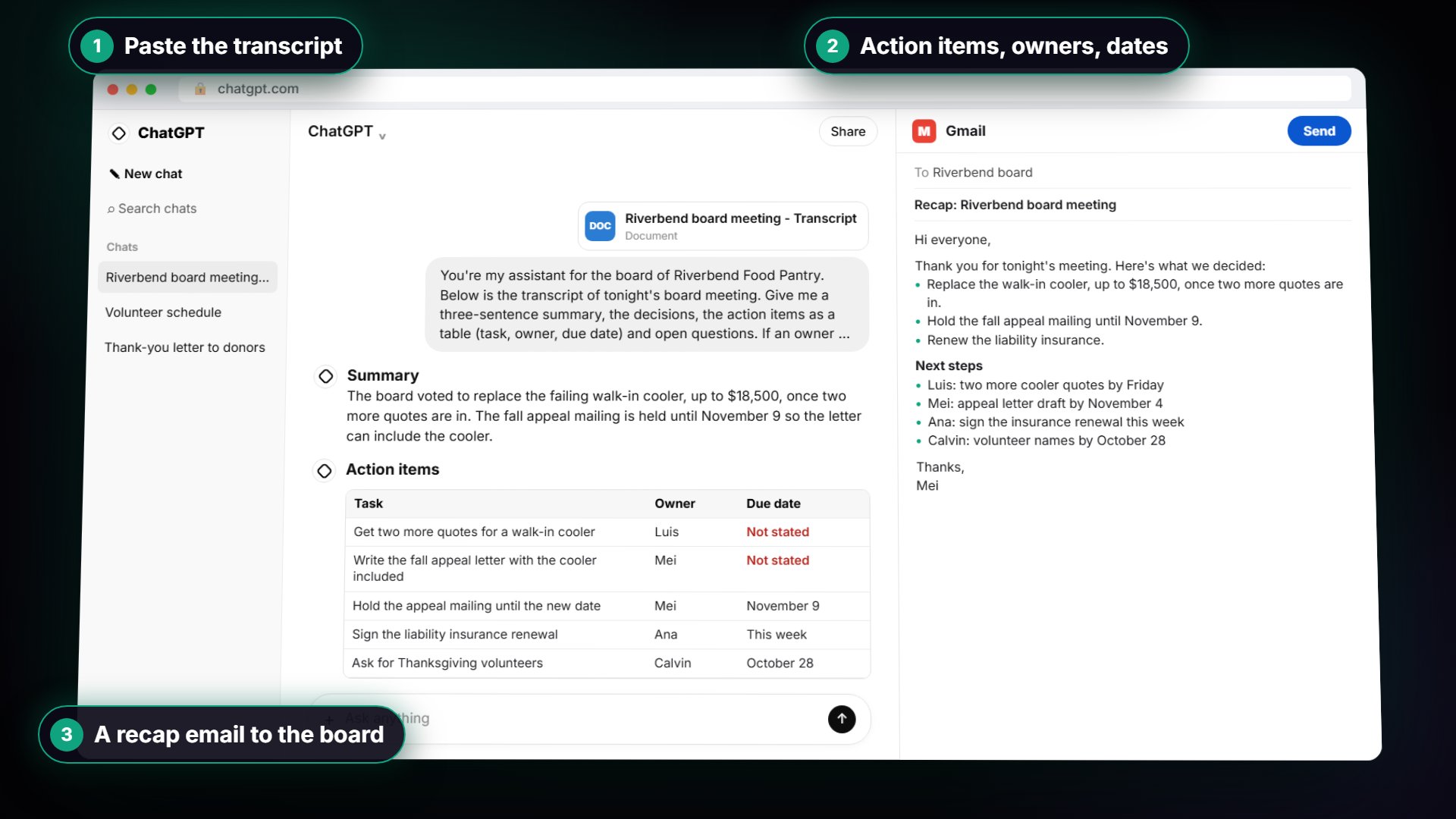
A board sits in between. In the board meeting lesson, Riverbend Food Pantry, a made-up nonprofit, turns its board meeting transcript into decisions, an action items table and a recap email to the board, the working half of the minutes.
How do I get a meeting summary from ChatGPT?
Paste the transcript under a request that names exactly what to pull out, and tell ChatGPT not to guess. The request from Summarize a Meeting Transcript:
You're my operations assistant. Below is the transcript of today's team meeting at Harbor Street Bakery. Give me:
1. A three-sentence summary
2. The decisions we made
3. The action items as a table: task, owner, due date
4. Open questions
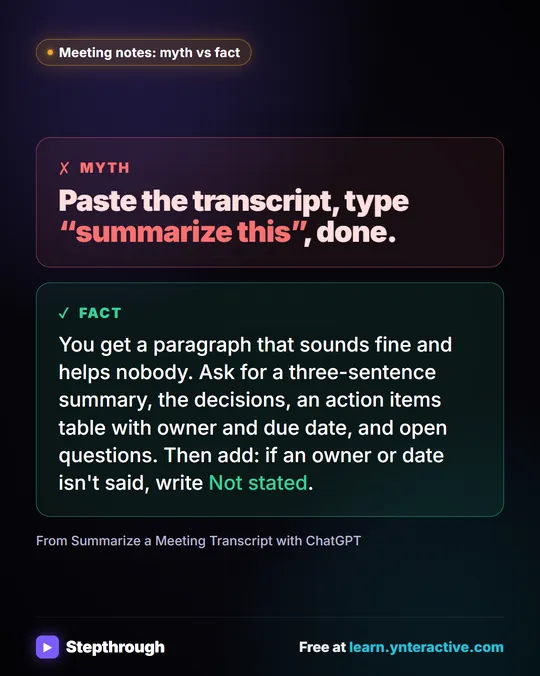
Only use what's in the transcript. If an owner or date isn't said, write "Not stated".
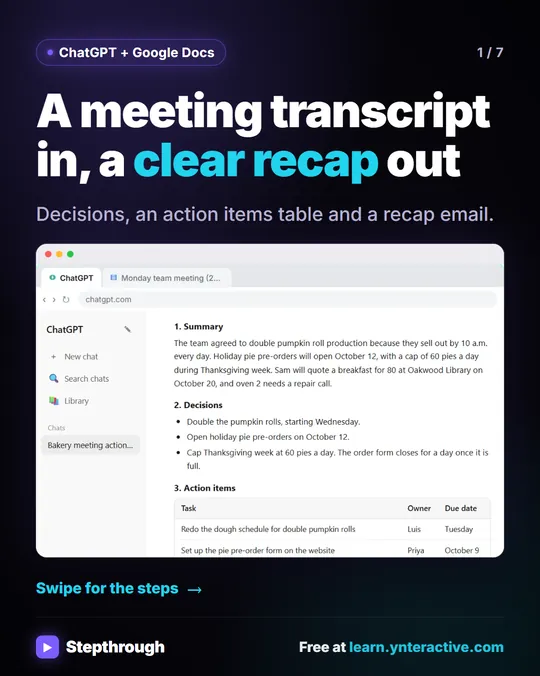
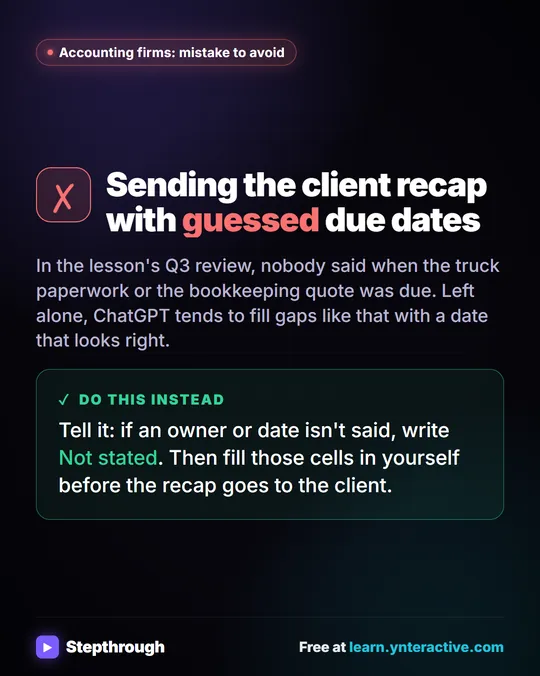
In the lesson, the made-up bakery's meeting comes back with three decisions and an action items table where two due dates say Not stated. That's the request working: it refused to invent dates. You fill them in with one sentence, such as "The library quote is due Wednesday, and Luis will call about the oven today," then ask for "a short follow-up email to the team with the decisions and action items. Friendly and plain, under 150 words."
Try it free, step by step
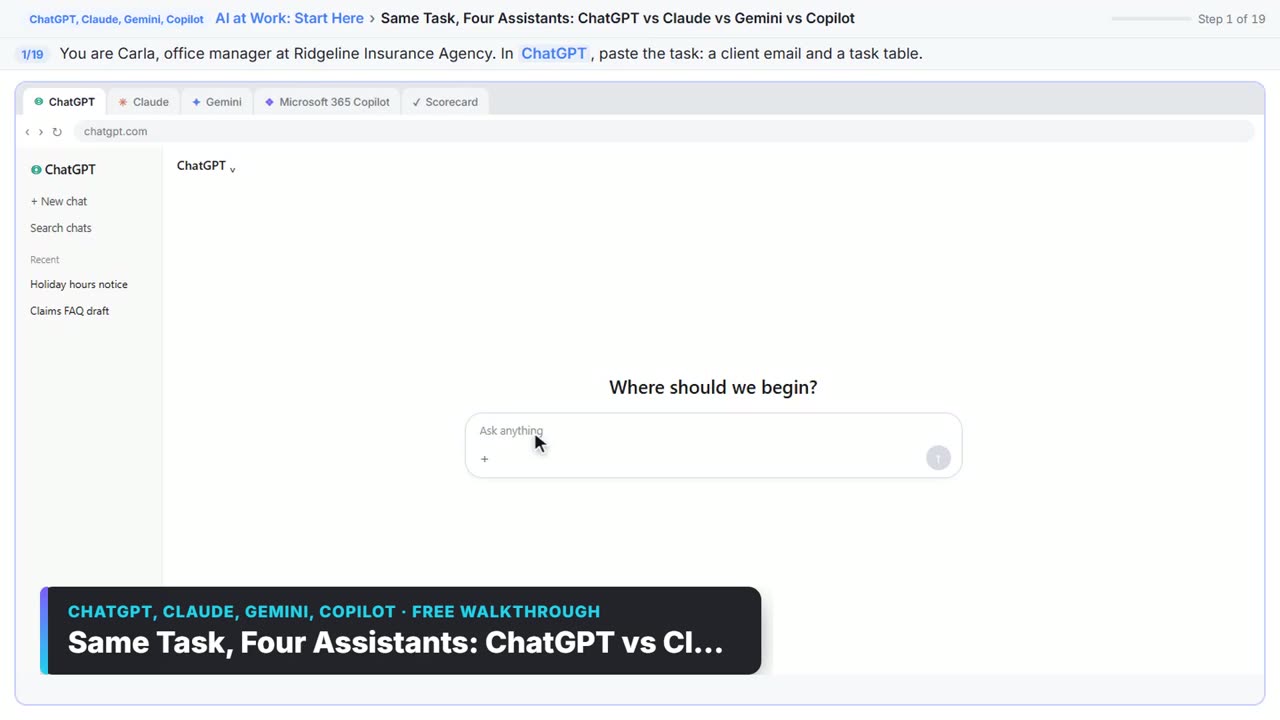
Summarize a Meeting Transcript with ChatGPT. Paste a long meeting transcript into ChatGPT and get the decisions, an action items table with owners and due dates, and a follow-up email ready to send. You do every step yourself in a practice copy of ChatGPT, it checks your work as you go, and “Do it for me” finishes any step you get stuck on. Free, and nothing touches your real accounts.
Start the free lessonHow do I get formal minutes from ChatGPT?
Ask for the minutes structure explicitly, give it the details a transcript doesn't contain, and keep the same "don't guess" rule. A prompt you can adapt:
Below is the transcript of our [NAME OF MEETING] on [DATE]. Write formal meeting minutes with these sections:
1. Meeting name, date, time and location: [FILL IN]
2. Attendees: [LIST] (absent: [LIST])
3. Agenda items, each with a neutral two- or three-sentence summary of the discussion
4. Decisions and any votes, worded exactly as agreed
5. Action items: task, owner, due date
6. Next meeting date, if stated
Neutral, formal tone. Only use what's in the transcript and the details above. If something isn't stated, write "Not stated".
Minutes often need facts a transcript doesn't capture well, like who was absent or the exact wording of a motion, so add those yourself. Read the decisions line by line before the minutes go to anyone for approval.
How do I upload a transcript instead of pasting it?
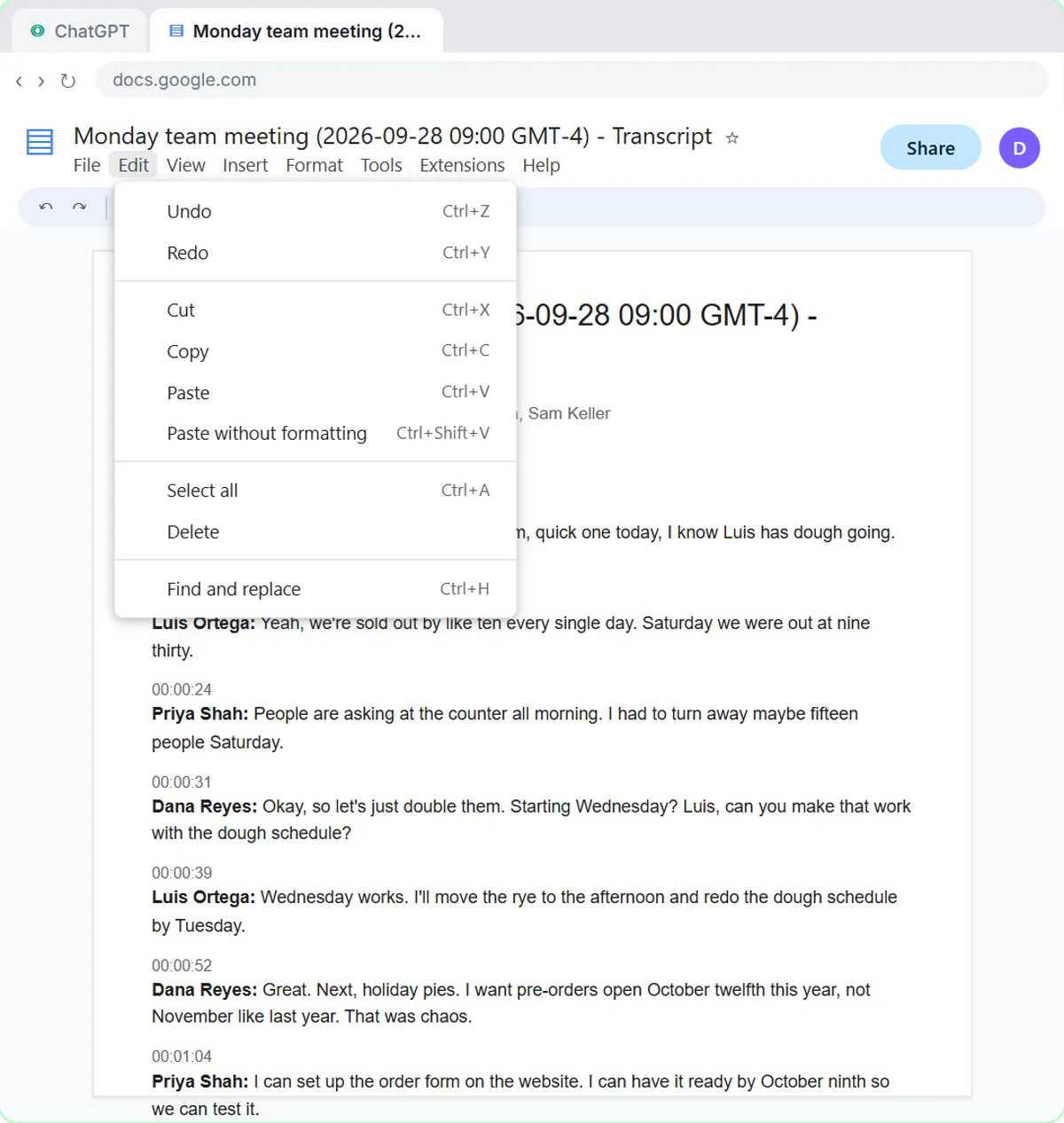
Attach the file. In the lesson's last part, you click New chat, then the + button on the left of the message box, Add photos & files, pick Monday team meeting - Transcript.docx, and click Open. Then send the same request in one line:
Summarize this meeting transcript: decisions, action items with owner and due date, and open questions. If an owner or date isn't said, write "Not stated".
If you do paste, remember that plain Enter sends the message in ChatGPT; press Shift+Enter for a new line first.
What changes for client meetings?
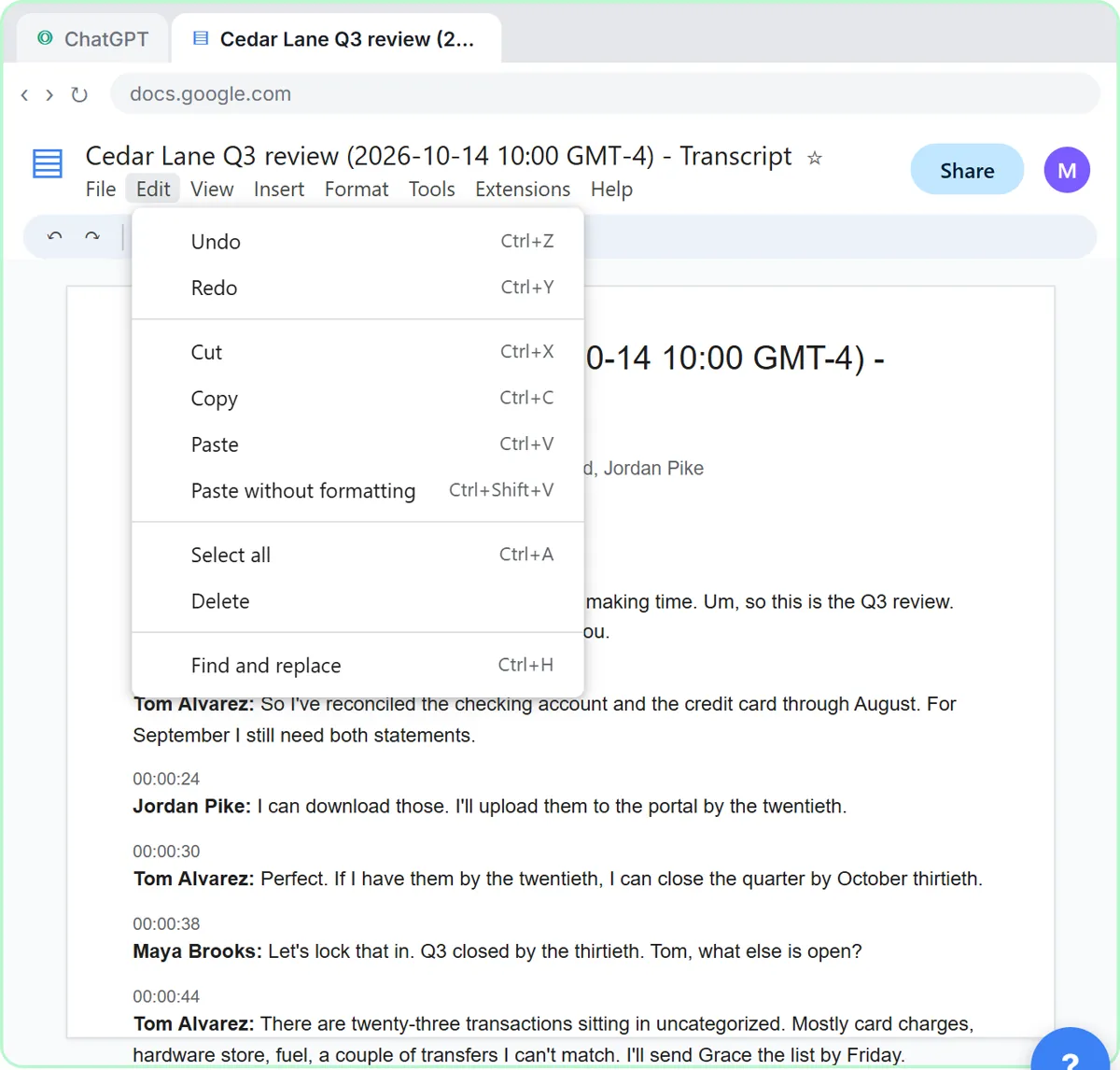
The follow-up goes to the client, so check every name, date and number before it leaves. In Summarize a Client Meeting, a made-up accounting firm's Q3 review with a landscaping client produces action items like September statements by the twentieth and three W-9s by the end of October, and the follow-up email goes to the client.
Client meetings are confidential. The lesson's advice: follow your firm's policy on AI tools, use a business account that doesn't train on your data, and leave out account numbers and tax IDs. Turn a Meeting Transcript into Action Items covers the summary routine in more depth, and ChatGPT for Accountants shows the client version.
Key takeaways
- Meeting minutes are the formal record of attendees, discussion and decisions; a meeting summary is a short recap of decisions and action items.
- Most team and client meetings need a summary; boards and committees often need minutes in a format their own rules set.
- The Summarize a Meeting Transcript lesson asks ChatGPT for a summary, decisions, an action items table and open questions, with "Not stated" for anything missing.
- For minutes, ask for the formal sections and add details a transcript misses, such as absent members and exact motion wording.
- Check every owner, date and number before a recap or minutes go out, and keep confidential client details out of personal AI accounts.
Frequently asked questions
- What are meeting minutes?
Defined simply, meeting minutes are the official written record of a meeting: the date, who attended, what was discussed, each decision and vote, and the action items. The group usually approves them at the next meeting, and they are kept on file.
- What is a summary of a meeting called?
It is usually called a meeting summary or meeting recap. A shorter formal version is called summary minutes, and the email that sends it out is often called a follow-up or recap email.
- Are meeting notes the same as meeting minutes?
Not usually. Notes are informal and personal. Minutes are an official record, often approved by the group, with attendees, decisions and votes.
- What are summary minutes of a meeting?
Summary minutes are a short form of minutes: they record the attendees, each decision and any votes, but leave out the back-and-forth discussion. They are still the formal record, so the group usually approves them, unlike a meeting summary that just goes out the same day.
- Can ChatGPT write meeting minutes from a transcript?
Yes, if you ask for the minutes sections and add details the transcript doesn't capture, such as attendees and absent members. Check the decisions word for word before anyone approves them.
- Why does ChatGPT write "Not stated" in my action items?
Because the request told it to instead of guessing. Fill in the missing owners or dates in one message and ask it to update the table.
- What is the difference between minutes and a report?
Minutes record one meeting: who came, what was decided and any votes. A report covers a topic or a period, like a monthly finance report, and is often presented at a meeting and then noted in its minutes.
- What does meeting highlights mean?
The few most important points from a meeting, usually the decisions and next steps. It's another name for a short summary, not a formal record.
- What is a meeting after a meeting called?
A planned one is usually a follow-up meeting or a debrief. People also say "the meeting after the meeting" for the informal talk afterward. Decisions made there belong in the written recap too, or they get lost.
- Should action items go in minutes or a summary?
Both can include them. In a summary they are the main point; in minutes they are one section of the record.