This guide is for owners and office managers who built a custom GPT, or are about to, and want to know which way to go. Facts below come from OpenAI's Help Center as of October 2026. Check your own plan, because availability differs.
What is the difference between a Project and a custom GPT?
OpenAI describes them as different tools for different jobs.
| Project | Custom GPT | |
|---|---|---|
| What it is | A workspace for chats, files and instructions | A custom version of ChatGPT with its own instructions and knowledge files |
| Who uses it | You, or a team when shared | Anyone it is shared with, one person at a time |
| How it changes | Grows as you add files, chats and instructions | Mostly static; the builder updates it |
| Best for | Recurring work around one topic | Reusable know-how many people ask about |
| Example | A Q4 planning hub | An HR benefits GPT |
OpenAI's own wording: GPTs are "single player" and curated by an expert, while shared projects are "multi-player" and evolve through sustained contributions of files, chats and instructions.
What is the status of custom GPTs?
This is the reason most people should lean toward Projects. OpenAI's Help Center says it plans to retire custom GPTs and recommends moving workflows to Plugins. It says new GPT creation and publishing are not available on personal ChatGPT accounts (Free, Go, Plus and Pro). Existing GPTs remain usable until retirement. Business, Enterprise and Edu workspaces can still create GPTs if their settings allow it. For affected Enterprise workspaces, OpenAI lists retirement as planned for December 11, 2026, and says other plans are expected to follow the same timeline.
Because dates can shift, check the notice for your own account before you invest in a GPT. If you are starting fresh, how to build a custom GPT for your business shows both routes step by step.
When is a Project the better choice?
Use a Project when the work repeats and the context changes. You can add files (PDFs, spreadsheets, docs, images or pasted text), write project instructions and keep every related chat in one place. Projects are included with every qualifying plan at no extra cost, according to OpenAI, and file limits depend on your plan: 5 files on Free, 25 on Go and Plus, and 40 on Edu, Pro, Business and Enterprise.
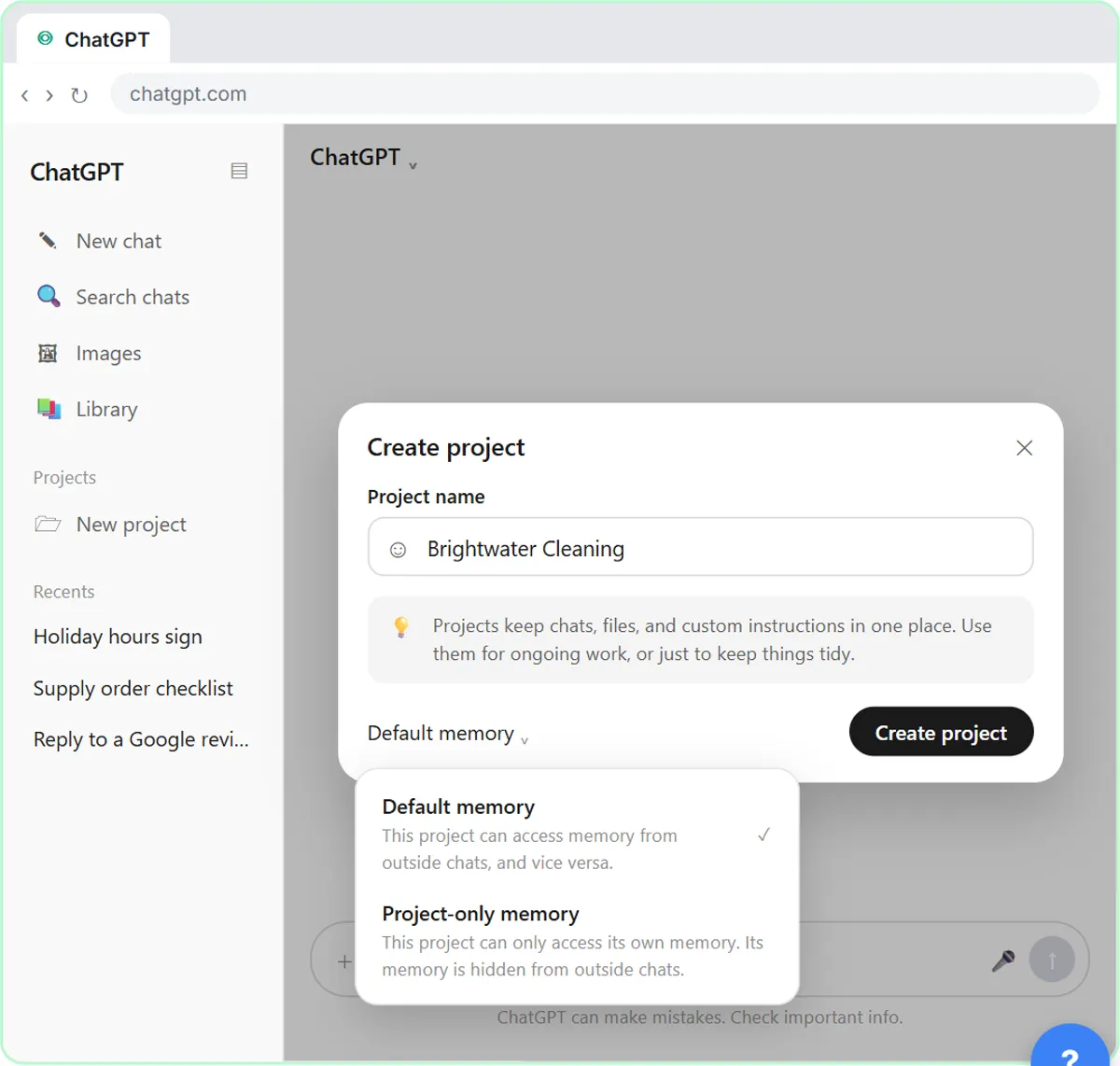
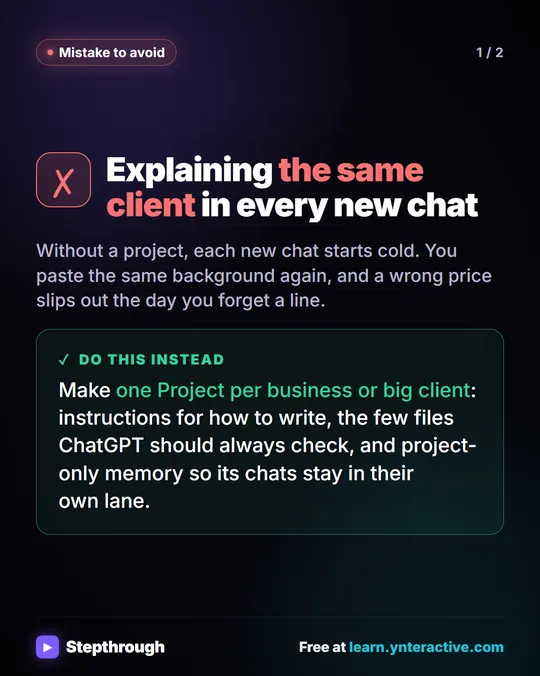
In the ChatGPT Projects lesson, a made-up cleaning company, Brightwater Cleaning, gets a Project with brand voice instructions and a price list. A customer asks what a deep clean costs, and the reply uses the right price without anyone pasting it again.
When might a custom GPT still make sense?
If you already have one that works, you can keep using it until it is retired. If you are in a Business, Enterprise or Edu workspace, you may still be allowed to build one. A GPT can also use Actions to call outside services, which a Project does not do. The Build a Custom GPT lesson teaches the build, but plan the move to a Project or Plugin as you go.
Can chats created with a GPT be moved into a project?
No. OpenAI's Help Center says chats created with a GPT can't be moved into a project. If the first message in a chat uses a custom GPT, that conversation starts outside the project and stays there. You can still use a custom GPT for messages in an existing project chat, so the order matters: start the chat inside the project first.
Here is what that looks like at work. Say the office manager at Brightwater Cleaning has a month of quote chats with an old pricing GPT and wants them in the new Pricing Project. Those chats can't be dragged in. The fix is to open each chat that still matters, copy the useful parts (the final prices, the wording customers liked) into a project file or the project instructions, and start every new quote chat inside the project from then on. See the glossary entries for custom GPT and ChatGPT Projects for the short versions.
How do I move a custom GPT to a Project?
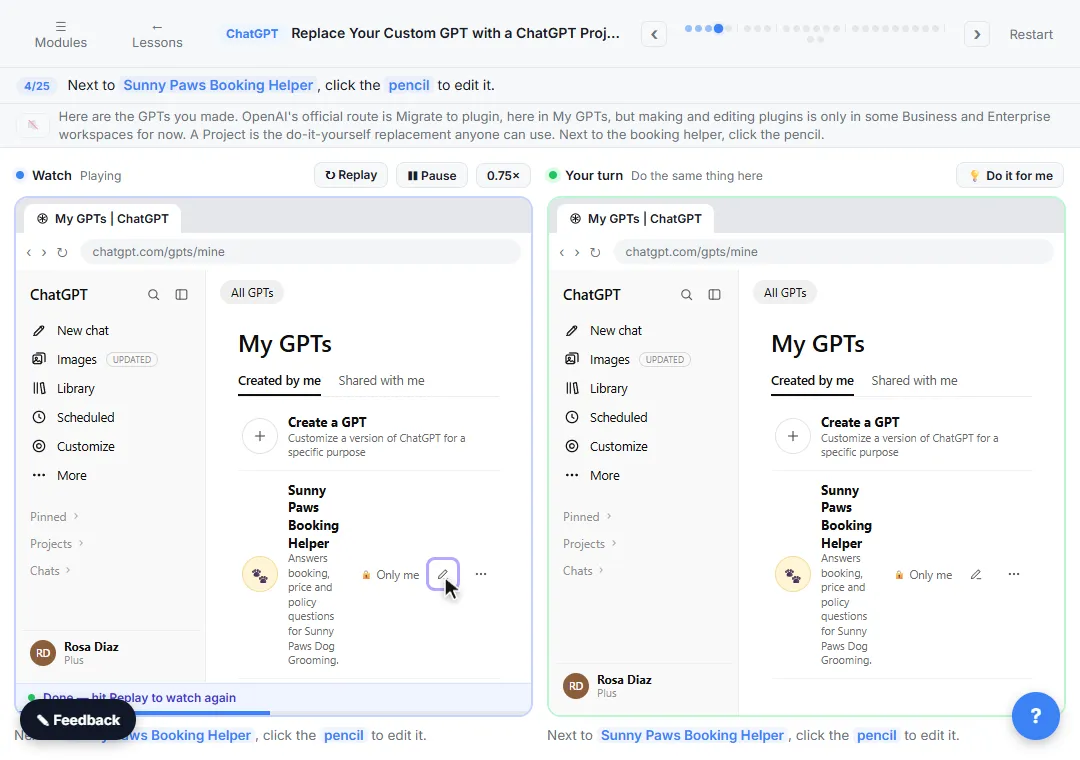
Copy the GPT's instructions into the Project's instructions (open the project's menu, then Project settings), upload its knowledge files as Project files, and test with a real customer question. The Replace Your Custom GPT with a ChatGPT Project lesson walks through each step. Read more on when a Project beats a plain chat in ChatGPT Projects vs chats.
Try it free, step by step
How to Find Your GPTs in ChatGPT and Replace a Custom GPT with a Project. Custom GPTs are retiring (Enterprise: December 11, 2026). Copy your GPT's instructions, starters and files, rebuild it as a ChatGPT Project with project-only memory, and test it on a real customer… You do every step yourself in a practice copy of ChatGPT, it checks your work as you go, and “Do it for me” finishes any step you get stuck on. Free, and nothing touches your real accounts.
Start the free lessonFor examples by team, see custom GPT examples for small business, and for a sales assistant's rules, the sales assistant instructions prompt.
Key takeaways
- A Project is a workspace; a custom GPT is a fixed assistant.
- OpenAI says it plans to retire custom GPTs, so build new work in Projects.
- Personal accounts can't create new GPTs; existing ones keep working for now.
- Move instructions and files into a Project and test before you switch.
- Always read the answer before it goes to a customer.
Frequently asked questions
- Are ChatGPT Projects replacing custom GPTs?
OpenAI says it plans to retire custom GPTs and recommends moving workflows to Plugins. Projects are the closest everyday replacement for keeping instructions and files together, but check the current notice for your plan.
- Can I still create a custom GPT?
Not on personal accounts. OpenAI says new GPT creation and publishing are not available on Free, Go, Plus or Pro. Business, Enterprise and Edu workspaces can create them if their settings allow it.
- Why can't I move a GPT chat into a project?
OpenAI says chats created with a GPT can't be moved into a project, because a conversation that starts with a GPT begins outside the project. Copy what you need from the old chat into the project's files or instructions, then start new chats inside the project.
- Can a Project use my custom GPT?
You can use a custom GPT for messages in an existing project chat. A conversation that starts with a GPT appears outside the project.
- What are the best practices for a custom GPT or a Project?
The same habits work for both. Give it one clear job, write its instructions as plain rules (who it writes for, what it must never promise, what format to use), upload only the files it needs, and test it on a real task before you share it. Keep client data out unless your plan and company policy allow it. For new work, OpenAI's retirement notice makes a Project the safer place to put those habits.
- Do Projects cost extra?
No. OpenAI says access to Projects is included with every qualifying ChatGPT plan, and usage limits follow your plan.