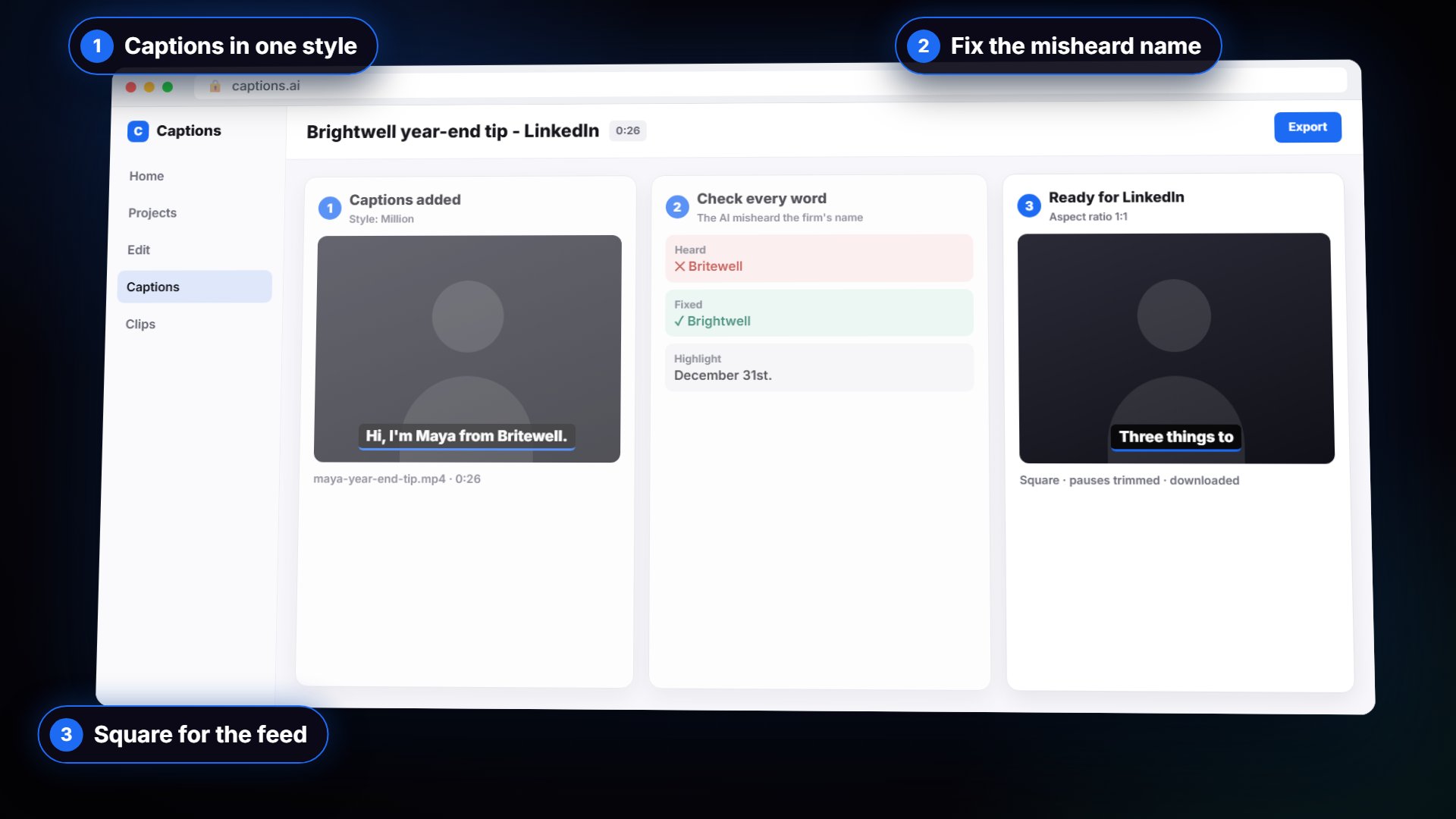
Turn a Raw Client Video into a Captioned LinkedIn Clip using Captions
Most people scroll LinkedIn with the sound off, so a talking-head video with no captions gets skipped. Use Captions to add captions, cut the pauses, fix a misheard name, make it square and download it, in about ten minutes.
- Free
- No sign-up
- 23 steps
- ~8 min