Updated . Built from Taraki’s official docs and help center. Screens may differ slightly in your account. How we check this lesson
When a design studio hires, the portfolio is the application, yet it often arrives a week later in someone's inbox. Taraki is applicant tracking software with application forms, custom hiring pipelines and job posting in one place. In this free starter lesson, built from Taraki's knowledge base, you add a required File Upload question for the portfolio to the application form of Kiln & Courtyard Architects, a made-up twelve-person studio, create a pipeline called Junior Architect hiring with a Portfolio Review stage, and post the Junior Architect job on that pipeline. 8 steps, about six minutes, no account needed to practice.
At a glance
| Question | Answer |
|---|---|
| What you build | Stop chasing portfolios over email. Add a required File Upload question to your Taraki application form, build a hiring pipeline with a Portfolio Review stage and post the job on it, all from Taraki's own knowledge base. |
| Tools | Taraki |
| Time | About 6 minutes, 8 steps in 3 parts |
| Level | Beginner, no coding needed |
| Cost | Free |
| Ways to learn it | Practice it step by step |
The 3 parts, in short
- Ask for the portfolio: Add a field to the application form, Write the question, Make it a required File Upload.
- Build the pipeline: Open Pipelines, Create a pipeline for this role, Add a Portfolio Review stage.
- Post the job: Save the stage, Post the job, then try it in your own account.
Next: browse every free AI for Recruiting & HR tutorial.
The business case: portfolios that arrive late, in five inboxes
Picture the studio manager at Kiln & Courtyard Architects, a made-up twelve-person studio that designs homes and schools. The last junior architect opening drew about sixty applicants, with example numbers you should replace with your own. Half of them sent their portfolio separately, by email, to whichever partner they knew. The manager spent the first week asking for missing PDFs and copying names into a spreadsheet of who had been reviewed.
With Taraki, the portfolio becomes a required File Upload question on the application form, so nobody can apply without it. A custom pipeline adds a Portfolio Review stage between New and Hired, and the job is posted on that pipeline. The partners open the job's ATS view and see, stage by stage, who is waiting for them.
Who this is for, and what you need
Studio managers, office managers, HR leads and founders at architecture, interior design and other portfolio-driven firms. The practice runs in your browser with no account. To do it for real you need a Taraki account with your company set up; start at www.taraki.co. Taraki's docs say only company admins can open Administration, where application forms and pipelines live.
What the docs say about pipelines and job posts
Taraki's pipeline article says every pipeline automatically includes New, Hired and Rejected. These system stages cannot be deleted and drive internal automations such as rejection emails. You add your own stages, such as Screening Interview or Technical Round, and drag them into order, because stage order decides how candidates progress.
The job posting article lists the fields on a job: Job Title, Location, Job Type, Salary if you want it, Years of Experience and Work Settings (onsite, remote or hybrid). You can paste a description or let the AI Assistant write one from those details, choose whether your contact details show, and turn automatic rejection emails on or off. After posting you can download a job poster to share on LinkedIn or WhatsApp.
What this saves you
- The follow-up emails asking applicants for their portfolios.
- The spreadsheet of who has been reviewed, replaced by the stage tabs in the job's ATS view.
- What it does not do: it does not judge the portfolios. Your partners still review the work; Taraki puts it in one place.
How this lesson was built
This is a starter lesson based on Taraki's documentation ("How to Add Custom Fields to an Application Form", "How to Create a Custom Hiring Pipeline" and "How to Post a Job on Taraki"), read on 13 November 2026. The practice screen is a plain frame that uses the labels from those articles; it is not a copy of Taraki's own app, and the lesson was not run in a Taraki account. A full lesson on real Taraki screens is planned.
Links
- Taraki: home page: Taraki's applicant tracking system, its AI recruiter Tara, job distribution to LinkedIn, Indeed and Google Jobs, and the pricing plans.
- Taraki knowledge base: How to Add Custom Fields to an Application Form: Hire Talent, Administration, Application Forms, Add Field, the four field categories and the six field types, including File Upload.
- Taraki knowledge base: How to Create a Custom Hiring Pipeline: the New, Hired and Rejected system stages, Create Pipeline, + Add Stage, drag-and-drop order and Pipeline Selection on a job.
- Taraki knowledge base: How to Post a Job on Taraki: the Post Job fields, the AI Assistant for the description, automatic rejection emails and the job poster.
Try it yourself, free
Reading the steps is a start. Doing them is how it sticks. The interactive module walks you through every click in a practice copy of Taraki, checks each step, and never touches your real accounts.
Start “Taraki: Collect Every Architect's Portfolio and Track Applicants in One Pipeline”Step by step: Taraki: Collect Every Architect's Portfolio and Track Applicants in One Pipeline
All 8 steps of the interactive module, in order. In the module you watch each one, then do it yourself in a practice copy that checks your work.
1. Ask for the portfolio
- Add a field to the application form. You are the studio manager at Kiln & Courtyard Architects, a made-up design studio. This is the Junior Architect application form under Hire Talent › Administration › Application Forms. It has no place for a portfolio, so applicants email it later. Click Add Field, and pick the Others category so you can write your own question.
You are the studio manager at Kiln and Courtyard Architects. This is the Junior Architect application form. It has no place for a portfolio, so applicants email it later.
- Write the question. Type the question candidates will see: Please upload your portfolio as one PDF. Press Enter.
- Make it a required File Upload. Set Field type to File Upload, the type Taraki's docs give for documents or portfolios. Required is on, so nobody can submit without it. Click Add Field to put it on the form.
Set the field type to File Upload. Required is on, so nobody can submit without a portfolio.
2. Build the pipeline
- Open Pipelines. Next, the stages applicants move through. In the left menu, click Pipelines. Only company admins see Administration.
Next, the stages applicants move through.
- Create a pipeline for this role. Click Create Pipeline. The Pipeline Name is filled in for you: Junior Architect hiring. In the real app you then click Create.
The name is filled in for you: Junior Architect hiring.
- Add a Portfolio Review stage. After + Add Stage, type the stage name: Portfolio Review. Press Enter. Later you can drag stages to change their order, which sets how candidates move.
Add a stage and type its name: Portfolio Review. You can drag stages later to change the order.
3. Post the job
- Save the stage. Click Save. The pipeline now runs New, Portfolio Review, Hired, Rejected. Next you post the job on it.
The pipeline now runs New, Portfolio Review, Hired, Rejected. Next you post the job on it.
- Post the job, then try it in your own account. The job details are filled in. Pipeline Selection is set to Junior Architect hiring. Click Post Job. This lesson was built from Taraki's knowledge base, not run in an account: in your own Taraki, go to Hire Talent, the Administration tab, then Application Forms, and follow the same steps.
The job details are filled in, and Pipeline Selection is set to Junior Architect hiring. In your own Taraki, start at Hire Talent, Administration, Application Forms, and follow the same steps.
Frequently asked questions
- How do I add a portfolio upload to a Taraki application form?
- Go to Hire Talent, open the Administration tab and choose Application Forms. Open the form, click Add Field, choose the Others category and type your question, then pick File Upload as the field type. Mark it required if candidates must upload before submitting, and click Add Field.
- Can I delete the New, Hired and Rejected stages in Taraki?
- No. Taraki's docs say these are system-defined stages in every pipeline. They cannot be deleted because they drive automations such as rejection emails. You add your own stages between them.
- How do I use a custom pipeline for one job?
- When you post the job, find Pipeline Selection and choose your pipeline from the dropdown, then save the job. Taraki's docs then point you to the job's ATS view, where stage tabs show candidates by stage.
- Was this lesson tested in a real Taraki account?
- No. It is a free starter lesson built from Taraki's public knowledge base. The practice frame is generic and the labels come from the docs; check them against your own screens.
More in AI Automation for Recruiting & HR
Translate a client's Word policy into Spanish with DeepL file translation, keep its headings and table, set a formal tone, then polish the English cover email with…
Free · Live ~5 min Beginner
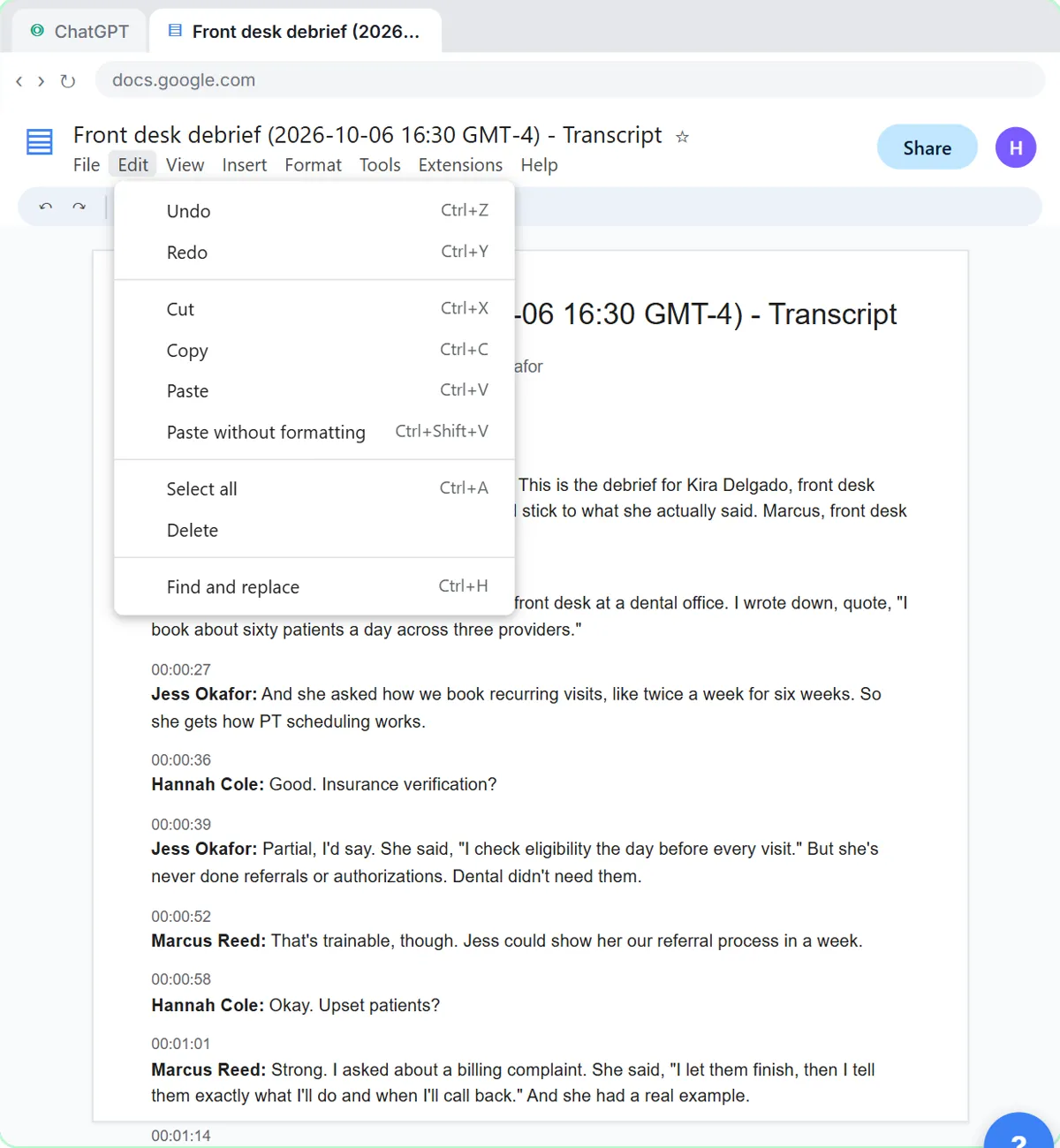 Score Every Candidate Fairly After the Interview using ChatGPT
Turn the transcript of an interview panel's debrief into a scorecard against the role's must-haves, the decisions, action items with owners and dates, and a follow-up…
Free · Live ~7 min Beginner
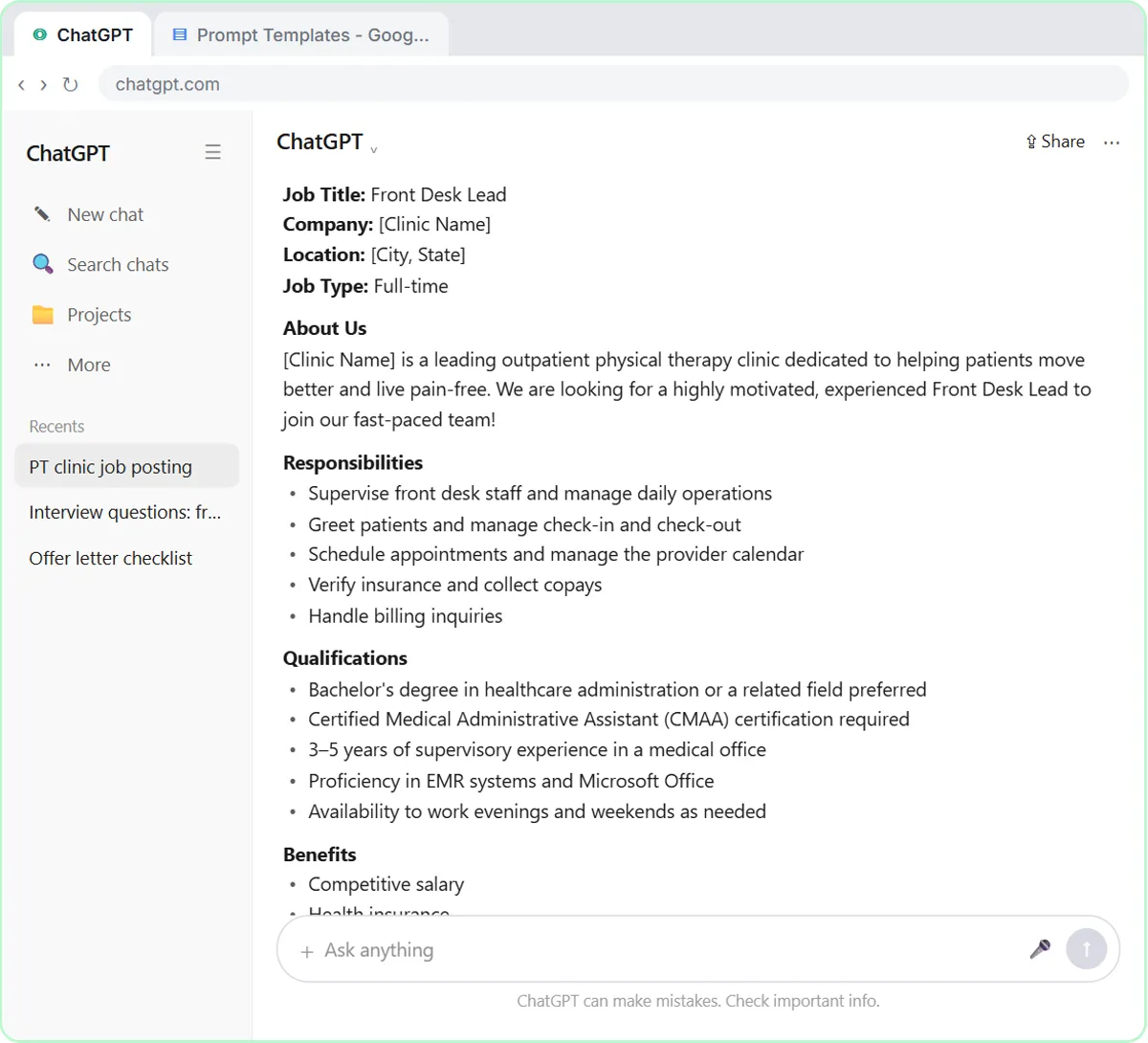 Write a Fair, Job-Related Job Posting with ChatGPT's Interview Prompt
Ask ChatGPT for a front desk lead posting the quick way, then let it interview you: true must-haves only, a real pay range, the work described instead of a personality…
Free · Live ~7 min Beginner
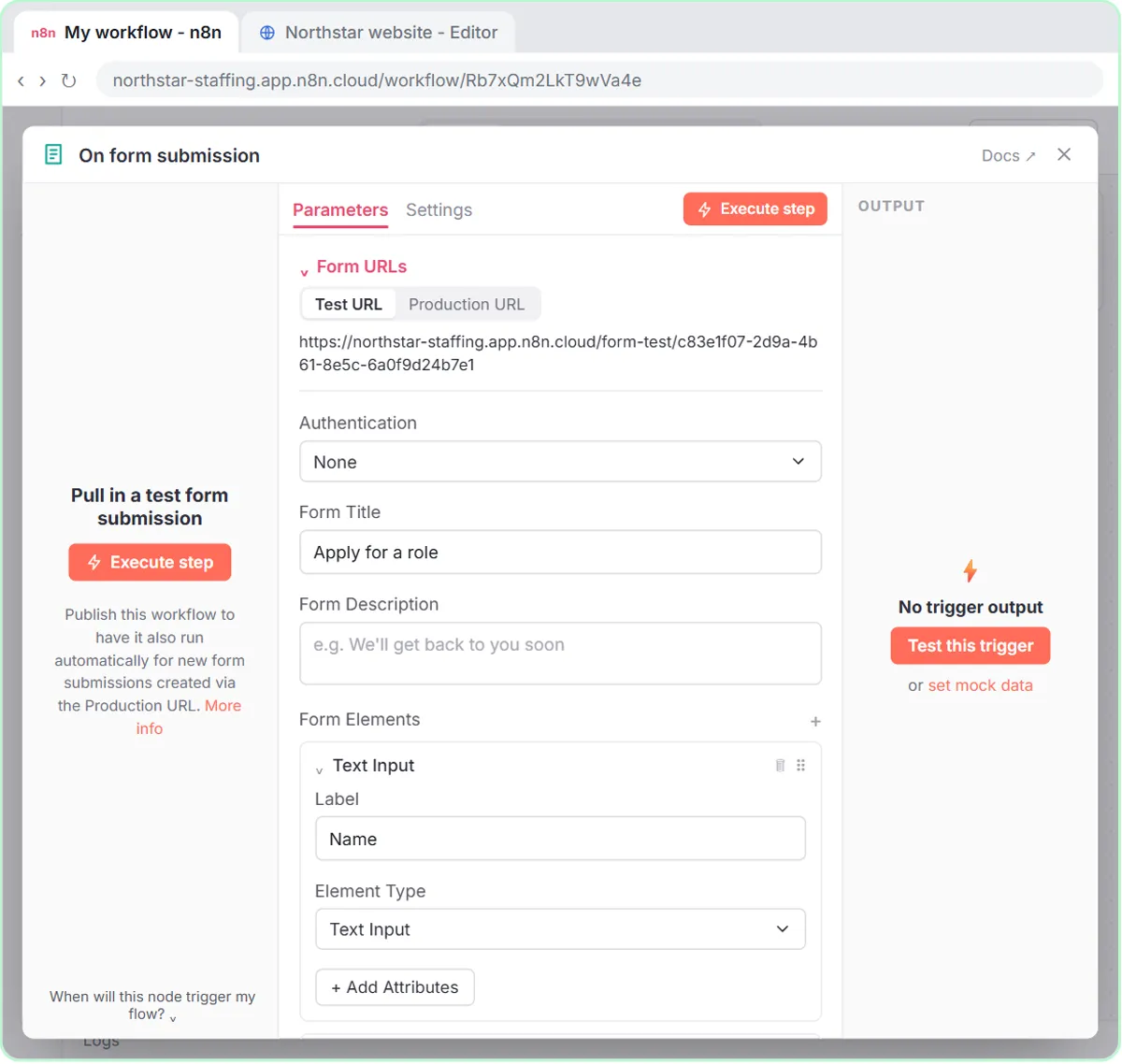 Collect Job Applications in Google Sheets with an n8n Form and a Careers-Page Webhook
Stop losing applicants between job boards and your careers page. An n8n form plus a careers-page webhook put every application in one Google Sheet.
Free · Live ~12 min Advanced
◷Keep Top Candidates Warm with Honest Status Replies using ChatGPTYour best candidate has another offer and wants to know if she got the job, if you'll match her pay and when she can start. Give ChatGPT the thread and the hiring…
Free · Live ~9 min Beginner
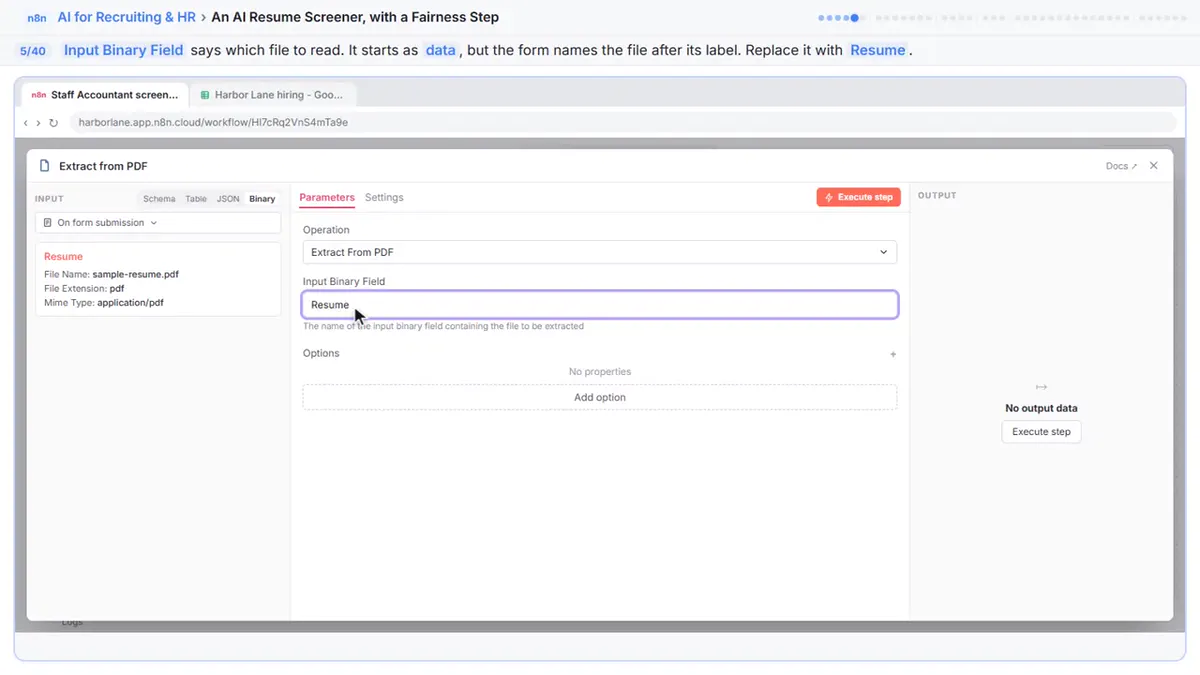 An AI Resume Screener, with a Fairness Step (Recruiting & HR)
Have n8n read each applicant’s PDF resume, score it against the job’s must-haves with the evidence quoted, and rank it in Google Sheets, while a person makes every…
Free · Live ~14 min Advanced
All 22 modules in AI Automation for Recruiting & HR
Terms in this lesson
Plain-English definitions, each with an example from a free lesson.