Updated . Built against the tool’s current screens and checked step by step. How we check this lesson
Plenty of consultants and small firms get website visitors and collect no emails, so every warm reader leaves without a trace. A free, useful checklist given for an email is the classic fix, and writing and laying one out usually eats a weekend. Heights Platform is an all-in-one platform for selling courses, digital downloads, coaching and community, and Heights AI 3 is its built-in assistant. In this free lesson, captured from the real Heights Platform admin with the Heights AI 3 beta on, 12 November 2026, you ask Heights AI 3 for a New-Hire First Week Checklist for Brightwater HR Partners, a made-up HR consultancy, in one message. Then you ask for the next step, read the Setup Map it builds (Attract, Capture, Nurture, Convert) to see what the funnel is still missing, and put the firm's name on every page of the PDF from the chat before saving it. 12 steps, about eight minutes, no account needed to practice.
At a glance
| Question | Answer |
|---|---|
| What you build | Your website gets visitors but collects no emails. In the real Heights Platform, ask Heights AI 3 for a free six-page checklist PDF, let its Setup Map show what your funnel is still missing, and put your firm's name on the PDF from the chat. |
| Tools | Heights Platform |
| Time | About 8 minutes, 12 steps in 3 parts |
| Level | Beginner, no coding needed |
| Cost | Free |
| Ways to learn it | Practice it step by step |
The 3 parts, in short
- Ask Heights AI 3 for the lead magnet: Open Heights AI, Ask what it can do, Describe the lead magnet, Send it.
- See what's missing in the funnel: Read what it built, then ask for the next step, Open the Setup Map, Check the checklist step, Open the checklist.
- Make the PDF yours: Open the PDF Package Builder, Ask for your branding, Send it, Save and replace the PDF.
Next: browse every free AI for Marketing tutorial.
The business case: visitors who leave no trace
Picture Priya, who founded Brightwater HR Partners, a made-up two-person HR consultancy for offices of 5 to 50 staff that have no HR department. Owners read her posts and visit her site, but new clients only come by referral, because the site gives a visitor no reason to leave an email. Without an email there is no follow-up.
A lead magnet fixes that: something an owner needs this week, given away in exchange for an email address. A New-Hire First Week Checklist fits, because every small office hires, and most wing the first week. Writing and laying out six pages by hand would take Priya a weekend. Heights AI 3 drafted it from one message in about a minute and a half in our runs, then mapped the rest of the funnel.
Who this is for, and what you need
Consultants, coaches, trainers and small firms that sell expertise and want email sign-ups from their website. The practice runs in your browser with nothing to sign up for. To do it for real you need a Heights Platform account (the 30-day trial needs no card) with Heights AI 3, and the time to read the PDF before it carries your name.
What the real Heights Platform looks like
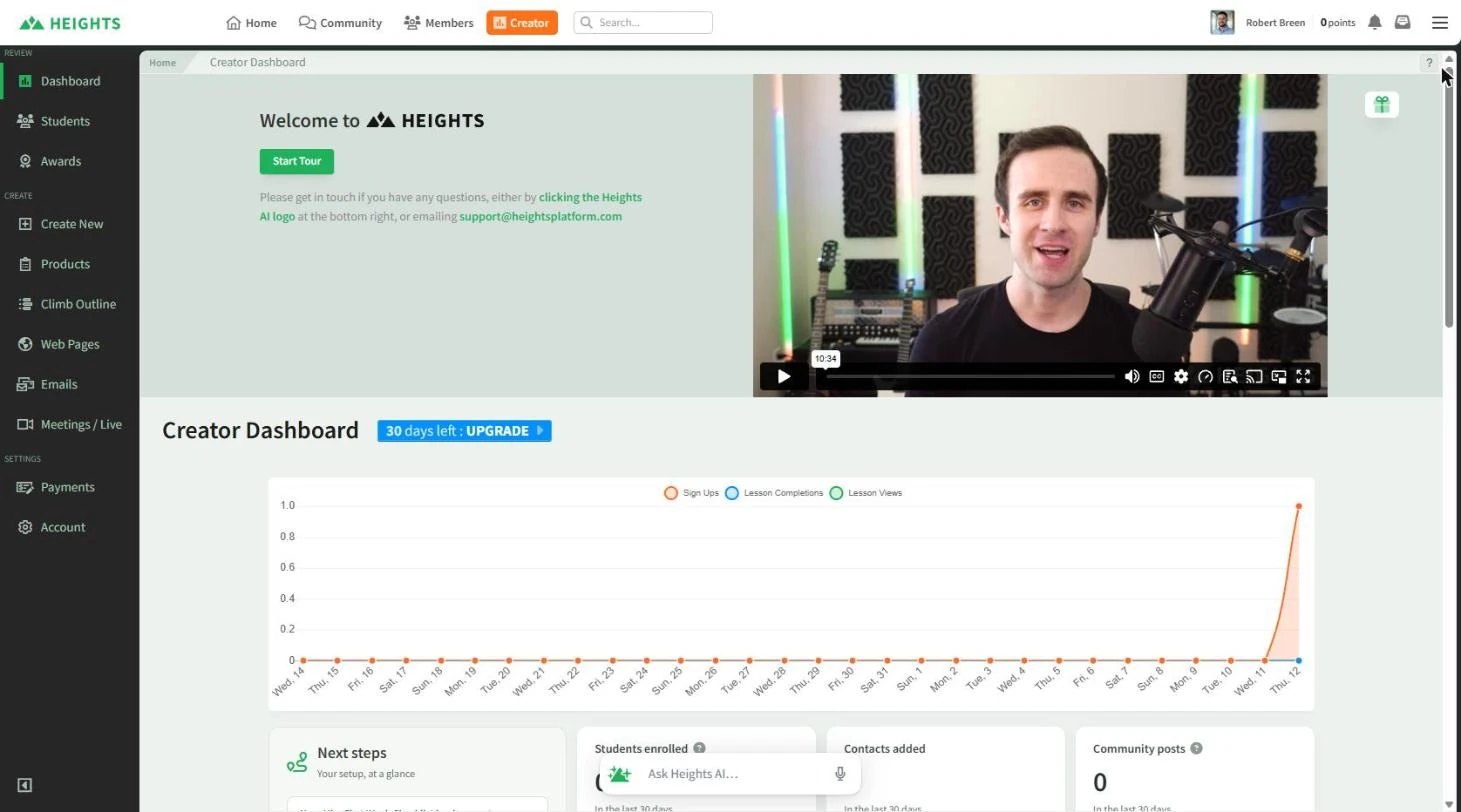
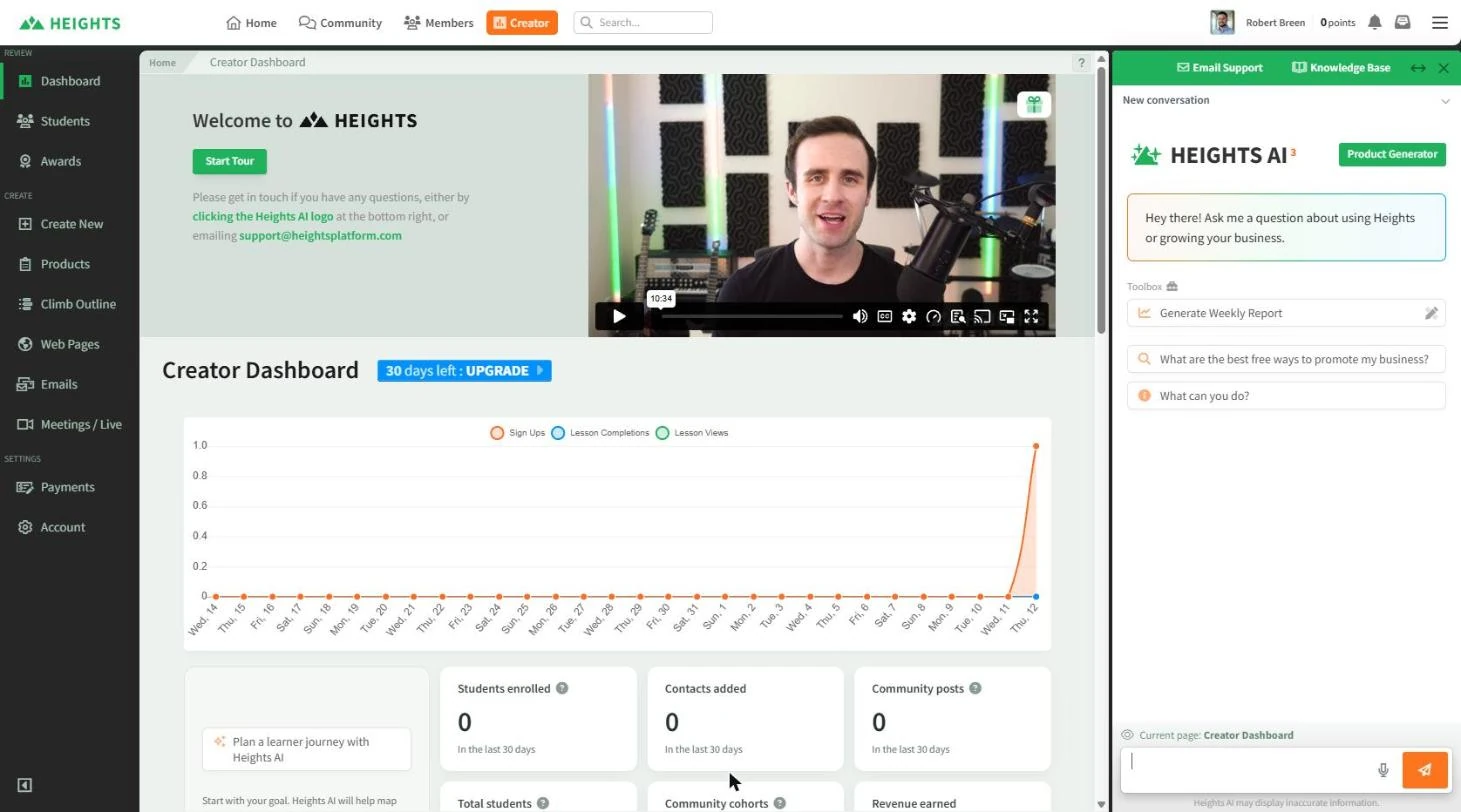
The admin opens on the Creator Dashboard: a dark left menu (Dashboard, Students, Awards, Create New, Products, Climb Outline, Web Pages, Emails, Meetings / Live, Payments, Account), a welcome video, a chart of sign-ups, lesson completions and lesson views, and an Ask Heights AI bar at the bottom. Clicking it docks the Heights AI panel on the right, marked Heights AI with a small 3, with a Toolbox of starter prompts, a Product Generator button and a message box. The panel stays open as you move between pages and shows what you are looking at.
Products open on Edit Product, with View Product, Reports, Edit Checkout and PDF Package Builder buttons. The PDF Package Builder (titled Download Builder) shows a US Letter preview of the PDF with Download PDF and Save & replace PDF buttons, and marks edits from Heights AI as Unsaved AI changes until you save.
What Heights AI 3 did in our runs
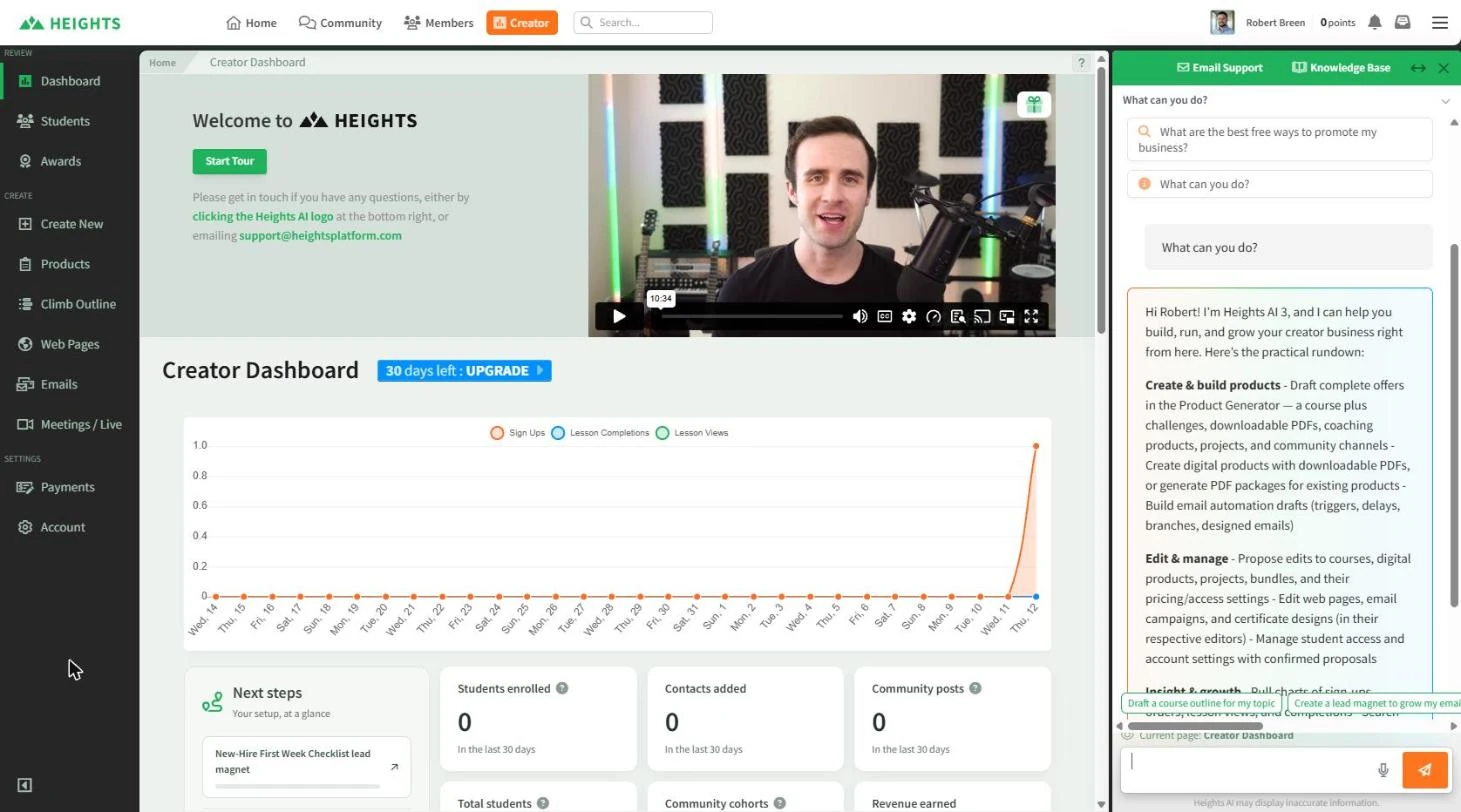
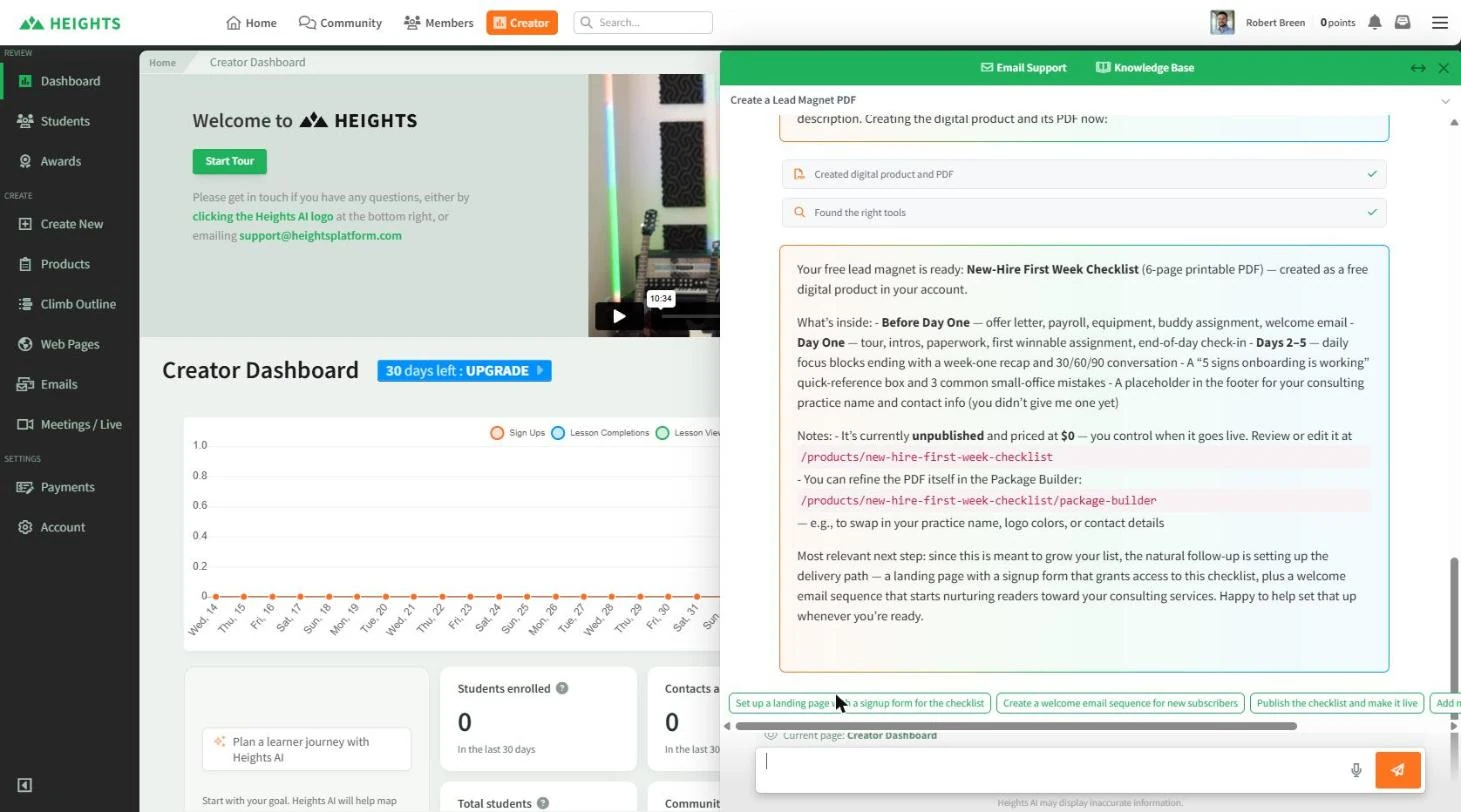
Asked what it can do, it introduced itself as Heights AI 3: building complete offers in the Product Generator, digital products with downloadable PDFs and email automation drafts; editing products, web pages and campaigns; charts and searches of your data; and Setup Maps that map a launch journey and check each step against your live account. Asked for the checklist, it showed each tool it ran, then created a free, unpublished digital product with a 6-page PDF: Before Day One, Day One, Days 2 to 5, a five signs onboarding is working box and three common small-office mistakes, with a footer placeholder for the practice name.
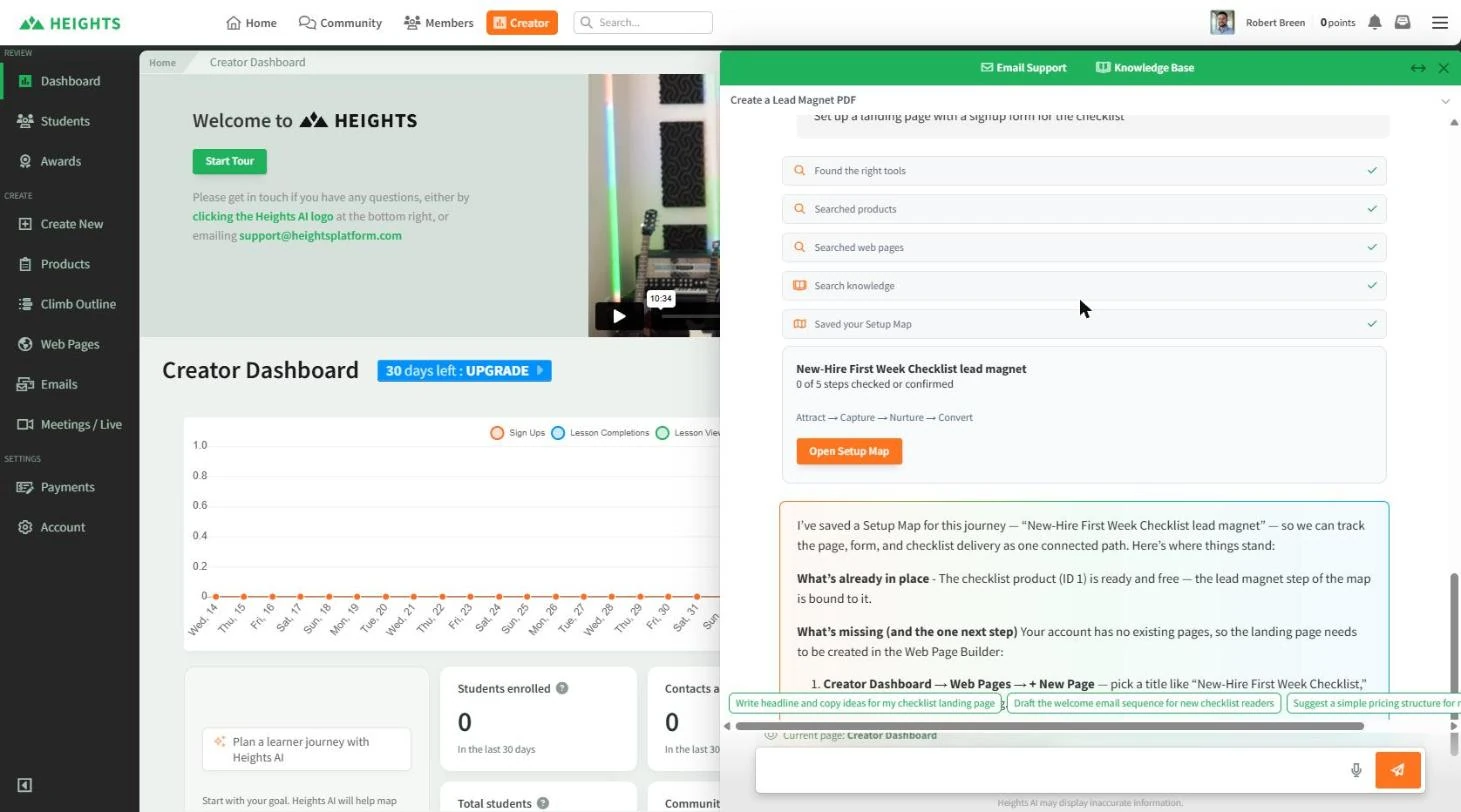
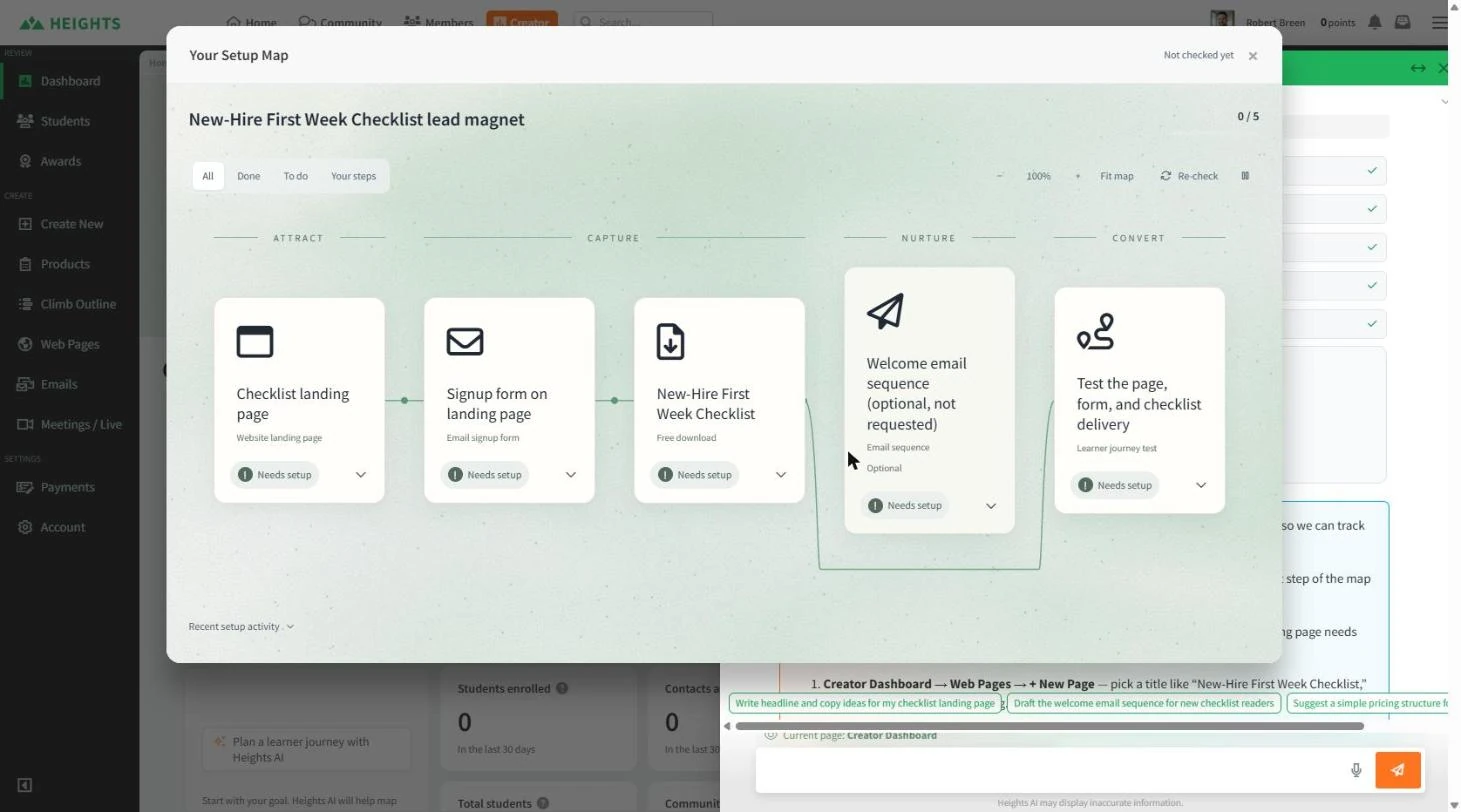
Asked to set up a landing page with a signup form, it did not build the page. It checked the account, saved a Setup Map with five steps (checklist landing page, signup form on the landing page, the checklist, an optional welcome email sequence, and a test of the page, form and delivery) and told us plainly what was missing and where to build it. Asked to brand the PDF, it changed the cover and all six footers and pointed out two placeholders left on page 6. In our second run the first edit only changed the footer and the reply came back empty; one more message fixed the cover. Replies are worded differently every time, and Heights AI sometimes asks a question before it acts.
What this saves you
- The weekend it takes to write and lay out a multi-page lead magnet: the draft PDF arrived in about a minute and a half in both runs.
- The guesswork about what a funnel still needs: the Setup Map lists every piece from landing page to test, and its AI check marks what is ready.
- What it does not do: it writes advice that will carry your name, so you read every page and fix what does not fit your clients and your state or country before you publish. The landing page, the publish switch and the welcome emails are still yours to do.
How this lesson was built
Captured from the real Heights Platform admin, 12 November 2026, on a 30-day trial with the Heights AI 3 beta on, in Chrome at 1461 by 812. Every practice screen and screenshot on this page is a capture of the real app, and every step was clicked through twice. The first four screens come from the second run; the rest from the first, because in the second run the account already held the first checklist, so Heights AI asked whether to make a new one. Brightwater HR Partners is made up.
Links
- Heights Platform free trial: the 30-day trial this lesson was captured from; no credit card. Heights AI is included on every plan.
- Heights Platform pricing: plans, contacts and page limits; digital products need Basic or above.
- Heights Platform blog: Heights' own articles on lead magnets, course creation and promotion.
Try it yourself, free
Reading the steps is a start. Doing them is how it sticks. The interactive module walks you through every click in a practice copy of Heights Platform, checks each step, and never touches your real accounts.
Start “Heights Platform: Turn Your Expertise into a Lead-Magnet PDF with Heights AI 3”Step by step: Heights Platform: Turn Your Expertise into a Lead-Magnet PDF with Heights AI 3
All 12 steps of the interactive module, in order. In the module you watch each one, then do it yourself in a practice copy that checks your work.
1. Ask Heights AI 3 for the lead magnet
- Open Heights AI. You run Brightwater HR Partners, a made-up two-person HR consultancy. Small-office owners like your advice, but new clients only arrive by referral, because your website gives a visitor no reason to leave an email. This is your Heights Platform Creator Dashboard. At the bottom, click the Ask Heights AI... bar.
You run Brightwater HR Partners, a small HR consultancy. New clients only come by referral, because your website gives visitors no reason to leave an email. This is your Heights Platform dashboard.
- Ask what it can do. The Heights AI³ panel opens on the right, with a Toolbox of starter prompts. The small 3 marks the new version, Heights AI 3. Click What can you do?
The Heights AI panel opens on the right. The small three marks Heights AI 3.
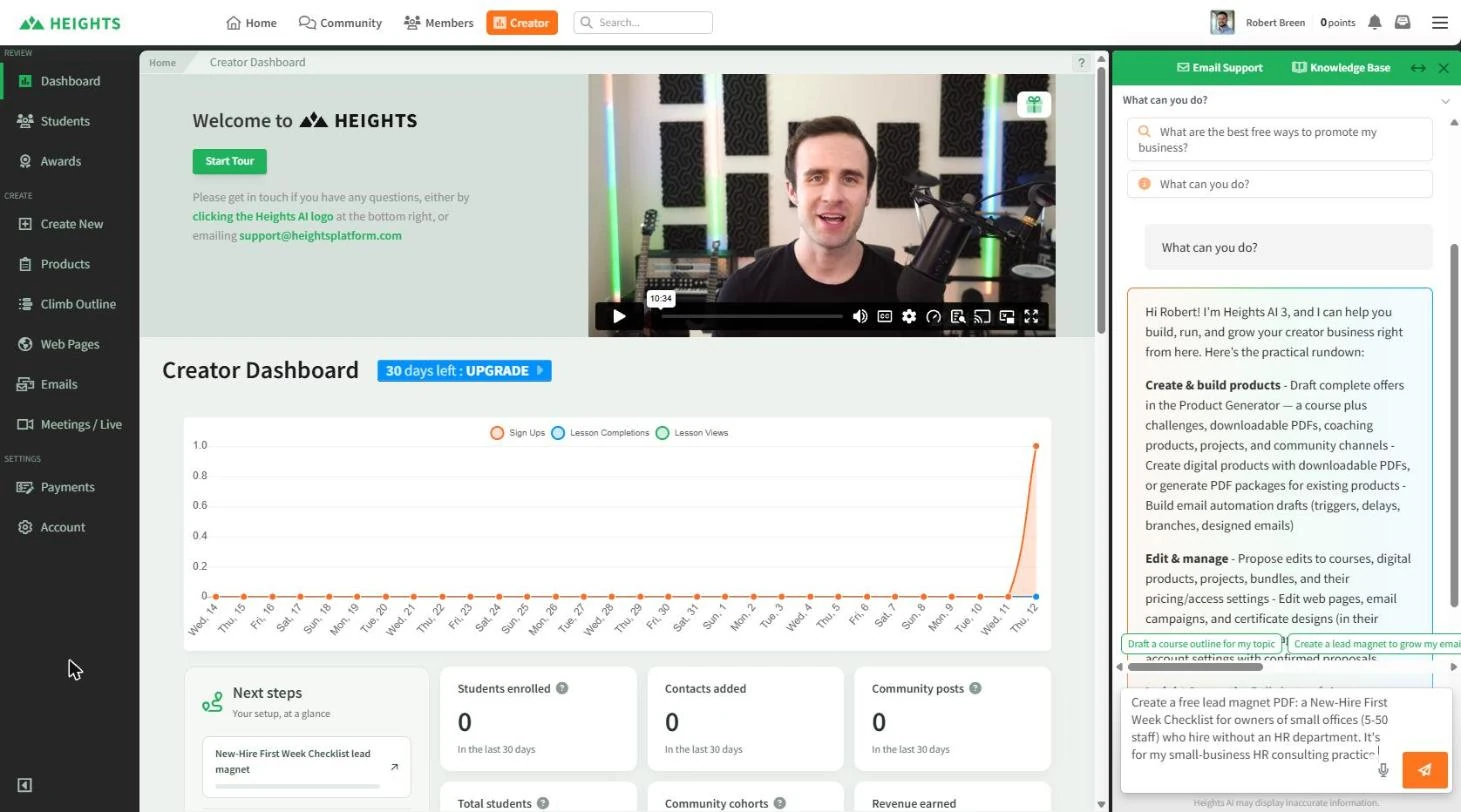
- Describe the lead magnet. It introduces itself as Heights AI 3: it builds products and downloadable PDFs, drafts email automations, edits web pages, and builds Setup Maps that check your funnel against your live account. Now say what you want in one message: the asset, who it is for, and why. In the message box at the bottom, type: Create a free lead magnet PDF: a New-Hire First Week Checklist for owners of small offices (5-50 staff) who hire without an HR department. It's for my small-business HR consulting practice.
It introduces itself as Heights AI 3. It builds products and PDFs, drafts email automations, and maps your funnel. In the message box, describe the lead magnet: what it is, who it is for, and why.
- Send it. Your request is in the box. Click the orange send arrow. Heights AI shows each tool it runs, then Creating your digital product, with an Email me when done button. In our runs it took about a minute and a half.
Heights AI shows its work and builds the product. In our runs it took about a minute and a half.
2. See what's missing in the funnel
- Read what it built, then ask for the next step. Done: New-Hire First Week Checklist, a 6-page printable PDF, saved as a free digital product, unpublished, priced at $0. It lists what is inside (Before Day One, Day One, Days 2 to 5, a "5 signs onboarding is working" box) and notes the footer still needs your practice name. A checklist nobody can sign up for grows nothing, so click the suggestion Set up a landing page with a signup form for the checklist. If your suggestions differ, type that sentence instead.
Done. A six page checklist PDF, saved as a free product, still unpublished. A checklist nobody can sign up for grows nothing, so click the suggestion: set up a landing page with a signup form.
- Open the Setup Map. Heights AI checked your products and web pages, then saved a Setup Map called "New-Hire First Week Checklist lead magnet": Attract, Capture, Nurture, Convert, 0 of 5 steps done. Below it, it says what is in place (the checklist) and what is missing: a landing page, built in Web Pages. It may ask you a question first, such as how visitors should get the checklist; pick the answer that fits. Click Open Setup Map.
It saved a Setup Map: attract, capture, nurture, convert. And it says what is missing: a landing page.
- Check the checklist step. Your Setup Map lays the funnel out left to right: Checklist landing page, Signup form on landing page, New-Hire First Week Checklist, Welcome email sequence (optional) and a last test of the page, form and delivery. Every card says Needs setup. Click the arrow on the New-Hire First Week Checklist card.
The map lays out the funnel, left to right. Every card says needs setup.
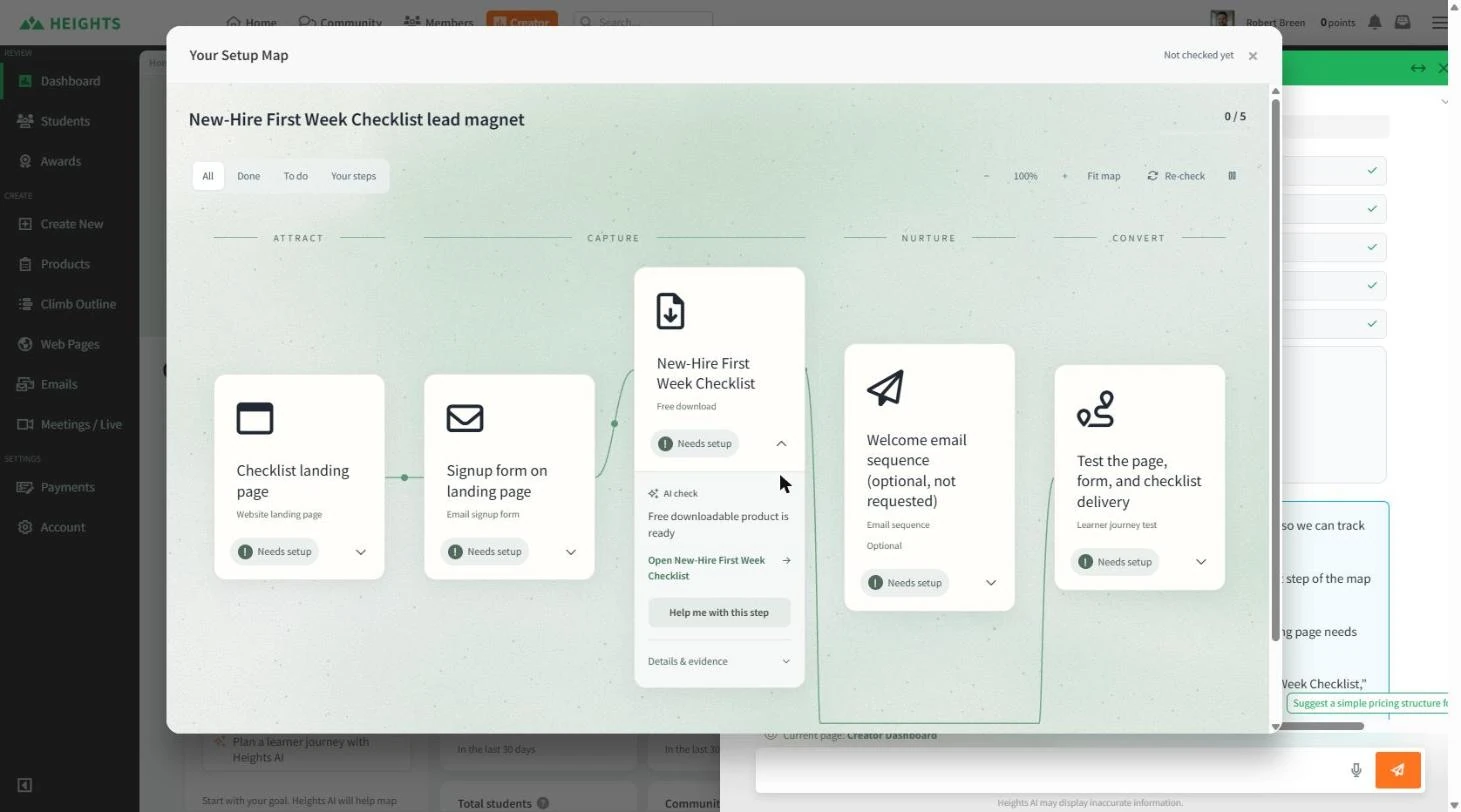
- Open the checklist. The card opens an AI check: "Free downloadable product is ready". Each card also has Help me with this step and Details & evidence. Click Open New-Hire First Week Checklist.
The AI check says the free product is ready.
3. Make the PDF yours
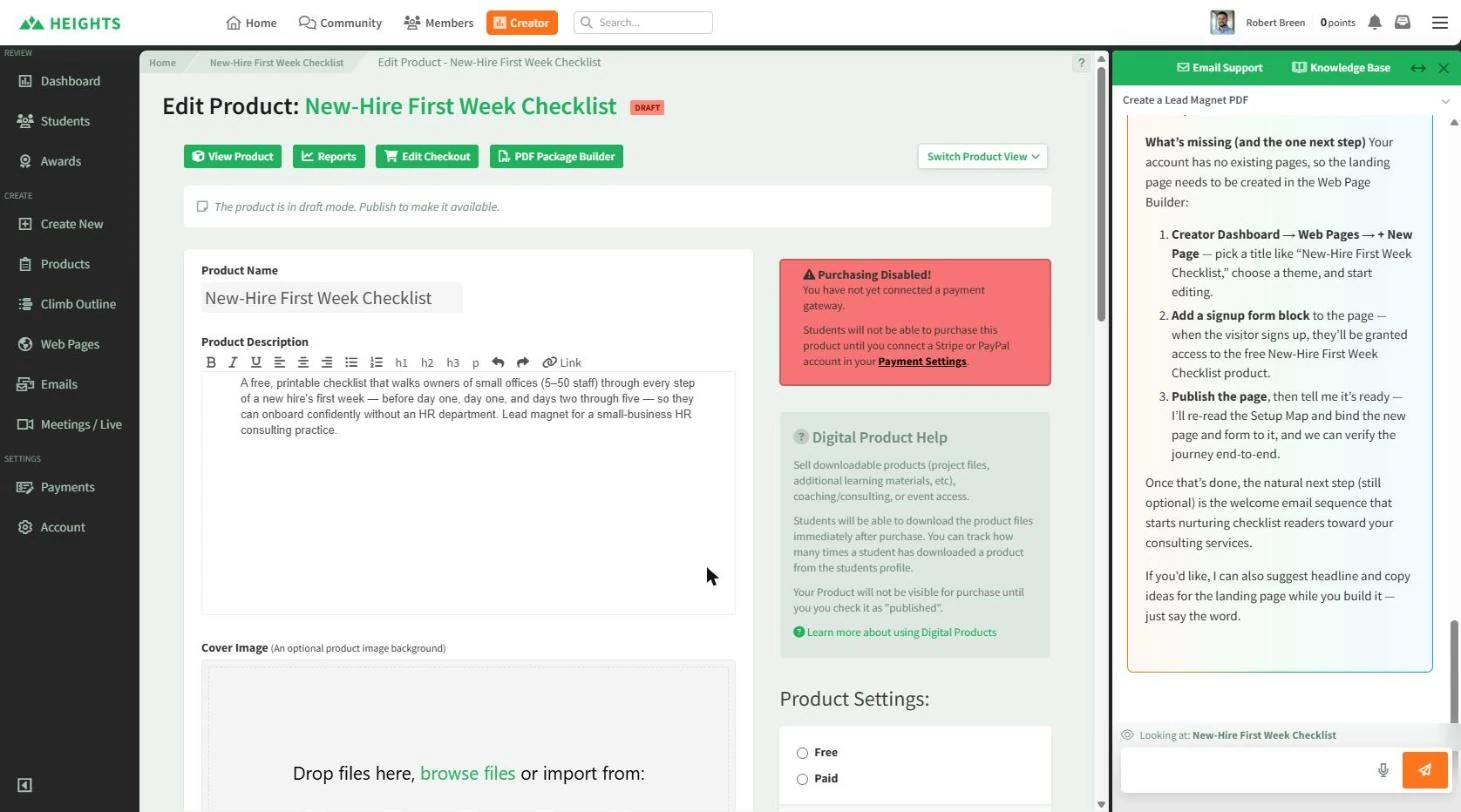
- Open the PDF Package Builder. Edit Product shows the description Heights AI wrote, a DRAFT label and the Free or Paid settings. The red Purchasing Disabled box only matters for paid products. Click PDF Package Builder to see the PDF itself.
Edit Product shows the description and a draft label.
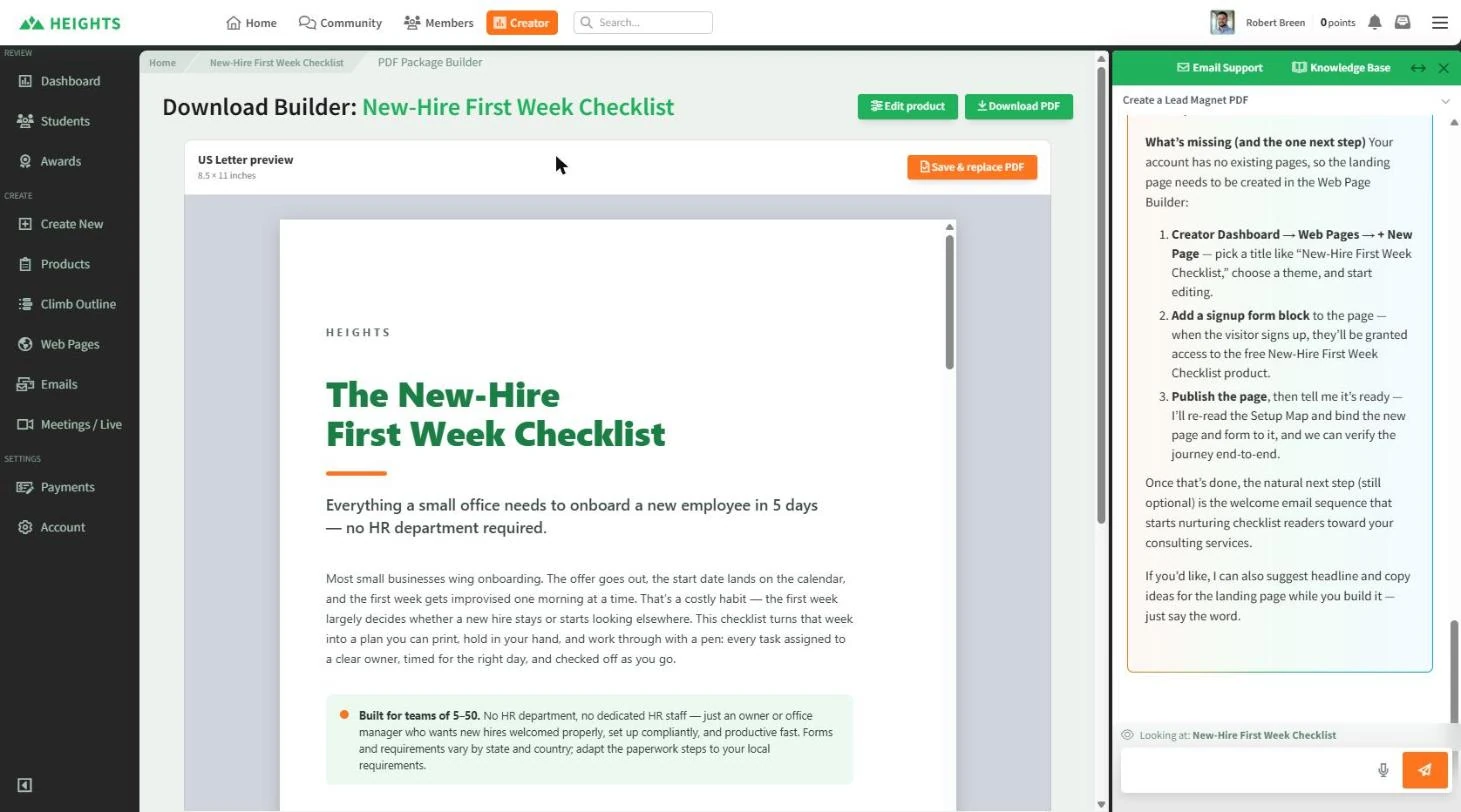
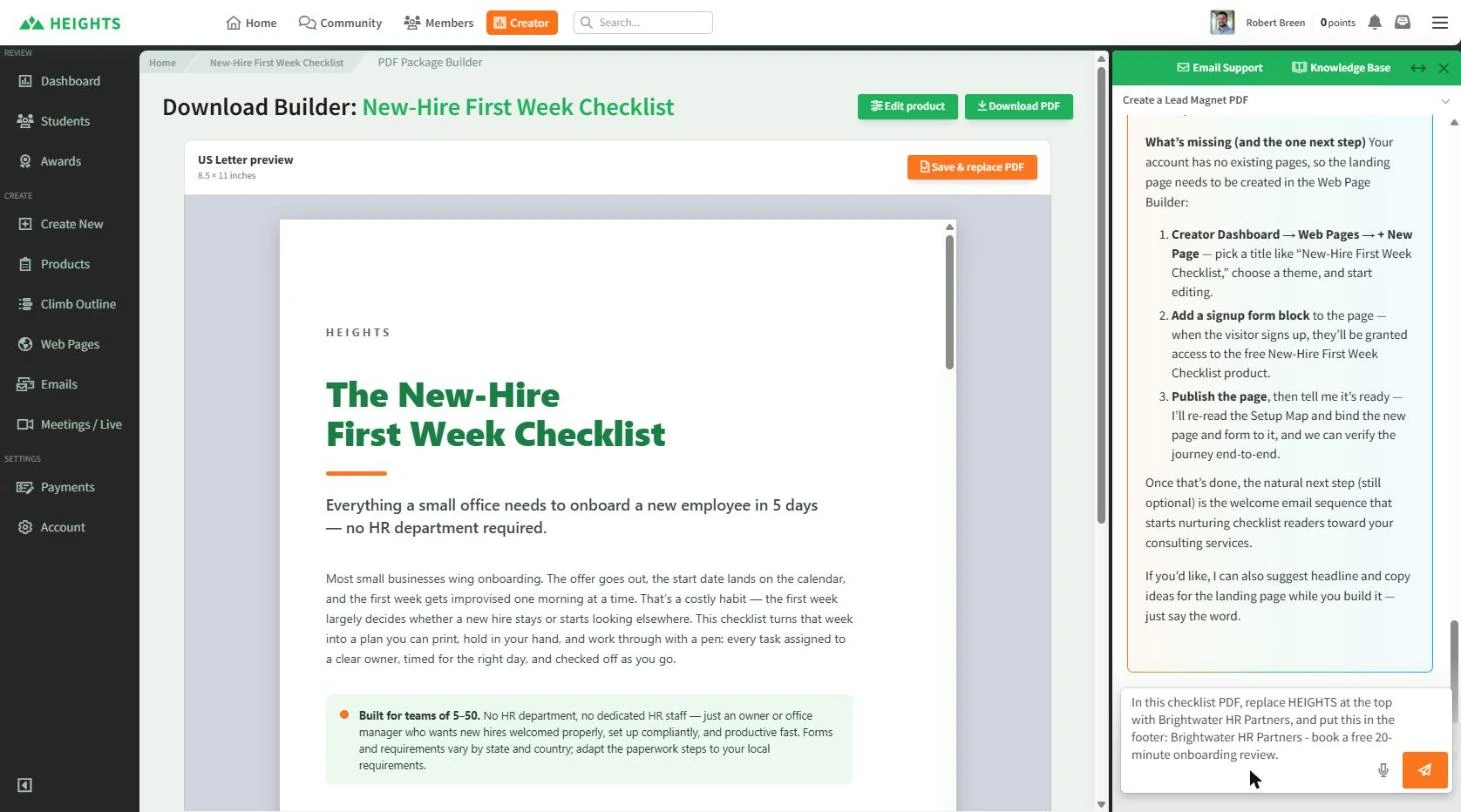
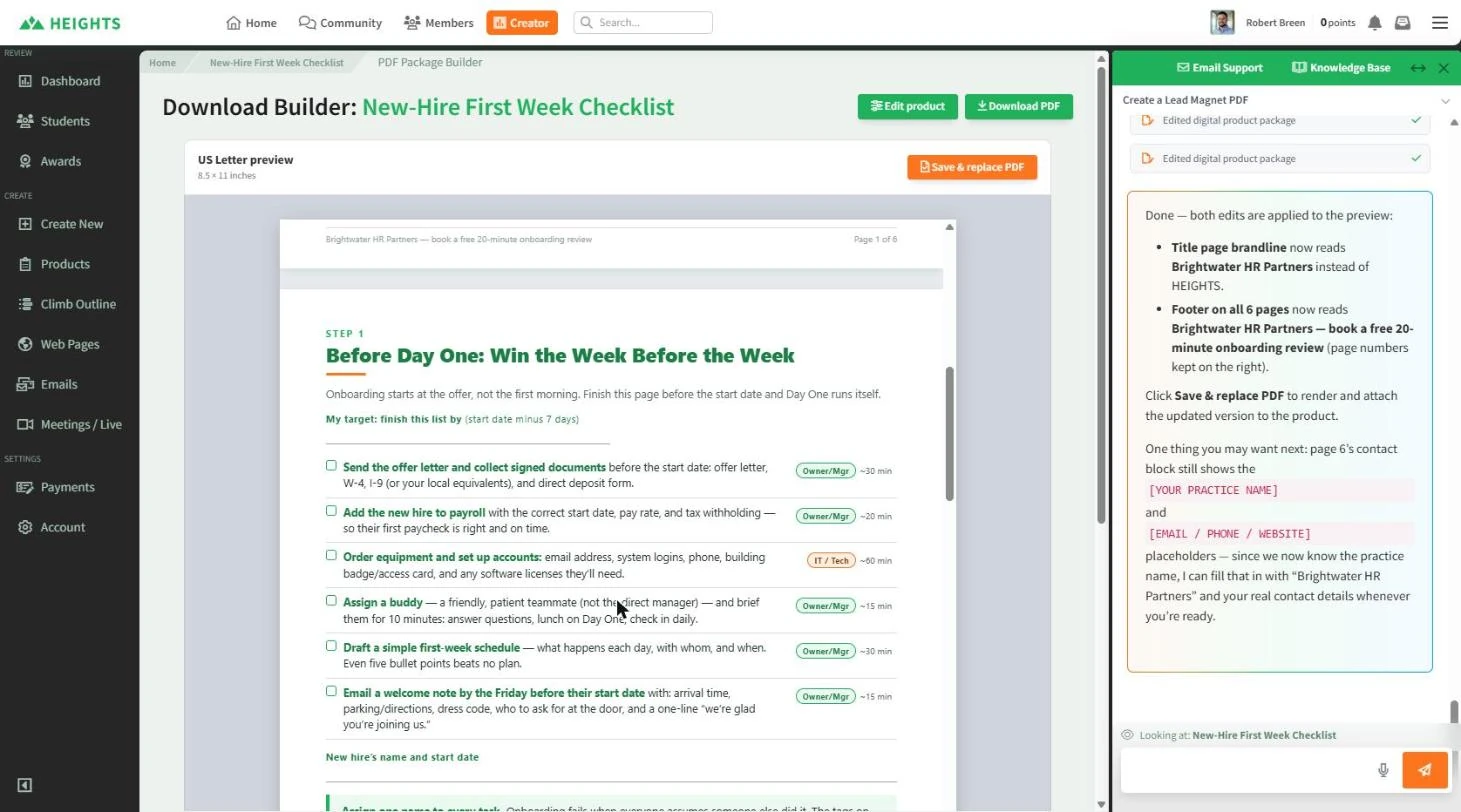
- Ask for your branding. The Download Builder previews the US Letter PDF, "The New-Hire First Week Checklist", with HEIGHTS printed above the title. The Heights AI panel is still open and says Looking at: New-Hire First Week Checklist, so you can edit by asking. In the message box, type: In this checklist PDF, replace HEIGHTS at the top with Brightwater HR Partners, and put this in the footer: Brightwater HR Partners - book a free 20-minute onboarding review.
The PDF preview has the word Heights printed above the title. The panel knows which product you are looking at, so just ask.
- Send it. Click the orange send arrow.
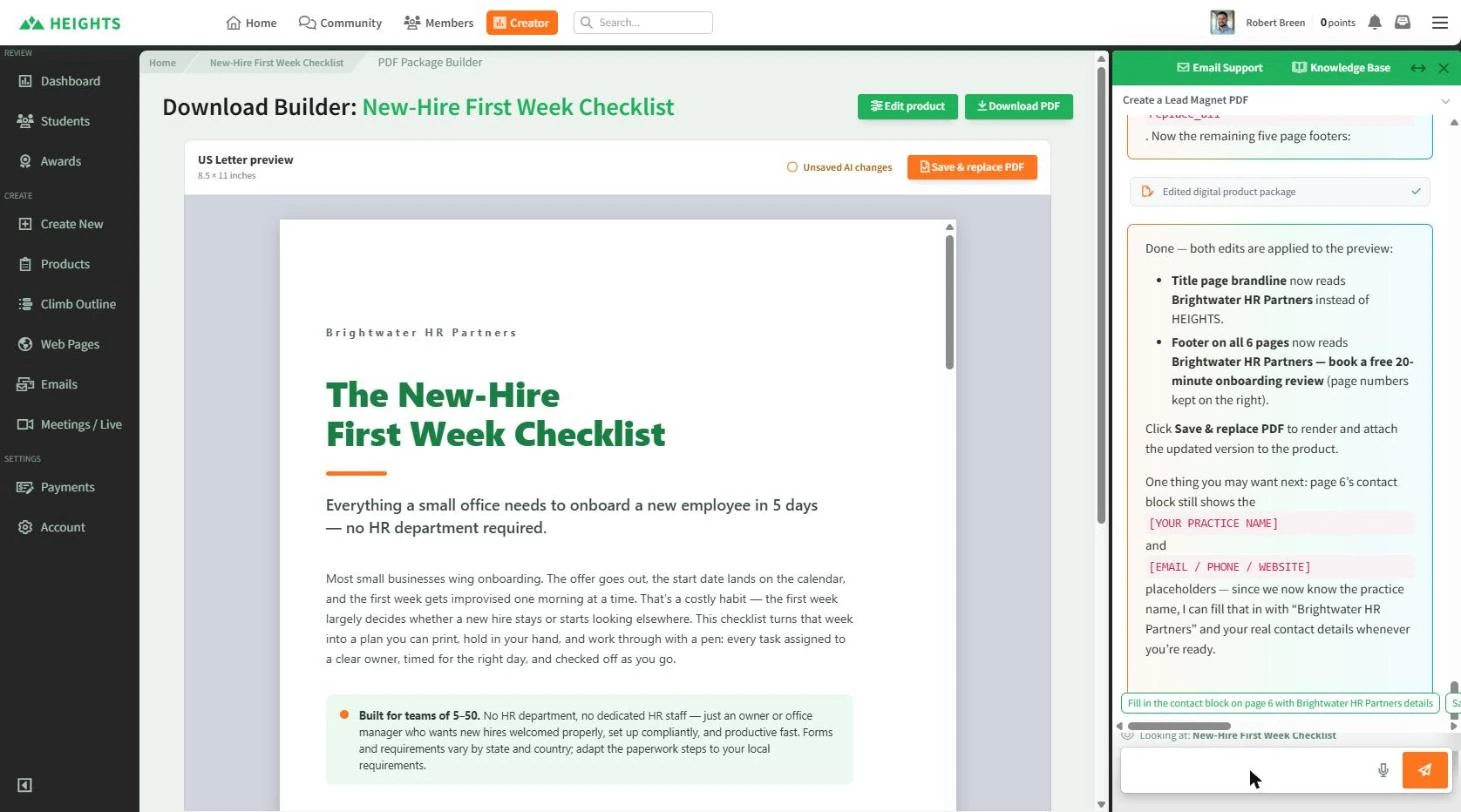
- Save and replace the PDF. Heights AI edits the package: the title page now reads Brightwater HR Partners, and the footer on all 6 pages carries your line. It also points out that page 6 still has [YOUR PRACTICE NAME] and [EMAIL / PHONE / WEBSITE] placeholders. The preview says Unsaved AI changes, so nothing is final yet. Check the preview before you save: in our second run only the footer changed at first, and one more message ("The cover still says HEIGHTS. Please replace it with Brightwater HR Partners.") fixed it. Click Save & replace PDF.
The title page and all six footers now say Brightwater HR Partners. Check the preview before you save. If a change is missing, just tell Heights AI.
Screenshots
Frequently asked questions
- What is Heights AI 3?
- The third version of the AI assistant built into Heights Platform. You open it from the Ask Heights AI bar in the admin, and in our runs it created a digital product with a downloadable PDF from one message, edited that PDF on request, and built a Setup Map that checks a funnel step by step against the live account. Heights AI is included on every Heights plan.
- Can Heights AI make a lead magnet PDF?
- Yes. Describe the lead magnet, who it is for and why in the Heights AI panel. In our run it created a free, unpublished digital product with a six-page printable checklist PDF that you can review and edit in the PDF Package Builder before you publish it.
- What is a Setup Map in Heights Platform?
- A funnel map Heights AI builds and saves for a goal, laid out as Attract, Capture, Nurture and Convert. Each card is a piece such as a landing page, signup form, free download or email sequence, marked Needs setup until it exists, with an AI check, a Help me with this step button and Details & evidence.
- Does Heights AI build the landing page for me?
- Not in our runs. Asked for a landing page with a signup form, it saved a Setup Map and gave the steps: Web Pages, New Page, add a signup form block, publish, then ask it to bind the page to the map and verify the journey. The Heights pricing page lists an AI Website Builder on its plans.
- Was this lesson tested in Heights Platform?
- Yes. Every step was done twice in the real Heights Platform admin on 12 November 2026 with Heights AI 3 on, and every screen in the practice copy is a capture from those runs.
More in AI Automation for Marketing
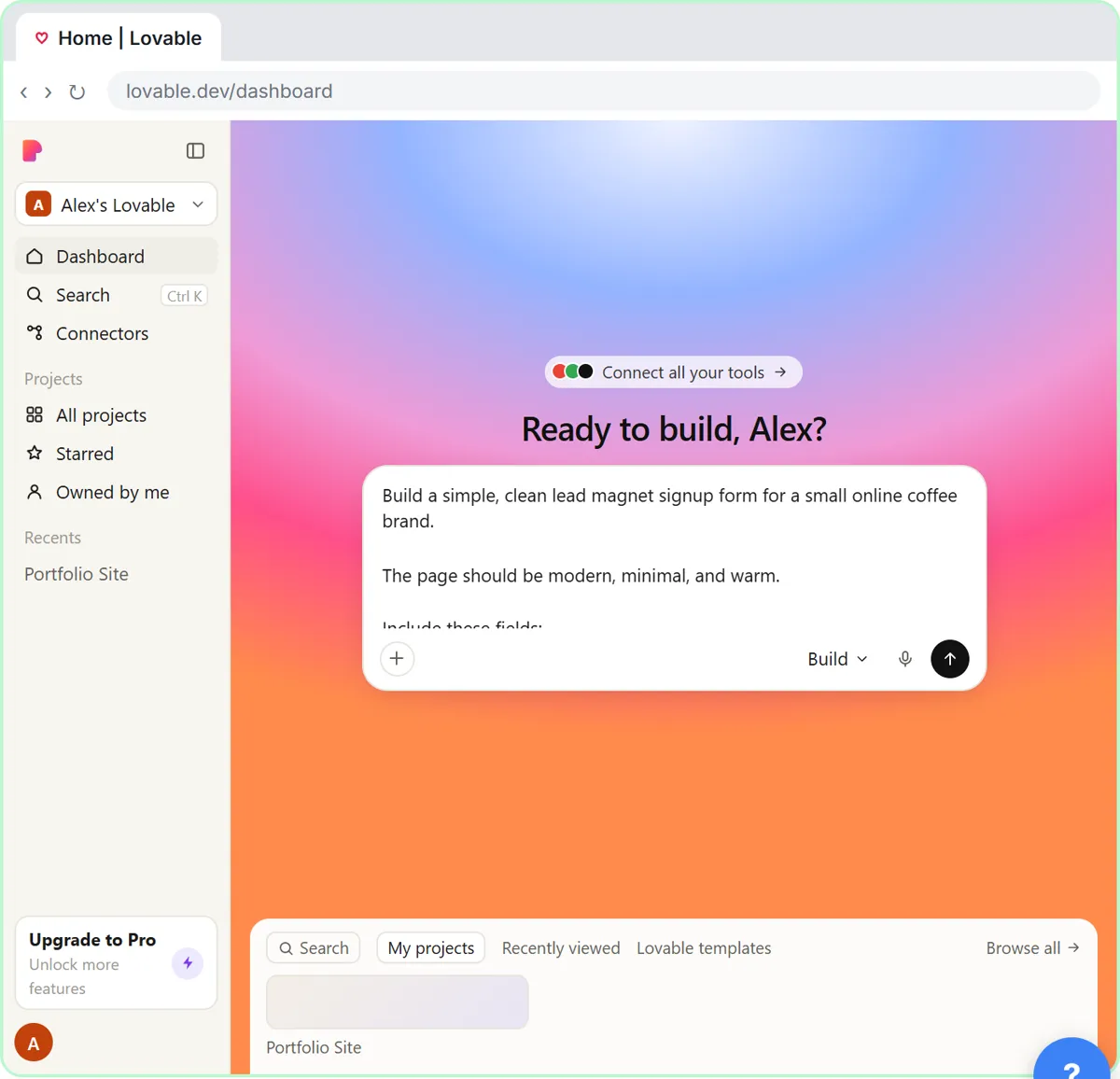 Build a Lead Magnet Signup Form with an AI Welcome Email
Build a "Get the free guide" signup form in Lovable for Harbor & Pine Coffee Roasters and connect it to n8n — the AI agent tags each lead by interest, saves it to…
Free · Live ~15 min Advanced
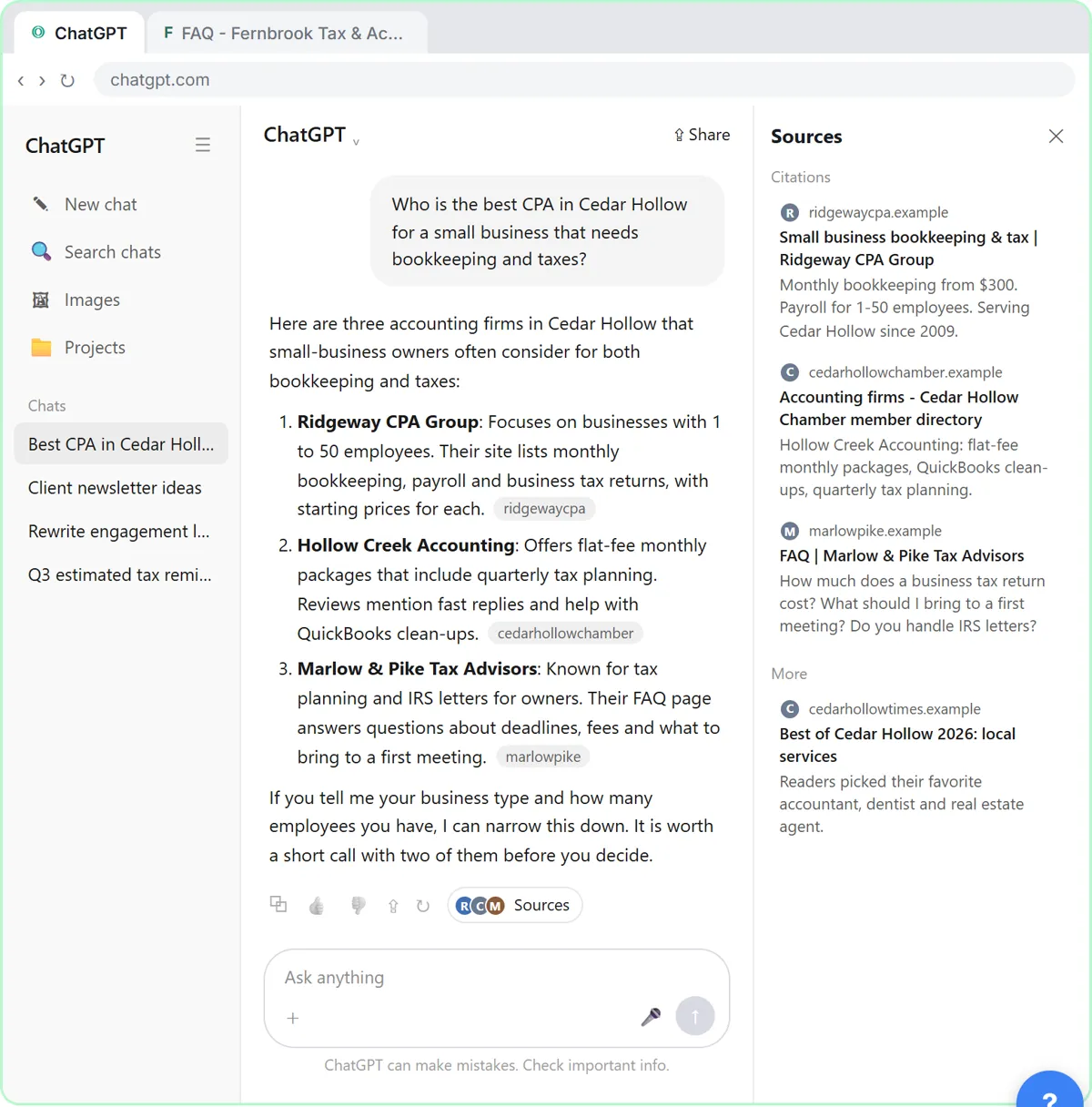 Get Your Business Recommended by ChatGPT
Ask ChatGPT who it recommends in your town, see which pages it trusts, then use it to write an FAQ page and Business Profile copy that answer real customer questions.
Free · Live ~10 min Intermediate
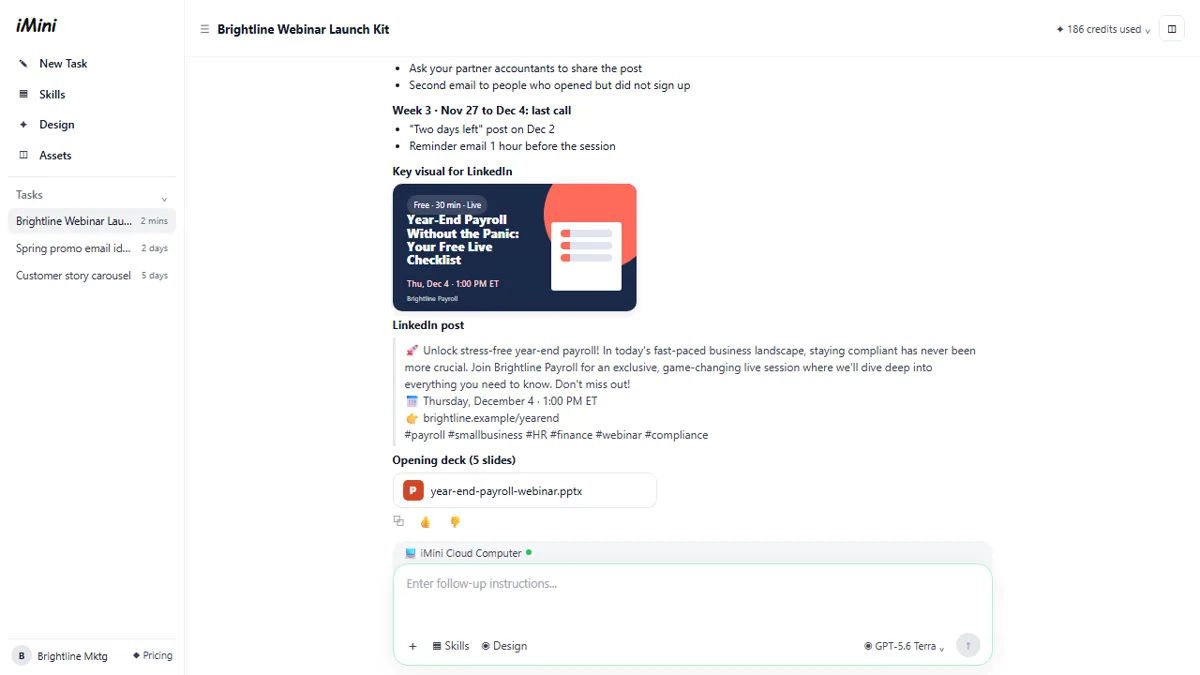 iMini AI Agent: Turn a Rough Idea into a Launch Kit
Brief the iMini Creative Agent once and get a launch plan, a LinkedIn visual, a post and a 5-slide deck, then fix the visual and humanize the post with follow-ups.
Free · Live ~8 min Beginner
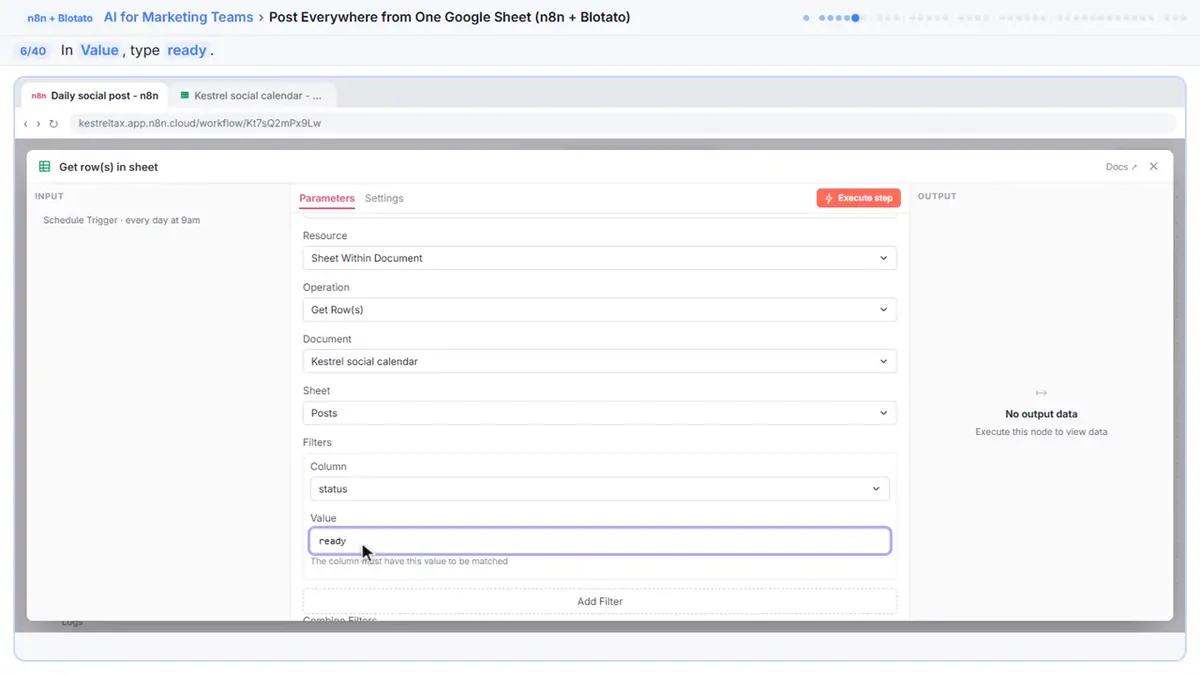 Post to Every Channel Daily from One Sheet using n8n + Blotato
Copying the same post into every social app can take half an hour a day, and on busy days nothing goes out. Plan a week of posts in one Google Sheet; every morning n8n…
Free · Live ~14 min Advanced
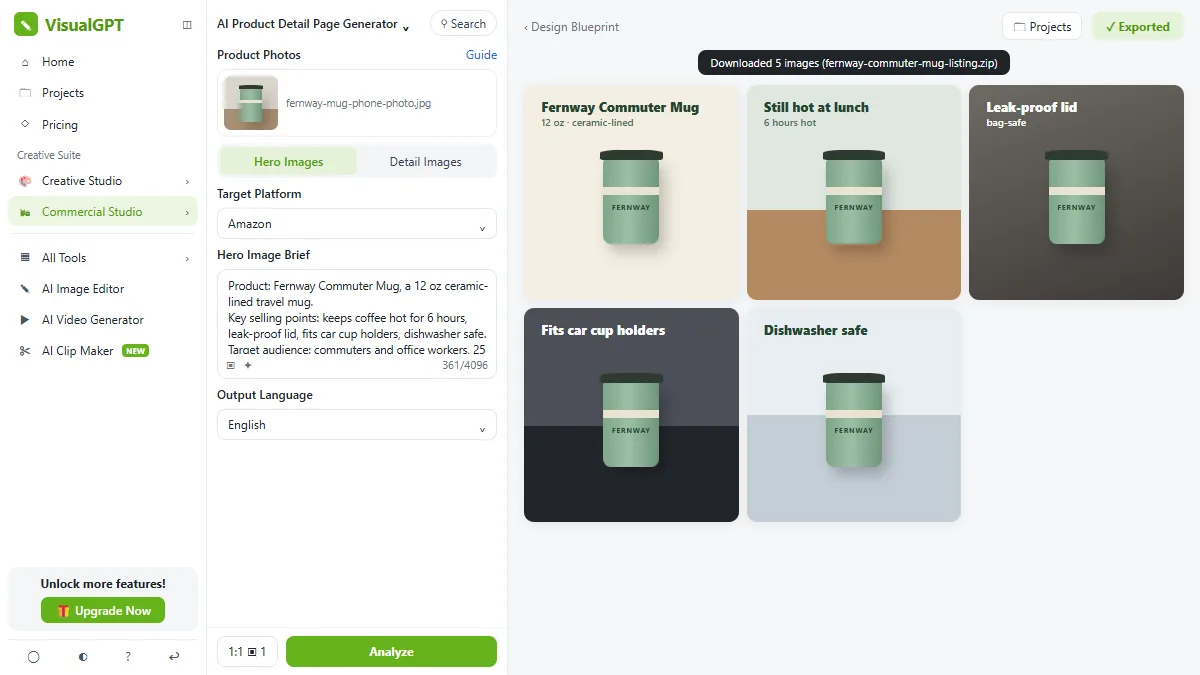 VisualGPT: Product Photos, Listing Images and Ads from One Phone Photo
Turn one phone photo into a lifestyle product shot, a five-image Amazon listing set and three launch ads in VisualGPT's Commercial Studio, checking the plan and every…
Free · Live ~8 min Beginner
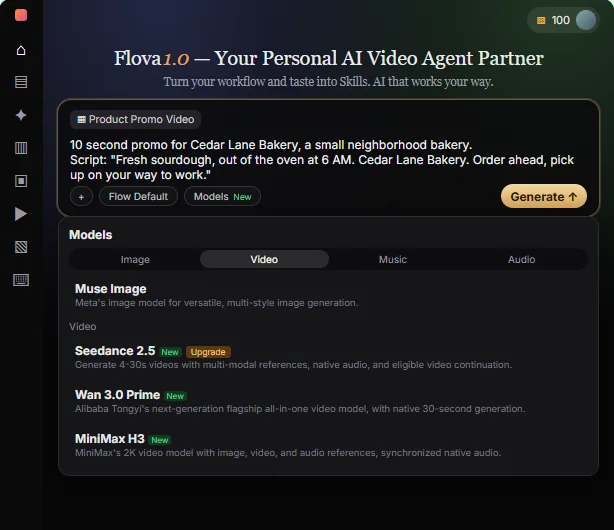 Flova: Plan a Promo Video from a Script Before You Spend a Credit
Give Flova's AI video agent a ten-second script for a small business, check its storyboard and credit estimate first, then make and fix one reference image.
Free · Live ~7 min Beginner
All 33 modules in AI Automation for Marketing
Terms in this lesson
Plain-English definitions, each with an example from a free lesson.