What does Execute step do in n8n?
Quick answer
Execute step is a button inside an n8n node that runs only that node, using the data from the node before it. It is the quickest way to test one piece of a workflow and see its output before you run or publish the whole thing.
Last updated
Take the free module →Module 4 of the free n8n Jump Start course, about 6 minutes. No account needed.
Updated · By Robert Breen
Why it matters for a small business
Building a workflow is easier when you can check each part as you go. Execute step lets you open a node, look at the INPUT panel on the left, run the node, and read the OUTPUT panel on the right. If the output is wrong, you fix that one node instead of hunting through the whole workflow.
It depends on what comes in. If the node before it has never run, the INPUT side says there is no input data, and n8n runs the earlier nodes first. When the first node is a Webhook waiting for a form, it waits for a test call that never arrives. That is not a bug: it is the cue to give the Webhook some pinned test data.
In a real lesson: How to Activate a Workflow in n8n: Execute Step, Execute Workflow and Publish
In the Execute step lesson, you open Edit Fields in a bookkeeping office's intake workflow and click Execute step on purpose with no input data. The Webhook before it starts waiting, and you stop it with the square stop button.
After pinning sample data to the Webhook, you try again. The INPUT side now shows data, only this one node runs, and the OUTPUT panel shows email and name pulled out by the expressions {{ $json.body.email }} and {{ $json.body.name }}.
Try this lesson free or read the step-by-step guide.
Common confusions
Execute step vs Execute workflow
Execute step runs one node. Execute workflow, at the bottom of the canvas, runs everything from the trigger onward.
Execute step vs Publish
Running a step is a test inside the editor. It does not turn the workflow on for real events. Only Publish does that; the Publish guide compares all three buttons.
Tips
- Read the INPUT side before you run. If it says no input data, pin some first.
- Check the OUTPUT fields against what the next node expects.
- Use the stop button if a node sits waiting; nothing is wrong with your workflow.
Related terms
More n8n and automation terms
Where you use it: free lessons
- How to Activate a Workflow in n8n: Execute Step, Execute Workflow and Publish (n8n, 6 min)
- n8n: Items, JSON and Expressions, Explained by Doing (n8n, 9 min)
- n8n Switch Node Fallback Output, Plus the If Node: Route Items by Rules (n8n, 10 min)
- Post to Every Channel Daily from One Sheet using n8n + Blotato (n8n and Blotato, 14 min)
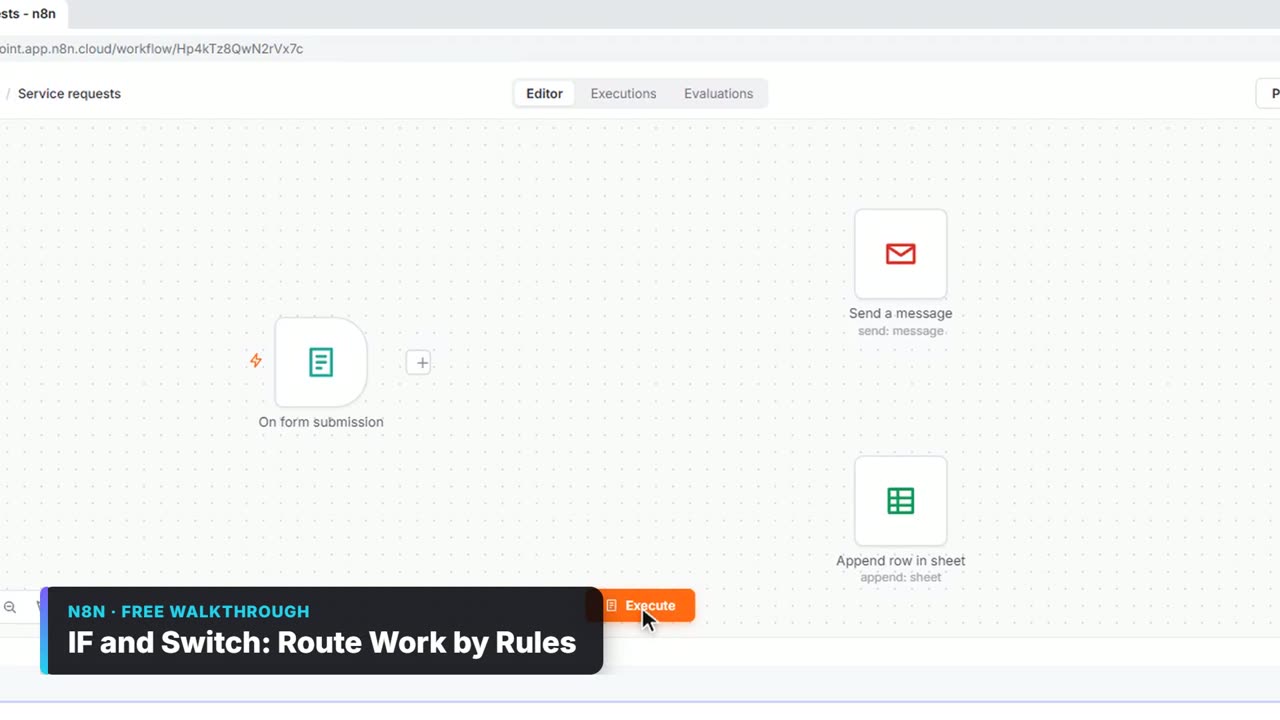
Watch it in a free lesson: n8n Switch Node Fallback Output, Plus the If Node: Route Items by Rules
 3:11
IF and Switch: Route Work by Rules: video walkthrough
Send each request where it belongs. Use an If node to split big jobs from small ones, then a Switch with named outputs and a fallback to route by service. The whole lesson narrated step by step, recorded in Stepthrough’s simulated practice environment.
Frequently asked questions
- What is the difference between Execute step and Execute workflow?
- Execute step runs the one node you have open, using the data from the node before it. Execute workflow, at the bottom of the canvas, runs every node from the trigger onward.
- Why does Execute step say there is no input data?
- The node before it has not run yet. Run it, or pin sample data on it, and the INPUT panel will fill in.
- Why is my webhook stuck waiting after Execute step?
- With no input, n8n runs the earlier nodes first, so a Webhook waits for a test form. Click stop, then pin sample data instead.
- Does Execute step change my Google Sheet?
- A node that writes, like Append row in sheet, can write when it runs. Check what a node does before you run it on real data.