What is conditional logic in forms?
Quick answer
A conditional logic form is a form with rules that show or hide fields depending on earlier answers (also called conditional rules or show/hide rules). For example, a question that applies only to advisory clients appears only when someone picks the advisory service.
Last updated
Take the free module →Module 18 of the free AI Apps Worth Knowing course, about 6 minutes. No account needed.
Updated · By Robert Breen
Why it matters for a small business
Long forms put people off, and questions that don't apply to them make it worse. Conditional logic lets one form serve several kinds of people. Each person sees only the fields that matter to them, and you still collect everything you need.
A rule has an IF part and an action. In Jotform's Conditions screen, the lesson shows an IF that says the service IS EQUAL TO "Advisory" and then SHOW for a field, plus a second rule where the service IS NOT EQUAL TO "Advisory" and then HIDE. You can write the rule in plain words in the Describe your conditions box and click Generate.
The AI writes the rules, but you check them. Reading the generated IF, SHOW and HIDE lines takes a minute, and it is the one habit the lesson insists on before you share anything.
If this, then that: an intake form example
| If the answer is | Then the form |
|---|---|
| Service needed: Advisory | Shows the extra advisory question. |
| Service needed: anything else | Hides the advisory question. |
| Is this urgent? Yes | Shows a phone number field marked required. |
| Is this urgent? No | Hides the phone number field and keeps email only. |
The rows are examples for a made-up intake form. In n8n, the same if-this-then-that idea is the If node, which sends a submission down a different path.
In a real lesson: How to Create a Form in Jotform with AI: A New-Client Intake Form
In the lesson, the new field you asked Form Copilot to add should show only to advisory clients. You click SETTINGS in the orange bar, then Conditions, and describe the rule in plain words using Paste rule. Enter does nothing here, so you click Generate.
The AI writes two rules: IF the service IS EQUAL TO "Advisory", SHOW the field, and IF it IS NOT EQUAL TO "Advisory", HIDE it. That is exactly what was asked, so you click PUBLISH.

Try this lesson free or read the step-by-step guide.
Common confusions
Conditional logic vs required fields
Required fields must always be answered. Conditional logic changes which fields appear at all.
Hidden vs deleted
A hidden field is still part of the form. It simply isn't shown when the rule says hide.
Tips
- State the rule with the exact answer text, such as Advisory.
- Ask for both directions, show and hide, so the field never lingers.
- Test the form yourself with each choice before you send the link.
Related terms
More Web apps terms
Where you use it: free lessons
- How to Create a Form in Jotform with AI: A New-Client Intake Form (Jotform, 6 min)
- Filters and Routers in Make.com: Send Urgent Requests One Way, Routine Ones Another (Make, 12 min)
- n8n: Keep Only the Rows That Matter with Filter and Edit Fields (n8n, 7 min)
- How to Create an Index in Pinecone and Load Your Handbook with n8n (n8n, 14 min)
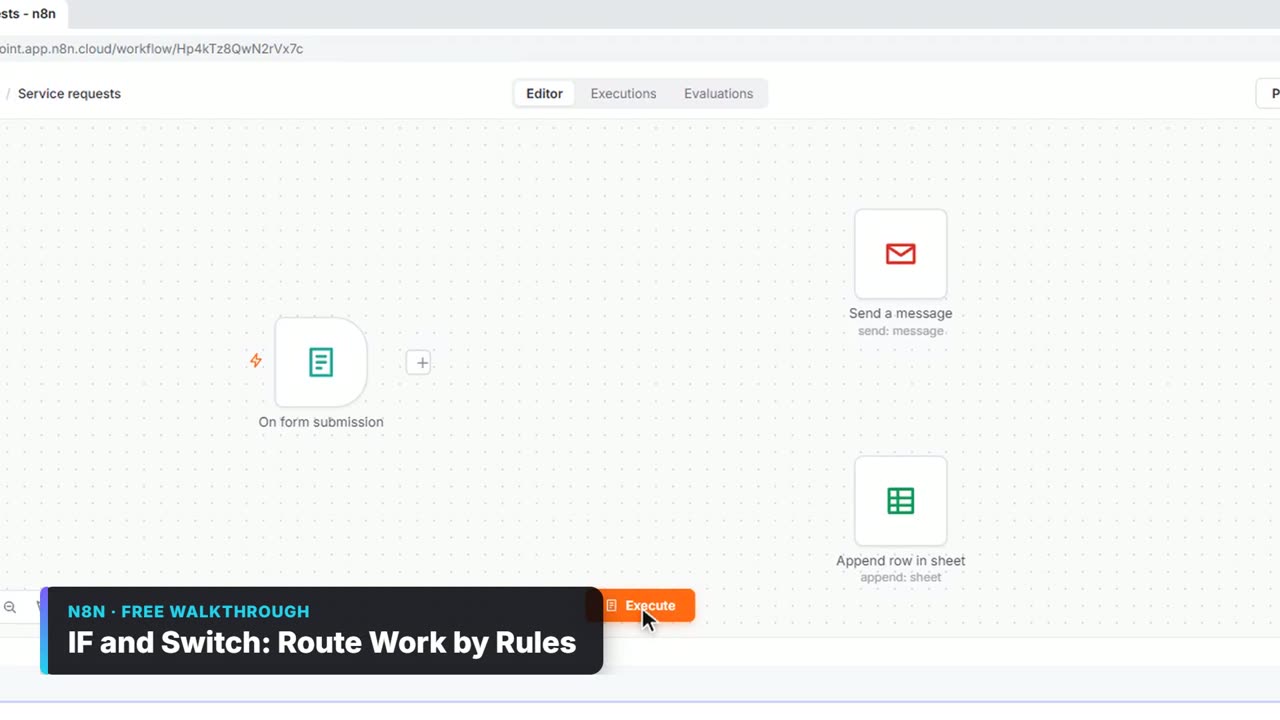
Watch it in a free lesson: n8n Switch Node Fallback Output, Plus the If Node: Route Items by Rules
 3:11
IF and Switch: Route Work by Rules: video walkthrough
Send each request where it belongs. Use an If node to split big jobs from small ones, then a Switch with named outputs and a fallback to route by service. The whole lesson narrated step by step, recorded in Stepthrough’s simulated practice environment.
Prompt templates that use it
Frequently asked questions
- Where do I write the rule in Jotform?
- In Settings, then Conditions. The Describe your conditions box at the top is another AI box.
- What is a conditional logic form?
- A form that changes as someone fills it in. Rules show, hide or require fields based on earlier answers, so each person sees only the questions that apply to them.
- Do I need to code to add conditional logic to a form?
- No. In Jotform you can describe the rule in plain words in the Describe your conditions box and click Generate, then check the IF, SHOW and HIDE lines it writes.
- Which form builders support conditional logic?
- Most do. Jotform calls them conditions, Google Forms uses Go to section based on answer, Microsoft Forms calls it branching and Typeform calls it logic. The idea is the same: earlier answers decide what shows next.
- What are conditional forms?
- Conditional forms are forms that use conditional logic: questions appear, hide or become required depending on earlier answers. A booking form that asks for a company name only when someone picks Business is a simple example.